Free Download
*Faster batch processingRemaster Video Online
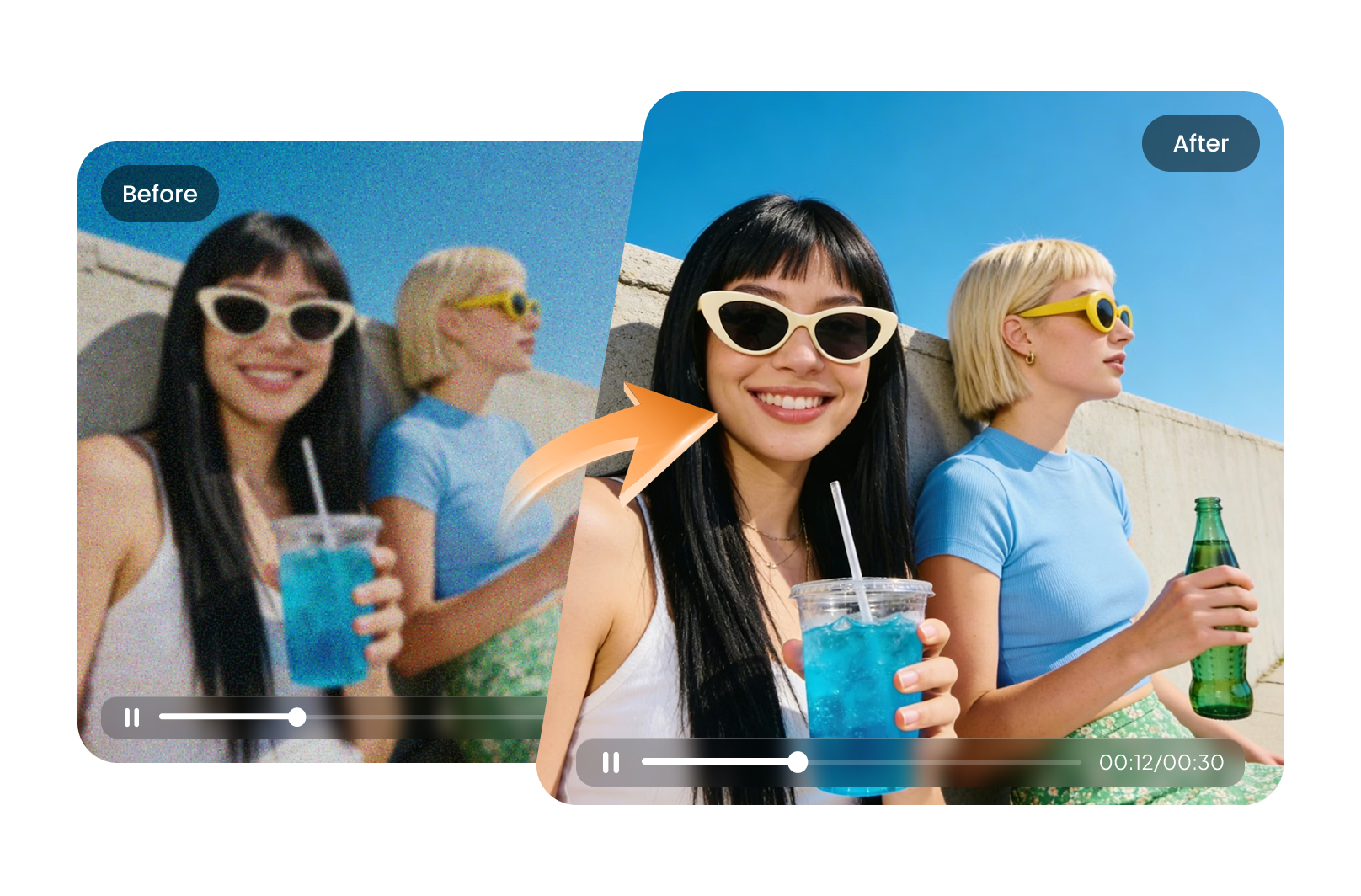
Remaster video online with AI to restore old, blurry, noisy, or low-resolution footage. HitPaw AI Video Remaster enhances color, sharpness, details, and resolution to make your videos clearer, cleaner, and more watchable.
How to Remaster Your Video with HitPaw

01
Upload Your Video
Start by uploading the video file you want to remaster online.
02
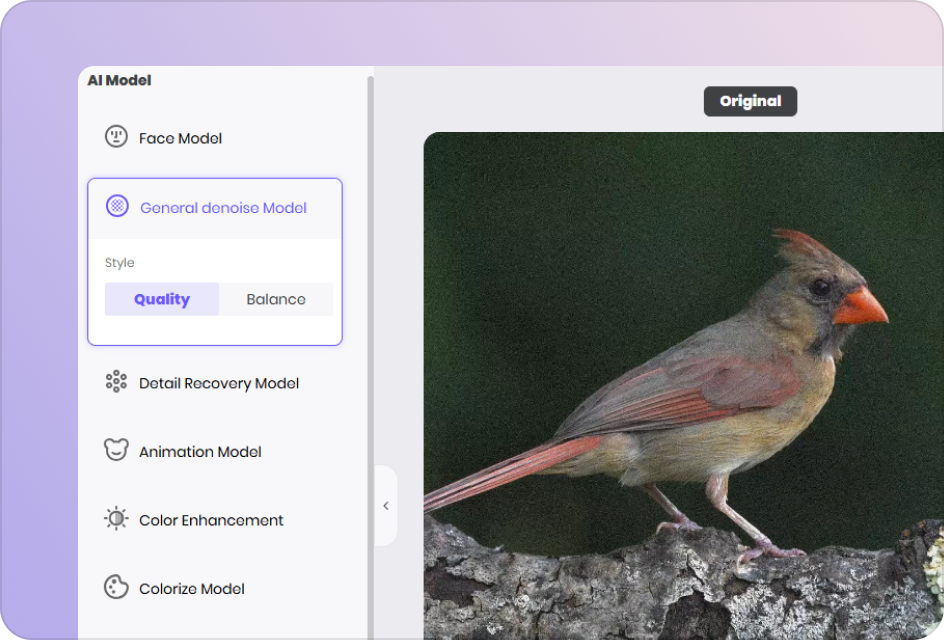
Choose an AI Model
Select the specialized AI video remastering model based on your video type.
03
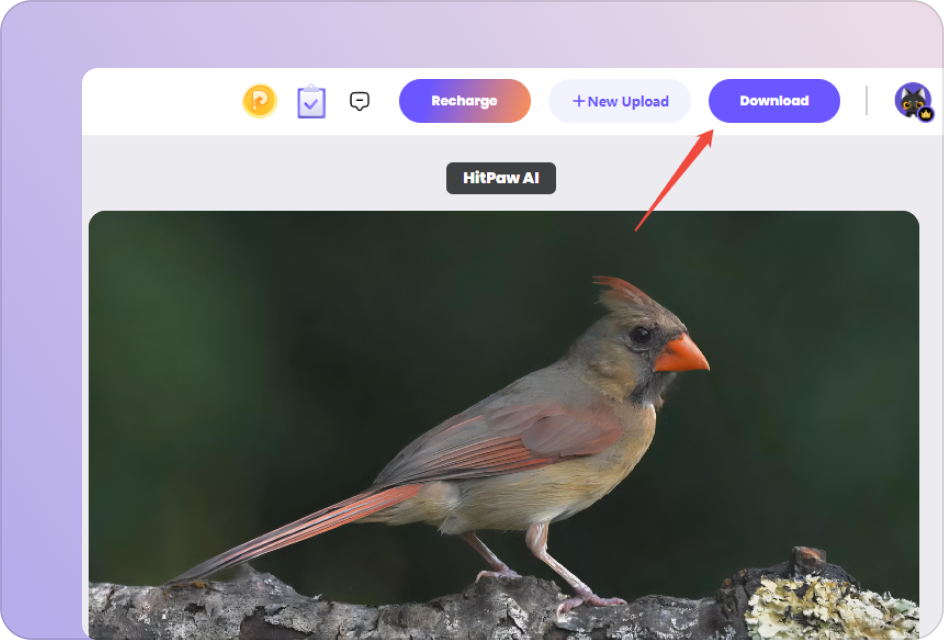
Export the Remastered Video
Preview the enhanced result and export your high-quality, professionally remastered video.
What Can You Do with an AI Video Remaster Online?
Remaster Old and Black & White Videos
Restore old and black-and-white footage with AI. Add natural-looking color, improve clarity, and recover visual details to give vintage videos a refreshed, modern look.
Remaster Video Online

Restore Blur and Improve Video Clarity
Remaster blurry and soft footage by sharpening faces, objects, and textures. AI enhancement restores clearer details while keeping the video looking natural.
Remaster Video OnlineRemaster Low-Resolution Videos to HD & 4K
Upscale low-resolution footage to HD or 4K while restoring missing details and improving overall sharpness. Give old videos a higher-quality look without complicated editing.
Remaster Video Online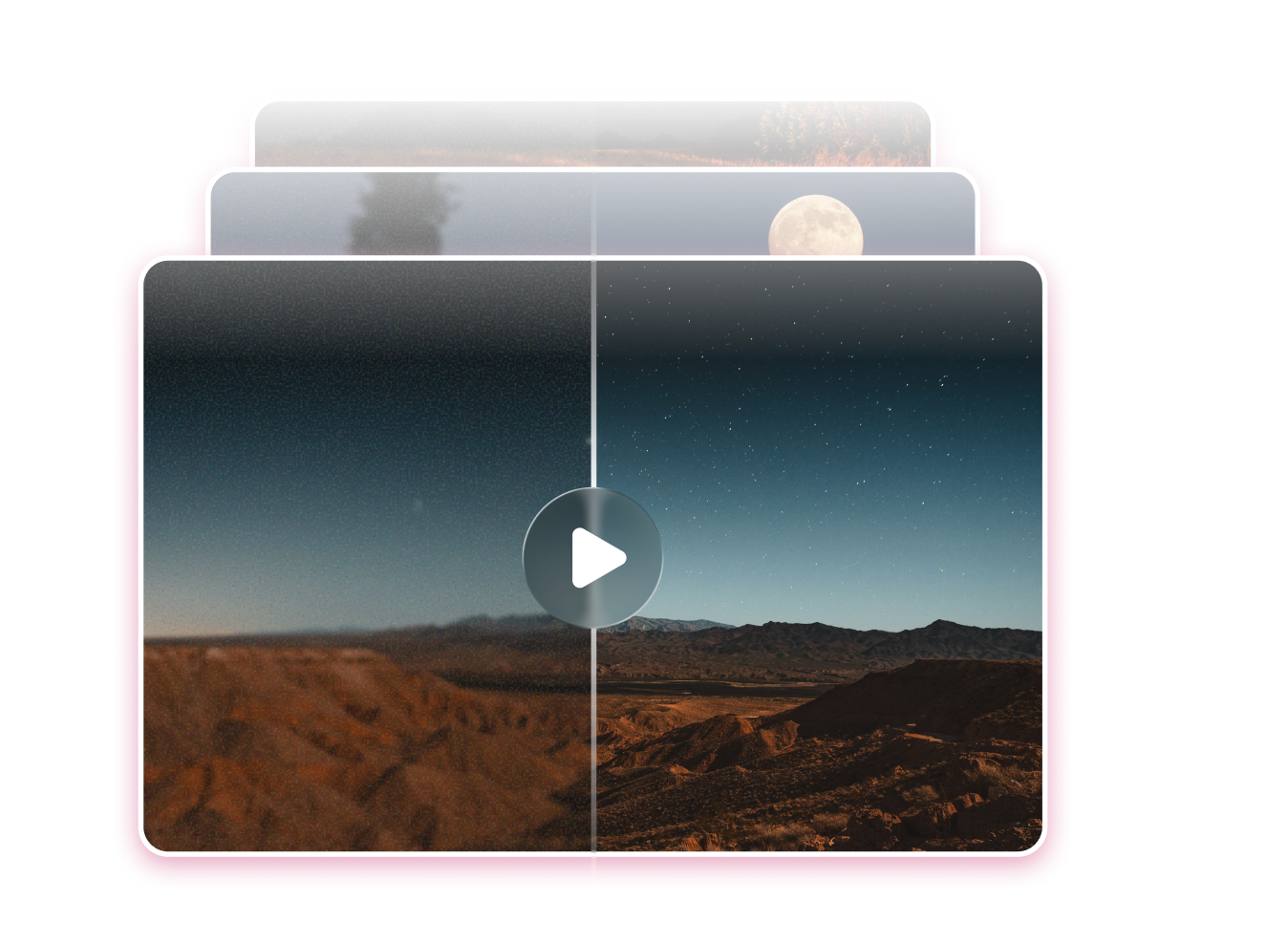
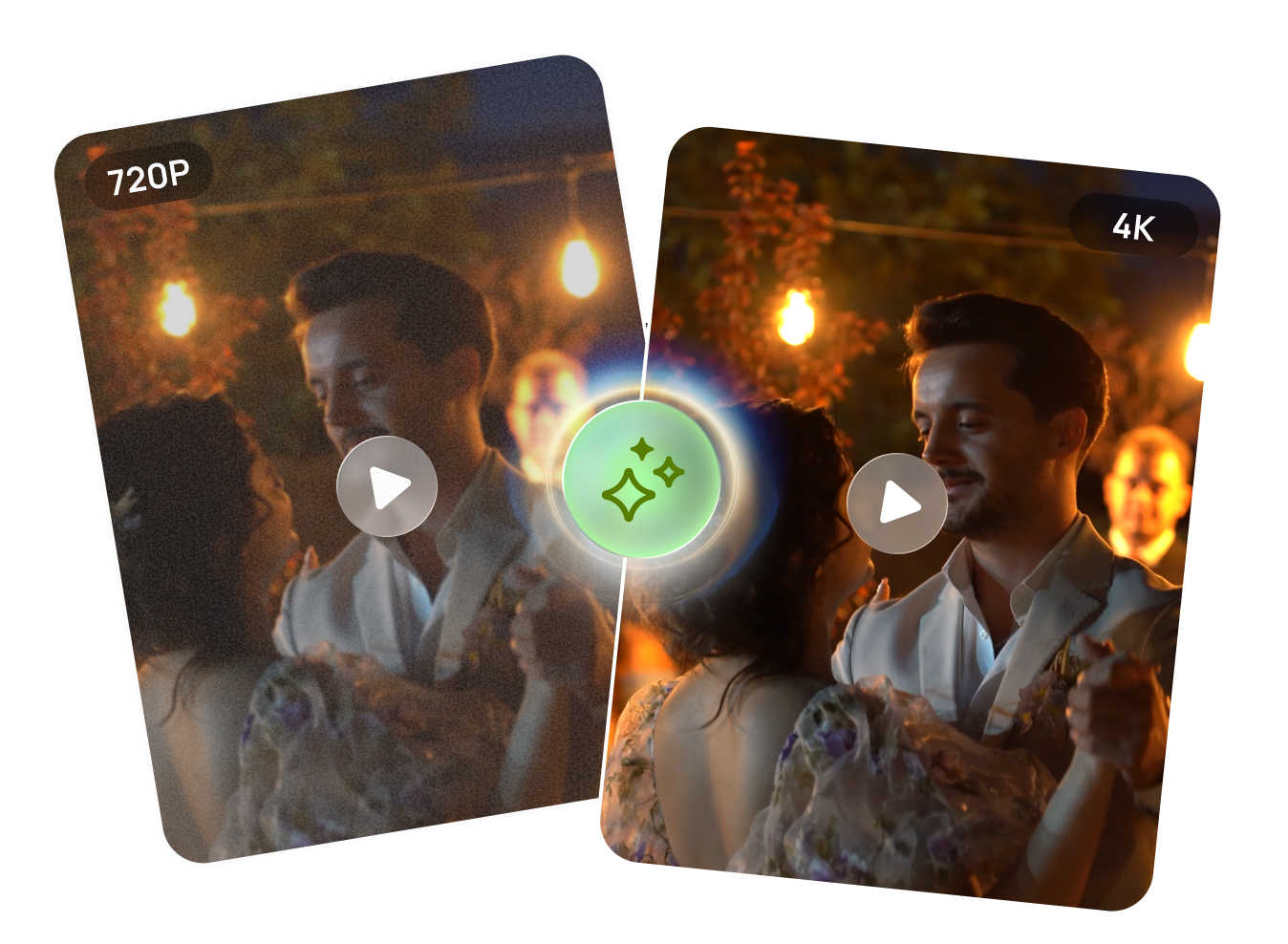
Remove Video Noise and Compression Artifacts
Clean up grain, noise, compression artifacts, and other visual imperfections from old or low-quality footage. AI processing creates cleaner, smoother frames while preserving important details.
Remaster Video OnlineRemaster Any Video Online for Every Use Case
From restoring old footage to enhancing modern recordings, HitPaw helps you remaster videos online with AI—improving color, clarity, resolution, and noise in just a few clicks.
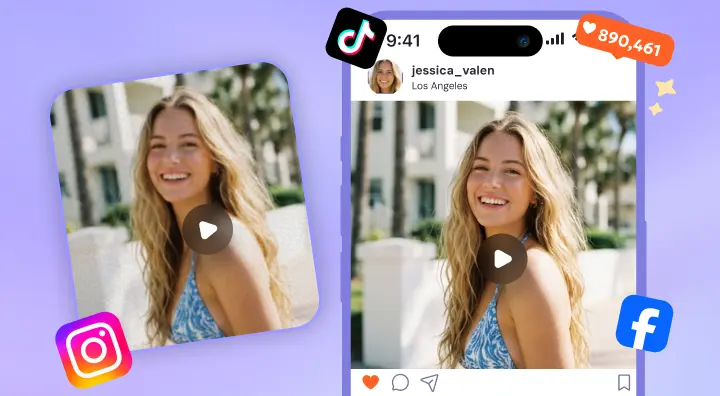
Remaster Social Media Videos
Turn low-quality TikTok, Reels, and short clips into sharp, vibrant videos ready for modern platforms.
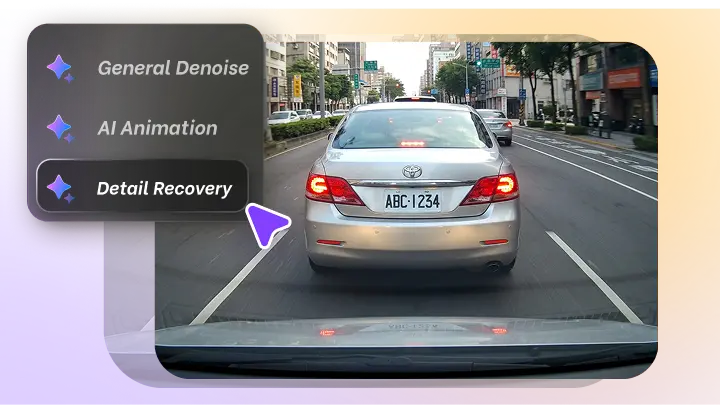
Remaster CCTV & Dashcams
Improve visibility, reduce noise, and enhance existing details in CCTV and dashcam footage.
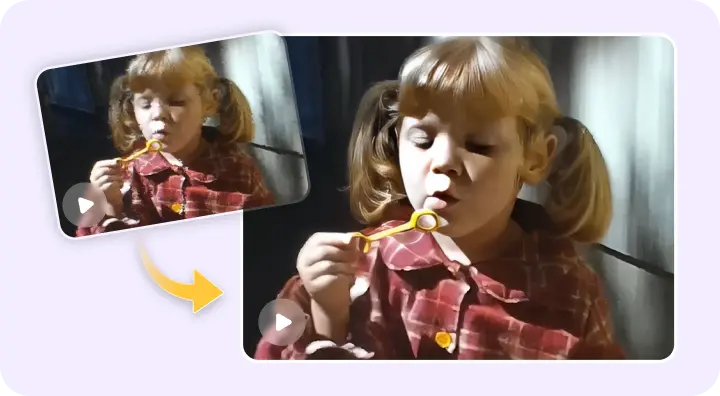
Remaster Family Memories
Bring old home videos back to life with restored color, clarity, and high-definition quality.
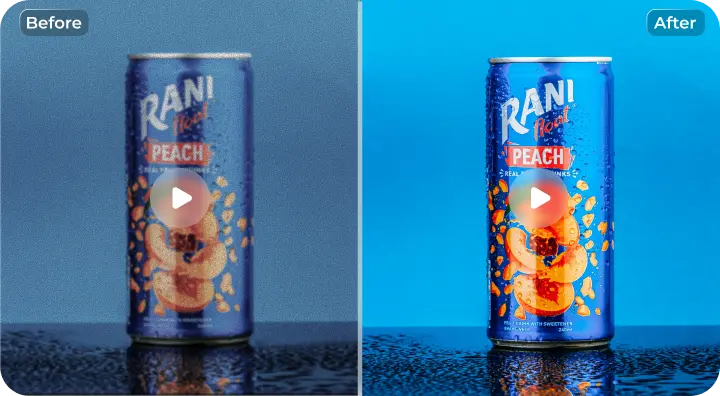
Remaster Marketing Videos
Upgrade product demos, ads, and promotional videos into clean, high-quality visuals that convert better.
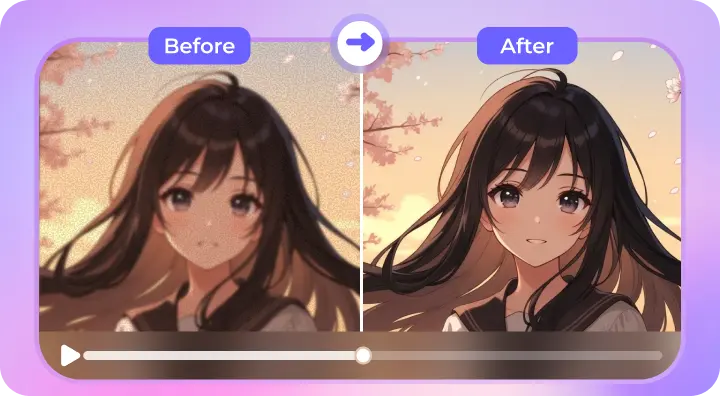
Remaster Game & Anime Videos
Upscale resolution and remove compression artifacts for smoother, sharper, and more detailed visuals.
Explore More HitPaw Online Al Tools
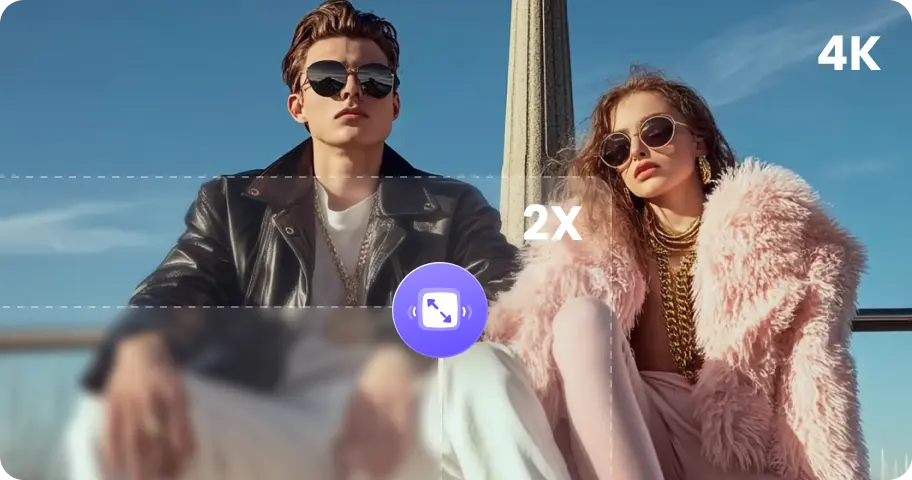
Enhance photo quality effortlessly with advanced AI technology.
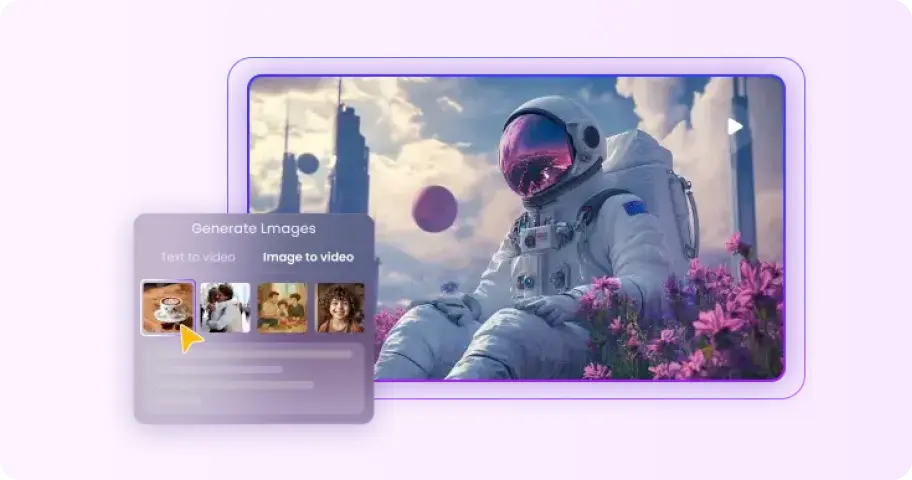
No skills required to transform text or images into stunning AI videos.
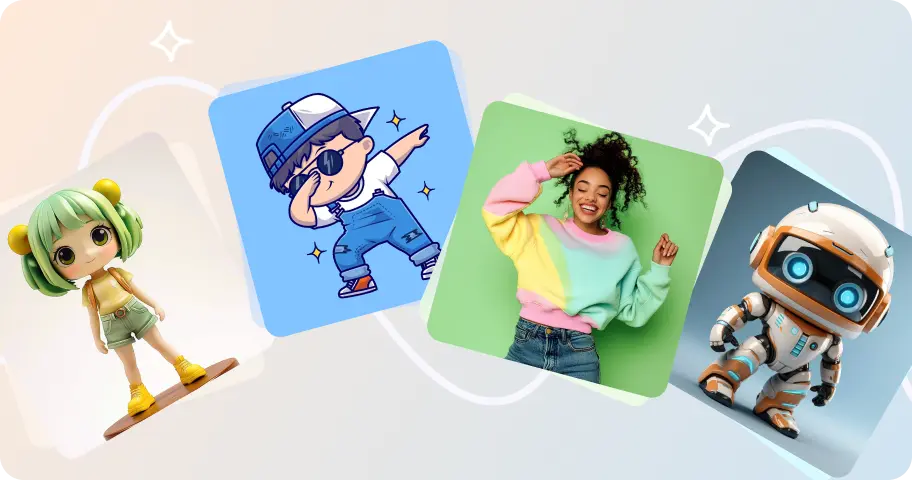
Upload a picture, and create unique dance animations with AI-powered movements.

Easily eliminate watermarks from images without compromising quality.
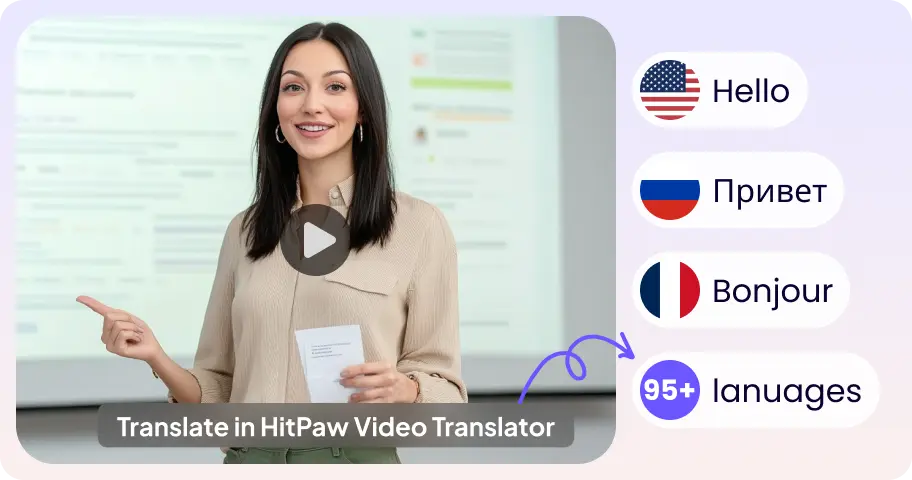
Translate video content into multiple languages seamlessly and accurately.
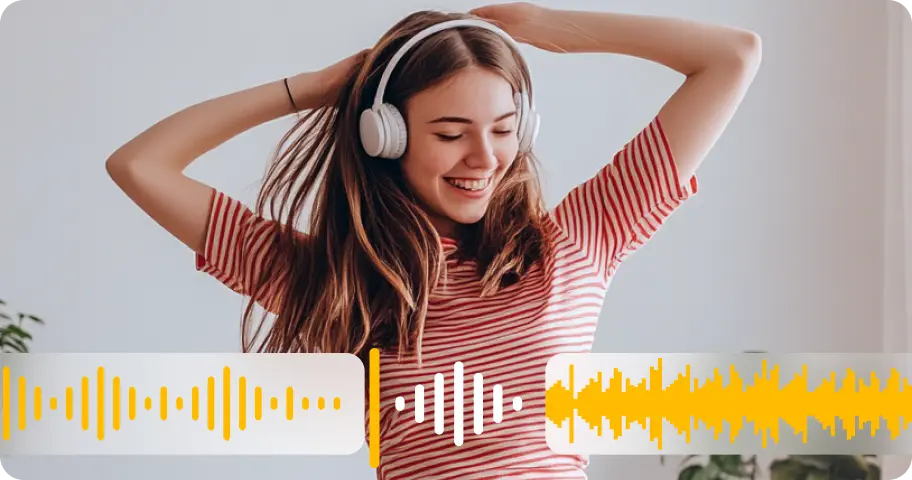
Improve audio quality with advanced AI enhancement for clearer sound.
FAQs About HitPaw Remaster Video Online
Video remastering means improving an existing video's overall visual quality by restoring details, reducing noise, correcting color, sharpening blurry footage, and increasing resolution.
Yes. HitPaw can improve many types of old or degraded footage, including blurry, noisy, low-resolution, faded, and compressed videos. However, the final result depends on the quality and condition of the original footage.
Video editing mainly changes the content, such as trimming clips, adding effects, or adjusting the timeline. Video remastering focuses on improving the visual quality of existing footage through enhancement, restoration, noise reduction, sharpening, and upscaling.
In most cases, yes. Many users remaster marketing content, social media videos, and presentations with HitPaw to achieve a more polished, professional look.
Yes. HitPaw can upscale supported videos to higher resolutions, including 4K, while using AI to improve sharpness and visual details.
Tips & Tricks for Online AI Video Enhancer
Start Remastering Your Videos with HitPaw Today
Upload your video and instantly improve its quality with AI—sharper details, cleaner visuals, better resolution. No complicated steps, just choose a model and let HitPaw handle the rest.