















Enhance Lecture Video Quality to 4K Online
Low resolution, harsh lighting, or unreadable whiteboards can ruin recorded lectures. HitPaw Lecture Video Enhancer uses advanced AI to instantly sharpen text, eliminate visual noise, and elevate lecture video clarity online.
Support format: mp4, webm, mov, gif
Maximum file size: 2GB
Maximum video
resolution:
4K


How to Enhance Lecture Videos in 3 Steps

Step 1. Upload Lecture Video
Drag and drop your MP4, MOV, or AVI lecture file directly into our browser-based online workspace.
Step 2: Select an AI Model
Choose an AI model based on your footage. Enhance overall video quality, sharpen presentation content, or reduce noise.
Step 3: Preview & Download
Compare the original and enhanced video, then download the clearer lecture recording.
Powerful AI Features for Lecture Video Enhancement
Improve low-quality lecture recordings with AI-powered enhancement. Upscale resolution, sharpen slides and faces, remove visual noise, and brighten dark footage for clearer learning content.
Upscale & Enhance Lecture Videos to 4K

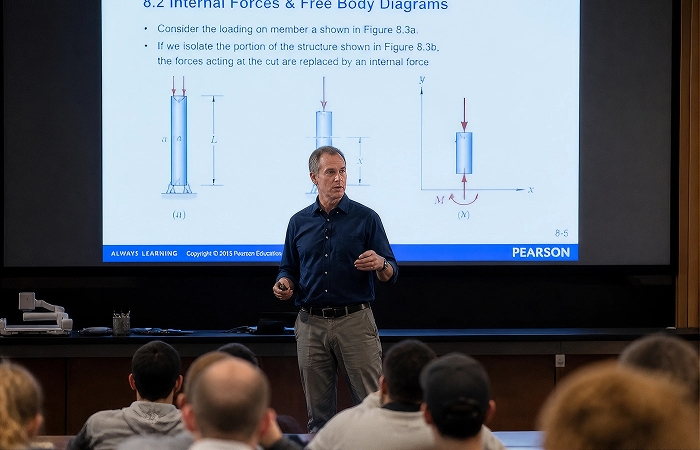
Upscale & Enhance Lecture Videos to 4K
Transform low-resolution lecture recordings into sharper, higher-quality videos with AI upscaling. Enhance 480p or 720p footage and upscale supported videos up to 4K, making lectures clearer on large screens, laptops, and modern displays.
Sharpen Slides, Text, and Facial Details
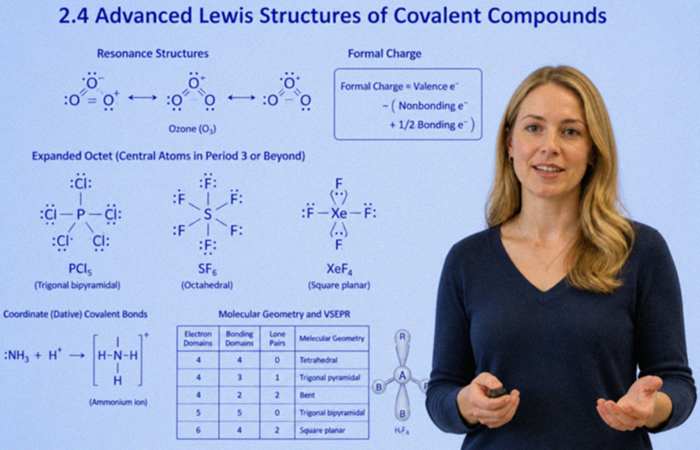
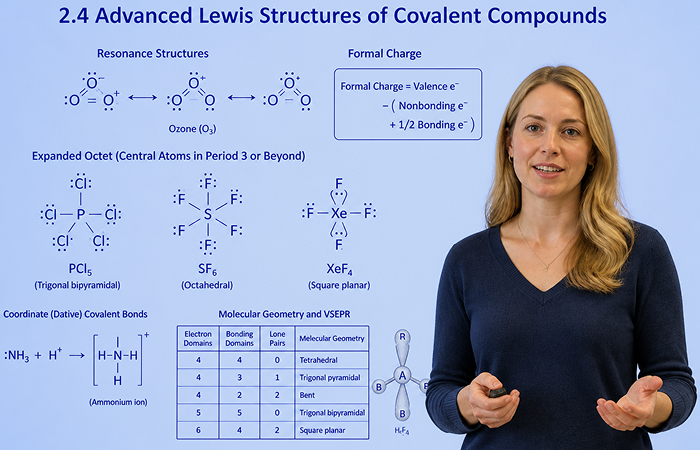
Sharpen Slides, Text, and Facial Details
Make important details easier to see in recorded lectures. AI enhancement sharpens soft or blurry presentation slides, whiteboard writing, diagrams, lecturer faces, and other visual details that can become unclear after recording or compression.
Reduce Noise and Compression Artifacts
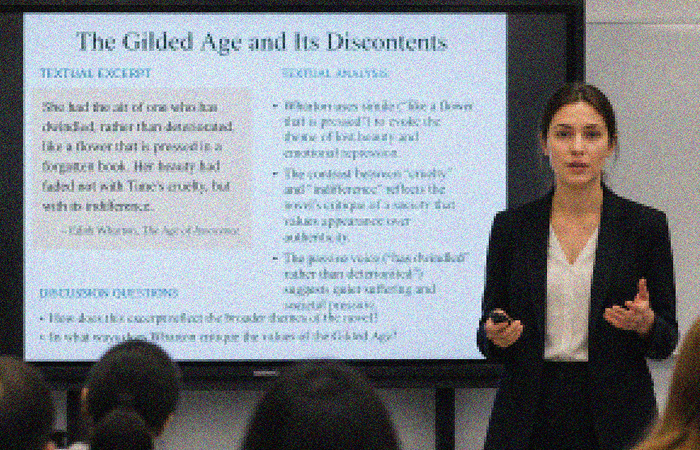
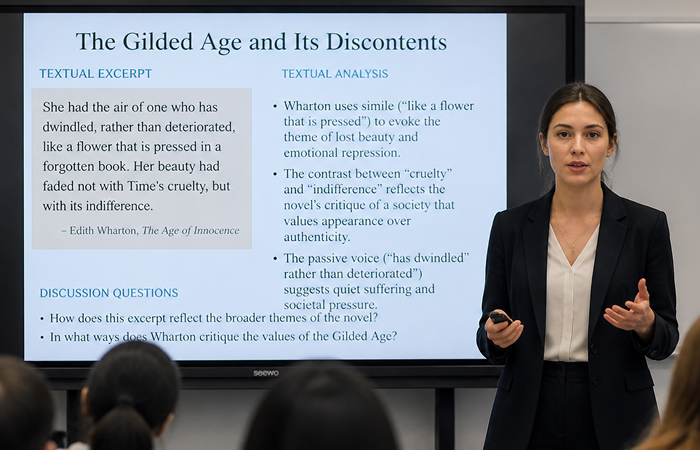
Reduce Noise and Compression Artifacts
Clean up grain, digital noise, blockiness, and compression artifacts in lecture recordings. Improve footage captured by webcams, classroom cameras, or online meeting platforms, helping restore a cleaner and more natural-looking image.
Enhance Dark and Poorly Lit Recordings
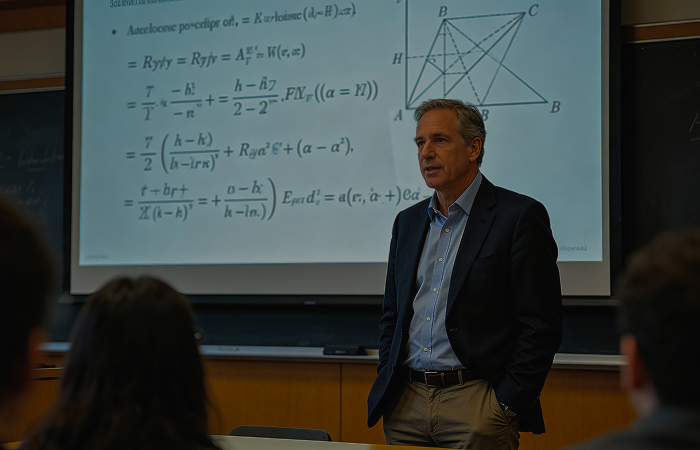
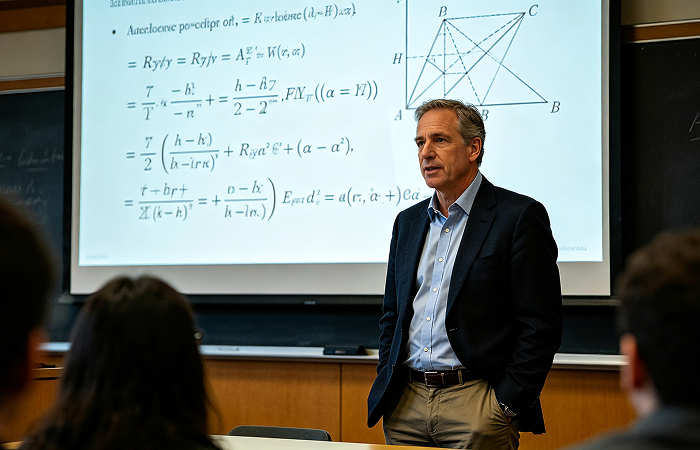
Enhance Dark and Poorly Lit Recordings
Improve visibility in lecture videos recorded in dim classrooms, lecture halls, or home teaching environments. AI enhancement helps reveal details in darker areas while improving overall clarity, so speakers, slides, and classroom content are easier to see.
Enhance Lecture Videos for Every Learning Need
From individual study sessions to institutional course distribution, our web-based AI solution optimizes lecture recordings across various academic and professional training setups.
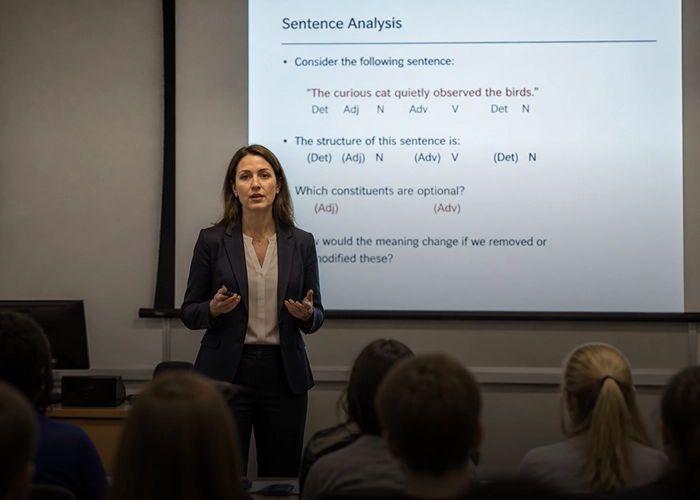
Professors & University Lecturers
Give recorded university lectures a clearer, more polished look without having to reshoot them. Enhance low-resolution classroom footage, sharpen presentation slides and whiteboard content, and make your face and teaching materials easier for students to see.
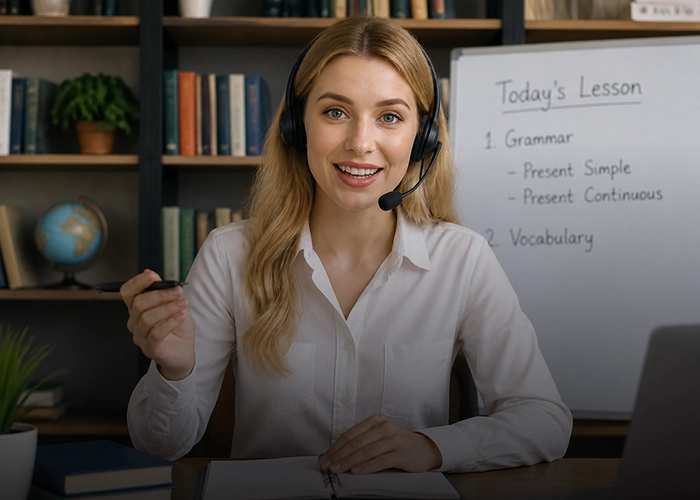
Online Educators & Tutors
Improve the quality of recorded lessons, tutorials, and online courses before publishing them. Reduce webcam noise, sharpen educational content, and enhance blurry or low-resolution footage to create a clearer learning experience for students.
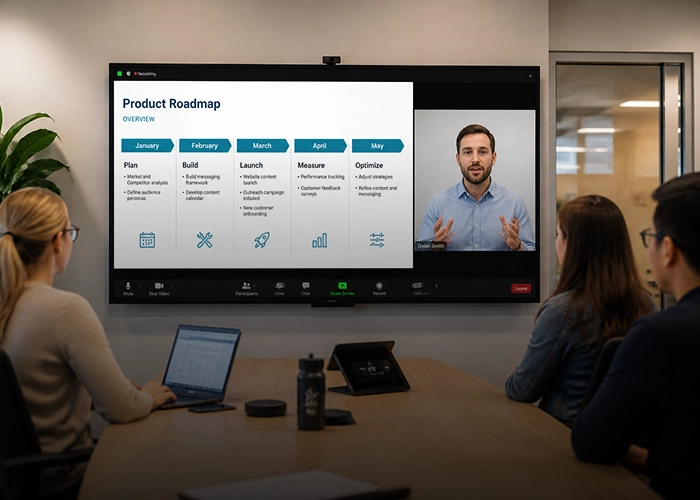
Corporate Trainers
Make recorded employee training sessions easier to follow and reuse. Enhance videos captured in meeting rooms or through webcams, improve the visibility of presentation slides and speakers, and turn low-quality recordings into clearer training materials.
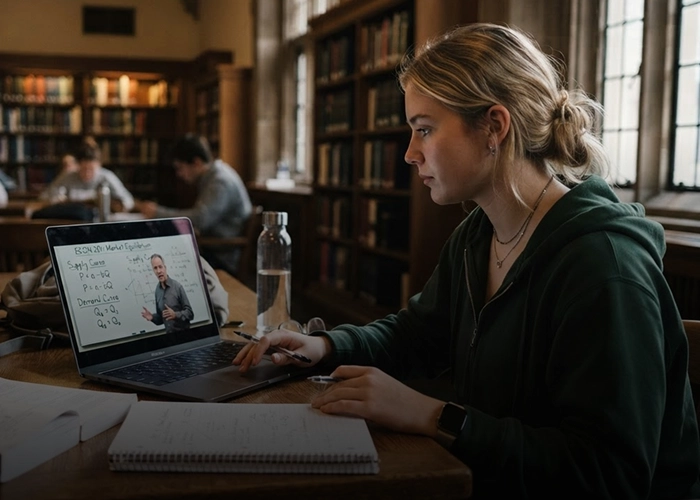
Students & Researchers
Get a clearer view of recorded lectures, seminars, and academic presentations. Enhance blurry footage to better see slides, whiteboards, diagrams, and speakers when the original recording is too low-resolution, noisy, or difficult to see.
Why Choose HitPaw Online Lecture Video Enhancer
Advanced AI Models
AI-powered enhancement models to improve sharpness, details, and overall video quality.
Fast Processing Speed
Enhance lecture recordings efficiently without complicated editing workflows.
Privacy Protection
Keep your uploaded video content protected while enhancing your recordings online.
Web-Based Processing
Enhance lecture videos directly from your browser without installing desktop software.
Explore More HitPaw Online Al Tools
Online Video Generator
Turn text prompts into stunning cinematic AI videos in seconds.
Online Music Generator
Create custom royalty-free soundtracks for any mood or genre.
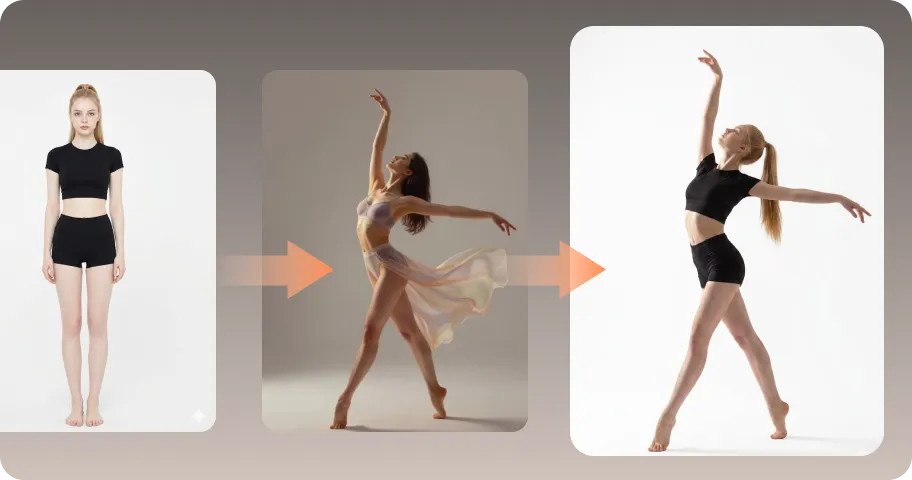
AI Mimic motion
Animate static photos with realistic human movements and expressions.
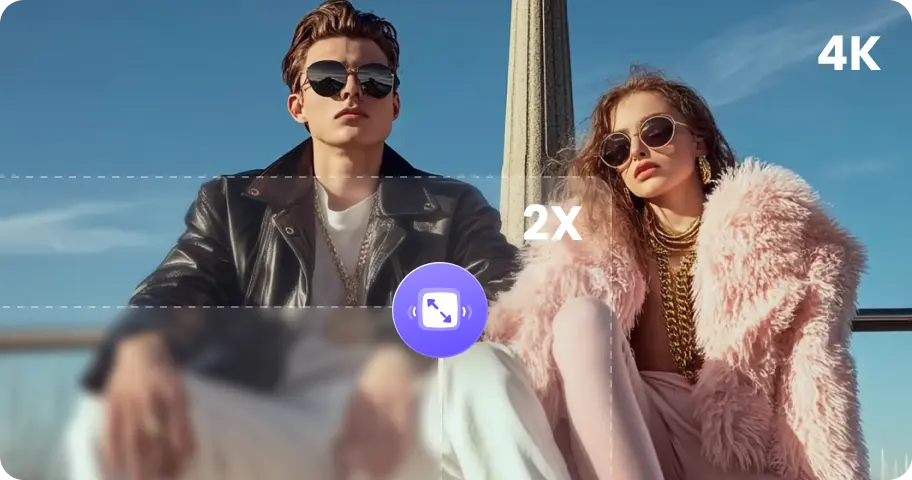
Online Photo Enhancer
Instantly upscale blurry photos to crystal clear high definition quality.
Online Image Generator
Generate high-quality AI images and artwork from simple text.

Background remover
Isolate subjects and erase backgrounds automatically with one click.
What Users Say About HitPaw Lecture Video Enhancer

Emily Carter — University Teaching Assistant

"Some of our older lecture recordings were recorded in 720p, and the text on presentation slides was difficult to read. The enhancement made the slides noticeably clearer without having to record the lectures again."

Michael Thompson — Online Course Instructor
“I had several lessons recorded with a webcam in a fairly dark room. The original footage looked flat and noisy, especially around my face. HitPaw helped clean it up and made the videos look more consistent across the course.”

Sarah Mitchell — Graduate Student
“I often watch recorded lectures on a laptop, and some of the older videos were pretty blurry. I mainly used it to make the professor and whiteboard easier to see. The difference was most noticeable on the text-heavy parts.”

Rachel Wilson — Online Educator
“For some of my course videos, background noise and compression made the image look less clean than I wanted. I liked being able to upload a clip online, preview the result, and decide whether the improvement was worth exporting.”

David Miller | Corporate Training Specialist
"We had old 480p onboarding presentations that looked terrible on modern monitors. Enhancing them online saved us weeks of re-recording effort."
FAQs About HitPaw Lecture Video Enhancer
A lecture video enhancer is an AI-powered tool that improves the visual quality of recorded lectures. It can help reduce blur and noise, sharpen details, and increase video resolution for clearer viewing.
Yes. Recorded online classes and video conferences can often contain compression artifacts, noise, blur, or poor lighting. AI enhancement can help make these recordings cleaner and easier to watch.
Yes, our specialized detail-enhancement AI recognizes typography and line structures to reconstruct pixelated letters and mathematical symbols on whiteboards and slides.
You can upscale low-resolution video files (such as 360p, 480p, or 720p) up to high-definition 1080p or ultra-clear 4K resolution.
Absolutely. We use encrypted transfers, and your uploaded files are never shared or used to train public models. Videos are automatically cleared from our servers.
Tips & Tricks for Online Lecture Video Enhancer
Transform Grainy Lecture Videos into Crystal-Clear HD Today
Enhance blurry lecture recordings, sharpen important visual details, and improve video quality online with AI. Give every lesson a clearer view.
