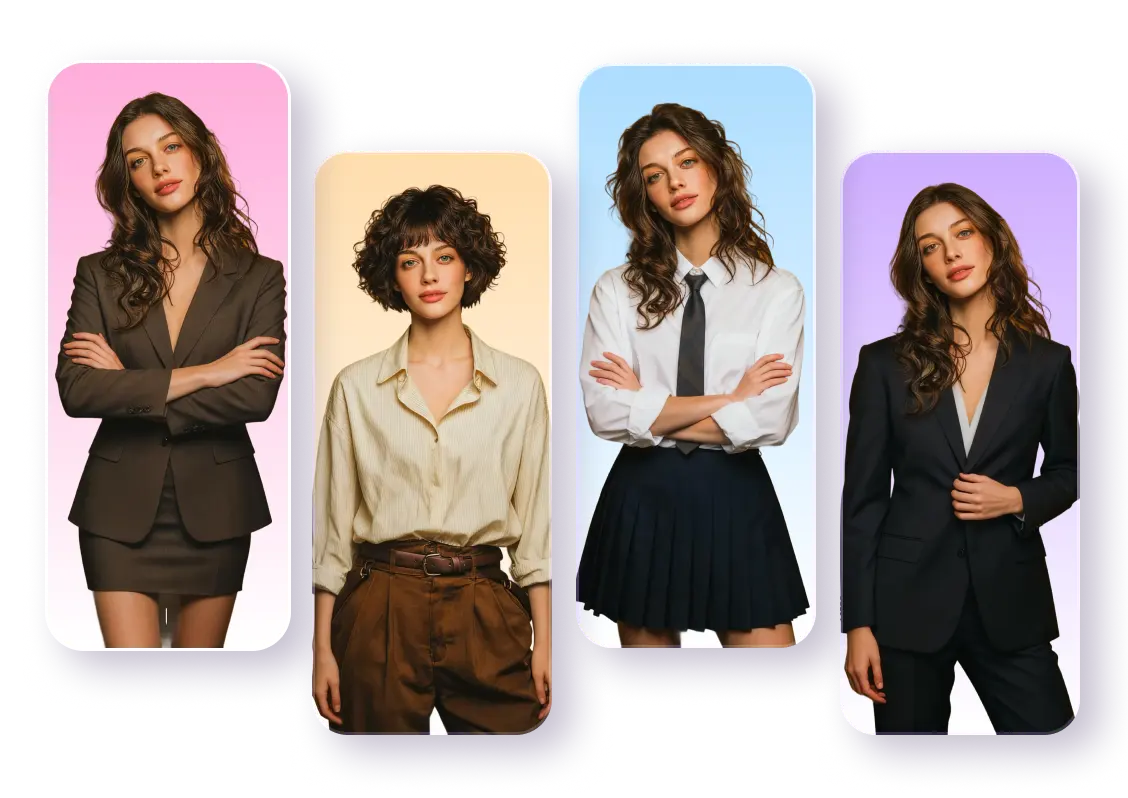
AI Headshot Generator for Studio-Quality Results
Generate AI headshots with studio-quality detail in just minutes — no photography skills or studio sessions needed. Whether it’s an AI headshot for personal use or a polished professional portrait for work, you can create stunning, realistic results effortlessly.
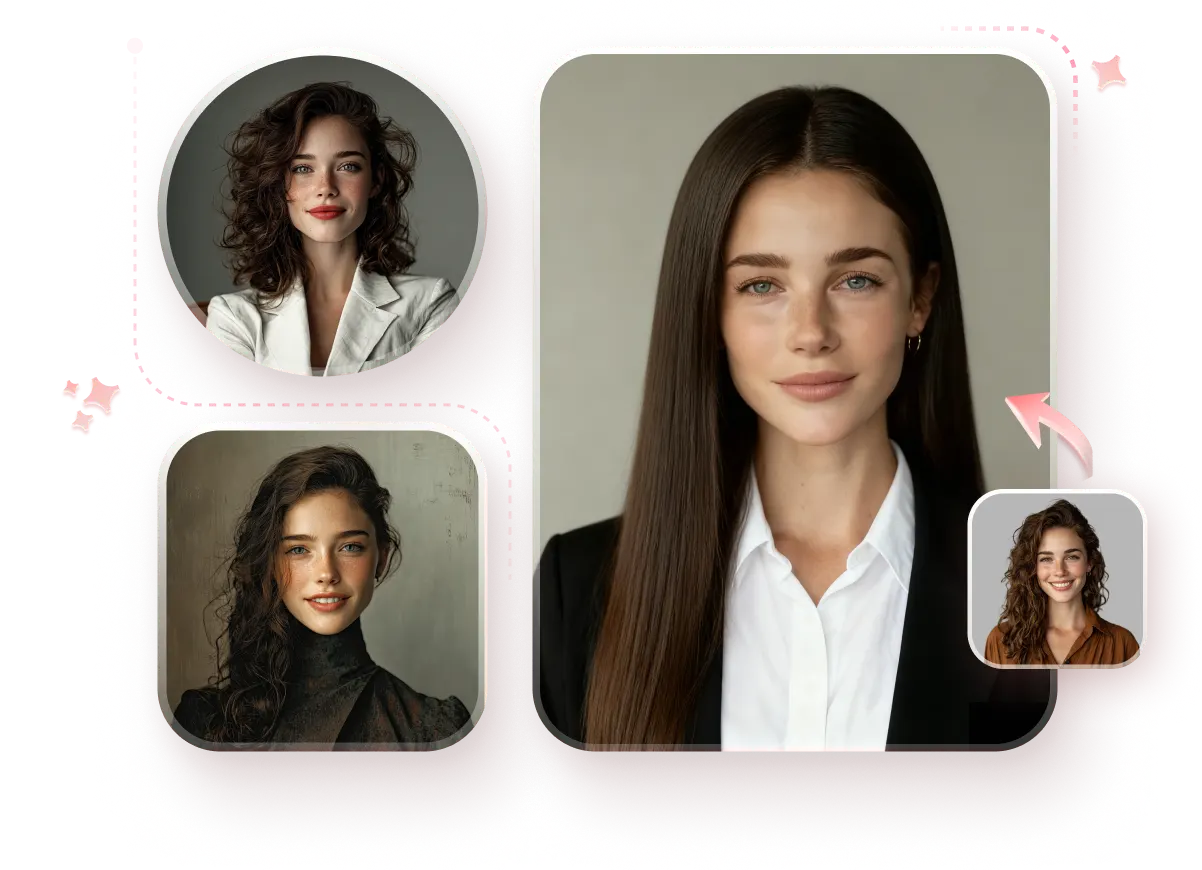
Craft Realistic Portraits in Seconds with the Best AI Headshot Generator
Turn your selfies into professional headshots instantly with AI. HitPaw offers a powerful all-in-one solution for creating high-quality portraits with realistic details and versatile styles.
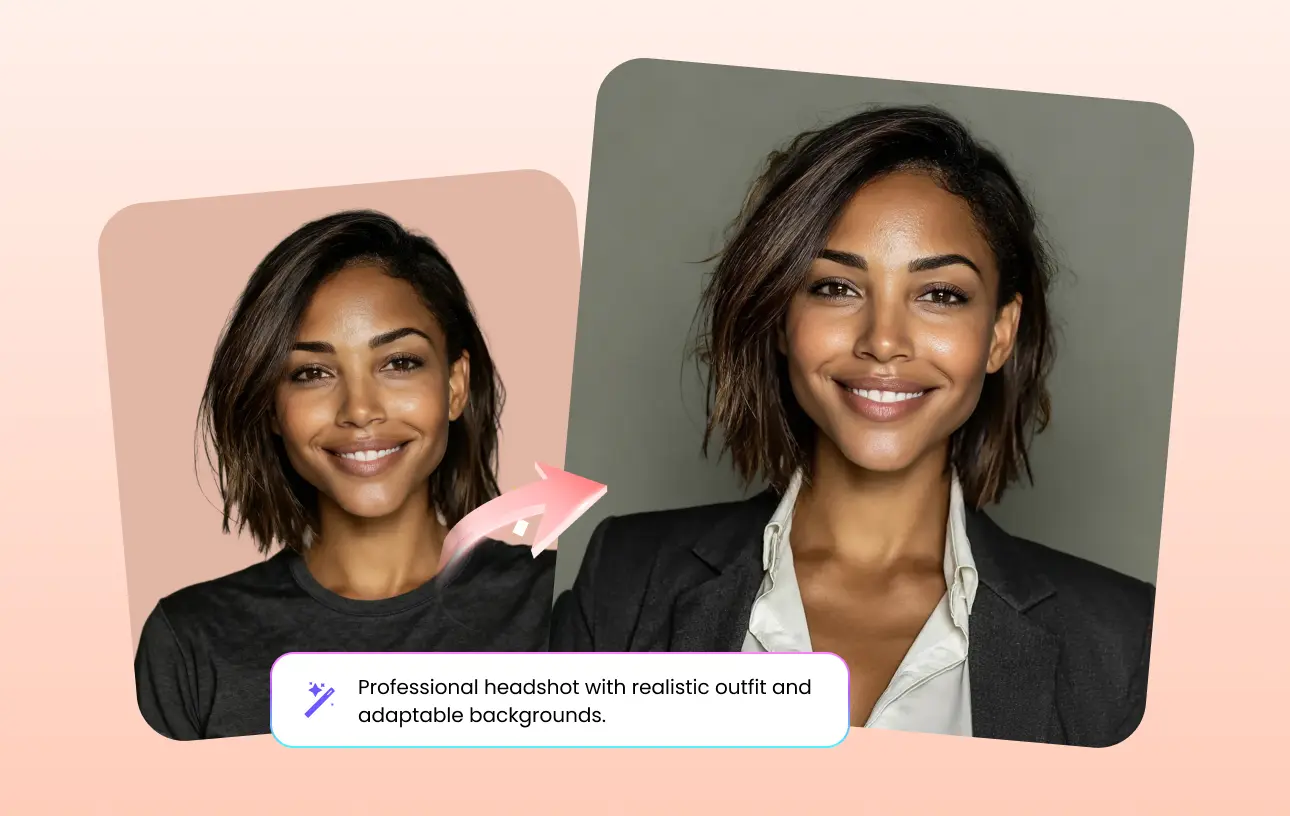
Resume Headshot
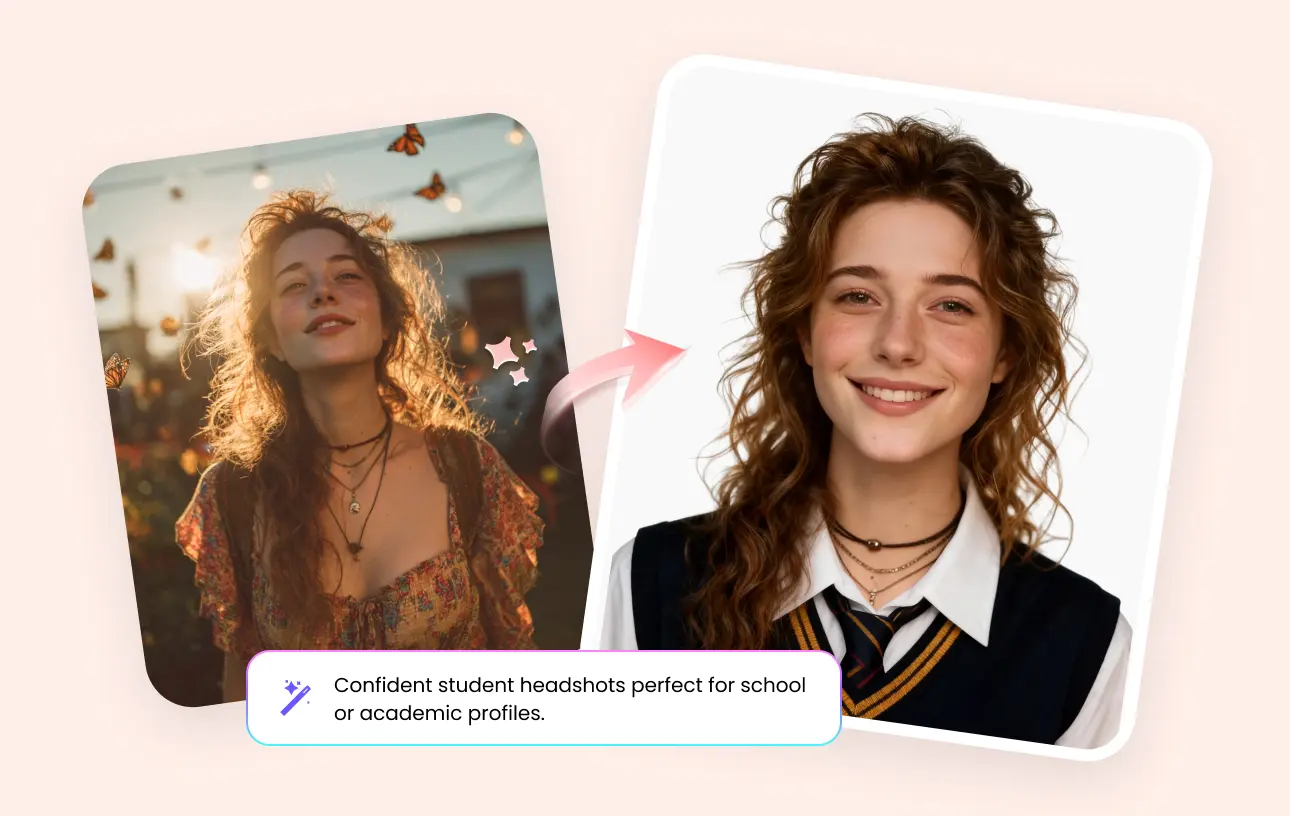
Student Headshot
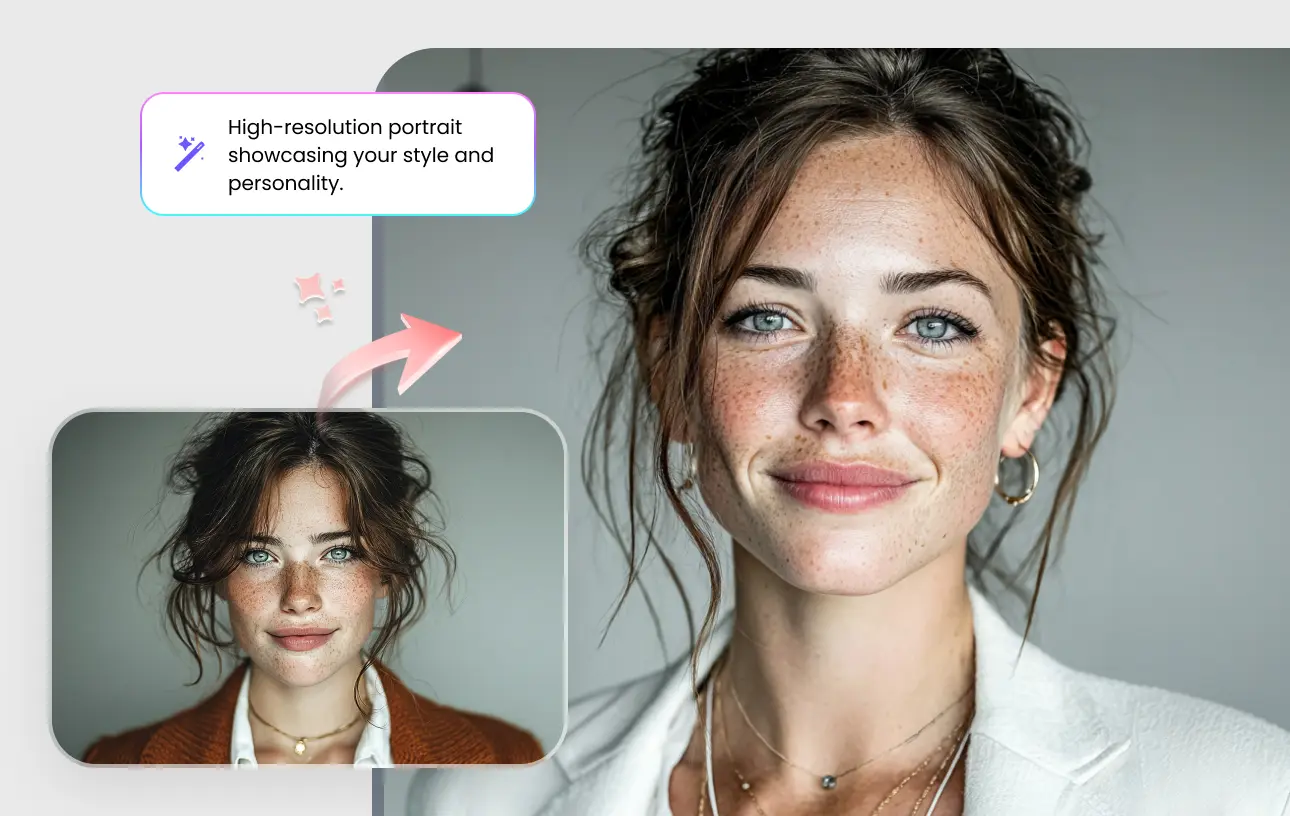
High-Quality Portrait
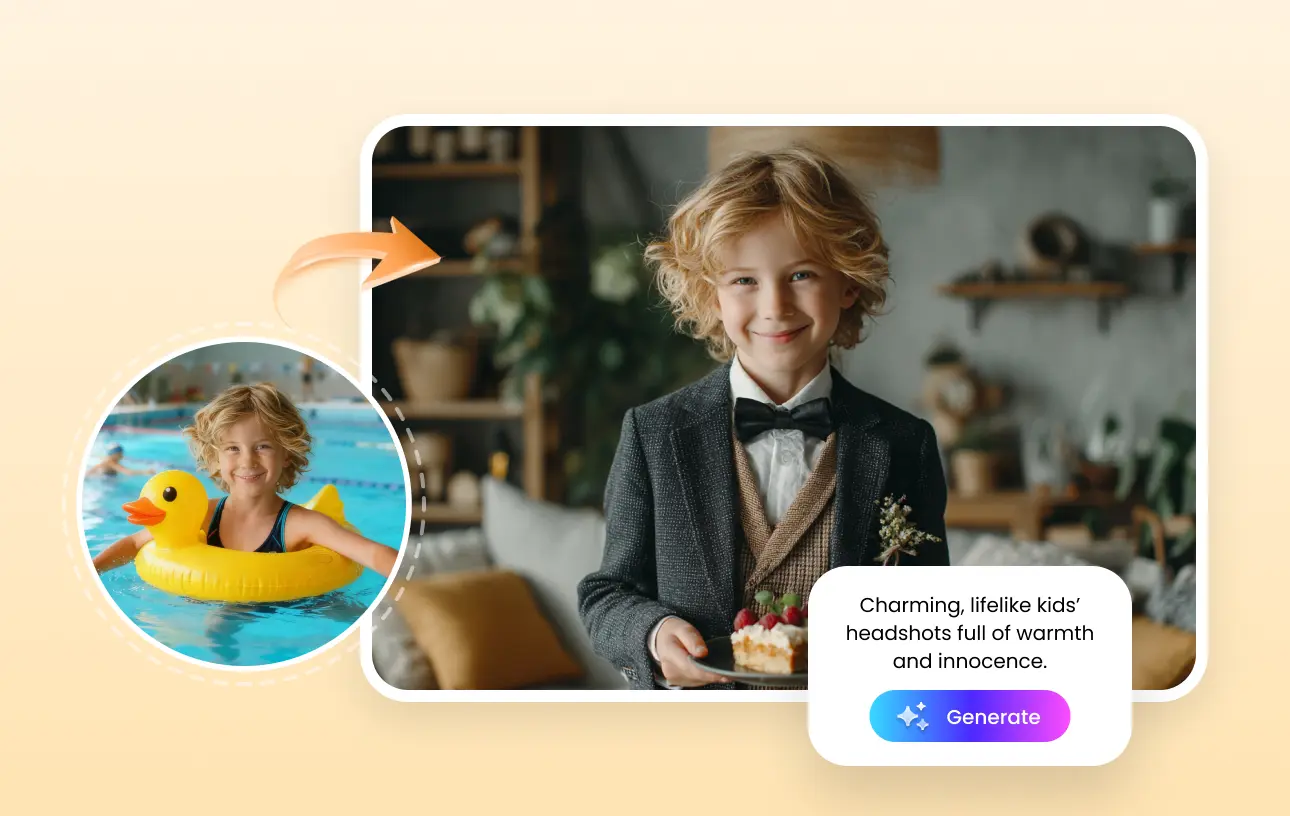
Kids Headshot
Why Choose HitPaw FotorPea's AI Headshot Generator
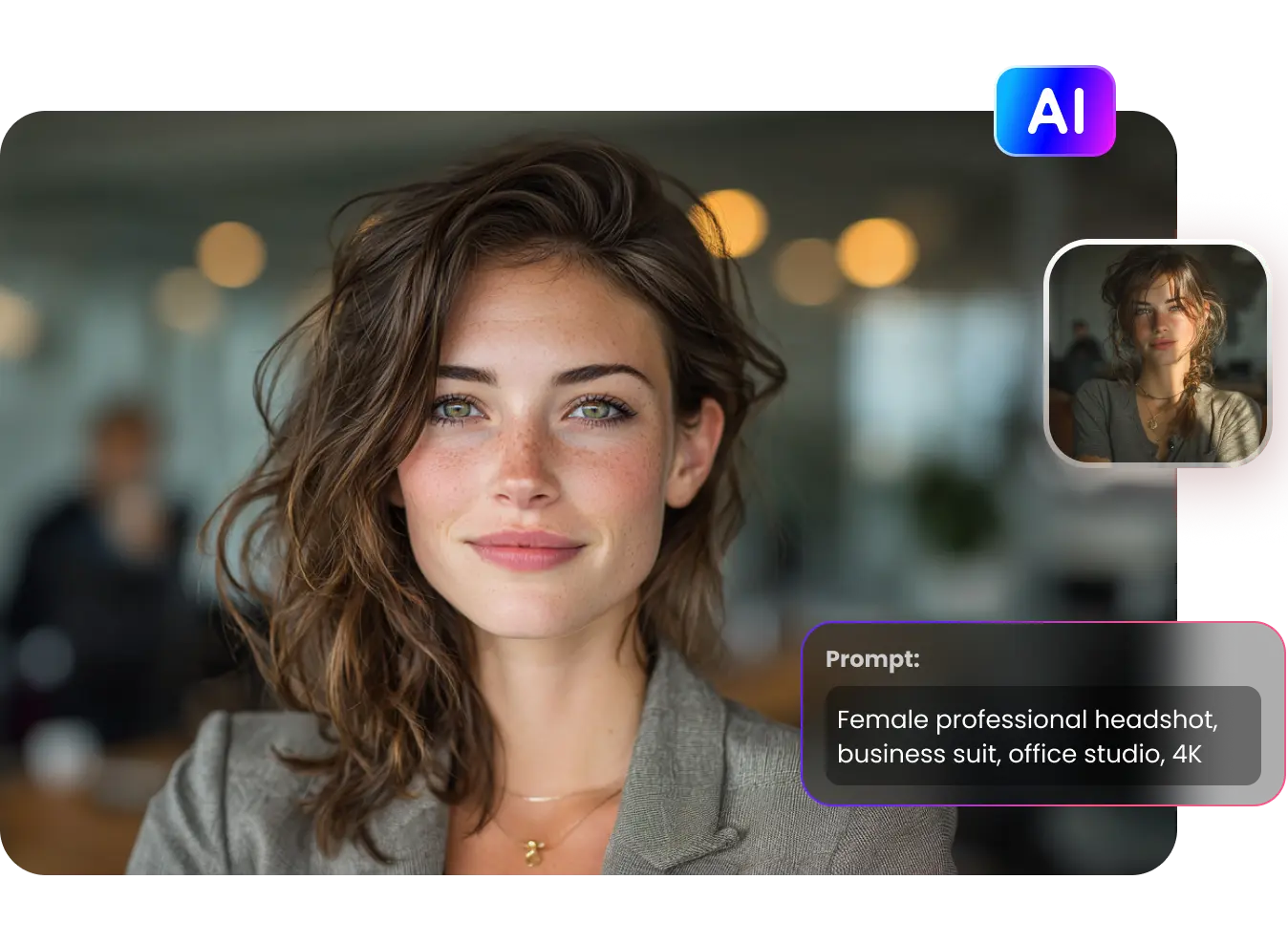
Generate AI Headshots from Text Prompts or Images
Simply type your prompt or upload an image—describe your look, outfit, or setting—and let HitPaw instantly generate stunning, lifelike results with AI precision.
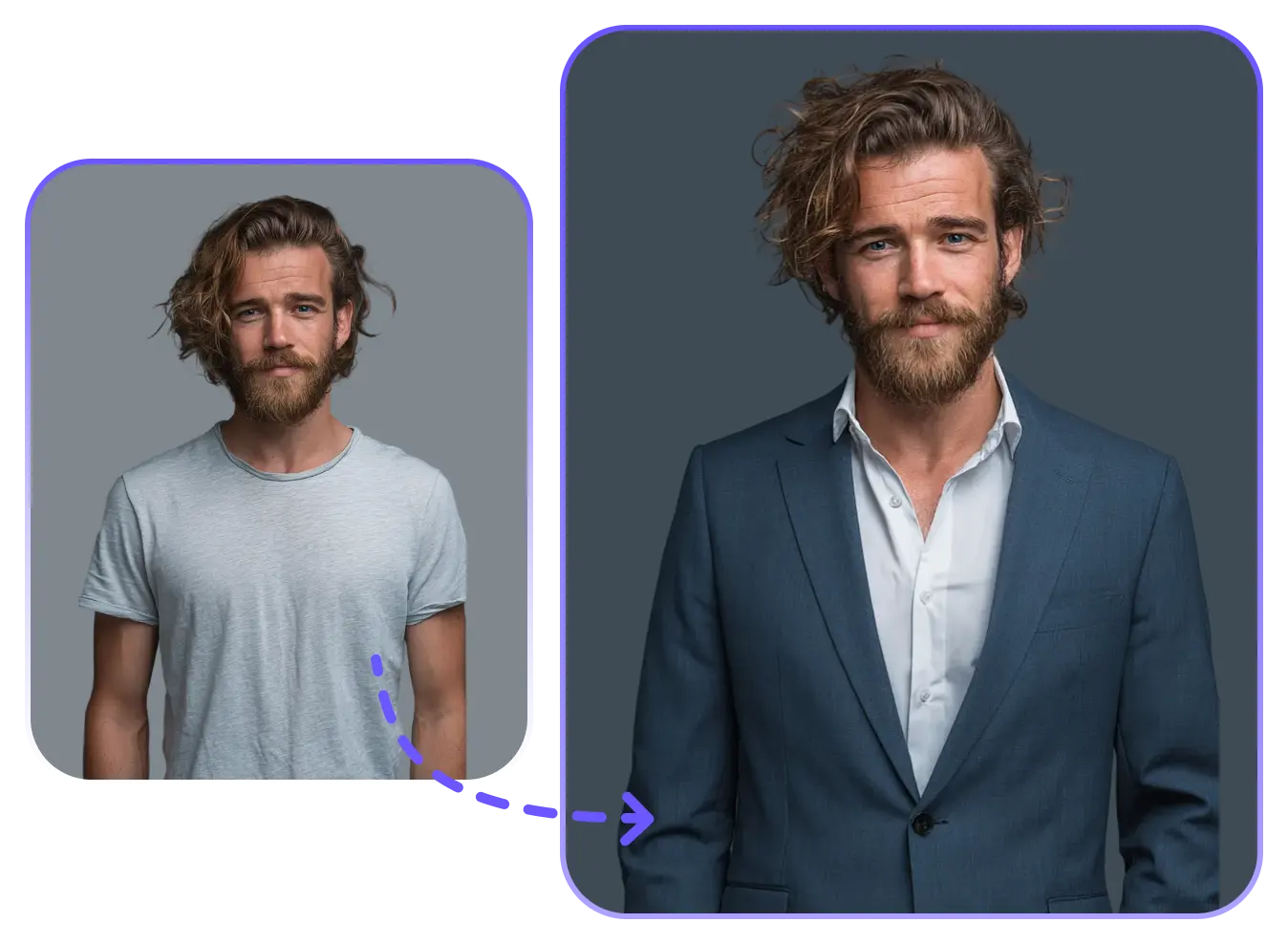
Turn Snaps into AI Business Headshots for Individuals, Company & Teams
Elevate your professional brand as a consultant, tech expert, or corporate team by projecting confidence, clarity, and authority in every image—perfect for updating your LinkedIn profile, resume, or building your professional network.
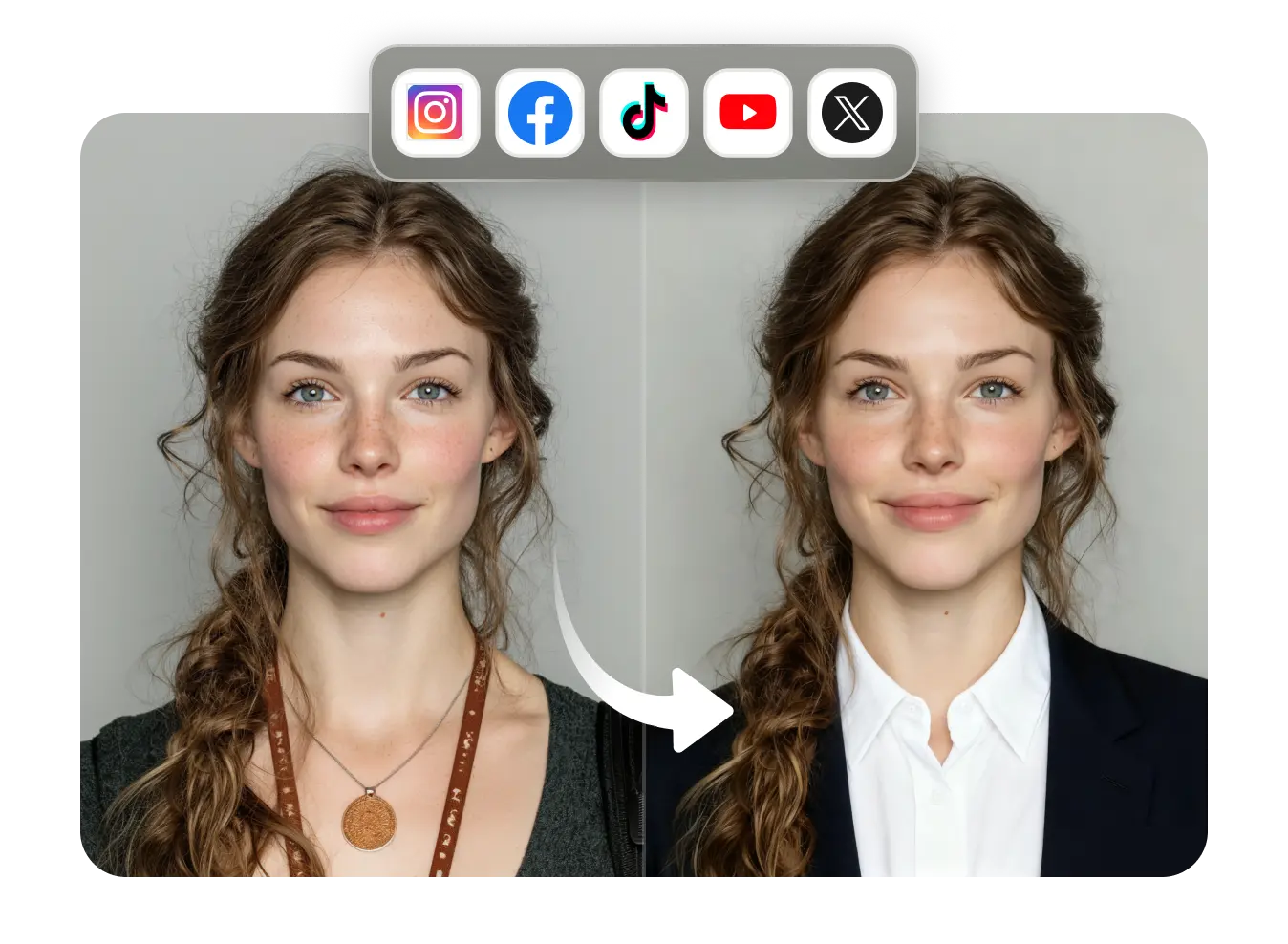
Design Realistic Custom Headshots for Social Media Profiles
AI-generated headshots create striking visuals that align with your personal brand, helping you make a lasting, professional impression on LinkedIn, Instagram, Twitter, or personal blogs.
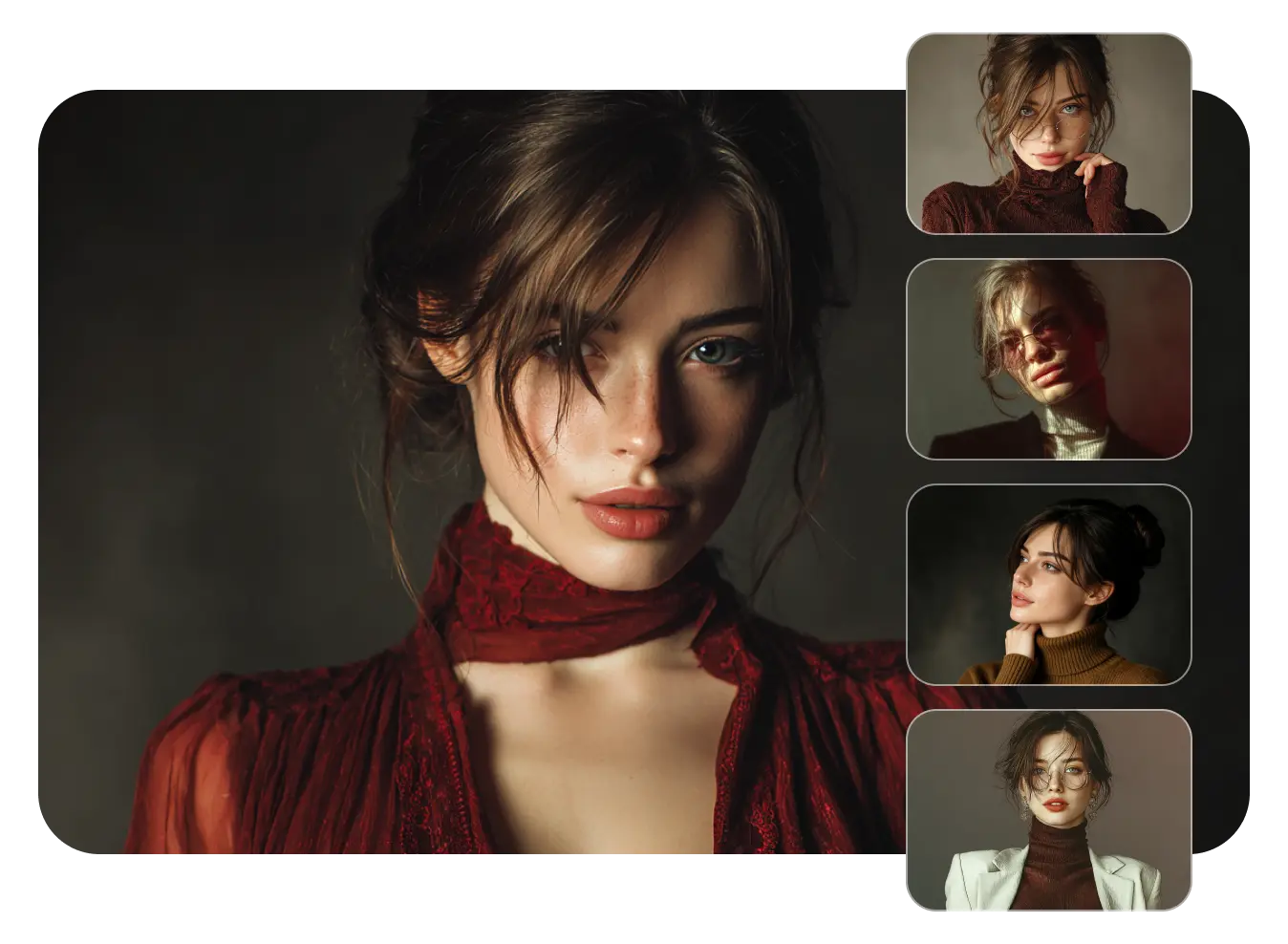
Get Studio-Grade AI Professional Headshots Without High Cost or Time
No appointments, no expensive studios, no long waits—create professional, high-quality AI headshots from home in seconds. Deliver crisp lighting, natural facial details, and polished backgrounds—just like a professional photography studio, perfect for resumes, LinkedIn profiles, portfolio artwork, and artistic displays.
How to Make AI Generated Headshots in 3 Easy Steps
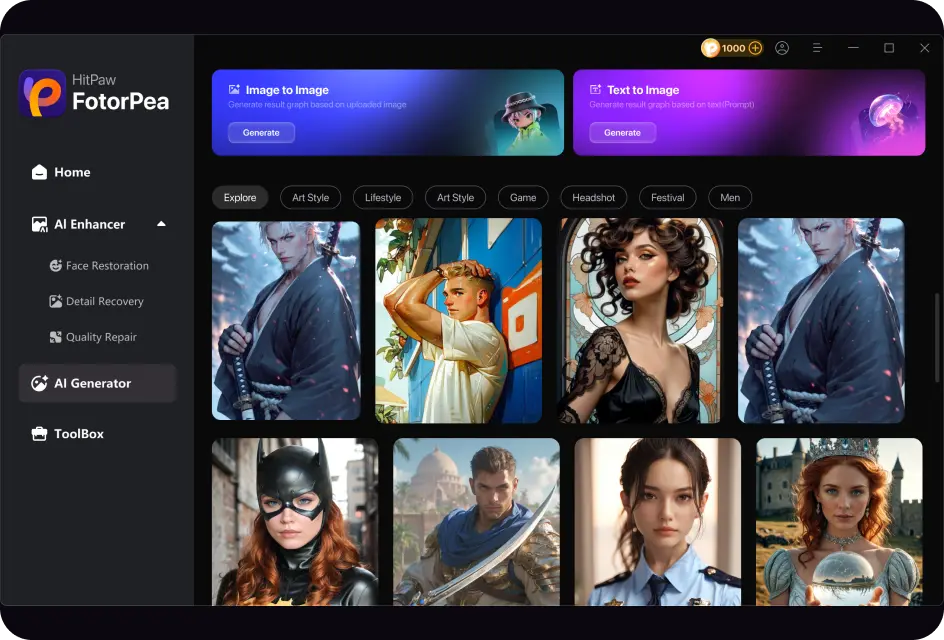
Launch AI Generator
Open HitPaw FotorPea and start the AI Generator to begin creating your custom professional Headshots.
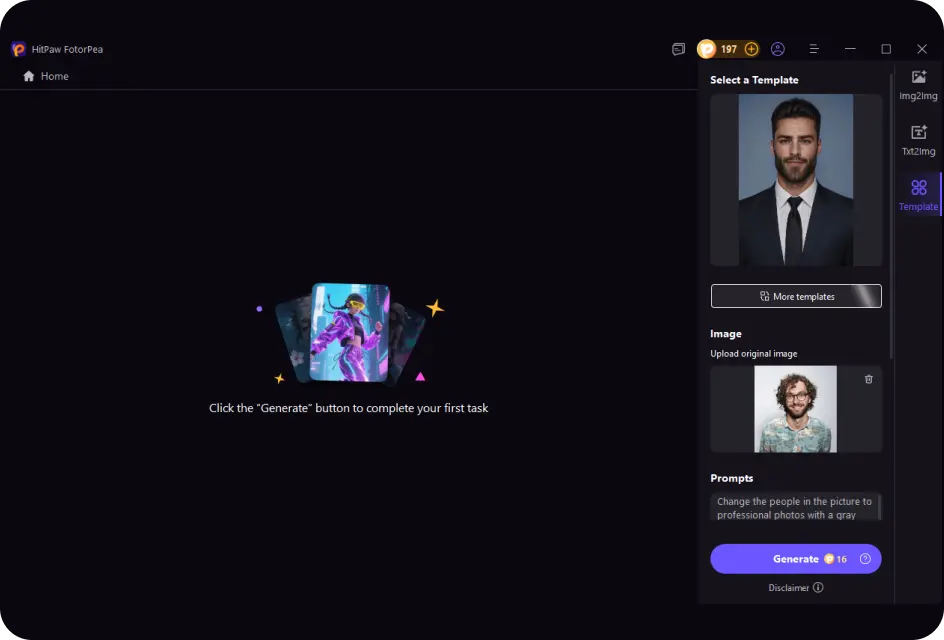
Add a Prompt or Choose a Style
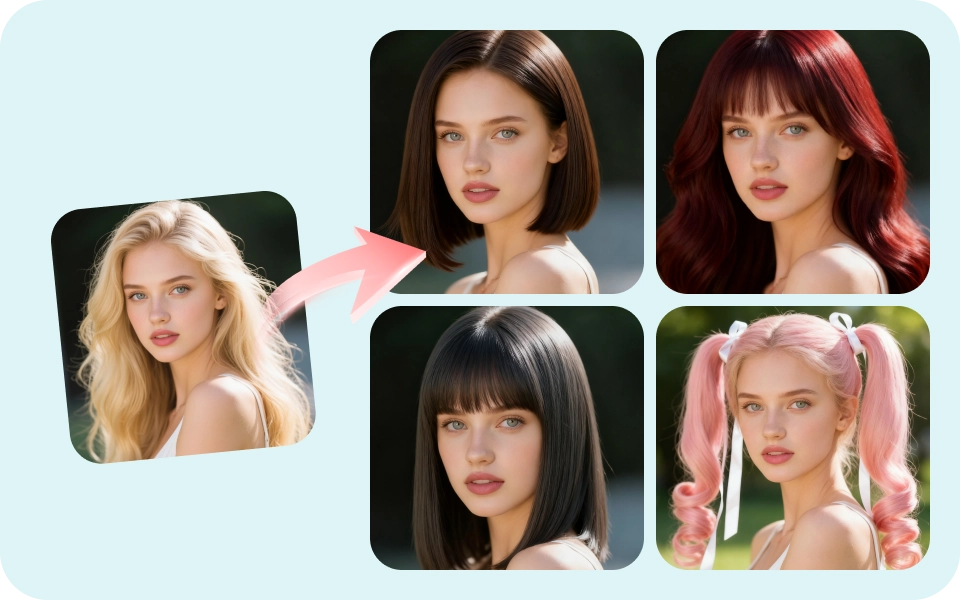
Upload a photo, enter text prompts or choose a style template to create a personalized AI headshots.
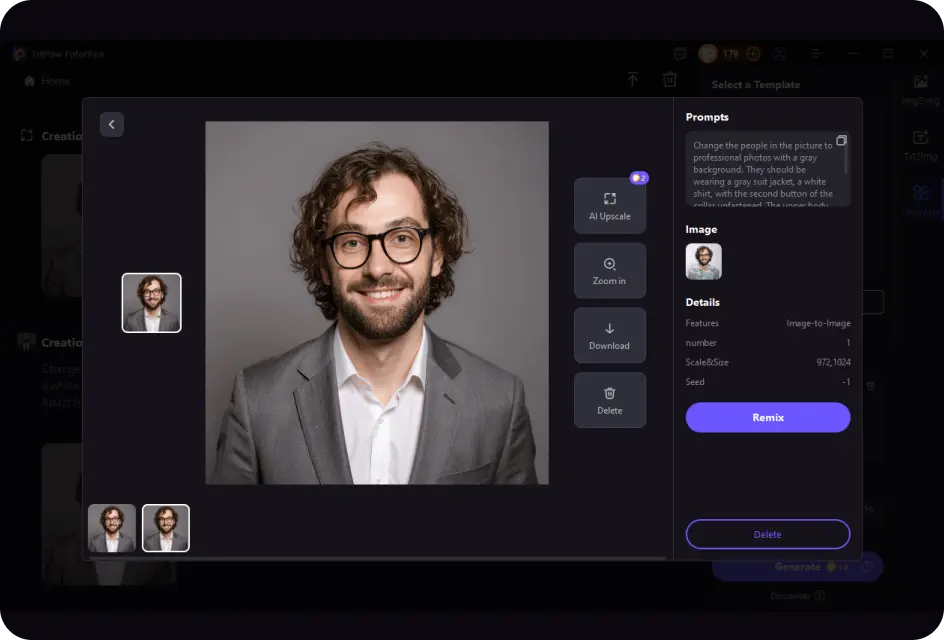
Preview and Download
Click Generate to review and instantly download your polished AI headshot.
Explore More AI Image Tools
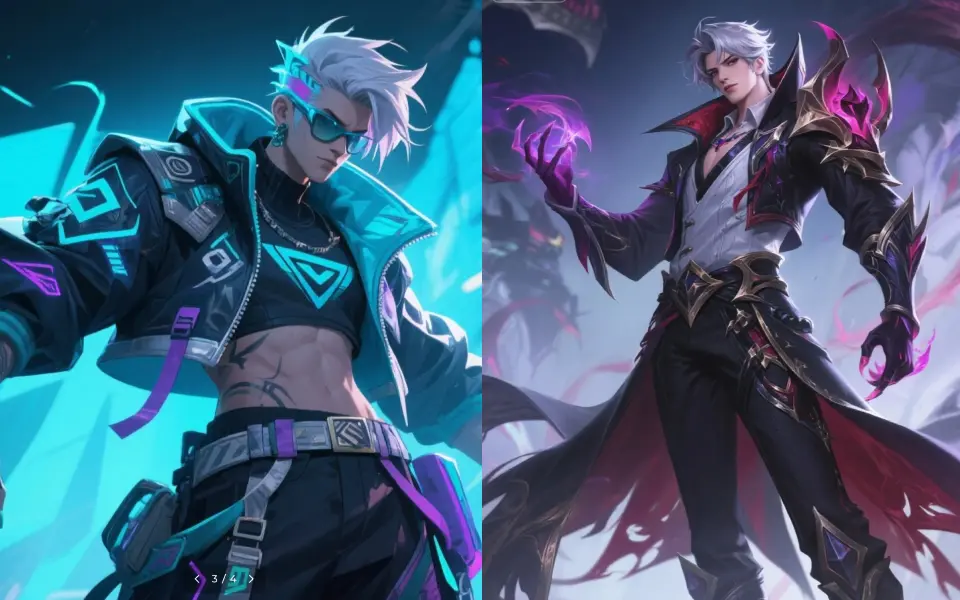
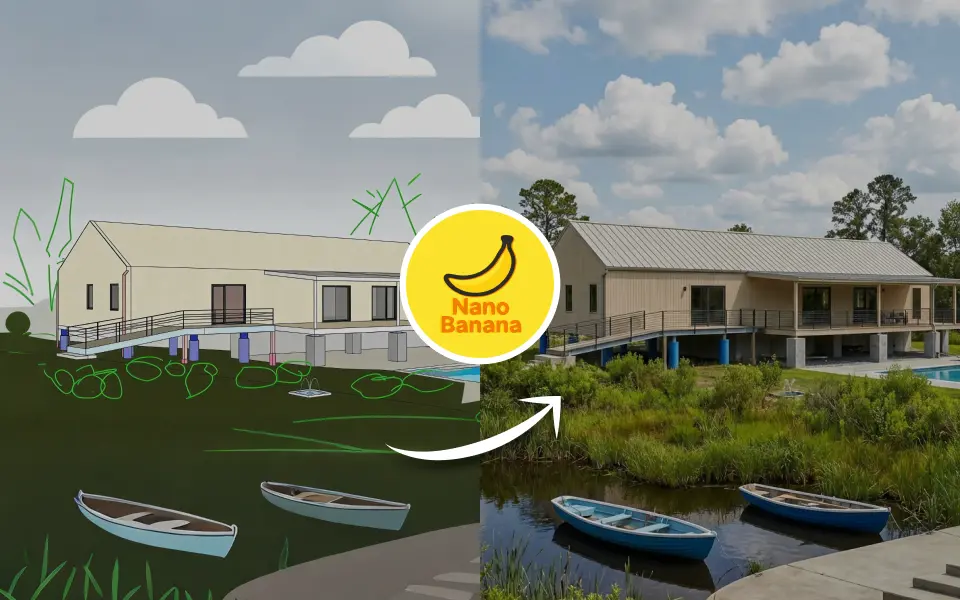
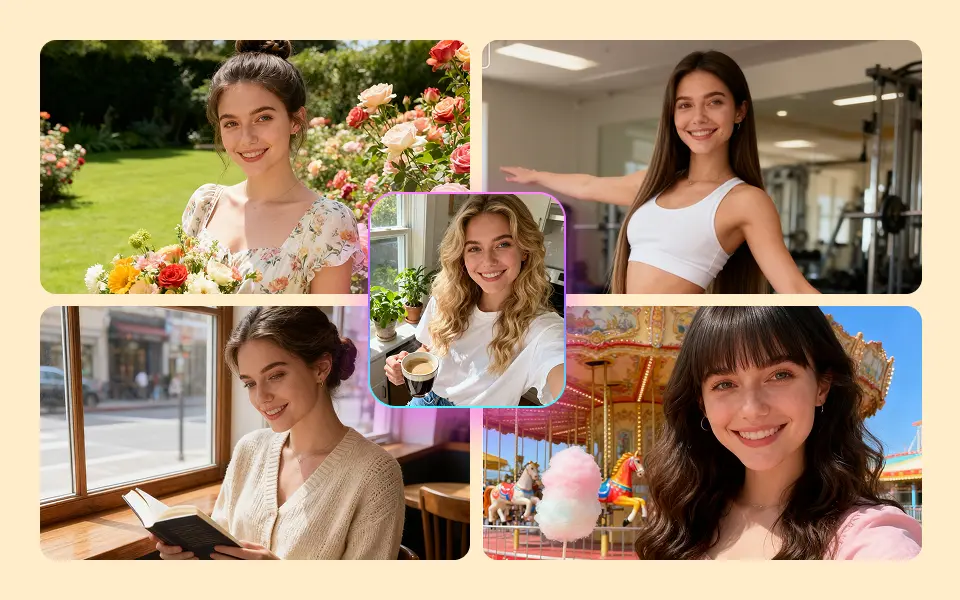
FAQs About AI Headshot Generator
The best AI headshot generator depends on your needs, including style, quality, and ease of use. HitPaw FotorPea is often recommended for creating professional-quality headshots suitable for individuals, teams, companies, as well as for resumes, LinkedIn, and social media.
Yes, it is generally acceptable to use an AI-generated headshot on LinkedIn, as long as it accurately represents you and maintains a professional appearance.
The realism of AI-generated headshots varies across tools, depending on the input photo and settings. HitPaw FotorPea is known for producing highly realistic headshots suitable for both personal and professional profiles.
Using AI headshot generators is generally safe, but make sure to choose trusted platforms that protect your personal photos, such as HitPaw FotorPea.
Yes, you can legally use AI-generated headshots for most personal and professional purposes, but be sure to respect copyright, platform rules, and avoid using someone else’s likeness without permission.
Tips & Tricks for HitPaw FotorPea AI Headshot
- · Top 12 AI Headshot Generators (Tested and Approved)
- · 6 AI Headshot Tools for LinkedIn Free
- · How to Take a Good Professional Headshot: Step-by-step Guide
- · [Updated!] Top 7 Headshotpro Alternatives
- · Step-by-Step Guide to Take Your Own Headshot at Home
- · Top 6 InstaHeadshots Free Alternatives for Professional Headshots
- · Create AI-generated Images with My Face [Online & Offline]
- · Top AI Graduation Photo Generator Free for Desktop & Mobile
- · 5 Residency Headshots AI Background Editors
- · Reviews: Aragon AI Headshots for Your Professional Profile
- · 10 Popular AI Photo Generators to Get AI Photos of Yourself
- · Step-by-Step Guide: Take a Professional Headshot on iPhone
Create Stunning Al Headshots -No Skills Needed
Create stunning Al headshot photos in just seconds. With a few simple clicks, you'll get realistic details, professional quality, and flexible style options-no design or photography skills needed.