Download
Integrated Flux Kontext ProFlux Kontext: Context-Aware AI for Prompt-Based Image Editing
Redefining contextual intelligence in AI creation through deep prompt understanding for accurate image editing and generation.




Flux Kontext Model Advantages & Core Upgrades
From nuanced portraits to concept art or editorial visuals, every pixel and word aligns perfectly. Flux Kontext delivers precision and depth no other model achieves.
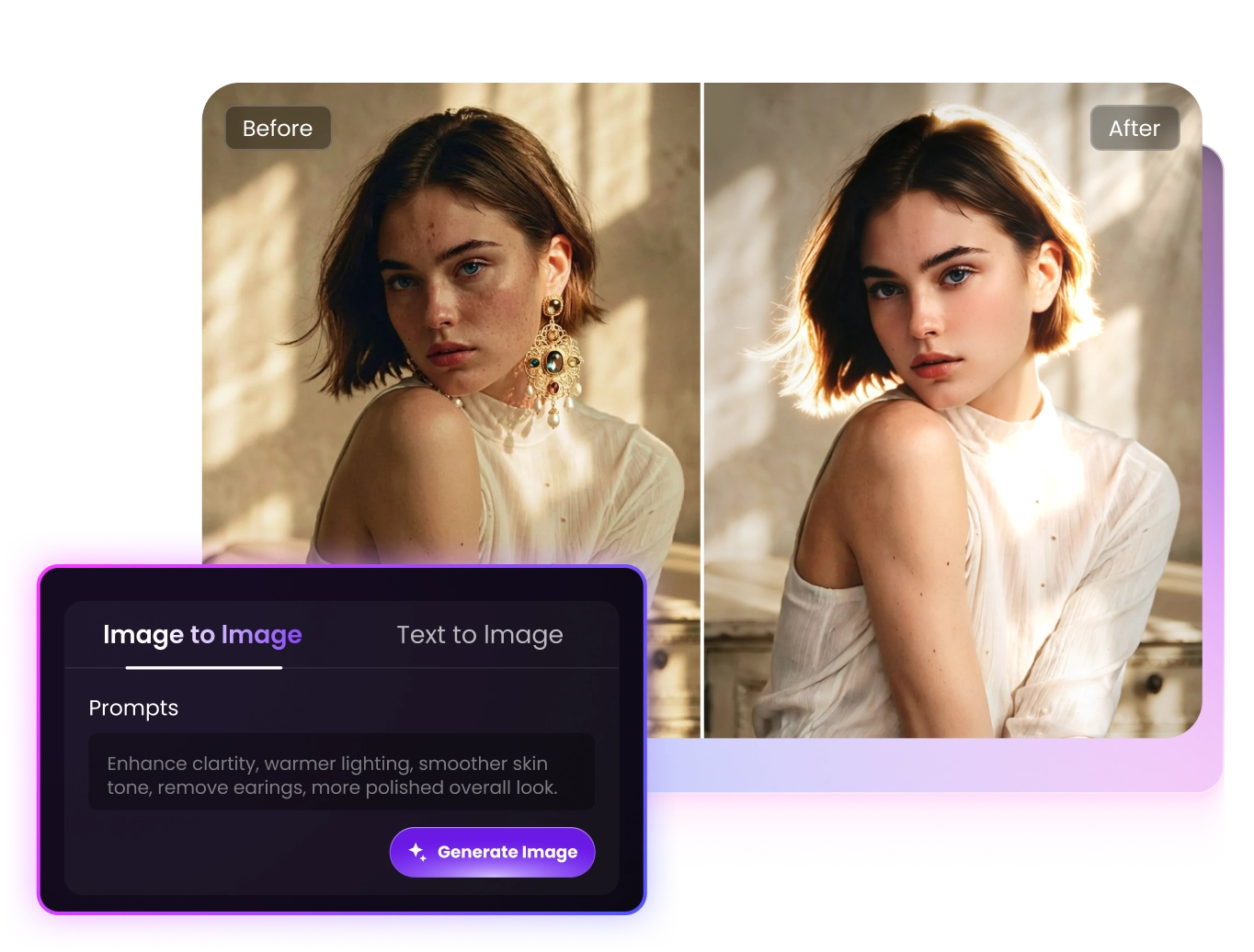
Flux Kontext Al-Generated Visual Enhancement
FLUX Kontext is designed to generate refined, high-quality visuals with natural consistency. Instead of simple corrections, it upgrades the entire image—enhancing lighting, atmosphere, composition, and color harmony in a single pass.
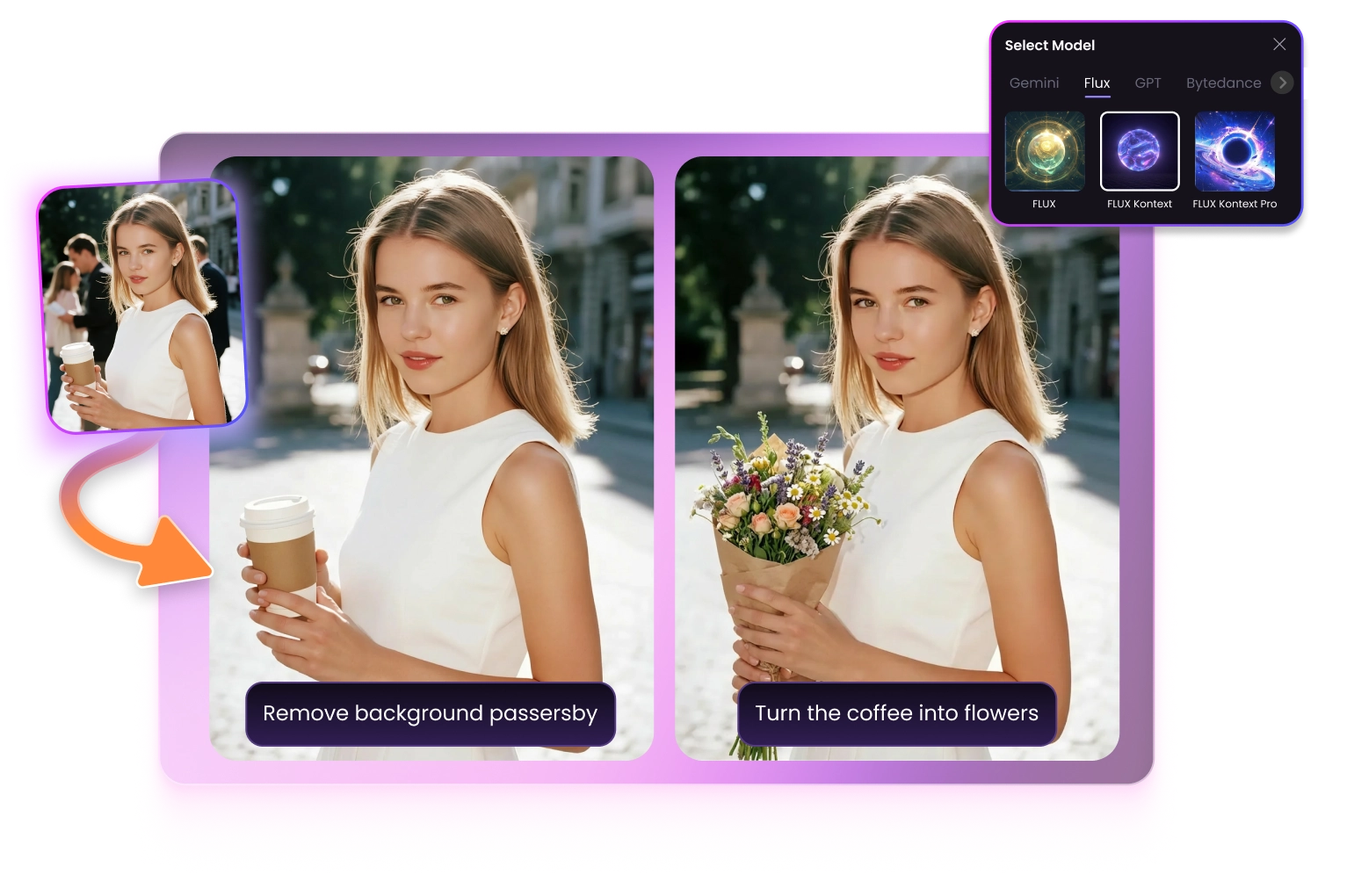
Realistic Object Replacement with AI Image Editing Effects
Flux Kontext excels at seamless object replacement while preserving authentic lighting and spatial consistency. From changing everyday items to adding creative new elements, every adjustment blends naturally into the scene.
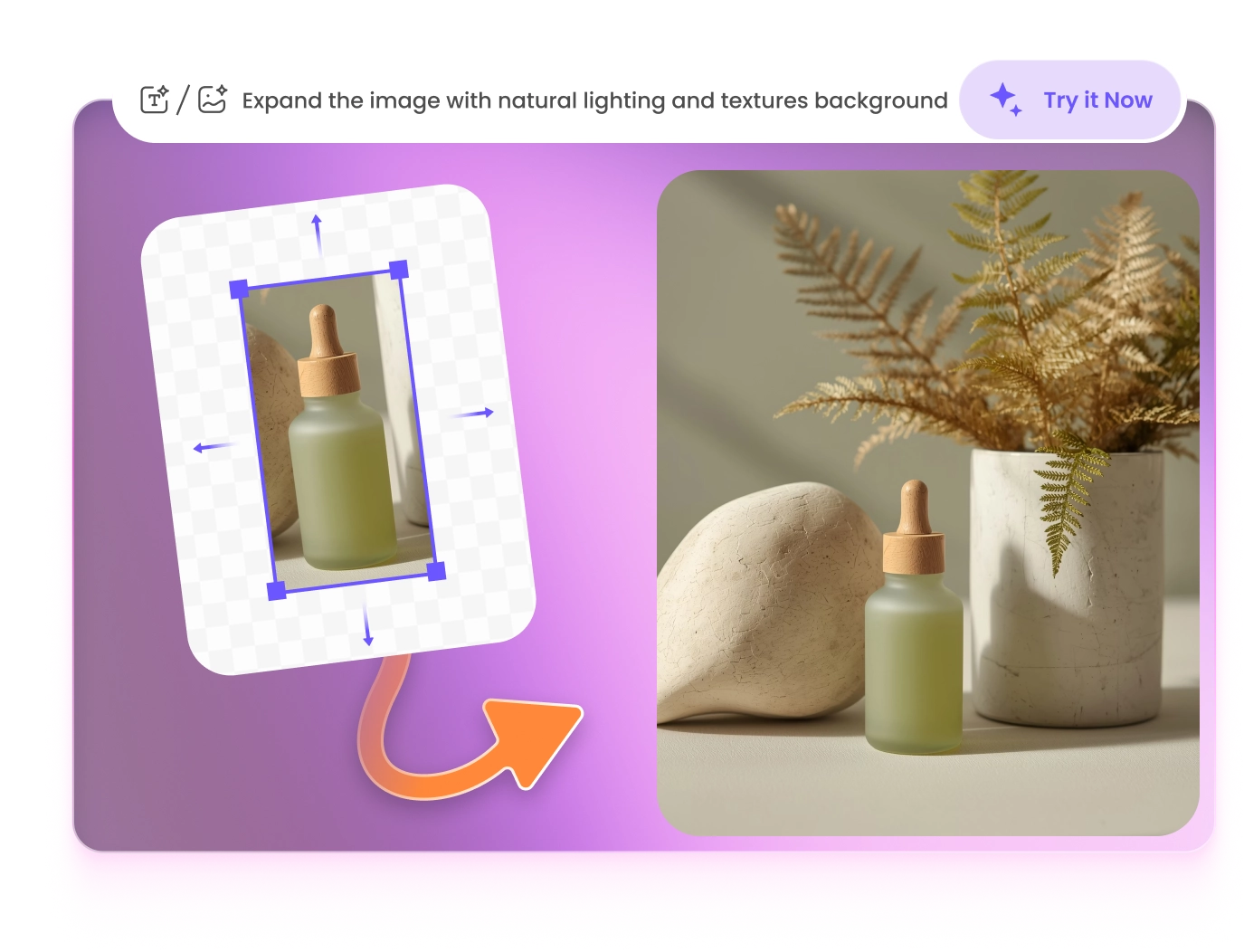
Flux Kontext Scene Expansion with Natural AI Generator
Flux Kontext extends images intelligently, adding realistic depth and spatial balance. Expand narrow shots into cinematic scenes while preserving composition, perspective, and atmosphere.
Style Transformation with Context-Aware Image Generation
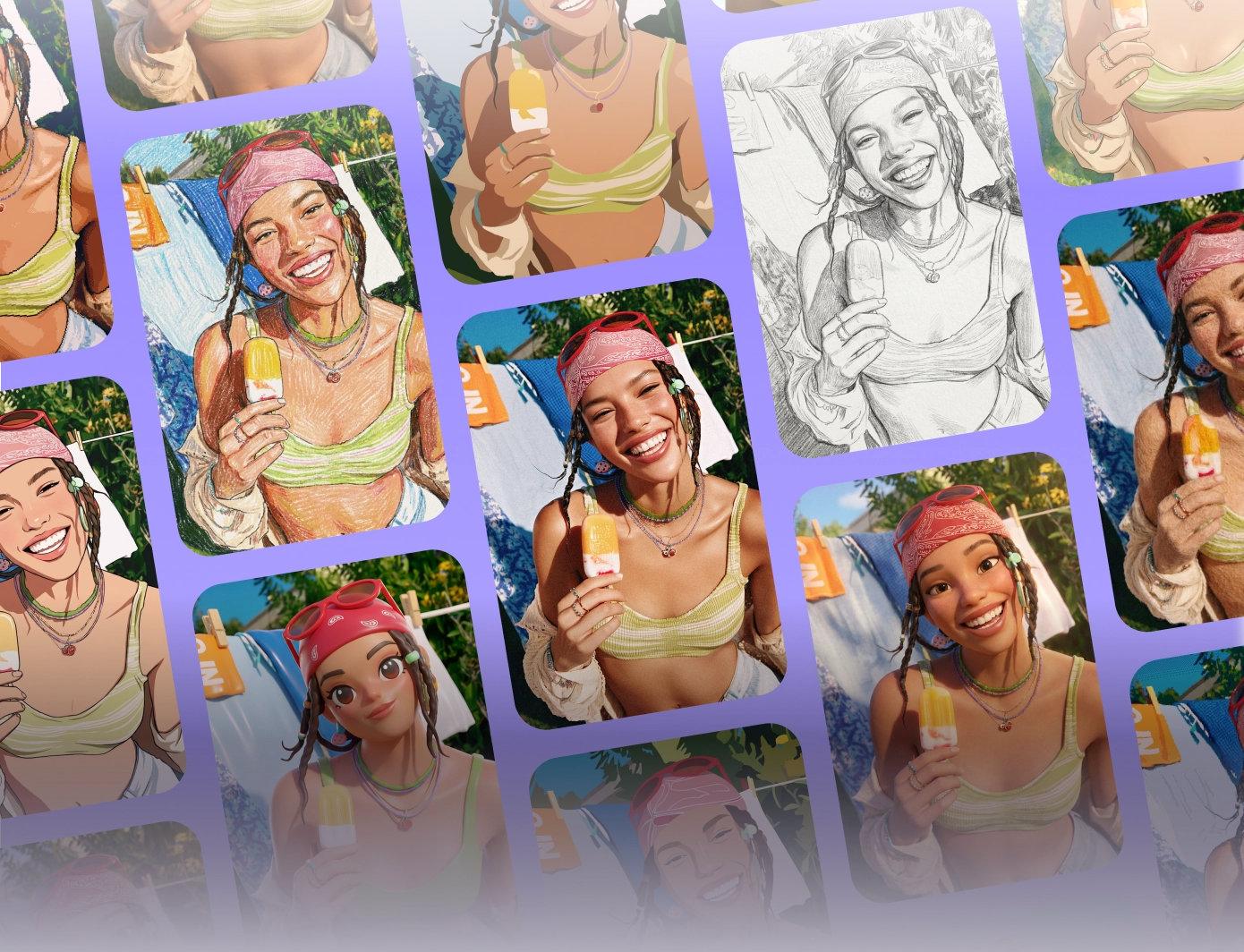
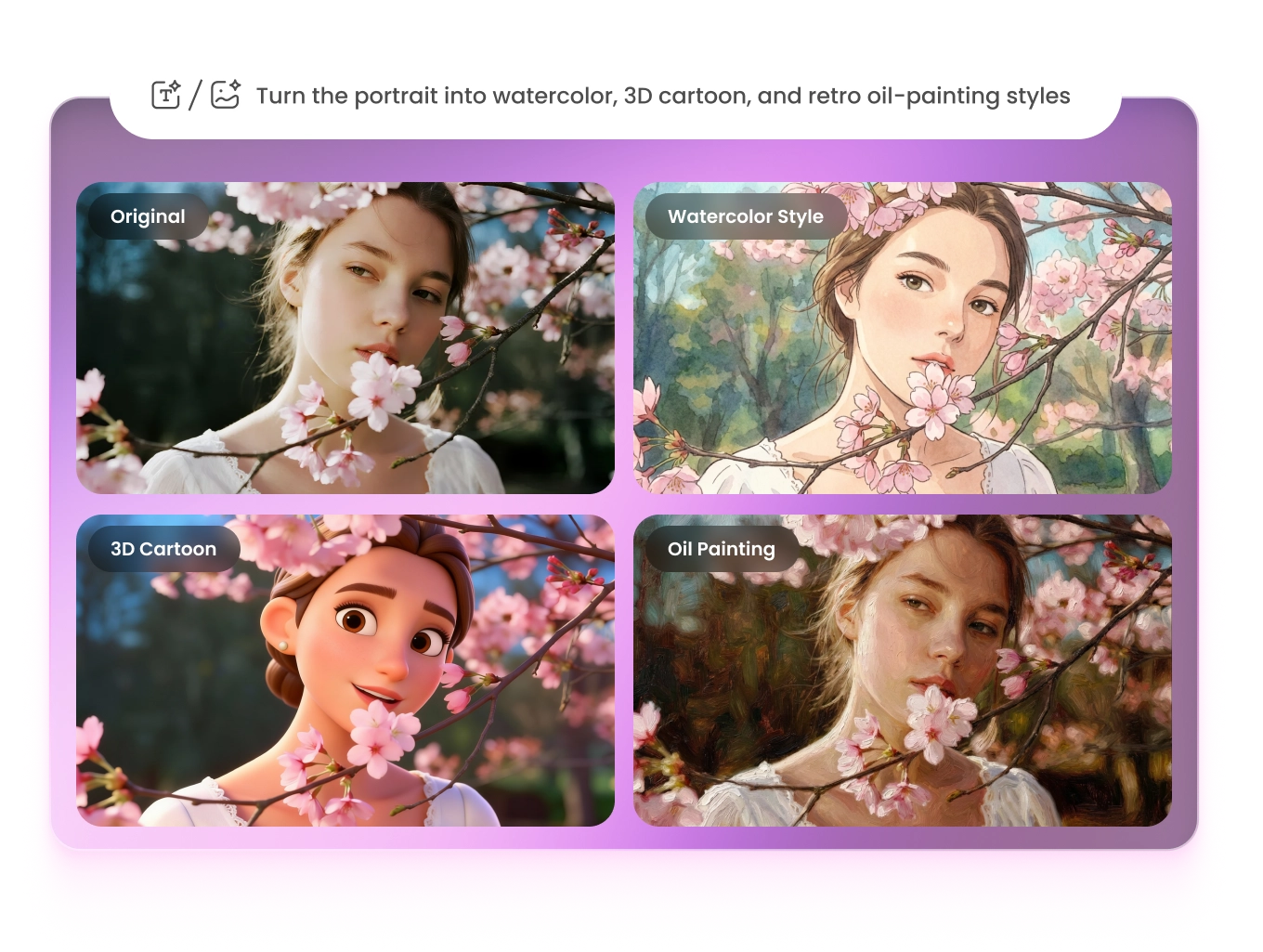
Flux Kontext redefines creative image generation with unmatched contextual awareness. It can transform a single photo into multiple artistic styles. With a simple prompt, users can explore endless visual styles.
How to Use Flux Kontext to Generate Images
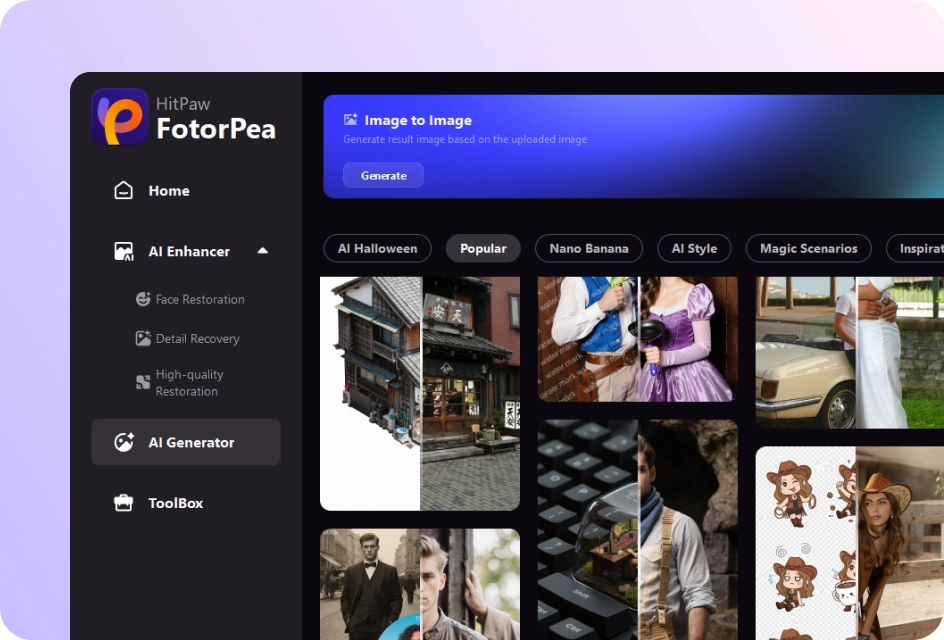
01
Choose Template
Choose the generation template to remix or select Generate for new ideas.
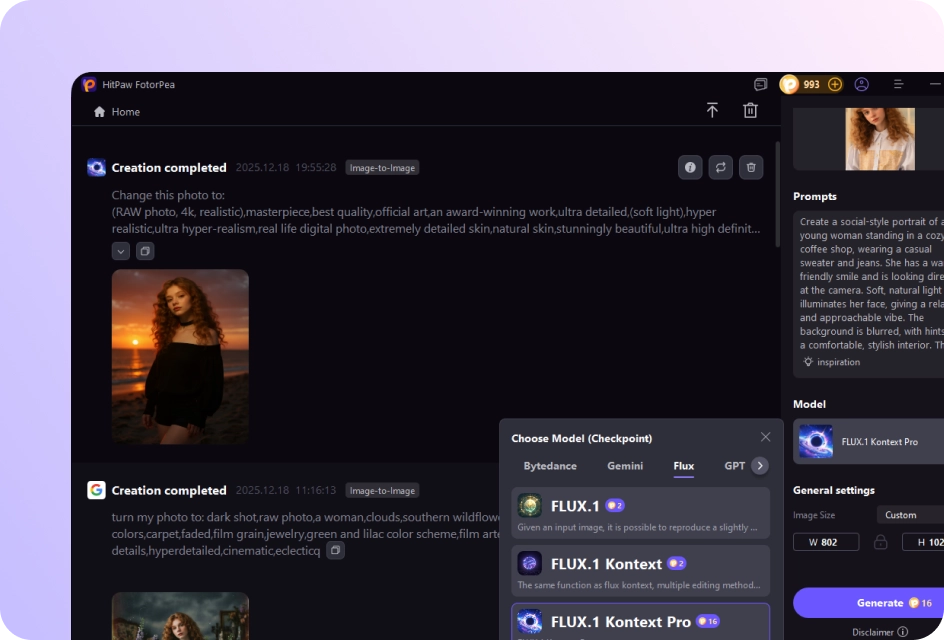
02
Upload Images or Type in Prompts
Upload your image & enter your prompts about the desired image, then choose the Flux Kontext model you want.
03
Download Generated Images
After generation, download the images to your PC If satisfied.
Smarter Flux Kontext Al Model for Every Creative Scenario
Use FLUX Kontext to reimagine any photo with context-aware Al generaion. Perfect for creators who need fast, high-quality image edits and fully regenerated visuals from simple prompts.
Before


After

Before
After

Before

After

Before

After

Before
After

Before
After
 Replace Object
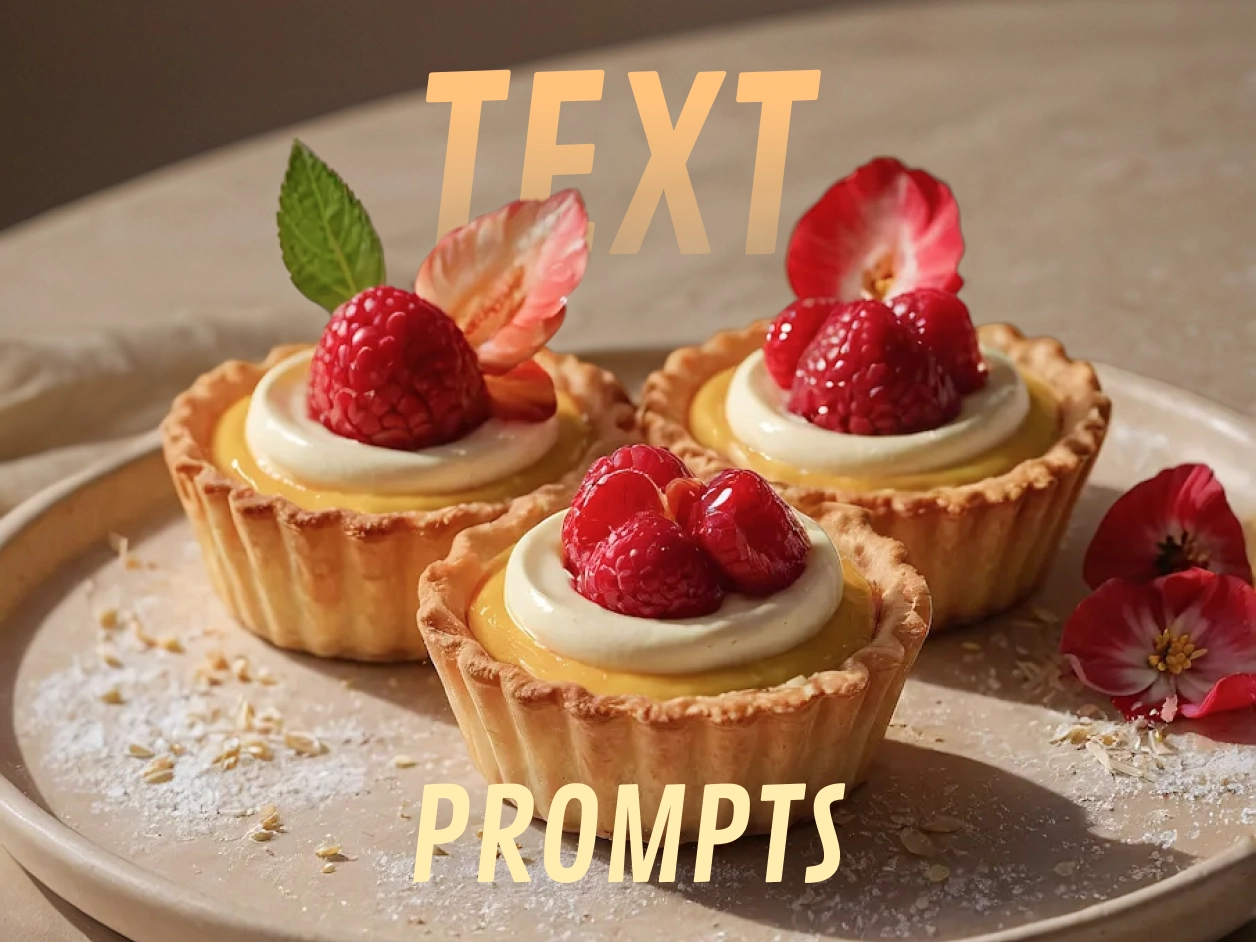
Replace the food in the plate with crispy fried chicken, keep the same person, pose, lighting,outfits and background unchanged.
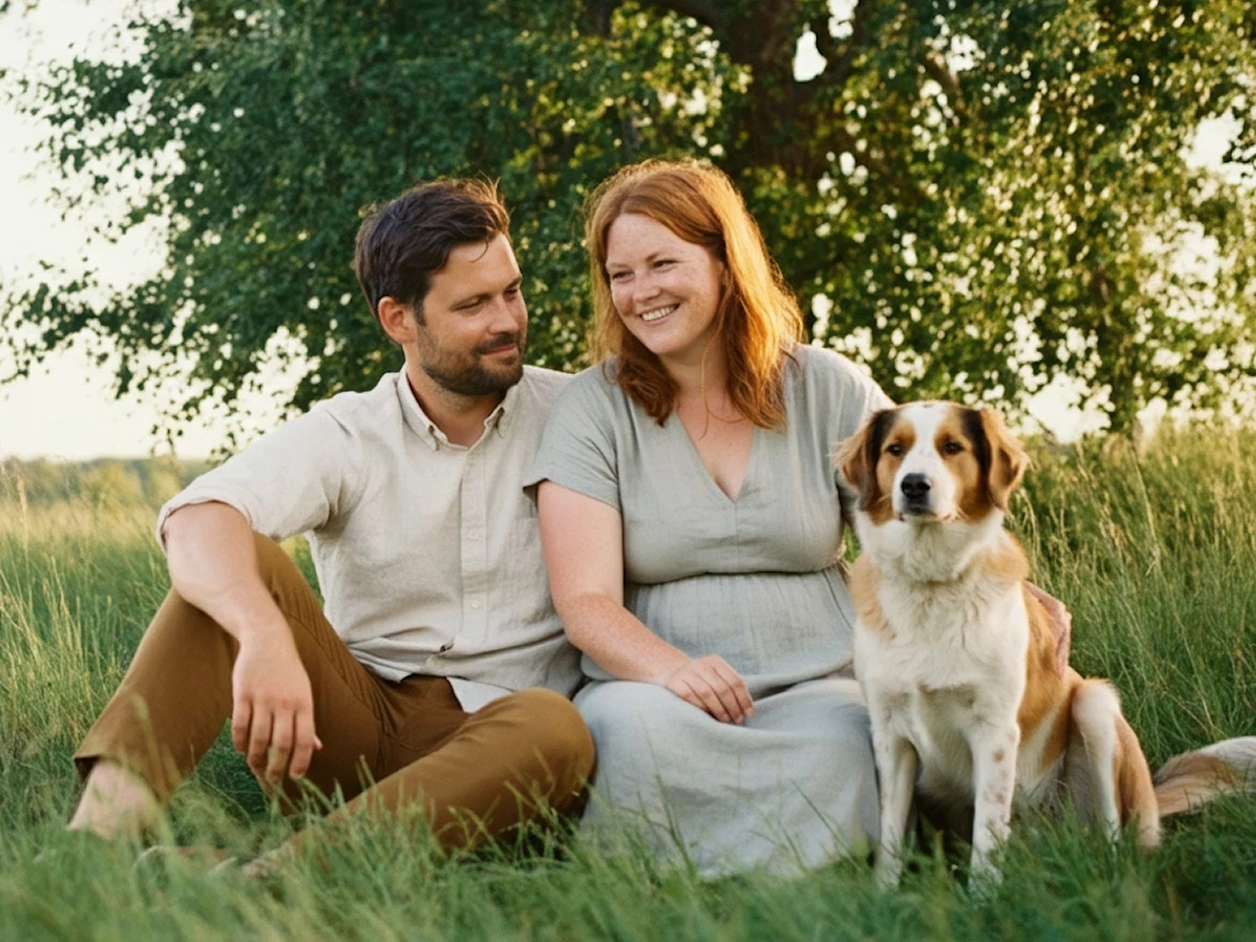
Transform Style
Transform this photo into a soft illustrated style, keep the same people, composition, and expressions, with a warm and natural color palette.
Change Color
Change the vehicle color to a vivid, bright red, while keeping the car model, viewing angle, image background, lighting conditions exactly the same.
Change Scene
Keep the person unchanged and replace the background with a red carpet event scene, paparazzi cameras, flash lights, elegant evening atmosphere, realistic lighting, natural shadows.
Edit Text
Replace the text on the image with “BEST-SELLING”, keep the cake and background unchanged, realistic food photography, clean composition.
Add Image Effect
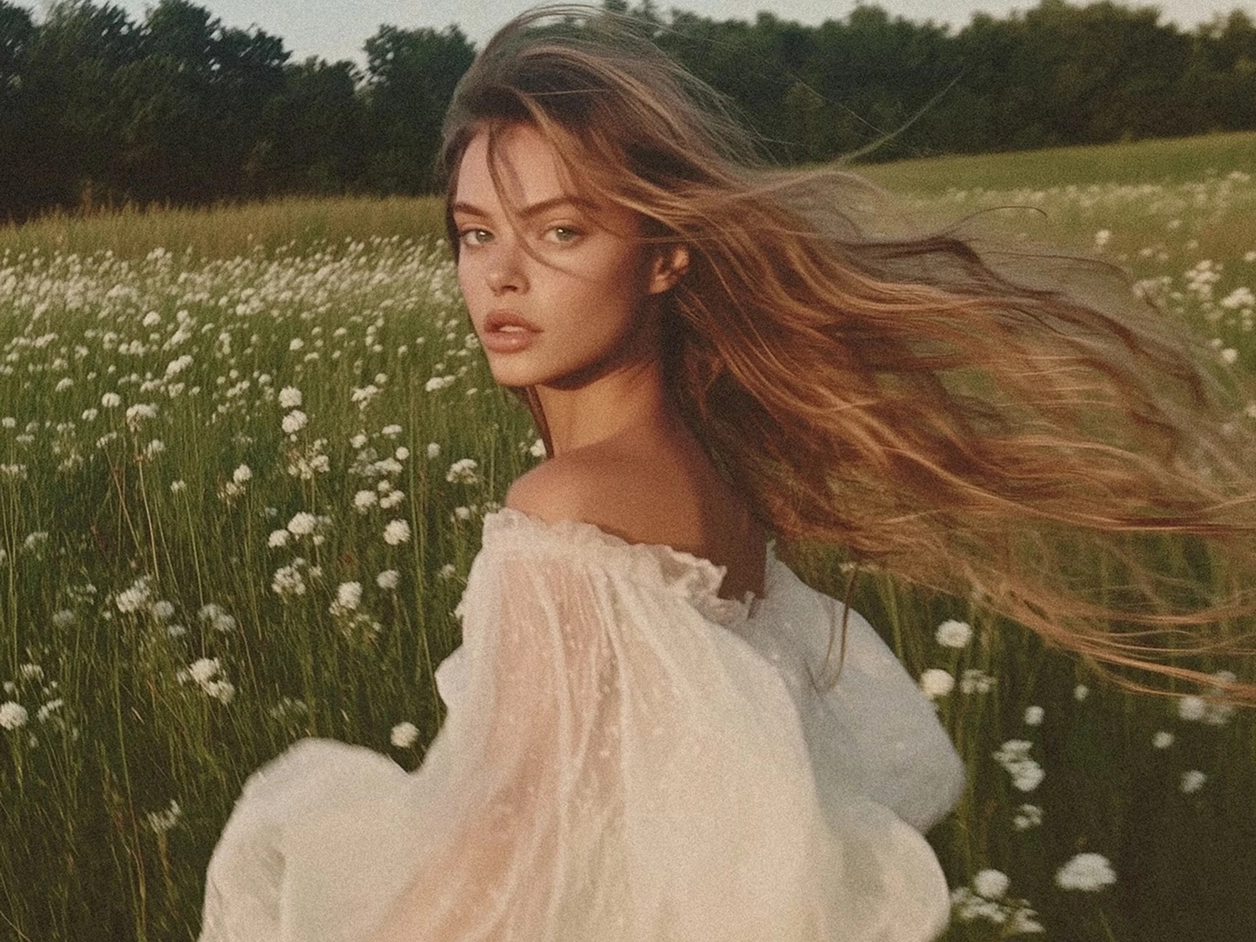
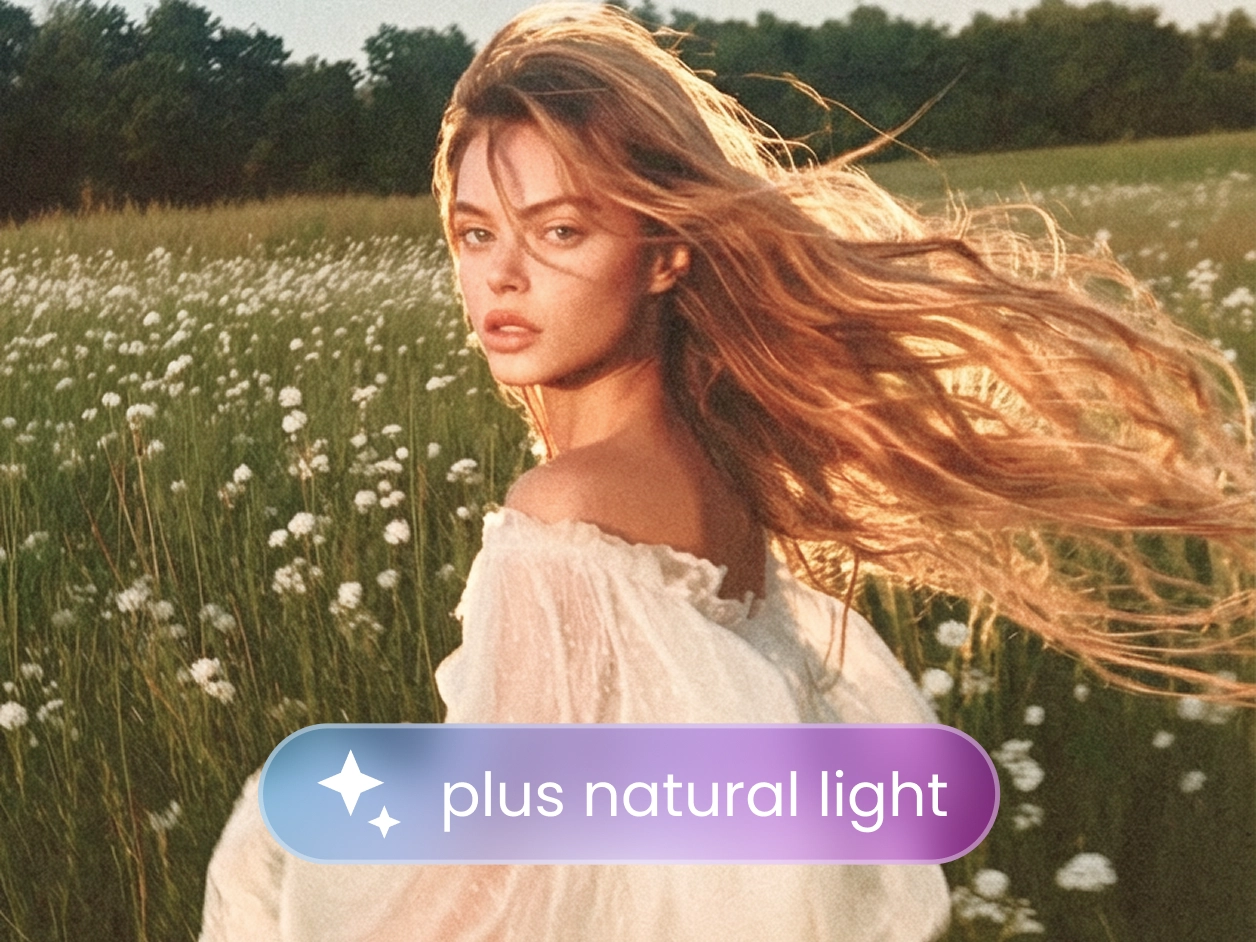
Enhance the natural lighting, add soft warm sunlight, improve overall atmosphere, keep the subject and background unchanged, realistic and natural look.
Not Enough? Try Our Other Models
 SeeDream
 FLUX.1 Kontext
 ChatGPT Image
 Stable Diffusion
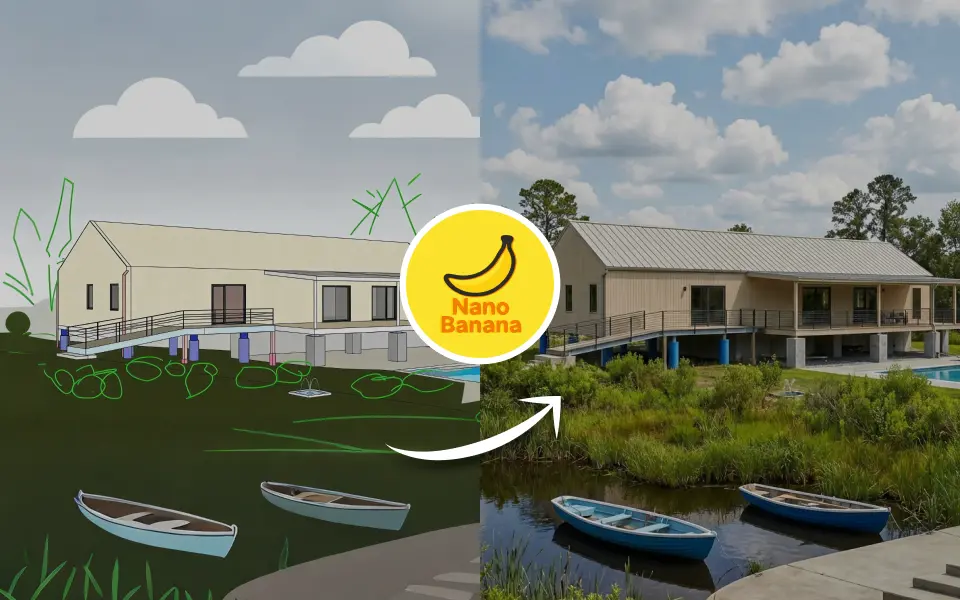
 Nano Banana Pro
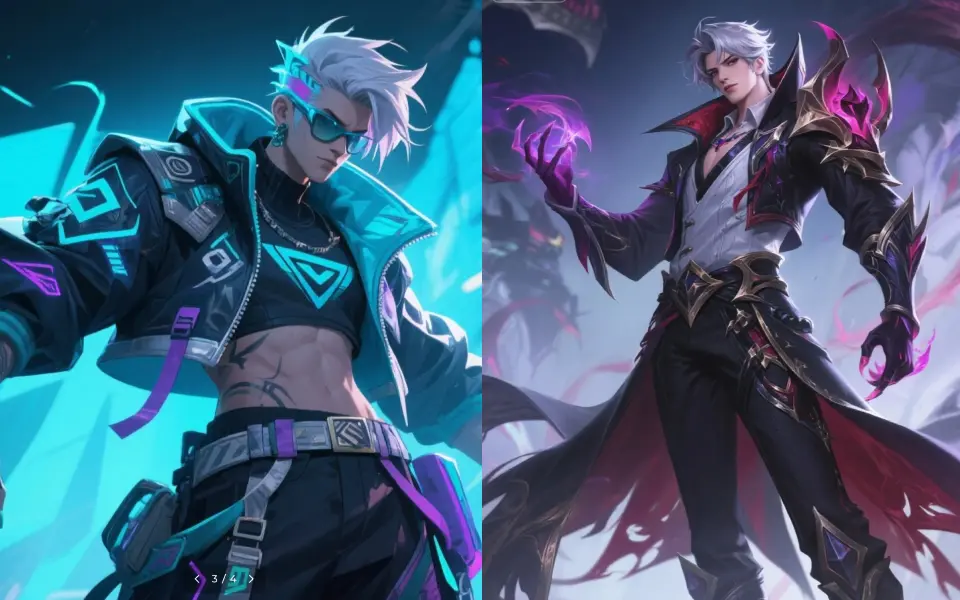
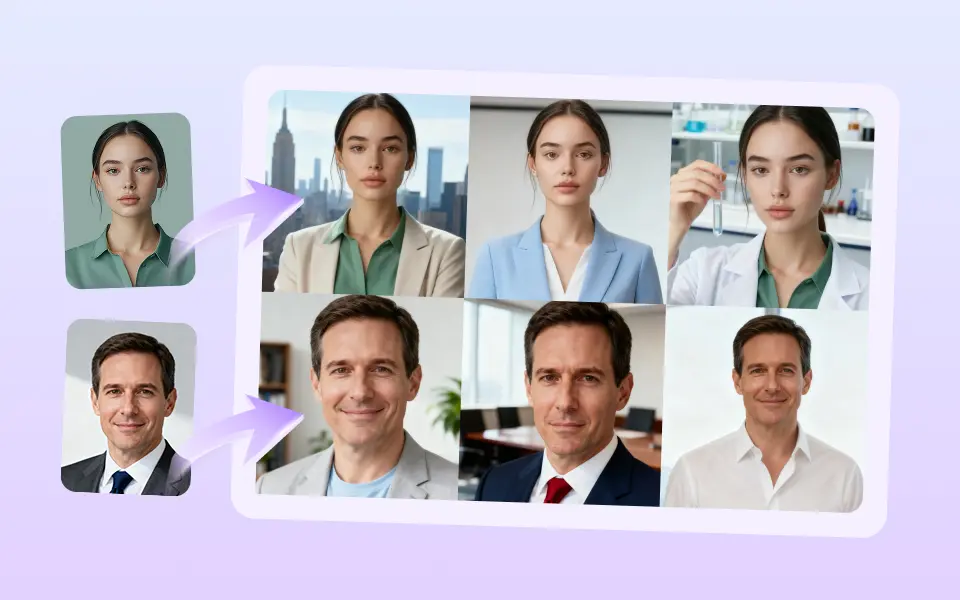
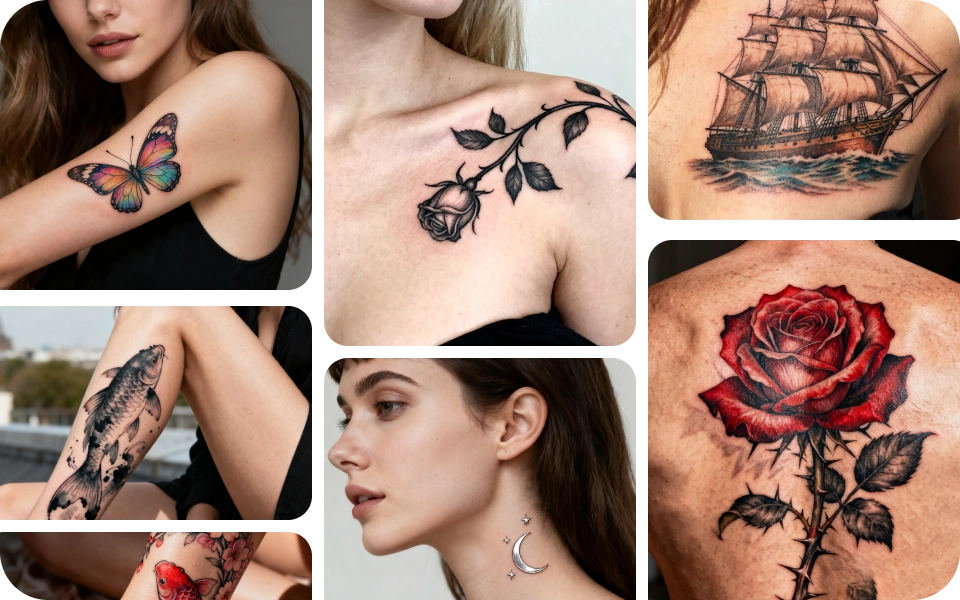
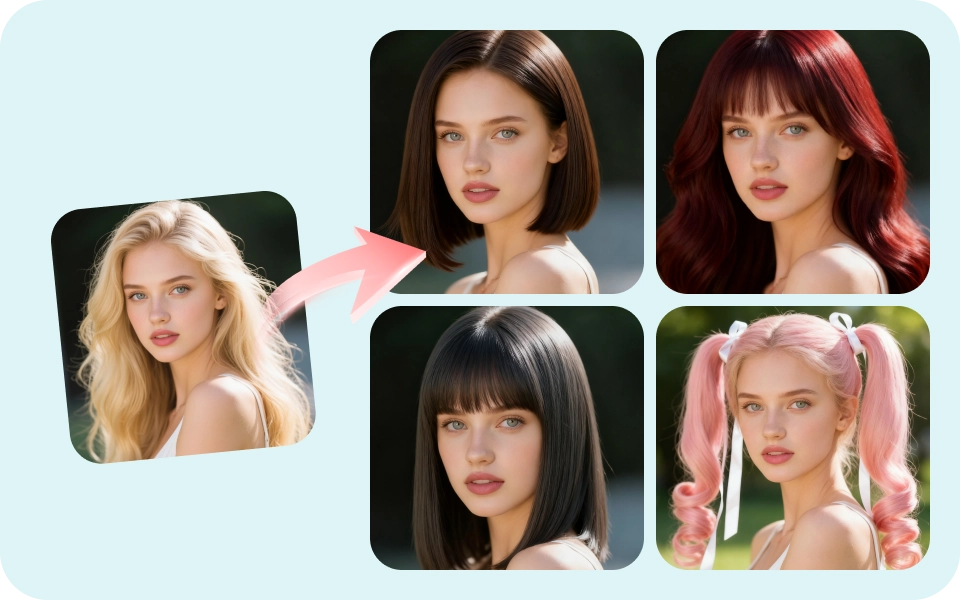
Explore More AI Photo Effects

FAQS About Flux Kontext
FLUX Kontext is used to enhance and edit images intelligently based on contextual understanding. It can adjust lighting, remove distractions, improve realism, and even transform styles while preserving the original composition.
FLUX.1 Kontext Consistency ensures visual coherence across edits — maintaining the same lighting, color tone, and subject integrity when making changes or generating multiple versions of an image.
FLUX.1 Depth adds a realistic sense of dimension and focus to images. It interprets spatial relationships between foreground and background to enhance lighting, depth of field, and 3D-like realism.
FLUX.1 Kontext focuses on reliable enhancement and detail improvement, while FLUX.1 Kontext Pro offers advanced scene transformation, style adaptation, and professional-level visual generation.
Yes. You can upload an image and guide the model using simple text prompts to achieve precise edits — like changing backgrounds, adjusting lighting, or transforming the entire visual style.
HitPaw FotorPea includes multiple FLUX.1 models to suit different creative needs, including FLUX.1, FLUX.1 Kontext, FLUX.1 Kontext Pro, FLUX.1 Fast, and FLUX.1 Krea Dev. Each model offers a different balance of image quality, speed, and prompt understanding, letting users choose the best option for their workflow.
Tips & Tricks for Flux Kontext Image Generator
- · Unlocking the Power of Gemini Deep Think: AI Problem Solving
- · What Is GPT 5? A Deep Dive into OpenAI's Language Model
- · FLUX 2.0 Review: Everything About the Next-Generation Model
- · What Is Flux Kontext & How It Redefine Contextual Workspaces
- · Nano Banana Pro Examples: Exploring the Power of New AI Model
Ready to Try FLUX Kontext for AI Image?
Designed for prompt-based editing, Kontext Flux lets you modify image content with simple text instructions—whether you want to replace objects or create entirely new visual details. With every prompt, it delivers precise & consistent results.