















CapCut Video Enhancer Online
CapCut makes video editing easy, but exported footage may still look blurry, pixelated, or lack fine details. HitPaw Online AI Video Enhancer uses advanced AI technology to upscale CapCut videos to 4K, sharpen details, reduce noise, and restore faces and scenes naturally.
Support format: mp4, webm, mov, gif
Maximum file size: 2GB
Maximum video
resolution:
4K


How to Enhance CapCut Video Quality in 3 Steps

Step 1: Upload A Video
Upload your CapCut video to HitPaw Online Video Enhancer, or choose a sample video to preview the AI enhancement results.
Step 2: Choose AI Enhancement Model
Select an AI enhancement model based on your footage. Use the Face model to recover facial details and make faces look clearer and more natural.
Step 3: Preview and Download
Preview the enhanced result in real time. Once satisfied, export your upgraded CapCut video in high quality instantly.
Powerful Features of HitPaw Online AI Video Enhancer for CapCut
From travel memories to product showcases, HitPaw Online AI Video Enhancer helps you improve CapCut video quality with advanced AI enhancement models.
Upscale CapCut Videos to Stunning 4K Quality


Upscale CapCut Videos to Stunning 4K Quality
Turn low-resolution CapCut videos into 4K with AI-powered upscaling. HitPaw Online AI Video Enhancer intelligently enhances resolution, improves sharpness, and restores more details from your footage while keeping the results natural.
Restore Fine Details with Specialized AI Models


Restore Fine Details with Specialized AI Models
Choose from multiple AI enhancement models designed for different footage types. Whether enhancing faces, scenes, or detailed objects, HitPaw Online AI Video Enhancer restores lost details, improves clarity, and helps your CapCut videos look more refined.
Reduce Noise and Improve CapCut Video Clarity


Reduce Noise and Improve CapCut Video Clarity
Make blurry or noisy footage cleaner with AI-powered denoising technology. CapCut Video Enhancer removes video noise, enhances textures, and improves overall quality, especially for low-light recordings and fast-moving scenes.
Enhance Product Details for Professional Videos
Enhance Product Details for Professional Videos
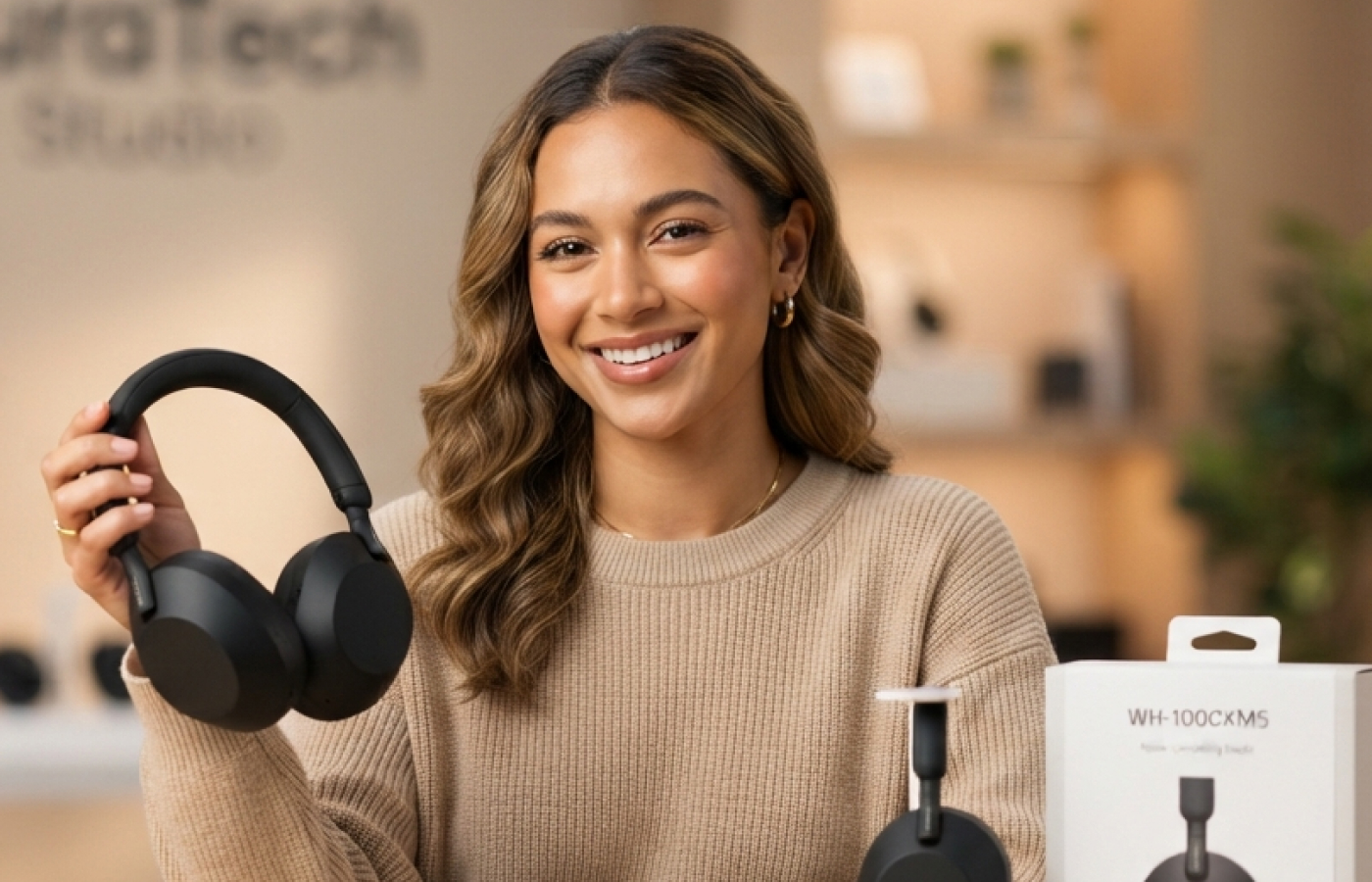
Create more polished CapCut videos with improved textures, colors, and visual details. HitPaw Online AI Video Enhancer uspscales product footage by increasing clarity and resolution, helping every detail stand out in marketing and e-commerce videos.
Enhance CapCut Videos with AI for Different Use Cases
Enhance AI-generated videos for different creative projects with HitPaw AI-generated Video Enhancer Online. Whether you create social content, marketing videos, or professional footage, it helps improve clarity, details, and overall visual quality.

Content Creators
Improve CapCut videos for YouTube, TikTok, Instagram, and other platforms. Enhance resolution, fix blurry footage, and create higher-quality content that attracts more viewers.

Families & Personal Users
Make family videos, memories, and creative projects look clearer and more enjoyable. Restore details and improve video quality before sharing with friends and family.

E-commerce & Brands
Enhance CapCut videos, advertisements, and promotional content. Create sharper visuals that highlight product details and deliver a more professional brand experience.

Pro Photography & Videography
Upgrade CapCut video projects with improved clarity, smoother motion, and enhanced details. Prepare footage for professional editing workflows and high-quality production.

Educators & Professionals
Improve presentations, training videos, and educational materials. Make visual content easier to understand with clearer images and better video quality.
Gamers & Streamers
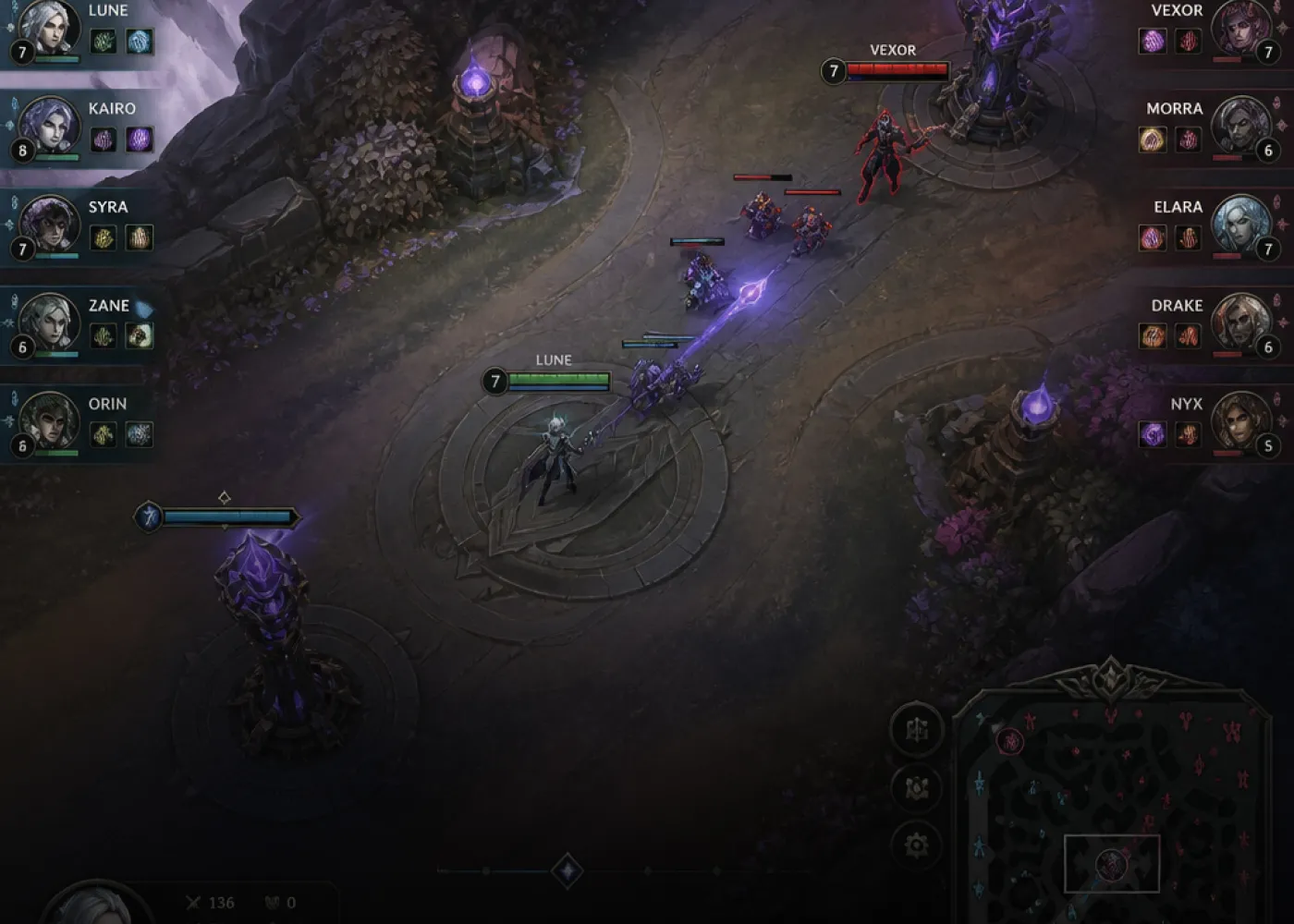
Enhance gaming clips, highlights, and streaming content. Improve visual sharpness, reduce artifacts, and create smoother videos for online audiences.
Why Choose HitPaw Online AI Enhancer for CapCut Videos
Advanced AI Video Enhancer
Powerful AI models improve resolution, details, faces, and video quality automatically.
One-Click Editing
Enhance CapCut videos quickly without complicated editing skills.
Secure & Private
Your uploaded CapCut videos are processed securely with privacy protection.
Cross-Device Access
Enhance CapCut videos online from computers, tablets, and mobile devices.
Explore More HitPaw Online Al Tools
Online Video Generator
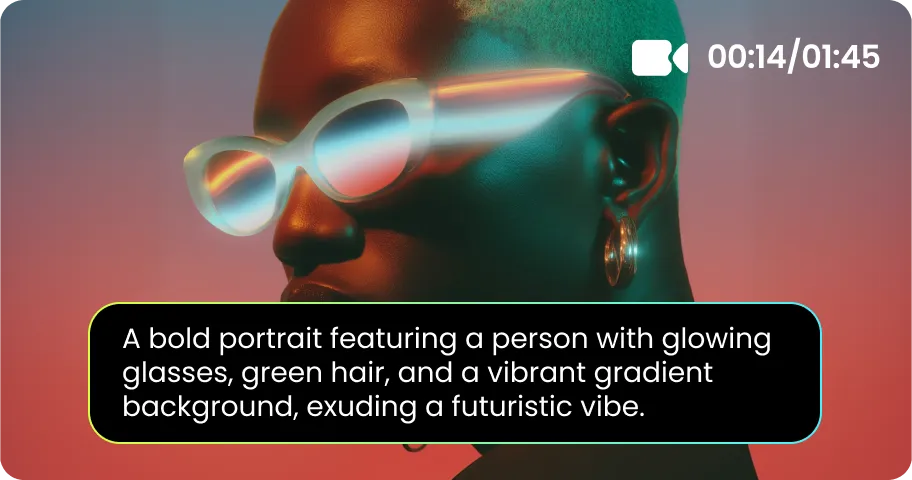
Turn text prompts into stunning cinematic AI videos in seconds.
Online Music Generator
Create custom royalty-free soundtracks for any mood or genre.
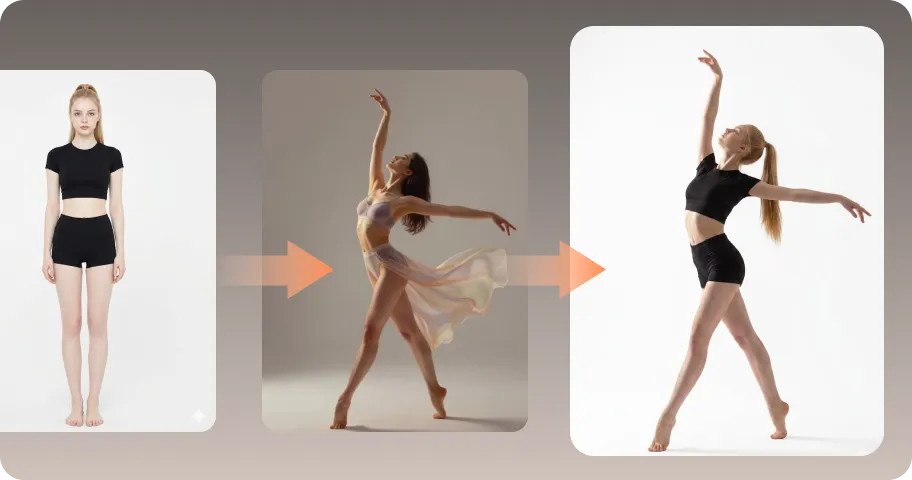
AI Mimic motion
Animate static photos with realistic human movements and expressions.

Online Photo Enhancer
Instantly upscale blurry photos to crystal clear high definition quality.
Online Image Generator
Generate high-quality AI images and artwork from simple text.

Background remover
Isolate subjects and erase backgrounds automatically with one click.
What Users Say about Enhancing CapCut Video Quality

Emily Carter, YouTube Vlogger

"I use CapCut for editing my YouTube videos, but some clips from my phone often look blurry after exporting. HitPaw Online AI Video Enhancer helps me improve video quality, sharpen details, and make my footage look much cleaner without spending extra time fixing everything manually."

David Miller, E-commerce Product Manager
"We create a lot of product videos with CapCut for social media. Some footage looks a bit dull or lacks details, especially when showing small product features. HitPaw makes our videos clearer and helps the products look more professional before we publish them."

Sarah Jenkins, Professional Video Editor
"I often work with mixed-quality footage, and not every clip comes in perfect resolution. HitPaw Online AI Video Enhancer is really useful for improving low-quality videos, restoring details, and making old clips fit better with the rest of my project."

David Miller, Personal User
"I use CapCut to edit my travel and daily videos, but many clips from my phone don't look as good as I expected. HitPaw helps bring back the details and makes my videos look sharper with just a few clicks. It's a simple tool that actually makes a difference."

Elena Rostova, Social Media Manager
"I create short-form videos for different social platforms, and the footage quality is not always consistent. HitPaw helps me quickly enhance blurry clips, improve overall clarity, and prepare better-looking videos for TikTok and Instagram without a complicated editing process."
FAQs About CapCut Video Enhancer with HitPaw
Yes. CapCut includes built-in video enhancement features that can improve sharpness, colors, and overall video quality. However, if you need more advanced improvements like AI upscaling, noise reduction, or detail restoration, HitPaw Online AI Enhancer for CapCut videos can help take your footage quality further.
You can improve video quality in CapCut by adjusting settings like brightness, contrast, sharpness, and using its built-in enhancement tools. For blurry, compressed, or low-resolution footage, HitPaw Online AI Video Enhancer uses AI technology to upscale videos, restore details, and create clearer results.
Yes, CapCut videos can be exported in high quality depending on the original footage and export settings. For videos that need further enhancement, HitPaw Online AI Video Upscaler for CapCut can increase resolution, improve clarity, and enhance details to create sharper 4K-quality results.
Yes, some online tools provide free video enhancement options with certain limitations. HitPaw Online AI Video Enhancer offers an easy way to enhance CapCut videos online, helping improve resolution, reduce noise, and restore details without requiring complicated editing software.
Choose the model based on your footage type. The Face Model works best for selfies and portrait videos, while general enhancement models are suitable for travel, product, and everyday videos. HitPaw Online AI Enhancer for CapCut videos helps you select the right AI model for better results.
Yes. You can export your project from CapCut first and enhance the final video afterward. Simply upload your exported footage to HitPaw Online AI Video Enhancer to improve clarity, restore lost details, and upgrade video quality without going back to your original editing project.
Tips & Tricks for Online Video Quality Enhancer
Best CapCut Video Quality Enhancer 4K Online Free
Unleash the full potential of your CapCut videos with HitPaw, a free-to-try AI video upscaler that enhances video quality with ease.
