Free Download
*Faster batch processingGrok AI Video Upscaler Online Free
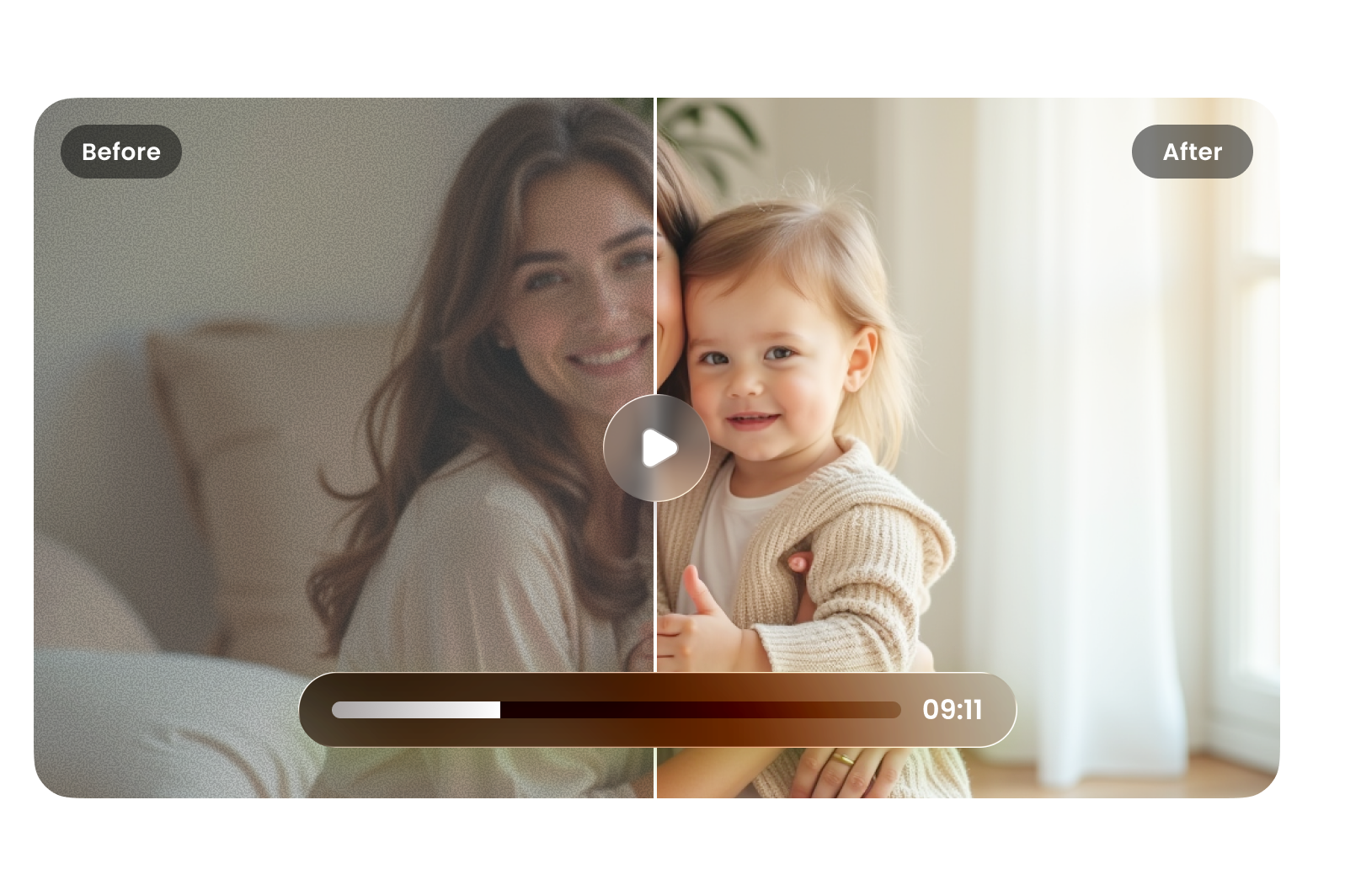
Use a Grok video upscaler online free to enhance AI videos. Increase resolution, sharpen details, and turn low-quality Grok clips into clear, high-definition videos ready for sharing.
How to Upscale Grok AI Video Online in 3 Steps

01
Upload Your Grok Video
Upload your Grok AI video by clicking upload or dragging your file. Supports formats like MP4, MOV, and AVI for quick enhancement.
02
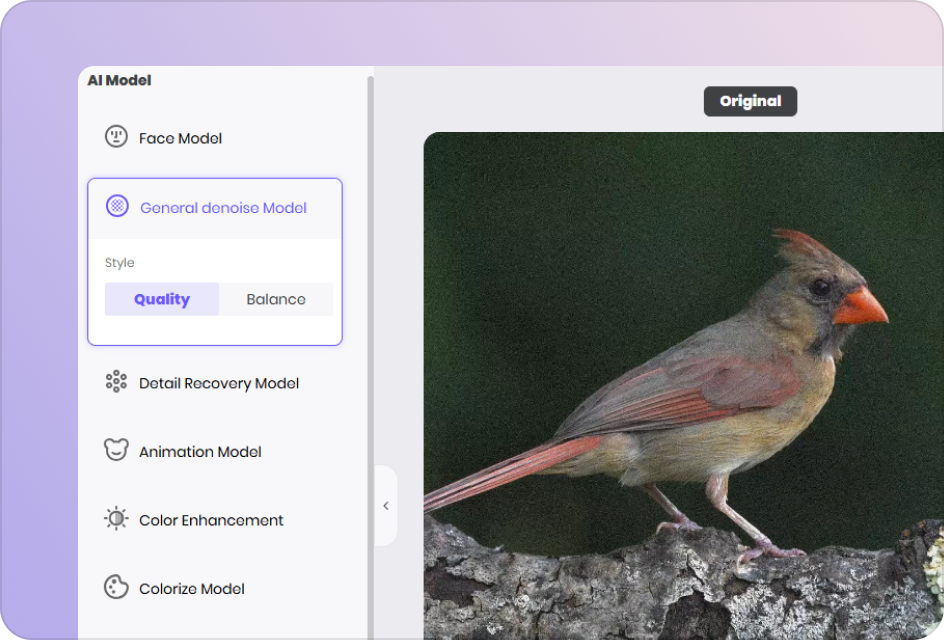
Select an AI Model
Choose the best AI model for your video type. The tool analyzes your Grok video and prepares it for higher resolution and improved clarity.
03
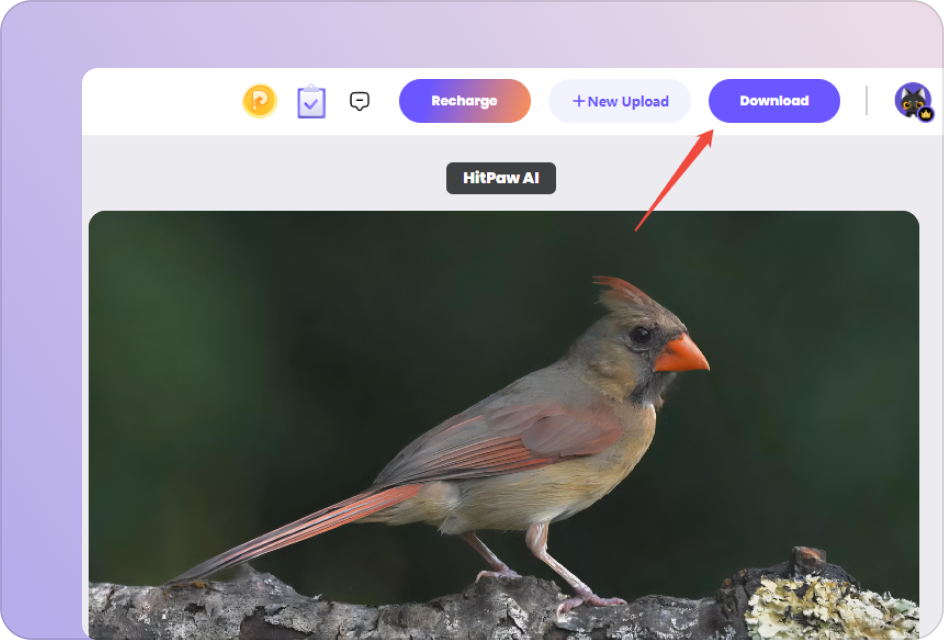
Preview & Download in HD
Preview the upscaled video to check clarity and detail. Download your enhanced high-resolution video, ready for sharing, editing, or publishing.
Upscale Grok AI Videos to 4K, Ready-to-Use Content
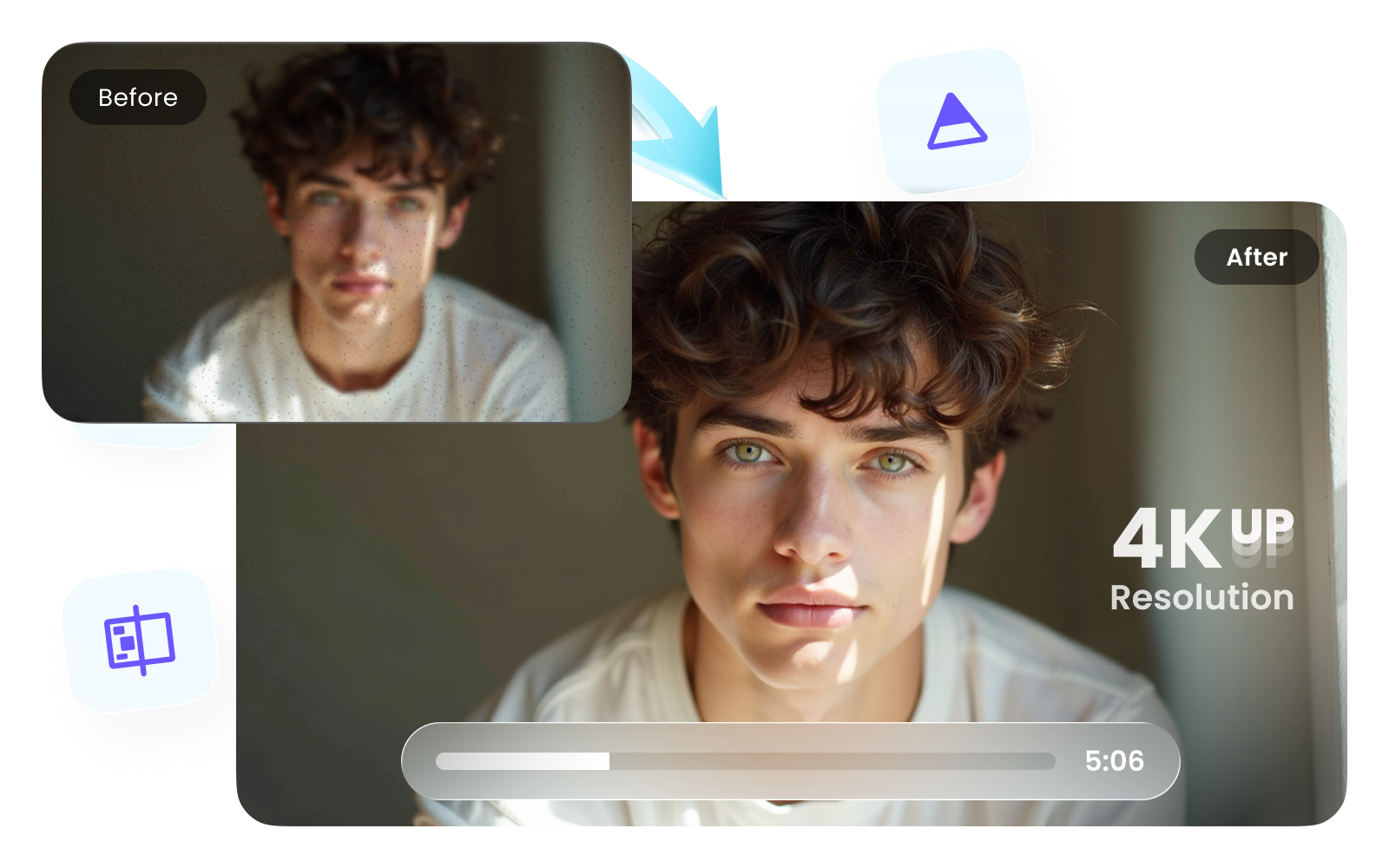
Happy with your Grok-generated video but struggling with low resolution? Use a Grok video upscaler to enhance clarity, sharpen details, and upgrade your footage into high-quality visuals ready for sharing, editing, or professional use.
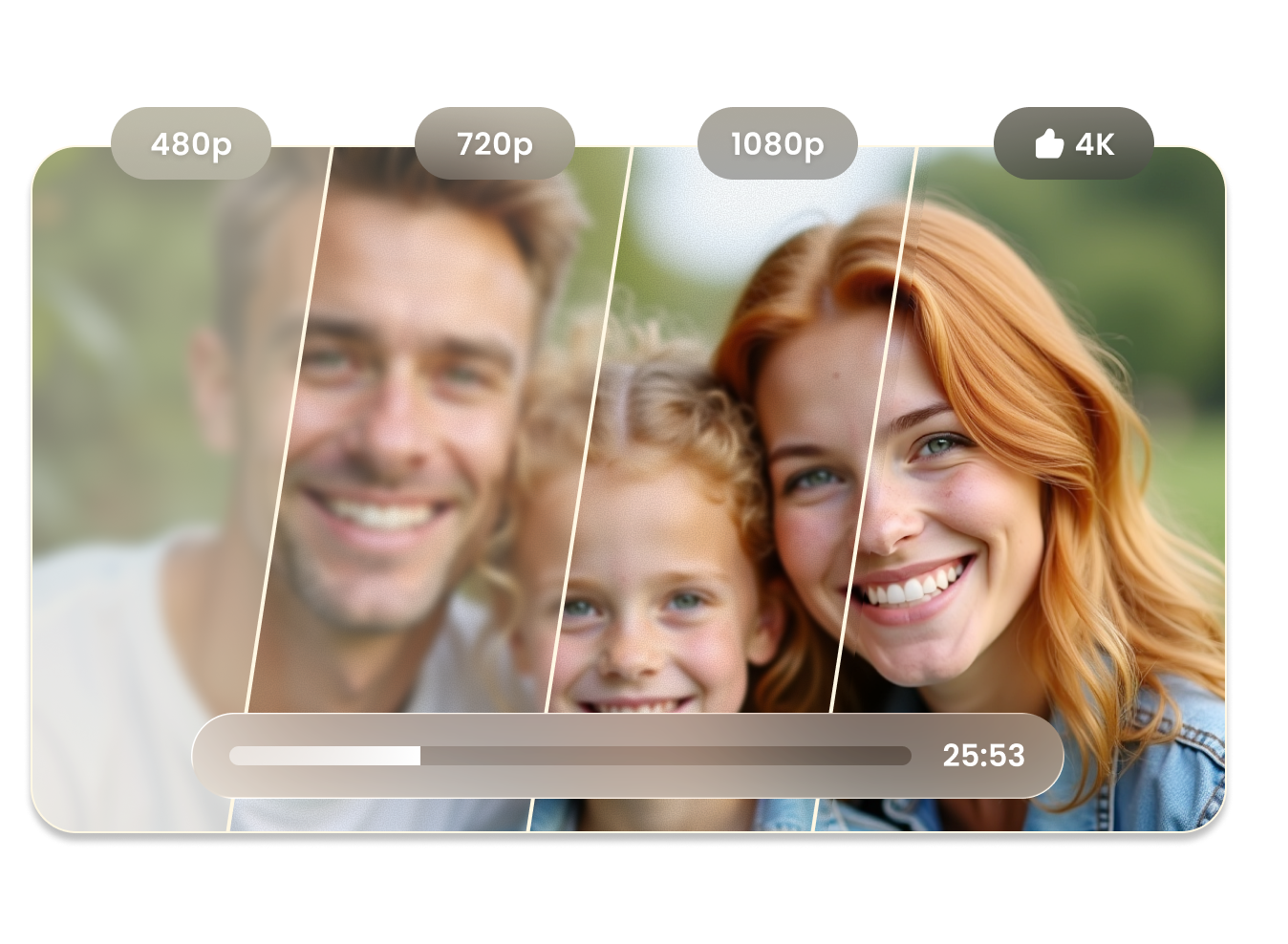
Upscale Grok AI Videos to Higher Resolution
Use a Grok AI video upscaler to increase video resolution from low quality to HD or higher. Make blurry Grok-generated clips clearer and more detailed, so they look better on large screens, social platforms, or presentations.
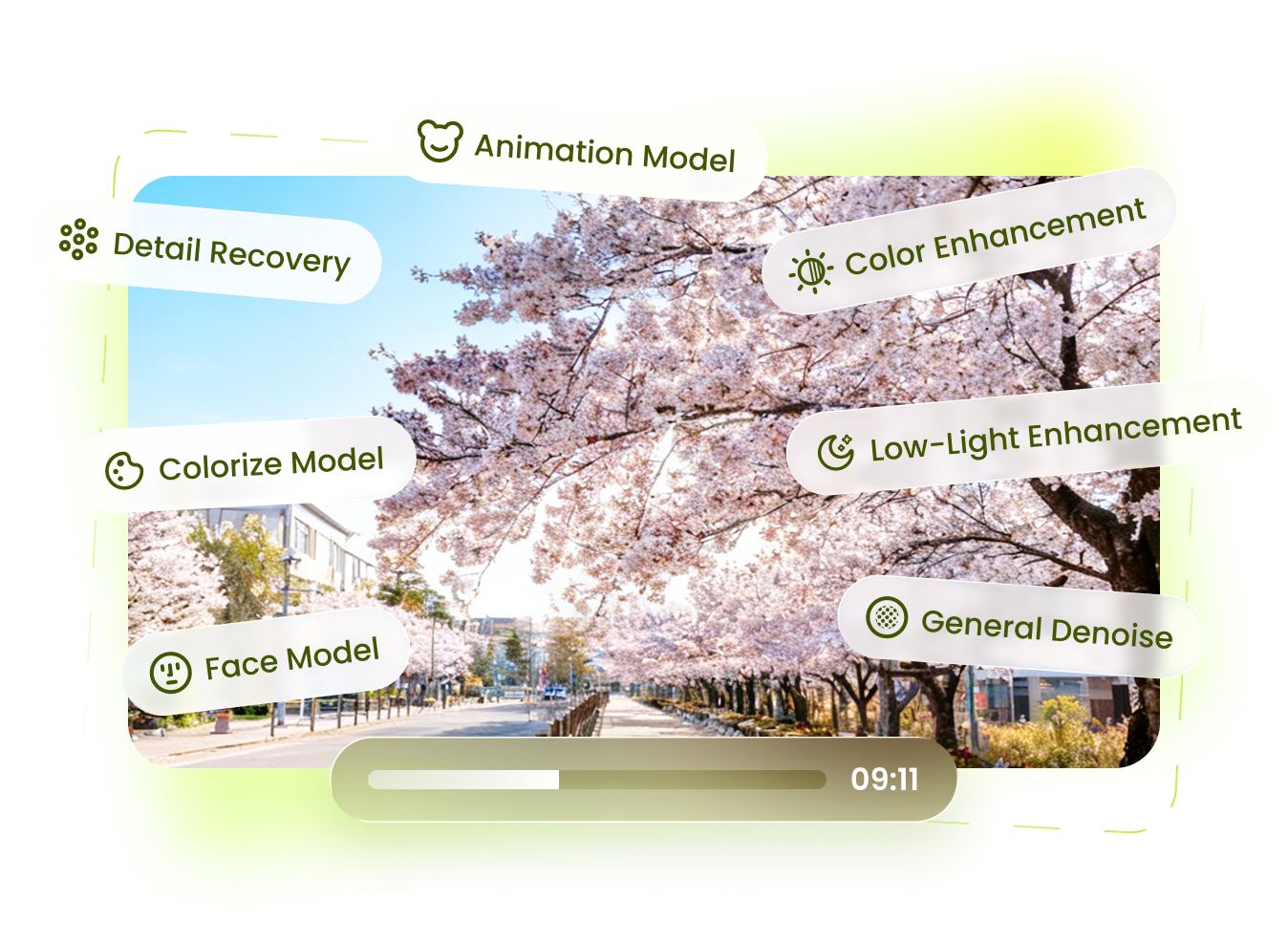
Grok Video Upscaler for Instant Enhancement
Enhance Grok videos directly in your browser with a grok video upscaler online. No software or editing skills required—just upload your video, apply enhancement, and export improved results quickly and easily.
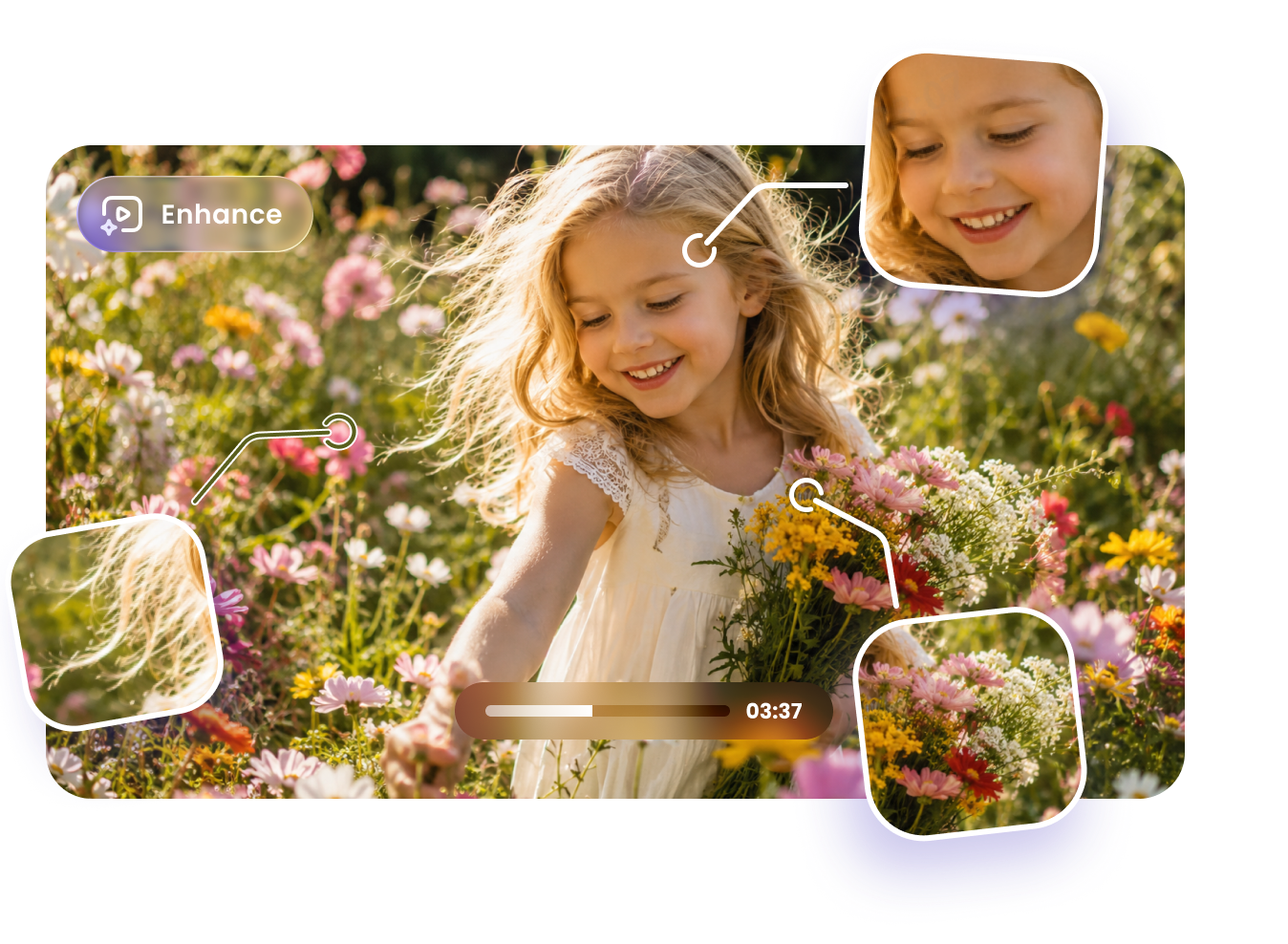
Sharpen Details and Reduce Noise in Grok Videos
This grok AI video upscaler improves visual clarity by sharpening edges and reducing noise. Restore textures, improve lighting balance, and make your AI-generated videos look cleaner, smoother, and more professional.

Enhance Grok Videos for Any Use Case
From social media clips to creative projects, enhance Grok AI videos for multiple scenarios. Improve video quality for reposting, marketing, or editing workflows, making your content more engaging and visually appealing across platforms.
More Than Just an Online Grok Video Upscaler
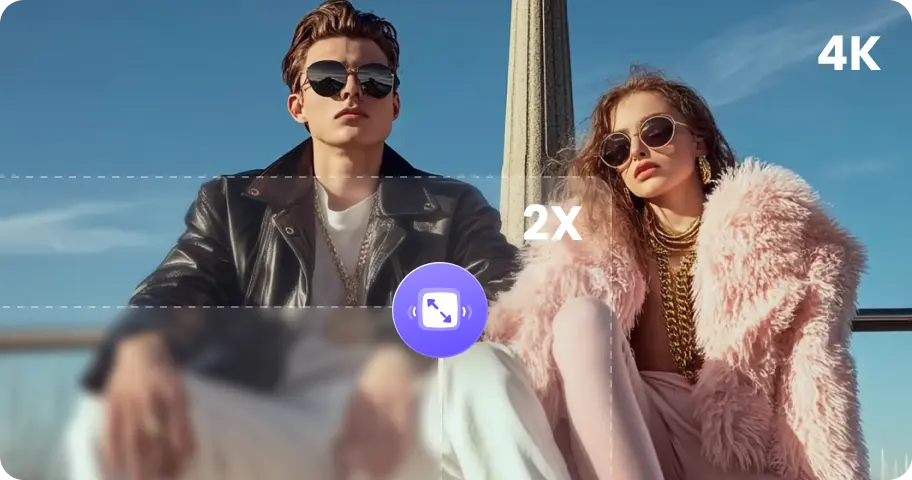
Enhance photo quality effortlessly with advanced AI technology.
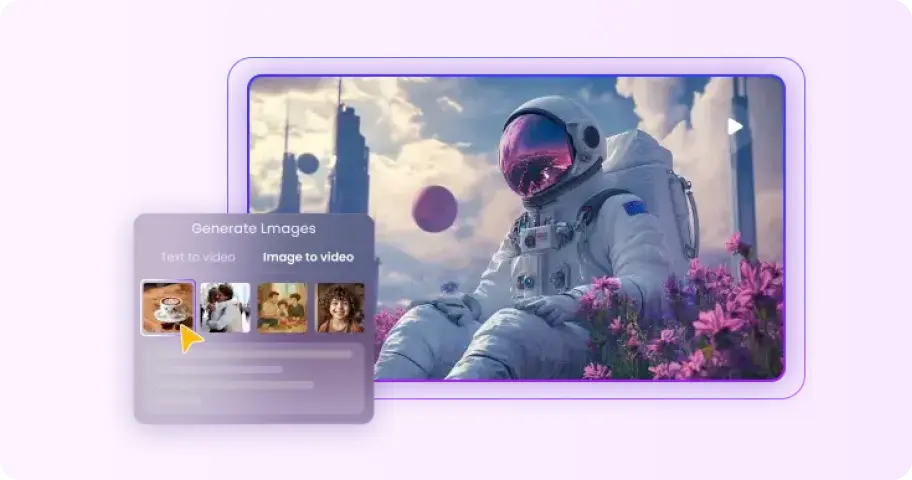
No skills required to transform text or images into stunning AI videos.
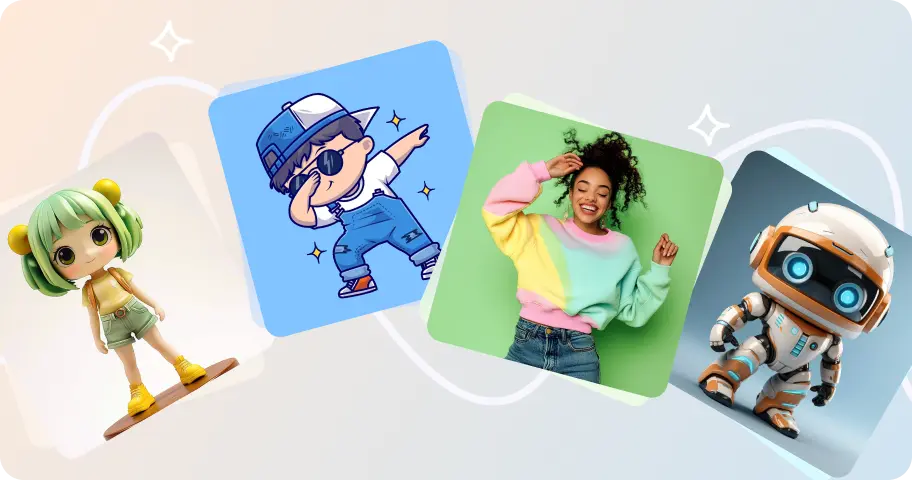
Upload a picture, and create unique dance animations with AI-powered movements.

Easily eliminate watermarks from images without compromising quality.
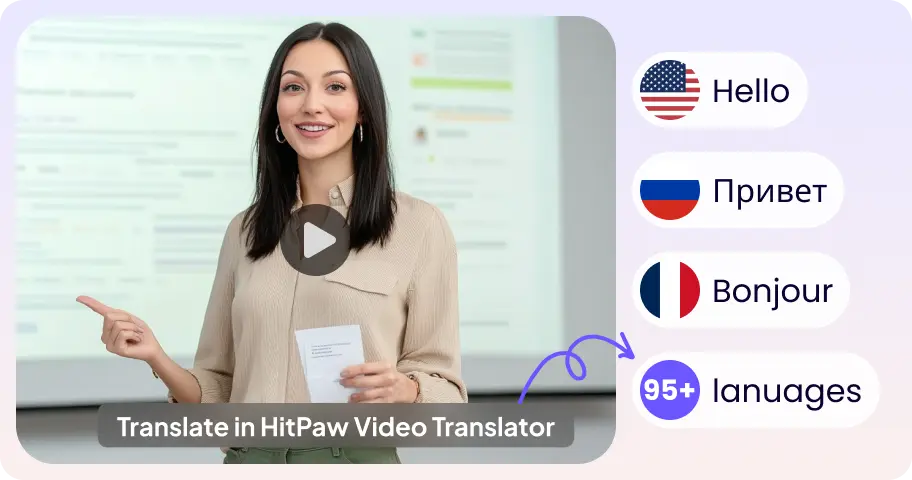
Translate video content into multiple languages seamlessly and accurately.
Improve audio quality with advanced AI enhancement for clearer sound.
FAQs About Grok AI Video Upscaler
Grok Video Upscaler is an AI-powered tool that enhances video resolution and quality automatically. It uses advanced machine learning models to upscale low-resolution footage, reduce noise, and sharpen details. Simply upload your Grok video, choose a model, and let the AI process it—no manual editing skills required.
Yes, HitPaw Online Grok Video Upscaler supports upscaling videos to 4K and even higher resolutions depending on the source quality. The AI intelligently reconstructs missing details, improving clarity and sharpness while minimizing artifacts, making it ideal for restoring old or low-quality videos.
No, the original file remains unchanged. Grok Video Upscaler processes a copy of your video and enhances it using AI. The output video typically has improved sharpness, reduced blur, and better overall quality without degrading the original content.
To improve Grok Imagine video quality, start by using high-quality source footage whenever possible. Choose the appropriate AI model based on your content type, such as animation or real-life scenes. Adjust settings like resolution and enhancement level, and avoid over-processing. For best results, combine upscaling with noise reduction and sharpening features available in the tool.
Upscale Your Grok Videos to HD Effortlessly
Upload your Grok video, enhance resolution instantly, and download sharp, high-quality results in seconds.