















Fix Pixelated Video Online Free
Fix pixelated video online for free with HitPaw Online Video Enhancer. AI automatically unpixelates video, boosts resolution, and restores sharp details in minutes.
Support format: mp4, webm, mov, gif
Maximum file size: 2GB
Maximum video
resolution:
4K


How to Fix Pixelated Video with HitPaw

Step 1: Upload Your Pixelated Video
Click or drag to upload your video to HitPaw Online Video Enhancer. Supported formats include mp4, webm, mov, and gif.
Step 2: Choose Enhance Model
Select the AI Enhance Model that best fits your video. Then choose your preferred output resolution to depixelate video automatically.
Step 3: Download Depixelated Video
Compare the preview before saving it. Once satisfied with the quality, download your depixelated video in just one click and share it anywhere.
Features of HitPaw Online Video Depixelated Tool
Enhance blurry, blocky, and low-resolution footage with AI. HitPaw helps fix pixelated video online free, unpixelate video, and restore sharp details for clearer, more natural-looking results in just a few clicks.
Recover Lost Details in Pixelated Video


Recover Lost Details in Pixelated Video
Pixelation often hides facial features, text, and fine textures. HitPaw uses AI to fix pixelated video by restoring missing details, sharpening edges, and producing clearer, more natural-looking footage.
Fix Old or Low-Quality Videos


Fix Old or Low-Quality Videos
Old family videos, phone recordings, and low-resolution clips don't have to stay blurry. HitPaw can depixelate video and improve resolution, making older footage look clearer and more enjoyable to watch on modern screens.
Sharpen Every Video Frame


Sharpen Every Video Frame
Pixelation doesn't affect just one moment, it can reduce clarity throughout an entire video. HitPaw enhances every frame with AI, improving sharpness, reducing blur, and delivering smoother, more consistent visual quality from start to finish.
Historical Footage Brought Closer to Reality

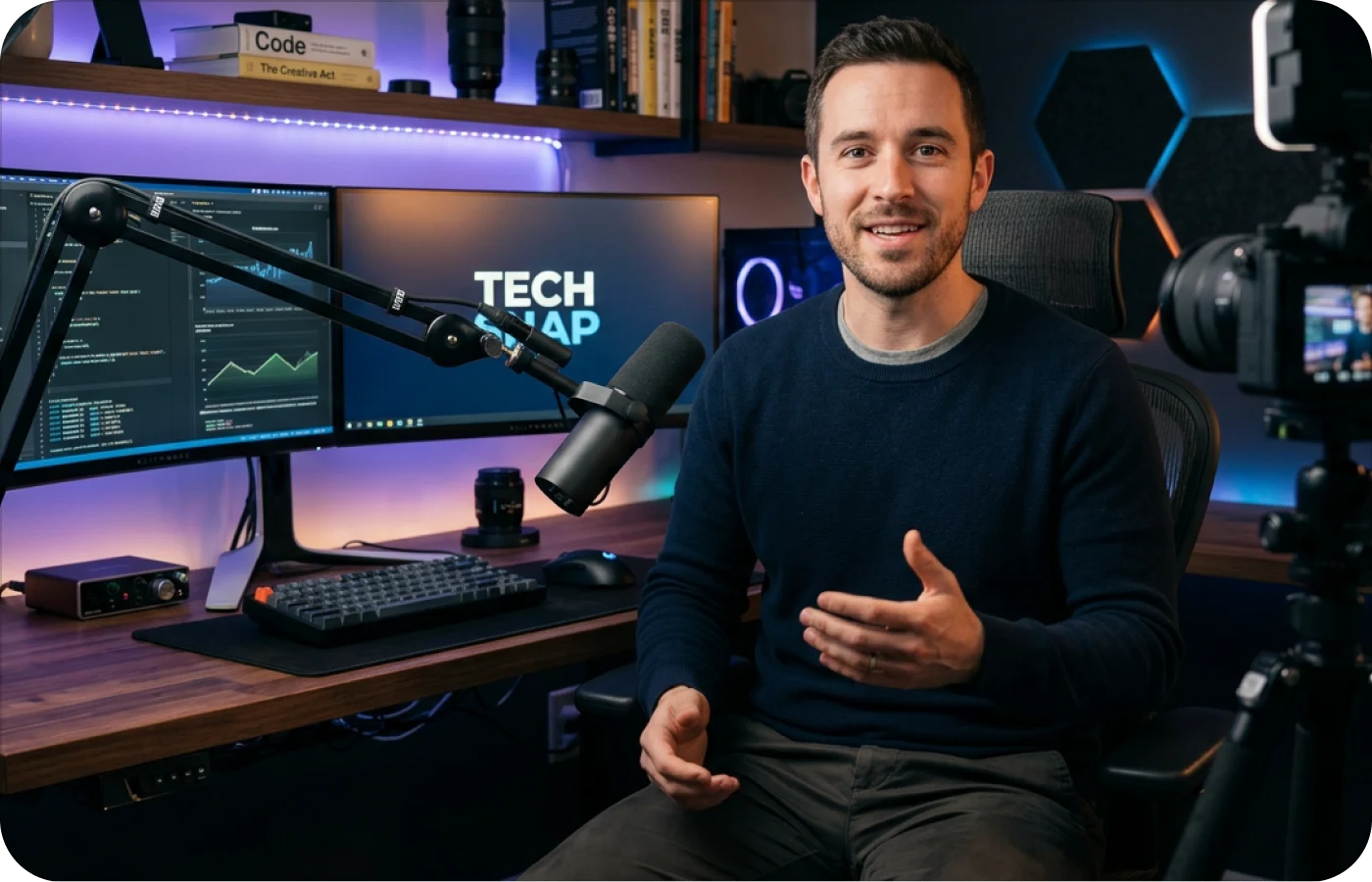
Repair Social Media Videos
Social media compression can make videos look blurry, blocky, and low quality. HitPaw helps fix pixelated video by restoring details, reducing pixelation, and improving clarity, so your content looks its best on any platform.
Who Uses HitPaw to Fix Pixelated Video?
From content creation and social media sharing to education and business presentations, HitPaw makes it easy to depixelate video and improve video quality for every type of user.
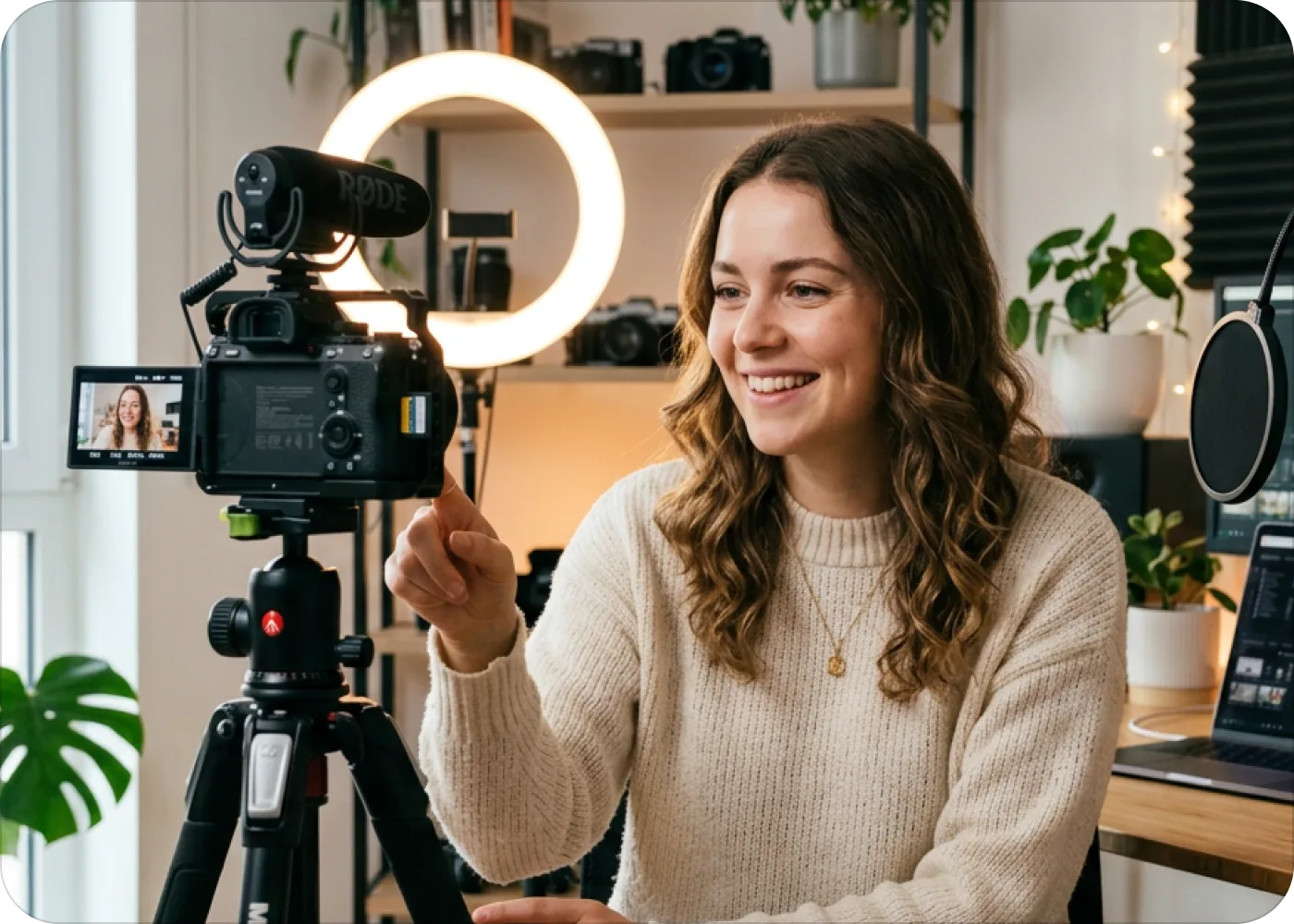
Content Creators
Improve old recordings or compressed clips before uploading to YouTube, TikTok, Instagram, or other social platforms with clearer and sharper video quality.

Business Professionals
Upgrade marketing videos, product demos, or meeting recordings. Depixelate video to create a more professional viewing experience for clients and teams.

Social Media Users
Make blurry videos look better before sharing them with friends or posting online. Fix pixelated video quickly without using professional editing software.

Educators & Professionals
From online lessons to business presentations, low-quality videos can affect communication. HitPaw helps educators and professionals fix pixelated video, improve clarity, and create more professional-looking content.
Why Choose HitPaw for Fixing Video Online Free
AI Enhancement
Enhance video quality online with intelligent AI that restores details automatically.
Fast Processing
Upload, enhance, and download your videos in just a few minutes.
Secure & Private
Safe video retouching online with protected uploads and automatic file deletion.
Cross-Platform
Use video enhancing online free on desktop, tablet, or mobile with ease.
Explore More HitPaw Online Al Tools
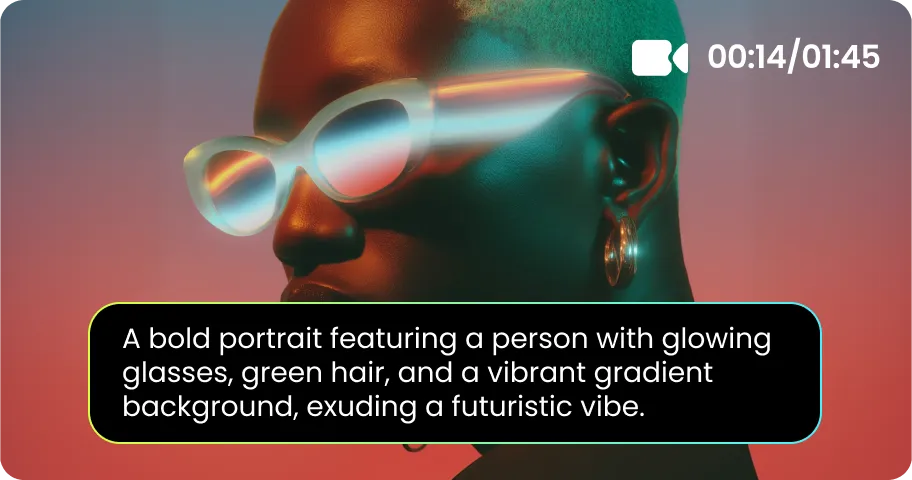
Online Video Generator
Turn text prompts into stunning cinematic AI videos in seconds.
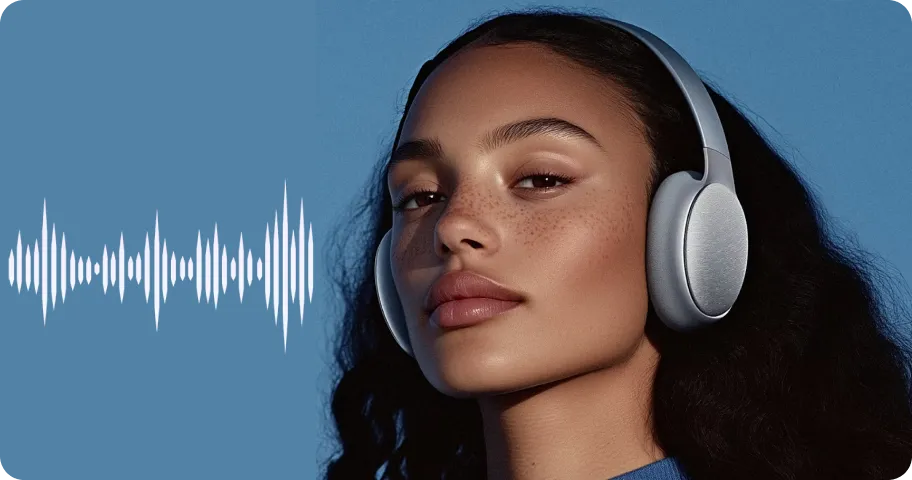
Online Music Generator
Create custom royalty-free soundtracks for any mood or genre.
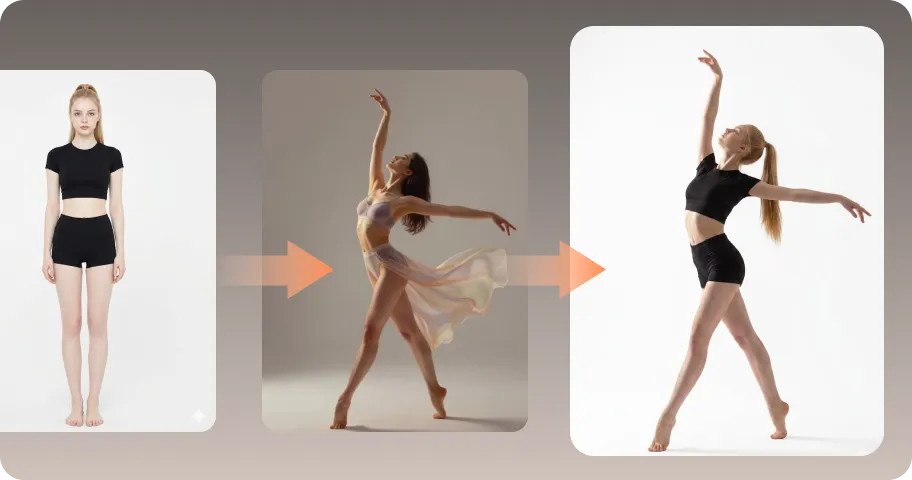
AI Mimic motion
Animate static photos with realistic human movements and expressions.

Online Photo Enhancer
Instantly upscale blurry photos to crystal clear high definition quality.
Online Image Generator
Generate high-quality AI images and artwork from simple text.

Background remover
Isolate subjects and erase backgrounds automatically with one click.
What Users Say About HitPaw Video Depixelation Online Free

Emma Wilson – Freelance Designer

"I was surprised by how much clearer my video looked after enhancement. The whole process was quick, and I didn't need any editing experience to get great results."

Ryan Cooper – Small Business Owner
"Some of my old videos looked too pixelated to use. After enhancing them, the details were much sharper, and the overall quality looked far more professional."

Jessica Brown – College Student
"I used it to improve a low-quality video for a class project. The enhanced version looked much cleaner, and it only took a few clicks to finish."

David Miller – Photographer
"The AI did a great job reducing pixelation without making the video look unnatural. It restored details that I thought couldn't be recovered."

Sophia Anderson – Digital Creator
"I've tried several video enhancement tools, and this one gave me the most natural-looking results. It's fast, easy to use, and noticeably improves video quality."
FAQs About Fixing Pixelated Video Online
Follow these simple steps to restore your video quality with HitPaw Online Video Enhancer:
- Upload your pixelated video to HitPaw and let the AI analyze your footage.
- Choose an AI Enhance Model and resolution based on your video needs.
- Preview the enhanced result and download your clearer, improved video.
Video pixelation usually happens when a video loses too much detail during recording, editing, compression, or playback. Common causes include:
- Low Video Resolution: Videos recorded or exported in low resolution may not contain enough details, causing blurry blocks and visible pixels when enlarged.
- Heavy Compression: Uploading, downloading, or sharing videos through platforms can compress files and reduce image quality, especially after multiple edits or exports.
- Poor Recording Conditions: Low light, camera limitations, or high digital zoom can create noise and pixelation in the final footage.
- Slow Internet or Playback Issues: Online videos may temporarily appear pixelated when the connection is unstable and the player automatically lowers playback quality.
HitPaw supports MP4, WebM, MOV, GIF, and other widely used video formats. Whether you are enhancing social media clips, old recordings, or personal videos, you can easily upload files without format limitations.
The time depends on the video length, file size, and enhancement settings. Short clips can usually be processed quickly, while longer or higher-resolution videos may take more time to complete.
Tips & Tricks for Fixing Pixels on Videos
Ready to Fix Your Pixelated Video Instantly
Turn blurry, pixelated footage into clearer videos with AI. Fix video quality issues online and bring your old or low-resolution clips back to life in just a few clicks.
