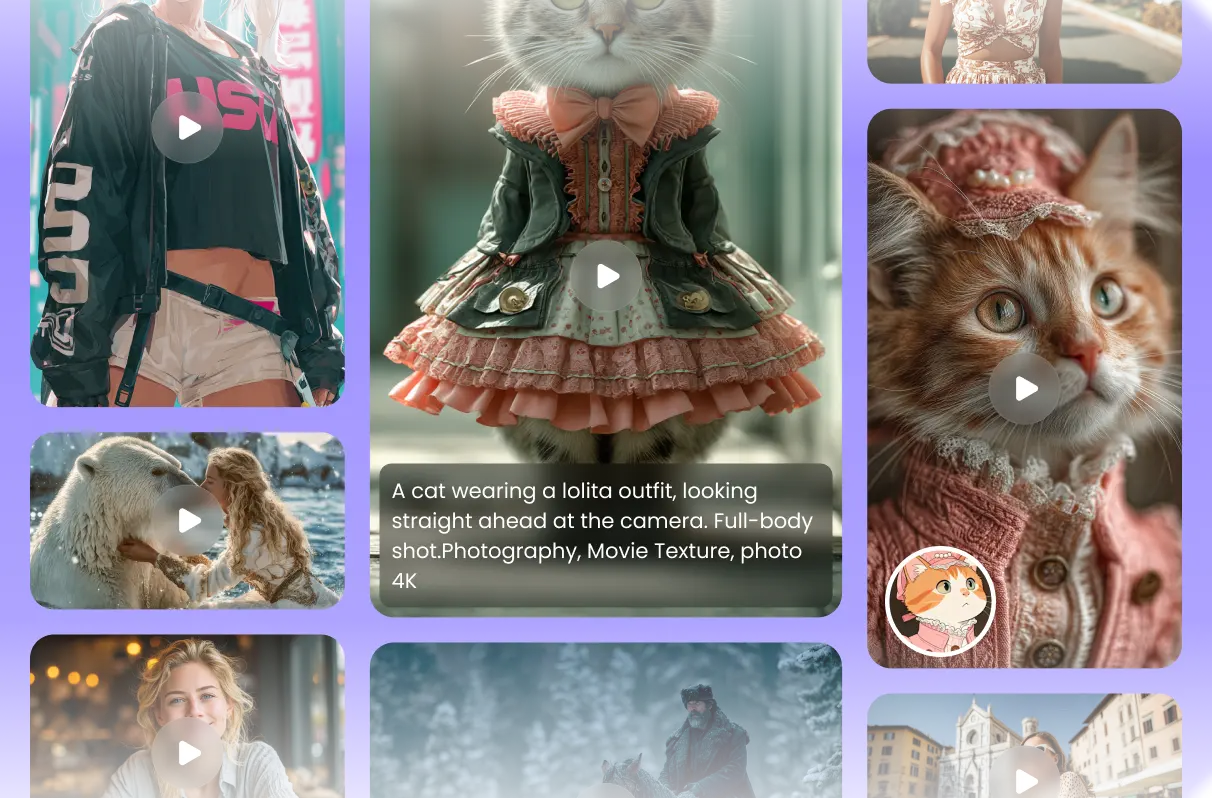
Features of Kling AI Video Generation Model
A versatile model crafted for all user to explore the limitless possibilities of video creativity
Shape Your Story from Text or Image
Most AI tools feel complicated; HitPaw keeps it simple. Start from text or upload an image—Kling AI follows your vision and builds expressive motion around it. No timelines, no friction, just your story made visual.

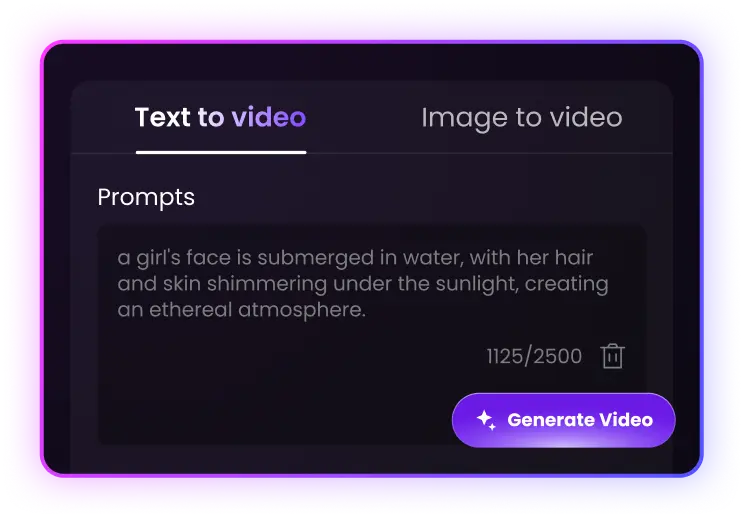
Latest 2.1 Kling Model, Stick to the Edge
HitPaw always stays ahead with the newest Kling AI models. Each update brings sharper motion, richer detail, and smarter rendering—so your videos always look current, polished, and on par with the latest creative trends.
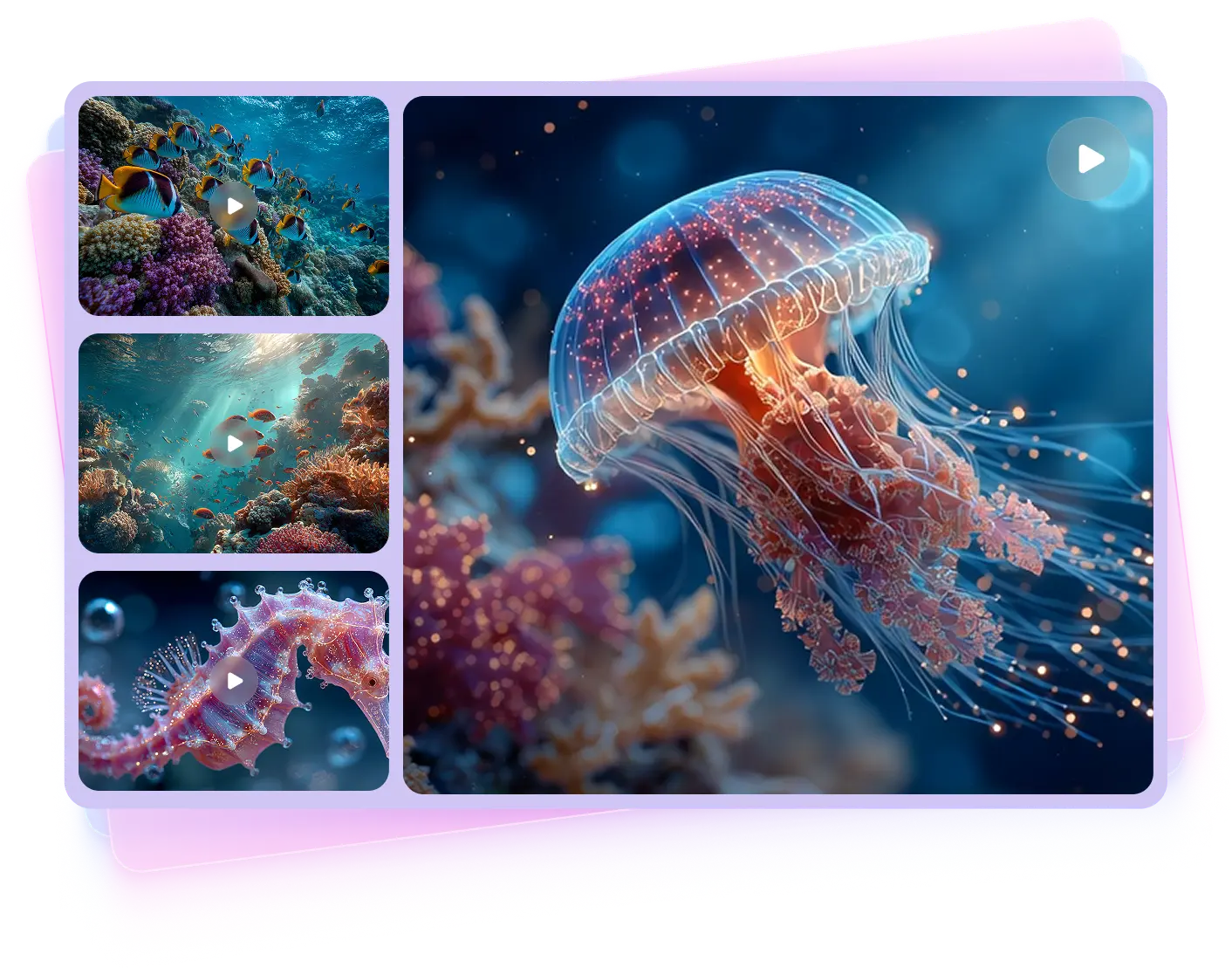

Faster Rendering and Sharper Results
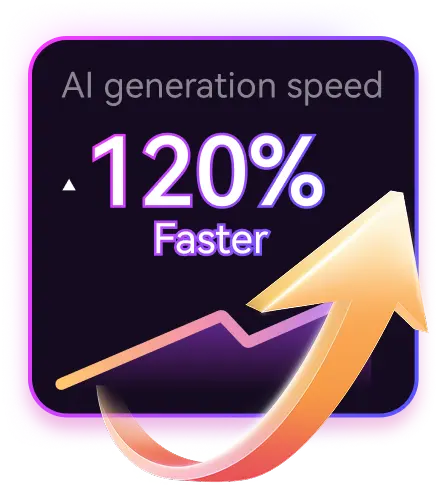
No more waiting hours for AI renders. Kling-powered HitPaw delivers smooth 1080p videos in minutes. Choose fast or high-quality modes to match your workflow and keep up with your creative flow.
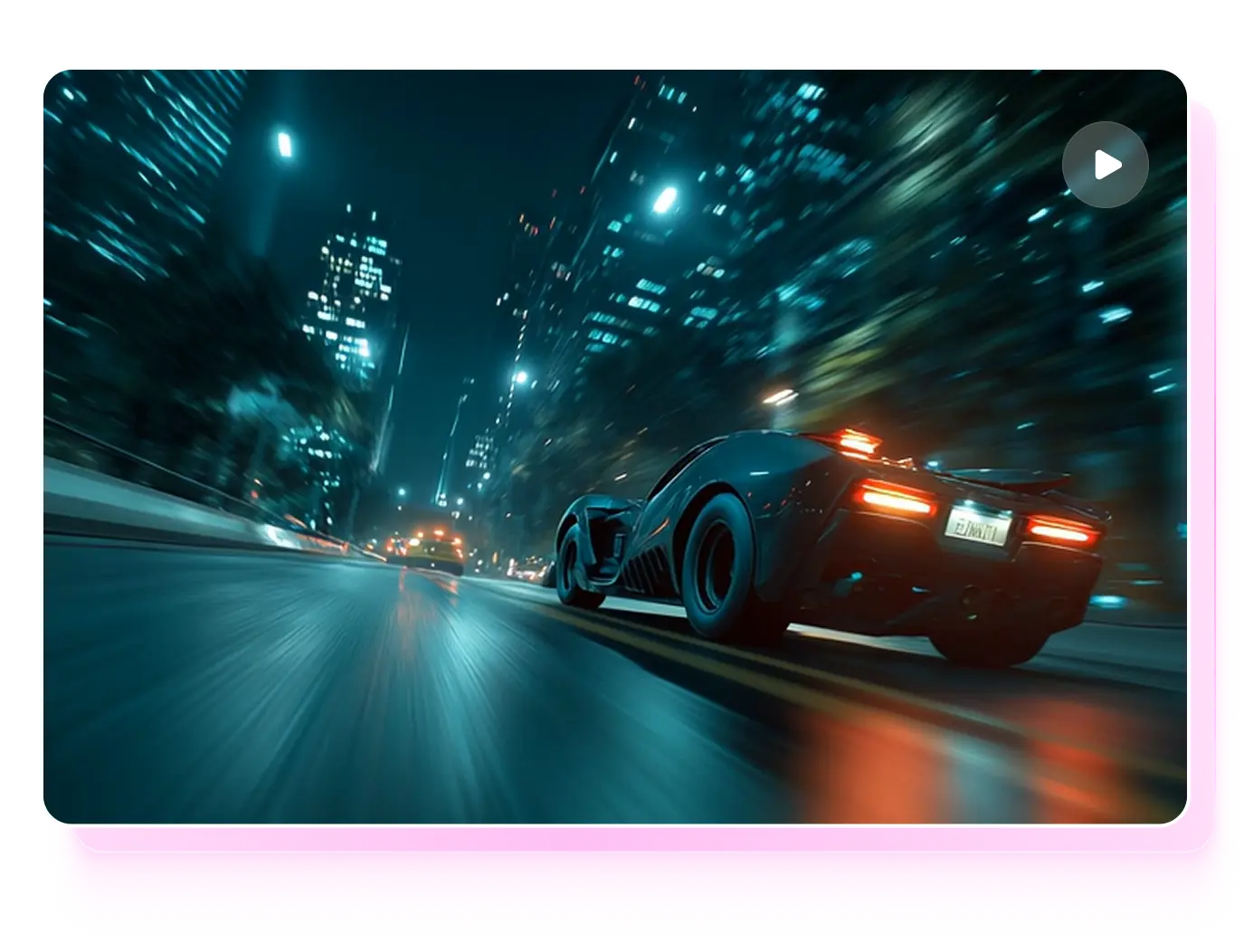
Cinematic Motion, No Filming Needed
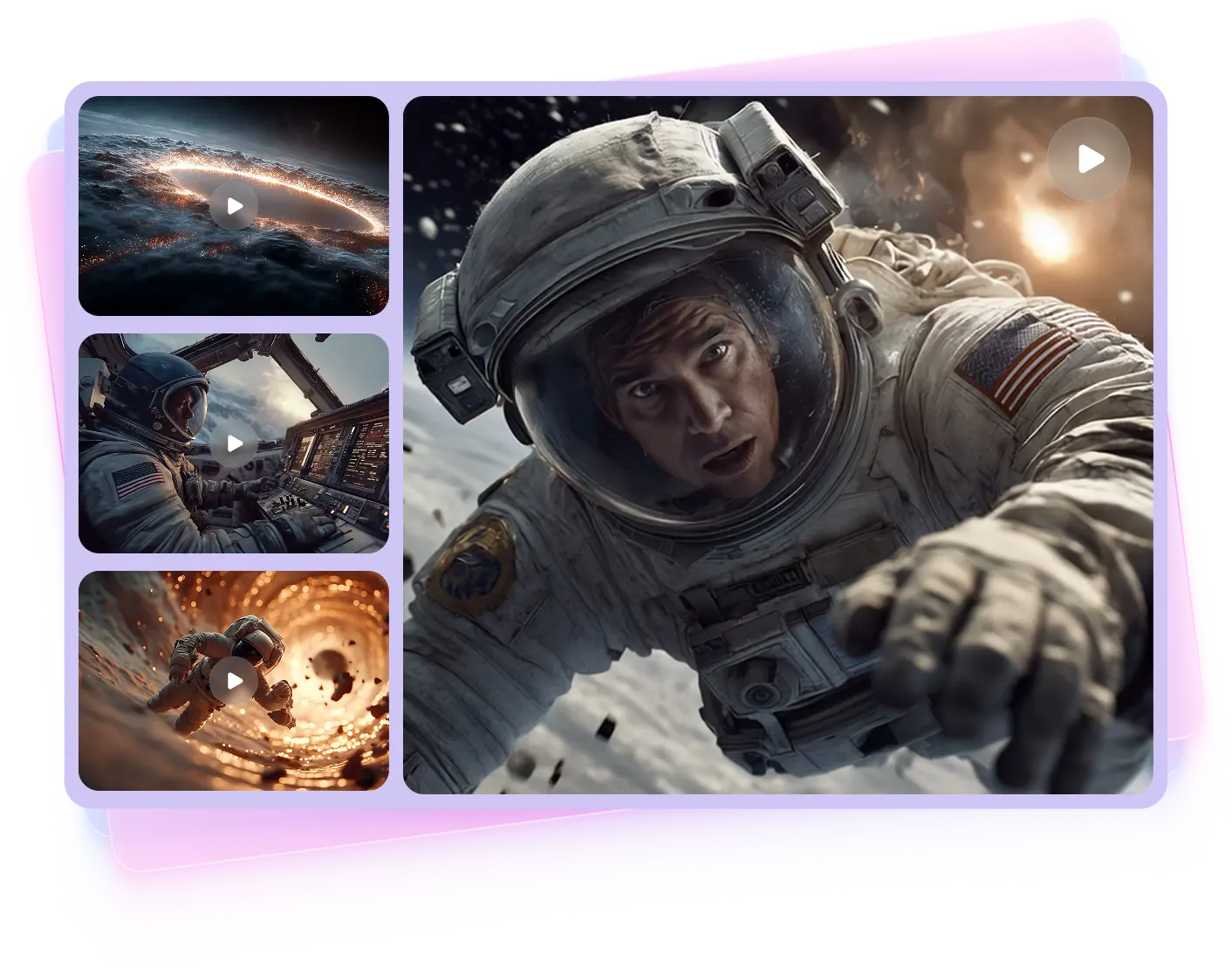
Getting natural, smooth motion used to be tough. With Kling AI built into HitPaw Online AI Video Generator, every frame flows like a real shot. No camera, no editing—just cinematic results that look sharp, grounded, and ready to share.

How to Use Kling to Generate AI Videos?
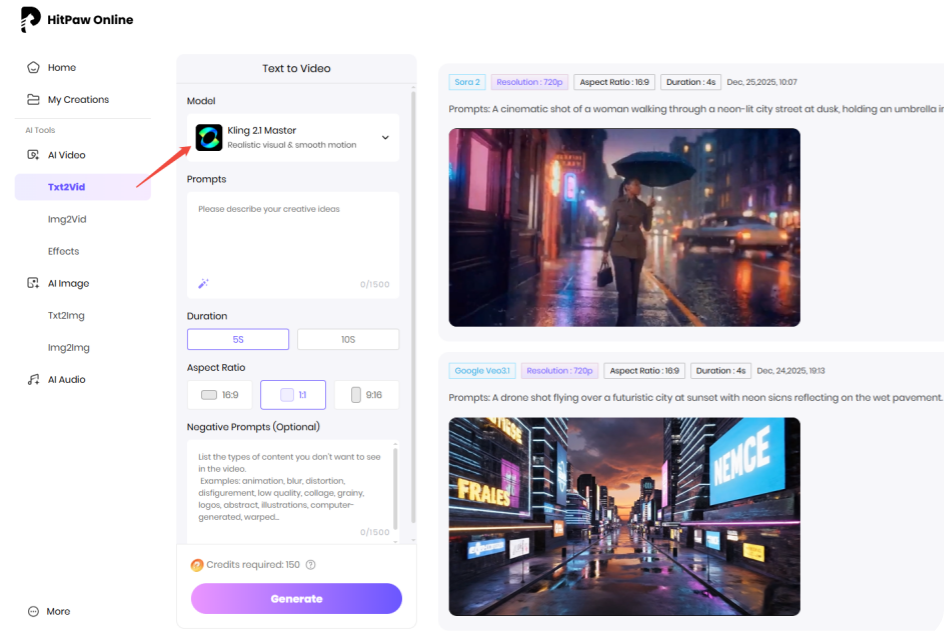
Type in Or Upload
Type in the prompts or upload image to generate videos online.
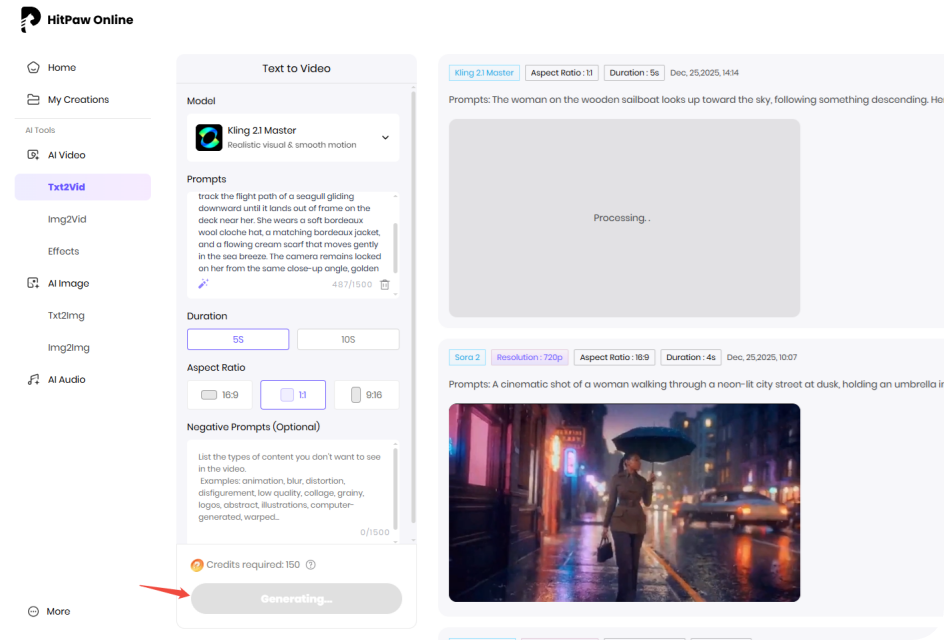
Wait for Processing
Our AI model will analyze your idea and create according results.
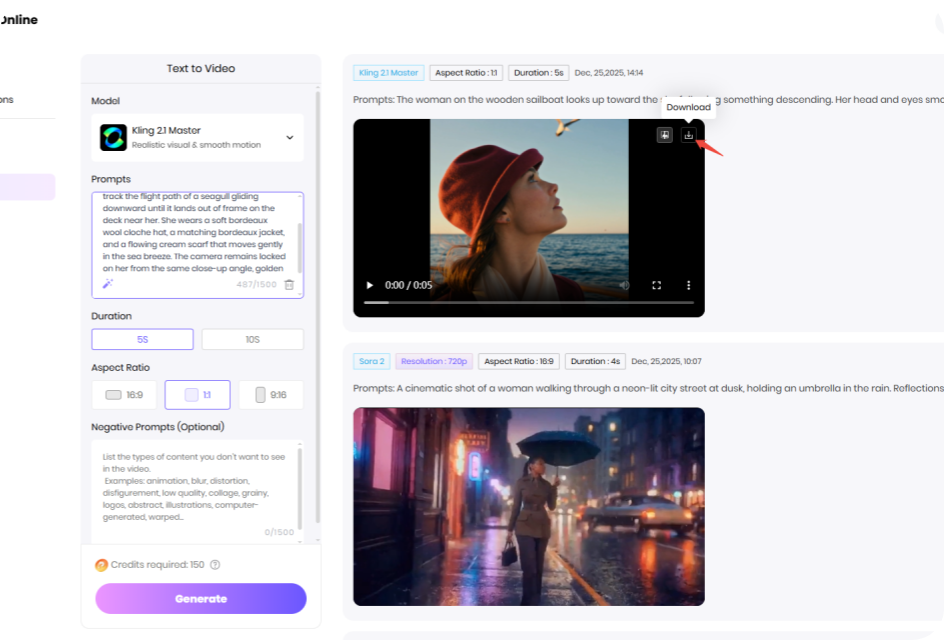
Download the Video
Preview and download the AI video file once the processing completed.
What Can Different Prompts Create with Kling AI Model?
Discover the power of Kling AI through real prompt examples. See how easy and realistic the final AI videos can be.


 Handy & Professional Prompts
The woman on the wooden sailboat looks up toward the sky, following something descending. Her head and eyes smoothly track the flight path of a seagull gliding downward until it lands out of frame on the deck near her. She wears a soft bordeaux wool cloche hat, a matching bordeaux jacket, and a flowing cream scarf that moves gently in the sea breeze. The camera remains locked on her from the same close-up angle, golden hour coastal light, calm sea, natural motion, cinematic realism.
Handy & Professional Prompts
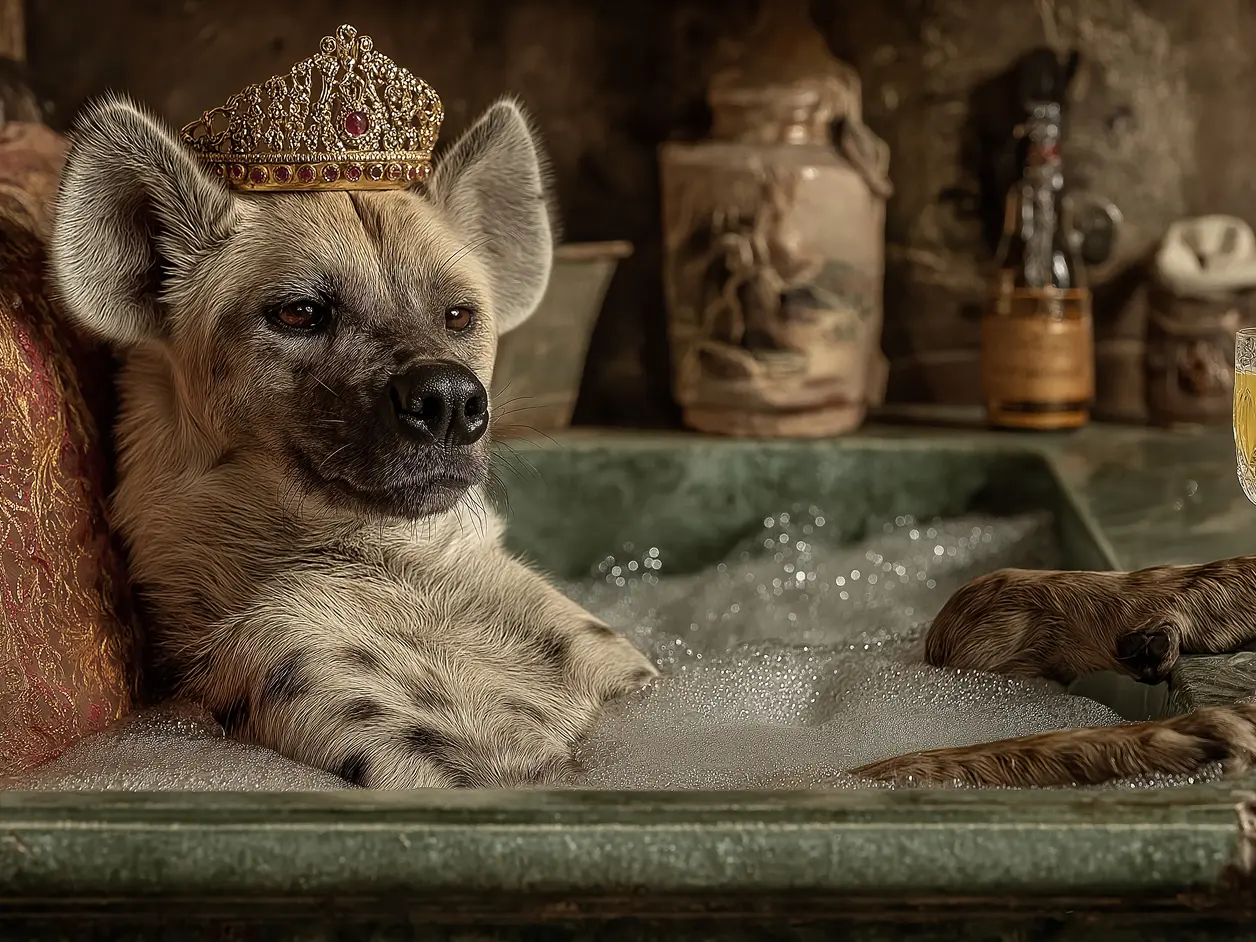
A real hyena lies in an elegant and historic bathtub, relaxing in an elegant human posture. The bathtub is located in a stately bathroom and can be seen in the background. The bathtub was filled with glittering, colorful water and bath foam, which covered the body of the cuckoo hyena. This kind of hyena has very thick fur. She wore a sacred bath headscarf on her head. Her eyes were friendly but a little arrogant. One foot holds a cup filled with carbonated drinks, and the other foot holds a swimming sponge on a stick. This photo is realistic. You can see that the hyena is enjoying this relaxing stay.
Not Enough? Try Our Other Models
 Pixverse V5
 Sora 2
 Hailuo 02
 Seedance 2.0
 Google Veo 3 Fast
 HappyHorse AI 1.0
Explore More AI Video Effects
FAQs About Kling AI Video Generator with HitPaw
Kling AI supports both text-to-video and image-to-video generation. You can describe a scene with a prompt or upload a static image as the first frame to guide the motion.
Most current versions of Kling AI produce short clips between 5–10 seconds. Some updated or premium models may support longer durations depending on the platform.
Output resolution varies by version. For example, Kling 2.1 supports up to 720p in Standard mode and 1080p in Pro mode, delivering smooth and detailed visuals across formats.
Kling AI stands out for its natural motion flow, strong scene consistency, and multi-camera support. It smoothly connects text or image input into coherent, cinematic videos without abrupt transitions.
No. Kling AI runs through HitPaw online platforms or integrated services — there’s no complex setup or high-end GPU required, making it accessible for all creators and developers.
Tips & Tricks for HitPaw Online AI Video Generator
Ready to Make Your Own Kling Al Video?
No matter a story, a vibe, or just a random idea, all set! Drop it into Kling AI and watch it move. From short clips to cinematic shots, your next video is only a prompt away.