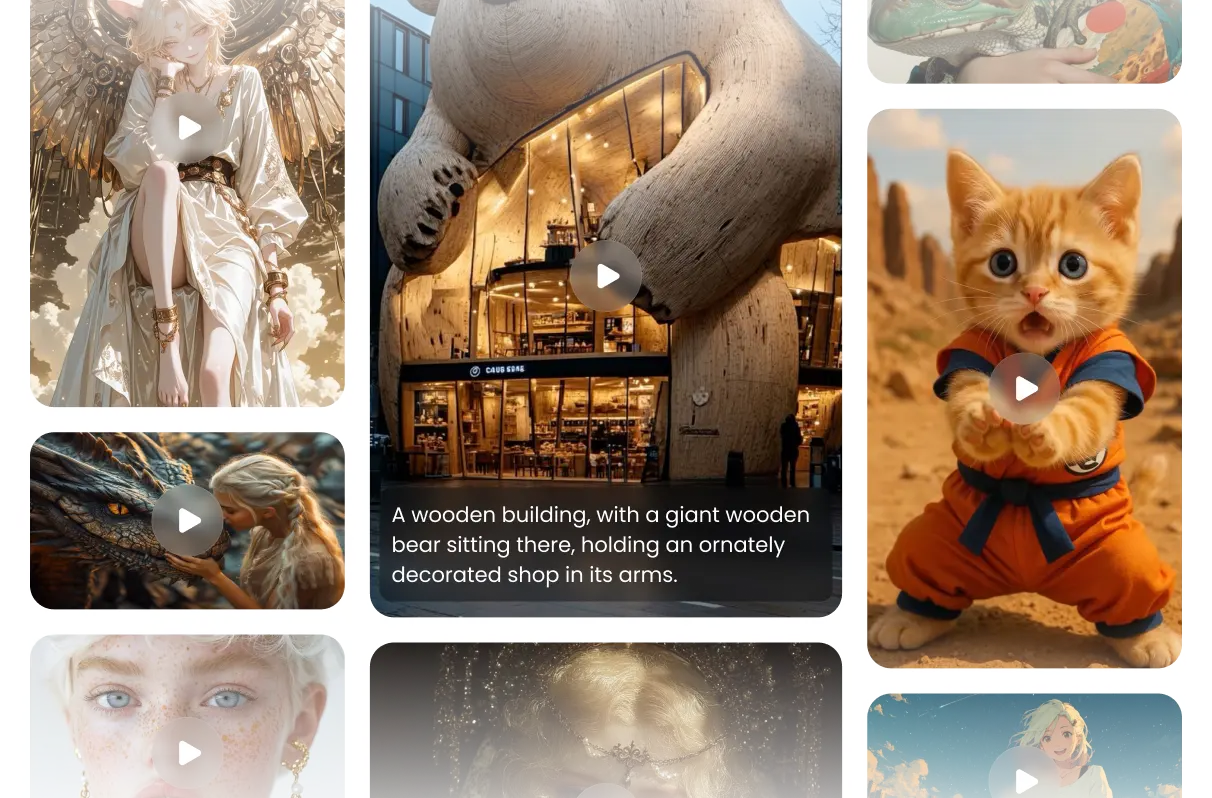
Features of Sora 2 AI Video Generator
A flexible model designed for anyone to unlock endless video creativity
Full Audio-Visual Synchronization
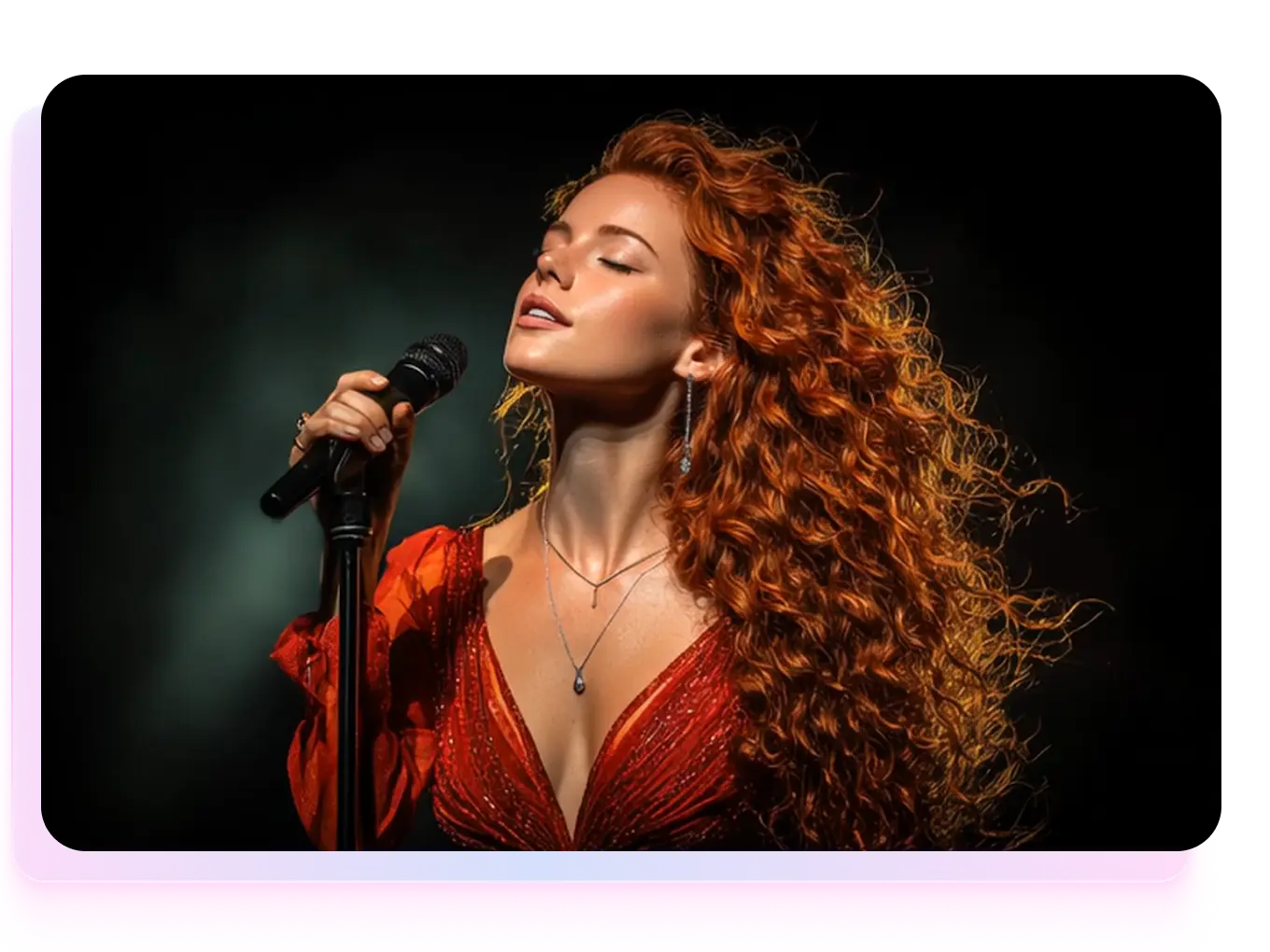
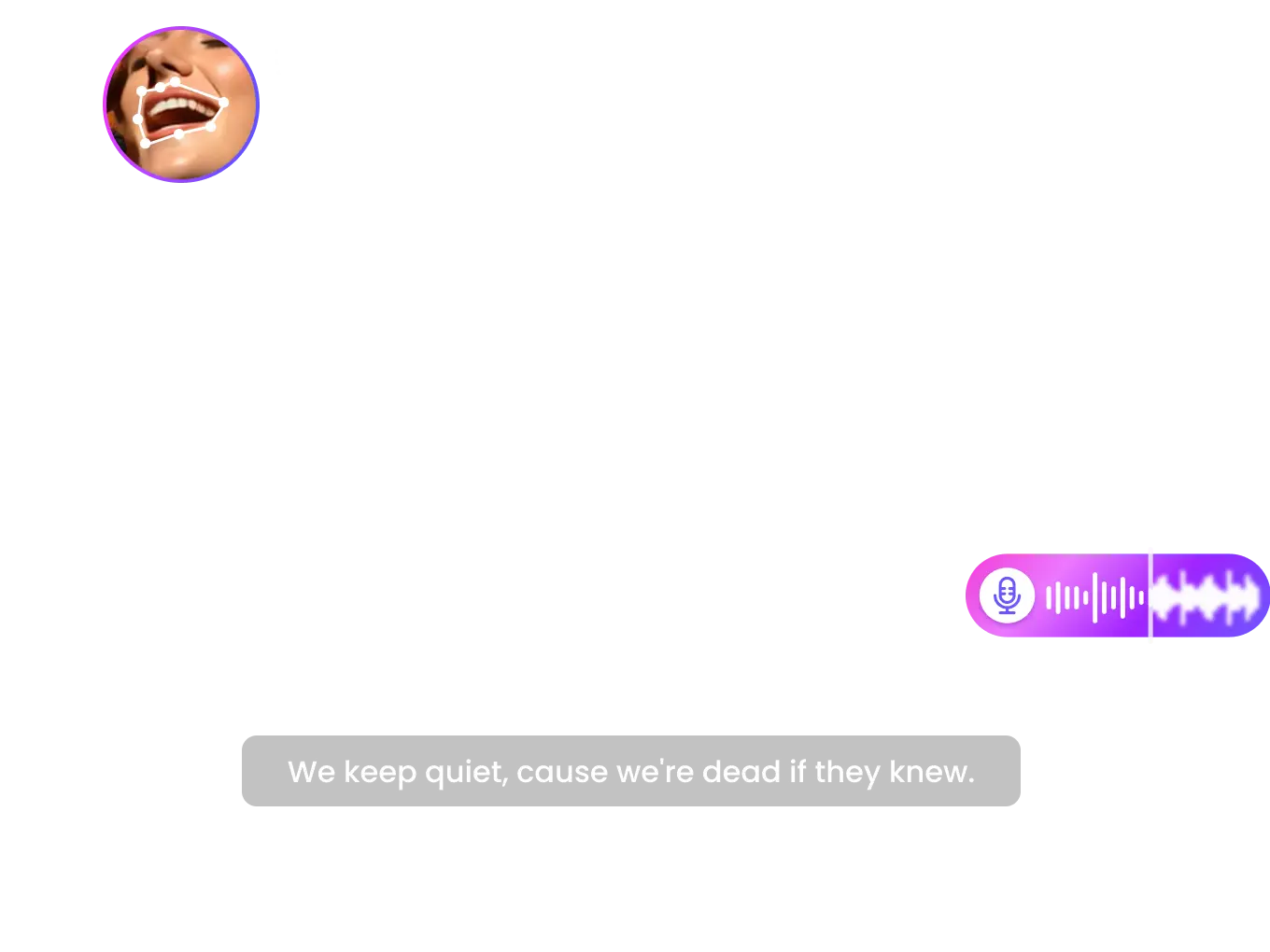
Sora 2 completely removes the “silent video” limit of older AI models. It generates perfectly matched visuals and sound from text — including dialogue with accurate lip-sync, ambient and motion effects, and adaptive background audio. Every frame feels alive, blending sight and sound into one seamless creation without any post-production work.
Multi-Modal Creative Generation
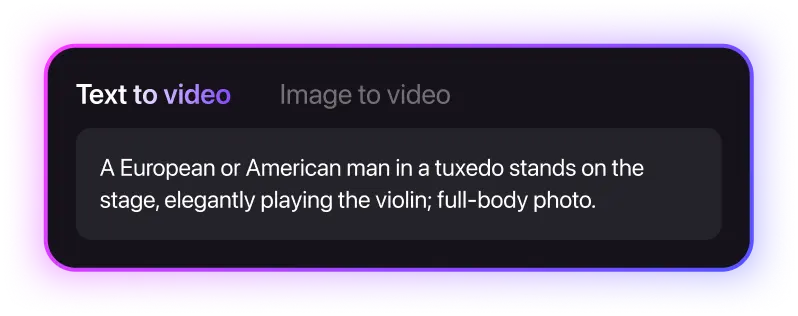
Sora 2 supports text-to-video, image-to-video, and video-to-video generation, giving creators full freedom to bring any idea to life. It can animate static images, extend or restyle existing clips, and generate up to 25-second cinematic sequences for storytelling — all in one unified workflow.
Personalized “Cameo” Digital Twin
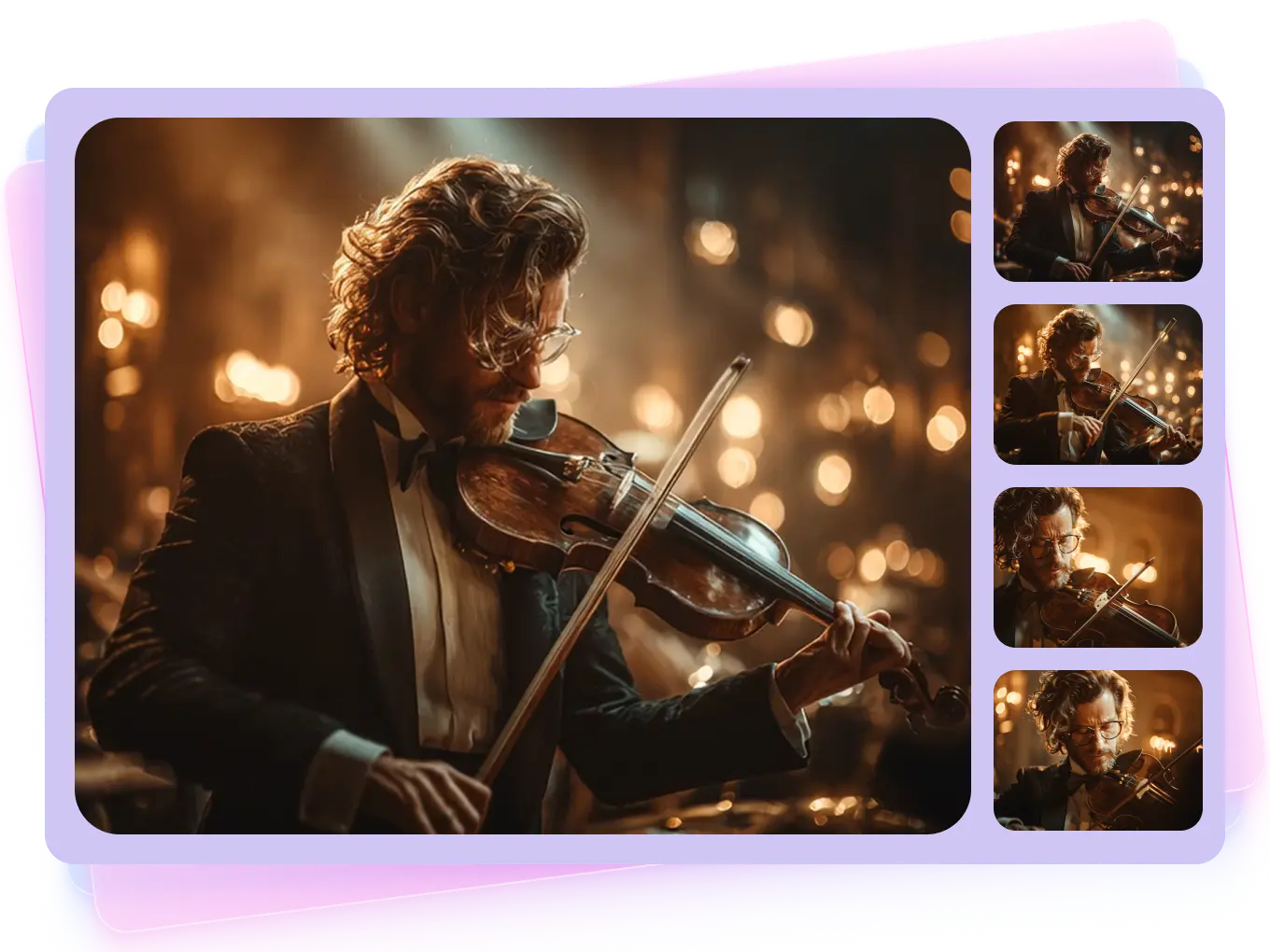
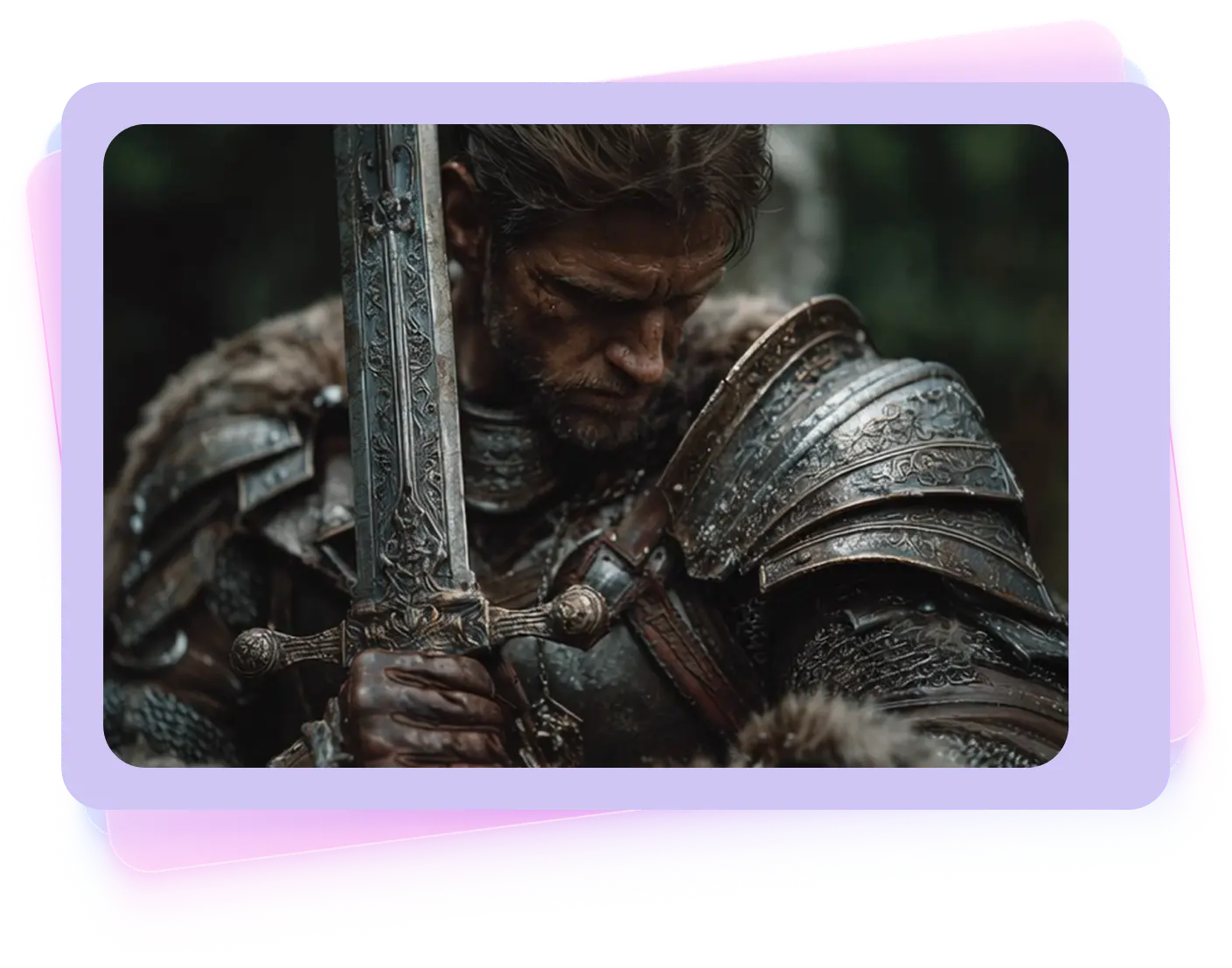
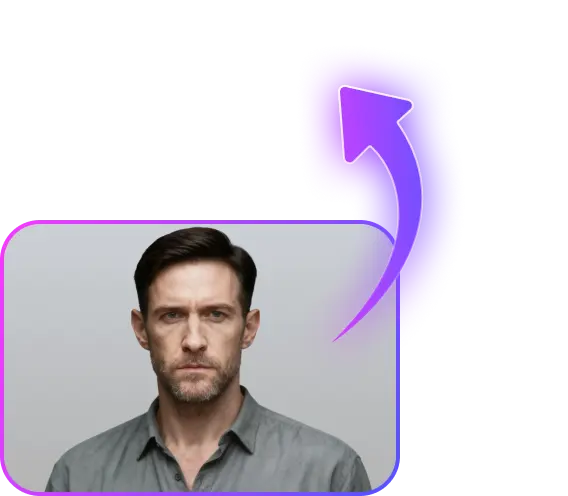
Sora 2 allows anyone to create a lifelike digital version of themselves from a short clip. Your voice and face can appear naturally in any AI-generated scene, from virtual travel to narrative moments. Every cameo stays under your control, with permission settings and instant removal options ensuring both creative freedom and privacy.
Better Physical Simulation
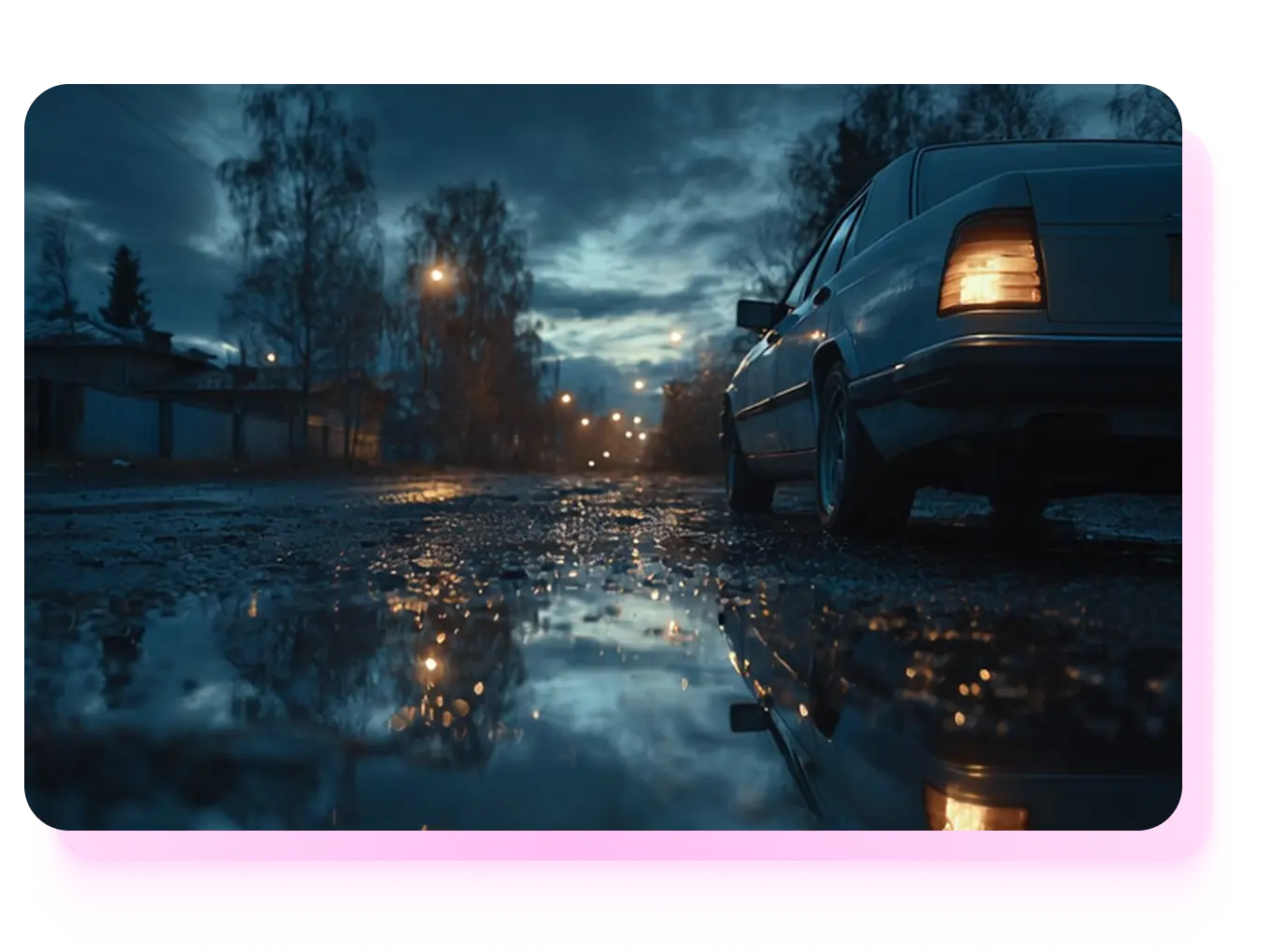
With upgraded physics modeling, Sora 2 achieves realism that feels tangible. Water flows, smoke drifts, and objects move with real-world weight and resistance. Characters follow natural biomechanics with smoother walking, jumping, and gestures. The entire scene behaves under true physical laws, bringing a new level of believability to AI-generated motion.
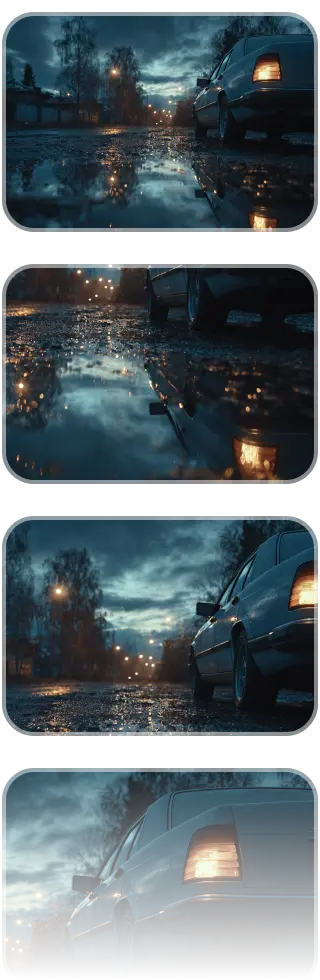
How to Generate Videos in 3 Steps
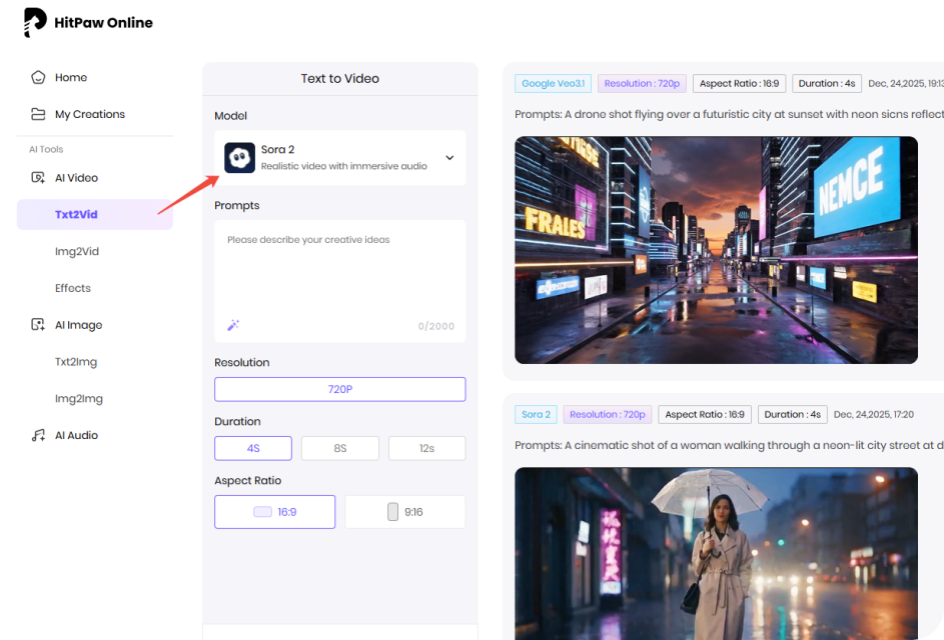
Enter Example Prompt
Type in the prompts or upload image to generate videos online.
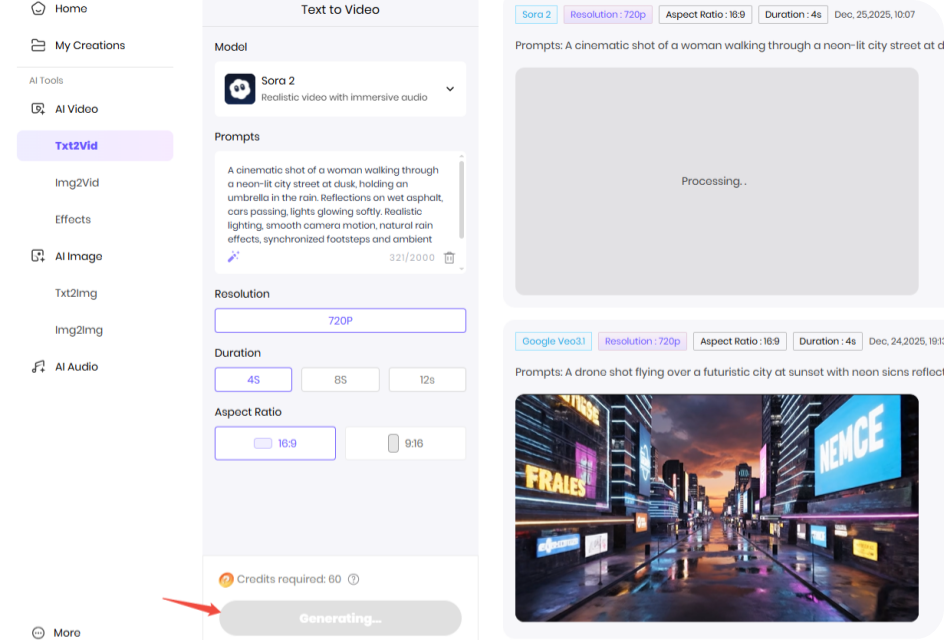
Wait for the Generation
Our AI model will analyze your idea and create according results.
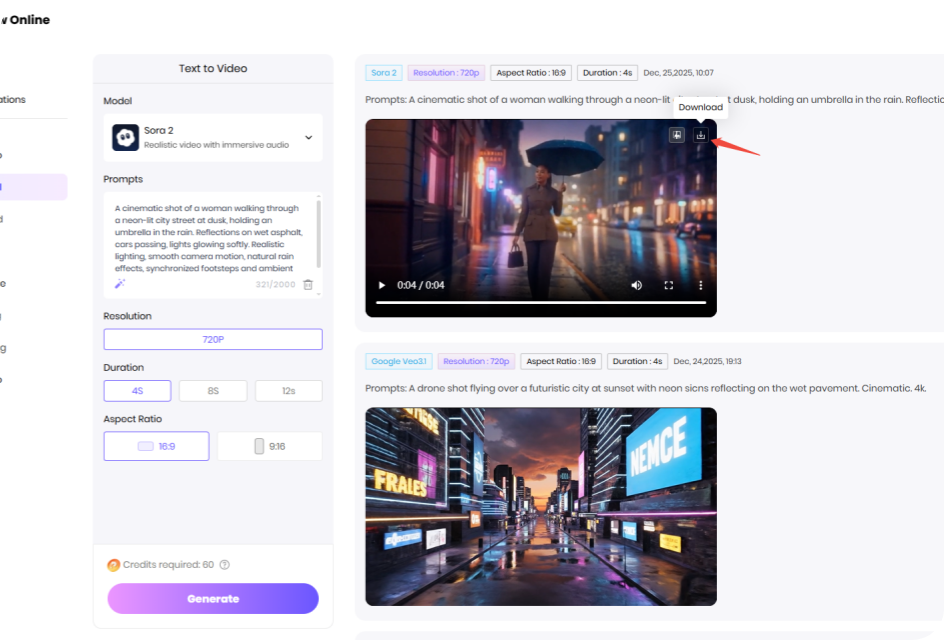
Download the Video
Preview and download the AI video file once the processing completed.
What Can Different Prompts Create with Sora 2 AI Model?
Discover the power of Sora 2 AI through real prompt examples. See how easy and realistic the final AI videos can be.

 Handy & Professional Prompts
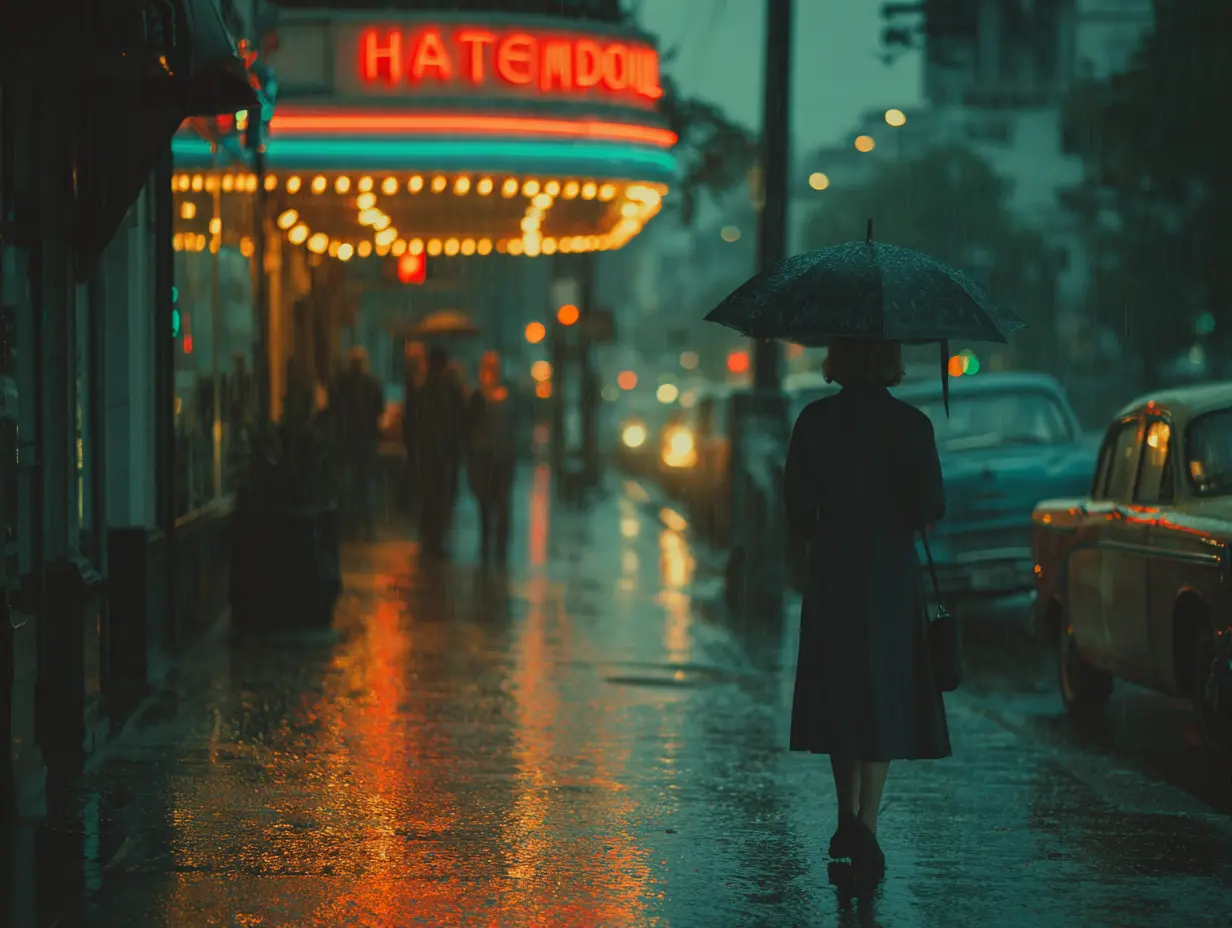
A cinematic shot of a woman walking through a neon-lit city street at dusk, holding an umbrella in the rain. Reflections on wet asphalt, cars passing, lights glowing softly. Realistic lighting, smooth camera motion, natural rain effects, synchronized footsteps and ambient city sounds, dialogue aligned with lip movement.
Handy & Professional Prompts
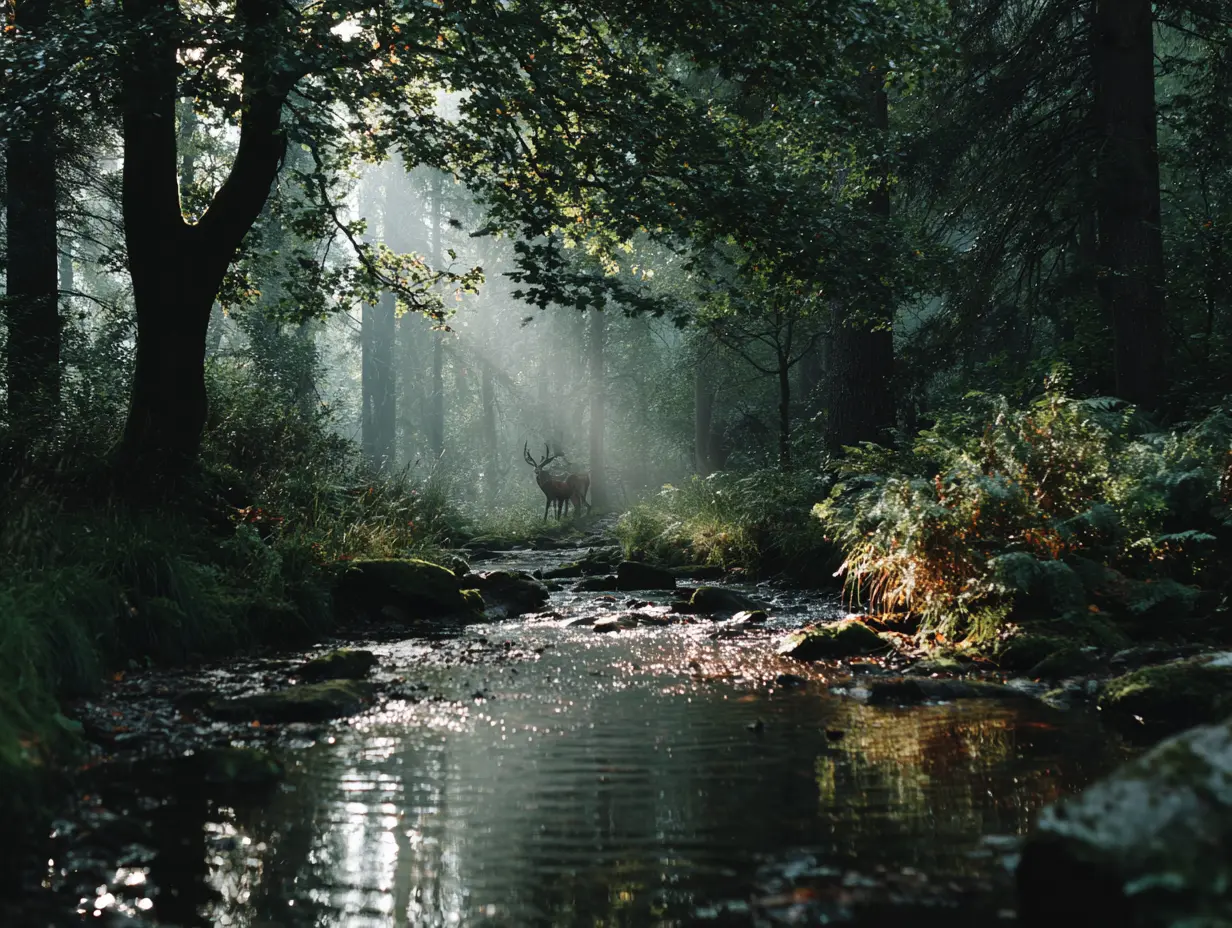
A peaceful, dreamlike forest awakening at sunrise, mist floating through trees, sunlight breaking through branches, calm lake with ripples, gentle breeze moving leaves, a deer walking through fog. Cinematic camera pan, soft lighting, smooth motion, synchronized natural ambient sounds like wind, water, and birds.
Not Enough? Try Our Other Models
 Pixverse V5
 Kling 2.1 Master
 Hailuo 02
 Seedance 2.0
 Google Veo 3 Fast
 HappyHorse AI 1.0
Explore More AI Video Effects
FAQs about Sora 2 AI Video Generator with HitPaw
Sora2 improves coherence, motion control, and rendering speed for long video generation.
Yes, API access supports major frameworks and cloud environments.
Text prompts, reference images, and hybrid input for creative flexibility.
You can use the "Cameo" feature. Simply complete a one-time short video and audio recording in the Sora app for identity verification and portrait capture.
Yes, it offers the "Remix" tool for object-level and scene-level adjustments. You can use natural language to replace backgrounds, remove or replace objects, tweak details, and adjust remix strength to control the intensity of changes.
Tips & Tricks for HitPaw Online AI Video Generator
Ready to Make Your Own Sora Al Video?
No matter a story, a vibe, or just a random idea, all set! Drop it into Sora AI and watch it move. From short clips to cinematic shots, your next video is only a prompt away.