Free AI Drone Video Generator
Create cinematic drone videos from text or images with this free drone AI video generator. Instantly generate viral aerial videos with dynamic camera movement, realistic motion, and smooth cinematic transitions.


How to Make Drone Videos with AI
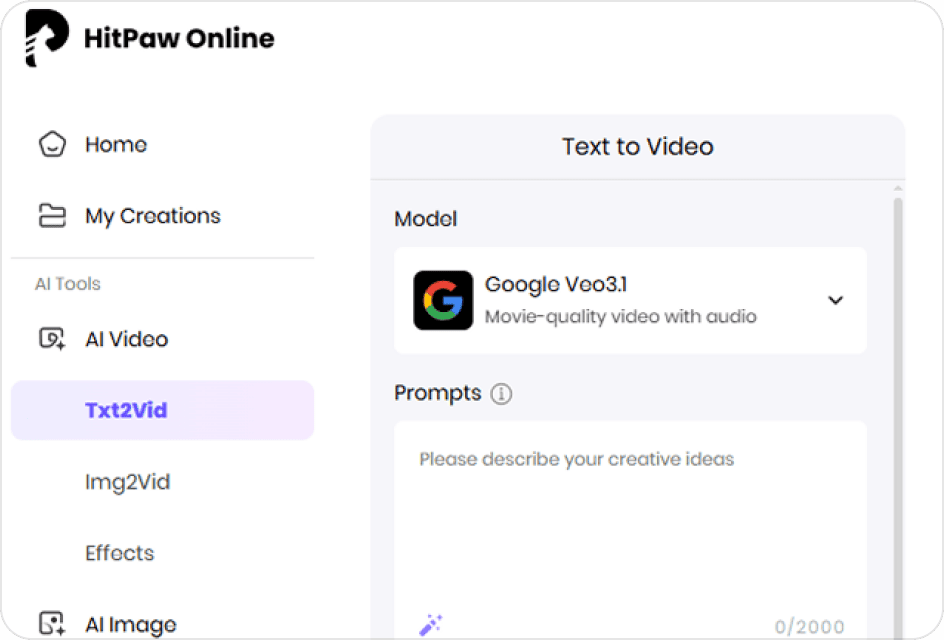
Select Model & Upload Image
Select an AI model you prefer first, and then upload your image and text prompts for better result.
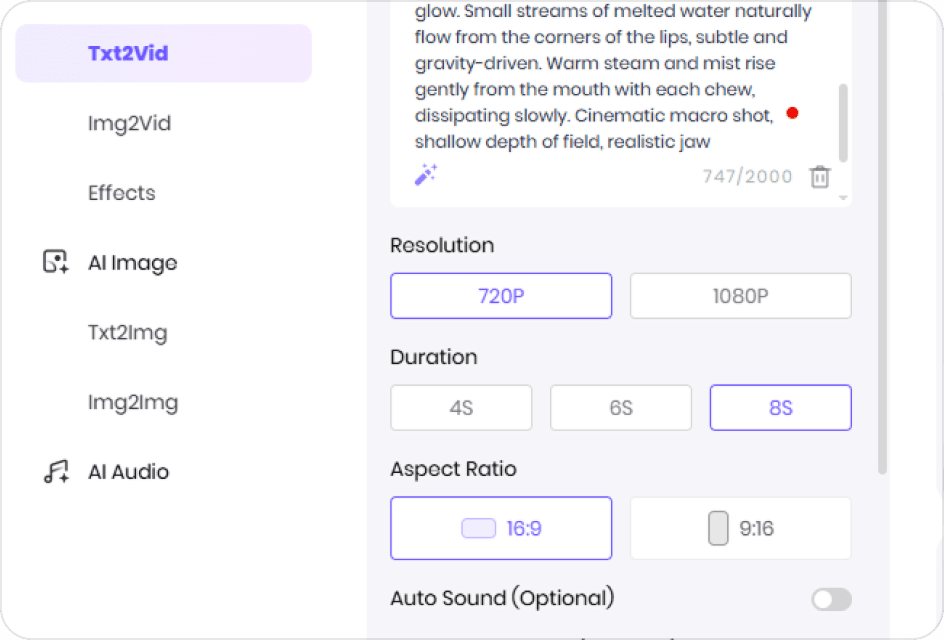
Make Video Settings
Fine-tune your video’s technical parameters, such as video resolution, duration and aspect ratio to suit your platform.
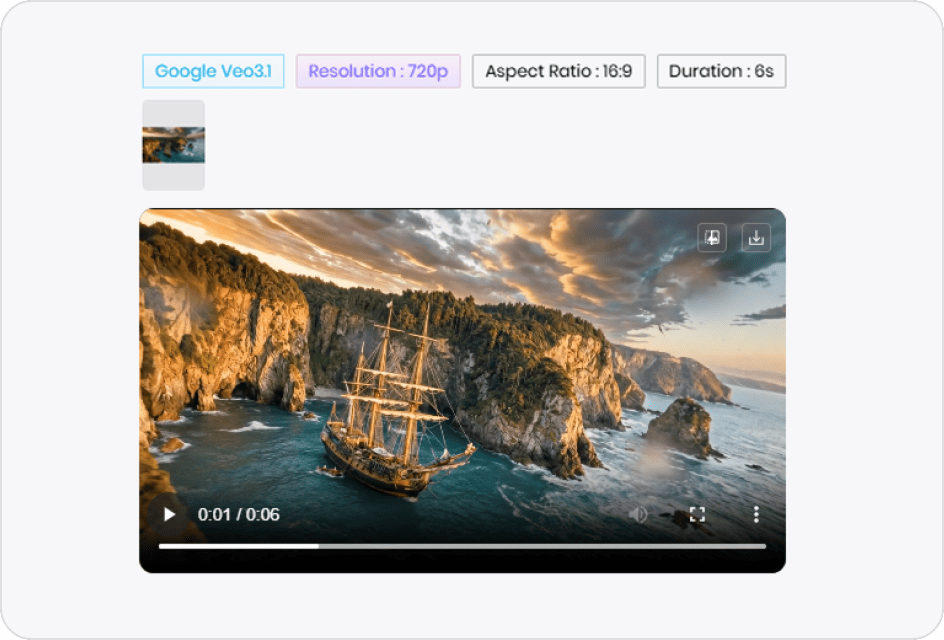
Generate & Preview Video
Review your settings and click the "Generate" button. Once finished, you can preview the result and save it directly.
Generate Professional AI Drone Footage in Minutes
One-Click Aerial Video Generation from Text or Images
Describe the flight path, scene, and camera movement in a single prompt or upload an image, and the HitPaw AI instantly generates realistic drone-style footage, no drone piloting, filming, or technical skills required.
Create AI Drone VideoGenerate Cinematic Drone Shots with Moves Control
Write simple instructions for how the camera should move—flying over a scene, gliding forward, slowly descending, or transitioning between shots. The motion feels smooth, intentional, and cinematic, as if planned by a professional filmmaker.
Create AI Drone VideoCreate Social-Ready Drone Videos That Fit Any Platform
Once the video is rendered, you can download it instantly in formats optimized for social platforms. Aspect ratios like 9:16, 16:9, 1:1 are supported, making it easy to publish on TikTok, Reels, Shorts, and other channels without extra editing.
Create AI Drone VideoMultiple Visual Styles with Flexible Lighting Control
Adjust the look and lighting of your aerial video to match different scenes and moods, from warm golden hour tones to vibrant city nights and natural landscapes. Each style enhances visual impact and helps your content stand out across platforms.
Create AI Drone VideoExplore More AI Video Effects
FAQs About AI Drone Videos
An AI drone video maker is a tool that lets you make drone videos using text prompts or images instead of real drone footage. By understanding camera movement, scene layout, and lighting, the AI creates aerial-style videos that look like they were filmed by a drone, with smooth motion and cinematic perspective.
To make a drone video, you can choose HitPaw Online AI Video Generator. Simply upload an image, input text prompt, choose a video model, and HitPaw can generate viral drone shot videos with natural camera movements.
To get a good AI drone video generator prompt, start by clearly stating the camera movement, main subject, and scene environment. Keeping the prompt simple but specific helps the AI better understand your intent and produce more cinematic aerial motion.
It depends on the AI model you use, but most AI drone videos can be generated in just a few minutes in HitPaw Online AI Video Generator, no need to wait a long time.
Of course! You can use drone AI videos created with HitPaw Online for commercial purposes. You are free to use them for social media, apps or any other business-related content.
Generate AI Drone Videos Online Free
With HitPaw Online, you can create cinematic AI drone videos directly from text or images. Start making aerial videos today and share them instantly!