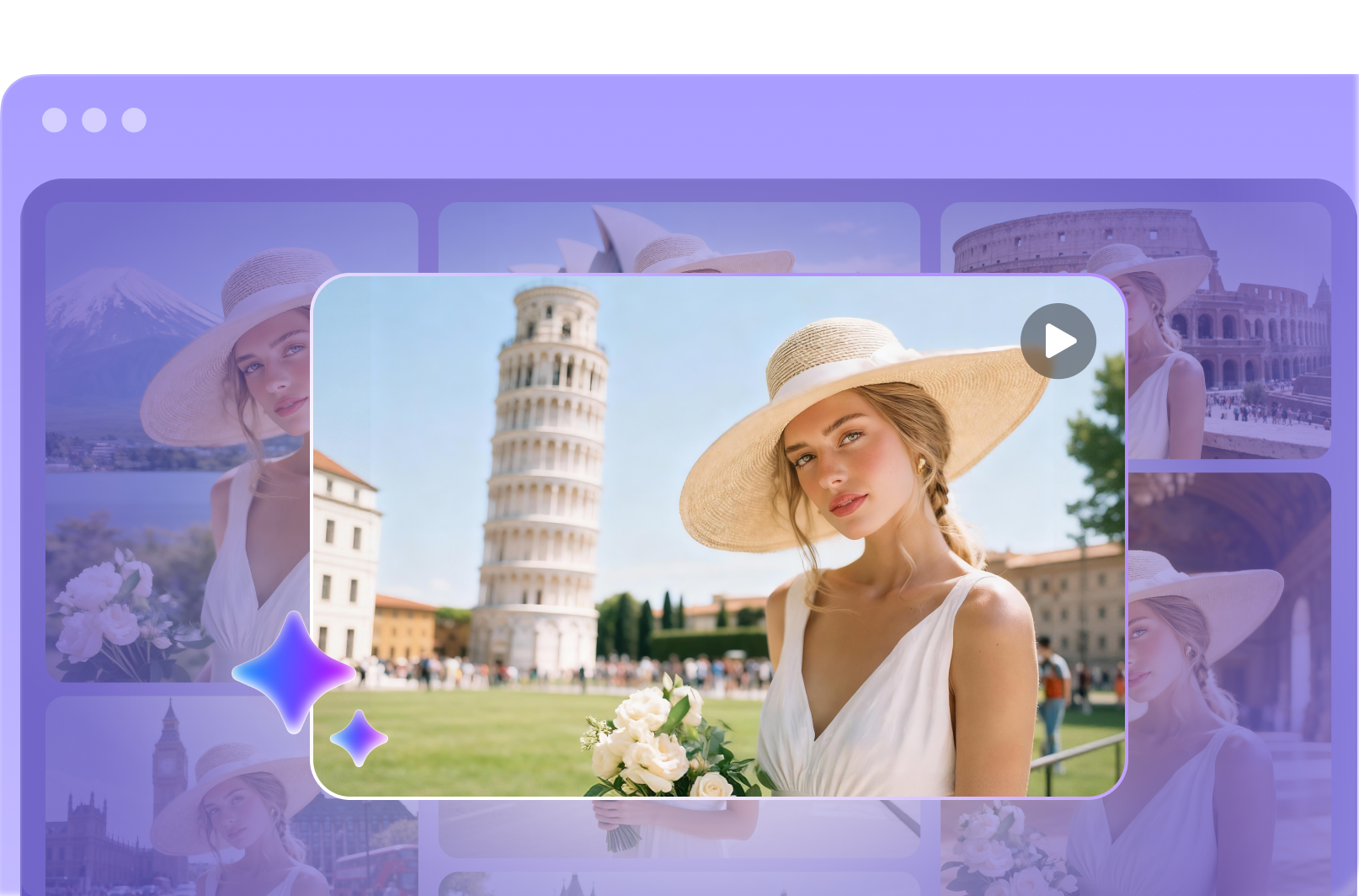
Create Smooth AI Video Transition Online
Transform any photo into a dynamic video with seamless AI transition. HitPaw AI smoothly blends faces, scenes, and styles to create professional-quality transition videos.
How to Make AI Video Transition Instantly
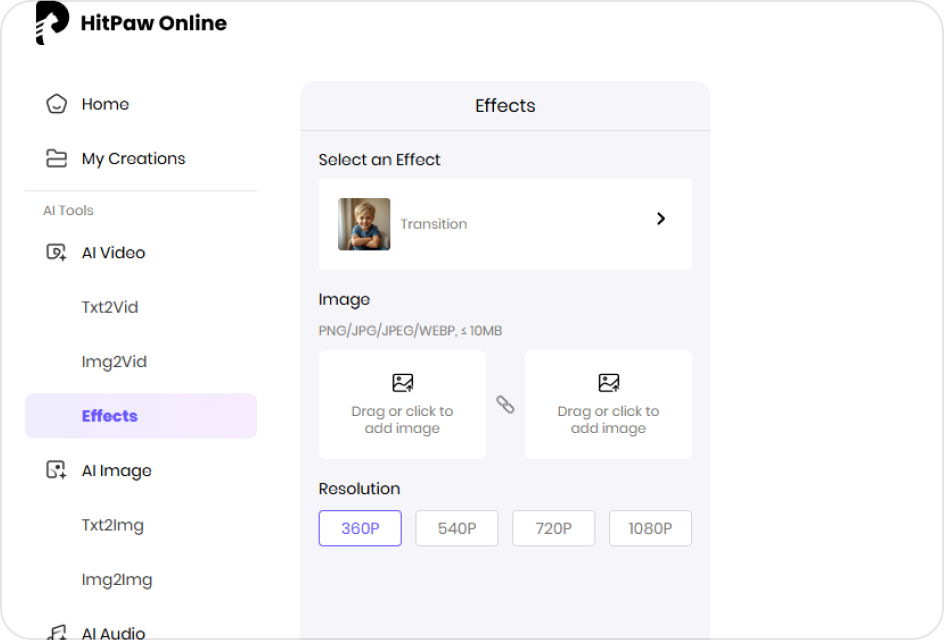
Select a Transition Effect
Choose a transition style from the available AI templates.
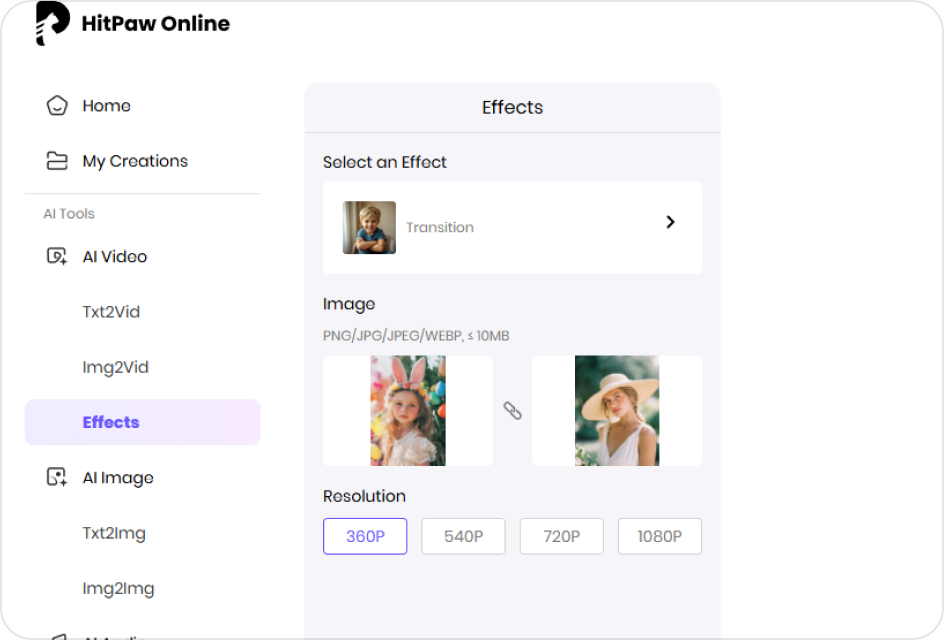
Upload Your Photos
Upload your start and end photos, and the AI will create a smooth transition video.
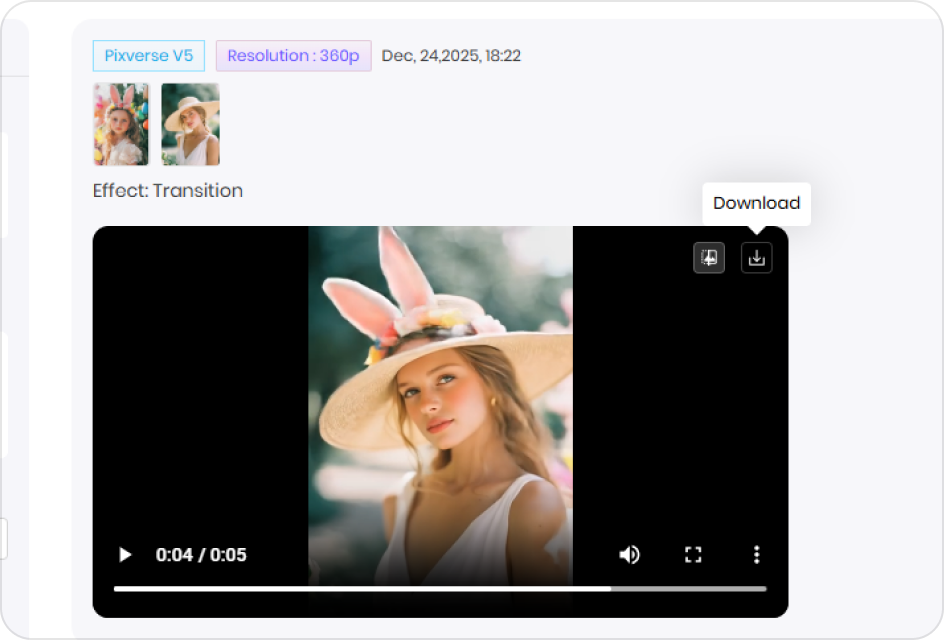
Generate the Video
Click “Generate” to produce a seamless AI transition video with cinematic smoothness.
Explore the Power of AI Video Transition
Seamlessly Blend Your Best Moments
Create smooth AI transition that merge two photos or moments into one cohesive clip. Whether you want to morph between different outfits, travel shots, or moods, HitPaw makes every transformation look natural and cinematic.
Create AI Video Transition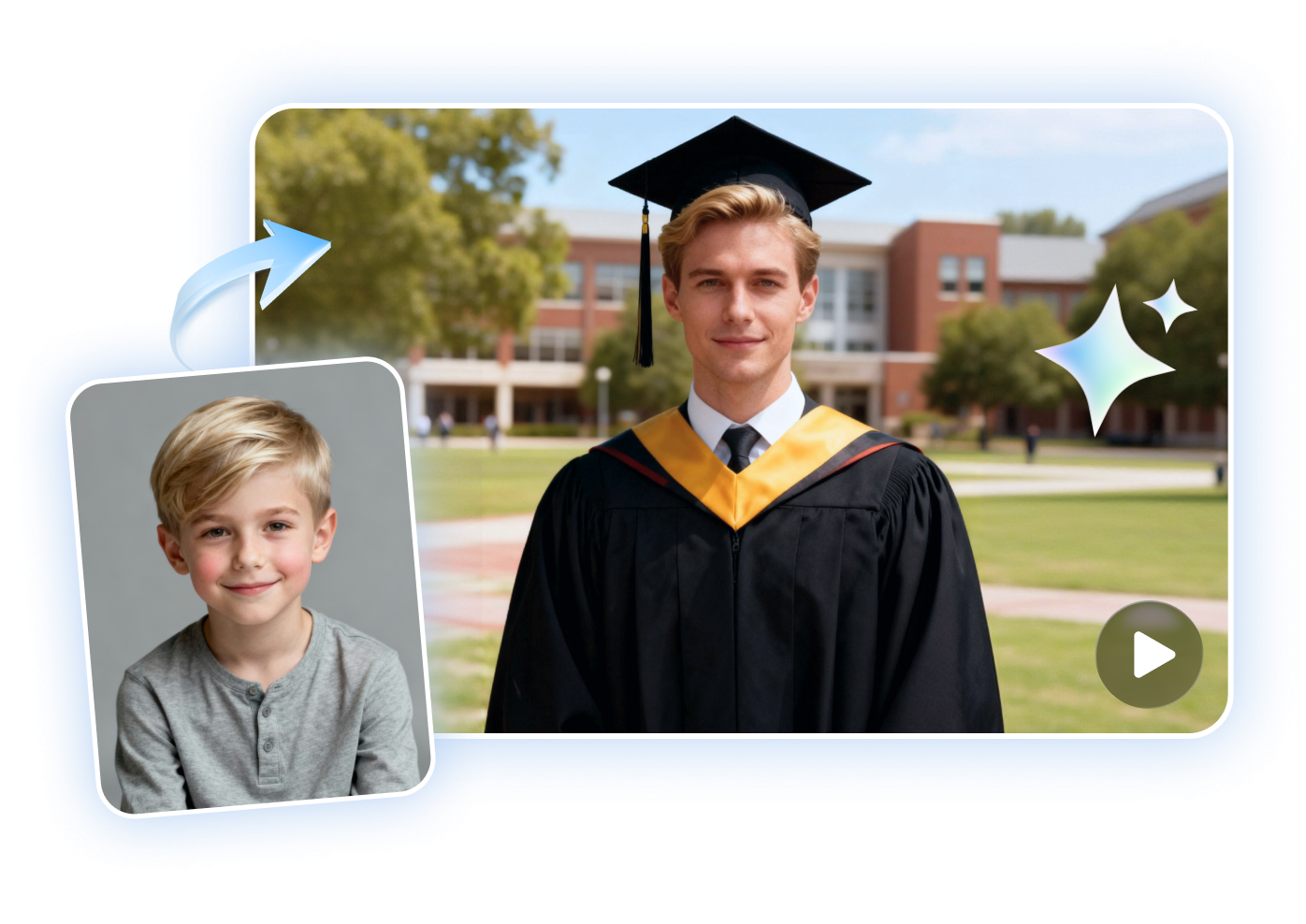
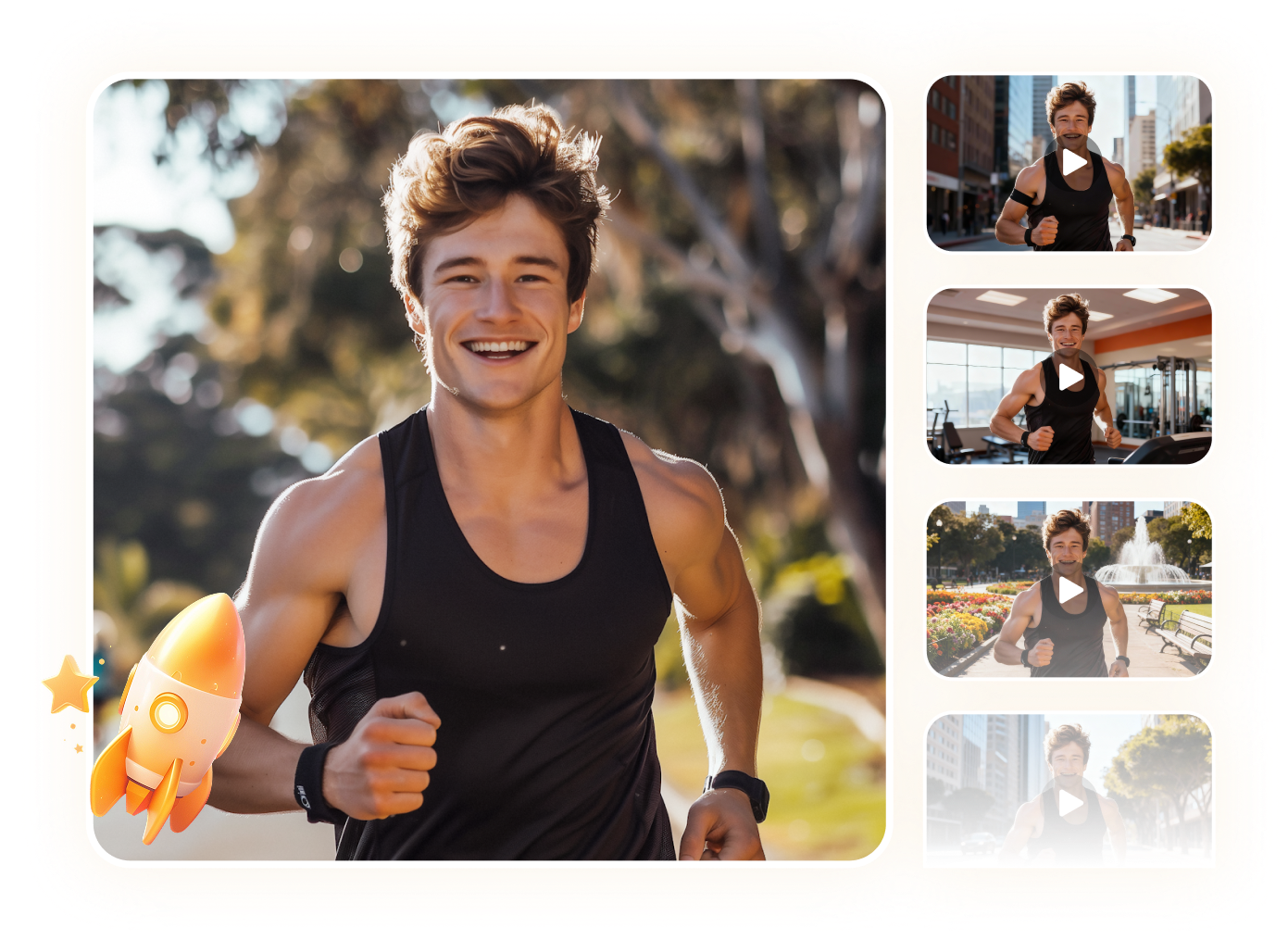
Effortlessly Jump Between Different Worlds
Transport yourself from one scene to another with creative AI transition — from daily life to a fantasy environment, from indoors to a beach setting, or from casual style to high fashion. Perfect for storytelling, vlogs, or creative edits.
Create AI Video TransitionCustomize a Variety of Unique Transition Styles
Choose from multiple AI-powered transition effects to match your vision. Whether it’s a dramatic face morph, a creative scene switch, or a style-based transformation, you can craft transitions that stand out and match any content theme.
Create AI Video Transition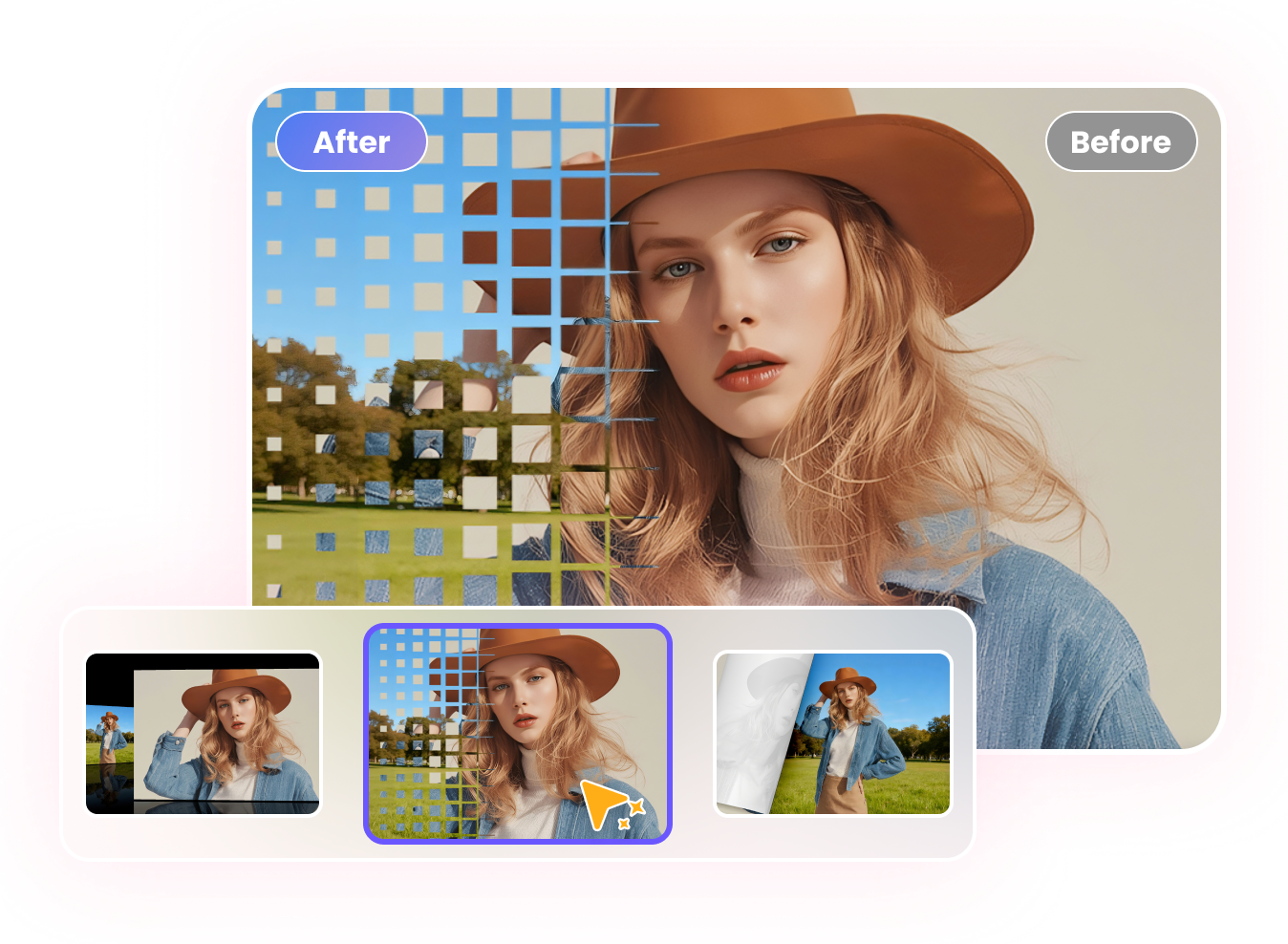
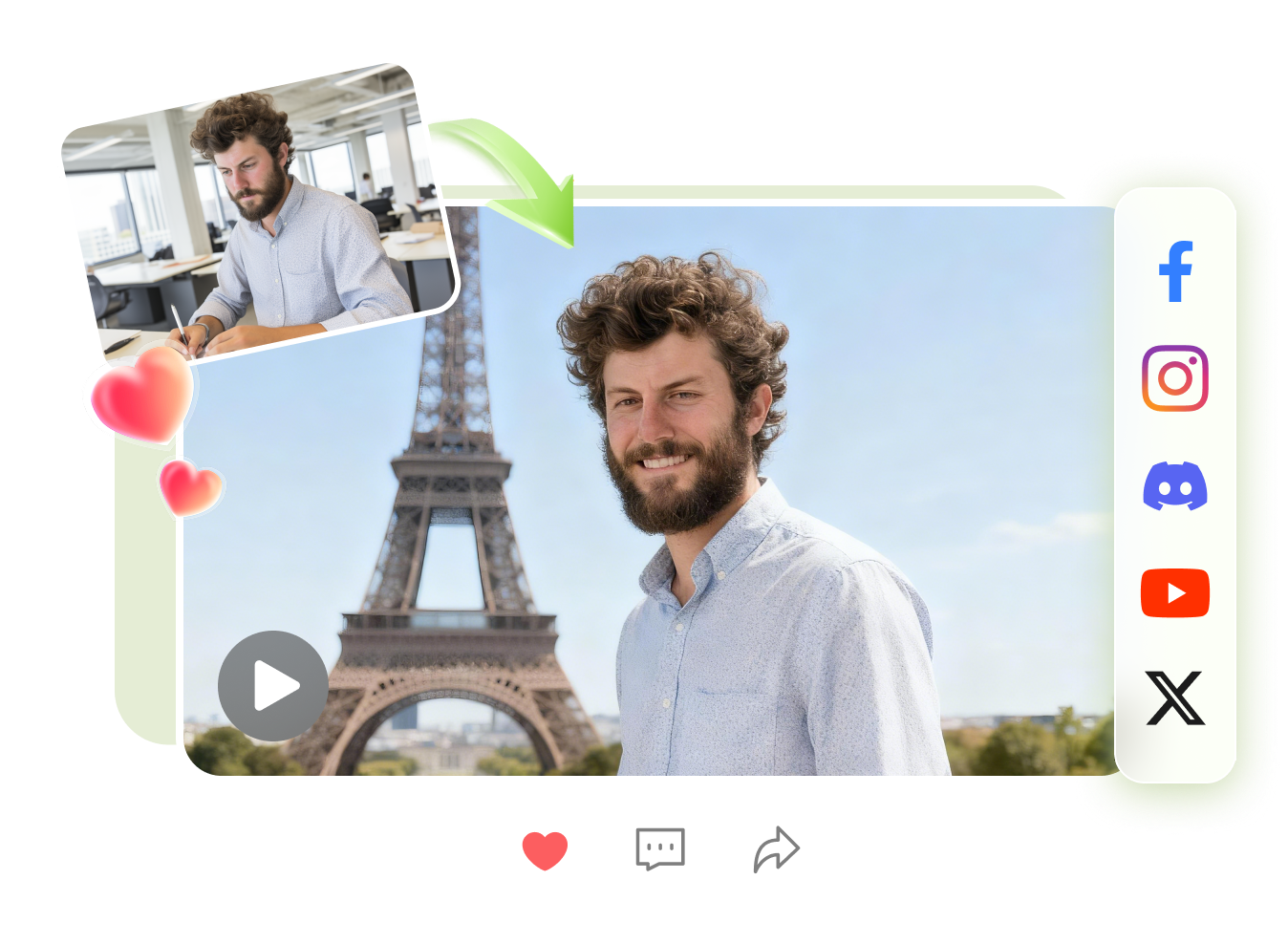
Boost Your Social Media with Pro Transition
Create eye-catching transition videos ideal for TikTok, Instagram Reels, or YouTube Shorts. From glow-up videos to travel edits and outfit transition, each AI-generated clip instantly upgrades your social media presence.
Create AI Video TransitionExplore More AI Video Effects
FAQs about AI Video Transition Generator
HitPaw AI Video Transition is an online tool that automatically creates smooth, high-quality transition videos from your photos or clips, without manual editing.
Yes, it works for daily life clips, travel videos, creative projects, and more, allowing you to blend moments naturally.
Yes! You can use prompt words to adjust and create multiple transition effects, allowing you to generate unique and professional-looking videos tailored to your style.
You can upload two images and select the transition effect to automatically generate a smooth video that seamlessly blends different moments.
Effortlessly Create AI Video Transition
HitPaw AI Video Transition smoothly blend moments with customizable styles for pro-quality clips. Ideal for daily life, travel, and creative projects.