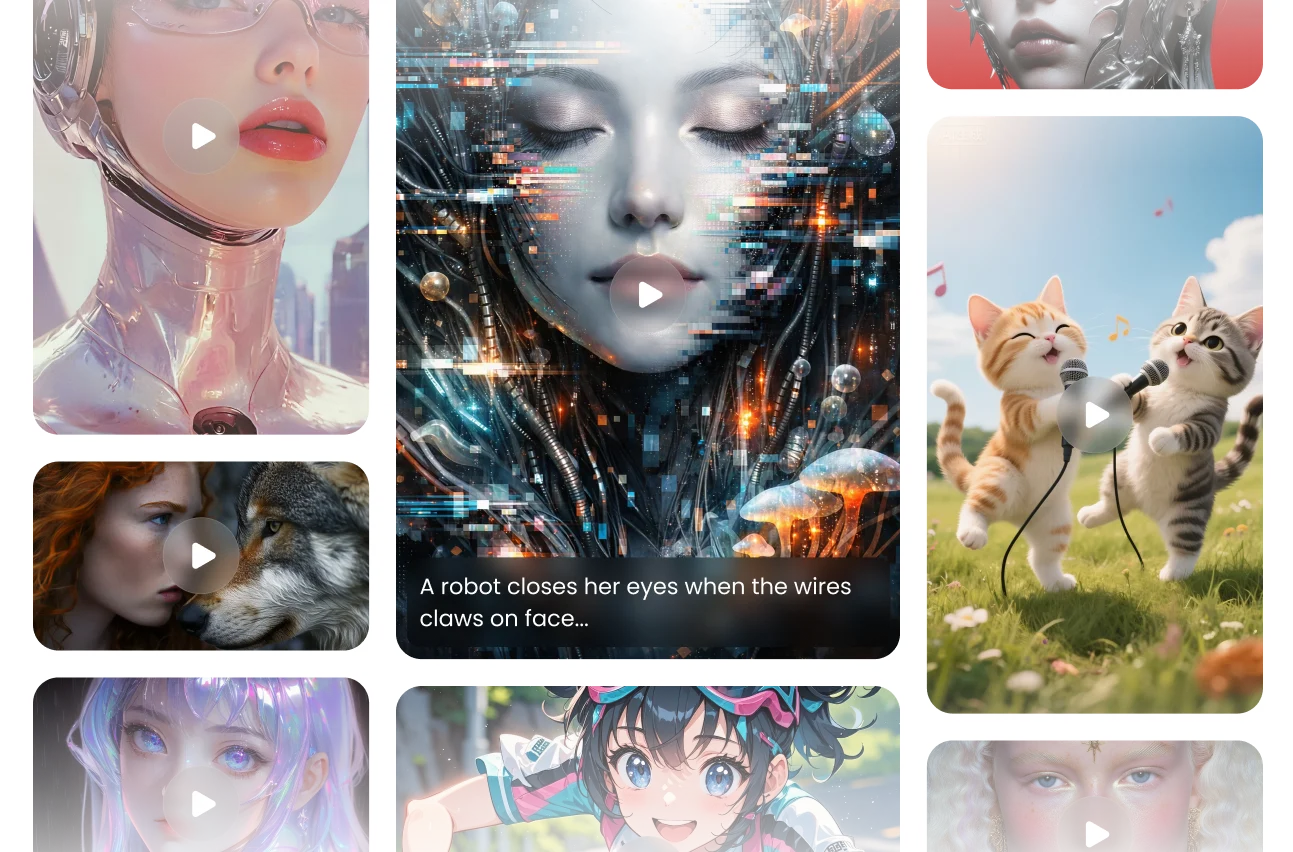
Features of Wan 2.6 AI Video Generator
An advanced model crafted for all users to explore the limitless possibilities of video creativity
15-Second Generation with Narratives
Turn your ideas into cinematic motion. Wan 2.6 model converts storyboard-style prompts into coherent, dynamic video sequences—establishing scenes, defining transitions, and mapping out motion flow with precision. Whether you start with rough sketches or descriptive story beats, the system transforms your narrative into a visually directed video that feels intentional and fully realized.
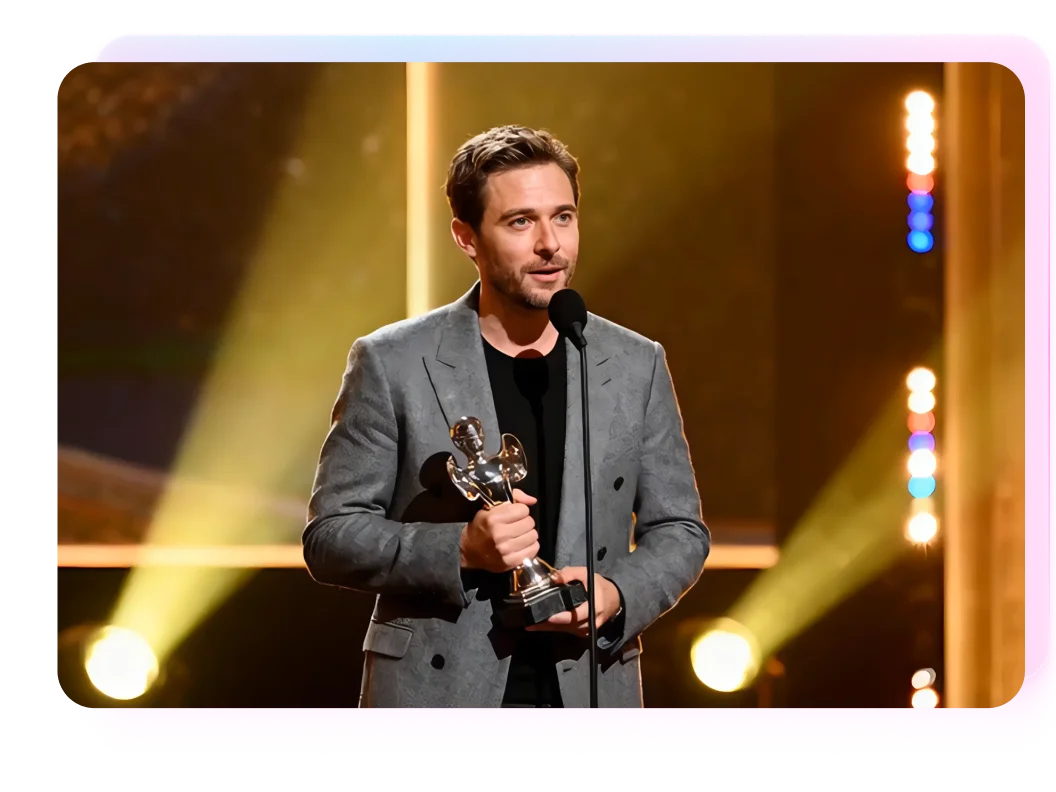

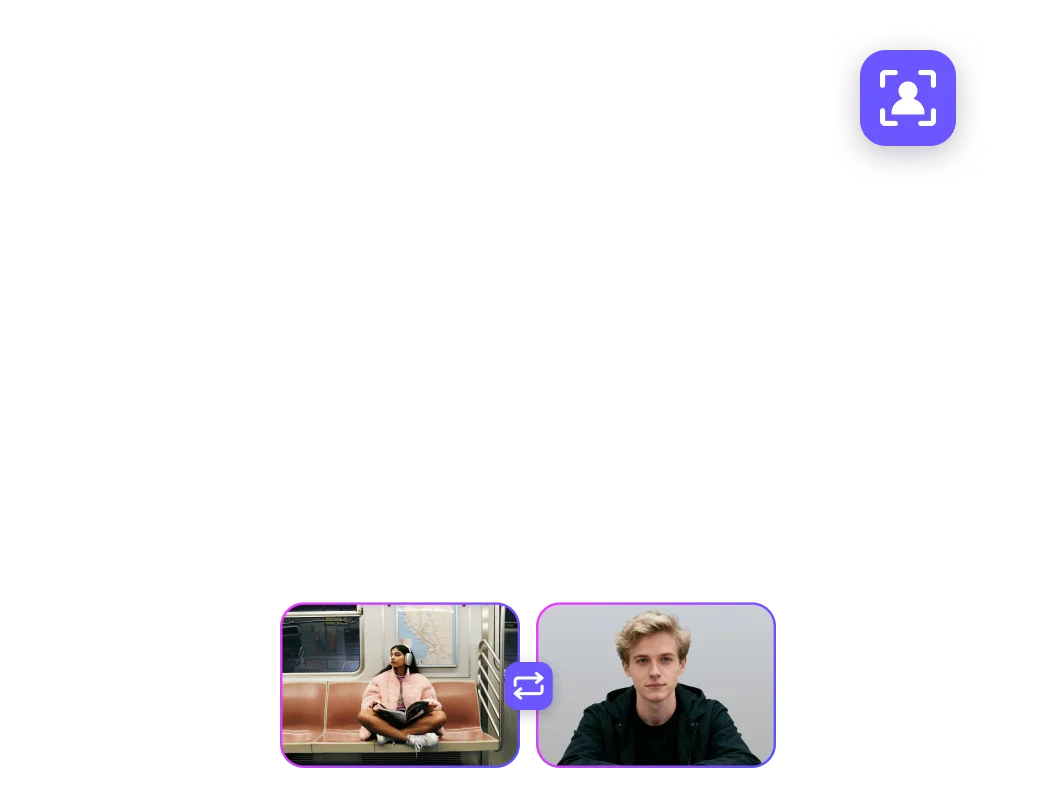
Reference-video Integration Technology
See your visuals understood with human-level clarity. Wan 2.6 analyzes images to summarize content, answer complex visual questions, and generate accurate, context-aware captions. From identifying objects and relationships to interpreting emotional tones or scene logic, it delivers intelligent visual comprehension that strengthens every stage of your creative workflow.

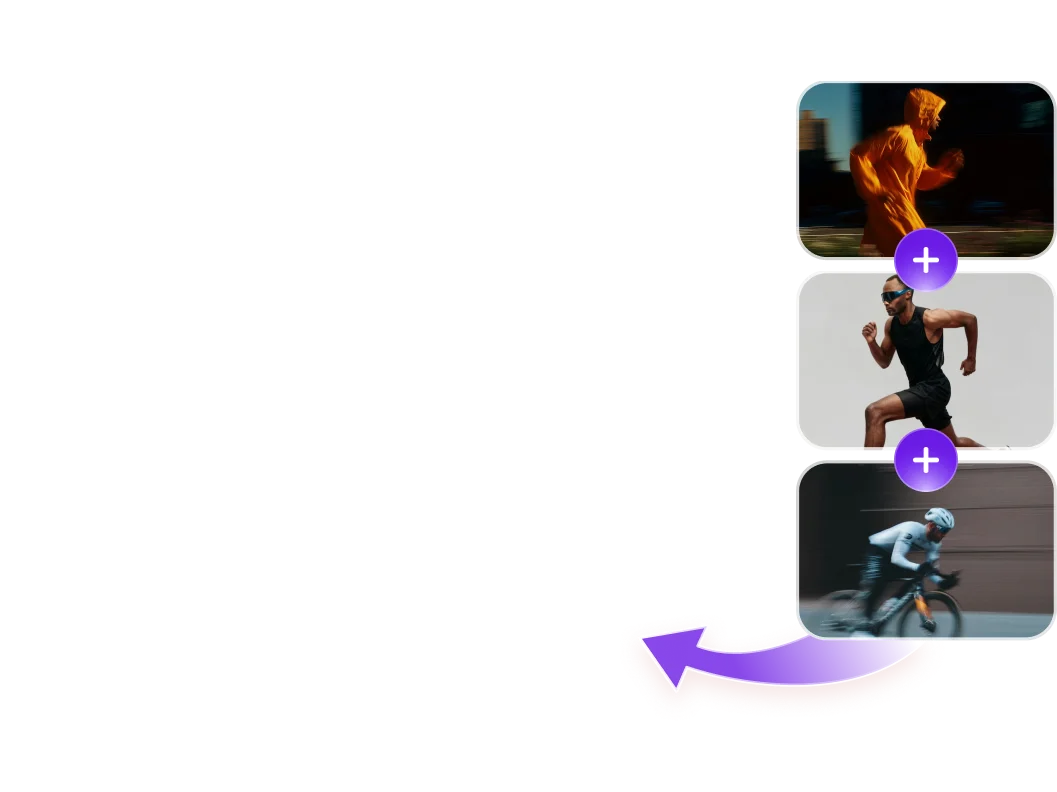
Cinematic Audio Sync & Dual Subject
Bring sound and style together in perfect harmony. Wan model can integrate narration and sound effects while following reference images or visual style guides to maintain consistent aesthetics. Whether you're aiming for a cinematic tone, a hand-drawn look, or a branded visual identity, it preserves both visual and auditory coherence throughout the final output.
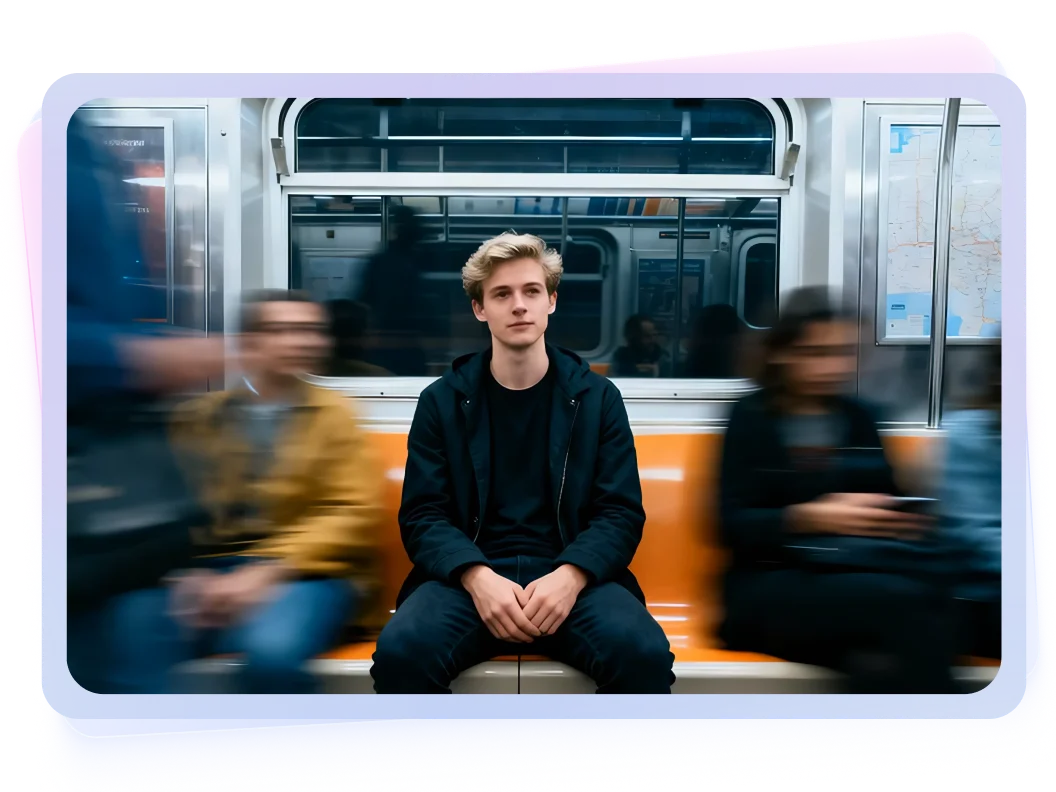
Multi-shot narratives with 1080p Output
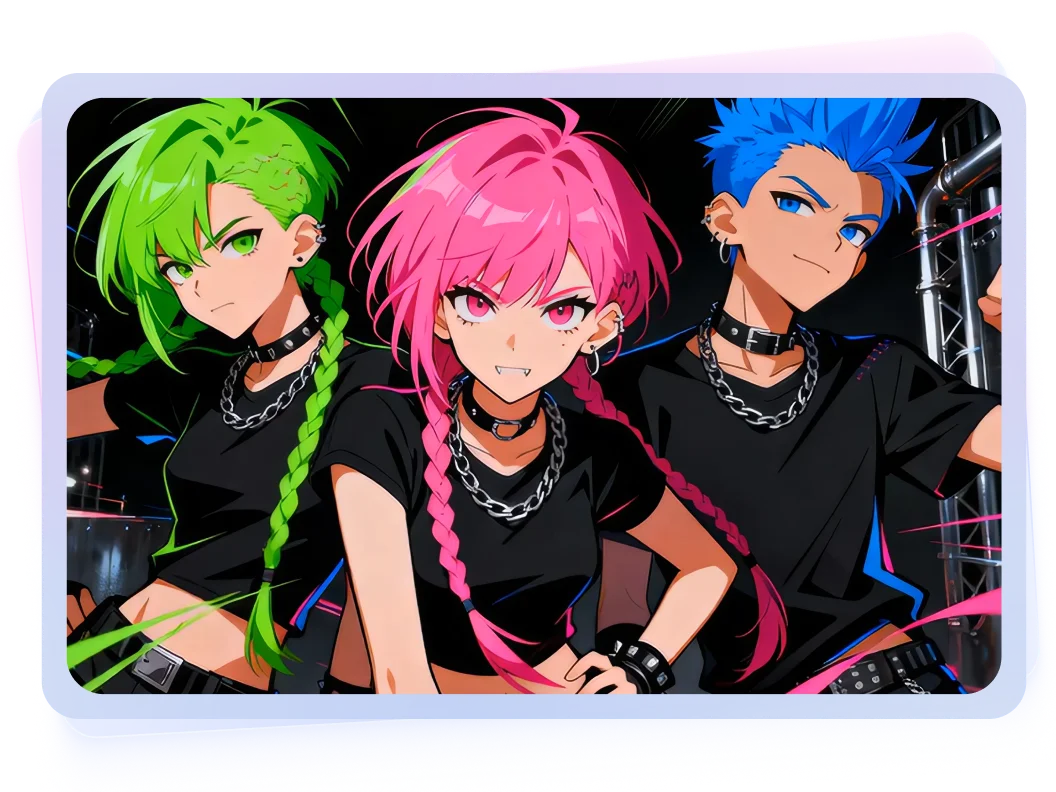
Stay creatively aligned from the first frame to the last shots. With prompt-based visual cues, Wan 2.6 ensures stability in style, composition, and multi scenes flow—helping creators achieve focused, polished results without drift. It keeps characters consistent, shots balanced, and artistic direction intact, enabling effortless control over the entire creative process.
How to Use Wan 2.6 to Generate AI Videos?
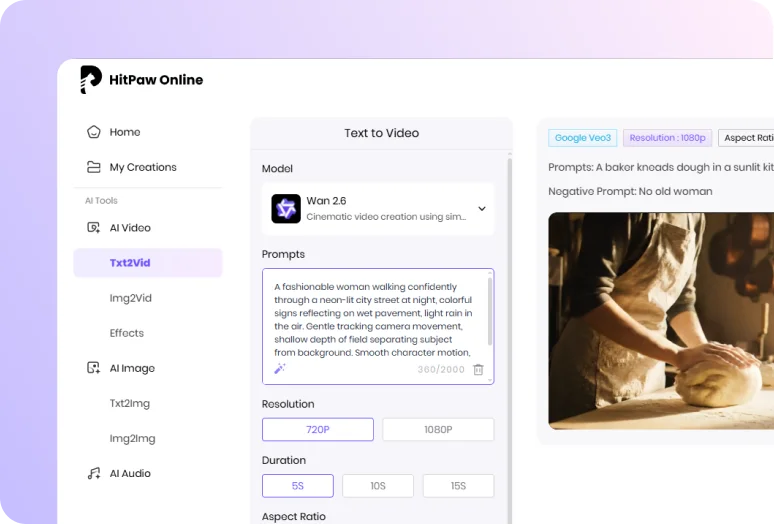
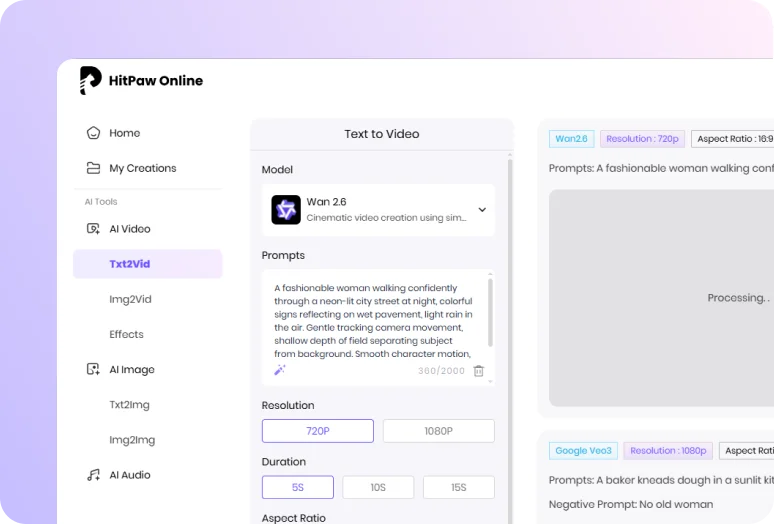
Enter Example Prompt
Type in the prompts or upload image to generate videos online.
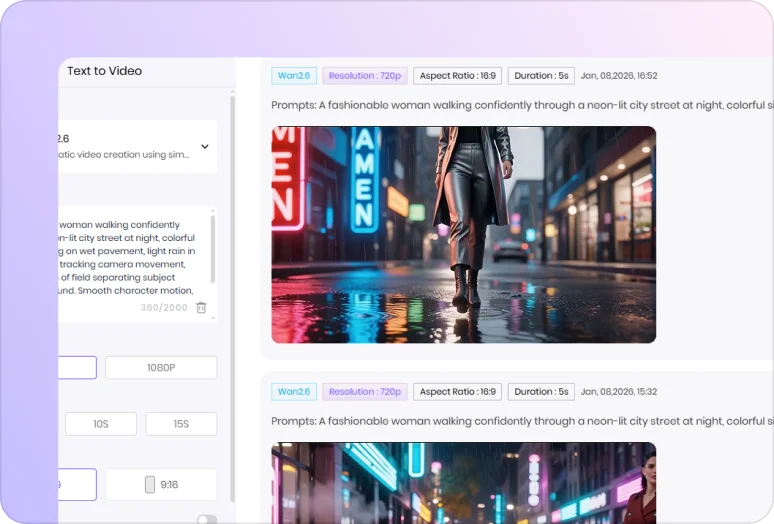
Wait for the Generation
Our AI model will analyze your idea and create according results.
Download the Video
Preview and download the AI video file once the processing completed.
What Can You Create with Different Wan 2.6 AI Prompts?
Discover the power of Wan AI through real prompt examples. See how easy and realistic the final AI videos can be.
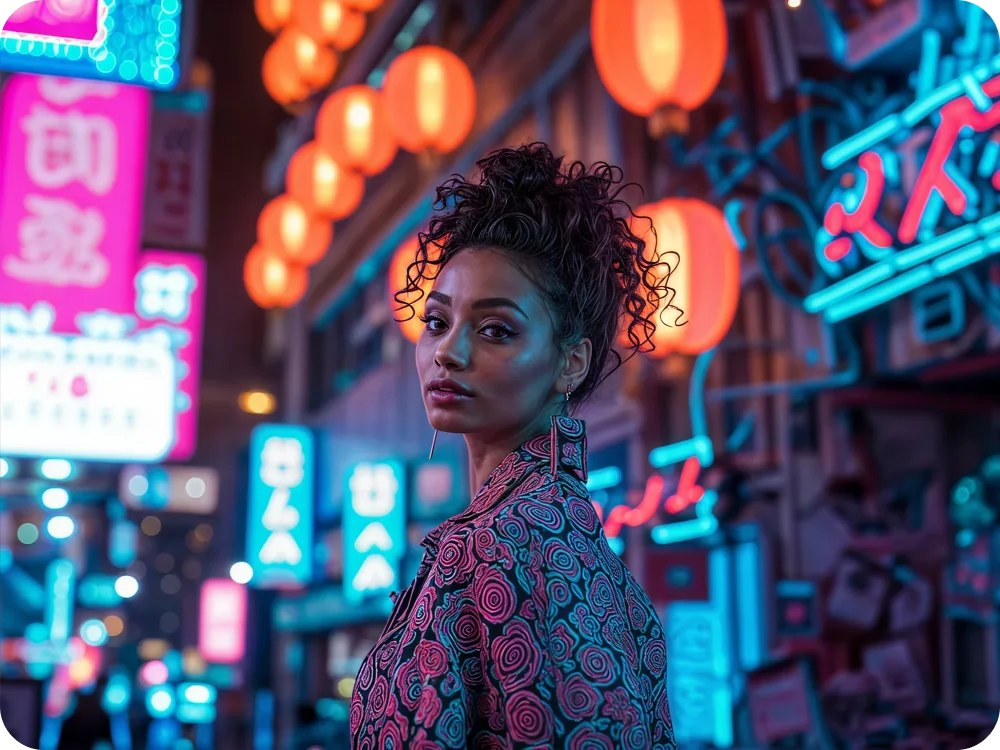


 Professional Example Prompt
A fashionable woman walking confidently through a neon-lit city street at night, colorful signs reflecting on wet pavement, light rain in the air. Gentle tracking camera movement, shallow depth of field separating subject from background. Smooth character motion, realistic skin and fabric textures, cinematic lighting, modern urban atmosphere, stable framing.
Professional Example Prompt
A golden autumn sunset over a countryside landscape, warm sunlight casting long shadows across fields and trees, leaves falling in a gentle breeze, light atmospheric haze in the distance. Slow cinematic camera push-in with smooth motion and stable composition. Natural colors, realistic lighting, high-detail textures, calm emotional mood, cinematic realism.
Not Enough? Try Our Other Models
 Pixverse V5
 Sora 2
 Kling 2.1 Master
 Hailuo 02
 Seedance 2.0
 HappyHorse AI 1.0
 Google Veo 3 Fast
Explore More AI Effects
FAQs about Wan 2.6 AI Video Generator with HitPaw
Wan is sensitive to temporal logic and action order. For better continuity, describe actions in a clear sequence (e.g., walking → stopping → turning back) and avoid mixing conflicting motions in a single prompt. Clear timing and flow help the model produce smoother, more consistent results.
Define key character traits—such as hairstyle, clothing, age, and overall vibe—early in the prompt and keep them unchanged. Wan performs best when core visual attributes remain stable from start to finish.
Use explicit filmmaking terms like slow push-in, tracking shot, or wide cinematic shot rather than only describing the scene. Wan understands basic camera language, and clear camera instructions greatly improve visual quality.
Tips & Tricks for HitPaw Online AI Video Generator
Ready to Make Your Own Wan 2.6 Al Video?
No matter a story, a vibe, or just a random idea, all set! Drop it into Wan 2.6 and watch it move. From short clips to cinematic shots, your next video is only a prompt away.