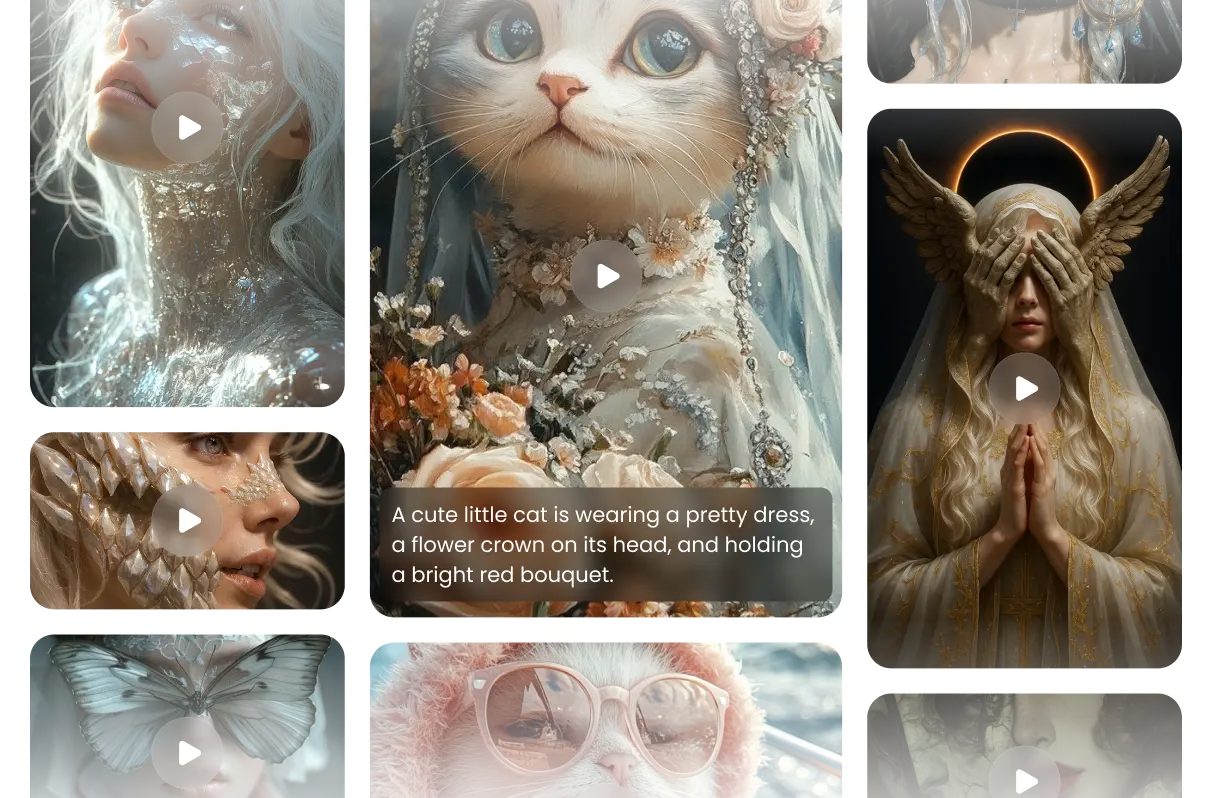
Features of Pixverse AI Video Generator
A creative model made for every user to push the boundaries of video imagination
From Text or Image, Build Dynamic Scenes
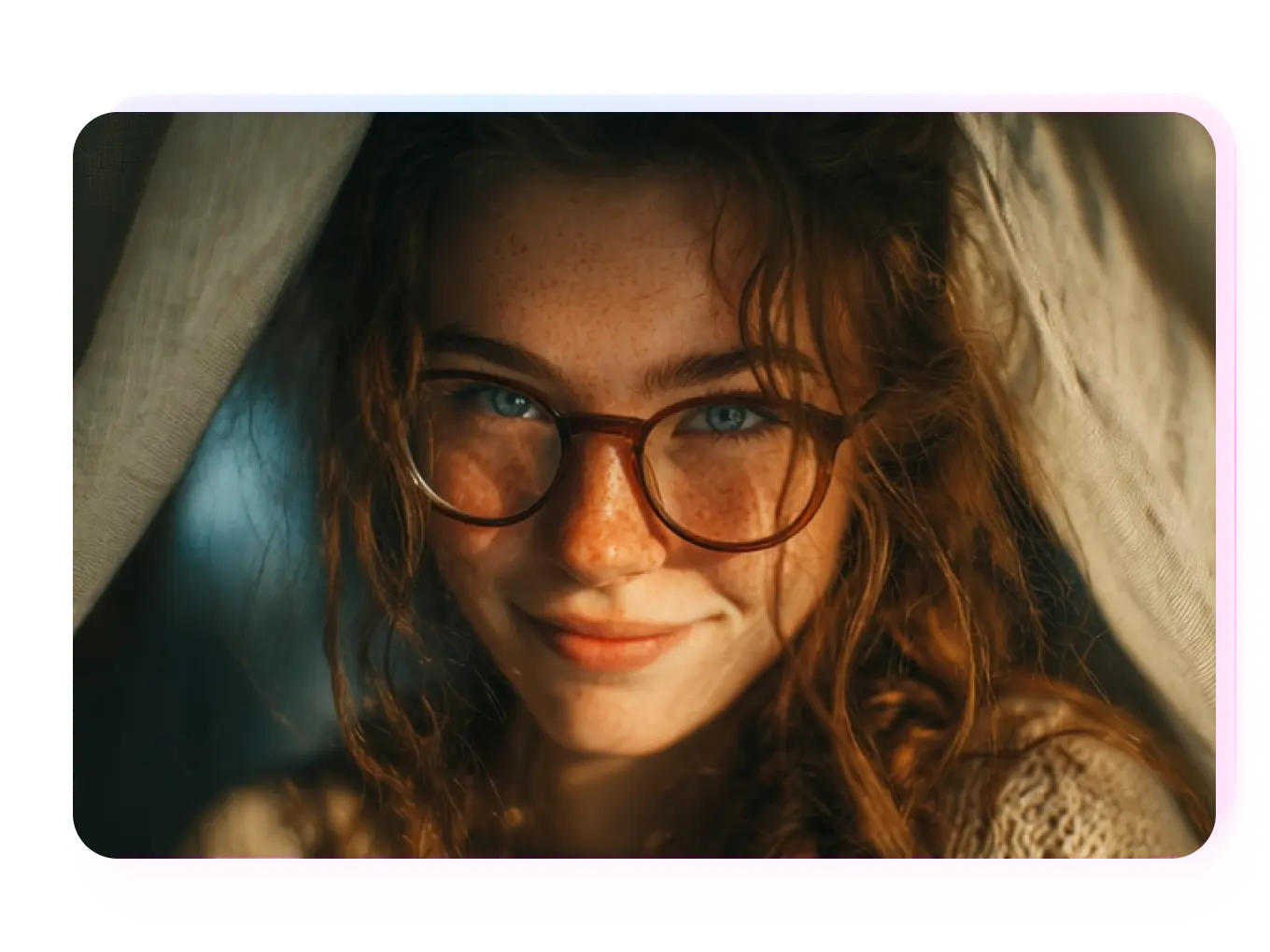
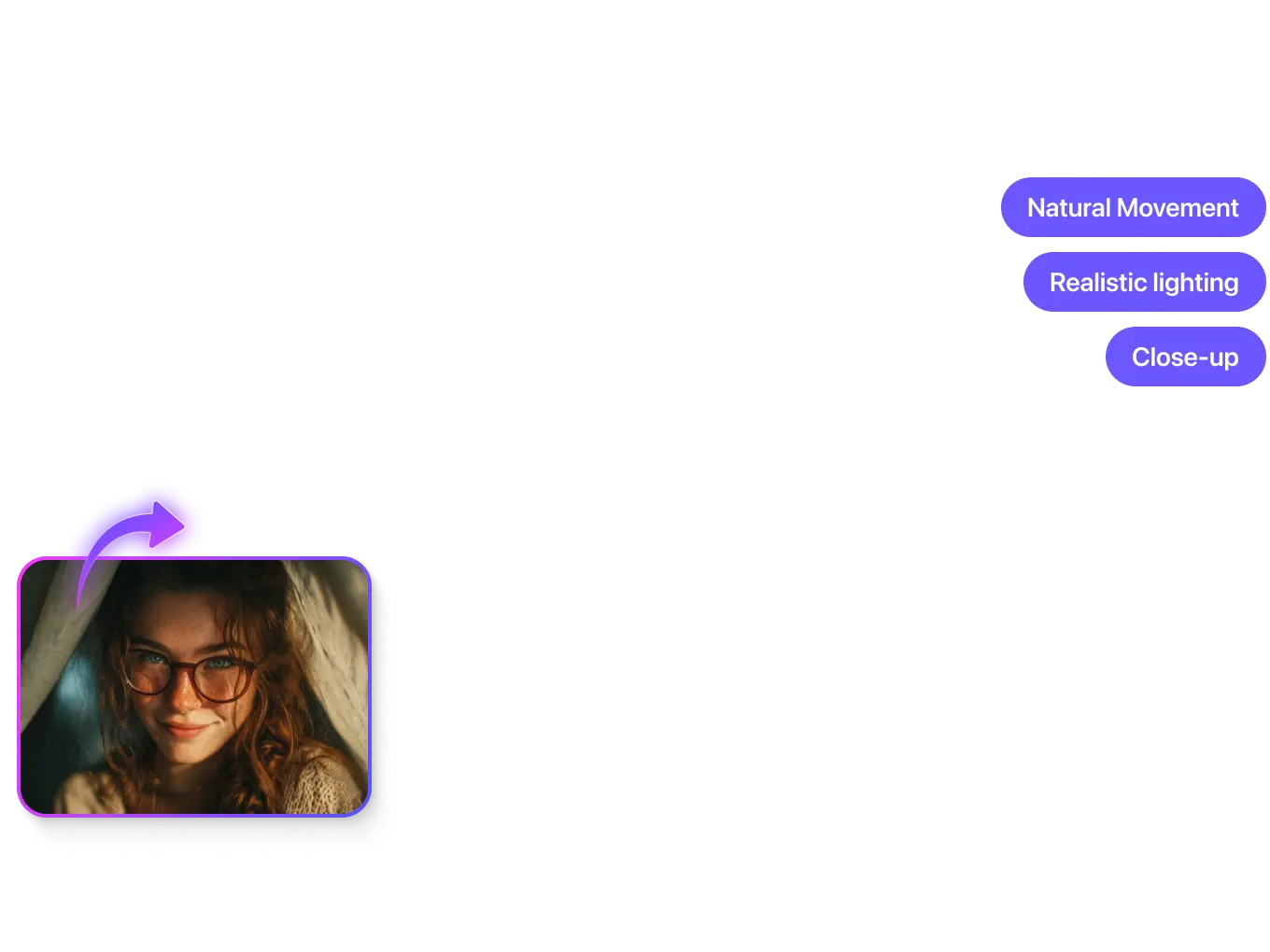
Pixverse gives creators freedom and control in equal measure. Type a few words or upload a reference frame — the model follows your direction with natural motion, realistic lighting, and clean transitions. You set the tone, AI brings it to life.
Create Cinematic Visuals with Storytelling Energy
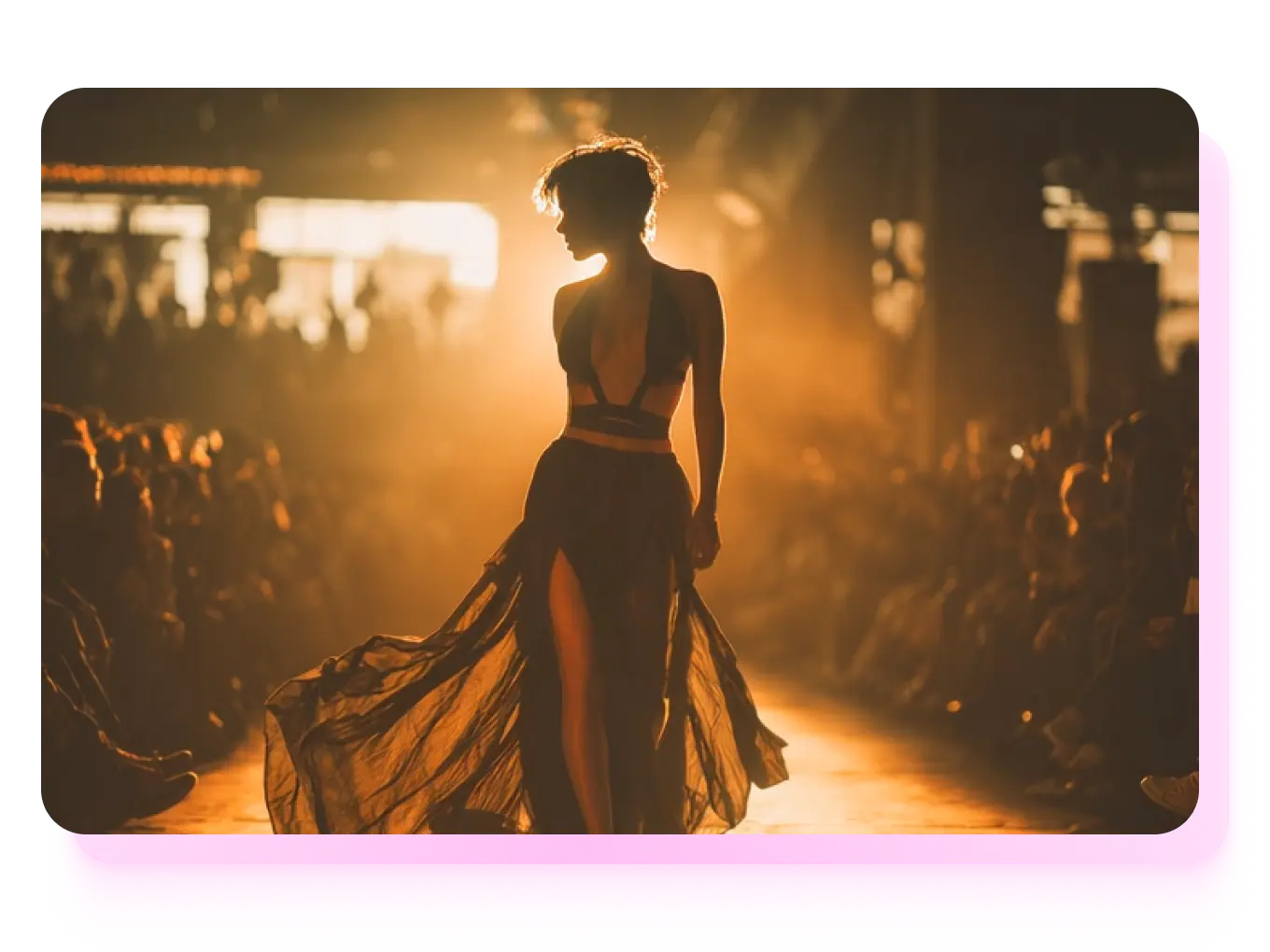
Pixverse turns text and image prompts into cinematic videos that feel alive. Each scene builds tension, depth, and movement like a real movie sequence — complete with camera logic and emotional pacing. It’s storytelling through motion, powered by AI.
Fast Rendering, Sharp Detail, and Real Camera Flow
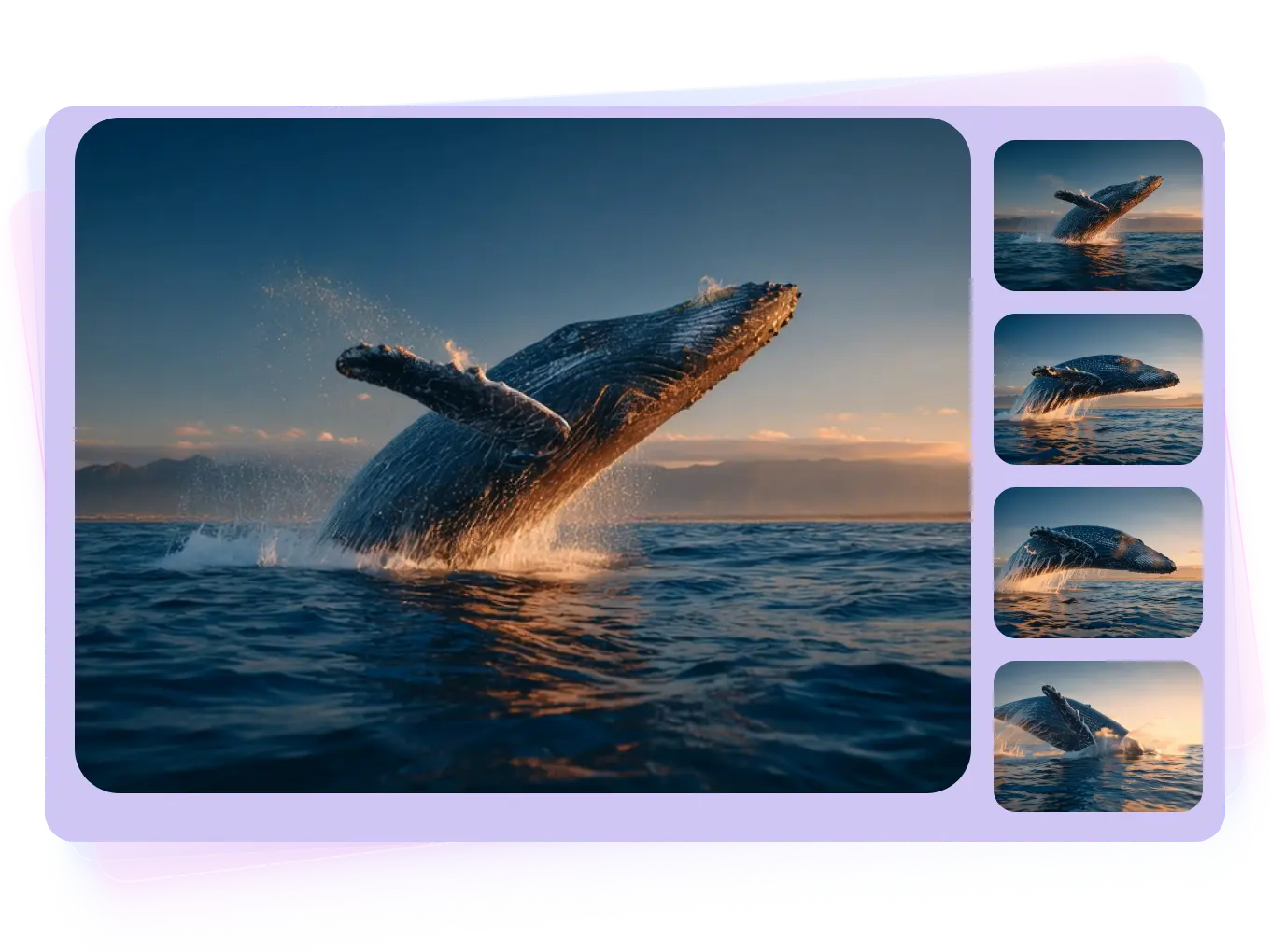
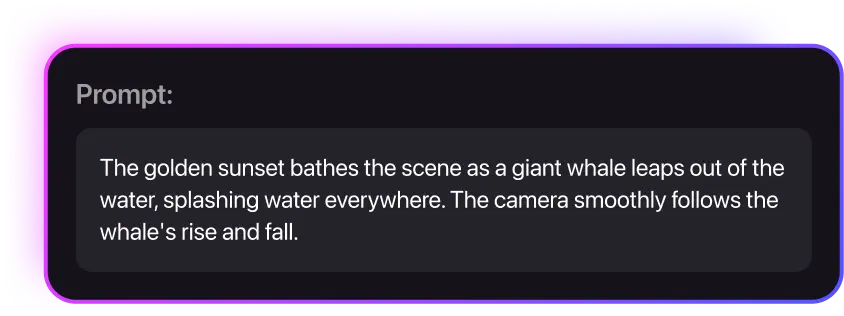
No need for endless waiting or manual cleanup. Pixverse renders crisp, stable, and fully coherent clips in minutes. Every frame holds detail and momentum, so your videos feel continuous and production-ready right from the start.
Powered by Advanced Models for Visual Mastery
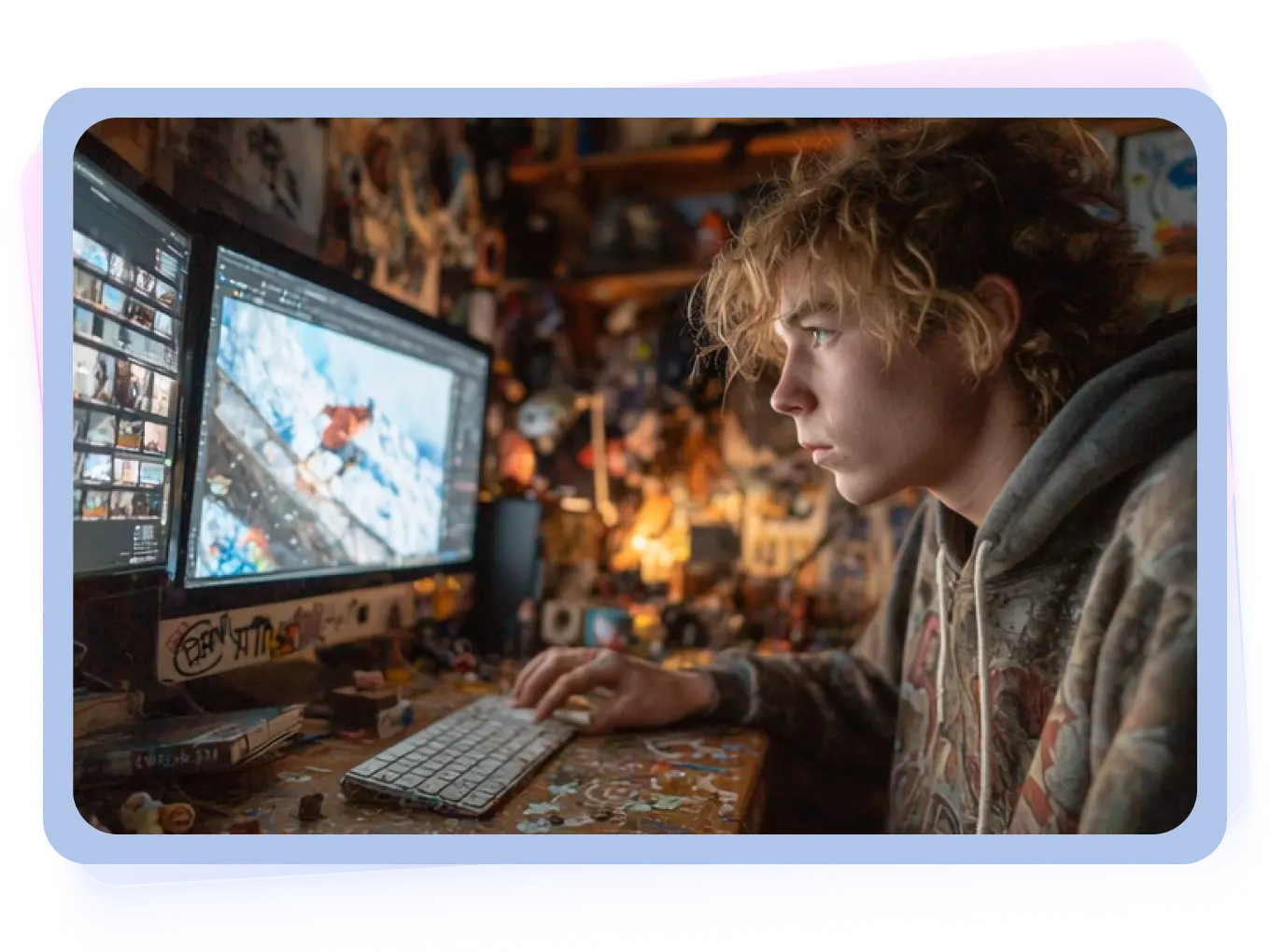
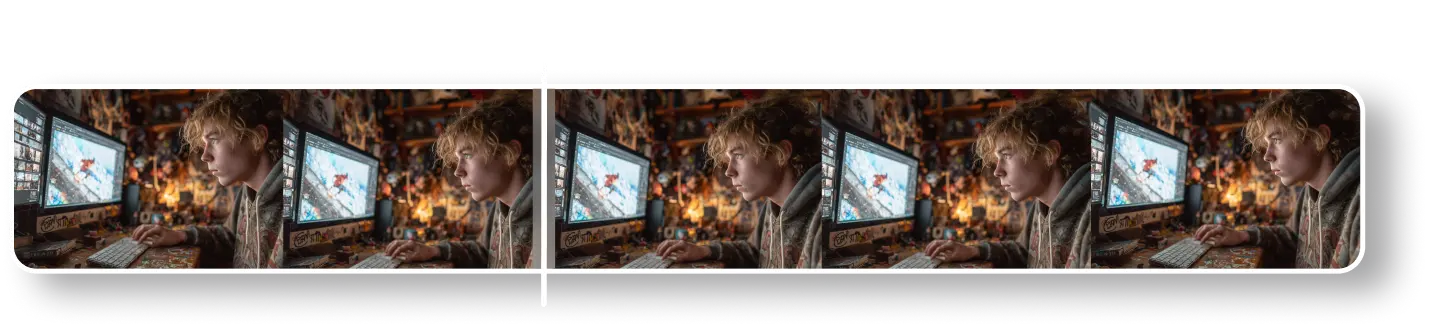
With each generation, Pixverse pushes visual quality further — improving depth, structure, and consistency across scenes. The latest version delivers sharper realism, smarter transitions, and cinematic control that lets creators produce studio-grade motion from simple inputs.
How to Use Pixverse to Generate AI Videos?
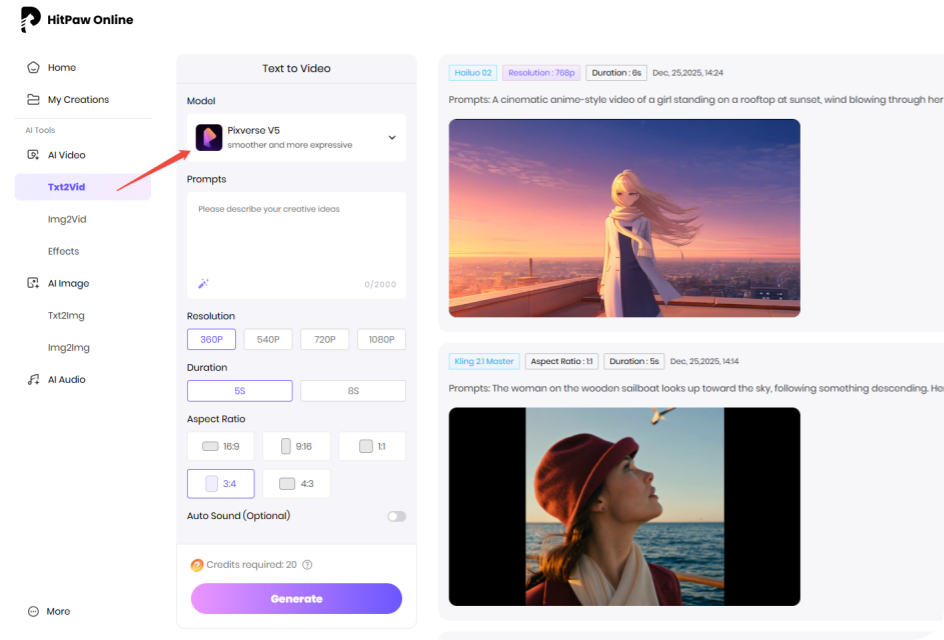
Enter Example Prompt
Type in the prompts or upload image to generate videos online.
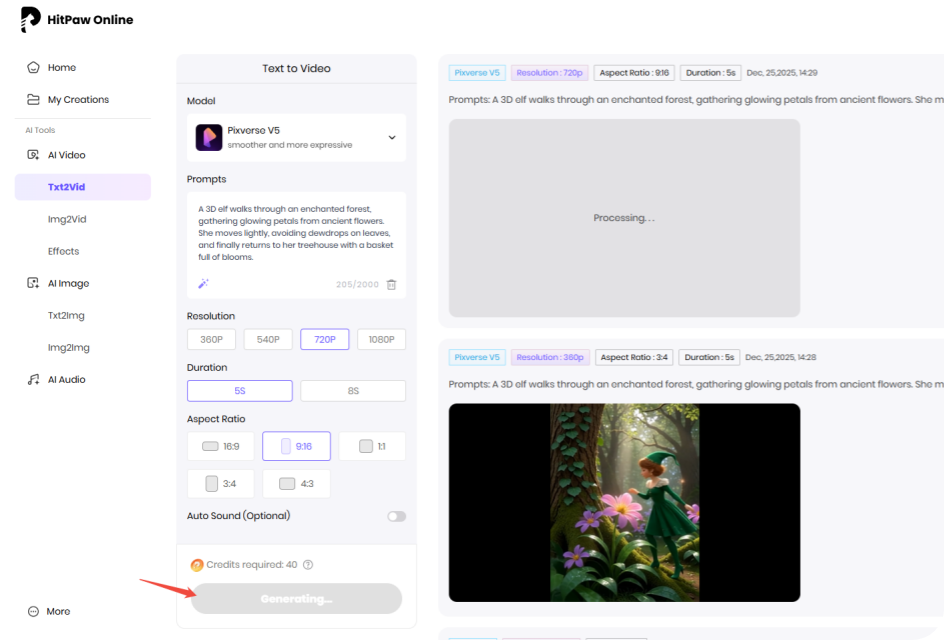
Wait for the Generation
Our AI model will analyze your idea and create according results.
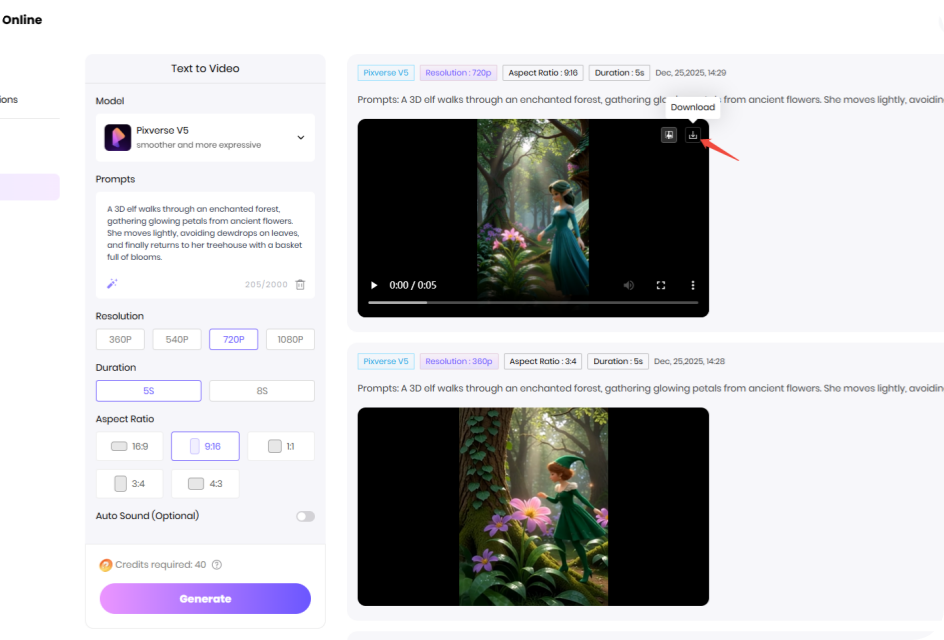
Download the Video
Preview and download the AI video file once the processing completed.
What Can Different Prompts Create with Pixverse AI?
Discover the power of Pixverse AI through real prompt examples. See how easy and realistic the final AI videos are.
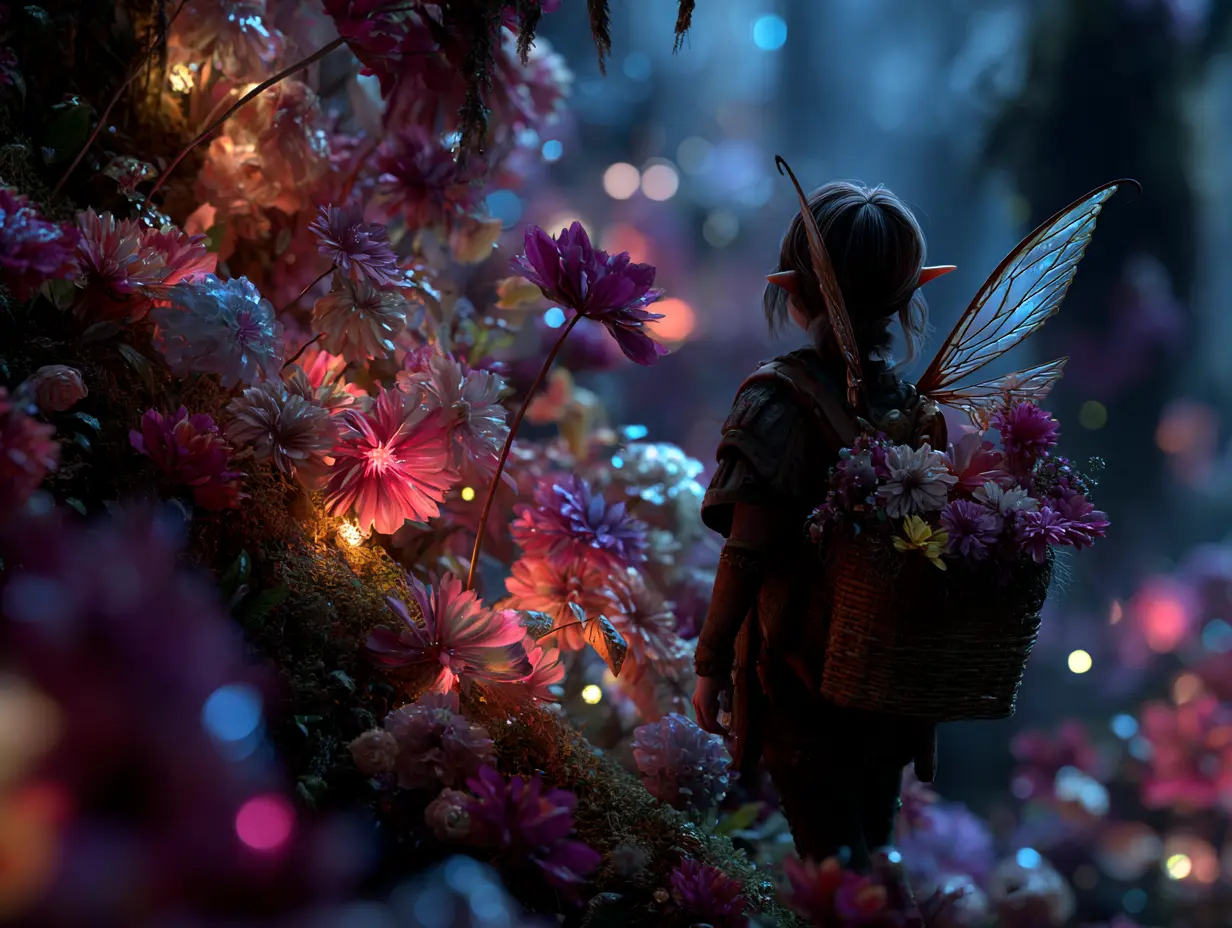

 Handy & Professional Prompts
A 3D elf walks through an enchanted forest, gathering glowing petals from ancient flowers. She moves lightly, avoiding dewdrops on leaves, and finally returns to her treehouse with a basket full of blooms.
Handy & Professional Prompts
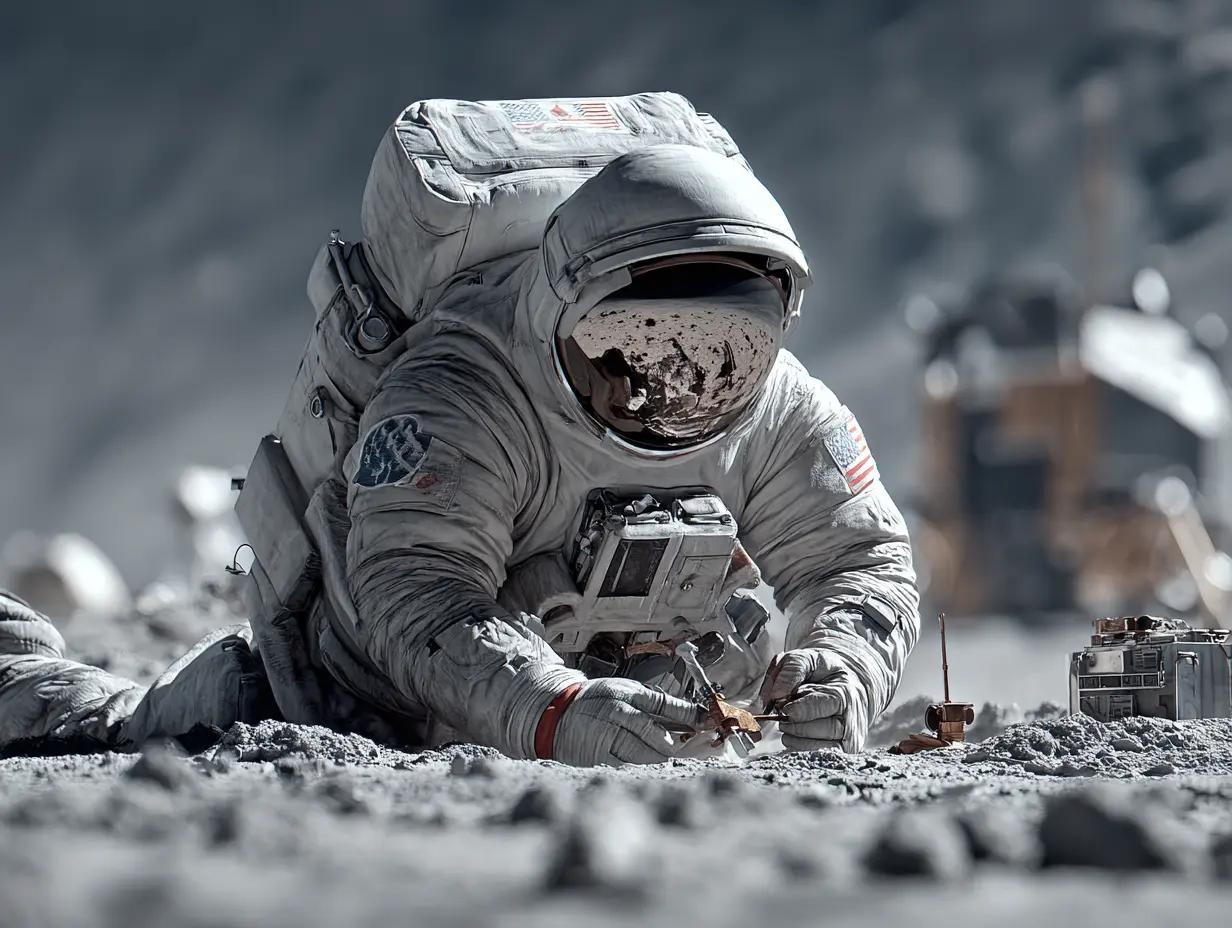
A futuristic astronaut places a detection device on the lunar surface, moving steadily in a spacesuit. The device lights up green after calibration, and he turns to walk back to the landing module.
Not Enough? Try Our Other Models
 HappyHorse AI 1.0
 Sora 2
 Kling 2.1 Master
 Hailuo 02
 Seedance 2.0
 Google Veo 3 Fast
Explore More AI Video Effects
FAQs about Pixverse AI Video Generator with HitPaw
It supports multi-modal input, including text, images, and audio combinations. You can also upload reference images to create custom characters for consistent cross-scene generation.
Yes. Use the Character function to upload real human face images (animal or stylized photos are not supported yet) and enable Auto Character Prompt. Adding descriptions like “upper body shot” in prompts enhances consistency.
It supports 4K ultra HD (3840×2160) output through the built-in Upscale function, suitable for high-quality content needs.
Multiple options are provided, including 16:9, 9:16, 1:1, 4:3, and 3:4, adapting to different platforms like mobile and desktop.
Yes. Fix the seed value parameter during generation. You can then fine-tune prompts while retaining the core effect for iterative optimization.
Tips & Tricks for HitPaw FotorPea Photo Enhancer
Ready to Make Your Own Pixverse Al Video?
No matter a story, a vibe, or just a random idea, all set! Drop it into Pixverse AI and watch it move. From short clips to cinematic shots, your next video is only a prompt away.