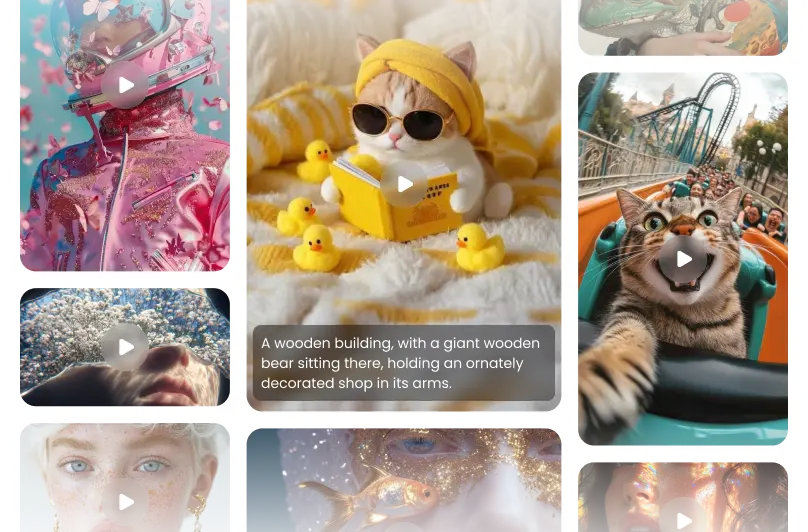
Features of Veo 3 AI Video Generator
A top-class model crafted for all user to explore the limitless possibilities of video creativity
Produce Targeted Shot Compositions
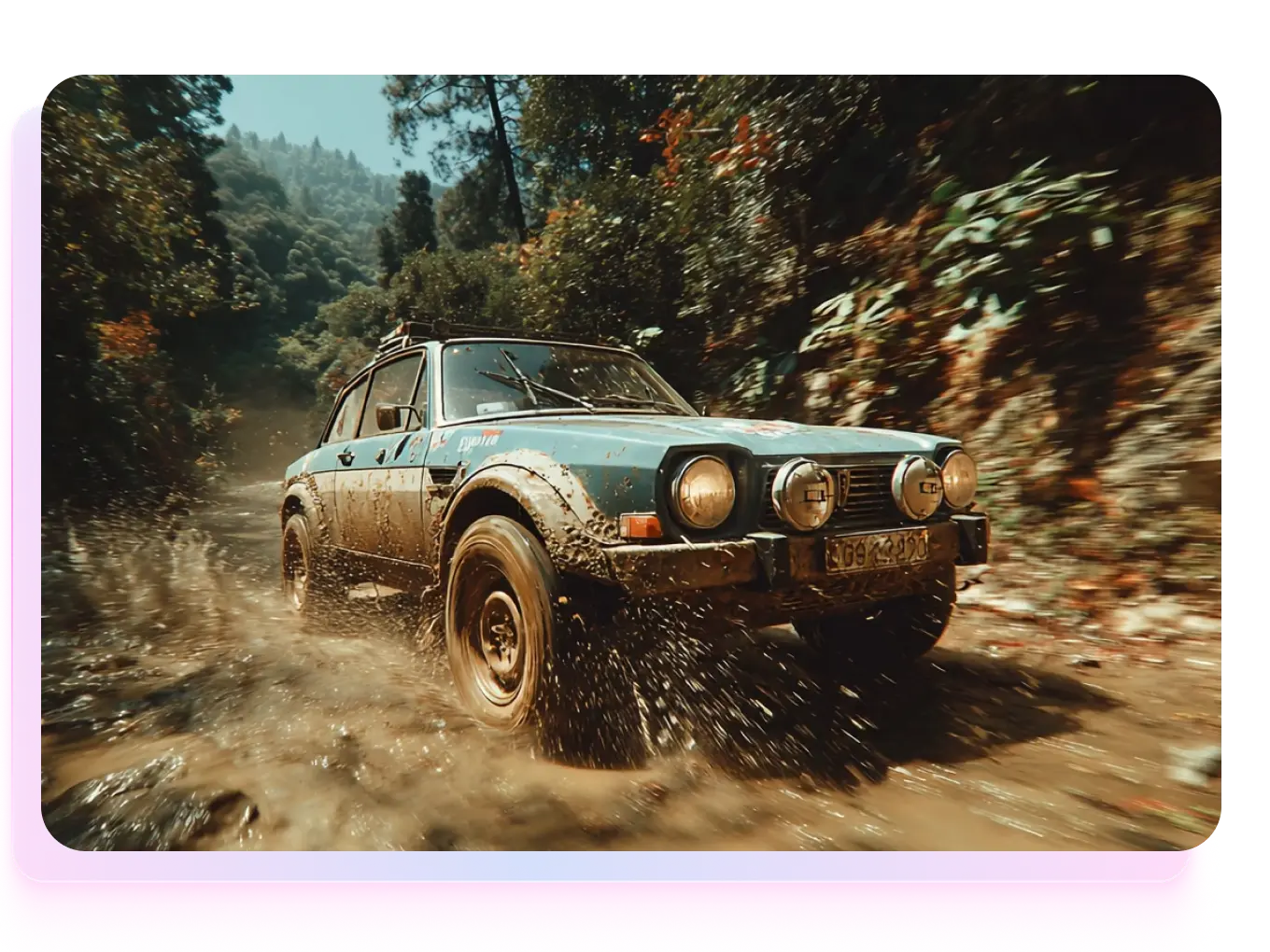
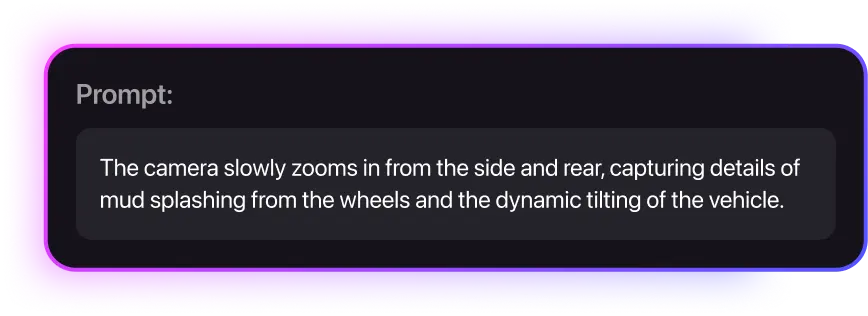
Veo 3 gives creators cinematic control like never before. You can define camera positions and movements — from dramatic low-angle tracking shots that enhance scale and power, to soft close-ups that reveal emotion and intimacy. Every detail responds precisely to your direction, allowing you to design cinematic language through text prompts alone.
Diverse & Rich Rendering
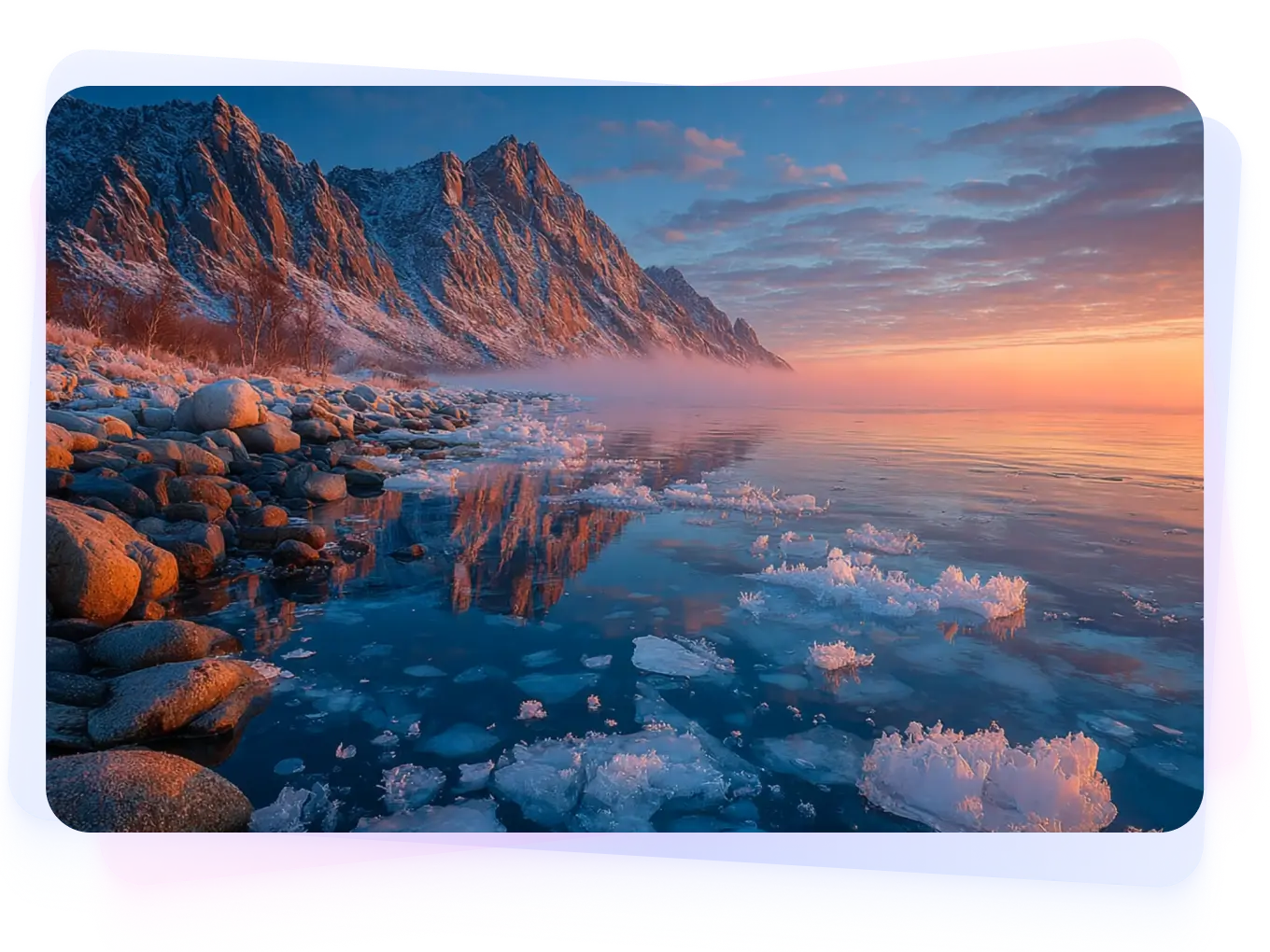
Veo 3 captures the essence of any genre or atmosphere with striking detail. Whether you describe a gothic cathedral or a modern sci-fi skyline, it builds environments rich in tone, texture, and lighting. The model’s rendering depth ensures every shadow, reflection, and flicker of light feels deliberate — transforming simple prompts into visually compelling worlds.

Executes Prompts with Unprecedented Precision
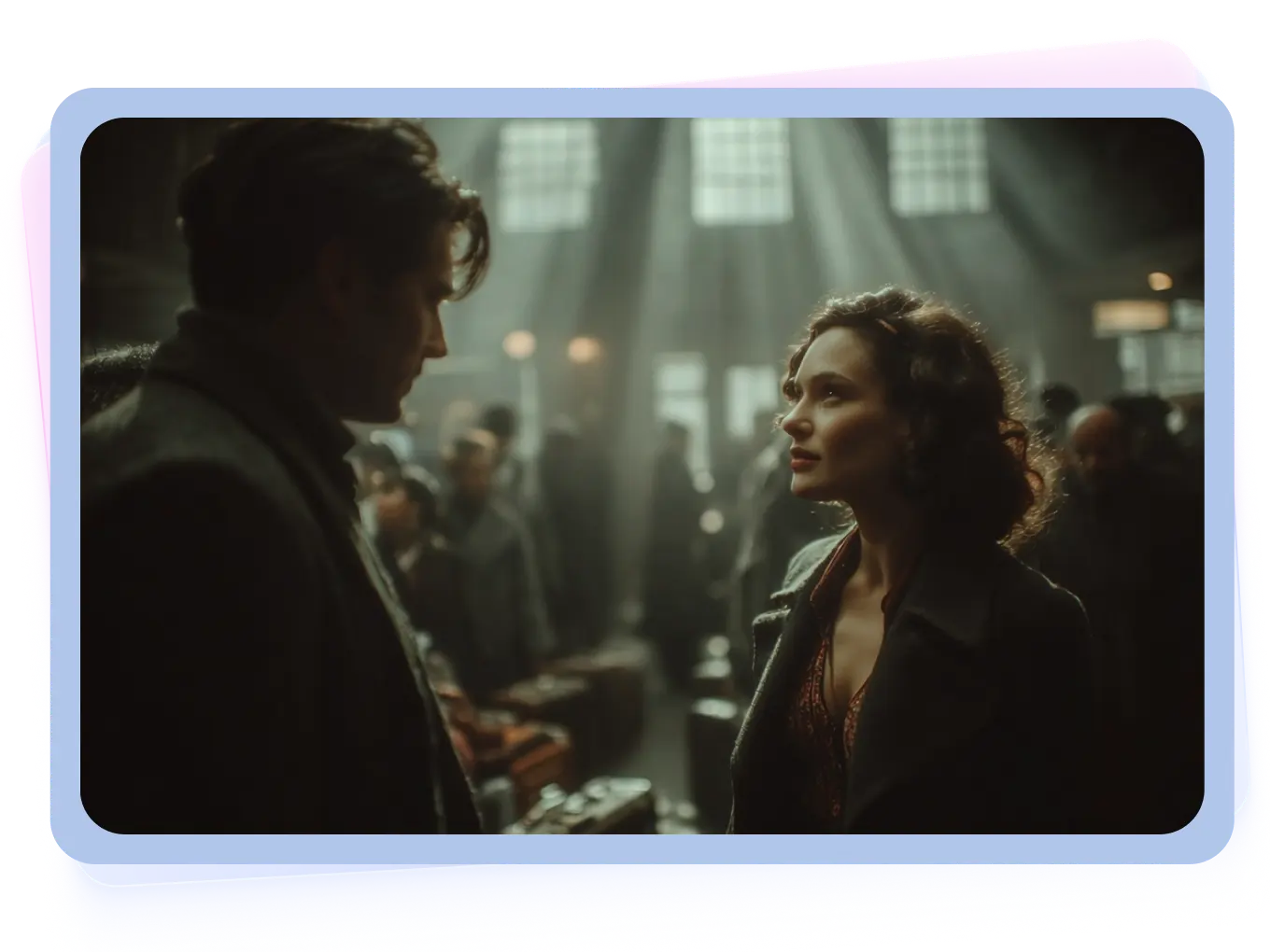
With upgraded prompt adherence, Veo 3 understands nuance and intent more deeply than ever. It interprets direction precisely — whether you ask for a slow zoom into a character’s reflection or a handheld shot under flickering light. Every element, from tone to timing, aligns faithfully with your creative vision, ensuring accuracy and artistic control in every generation.
Contextual Audio
Veo 3 brings sound design directly into the AI video generation process. You can now add ambient soundscapes, Foley effects, and dialogue cues that match your visual narrative. Rain sounds sync with rainfall, footsteps echo in hallways — everything aligns perfectly. Visuals and audio merge in real time, giving creators complete control over emotional pacing and immersion.
How to Use Veo 3 to Generate AI Videos?
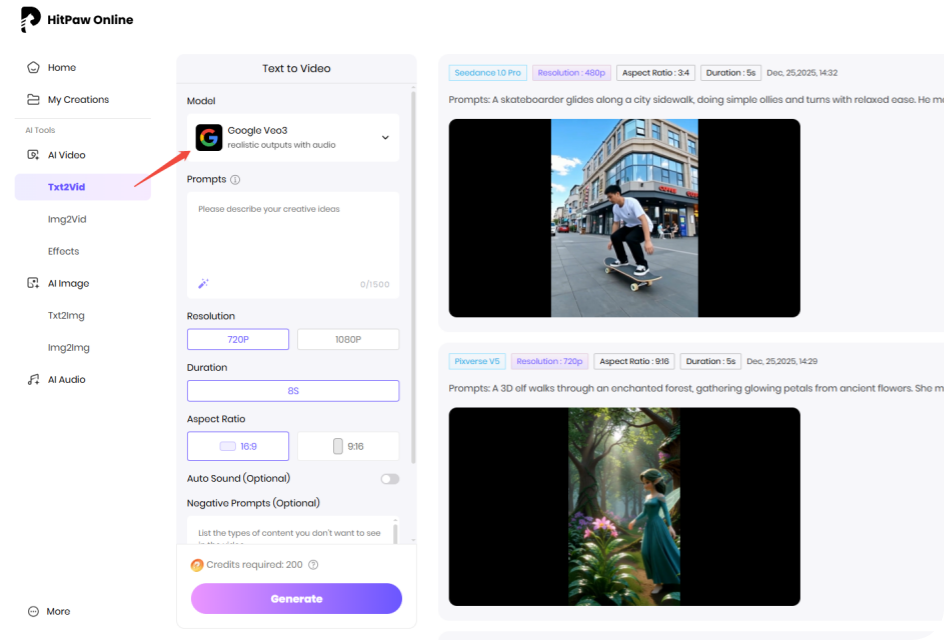
Enter Example Prompt
Type in the prompts or upload image to generate videos online.
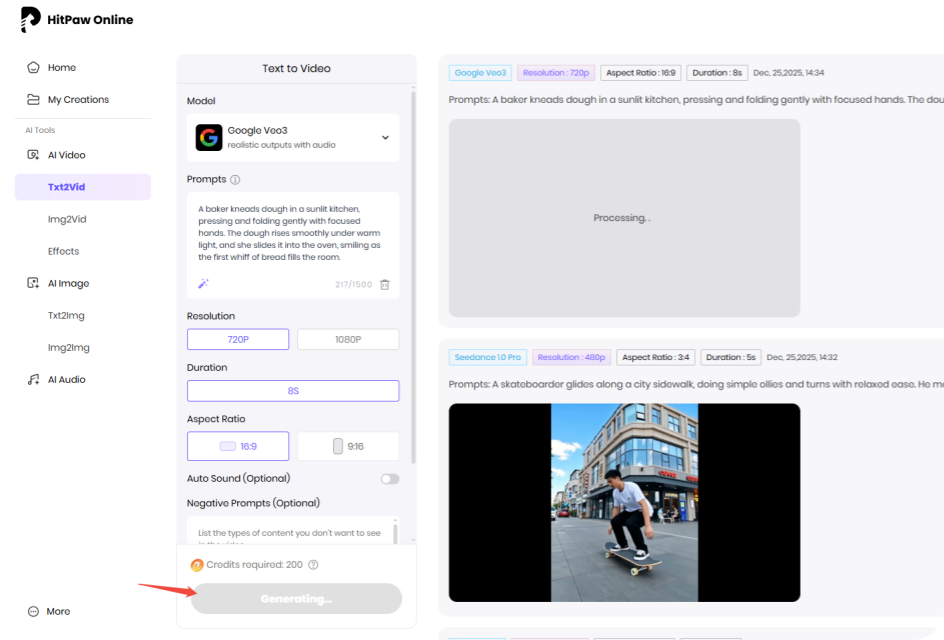
Wait for the Generation
Our AI model will analyze your idea and create according results.
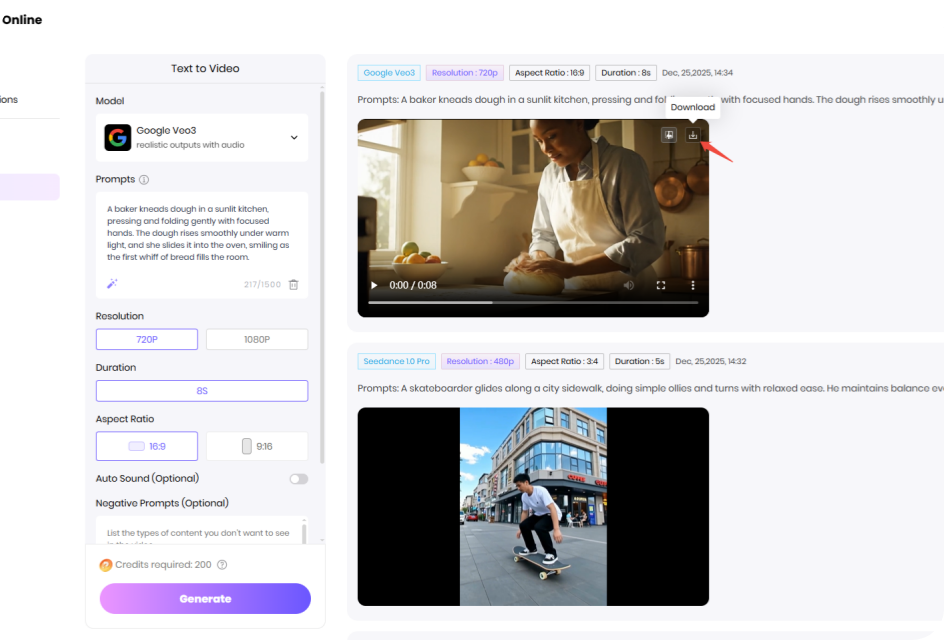
Download the Video
Preview and download the AI video file once the processing completed.
What Can You Create with different Veo 3 AI Prompts?
Discover the power of Veo 3 AI through real prompt examples. See how easy and realistic the final AI videos can be.


 Handy & Professional Prompts
A baker kneads dough in a sunlit kitchen, pressing and folding gently with focused hands. The dough rises smoothly under warm light, and she slides it into the oven, smiling as the first whiff of bread fills the room.
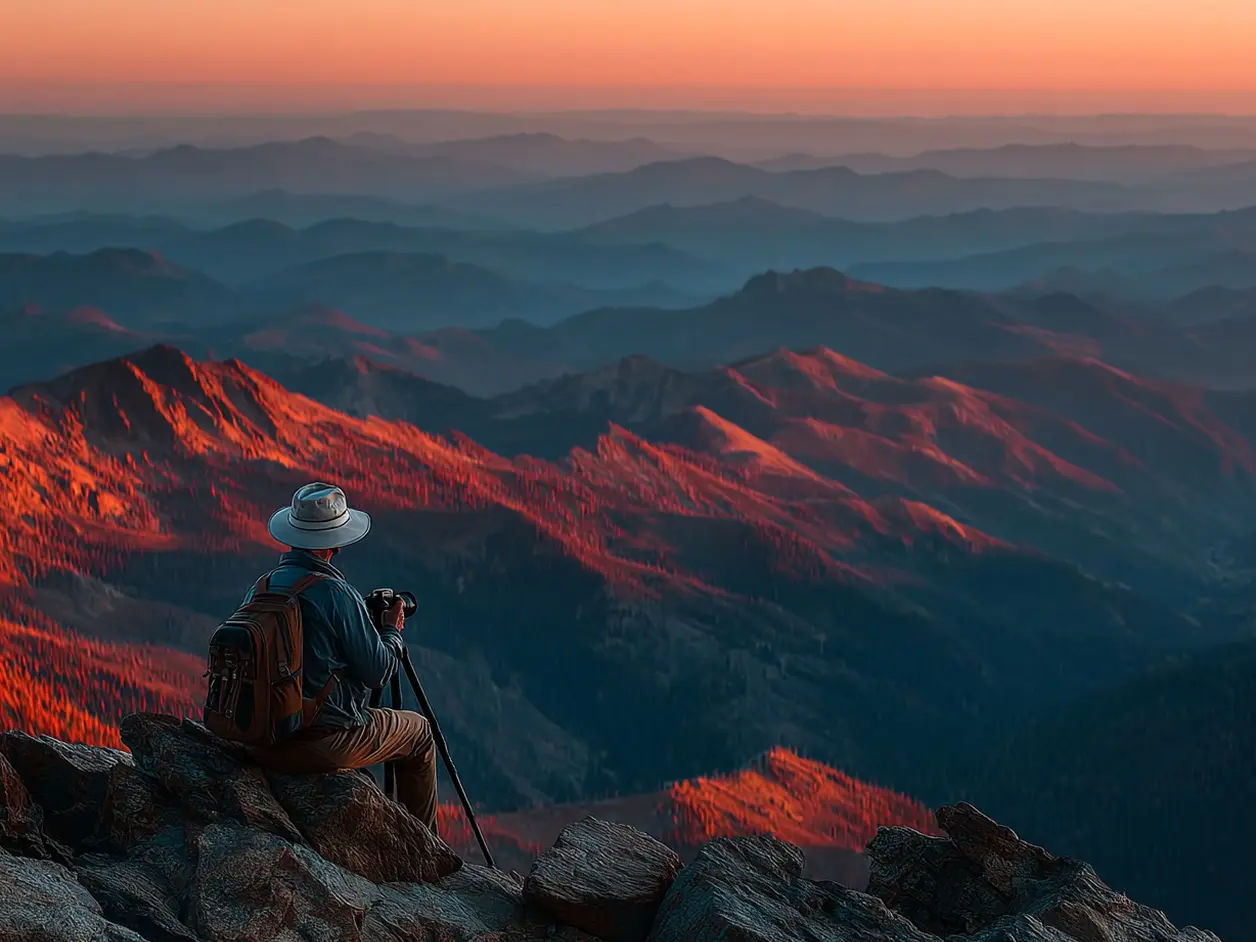
Handy & Professional Prompts
A travel photographer adjusts his camera on a mountain top, waiting for the sunrise. He snaps shots as golden light spills over the peaks, and packs his gear content after capturing the perfect frame.
Not Enough? Try Our Other Models
 Pixverse V5
 Sora 2
 Kling 2.1 Master
 Hailuo 02
 Seedance 2.5
 HappyHorse AI 1.0
Explore More AI Video Effects
FAQs about Veo AI Video Generator with HitPaw
It reaches 99.8% precision. When generating videos from text or images, it automatically creates synchronized dialogue, ambient sounds, sound effects, and background music.
Yes. It offers object addition/removal tools. The AI automatically adjusts object proportions, shadows, and interactions with the environment for natural integration.
Yes.It recognizes prompts in various languages and generates natural speech with precise lip-sync matching, meeting global creator needs.
It supports 4K ultra-clear output, delivering broadcast-level quality comparable to professional video production.
Yes. Users own the copyright of generated videos, which can be safely used for ads, courses, or social media monetization. Paid plans offer watermark-free output.
Tips & Tricks for HitPaw Online AI Video Generator
Ready to Make Your Own Veo 3 Al Video?
No matter a story, a vibe, or just a random idea, all set! Drop it into Veo 3 AI and watch it move. From short clips to cinematic shots, your next video is only a prompt away.