















Veo 3 Video Upscaler & Enhancer Online
Make your Veo 3 videos clearer and more detailed with HitPaw Online Video Enhancer. Upscale low-resolution AI-generated videos, fix blur, reduce noise, and improve video quality online with AI—no installation required.
Support format: mp4, webm, mov, gif
Maximum file size: 2GB
Maximum video
resolution:
4K


How to Upscale Veo 3 Videos in 3 Steps

Step 1. Upload Your Veo 3 Video
Drag and drop your generated Google Veo 3 video clip into the browser interface.
Step 2. Select AI Upscaling Model
Select the model that best fits your footage to improve details, sharpness, and overall video quality.
Step 3. Preview and Download
Click Enhance to process online, preview the enhanced results and download your 4K video.
Powerful Veo 3.1 Online Video Upscaler Powered by AI
Veo 3 can generate visually rich AI videos, but generated clips may still show soft details, compression artifacts, or inconsistent clarity after export and sharing. HitPaw Online Video Enhancer uses AI-powered enhancement to upscale and refine your Veo 3 videos for clearer, more polished results.
Upscale & Enhance Veo 3 Videos to 4K Quality


Upscale & Enhance Veo 3 Videos to 4K Quality
Upscale Veo 3 videos to 4K quality while enhancing edges, textures, and fine details. Give AI-generated footage a sharper, more polished look without manually adjusting complex video settings.
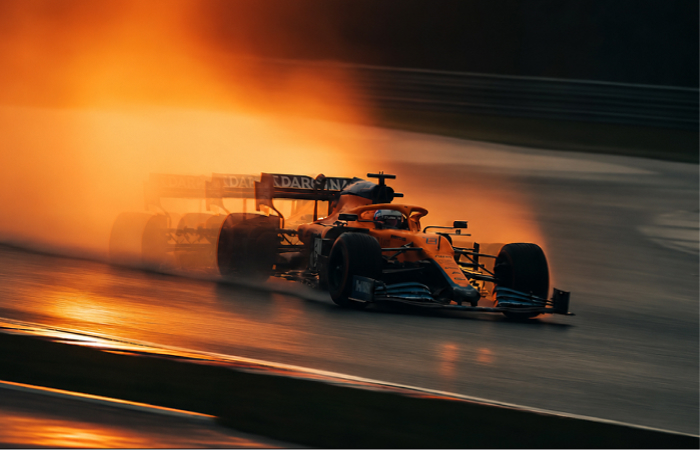
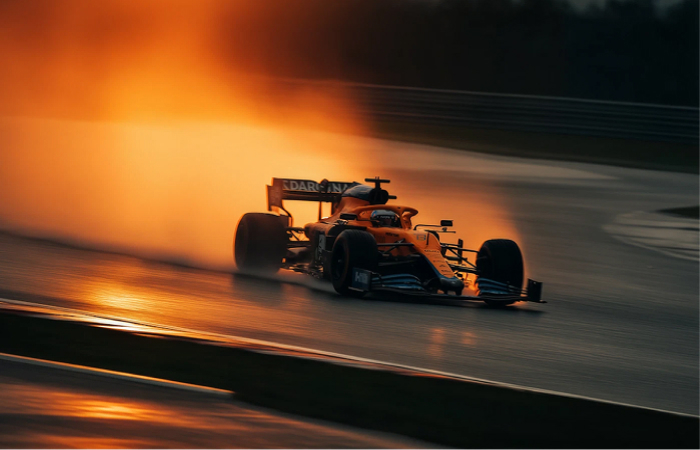
AI-Powered Frame Interpolation
AI-Powered Frame Interpolation
Make Veo 3.1 videos look smoother with AI-powered frame interpolation. Generate additional frames between existing ones to improve motion fluidity and create more natural-looking movement in fast or dynamic scenes.
Restore Details in AI-Generated Videos


Restore Details in AI-Generated Videos
Bring back details that may look soft or unclear after video generation, resizing, or editing. AI enhancement helps sharpen faces, objects, textures, and backgrounds while preserving the overall look of your original footage.
Reduce Noise and Compression Artifacts


Reduce Noise and Compression Artifacts
Clean up unwanted noise, grain, and compression artifacts that can affect AI-generated videos. Improve visual clarity and create cleaner footage that's better suited for editing, publishing, and large-screen playback.
Tailored for Creators & Teams Working with AI Video
From professional productions to everyday AI video projects, HitPaw Veo Video Enhancer helps different types of creators improve resolution, motion, details, and overall video quality.

Filmmakers & VFX Artists
Refine Veo 3.1 footage for short films, visual effects, concept scenes, and pre-production work. Upscale clips, restore fine details, and smooth motion before bringing AI-generated footage into your editing or VFX workflow.

Content Creators
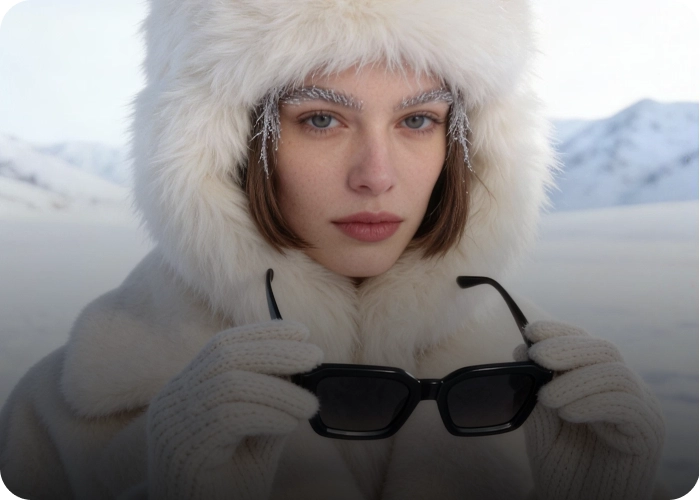
Make AI-generated videos look sharper and smoother before publishing them on YouTube, TikTok, Instagram, or other platforms. Improve video quality after generation without opening complicated desktop software.
Businesses & Brands
Create cleaner AI-generated videos for product showcases, advertisements, social campaigns, presentations, and marketing content. Enhance resolution and visual details to give branded videos a more polished appearance.

AI Video Enthusiasts
Experiment with Veo 3.1 and other AI-generated videos without worrying about imperfect resolution or visual quality. Quickly enhance personal projects, creative experiments, fan videos, and everyday clips directly in your browser.
Why Choose HitPaw Veo 3 Video Enhancer?
Advanced AI Models
Uses AI-powered enhancement models designed to improve resolution, sharpness, details, and overall video quality.
Fast Processing Speed
Processes your Veo videos quickly with optimized AI processing, so you can preview enhanced results without a long wait.
Privacy Protection
Your uploaded videos are processed securely to help protect your content and keep your creative footage private.
Web-Based Processing
Runs entirely in your web browser, allowing you to enhance low-res AI videos instantly on any device without installing heavy software.
Explore More HitPaw Online Al Tools
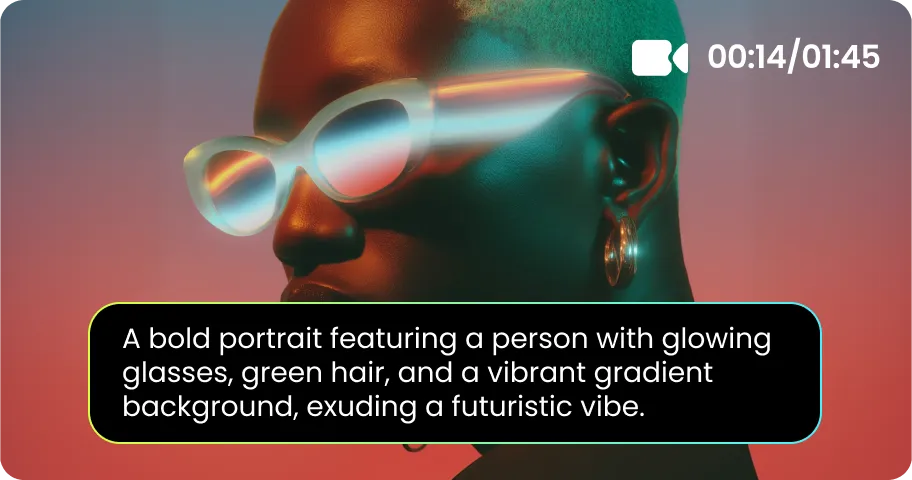
Online Video Generator
Turn text prompts into stunning cinematic AI videos in seconds.
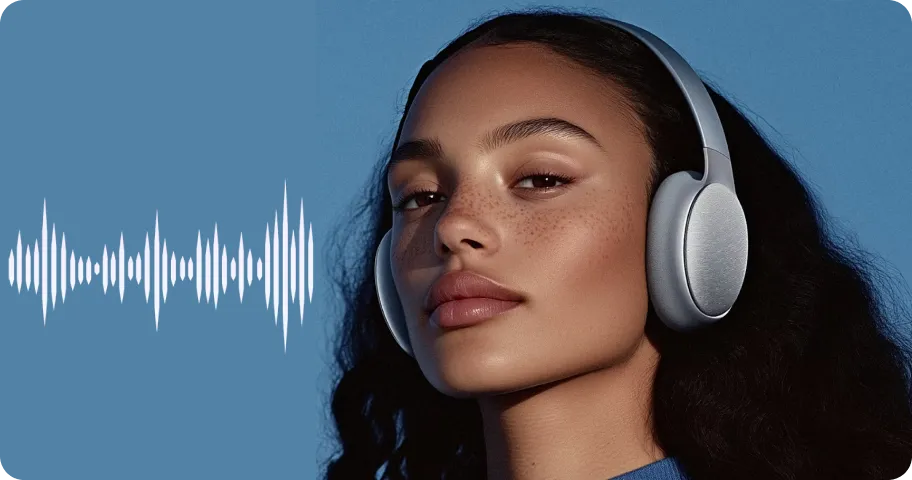
Online Music Generator
Create custom royalty-free soundtracks for any mood or genre.
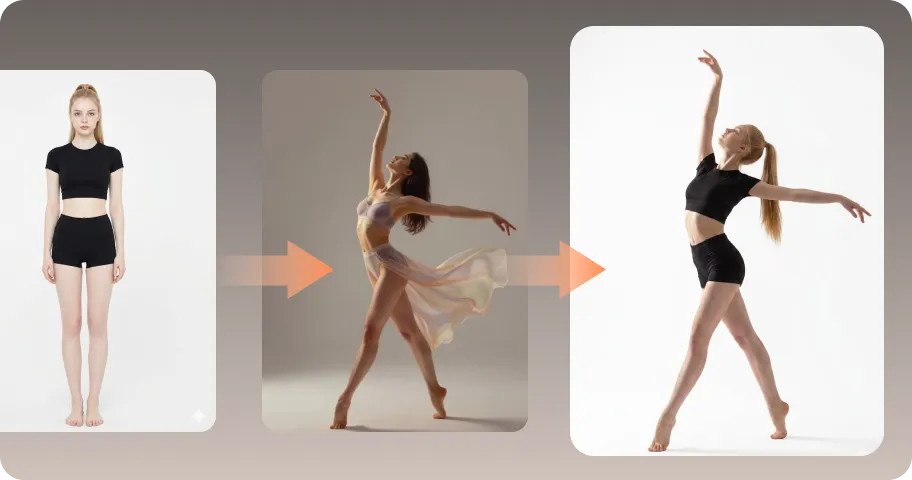
AI Mimic motion
Animate static photos with realistic human movements and expressions.
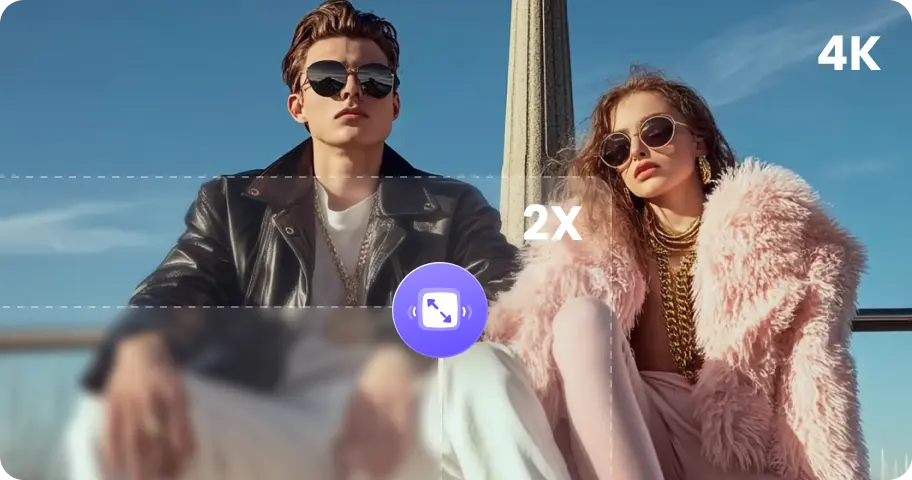
Online Photo Enhancer
Instantly upscale blurry photos to crystal clear high definition quality.
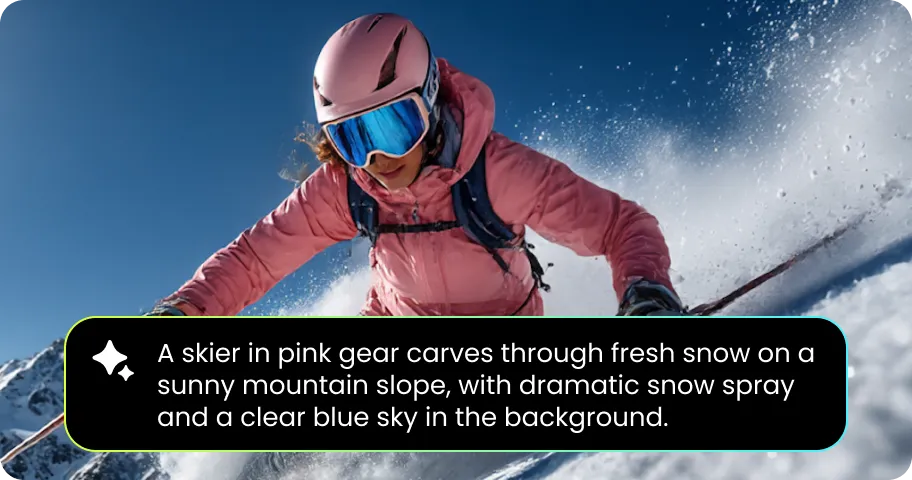
Online Image Generator
Generate high-quality AI images and artwork from simple text.
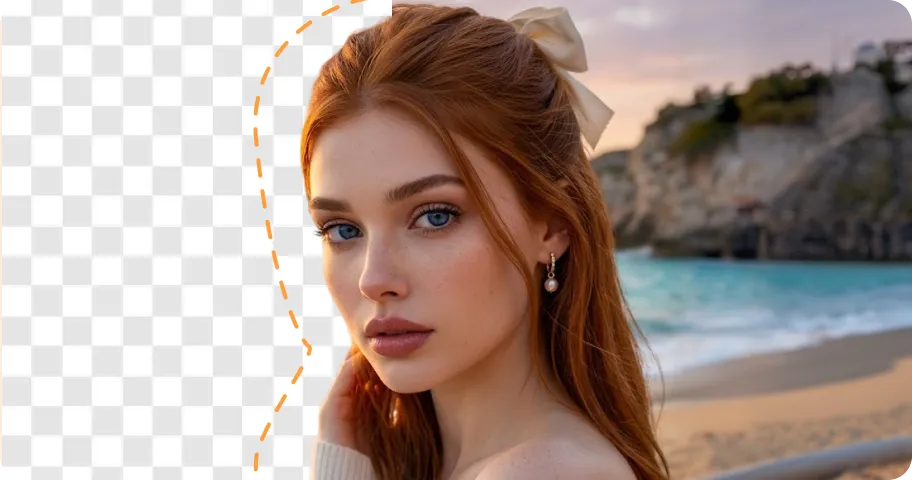
Background remover
Isolate subjects and erase backgrounds automatically with one click.
What Users Say About HitPaw Online Veo Video Enhancer

Marcus Lee - YouTube Creator

" I use Veo clips for short videos and some of them look a little soft after editing. I tried HitPaw on a few low-resolution clips and the details looked noticeably cleaner, especially around faces and objects. "

Emily Carter - Digital Content Creator
"I mainly wanted something quick for AI-generated social videos. The online workflow is straightforward—upload the clip, choose a model, preview it, and check the result before exporting."

Daniel Brooks - Filmmaking Student
"Some of the Veo footage I used for a short film had noise and slightly blurry details. The enhancement helped clean up those shots without making them look overly processed."

Sophia Miller - Social Media Manager
"We create a lot of short AI-generated videos for social campaigns. I like being able to improve a clip online instead of opening a full video editor just to fix sharpness and resolution."

Ryan Cooper - Freelance Video Editor
"I tested it with a few AI-generated clips that had compression issues after being exported and shared. The noise reduction and detail improvement were useful for another round of editing."
FAQs About HitPaw Veo 3 Video Upscaler Online
A Veo 3 video upscaler uses AI to improve the resolution and visual quality of videos generated with Veo 3. It can help restore details, sharpen soft footage, and reduce noise or compression artifacts.
Yes. AI video upscaling can increase the resolution of lower-resolution footage and improve its visual details. HitPaw supports high-resolution video enhancement, including 4K output on supported workflows.
No. The video upscaler focuses strictly on frame resolution, clarity, and noise reduction while preserving original playback speed and synchronization.
No. Unlike traditional bicubic scaling, our deep-learning neural network intelligently restores missing pixel detail, removes compression artifacts, and sharpens textures without distorting the visual aesthetic.
Absolutely. All uploaded files are protected with SSL end-to-end encryption and are automatically deleted from our cloud servers shortly after processing to safeguard your intellectual property.
Tips & Tricks for Online Veo 3 Video Upscaler
Make Every Veo 3.1 Video Look Better
Turn soft, noisy, or low-resolution Veo 3 clips into clearer, more detailed videos online. Upload your video, choose an AI model, preview the enhancement, and bring your AI-generated footage closer to production-ready quality.
