
















Seedance 2.0 Review: Features, Pricing, and Full Comparison Guide
AI video generation models are growing rapidly. Now many tools can generate videos from simple text prompts. These tools help creators create ads, short films and SNS videos without cameras or large teams. In this "Seedance 2.0 Review," we will verify one of the latest AI video models to attract attention. Seedance 2.0 is designed for realistic video generation with smooth movement and crisp details. The reason why creators, marketers and filmmakers pay attention is to provide high quality and excellent control. This guide describes Seedance 2.0 reviews, features, pros and cons, prices, comparisons, and how to use it via HitPaw.
Generate Video Now!Part 1. What Is Seedance 2.0?

Seedance 2.0 is an advanced AI video generation model that generates real video from text and image prompts. Just describe the scene and generate a video clip where the system moves. This Seedance 2.0 review describes Seedance as focusing on film quality, natural movement and crisp visuals.
Supports complex camera angles, lighting effects, and character animation. This model is designed for creators, marketers, filmmakers and social media users who need high quality video quickly.
Part 2. Seedance 2.0 vs Other AI Video Models
There are currently many AI video tools, but there are differences in quality, speed and ease of use. This Seedance 2.0 review compares Seidance 2.0 with prominent models to show its strengths and limitations. By understanding these differences, users can choose the right tool for their needs.
Compared Models
Multiple AI video generation models compete to realize realistic movement, clear video, and accurate prompt response. Each system is built with different goals, strengths and limits. Some focus on quality, such as film, while others prioritize speed and accessibility.
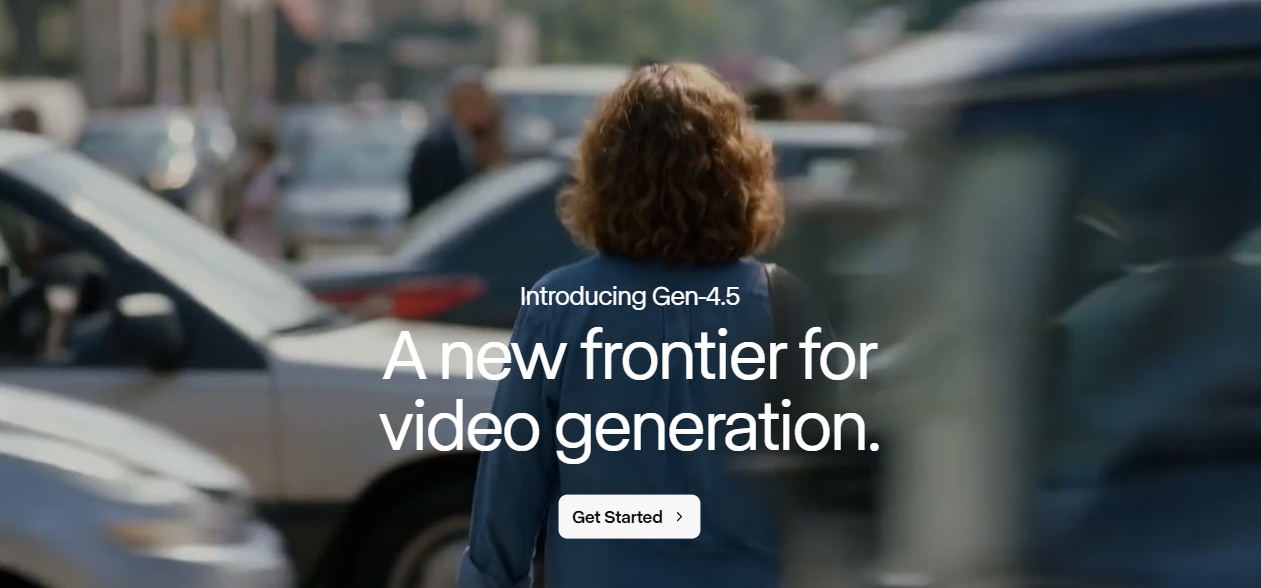
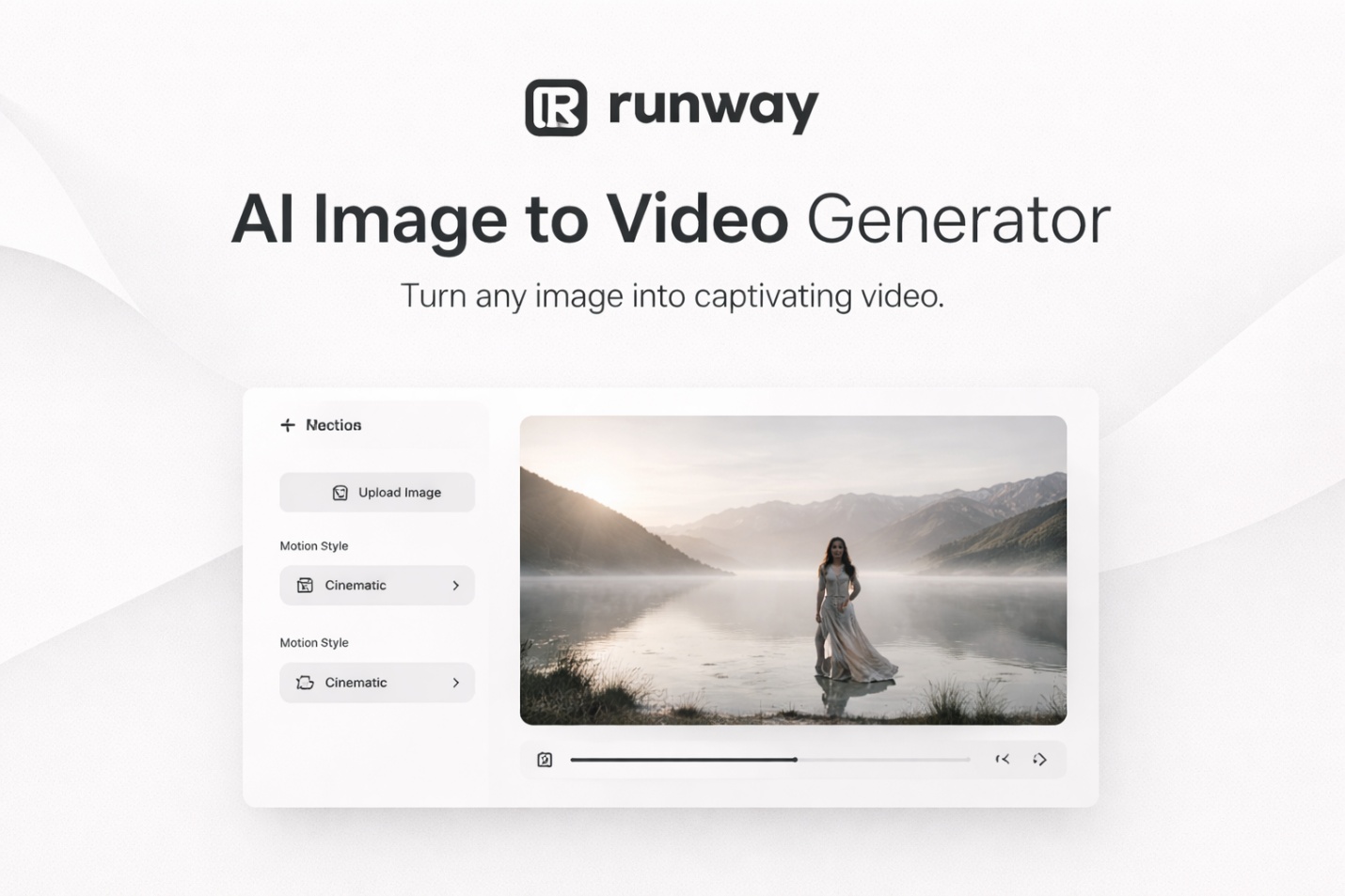
Runway Gen-3
Runway Gen-3 is widely used in creative video production and experimental content production. Generates visually attractive clips with excellent composition and lighting effects. This model supports the ability to generate and edit videos from text in the same platform. Although the quality of movement is high, complex behavior can sometimes seem unnatural.
Kling 3.0
Kling 3.0 focuses on realistic physical operations and natural movements in the generated video. Excellent performance when generating human behavior, environmental movement, and camera dynamics. This model can generate longer clips compared to many competitors.
Google Veo 3.1
Google Veo 3.1 is designed for high quality movie-like video generation. Generate detailed environments according to complex prompts. This model supports advanced camera work and realistic lighting conditions.
Sora 2
Sora 2 is known for producing very detailed and imaginative video scenes from text prompts. It is possible to generate complex environments, characters, and dynamic actions. This model shows a strong understanding of spatial relationships and narrative elements.
Wan 2.6
Wan 2.6 is part of the AI tool group specializing in large-scale content generation. We pursue a balance of video quality, speed, and accessibility, and demonstrate excellent performance in commercial clips, product visuals, and short promotional videos.
Comparison Factors
- Realism of Motion: Seedance 2.0 produces less glitch and smooth movement than many tools.
- Prompt accuracy: It is important in storytelling to faithfully reproduce detailed instructions.
- Character consistency: The appearance of characters is almost unified between frames, and this remains a challenge for many models.
- Rendering Speed: Seedance is relatively fast, especially in short clips.
- Picture Quality: The output video has a film-like texture, which delivers excellent lighting and texture.
- Ease of use: The platform like HitPaw makes it easy for beginners to use.
Part 3. Seedance 2.0 Features: What Makes It Stand Out
Seedance 2.0 positions itself as a next-generation AI video generation model focused on motion quality, temporal stability, and controllable visual storytelling. Instead of simply turning prompts into short animated clips, it emphasizes coherence across time - a critical factor that separates experimental AI outputs from usable production footage.
Text-to-Video Scene Synthesis
At its core, Seedance 2.0 converts natural language prompts into fully animated video sequences. Users describe subjects, environments, and actions in plain text, and the model interprets those instructions to construct moving scenes rather than static frames. This makes it possible to generate dynamic footage such as walking characters, camera pans, or environmental effects without manual animation work.
Temporal Consistency and Stable Motion
One of the most noticeable improvements in Seedance 2.0 is its handling of temporal consistency. In many AI video tools, objects may flicker, faces change shape between frames, or movements feel unnatural. Seedance reduces these artifacts by maintaining better frame-to-frame stability.
Characters tend to retain their identity, proportions, and clothing across the sequence, while camera motion appears smoother and more physically plausible. This stability makes the generated clips more suitable for storytelling, editing, or commercial use rather than just quick demos.
Cinematic Visual Quality
Seedance 2.0 also focuses heavily on visual fidelity. The model produces richer textures, more realistic lighting, and improved depth compared to many lightweight AI generators. Shadows, highlights, and environmental details are rendered with greater consistency, which helps scenes feel more immersive and less synthetic.
Because of this, outputs often resemble cinematic footage or stylized animation rather than typical AI-generated imagery. This makes the model attractive to creators who want professional-looking visuals without complex post-production.
Prompt-Level Creative Control
Another strength lies in how much creative direction users can embed directly into prompts. Beyond describing the subject, Seedance responds well to instructions about camera behavior, mood, pacing, and artistic style. Details such as "slow tracking shot," "dramatic backlight," or "soft anime aesthetic" can meaningfully influence the final result.
Multi-Modal Input Flexibility
In addition to text prompts, Seedance 2.0 supports workflows that incorporate images or reference materials. Users can guide composition or style using visual inputs, helping maintain consistency with existing assets or brand guidelines. This hybrid approach is particularly useful when creators want to extend a specific look or character design into motion.
Part 4. Seedance 2.0 Pros and Cons
Every AI tool has its strengths and disadvantages. This part of the Seedance 2.0 review explains the advantages and disadvantages of Seedance 2.0 clearly and tells you whether it suits your needs.
Pros:
- Excellent video realism
- High prompt accuracy
- Strong character consistency
- Supports text and image input
- Cinematic-level output quality
- Faster rendering speed than many competitors
- Suitable for professional and casual users
Cons:
- May require high computing resources
- Limited direct public access in some regions
- Seedance 2.0 pricing may be higher than entry-level models
- Still improving, occasional generation artifacts
- May require prompt optimization for best results
Understanding these Seedance 2.0 pros and cons helps you make a clear decision.
Part 5: How to Use Seedance 2.0
Using Seedance 2.0 effectively is less about clicking a "generate" button and more about guiding the model with structured inputs. The system responds strongly to detailed prompts and thoughtful parameter adjustments, so a clear workflow can significantly improve results.
-
Step 1 - Write a Structured Prompt
Start by describing your scene as clearly as possible. Instead of short or generic phrases, include the subject, action, environment, visual style, and camera behavior. For example, rather than typing "a dog running," a more effective prompt would be: "a golden retriever running through a snowy forest, slow-motion, cinematic lighting, handheld camera movement." The extra context helps the model generate smoother motion and more consistent visuals.
-
Step 2 - Configure Video Settings
Next, adjust generation settings such as duration, resolution, and motion strength. Short clips are ideal for testing because they render faster and allow you to preview composition. Once satisfied, you can increase length or quality for the final output.
-
Step 3 - Generate and Review
After submitting the prompt, the system renders the video automatically. This process may take several minutes depending on complexity and server load. Once complete, review the clip carefully to check for issues like motion artifacts, identity changes, or scene inconsistencies.
-
Step 4 - Export and Edit
Finally, download the video and polish it in editing software. Adding music, transitions, subtitles, or color grading can transform the raw AI output into a finished piece suitable for publishing. Seedance works best as a content generation stage within a broader editing workflow.
Part 6. Seedance 2.0 Pricing: Plans and Value
Here, we will explain the pricing of Seedance 2.0 based on the information posted on the official plan list page. Prices are usually set in credits or monthly subscriptions, and you can create a certain number of videos per month. Some plans include more credits, faster generation, priority support, and commercial use rights.
| Plan Name | Price (Monthly) | Credits / Videos | Key Benefits |
|---|---|---|---|
| Starter | $29.90/mo | Up to 300 credits | Access all models, unlimited fast models, commercial license |
| Premium | $49.90/mo | Up to 800 credits | Larger video quota, 30-day history, commercial license |
| Ultimate | $89/mo | Up to 2000 credits | Highest monthly credits, 90-day history, commercial license |
| Mini Plan | $9-$15/mo | 500 credits | Basic video generation, commercial use |
| Standard | $30-$50/mo | ~1000 credits | Fast queue, commercial use |
| Plus | $60-$99/mo | ~2500 credits | Priority support, highest credits |
Part 7. Try Seedance 2.0 Online Using HitPaw AI Video Generator
Seedance 2.0 is easy to try online without installing software. Through HitPaw AI Video Generator, users can access the model directly from the web browser. The platform runs on cloud servers, eliminating the need for high-performance hardware and powerful GPUs. This allows you to create AI videos easily and quickly, from beginners to professionals. Simply enter the text prompt or upload the image and select the model to generate the video. Once your Seedance 2.0 video is generated, you can also use the Seedance Video Upscaler to enhance its resolution and improve visual details. This makes it easy to generate and enhance Seedance videos online in one workflow.
Key Features of Using Seedance 2.0 on HitPaw
- Text-to-Video Generation: Turn written prompts into animated video clips automatically, making it easy to create scenes without filming or editing manually.
- Image-to-Video Animation: Upload photos or artwork and transform them into moving videos with AI-driven motion effects, ideal for product images or portraits.
- Multiple AI Models Integrated: Access different generation models, including Seedance AI and engines within one platform, allowing you to experiment without switching tools.
- Fully Online and No Installation: Works entirely in the browser, so there's no need for GPU hardware or software setup.
- Fast Rendering for Social Content: Optimized for quick turnaround, which is helpful when producing TikTok, Reels, or Shorts at scale.
- Beginner-Friendly Interface: A straightforward layout reduces the learning curve, making it approachable even for first-time users.
Steps to Generate Videos Using Seedance 2.0 on HitPaw
Step 1.Go to the HitPaw website and select either "Text to Video" or "Image to Video" to start your project.
Step 2.Choose the Seedance AI model and carefully enter your prompts. Describe the type of video you want, including the theme, mood, or specific visual elements. If using "Image to Video", upload the image you want to animate.
Step 3.Set your preferred resolution and adjust the video duration to match your requirements.
Step 4.Once all settings are configured, click "Generate" to let Seedance 2.0 create your video automatically.
Step 5.After a short processing period, your video will be ready. Click "Download" to save it to your device.
FAQ About Seedance 2.0
Q1. Is Seedance 2.0 free?
A1. Availability depends on the platform or service offering the model. Some versions may have free trials, while others require credits or paid plans.
Q2. Is Seedance 2.0 beginner-friendly?
A2. Not particularly. While the interface may look simple, achieving high-quality results usually requires careful prompt engineering and multiple test runs. Beginners may find the learning curve steeper compared to plug-and-play online generators.
Q3. Is Seedance 2.0 better than Kling 3.0?
A3. They target slightly different strengths. Seedance 2.0 emphasizes motion consistency and cinematic control, which is useful for storytelling and stylized scenes. Kling 3.0, on the other hand, is often praised for realism and stronger physics simulation. If you want film-like animation, Seedance may feel more flexible; if you prioritize photorealistic results, Kling can sometimes perform better.
Q4. How long does Seedance 2.0 take to render videos?
A4. Rendering time depends on resolution, duration, and server load. Short clips may finish quickly, but longer or higher-quality generations can take several minutes or more. It is generally slower than lightweight online tools optimized for fast output.
Conclusion
This complete Seedance 2.0 review explored its features, comparisons, and access methods. Seedance 2.0 is one of the most advanced AI video generation models available today. Provides strong movement realism, movie-like quality, high prompt accuracy. Seedance 2.0 features focus on consistency and high-quality output. The pros and cons of Seedance 2.0 show that overall performance is high, although prices and access methods are different. The price of Seedance 2.0 is competitive compared to similar tools. You can easily try it through HitPaw Online without any special hardware. For creators, marketers and professionals, Seedance 2.0 is a solid choice.
Generate Video Now!



Home > Learn > Seedance 2.0 Review: Features, Pricing, and Full Comparison Guide
Select the product rating:
Natalie Carter
Editor-in-Chief
My goal is to make technology feel less intimidating and more empowering. I believe digital creativity should be accessible to everyone, and I'm passionate about turning complex tools into clear, actionable guidance.
View all ArticlesLeave a Comment
Create your review for HitPaw articles