















Old Video Restoration Online Free
Got blurry, damaged, or low-quality old videos? Restore them with AI— restores details, reduces noise, smooths motion, and enhances old videos in just a few clicks. No watermark, no install, just effortless video repair online.
Support format: mp4, webm, mov, gif
Maximum file size: 2GB
Maximum video
resolution:
4K


How to Restore Old Videos Online Free with AI

Step 1: Upload Your Old Video
Upload your old or damaged video to start the old video restoration online process. Simply drag and drop your file—no software installation required.
Step 2: Choose AI Restoration Models
Select AI models to repair old video automatically. Use Detail Recovery to enhance clarity and restore fine details, or Colorize to bring black-and-white footage back to life.
Step 3: Preview and Download
Preview the restored video and download it instantly. Enjoy old video restoration online free without watermark with improved quality and smoother visuals.
Smarter AI Features to Restore and Repair Old Videos
Old videos often lose clarity over time, with problems such as noise, grain, blur, faded colors, low resolution, and choppy motion. AI video restoration can analyze and enhance old footage frame by frame, helping reduce visual damage, recover important details, improve motion, and upscale quality for modern viewing.
Remove Noise, Grain, and Compression Artifacts
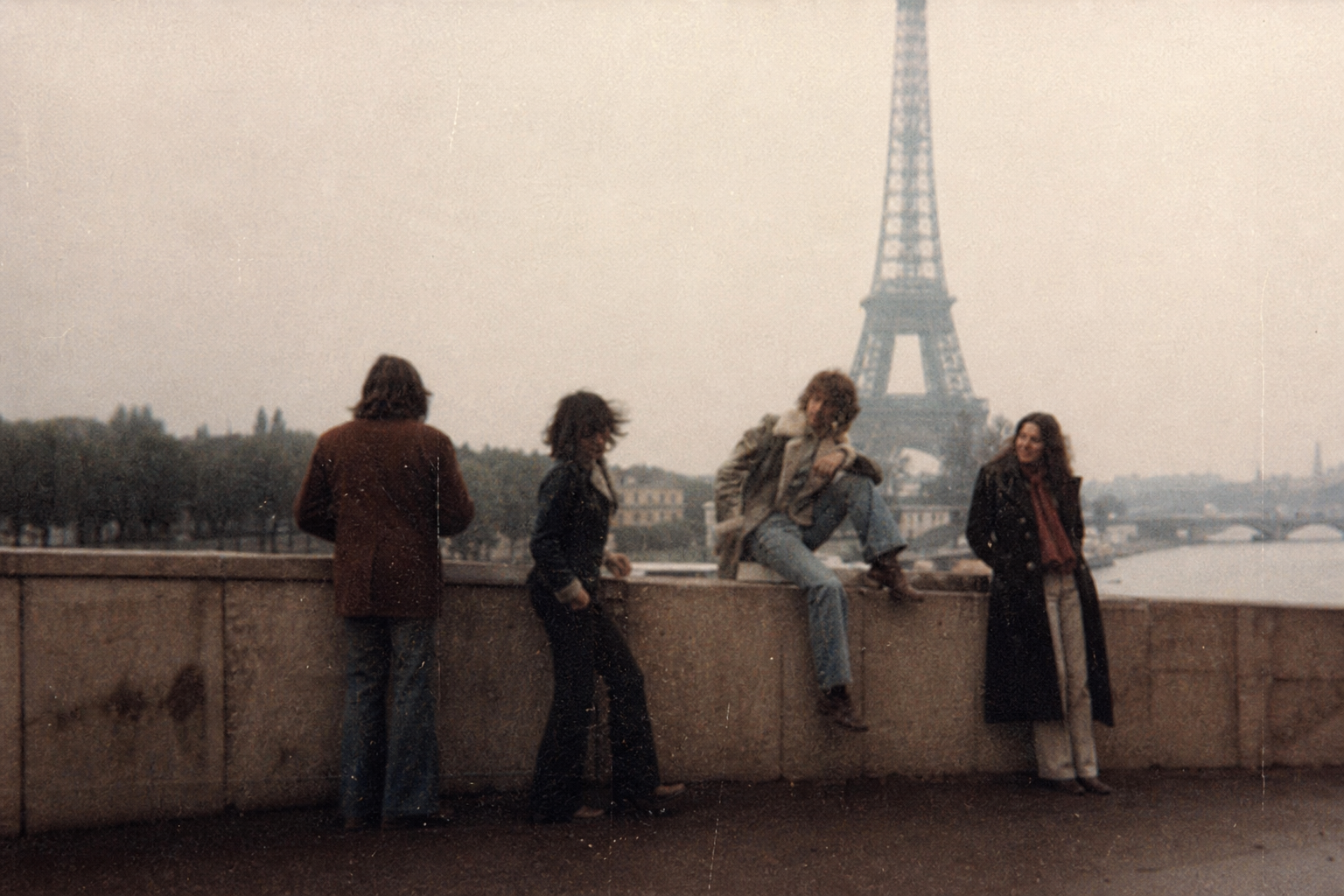
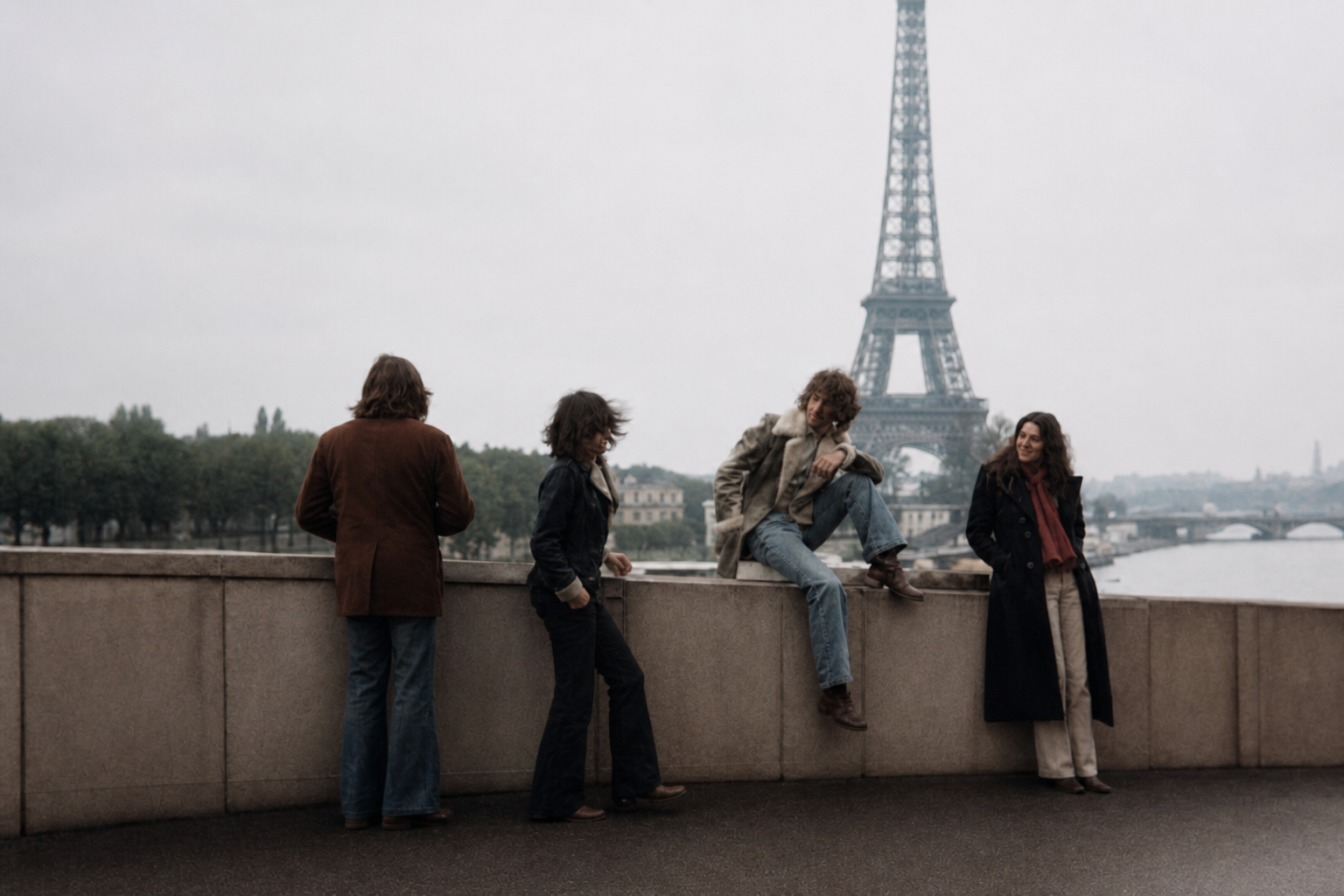
Remove Noise, Grain, and Compression Artifacts
Clean up pixelated, blurry, and degraded footage effortlessly. Our AI intelligently detects and removes digital noise, heavy film grain, tape line artifacts, and low-bitrate compression blur without wiping away original texture or over-smoothing the image.
Make Choppy Old Footage Smoother
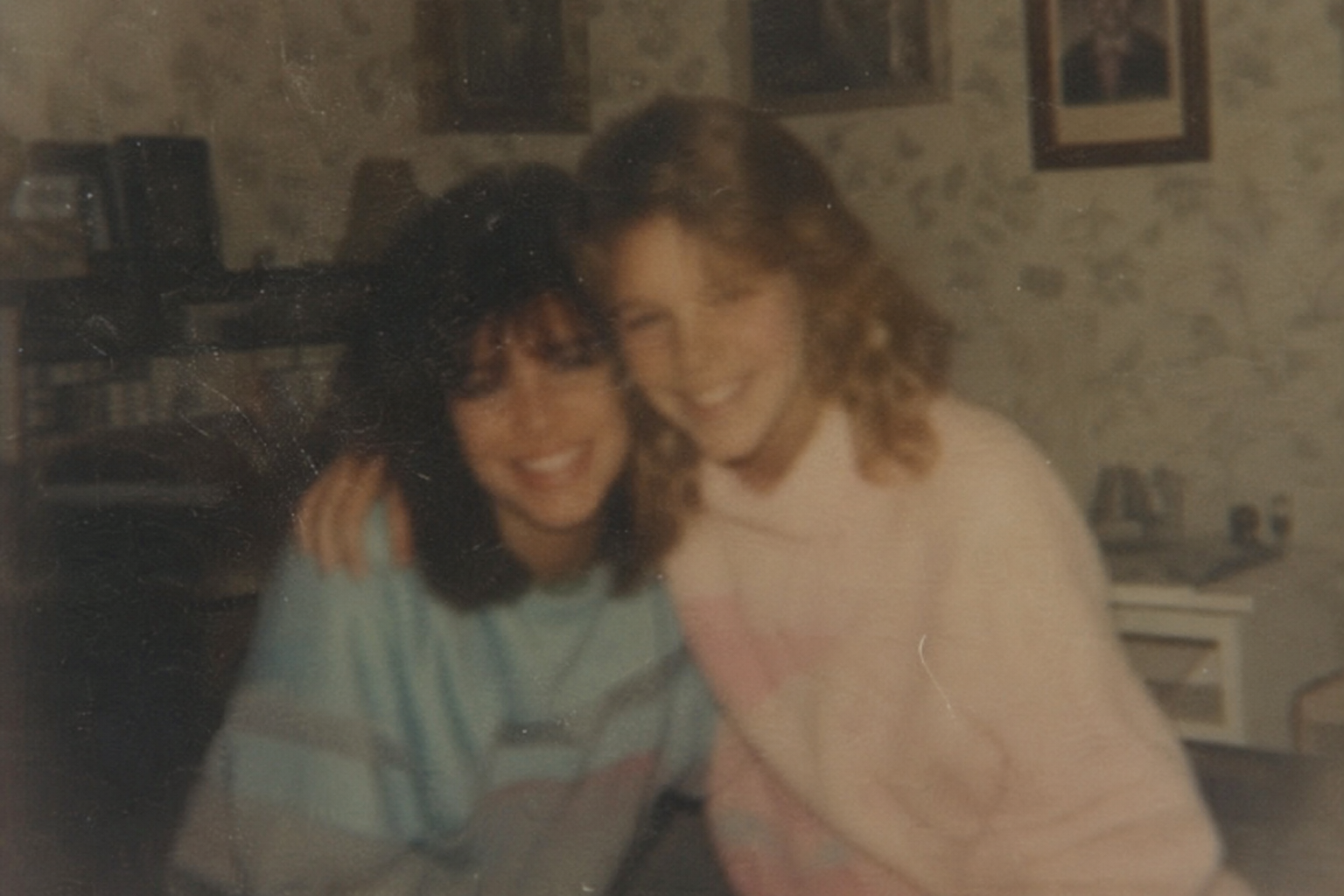
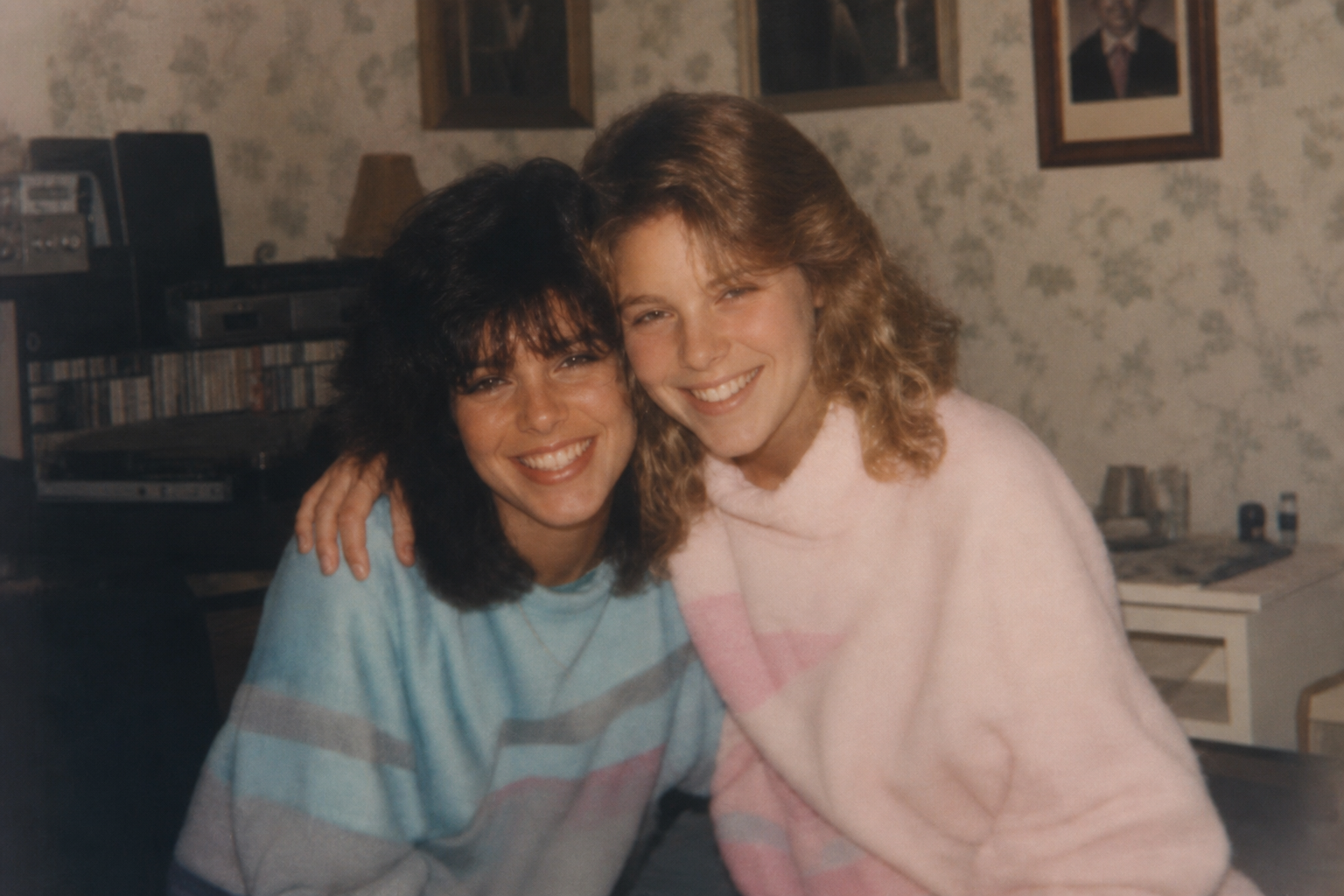
Make Choppy Old Footage Smoother
EEliminate motion stutter and low frame rates. Using advanced AI frame interpolation, the tool automatically generates motion-compensated frames to convert choppy 15fps or 24fps vintage footage into buttery-smooth 60fps playback.
Restore Blurry Faces and Fine Details
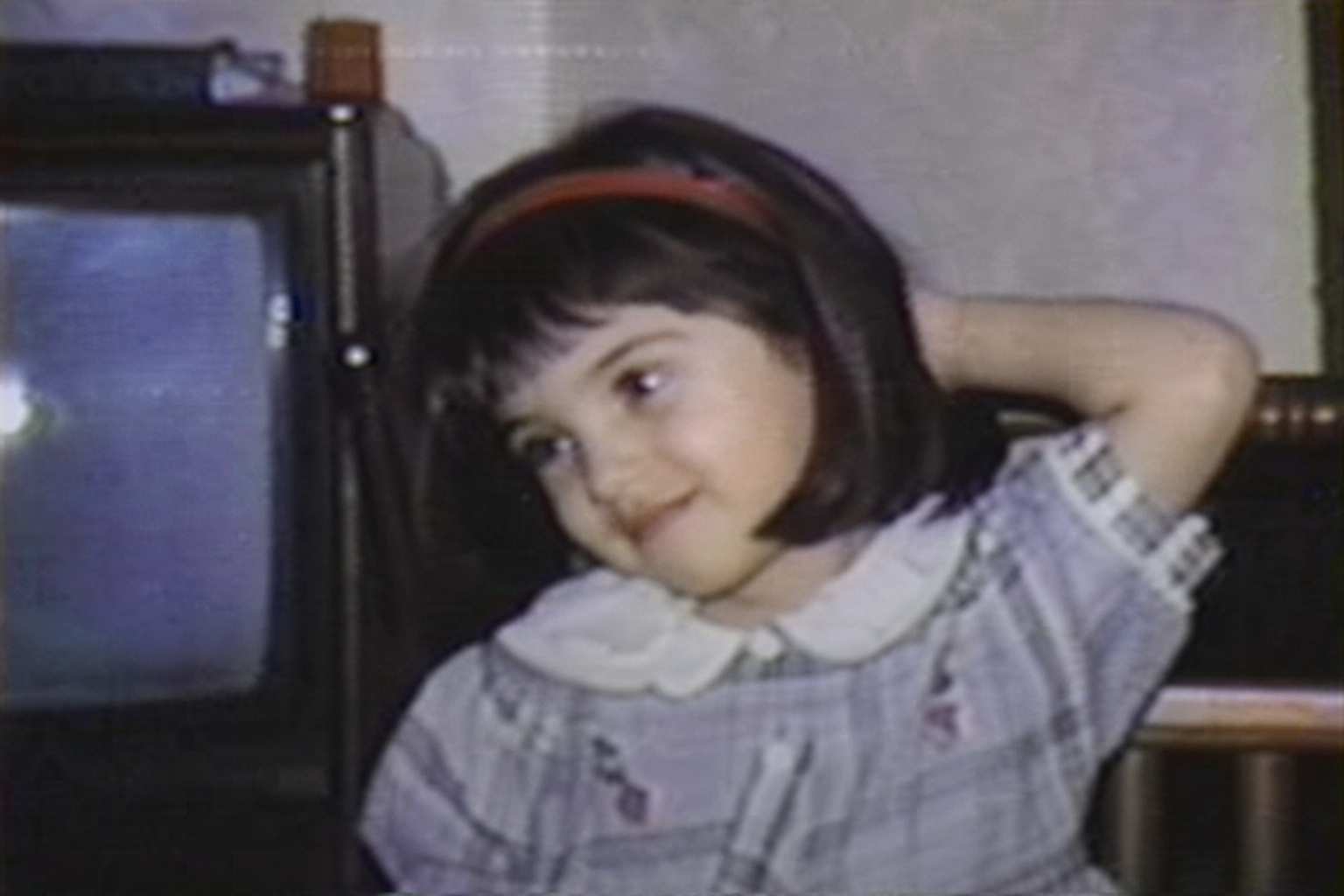

Restore Blurry Faces and Fine Details
Bring blurred expressions and faded textures back into focus. Specially trained face-restoration AI reconstructs missing facial details, sharpens eyes and skin textures, and restores fine background elements to make legacy videos look vivid and modern.
Upscale and Colorize Old Videos
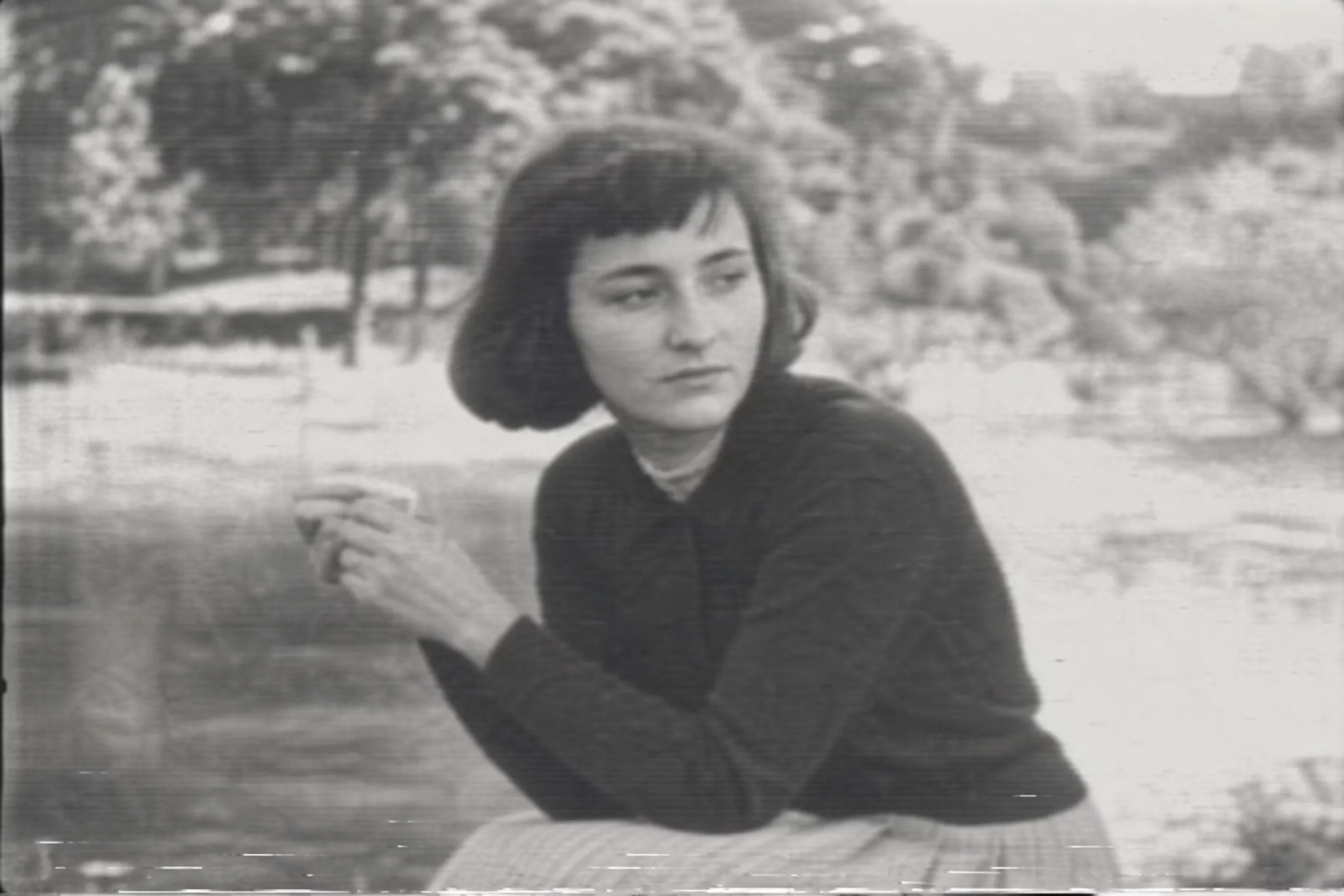
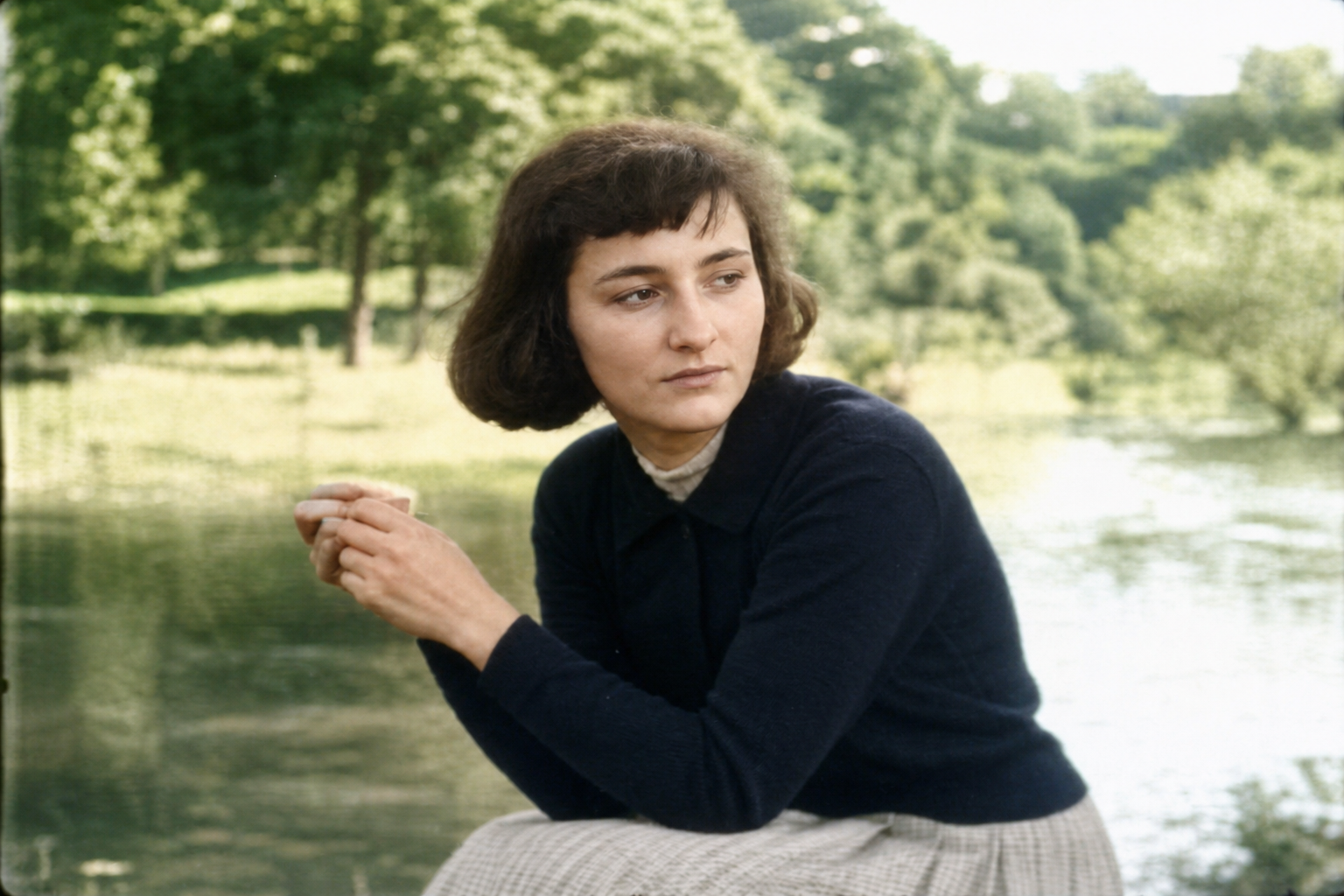
Upscale and Colorize Old Videos
Transform low-resolution clips into crisp 4K while breathing vibrant life into monochrome footage. The super-resolution model increases video dimensions up to 400%, while the automatic colorizer applies realistic, period-accurate colors to black-and-white film.
Bring Old Videos Back to Life for Every Use Case
Whether you're restoring memories, creating content, or boosting engagement, AI-powered old video restoration helps you repair, enhance, and transform footage for modern viewing and sharing.
VHS & Camcorder Videos
Upgrade digitized VHS tapes, 8mm films, and old Hi8/DV camcorder footage. Automatically remove interlacing artifacts, reduce magnetic tape noise, and correct color fading caused by decades of physical degradation.
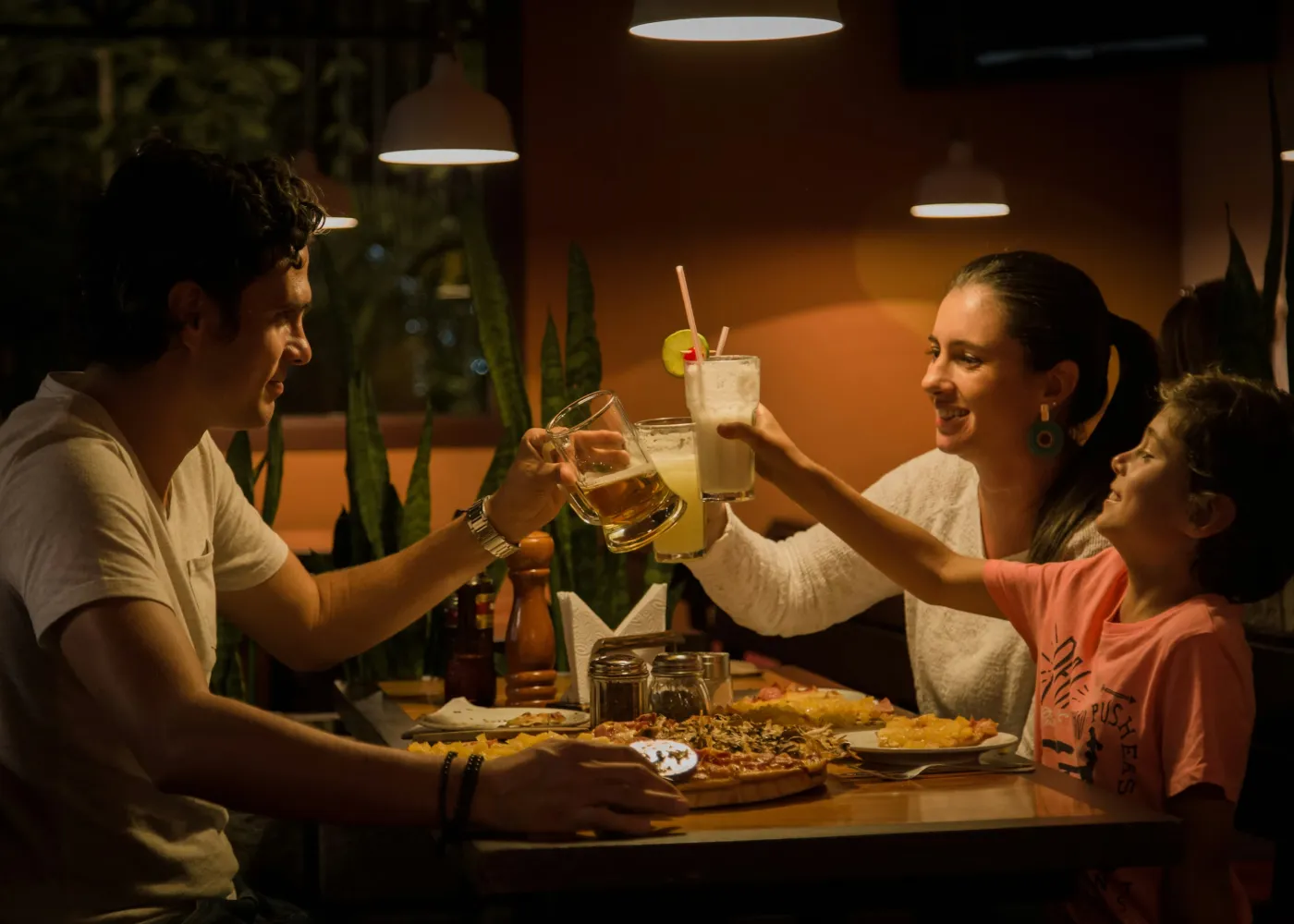
Family & Home Videos
Restore childhood memories, family gatherings, weddings, vacations, and other personal recordings that have become blurry, noisy, or low-resolution over time.
Early Digital & Low-Res Media
Revitalize clips captured on early digital cameras, 2000s webcams, old feature phones, or compressed DVDs. Upscale blocky, low-bitrate, and pixelated footage into smooth, high-resolution video suitable for modern displays.
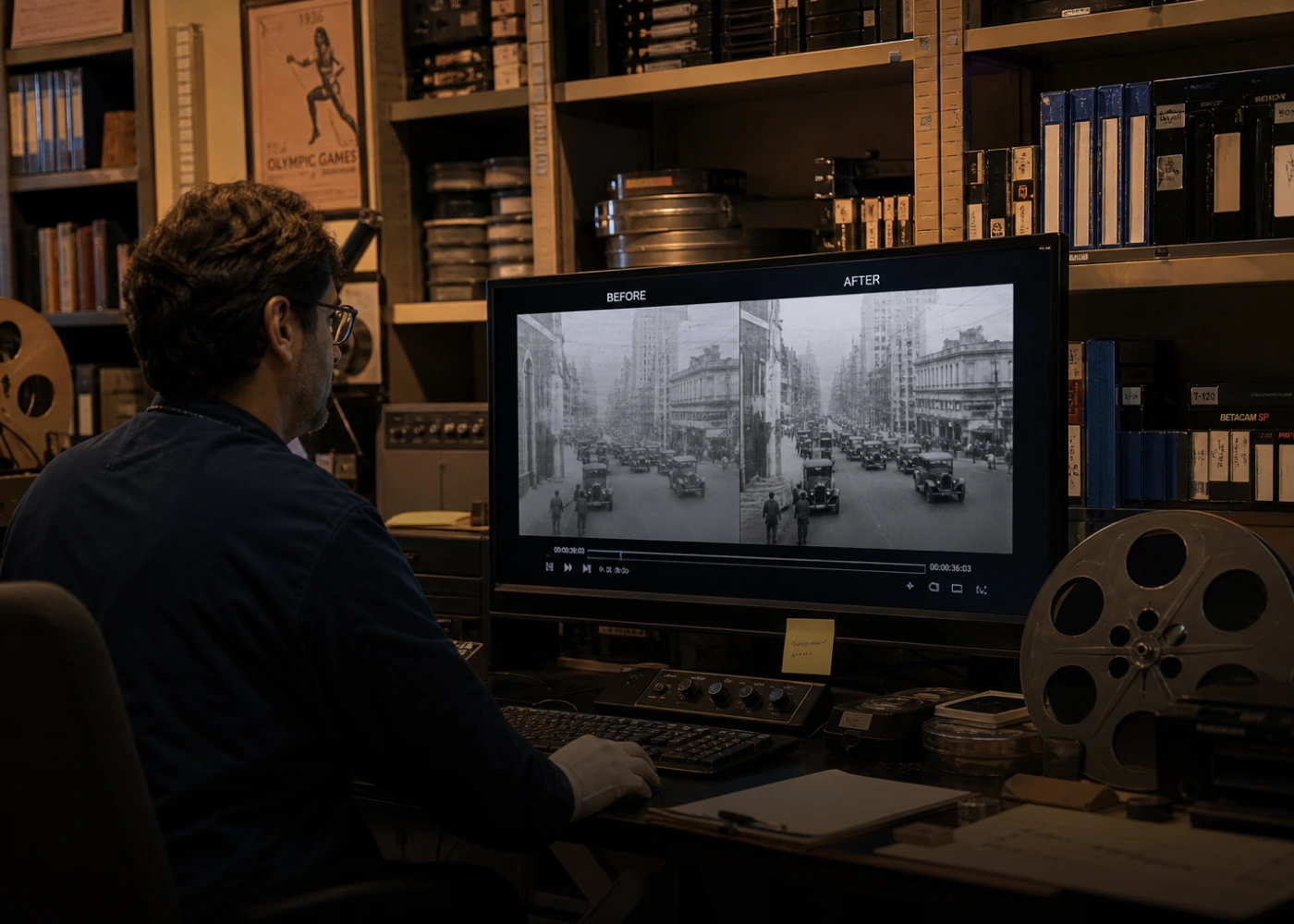
Historical & Archival Footage
Enhance historical documentaries, museum archives, and educational recordings. AI cleans up heavy grain, frame jitter, and scratches while strictly preserving period authenticity and original visual character.
Why Choose HitPaw for Old Video Restoration Online
AI-Powered Restoration
Built with advanced AI models, HitPaw intelligently analyzes each frame to remove noise, repair damage, enhance details, and restore faces. The result is not just clearer footage, but videos that look naturally refined instead of over-processed.
One-Click Process
No complicated editing tools or technical setup needed. Simply upload your video, choose an AI model, and let the system handle everything automatically. Perfect for beginners and professionals who want fast, reliable results.
100% Privacy & Safety
Your files are processed securely and are not stored permanently on servers. We prioritize your privacy, ensuring that personal, family, or sensitive videos remain protected throughout the restoration process.
Works on Any Device
No downloads, no installations. Whether you're on Windows, Mac, tablet, or mobile, you can restore old videos directly in your browser anytime, anywhere with a smooth and seamless experience.
Explore More HitPaw Online Al Tools
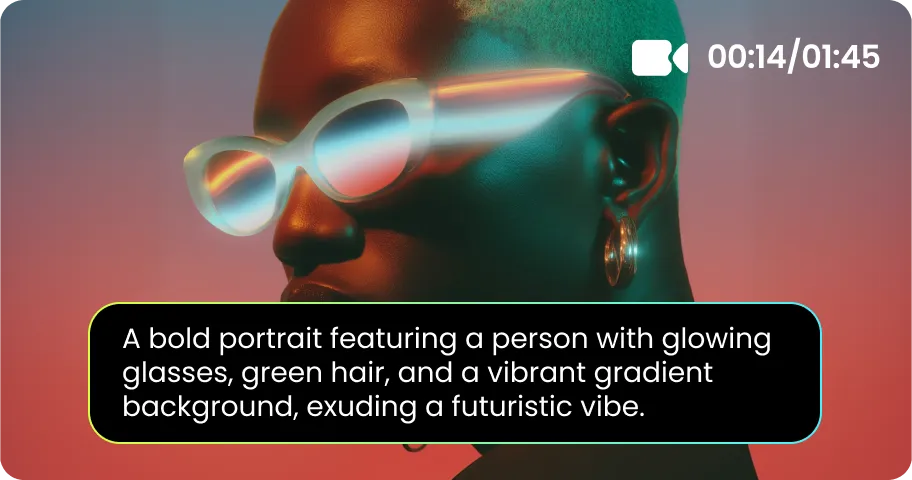
Online Video Generator
Turn text prompts into stunning cinematic AI videos in seconds.
Online Music Generator
Create custom royalty-free soundtracks for any mood or genre.
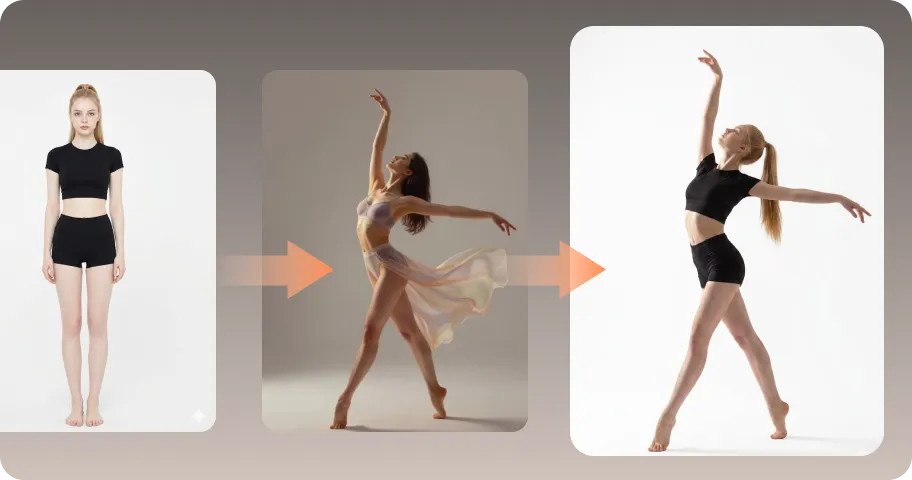
AI Mimic motion
Animate static photos with realistic human movements and expressions.
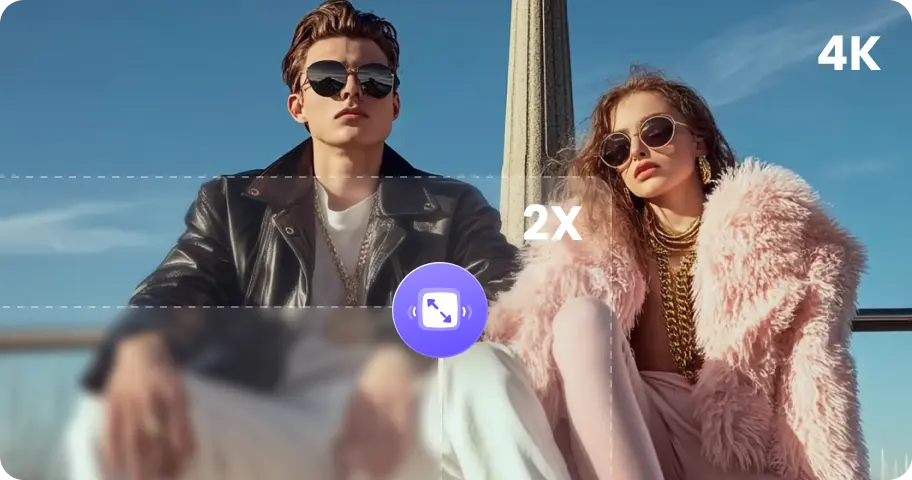
Online Photo Enhancer
Instantly upscale blurry photos to crystal clear high definition quality.
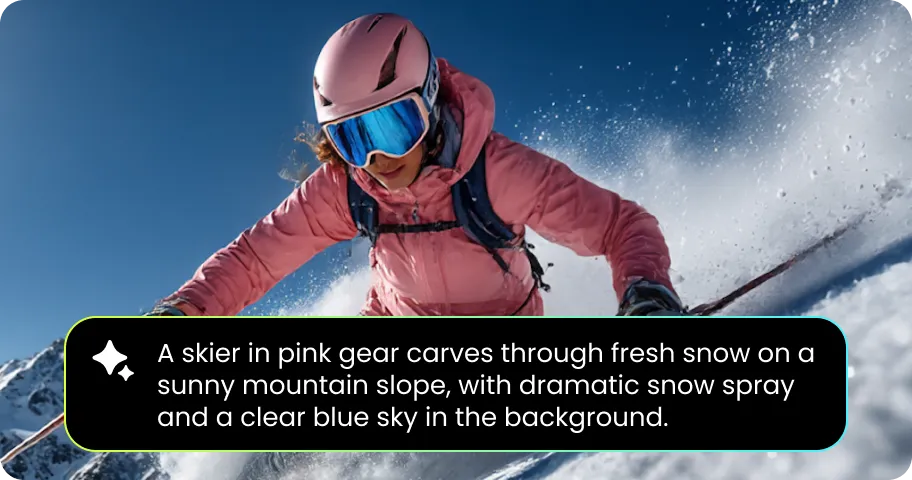
Online Image Generator
Generate high-quality AI images and artwork from simple text.

Background remover
Isolate subjects and erase backgrounds automatically with one click.
Trusted by Users Restoring Their Most Valuable Videos

Daniel Brooks – YouTube Content Creator

"I used some old clips from years ago in a new video, and they looked terrible before. After enhancement, the footage was way clearer and the motion felt much smoother. Honestly made my content look way more professional."

Emily Carter – Family Archivist
"I’ve been digitizing old VHS tapes for my family, and the quality was honestly disappointing at first. This tool cleaned up the noise and even brought out facial details I thought were lost. Seeing my grandparents in clearer video again was really emotional."

Sophia Nguyen – Social Media Manager
"We often reuse old campaign footage, but it never matched today’s video quality. After using this AI restoration tool, the clips looked sharper and smoother, and even worked well for TikTok. It saved us a lot of time re-shooting content."

Rachel Adams – Documentary Editor
"Working with archival footage is always tricky—grain, blur, low resolution. The detail recovery and frame smoothing here are surprisingly good. It doesn’t overdo it, which is important for maintaining authenticity in documentary work."

Michael Tan – Wedding Videographer
"Sometimes clients bring really old footage and want it included in their wedding videos. This tool helps me fix blur, improve faces, and even add color to black-and-white clips. It blends much better with modern footage now."
Old Video Restoration Online Free FAQs
Old video restoration online refers to using AI-powered tools to repair and enhance degraded footage. It typically includes denoising, blur removal, resolution upscaling, and sometimes colorization, helping old videos look clearer and more modern without manual editing.
Most digital video formats such as MP4, MOV, AVI, and MKV can be restored directly. However, physical media like VHS tapes, film reels, or camera cassettes must first be digitized into video files before using an online AI restoration tool like HitPaw.
To restore VHS or tape recordings, you first need to convert them into digital video using a capture device. Once digitized, you can upload the file to HitPaw old video restoration online tool to enhance clarity, remove noise, and improve overall quality.
Yes, but they must first be converted into digital video files. Once digitized, you can use AI old video restoration tools to enhance clarity, reduce damage, and improve overall video quality.
Yes, reputable tools like HitPaw process files securely in the browser or cloud environment. Your uploaded videos are not publicly accessible, and privacy protection is prioritized to ensure personal or sensitive content remains safe.
AI restoration enhances visual quality but does not replace original content. It reconstructs missing details and improves clarity based on learned models. For professional or archival use, HitPaw allows controlled enhancement to preserve authenticity while improving viewing experience.
Turn Old Videos into Clear, Restored Memories with AI
Bring your old memories back with advanced AI old video restoration. Repair damage, remove noise, enhance clarity, and upscale quality instantly—no software, no watermark.
