















Enhance CCTV Videos Online with AI
Low-resolution, grainy, or dark CCTV footage makes it hard to identify key details like faces or license plates. HitPaw Online Video Enhancer uses advanced AI to instantly unblur, denoise, and sharpen security videos directly in your browser without complex setup.
Support format: mp4, webm, mov, gif
Maximum file size: 2GB
Maximum video
resolution:
4K


How to Enhance CCTV Video Online in 3 Steps

Step 1. Upload Your CCTV Video
Drag and drop your low-quality CCTV or surveillance footage directly into the online browser dashboard.
Step 2: Select an AI Enhancement Model
Choose the specialized General Denoise or Face Model to auto-repair visual artifacts, noise, and blurry details.
Step 3: Preview & Download
Click to process, preview the enhanced frame-by-frame result, and export your upgraded HD video immediately.
AI Features to Enhance CCTV Video Quality
CCTV recordings can lose important visual details because of low resolution, poor lighting, motion blur, noise, and compression. HitPaw Online Video Enhancer uses AI-powered processing to improve video clarity and make security footage easier to view.
AI Upscaling for Low-Resolution CCTV Videos


AI Upscaling for Low-Resolution CCTV Videos
Transform pixelated,low-resolution 360p or 720p footage into crisp 1080p or 4K video while improving visible details and overall sharpness. HitPaw AI-powered video enhancer helps make older or compressed security camera recordings clearer without simply stretching the original pixels.
Sharpen Blurry CCTV Footage


Sharpen Blurry CCTV Footage
Improve soft or blurry security camera footage by enhancing edges, textures, and visible details. This can help make people, vehicles, objects, and other important areas easier to see.
Reduce Noise and Compression Artifacts


Reduce Noise and Compression Artifacts
Clean up grain, digital noise, and compression artifacts commonly found in surveillance recordings. AI processing produces smoother and cleaner footage while preserving important visual information.
Improve Dark and Low-Light CCTV Footage


Improve Dark and Low-Light CCTV Footage
Make dark security camera videos easier to see by improving brightness, contrast, and overall visibility. This is especially useful for nighttime surveillance and footage recorded in poorly lit areas.
Enhance CCTV Videos for Different Security Needs
From home security recordings to business surveillance footage, AI enhancement can help improve the visibility of important details in different CCTV scenarios.

Homeowners & Residents Security
Enhance security camera recordings from your home, apartment, garage, or property. Make blurry or dark footage easier to review when checking people, vehicles, or activity around your property.

Security & Surveillance Teams
Improve surveillance footage when reviewing incidents or investigating suspicious activity. Sharpen unclear areas and reduce noise to make important visual information easier to inspect.

Retail & Loss Prevention Teams
Enhance CCTV footage from stores, warehouses, and commercial properties. Improve the visibility of people, products, and activity when reviewing security incidents or potential losses.

Businesses & Facility Managers
Improve recordings from offices, parking areas, entrances, and other monitored locations. Make low-quality security videos easier to review without complicated video editing software.
Why Choose HitPaw Online CCTV Video Enhancer?
AI-Powered Video Enhancement
Use AI models to improve resolution, sharpness, noise levels, and visibility in low-quality CCTV and security camera footage.
Fast Processing Speed
Enhance CCTV videos without complicated editing workflows. Upload your footage, select a model, and preview the result with just a few clicks.
Privacy Protection
Your uploaded security recordings are encrypted and automatically deleted after processing to guarantee data privacy.
Web-Based Processing
No bulky software installations or heavy local GPU requirements—works on PC, Mac, and mobile browsers.
Explore More HitPaw Online Al Tools
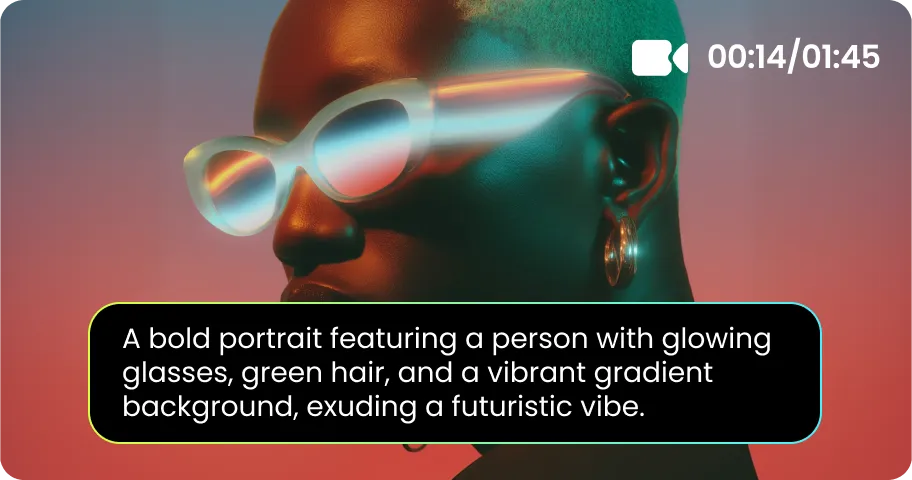
Online Video Generator
Turn text prompts into stunning cinematic AI videos in seconds.

Online Music Generator
Create custom royalty-free soundtracks for any mood or genre.
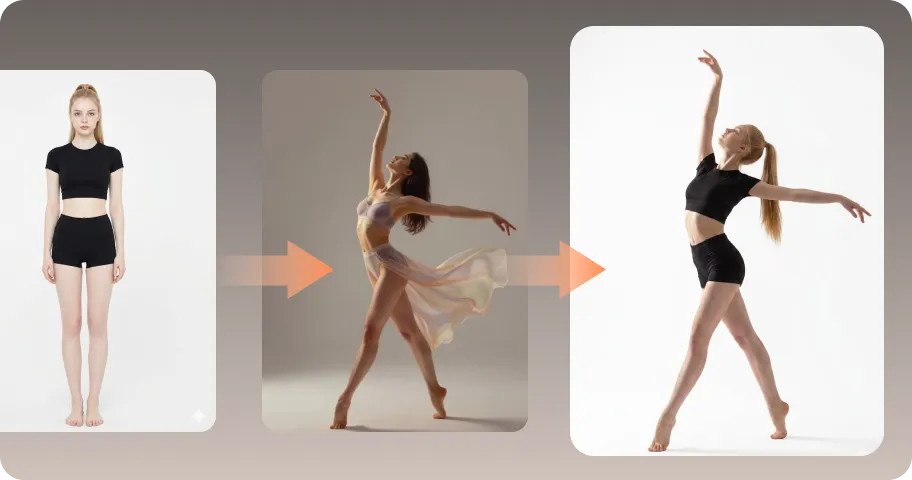
AI Mimic motion
Animate static photos with realistic human movements and expressions.

Online Photo Enhancer
Instantly upscale blurry photos to crystal clear high definition quality.
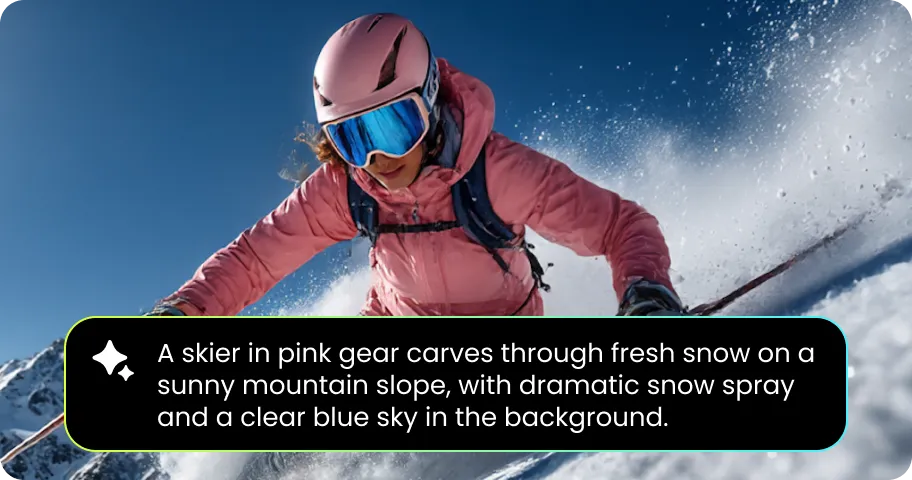
Online Image Generator
Generate high-quality AI images and artwork from simple text.

Background remover
Isolate subjects and erase backgrounds automatically with one click.
What Users Say About HitPaw Online CCTV Video Enhancer

Michael Turner - Property Manager

"I had a nighttime security recording from a parking area that was too dark and noisy to review comfortably. The low-light enhancement made the scene noticeably easier to see."

Sarah Mitchell - Small Business Owner
"One of our store cameras recorded an incident in fairly low resolution. I used HitPaw to clean up the footage and sharpen the image. The enhanced version was much easier to inspect."

Daniel Brooks - Security Technician
"I regularly deal with CCTV footage that has compression noise and soft details. The HitPaw online enhancer is useful when I need a quick improvement without opening a full video editing program."

Emily Carter - Homeowner
"I wanted to check a security camera recording from outside my house. The original video was dark and a little blurry, while the enhanced version was cleaner and easier to see."

James Wilson - Facility Manager
"Some of our older security cameras don't produce very sharp footage. I tried the HitPaw AI Enhancer on a few clips and found that it helped reduce noise and improve overall clarity with 1 click."
FAQs About HitPaw CCTV Video Enhancement
Yes. HitPaw Online Video Enhancer lets you upload CCTV or security camera footage and enhance it directly in your browser. You can improve clarity, reduce noise, sharpen details, and upscale low-resolution footage with AI.
AI can improve the visible quality of blurry CCTV footage by sharpening edges, reducing noise, and increasing resolution. However, AI cannot reliably recover details that were never captured in the original recording.
Yes. AI-powered enhancement can improve brightness, contrast, and visibility in dark or low-light security footage. It can also help reduce noise that commonly appears in nighttime recordings.
AI enhancement can improve the visibility of a partially readable license plate by increasing resolution, sharpness, and contrast. However, it cannot accurately reconstruct characters that are completely missing, heavily obscured, or overexposed.
Tips & Tricks for Online CCTV Video Upscaler
Make Your CCTV Footage Clearer with AI
Turn blurry, noisy, dark, and low-resolution security camera videos into clearer footage online. Upload your CCTV video, choose an AI model, and enhance it in just a few clicks.
