















Enhance & Upscale Kling AI Video Outputs to 4K
While Kling AI (1.5/2.0/3.0) creates impressive video prompts, native outputs often lack the sharpness for high-end projects. HitPaw Online Video Enhancer uses AI-powered enhancement to refine your Kling video outputs, sharpen fine details, reduce visual imperfections, and bring your footage to a more polished 4K result.
Support format: mp4, webm, mov, gif
Maximum file size: 2GB
Maximum video
resolution:
4K


How to Upscale Kling AI Video in 3 Steps

Step 1: Upload Your Kling Video
Drag and drop your Kling AI-generated video file into the online enhancer, or click to upload directly from your browser.
Step 2: Select AI Enhancement Model
Select the model that best matches your video, such as General model for overall quality, Face model for portraits, etc.
Step 3: Preview and Download 4K Video
Click preview to inspect the enhanced frames side-by-side, then download your high-definition video instantly without quality loss.
Enhance Every Detail of Your Kling AI Videos
Kling can create impressive AI-generated scenes, but generated footage may still contain soft details, noise, compression artifacts, or inconsistent textures. AI-powered enhancement helps refine the final video without changing the original creative direction.
AI-Powered Kling Video Upscaling


AI-Powered Kling Video Upscaling
Effortlessly upscale standard 720p or 1080p Kling AI outputs up to crystal-clear 4K resolution directly in your browser. Utilizing advanced deep-learning spatial interpolation, HitPaw Online Video Enhancer doesn't just stretch pixels—it intelligently recreates rich textures, crisp edges, and depth of field, ensuring your AI videos look flawless on large 4K monitors and high-density mobile screens.
Fix Blur and Improve Video Details
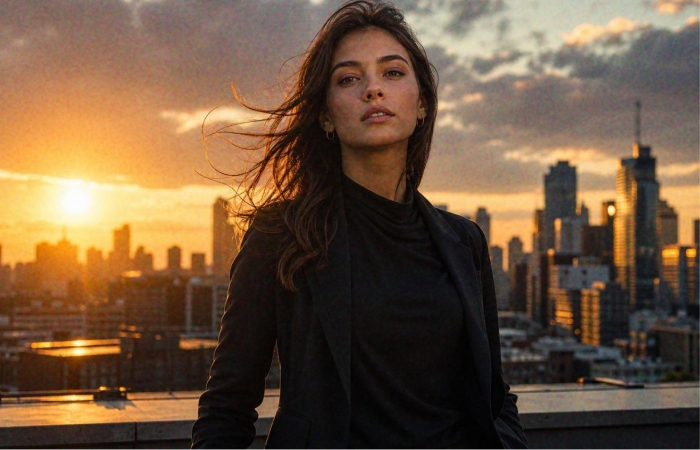
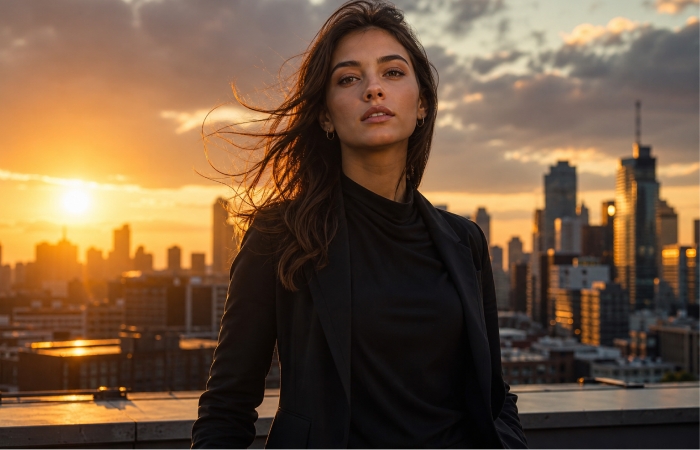
Fix Blur and Improve Video Detailsg
Overcome the inherent softness and motion blur often present in AI text-to-video renderings. Our specialized sharpness and enhancement algorithms scan your footage frame-by-frame, restoring missing micro-details in hair, skin, clothing textures, and intricate background elements to give your Kling AI footage a crisp, professional finish.
Reduce Noise and AI-Generated Video Artifacts
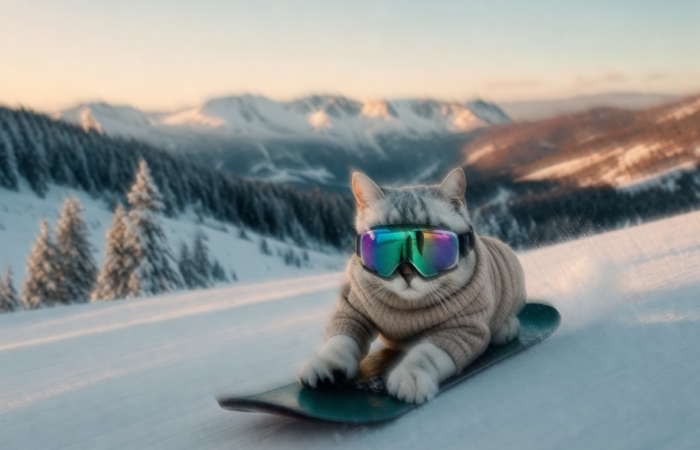
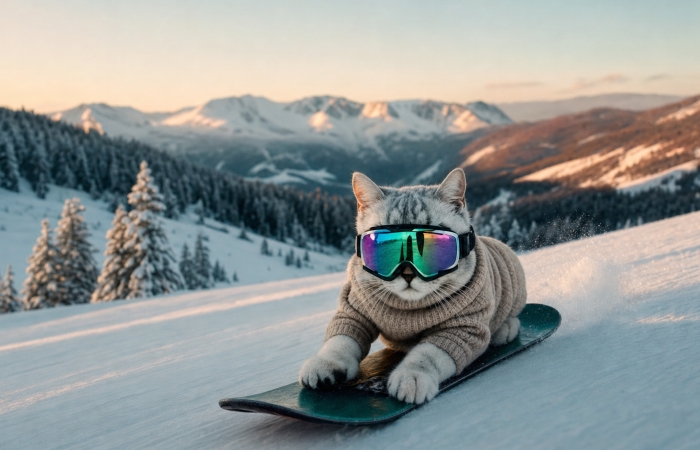
Reduce Noise and AI-Generated Video Artifacts
Clean up unwanted noise, compression artifacts, and visual imperfections that may appear in Kling-generated footage. Refine distracting details and create a smoother, cleaner-looking video while preserving the important elements of each scene.
Tailored AI Models for Various Video Styles


Tailored AI Models for Various Video Styles
Achieve precision upscaling across diverse creative genres with a suite of specialized AI engines. Choose from multiple AI models designed for different video styles and enhancement needs. Whether you're working with portraits, animation, cinematic scenes, or general footage, select a tailored model to get more suitable results from your Kling video outputs.
Tailored Kling Upscaling Solutions for Every Creator
Whether you're creating AI films, social content, or commercial visuals, enhancing your Kling videos can help you get more polished results from the footage you've already generated.

AI Filmmakers & Visual Artists
Turn Kling-generated clips into cleaner and sharper footage for AI films, short videos, visual experiments, and creative projects without recreating the original generation.

Content Creators & Social Marketers
Give AI-generated content a cleaner look before posting it to YouTube, TikTok, Instagram, or other social platforms. Sharper details can help your videos look better on mobile and larger displays.

Marketers and Commercial Creators
Polish Kling-generated visuals used in advertisements, product concepts, promotional videos, and branded content. Improve clarity and presentation before delivering or publishing the final video.
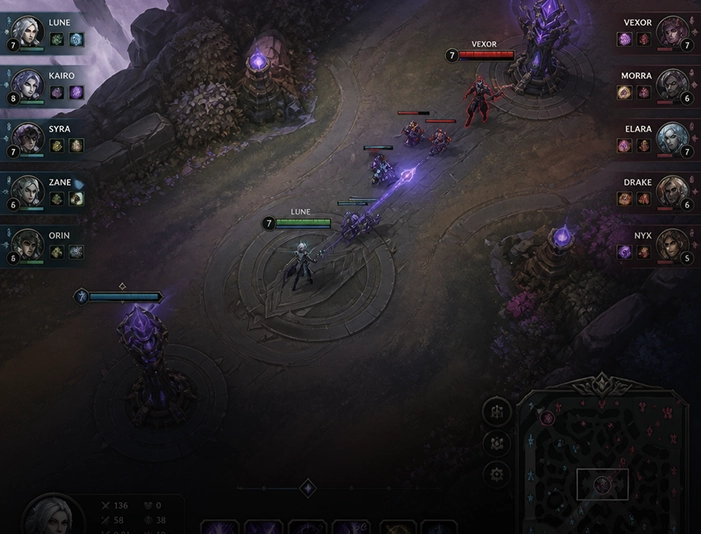
Game Developers & Animators
Refine AI-generated cinematic concept trailers and 3D character animations, sharpening textures and removing pixelation seamlessly.
Why Choose HitPaw Online Video Enhancer for Kling Videos?
AI-Powered Video Enhancement
Use AI to improve resolution, sharpness, and overall video quality instead of simply enlarging pixels.
Fast Processing Speed
Process your Kling videos quickly with optimized AI processing, so you can preview enhanced results without a long wait.
Privacy Protection
Your uploaded videos are processed securely to help protect your content and keep your creative footage private.
Web-Based Processing
Runs entirely in your web browser, allowing you to enhance low-res AI videos instantly on any device without installing heavy software.
Explore More HitPaw Online Al Tools
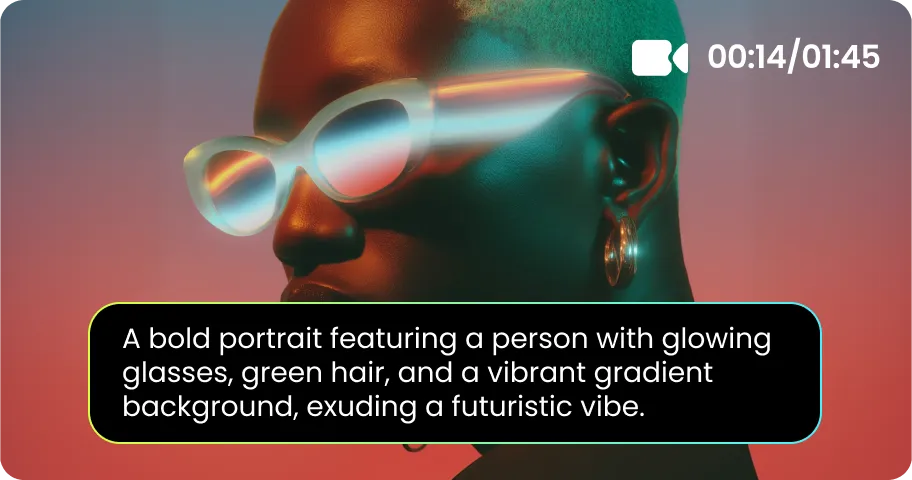
Online Video Generator
Turn text prompts into stunning cinematic AI videos in seconds.
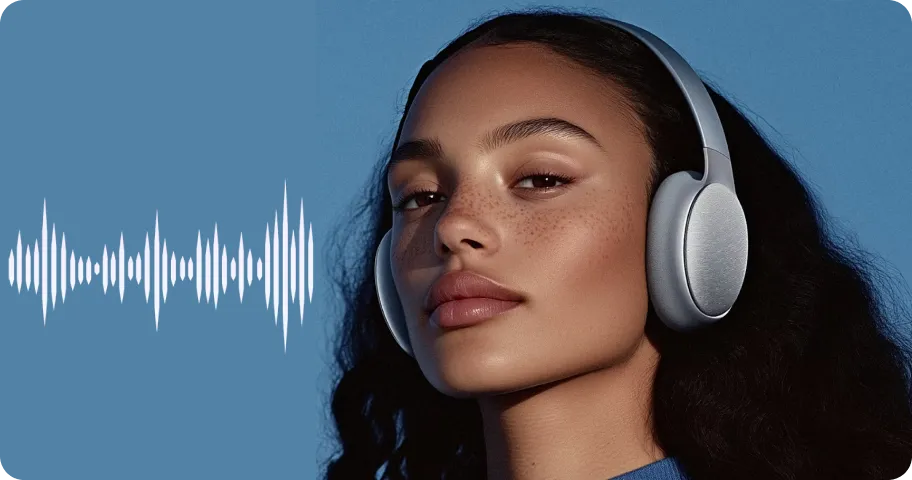
Online Music Generator
Create custom royalty-free soundtracks for any mood or genre.
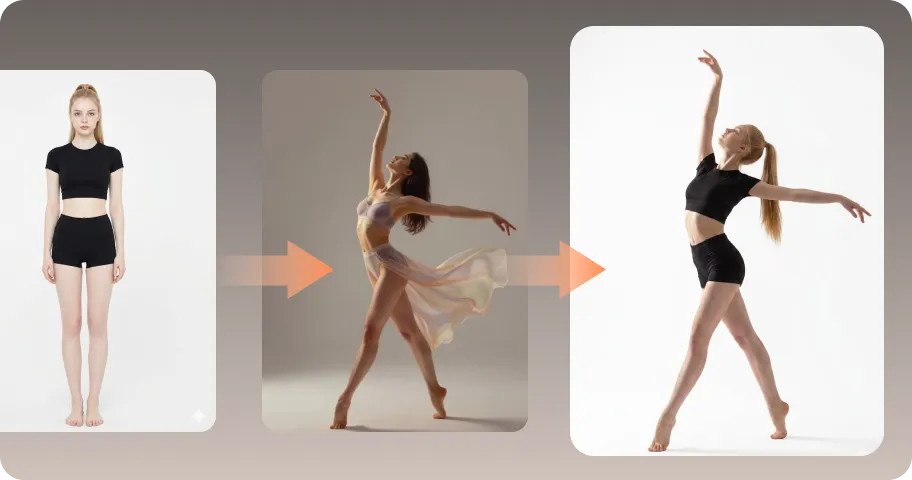
AI Mimic motion
Animate static photos with realistic human movements and expressions.
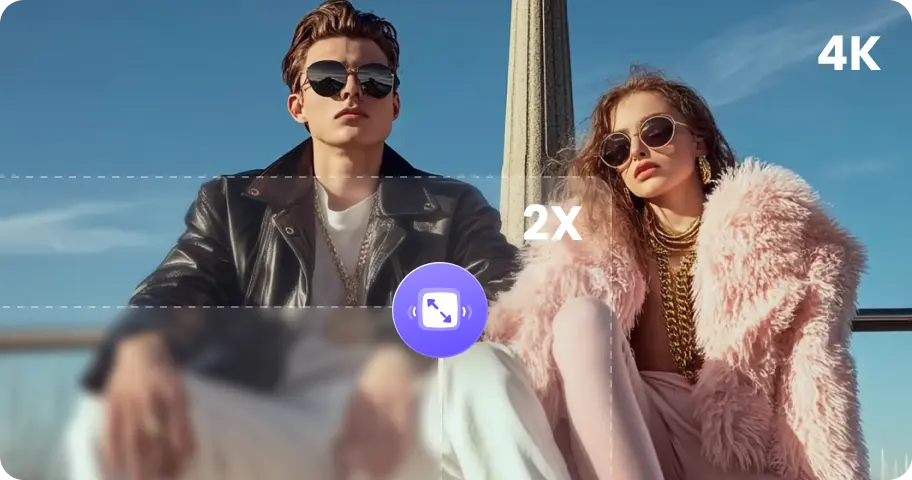
Online Photo Enhancer
Instantly upscale blurry photos to crystal clear high definition quality.
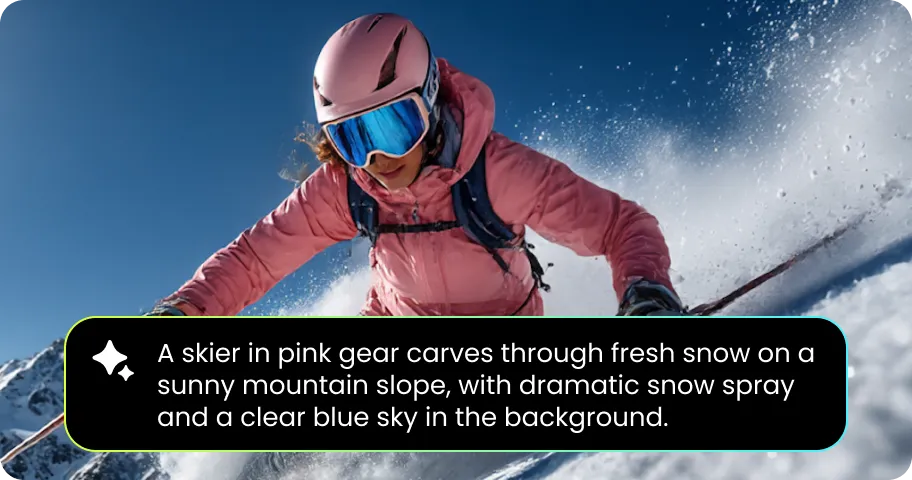
Online Image Generator
Generate high-quality AI images and artwork from simple text.
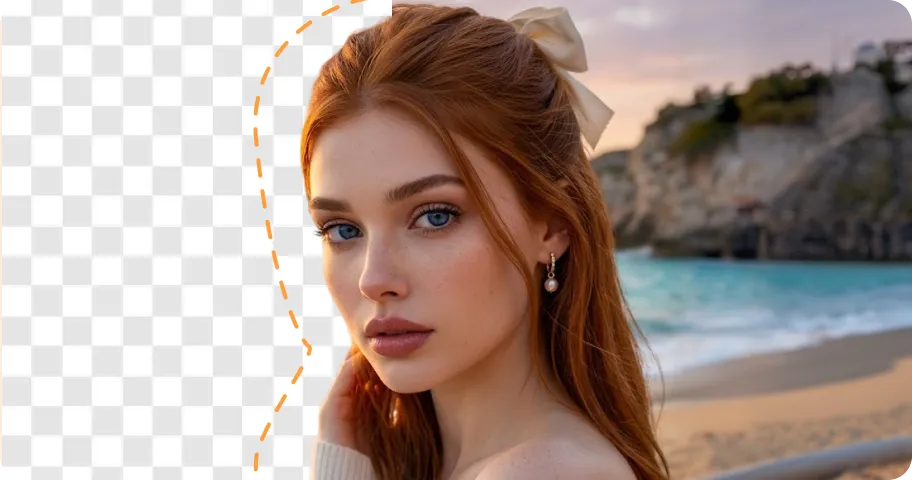
Background remover
Isolate subjects and erase backgrounds automatically with one click.
What Users Say About HitPaw Kling Video Enhancer

EAlex M. - AI Content Creator

"I use Kling to generate short cinematic clips, but some scenes come out softer than I expect. I wanted to improve the final footage without regenerating. The HitPaw Enhancer helped make the details cleaner."

Mia K. - Short Film Creator
"I generate different scenes with Kling for short film projects. Instead of going back and generating a scene again just because it looks a little soft, I can enhance the existing clip and continue editing."

Sarah Jenkins - Social Media Specialist
"Whenever I generate promo clips with Kling for client Reels, the compression drops the quality. HitPaw fixes the blurriness in a couple of clicks so I can deliver clean, professional 4K videos consistently."

David Miller - Indie Game Developer
"I used Kling AI to build teaser cutscenes, but facial details kept coming out pixelated. The face restoration model in HitPaw cleaned up character expressions dramatically without making them look fake."

James Parker - Small Business Owner
"I don't have much video editing experience, so I wanted something simple. Uploading a Kling video, choosing an AI model, and checking the preview is much easier than trying to fix the footage manually."
FAQs About Kling Video Upscaling
Yes. While Kling AI natively generates videos in standard 720p or 1080p, you can easily upscale them to crystal-clear 4K using HitPaw Online Video Enhancer. Its advanced AI models analyze your Kling footage frame-by-frame, restoring fine details, fixing facial blur, and eliminating compression noise directly in your web browser without quality loss.
The tool analyzes your Kling AI video frame-by-frame, removing noise and generative blur while predicting missing pixels to reconstruct high-resolution textures and crisp visual details.
For general Kling footage, start with a general video enhancement model. If your clip contains prominent faces or portraits, a face-focused model may produce better results. The best choice depends on the content and the specific quality issue you want to fix.
No. Unlike basic video interpolation, HitPaw Online Video Enhancer uses generative neural networks to enhance detail and resolution without introducing extra blur or visual degradation.
No. HitPaw Online Video Enhancer processes video enhancement in the cloud, so you don't need a high-end graphics card or powerful local hardware. Simply upload your video, choose an AI model, and preview the enhanced result directly in your browser.
Tips & Tricks for Online Kling Video Upscaler
Elevate Your Kling AI Videos to 4K Today
No expensive GPUs or complex software required. Upscale, restore, and refine your Kling AI videos directly in your browser and deliver crisp, high-definition 4K content effortlessly.
