















Turn Your Low-Res Clips into Crisp, High-FPS Gaming Masterpieces
Turn pixelated screen recordings into stunning 4K gaming videos effortlessly. With HitPaw Free Online AI Video Enhancer, you can upscale resolution, smooth out choppy frame rates, and highlight every sharp detail directly in your browser.
Support format: mp4, webm, mov, gif
Maximum file size: 2GB
Maximum video
resolution:
4K


How to Enhance Gameplay Videos Online Free with AI

Step 1: Upload Your Gameplay Video
Upload your gameplay video. Simply drag and drop your file, no software installation required.
Step 2: Choose AI Enhancer Models
Select AI models to enhance gameplay videos online. Use Detail Recovery to enhance clarity and restore fine details.
Step 3: Preview and Download
Preview the upscaled video and download it instantly. Enjoy gameplay videos enhancer online free without watermark.
Power Up Your Gaming Highlights with One-Click AI Magic
Experience studio-grade video enhancement powered by smart AI models designed specifically to bring out the dynamic colors and sharp textures of your favorite games.
Convert Low-Quality Gameplay Videos to Stunning 4K
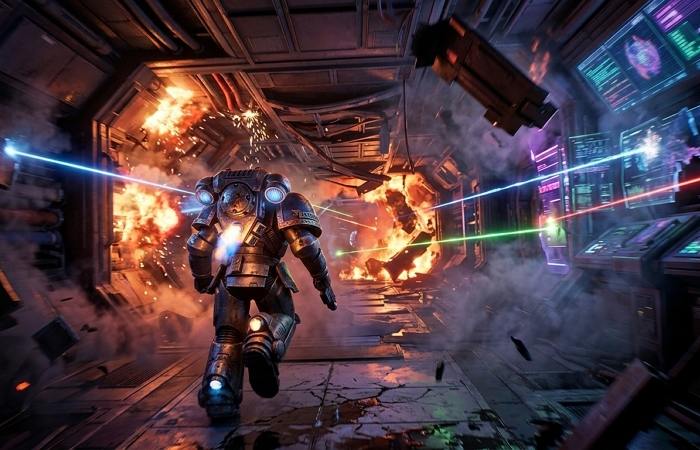
Convert Low-Quality Gameplay Videos to Stunning 4K
Bring old or compressed gameplay recordings back to life with AI-powered upscaling. Improve resolution, recover lost details, and make low-quality game footage look sharper and closer to 4K quality for sharing or streaming.
Make Gameplay Recordings Smoother and More Professional


Make Gameplay Recordings Smoother and More Professional
Remove distracting roughness from gameplay recordings and create smoother videos with intelligent AI processing. Enhance fast-paced scenes, improve visual consistency, and make your gaming highlights more enjoyable to watch.
Fix Laggy Game Footage and Improve Video Quality
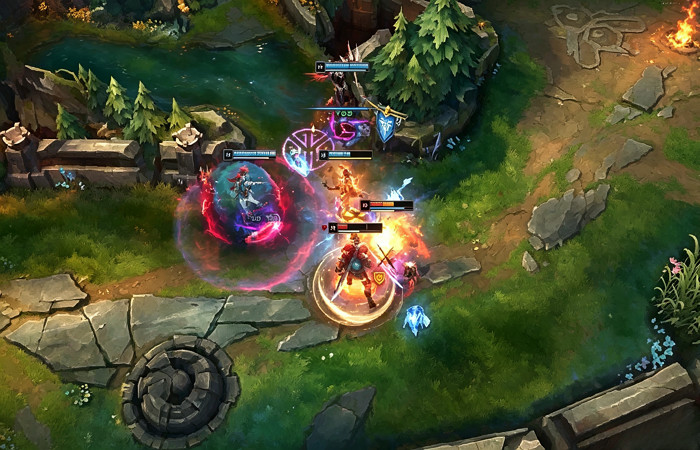
Fix Laggy Game Footage and Improve Video Quality
Don't let stream drops or low-bitrate recordings ruin your winning moments. The intelligent AI denoiser cleans up blocky artifacts, smooths out laggy frames, and restores original clarity in seconds.
Enjoy an Effortless, Browser-Based Game Enhancement Experience
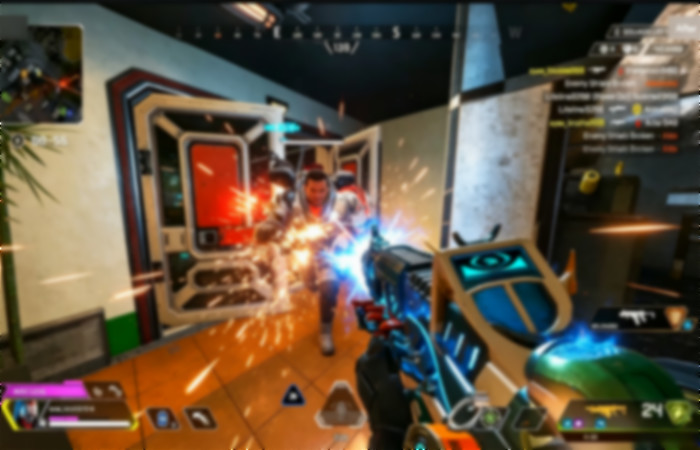
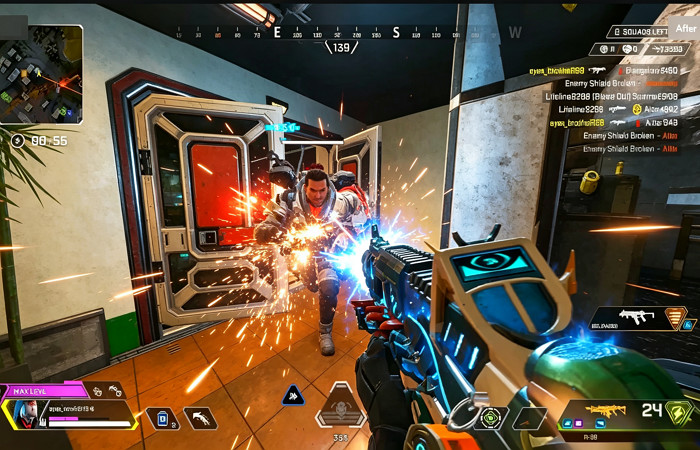
Enjoy an Effortless, Browser-Based Game Enhancement Experience
No heavy video editors, GPU overloads, or complex settings needed. Upgrade your gameplay footage directly in your web browser with a simple drag-and-drop process, completely watermark-free.
Use Cases of HitPaw Gameplay Video Enhancer Online Free
HitPaw Gameplay Video Enhancer helps different users improve gaming footage quality with AI-powered enhancement. From content creation to personal memories, easily restore details, sharpen visuals, and create smoother gameplay videos.
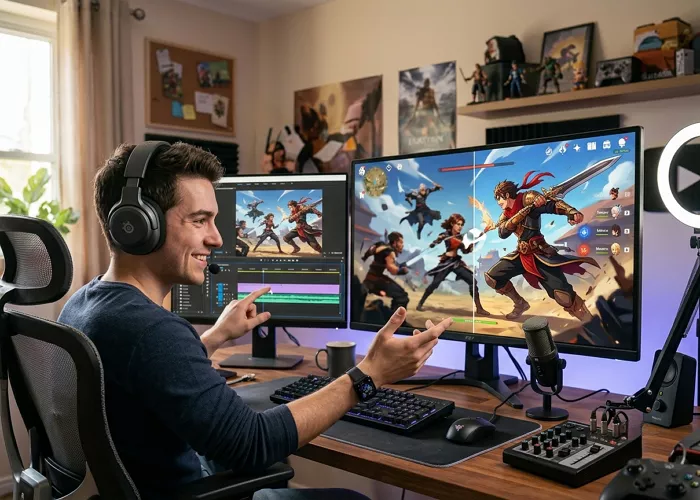
Content Creators
Enhance YouTube videos, TikTok clips, and social media gaming content by improving video clarity, restoring details, and creating more engaging gameplay highlights that attract viewers.
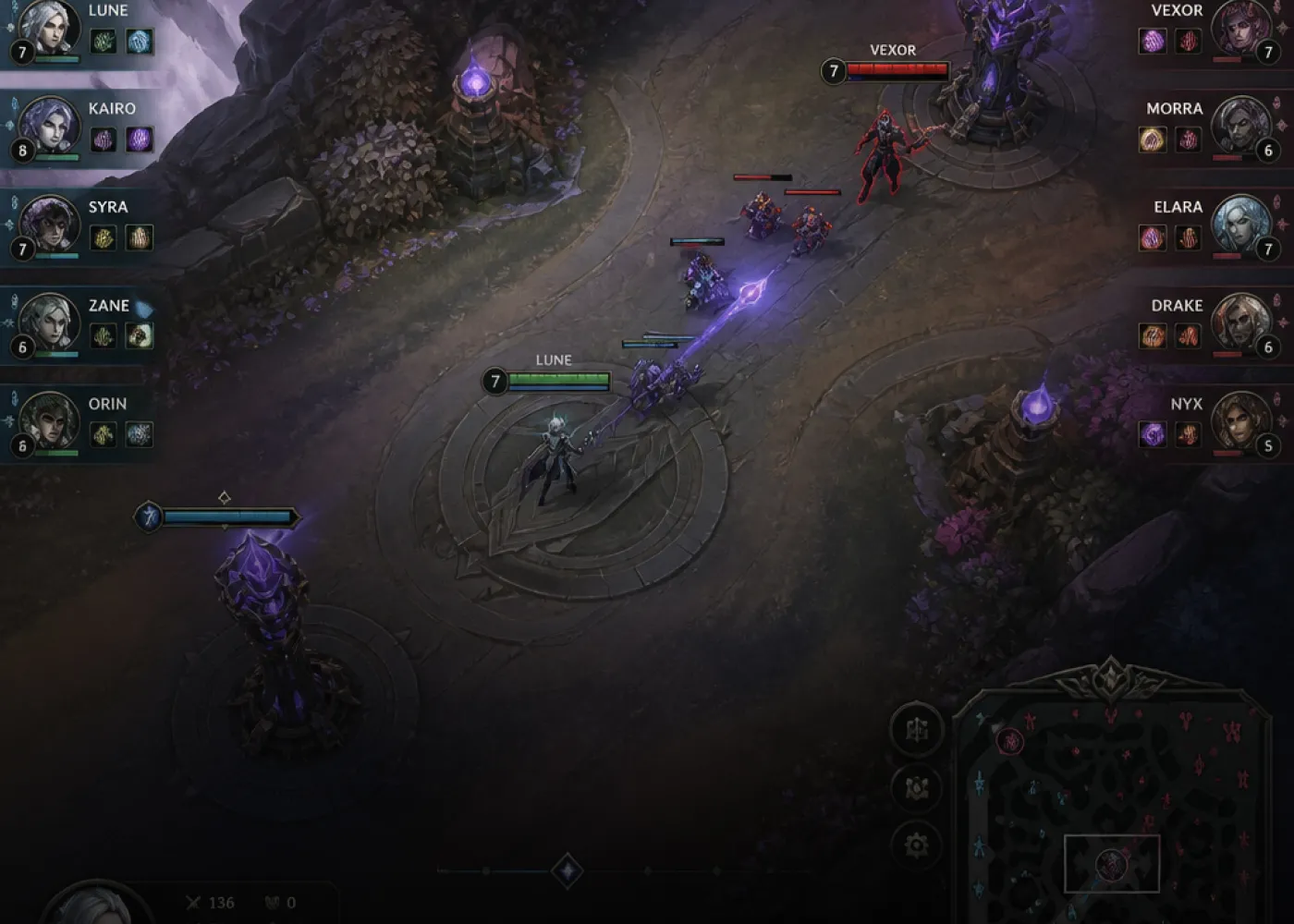
Gamers & Streamers
Upgrade gameplay recordings, livestream clips, and competitive match highlights with smoother visuals, sharper details, and improved quality for a more professional streaming experience.
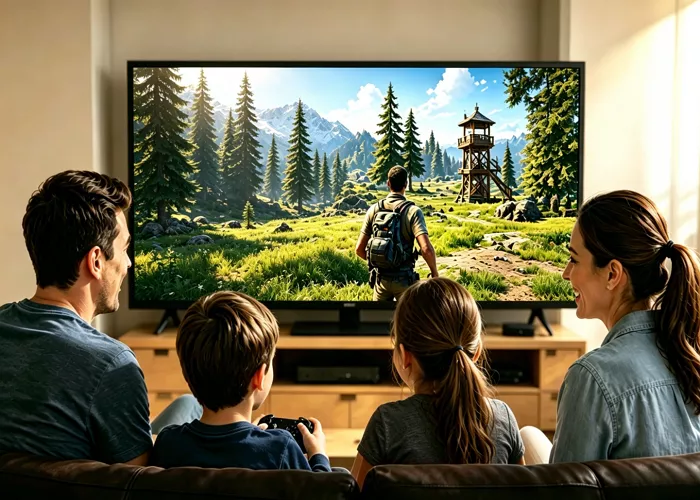
Families & Personal Users
Improve old game recordings and personal gaming memories by enhancing blurry or low-resolution videos, making important moments clearer and easier to enjoy on any device.
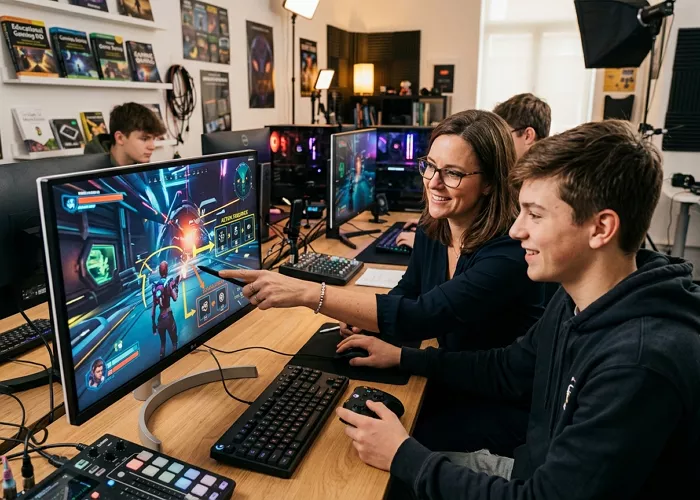
Educators & Professionals
Enhance gaming tutorials, training videos, and educational demonstrations with better visual quality, helping viewers understand gameplay instructions and technical content more clearly.
Why Choose HitPaw AI-Generated Video Enhancer Online Free
Advanced AI Video Enhancer
Uses intelligent AI models to sharpen details, reduce blur, and improve overall gameplay video quality.
One-Click Editing
Enhance gameplay videos quickly with a simple upload, process, and download workflow. Secure & Private
Secure & Private
Your uploaded videos are processed securely to protect your personal content.
Cross-Device Access
Enhance gameplay videos anytime from desktop, tablet, or mobile browsers.
Explore More HitPaw Online Al Tools
Online Video Generator
Turn text prompts into stunning cinematic AI videos in seconds.
Online Music Generator
Create custom royalty-free soundtracks for any mood or genre.
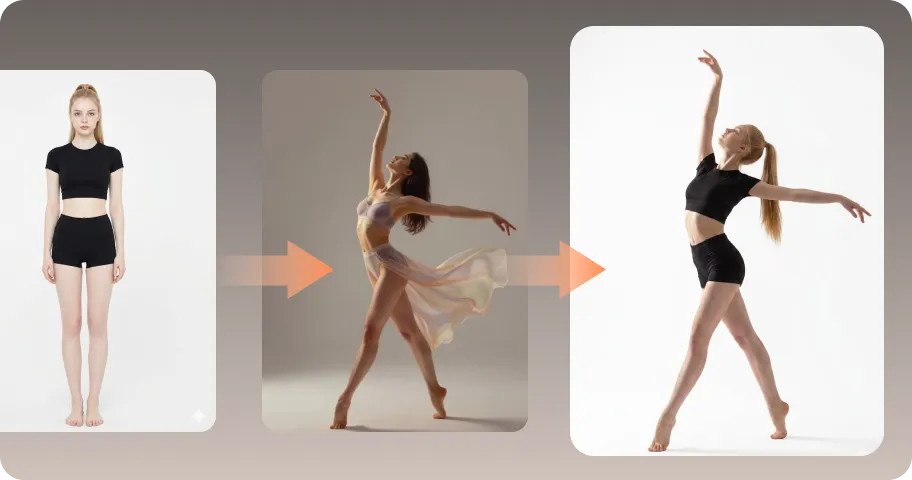
AI Mimic motion
Animate static photos with realistic human movements and expressions.

Online Photo Enhancer
Instantly upscale blurry photos to crystal clear high definition quality.
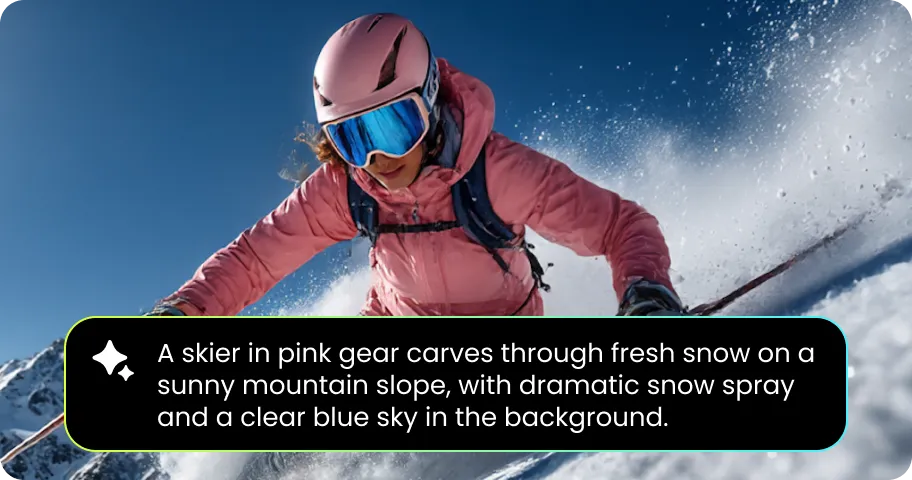
Online Image Generator
Generate high-quality AI images and artwork from simple text.

Background remover
Isolate subjects and erase backgrounds automatically with one click.
What Users Say About HitPaw Gameplay Video Enhancer Online Free

Alex Johnson, YouTube Gaming Creator

"HitPaw helped me improve my old gameplay recordings without complicated editing tools. My gaming highlights look much sharper and more professional after AI enhancement."

Marcus Vance, Twitch Streamer
"Stream lag ruined one of my best Apex Legends wins. This online AI tool smoothed out the choppy frames effortlessly, making it completely watchable again."

Michael Lee, Esports Player
"My recorded matches often looked blurry after compression. HitPaw restored details and made my gameplay footage much easier to review."

David Miller, Retro Gaming Enthusiast
"Enhancing old emulator recordings used to be a pain. HitPaw’s free online tool restored my classic PS2 footage to modern HD quality in one click."

Daniel Brown, Casual Gamer
"I wanted to improve my old game recordings, and HitPaw made the process simple. The enhanced videos look much better than the originals."
FAQs About HitPaw Gameplay Video Enhancer Online Free
A gameplay video enhancer is an AI-powered tool that improves gaming footage quality by increasing resolution, restoring details, reducing blur, and making videos smoother. It helps gamers and creators produce clearer gameplay videos without advanced editing skills.
Yes. HitPaw Free Online AI Video Enhancer allows you to enhance gameplay videos online without installing software. Simply upload your video, select an AI enhancement model, preview the result, and download the improved footage.
Yes. HitPaw AI video enhancement technology can upscale low-resolution gameplay videos, improve textures, recover details, and create sharper visuals that look closer to 4K quality.
Yes. HitPaw AI models can reduce blur and improve clarity in gameplay recordings. It helps make characters, environments, and fast-action scenes appear sharper and easier to watch.
Absolutely. HitPaw Free Online AI Video Enhancer allows you to convert low-resolution 720p or 1080p footage into ultra-clear 4K resolution, making your gameplay look sharp on modern high-refresh-rate displays and 4K monitors.
Tips & Tricks for Online Video Quality Enhancer
Ready to Level Up Your Gameplay Footage Today?
Stop settling for blurry screen recordings and low-fps clips. Give your gaming highlights the 4K shine and fluid frame rates they deserve—fast, browser-based, and completely free.
