















Free Online AI Video Enhancer
Instantly fix your low-res clips with HitPaw Online Video Enhancer. Use our video quality enhancer 1080p online free to sharpen details, or leverage the 4K video enhancer online free to convert 1080p to 4K and exports without watermarks.
Support format: mp4, webm, mov, gif
Maximum file
size: 2GB
Maximum video
resolution:
4K





How to Enhance Video Quality Online with HitPaw

Step 1: Upload Your Videos Online
Drag and drop your blurry video into the browser or click to upload. HitPaw online video enhancer supports all major file formats, including MP4, MOV, and MKV, without quality loss.
Step 2: Choose Video Enhancer Model
Choose the ideal AI video upscaler mode based on your needs. Instantly fix blurry videos using our dedicated Face Model, Anime Model, or advanced General Denoise tools.
Step 3: Enhance & Export Videos in 4K
Preview the stunning side-by-side results in real time. Click export to upscale the video to 4K resolution and save your newly enhanced high-definition video without any hassle.
Features of HitPaw Online AI Video Enhancer
Transform blurry clips into cinematic visuals with HitPaw Online AI Video Enhancer. Driven by powerful deep-learning algorithms, our browser-based tools make it easier than ever to improve video quality online and fix compression artifacts automatically.
4K Video Upscaler - Convert 1080P to 4K Online Free

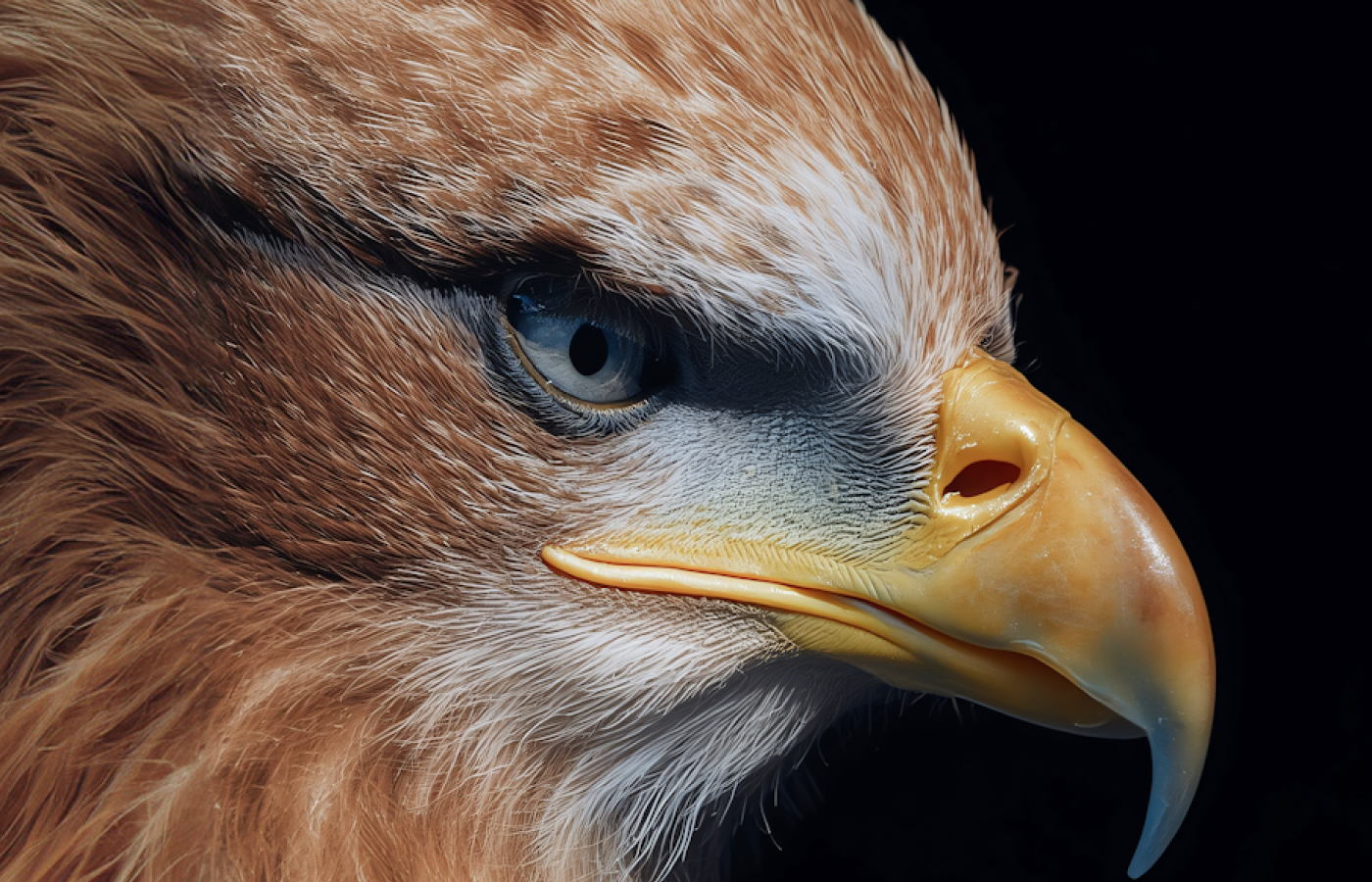
4K Video Upscaler - Convert 1080P to 4K Online Free
Looking for a reliable way to upscale 1080p videos to 4K online for free? HitPaw Online Video Enhancer recreates every pixel with stunning precision. Effortlessly convert 1080p videos into professional-grade 4K resolution. This powerful AI video upscaler is perfect for creators who demand the highest visual standards without downloading heavy software.
AI Noise Reduction - Remove Grain and Low-Light Blur


AI Noise Reduction - Remove Grain and Low-Light Blur
Shot a video in a dark room or with an old camera? The powerful denoise model instantly sweeps away distracting digital grain, motion blur, and low-light artifacts. It purifies your video frame-by-frame, restoring a clean, professional, and cinematic look while preserving natural textures.
AI Face Enhancement - Restore Lifelike Expressions Automatically


AI Face Enhancer - Restore Blurry Portrait Videos
Perfect for vlogs, interviews, and close-up shots. The dedicated facial AI model automatically tracks human subjects with incredible accuracy, sharpens facial contours, reduces skin blemishes, and unblurs expressions with HitPaw. Trust HitPaw to enhance portrait video quality and ensure everyone looks their absolute best in every frame.
Colorize Old Videos - Bring more Colors to the Black & White
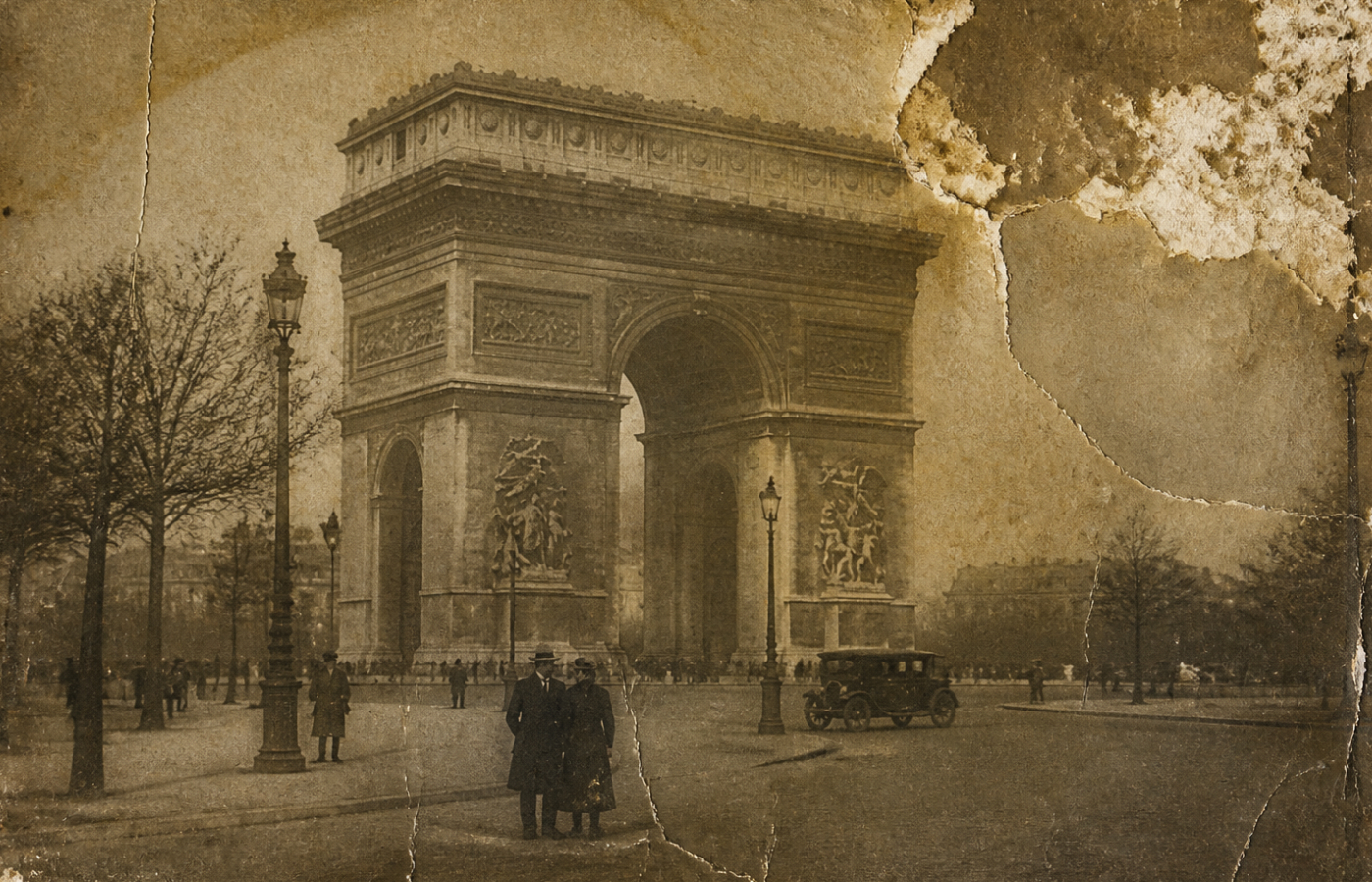

Colorize Old Videos - Bring more Colors to the Black & White
Breathe new life into black-and-white family archives or classic historical films. Our deeply trained AI analyzes the context of each frame to apply realistic skin tones, rich landscapes, and cinematic hues, turning black-and-white memories into vivid modern stories.
Use HitPaw to Improve the Video Quality for Any Needs
From filmmakers needing pristine 4K B-roll to individuals rescuing blurry phone footage, HitPaw Online bridges the gap between professional video restoration and everyday accessibility for all users.

Content Creators
Instantly upscale 720p mobile clips to 4K. Perfect for TikTok, IG Reels, and YouTube Shorts.

Family & Nostalgia
Restore grainy DV tapes and old family videos. Remove noise and enhance faces to relive the past.

E-commerce & Brands
Fix low-light or blurry product demos. Elevate your brand image with crisp, high-conversion visuals.

Pro Photographers
Powerful denoising for high-ISO shots. Correct slight focus issues and save irreplaceable raw footage.

Educators & Professionals
Enhance low-res Zoom recordings and lecture playbacks. Ensure every slide and detail is legible.

Anime & ACG Fans
Specialized AI for animation. Smooth out jagged edges and upscale classic series to stunning 4K.
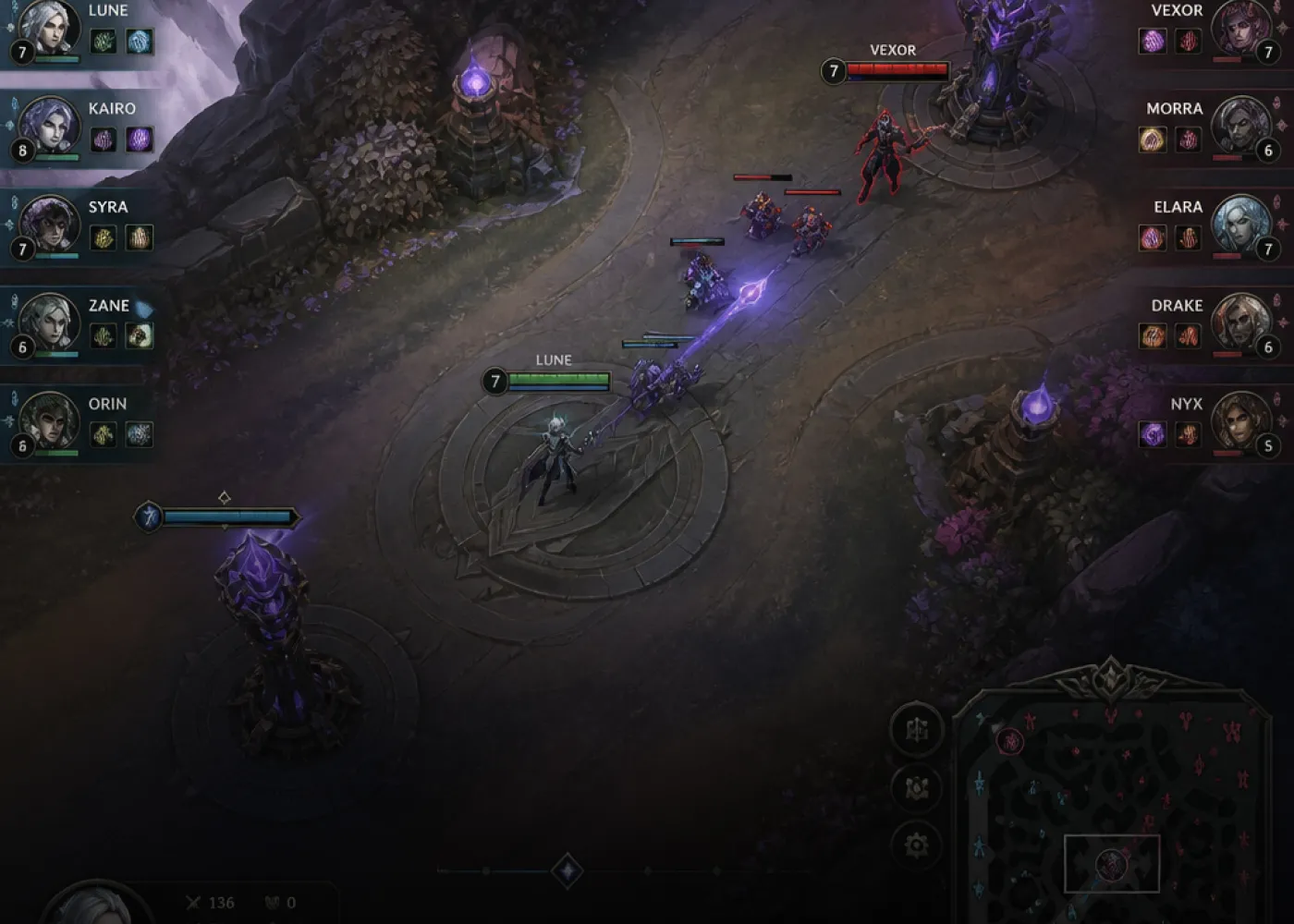
Gamers & Streamers
Sharpen compressed game captures. Give your gaming highlights a cinematic, high-definition finish.
Why Choose HitPaw Online Video Enhancer
AI-powered Enhancement
Instantly fix blurry videos and recover hidden details automatically.
Upscale in One Click
Render high definition videos in seconds with cloud speed.
Privacy First Security
100% private processing with zero risk of data leaks.
Seamless Cross-Platform
Enhance videos anytime on any device without software installation.
Explore More HitPaw Online Al Tools
Online Video Generator
Turn text prompts into stunning cinematic AI videos in seconds.
Online Music Generator
Create custom royalty-free soundtracks for any mood or genre.
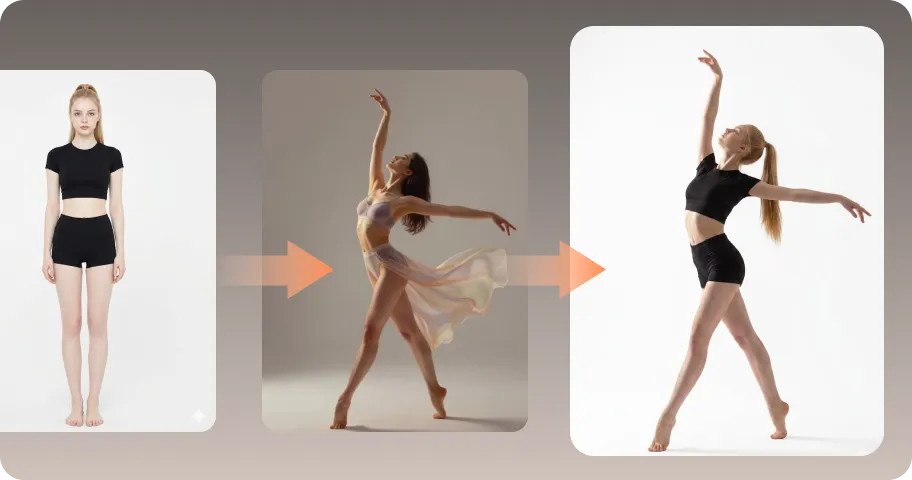
AI Mimic motion
Animate static photos with realistic human movements and expressions.

Online Photo Enhancer
Instantly upscale blurry photos to crystal clear high definition quality.
Online Image Generator
Generate high-quality AI images and artwork from simple text.

Background remover
Isolate subjects and erase backgrounds automatically with one click.
What Users Say about HitPaw Video Enhancer

Sarah M., Content Creator

"As a YouTuber, rendering heavy 4K files on my old laptop always crashes it. HitPaw online enhancer lets me enhance my b-roll directly via browser with lightning speed. A true lifesaver for my workflow!"

David L., Family archivist
"I wanted to digitize our old 90s family DV tapes, but the footage was incredibly blurry and pixelated. HitPaw completely revived those memories, upscaling the faces to clear 4K online."

Yuki T., Anime Fan
"Tried fixing some low-res classic anime clips for an edit. Most tools just smudge the lines, but HitPaw sharpened the edges and brought back the vivid colors perfectly without any artifacting."

Marcus K., Vlogger
"My low-light night vlogs always end up with terrible grain and noise. Running them through this AI model instantly cleared up the night sky and balanced the shadows. Highly recommended!"

Chloe W., Film Student
"We needed to upscale an old 480p indie film snippet for a college project. This tool did a fantastic job removing film grain while maintaining that classic cinematic feel. Truly impressive."
FAQs about Online AI Video Enhancer
Users can enhance video online free with preview, then upgrade for full exports.Exported videos may have limitations on resolution, length, or watermark.Upgrading to a paid plan unlocks full-quality exports and higher output limits.
Our online enhancer is highly compatible and supports all mainstream video formats, including MP4, MOV, MKV, AVI, and FLV. In terms of output, our AI super-resolution technology can upscale your standard-definition (SD) or 1080p footage up to breathtaking 8K resolution.
HitPaw Online Video Enhancer is a web-based tool, ideal for quick and simple video enhancements without downloading software. However, it's better suited for smaller files and basic tasks.
HitPaw VikPea Video Enhancer (desktop version) is more powerful, offering advanced AI upscaling to 4K, batch processing, and support for larger files, making it perfect for professional or high-quality video upscaling.
Yes. With HitPaw video quality enhancer 4k online free without watermark, you can preview results for free, while upgrading enables 4K export without watermark.
Thanks to our powerful cloud-based server infrastructure, processing is incredibly fast. Most short clips take only a few seconds to a few minutes to render. Since all the heavy lifting is done on our remote servers, it won't consume your local computer’s CPU/GPU or slow down your system.
Yes. HitPaw Online AI Video Enhancer instantly sharpens blurry videos, enhances clarity, and upscales low-resolution clips—all directly in your browser, no downloads required. Perfect for restoring old videos or improving footage for social media.
Your privacy is our top priority. HitPaw Online employs bank-grade encryption protocols to protect your data. Your videos are processed in a highly secure cloud environment, and your content belongs 100% to you—we never share your files with third parties or use them to train our AI models.
Tips & Tricks for Online Video Quality Enhancer
Best Video Quality Enhancer 1080P Online Free
Unleash the full potential of your videos with HitPaw—the ultimate free video enhancement tool that uses AI technology to improve and enhance your video quality.
