















Enhance YouTube Videos Online with AI
Low-resolution YouTube uploads, blurry details, and heavy compression ruin your viewing and editing experience. HitPaw Online YouTube Video Enhancer automatically boosts video resolution up to 4K, sharpens details, and eliminates noise instantly in your browser.
Support format: mp4, webm, mov, gif
Maximum file size: 2GB
Maximum video
resolution:
4K


How to Enhance YouTube Videos Online in 3 Steps

Step 1. Upload YouTube Video
Upload the original video you want to improve directly in your browser.
Step 2: Select an AI Model
Choose the ideal AI model tailored for general enhancement, animation, human faces, or low-light video.
Step 3: Preview & Download
Preview the real-time side-by-side comparison, and export your high-definition video.
Make Your YouTube Videos Clearer, Sharper, and More Professional
Powered by trained AI neural networks, HitPaw Online Video Enhancer analyzes YouTube footage frame-by-frame to restore missing details, remove compression artifacts, and elevate visual quality without requiring high-end hardware.
Upscale YouTube Videos to 4K


Upscale YouTube Videos to 4K
Upgrade low-resolution 480p, 720p, or 1080p YouTube videos into stunning 4K quality. Instead of simply stretching pixels, AI analyzes the original frames and enhances details, edges, and textures. Whether you're working with older footage or low-resolution recordings, you can create a clearer result that's better suited for YouTube and larger screens.
Sharpen Blurry Details


Sharpen Blurry Details
Make soft and blurry footage clearer with AI-powered sharpening. Restore definition around edges, objects, and fine details while maintaining a natural look. It's useful for videos that lose clarity because of camera focus, low resolution, motion blur, or previous compression.
Reduce Noise and Compression Artifacts


Reduce Noise and Compression Artifacts
Remove pesky digital grain, blocky pixelation, and ringing artifacts caused by aggressive YouTube compression standards. The algorithm intelligently separates background noise from visual details, smoothing out grainy areas while keeping vital subjects crisp and clean.
Enhance Faces, Colors, and Dark Footage


Enhance Faces, Colors, and Dark Footage
Restore facial expressions in vlogs, revitalize flat color palettes, and brighten dark, underexposed shots. Specialized neural models reconstruct blurry facial features while automatically adjusting exposure and color saturation for natural, vivid visual balance.
Enhance YouTube Videos for Every Creator
From gaming and tutorials to vlogs and educational content, improve video quality before publishing. Give every type of YouTube content sharper details, cleaner visuals, and a more polished look.

YouTubers & Channel Creators
Enhance everyday YouTube uploads before publishing. Upscale low-resolution footage, sharpen important details, and clean up compression artifacts to give your channel a more professional visual quality.

Gaming Creators & Streamers
Make gameplay footage clearer and easier to follow. Reduce pixelation and compression artifacts, sharpen fast-moving scenes, and improve low-quality recordings before turning them into YouTube videos or highlights.

Course Creators & Educators
Make tutorials, lectures, demonstrations, and screen recordings easier to watch. Enhance blurry visuals and improve overall clarity so viewers can see important details more clearly.

Marketers & Brand Teams
Polish repurposed video clips, product demos, and client testimonials derived from YouTube for high-converting social media ads, landing pages, and pitch decks.
Why Choose HitPaw Online YouTube Video Enhancer?
Advanced AI Models
Multiple AI models designed for different video quality issues.
Fast Processing Speed
Enhance your videos efficiently without a complicated editing workflow.
Privacy Protection
Process your videos securely while keeping your original content protected.
Web-Based Processing
Enhance videos directly in your browser without installing additional software.
Explore More HitPaw Online Al Tools
Online Video Generator
Turn text prompts into stunning cinematic AI videos in seconds.
Online Music Generator
Create custom royalty-free soundtracks for any mood or genre.
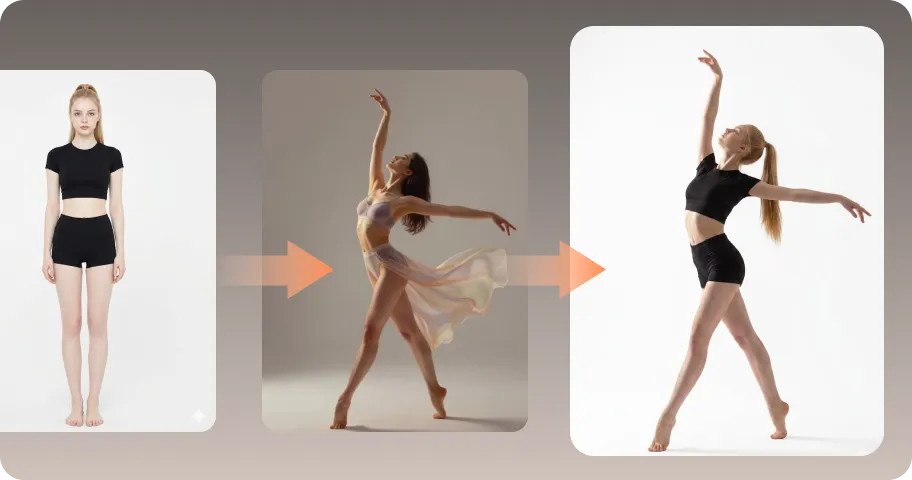
AI Mimic motion
Animate static photos with realistic human movements and expressions.
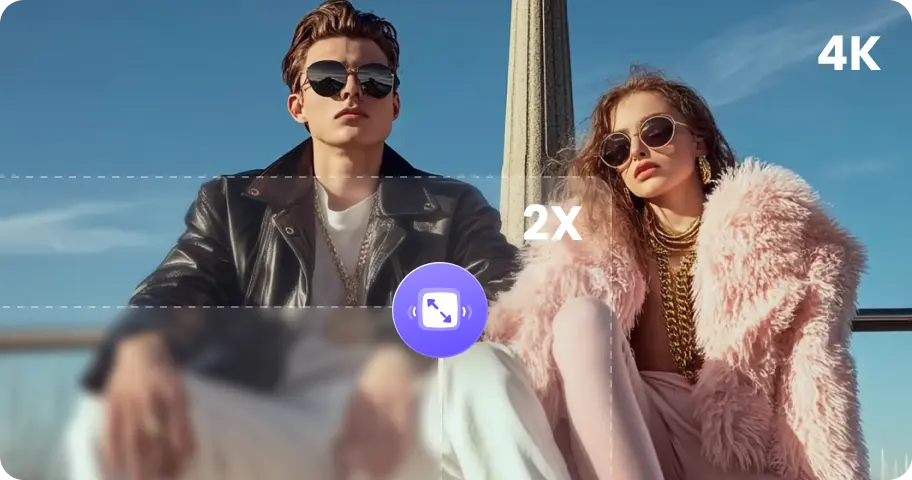
Online Photo Enhancer
Instantly upscale blurry photos to crystal clear high definition quality.
Online Image Generator
Generate high-quality AI images and artwork from simple text.

Background remover
Isolate subjects and erase backgrounds automatically with one click.
What Users Say About HitPaw YouTube Video Enhancer

Alex M. — YouTube Creator

“I had several older 1080p talking-head videos that looked softer than I wanted after editing. I used the enhancer before uploading them to YouTube, and the facial details and overall sharpness looked noticeably cleaner.”

Sarah T. — Travel Vlogger
“My night footage often has quite a bit of noise, especially when I shoot handheld. The AI enhancement helped clean up the footage without making it look overly processed, which saved me quite a bit of editing time.”

Emily K. — Online Tutor
“I usually don't want to install another editing program to deal with YouTube videos. Being able to upload a clip in the browser, choose a model, preview the result, and download it is much more convenient for my workflow.”

David Chen — Gaming Streamer
"Twitch streams uploaded to YouTube often lose crispness due to dynamic bitrate drops. The general denoise and upscaling model brought back the crisp text and HUD elements in my gameplay clips."

Marcus Vance - Independent YouTuber
"I needed to repurpose some of my channel’s 2018 vlogs for a compilation video, but the 720p footage looked terrible on 4K screens. HitPaw cleaned up the artifacting and sharpened the details remarkably well."
FAQs About YouTube Video Enhancement
A YouTube video enhancer is an AI-powered tool that improves the visual quality of videos before they are uploaded to YouTube. It can upscale resolution, sharpen details, reduce noise, and improve overall clarity.
Yes. HitPaw Online Video Enhancer uses advanced deep-learning models to reconstruct missing pixels and upscale 480p, 720p, or 1080p YouTube videos directly to 4K resolution without causing artificial blurring or distortion.
Absolutely. The built-in AI models are specifically trained to reduce heavy noise, fix compression artifacts, sharpen soft edges, and restore clarity to vintage, grainy, or low-resolution YouTube archival footage.
Your uploaded videos are processed securely when you use HitPaw Online Video Enhancer. Your video content is handled for the enhancement process and is not used for other purposes.
Tips & Tricks for Online YouTube Video Enhancer
Make Every YouTube Video Look Better
Transform low-resolution YouTube clips into crisp 4K videos online. Sharpen details, fix compression blur, and elevate your viewer experience in seconds.
