















GPT Image 2 Enhancer – Make AI Images 4K Online
Bring out finer details and cleaner textures in GPT Image 2 creations—no login required. HitPaw GPT Image Enhancer help you upscale AI-generated images to stunning 4K or 8K quality for product shots, marketing visuals, concept art, and more.
Support format: png, jpg, jpeg, webp
Maximum photo
resolution:
8K




How to Upscale GPT Image 2 Images Online Free

Step 1:Upload Your Photo
Drag and drop your GPT Image 2 image, product visual, or concept art. JPG and PNG files are supported.
Step 2:Select AI Model
Select the right AI model for your image and let our GPT Image 2 Enhancer optimize details, clarity, and resolution.
Step 3: Download 8K Image
Upscale your AI-generated image to stunning 4K or 8K quality, then preview and download the enhanced result.
Enhance Every GPT Image 2 Creation with HitPaw
Use HitPaw GPT Image 2 Enhancer to upscale AI-generated images, sharpen fine details, and improve image quality for products, marketing visuals, concept art, and more.
GPT Image 2 Enhancer for Better Product Images
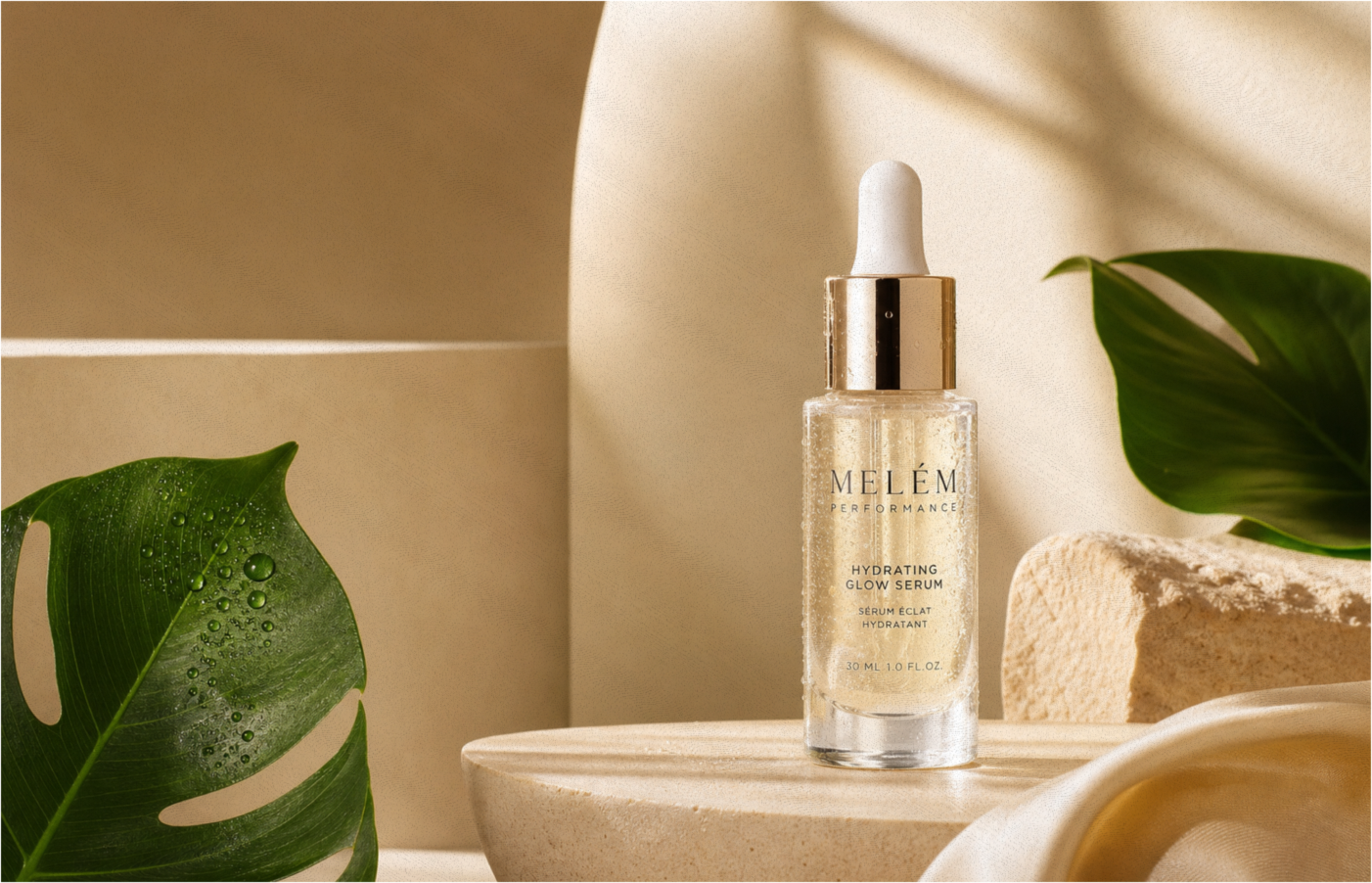
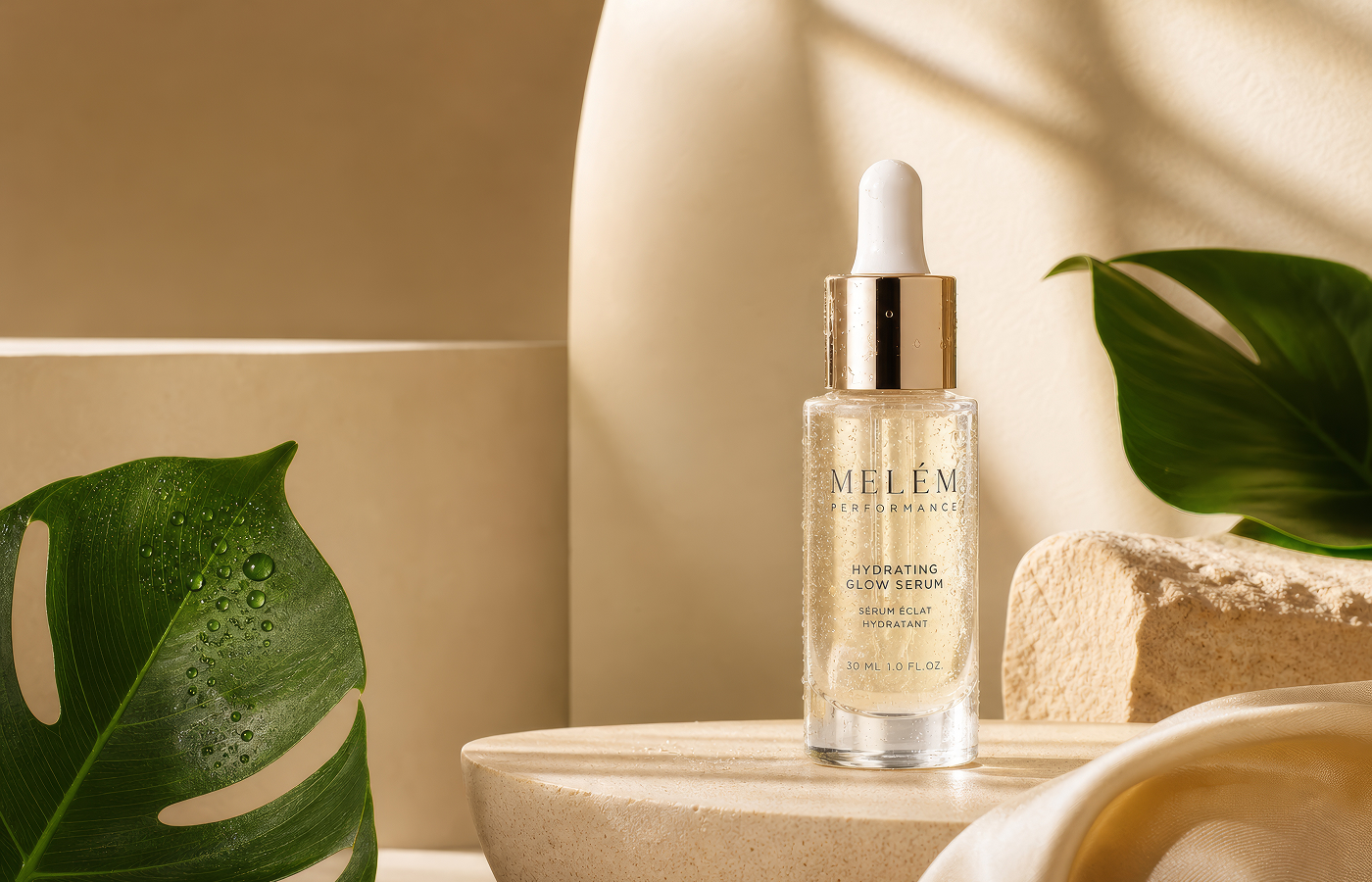
GPT Image 2 Enhancer for Better Product Images
AI-generated product images can lose fine details and look soft when enlarged. HitPaw GPT Image 2 Enhancer sharpens details and improves image quality to 4K and even 8K, helping product visuals look clearer and more professional across e-commerce listings, online stores, and marketing campaigns.
Turn Blurry AI Ads into Campaign-Ready Visuals

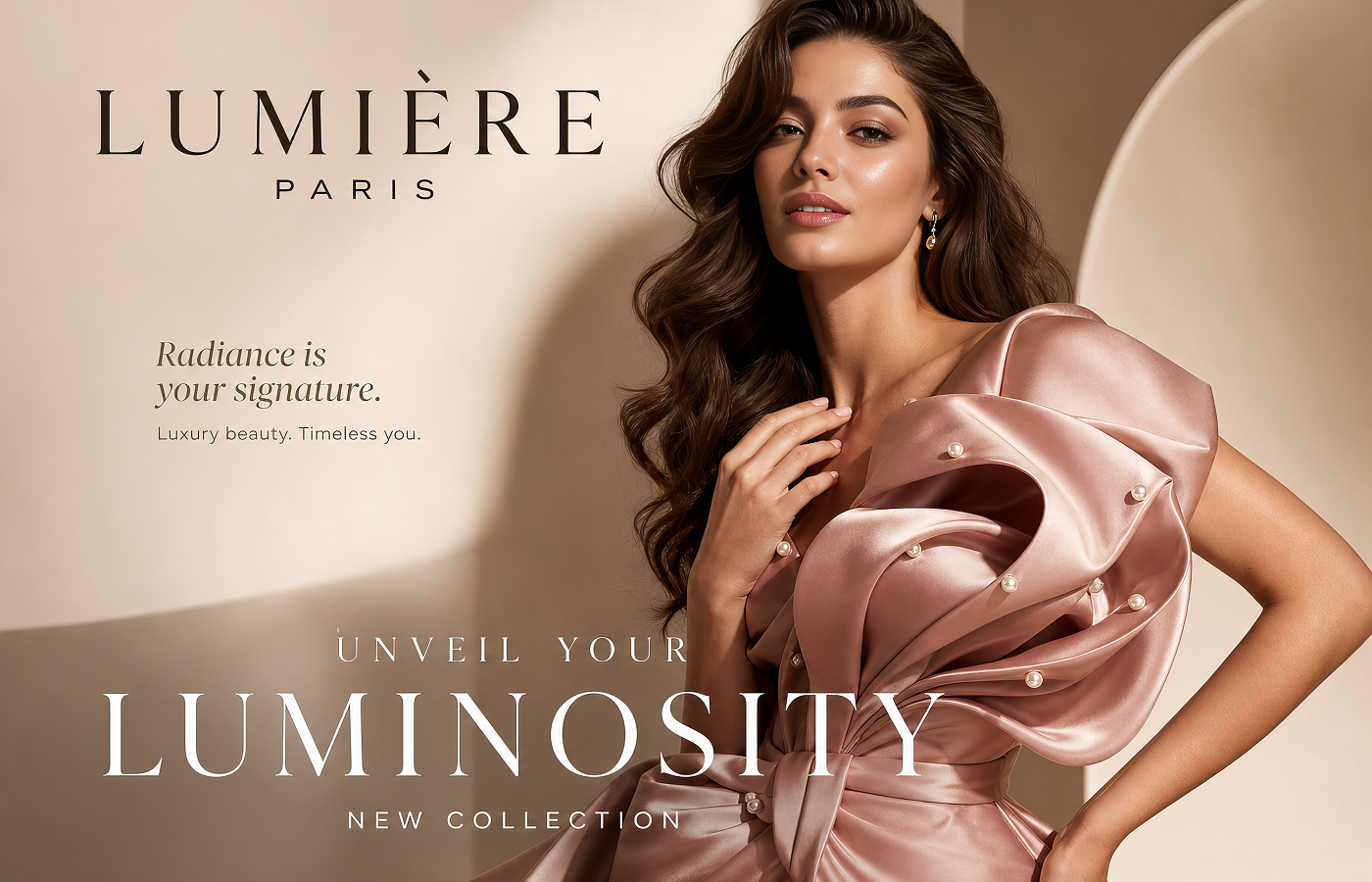
Turn Blurry AI Ads into Campaign-Ready Visuals
GPT Image 2 can create eye-catching ad visuals, but fine product details, textures, and small text may look soft or blurry. With our GPT Image 2 Enhancer, you can upscale AI-generated ads to higher resolutions and keep your creatives sharp and professional across campaigns, banners, and social ads, without spending hours manually editing in Photoshop.
Make GPT Image 2 Visuals Stand Out on Social
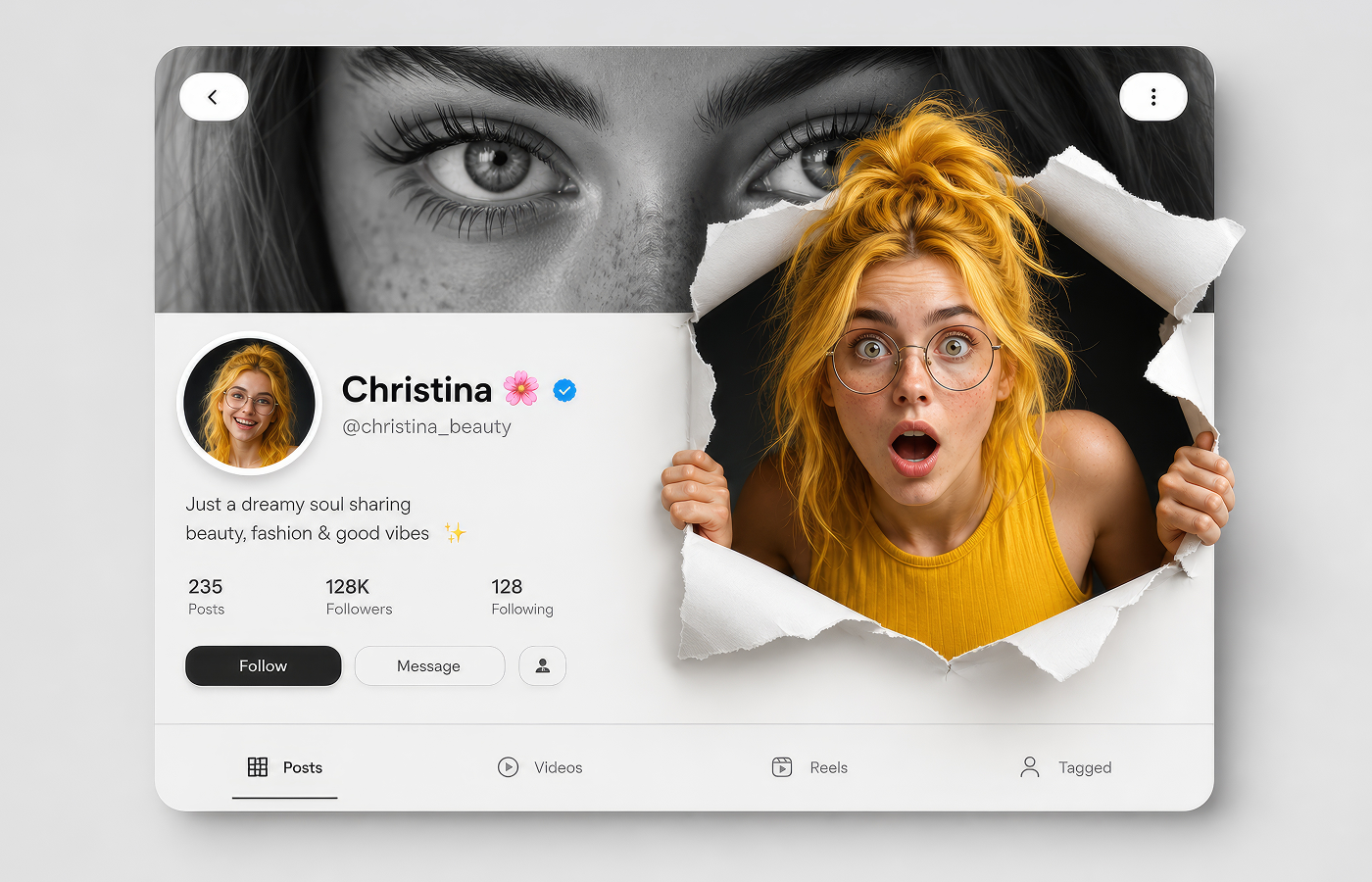
Make GPT Image 2 Visuals Stand Out on Social
Social media moves fast, and low-res AI-generated visuals can lose their impact when resized for posts, reels, and thumbnails. HitPaw GPT Image 2 upscaler quickly upscales GPT Image 2 creations, sharpens fine details, and improves image quality, so you can turn AI-generated visuals into polished, publish-ready content in seconds.
Improve GPT Image 2 Quality with Better Detail
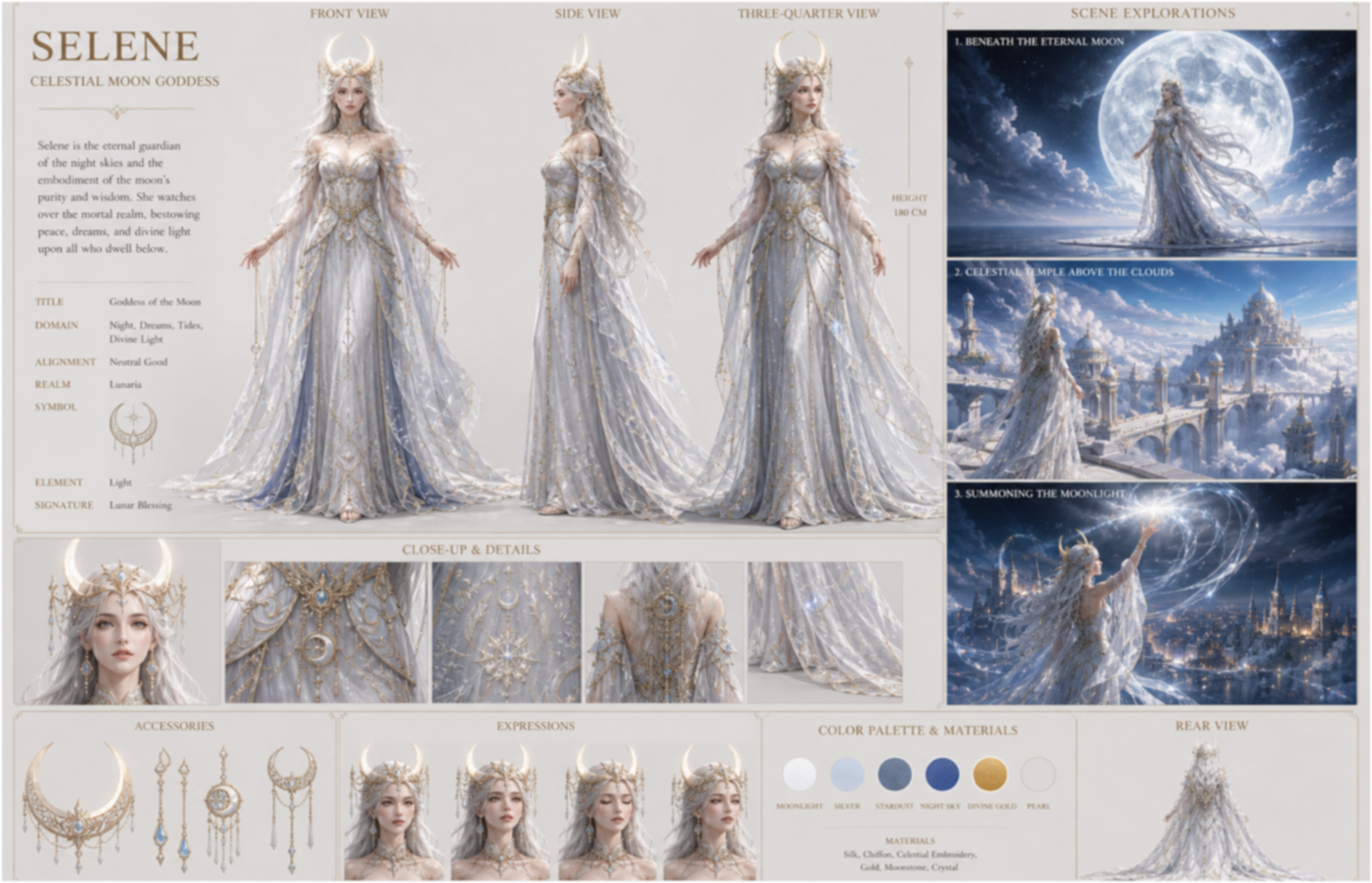
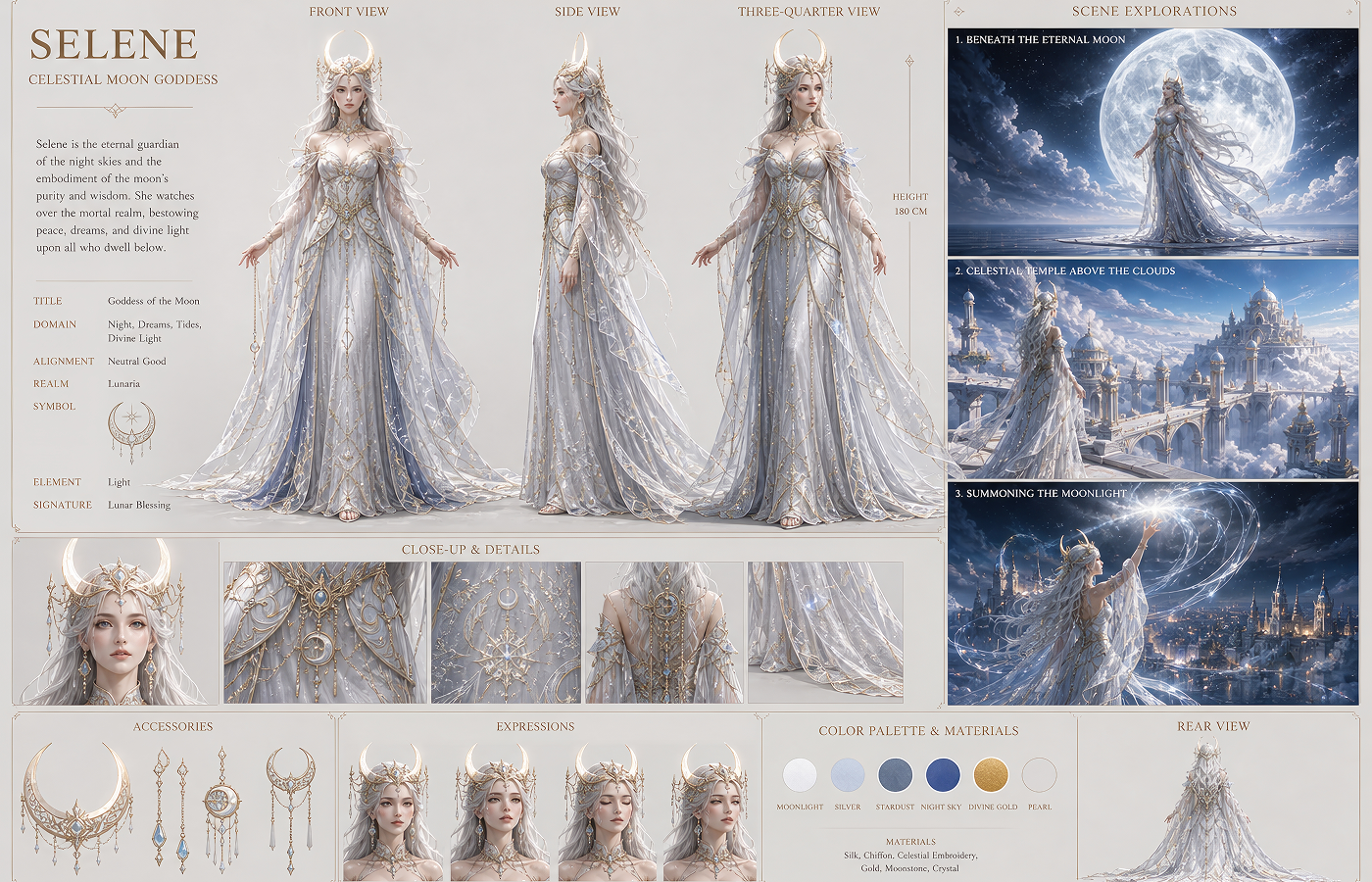
Improve GPT Image 2 Quality with Better Detail
GPT Image 2 makes it easy to turn ideas into cohesive visuals with strong character consistency, but low-resolution outputs can leave characters, environments, and scene details looking soft or unclear. HitPaw Image Enhancer Online sharpens and enhances these visuals, bringing out finer details and clearer results for creative concepts, scripts, pitches, and presentations.
See What Creators Can Do with GPT Image 2 Enhancer Easily
From e-commerce sellers and marketers to social media creators and visual storytellers, discover how HitPaw GPT Image 2 Enhancer helps turn AI-generated images into sharper, higher-resolution visuals for creative item needs.
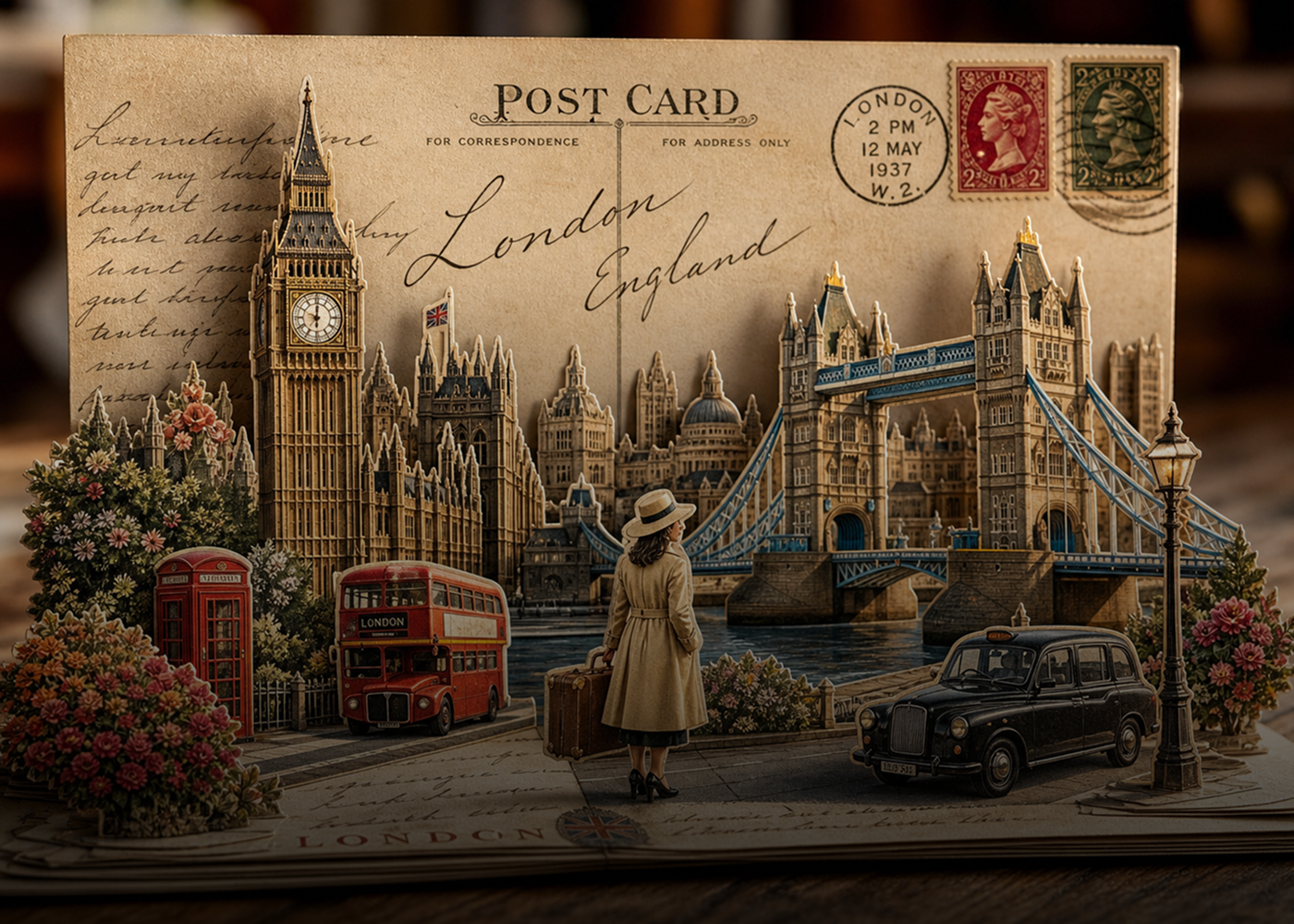
Graphic Designers
Upscale GPT Image 2 images into sharper, high-resolution assets for posters, banners, layouts, and creative projects.
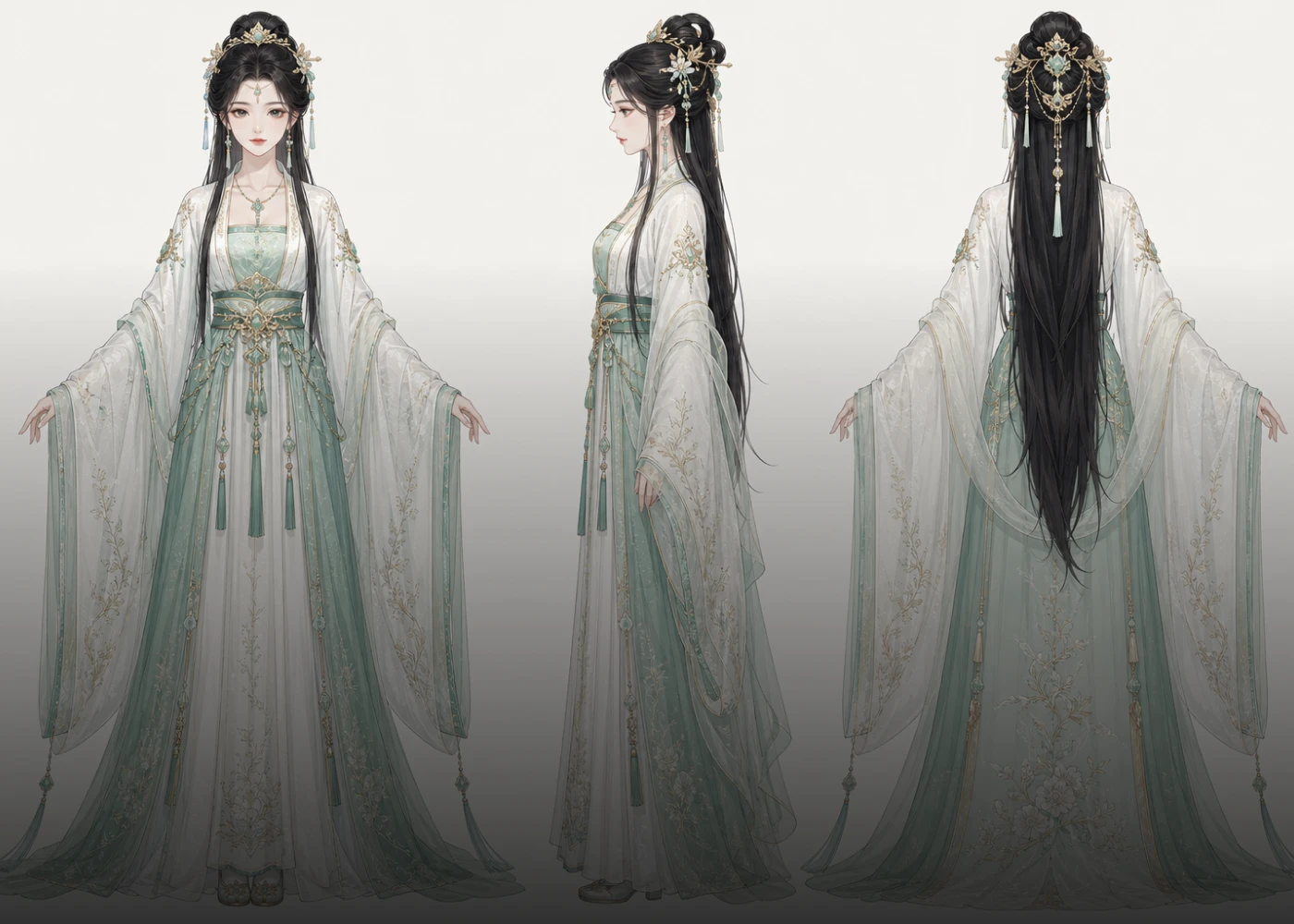
Digital Artists
Turn AI-generated artwork into high-resolution pieces with richer textures, cleaner lines, and more refined details.
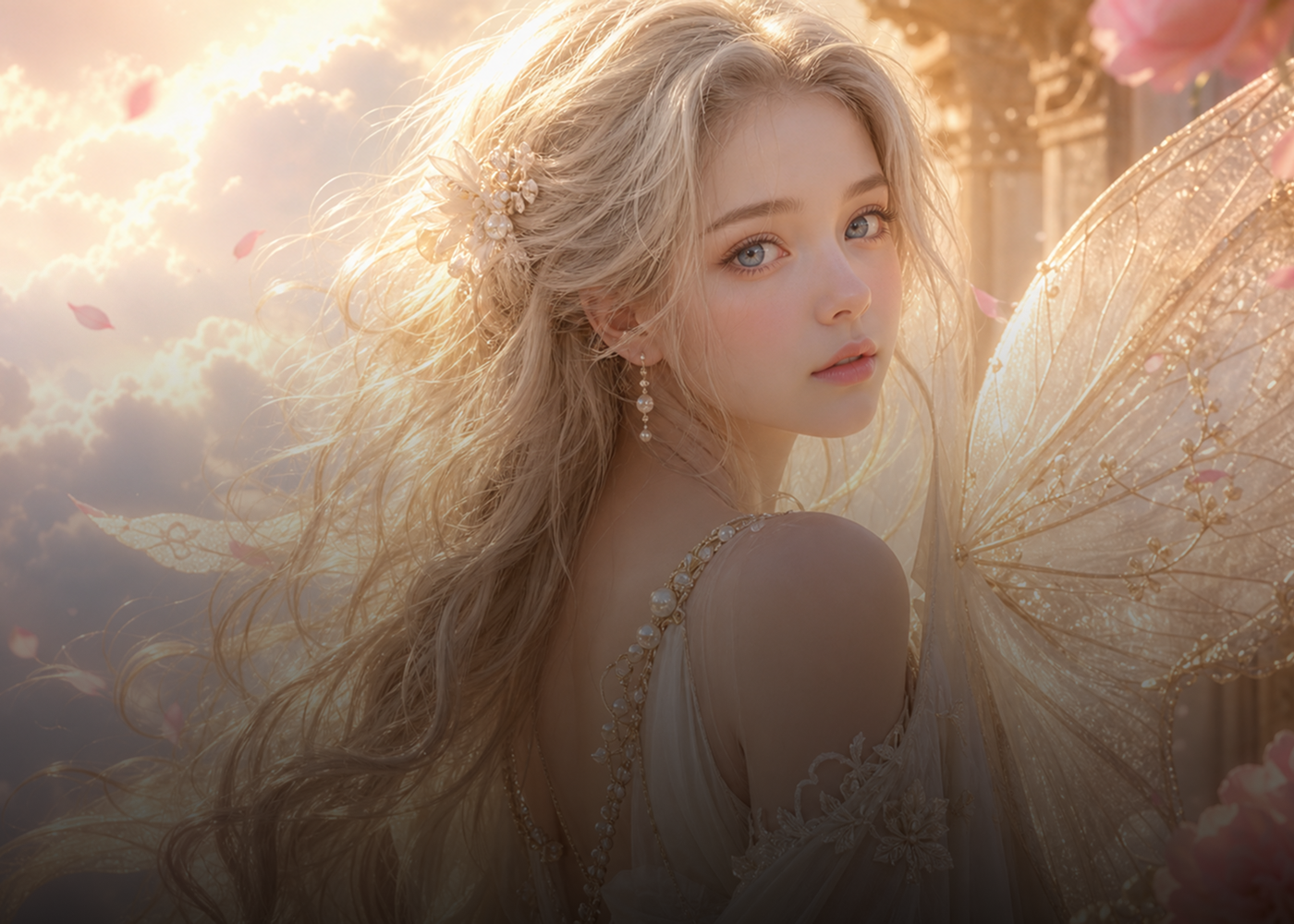
Family & Personal Users
Enhance AI-generated family portraits, personal projects, invitations, wallpapers, and everyday visuals without needing professional editing skills.
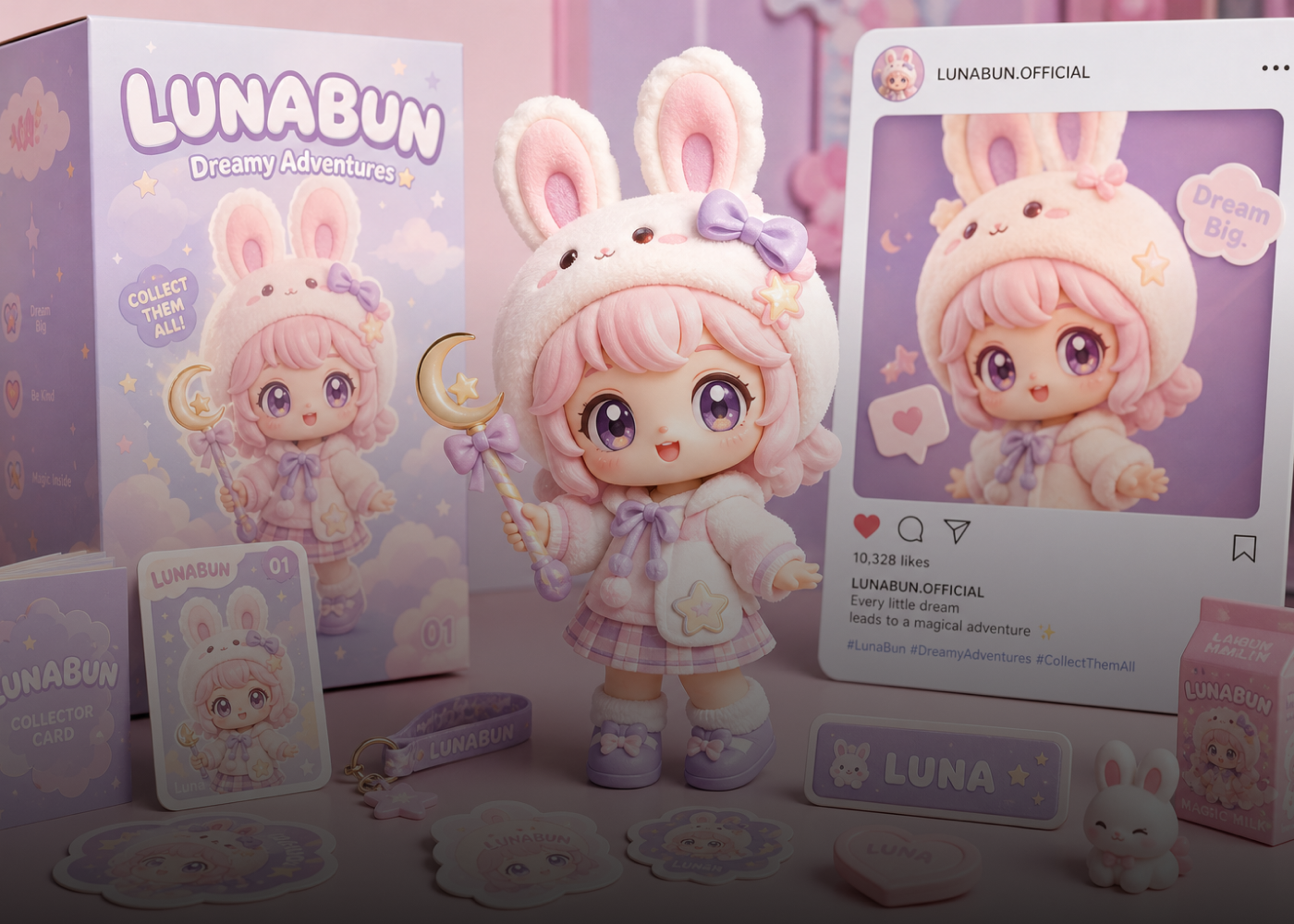
Content Creators
Improve publish-ready visuals from GPT Image 2 with sharper details and higher resolution for thumbnails, social posts, blogs, and more.
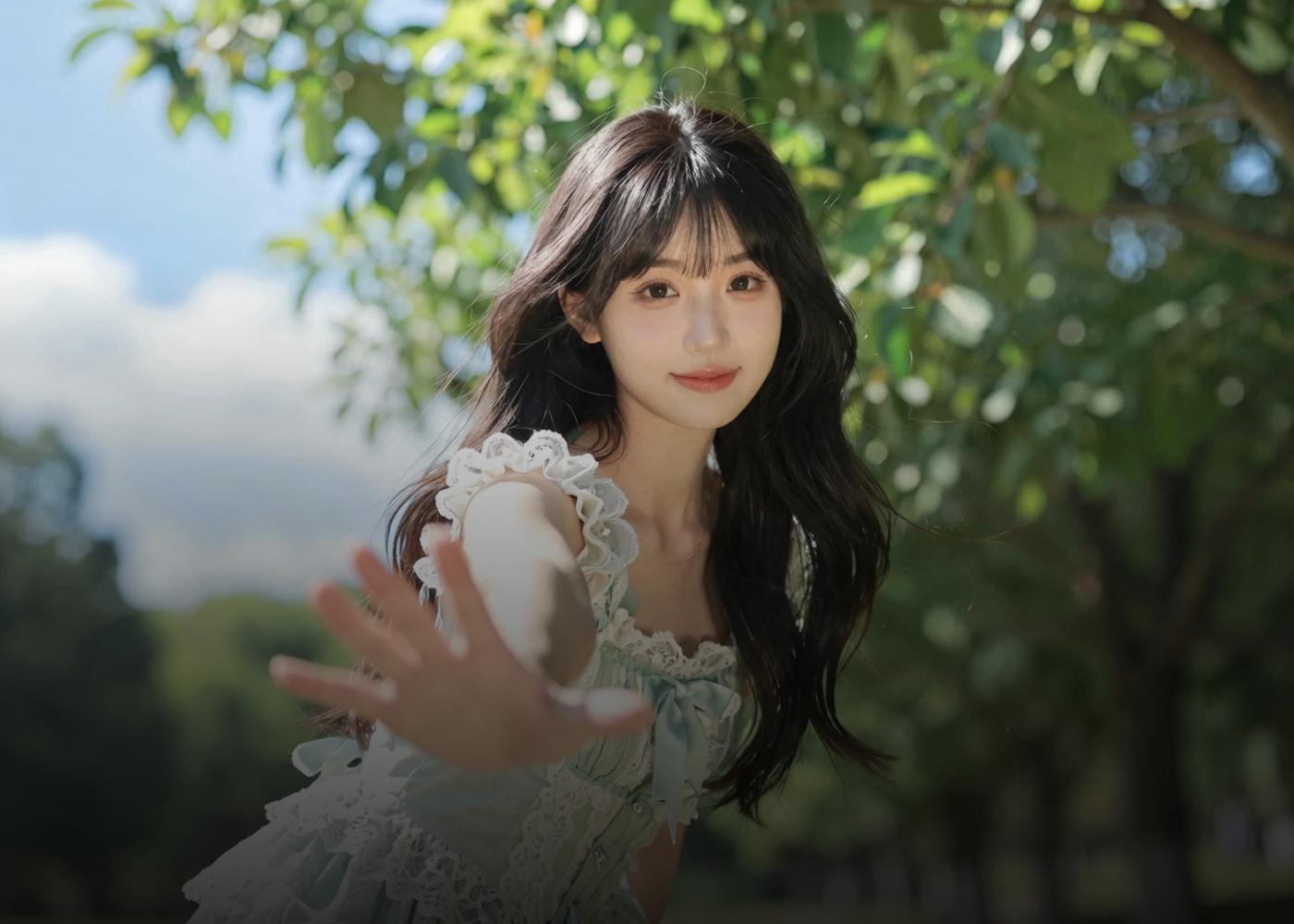
Photographers & Photo Editors
Refine GPT Image 2 and other AI-enhanced photos with sharper details and higher resolution for professional retouching and final delivery.
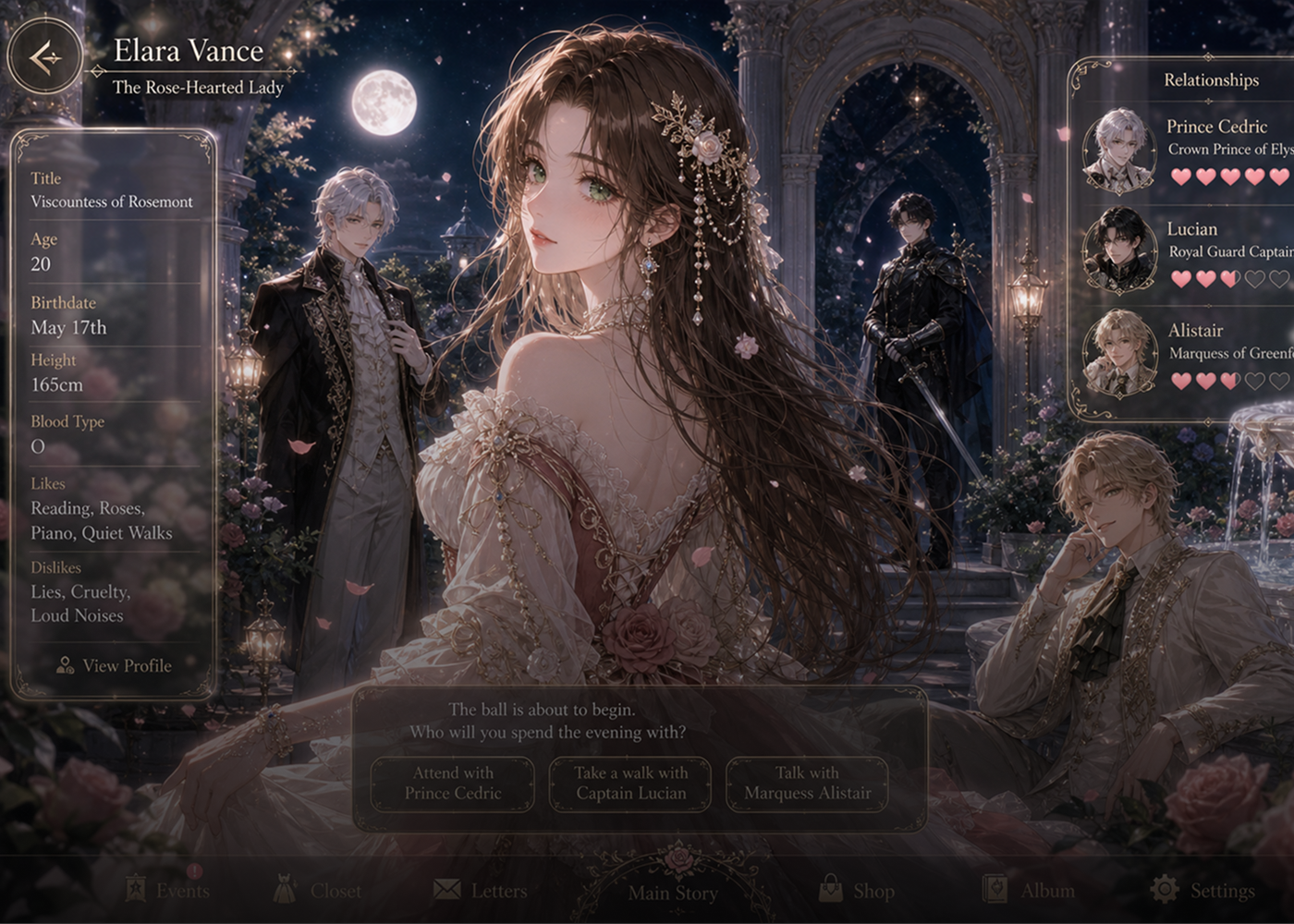
UI/UX Designers
AI-generated UI visuals can lose clarity when enlarged for mockups and prototypes. Upscale them with HitPaw GPT Image 2 enhancer in sharper details for polished app and web designs.

E-Commerce & Brands
Use our GPT Image 2 Enhancer to turn AI-generated product images into sharper, higher-resolution visuals like product pages, online stores, and brand assets.
Why Choose HitPaw GPT Image 2 Upscaler Online
AI-Powered Upscaling
Upscale GPT Image 2 images to 4K or 8K for high-quality outputs.
Enhance GPT Image in Seconds
HitPaw GPT Image 2 Enhancer turns AI images into high-res visuals for any project.
Protect Your Privacy
Your AIGC images stay safe and private while using HitPaw’s GPT Image Upscaler.
Cross-Platform Support
Batch enhance your GPT images seamlessly across Windows, Mac, and online.
Explore More HitPaw Online Al Tools
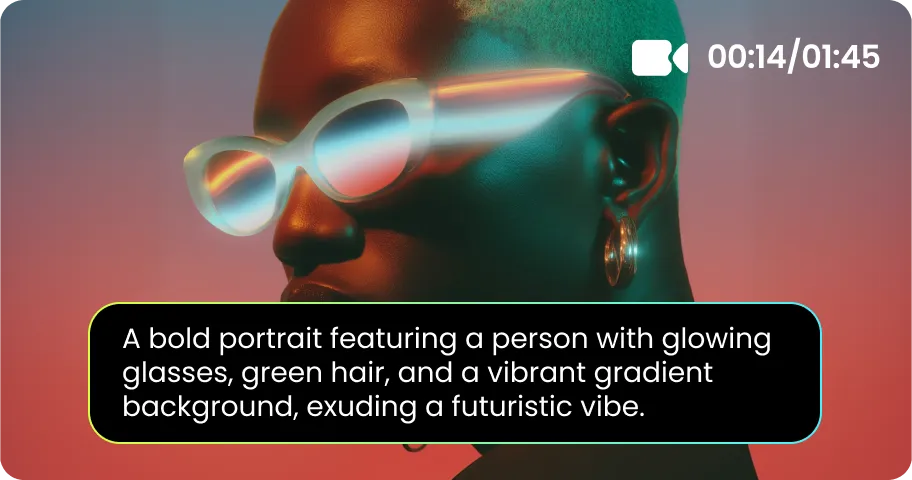
Online Video Generator
Turn text prompts into stunning cinematic AI videos in seconds.
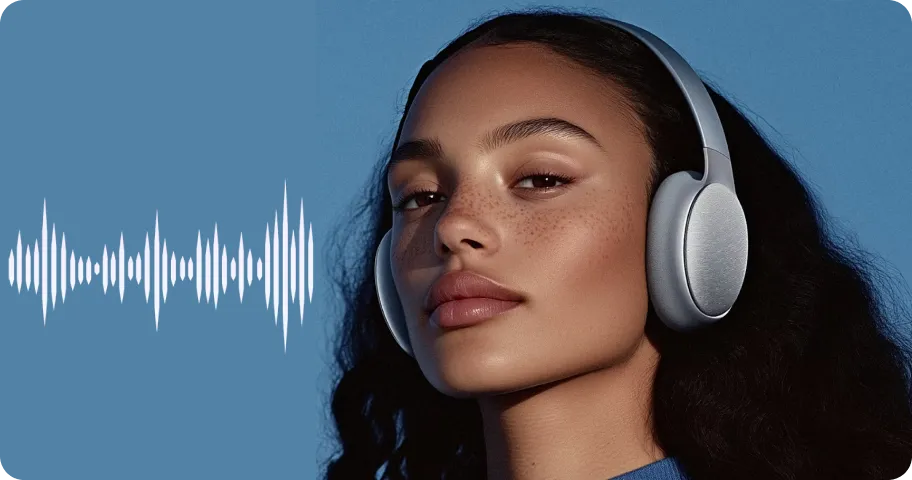
Online Music Generator
Create custom royalty-free soundtracks for any mood or genre.
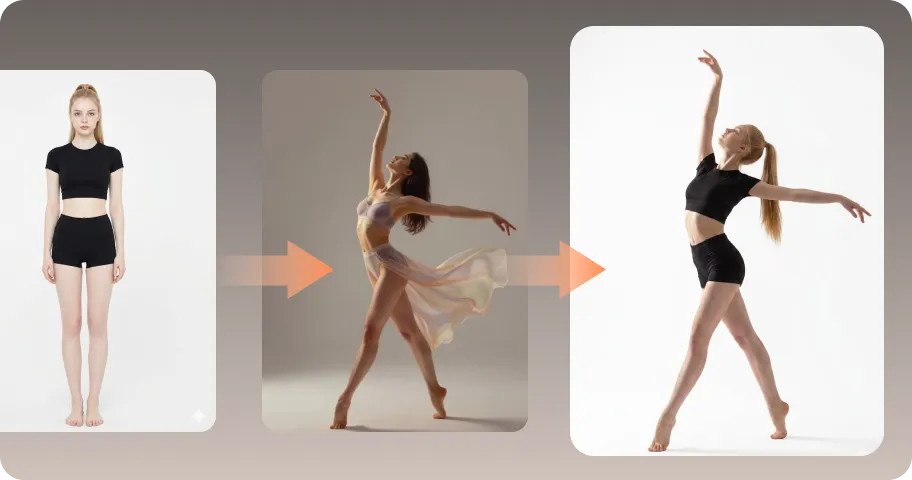
AI Mimic motion
Animate static photos with realistic human movements and expressions.
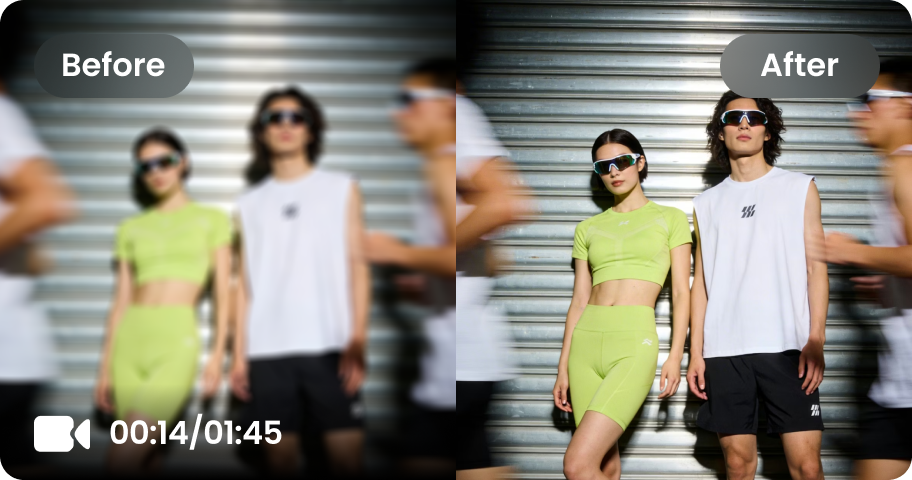
Online Video Enhancer
Transform low-quality videos into sharp, clear HD videos instantly.
Online Image Generator
Generate high-quality AI images and artwork from simple text.
Background remover
Isolate subjects and erase backgrounds automatically with one click.
What Users Say About GPT Image 2 Upscaler

Content Creator @jessy

“I use GPT Image 2 for almost all my social visuals, but some images look a little soft when I resize them. HitPaw GPT Image 2 Enhancer makes them crisp and ready to post in just a few clicks.”

Graphic Designer @alex
“GPT Image 2 is awesome for getting ideas out fast, but the resolution isn’t always there. I just run the image through HitPaw AI image upscaler before dropping it into my designs. So much easier.”

Digital Artist @luna
“I’m really picky about texture and line detail, so I was surprised by how much cleaner my AI artwork looked after upscaling with HitPaw Online. And yeah, the original style still looks like mine.”

E-commerce Sellers @lina
“I make a lot of product visuals with GPT Image 2, and HitPaw GPT Image upscaler makes them look way more polished. The details pop, especially when I need larger images for my store.”

Personal User @emily
I’m definitely not a Photoshop person. I just wanted my AI images to look better, and HitPaw GPT Image 2 enhancer made it ridiculously easy. Upload, enhance, done.
FAQs on HitPaw GPT Image 2 Upscaler Online Free
It’s easy with HitPaw GPT Image 2 Enhancer. Upload your GPT Image 2 image, choose an AI enhancement model, then click Enhance to upscale, just wait a second and download your improved image.
Yes. AI enhancement can upscale GPT Image 2 images to higher resolutions such as 4K or 8K while improving fine details and overall clarity. This type of resolution enhancement can also be useful for other AI-generated images, including Flux and Seedream outputs, when you want to prepare them for printing, presentations, or high-resolution displays. For more targeted enhancement of Flux-generated images, you can use a Flux Image Enhancer.
Nope. You don’t need to spend time tweaking settings in Photoshop. Just upload your GPT Image 2 image to HitPaw AI image enhancer, pick a model, and let AI sharpen the details and improve the quality for you.
Yes. You can use HitPaw GPT Image 2 Enhancer online for free, with no login required. Just upload your AI-generated images and enhance them with one click.
For quick edits, you can enhance GPT Image 2 images online with HitPaw. If you need to process multiple images more efficiently, HitPaw FotorPea supports batch processing and offers more AI enhancement models for a smoother workflow.
Yes. HitPaw GPT Image Enhancer Online uses secure processing to protect your uploaded GPT Image 2 images. Your uploaded files are automatically deleted after 24 hours.
Tips & Tricks for HitPaw Online GPT Image 2 Enhancer
Ready to Make Your GPT Image 2 Images Quality in 4K/8K
No complicated editing. No advanced skills. Just use HitPaw Online GPT image enhancer to improve the quality of your GPT Image 2 images, bring out finer details, and create crisp 4K or 8K visuals in a few clicks.
