















Free AI Photo Colorizer Online
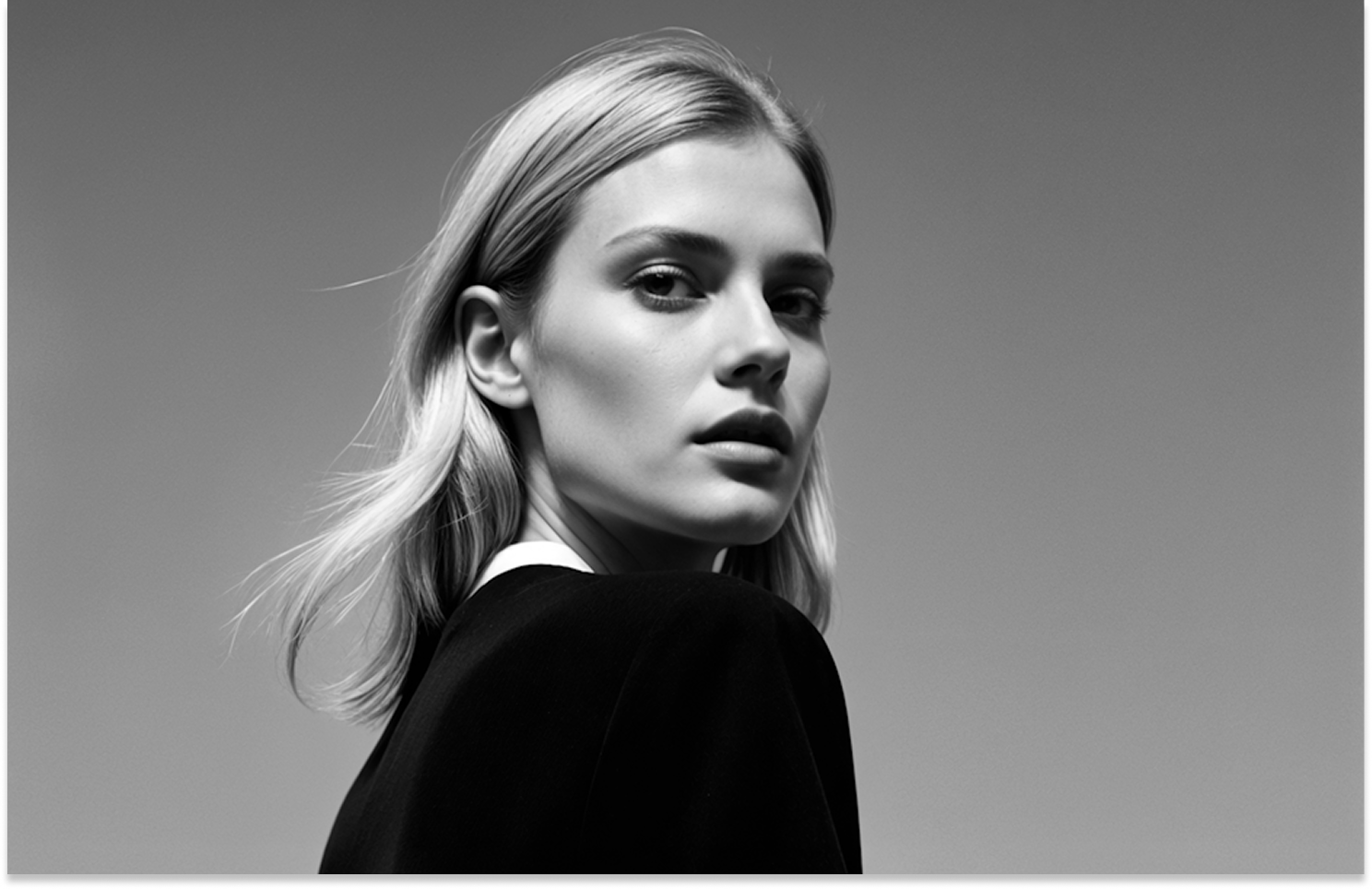
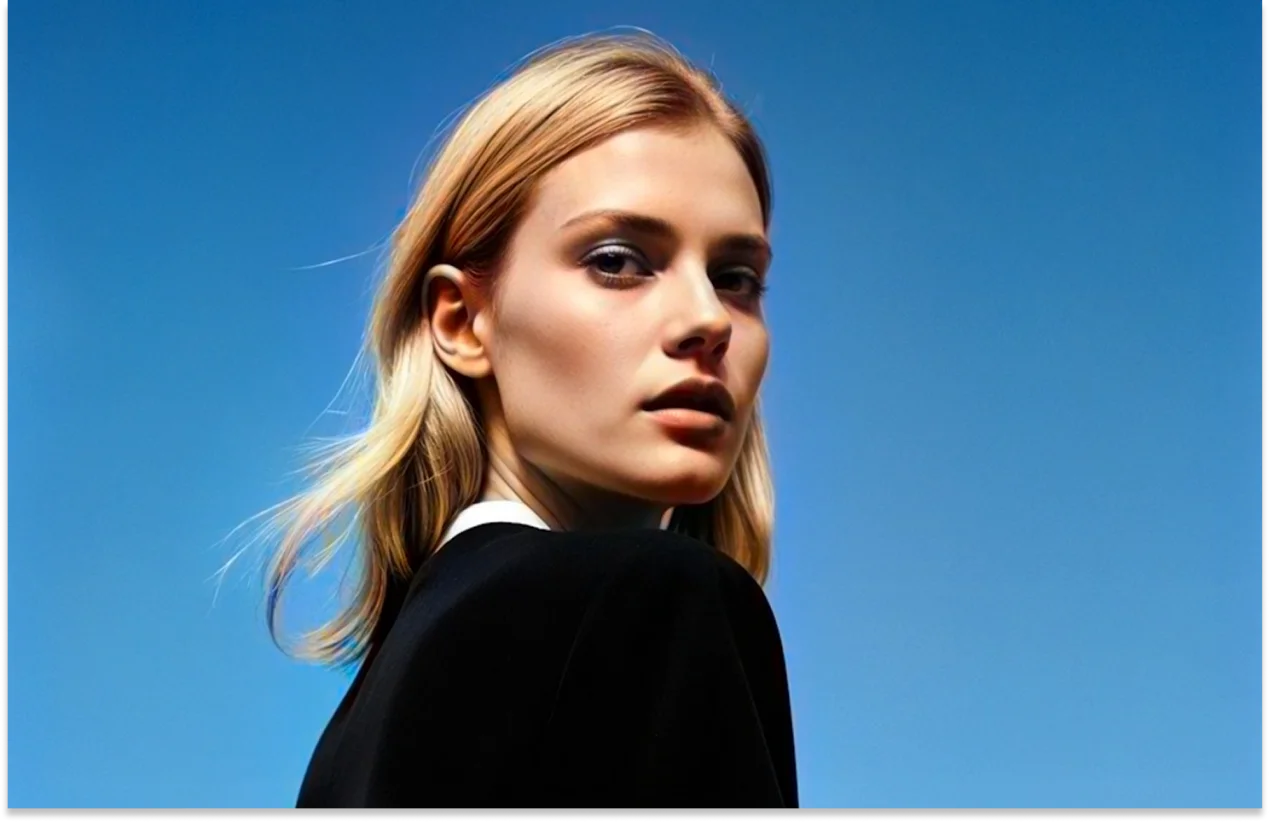
Colorize old, black-and-white photos with AI in one click. Get realistic colors and natural skin tones instantly. Free to use, online, and no sign-up required.
Support format: png, jpg, jpeg, webp
Maximum photo
resolution:
8K


How to Colorize Black and White Photos with AI

Step 1:Upload A Photo
Upload the vintage black and white photo you want to colorize. Our AI colorizer supports portraits, vintage photos, and other images.
Step 2:Choose AI Model & Colorize
Select the right AI model for your photo and click Enhance to automatically colorize black and white images or faded photos.
Step 3: Preview & Download Photo
Preview your colorized photo for free and download the final result instantly.
Bring Your Old Photos to Life with AI Photo Colorizer
Whether you want to restore old family photos, revive wedding memories, or colorize historical images, our AI-powered colorizer adapts to every scenario. It intelligently detects different areas of your photo and creates natural colors while keeping original details intact.
Add Realistic Color to Black and White Photos
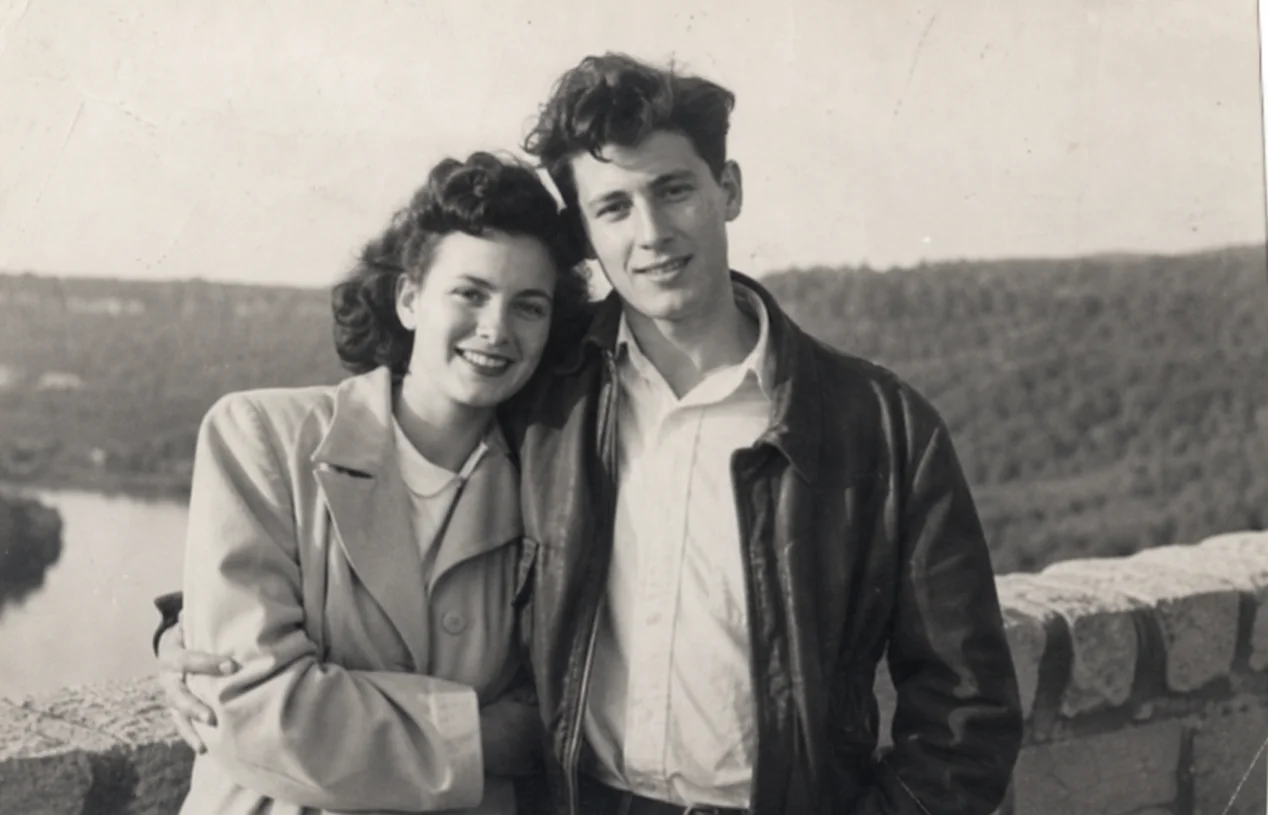
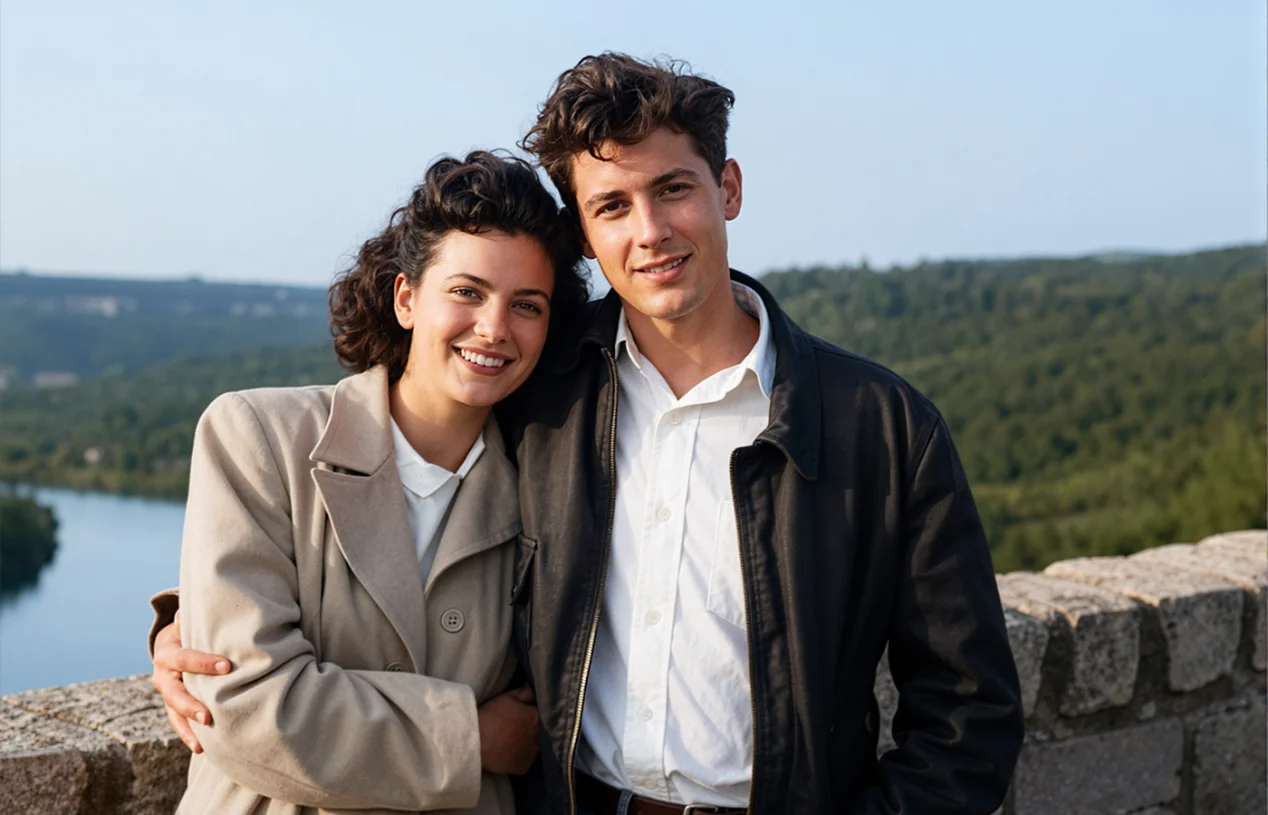
Add Realistic Color to Black and White Photos
Want to restore your black and white photos? Our AI photo colorizer automatically analyzes faces, clothing, and backgrounds, then applies intelligent color models to create realistic colors and natural skin tones in seconds. No manual editing skills are required.
Restore Old Family Photos and Recover Faded Memories
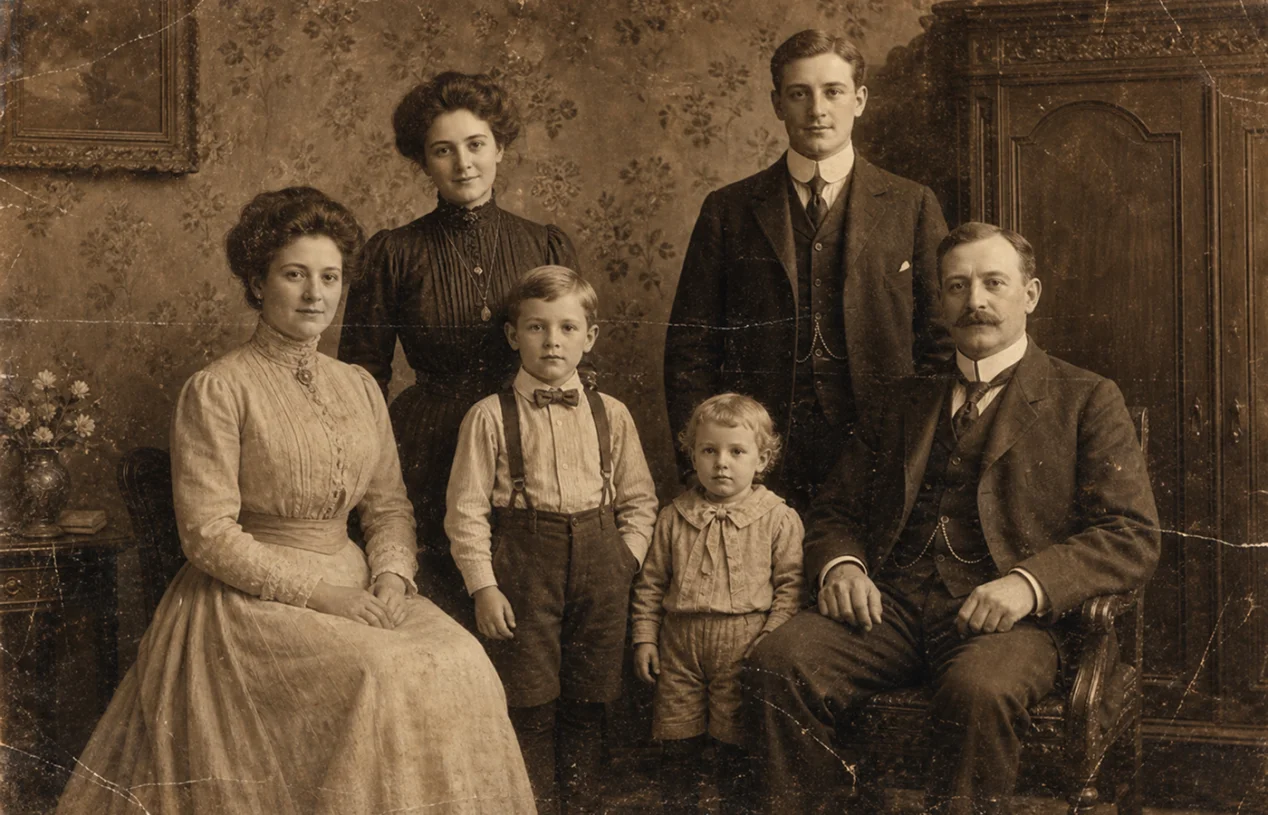
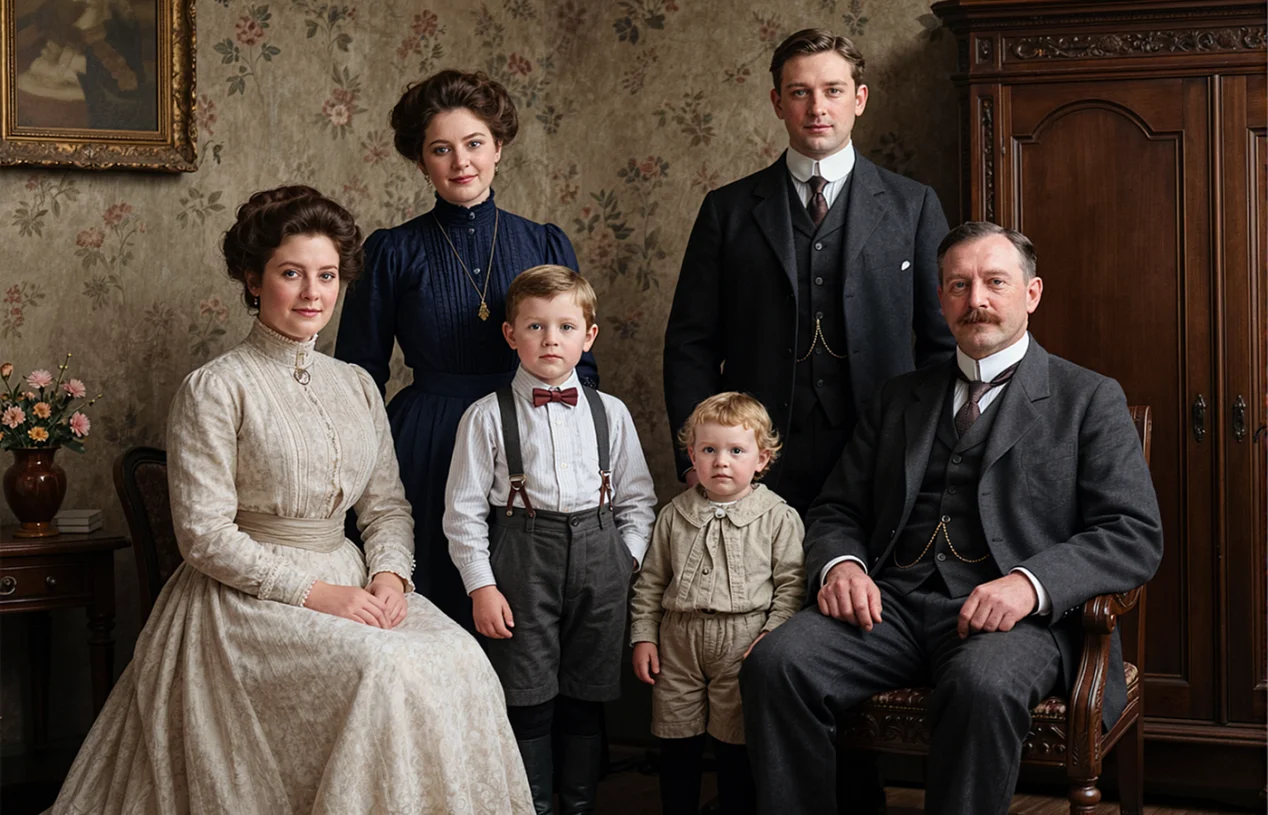
Restore Old Family Photos and Recover Faded Memories
Bring cherished family memories back with AI colorization and restoration for faded old photos. HitPaw AI photo colorizer adds realistic colors to black and white family pictures while improving clarity, repairing scratches, and restoring facial details. Turn old, damaged albums into vivid memories that are easier to share, preserve, and treasure for years to come.
Repair and Colorize Vintage Photos with Realistic Colors
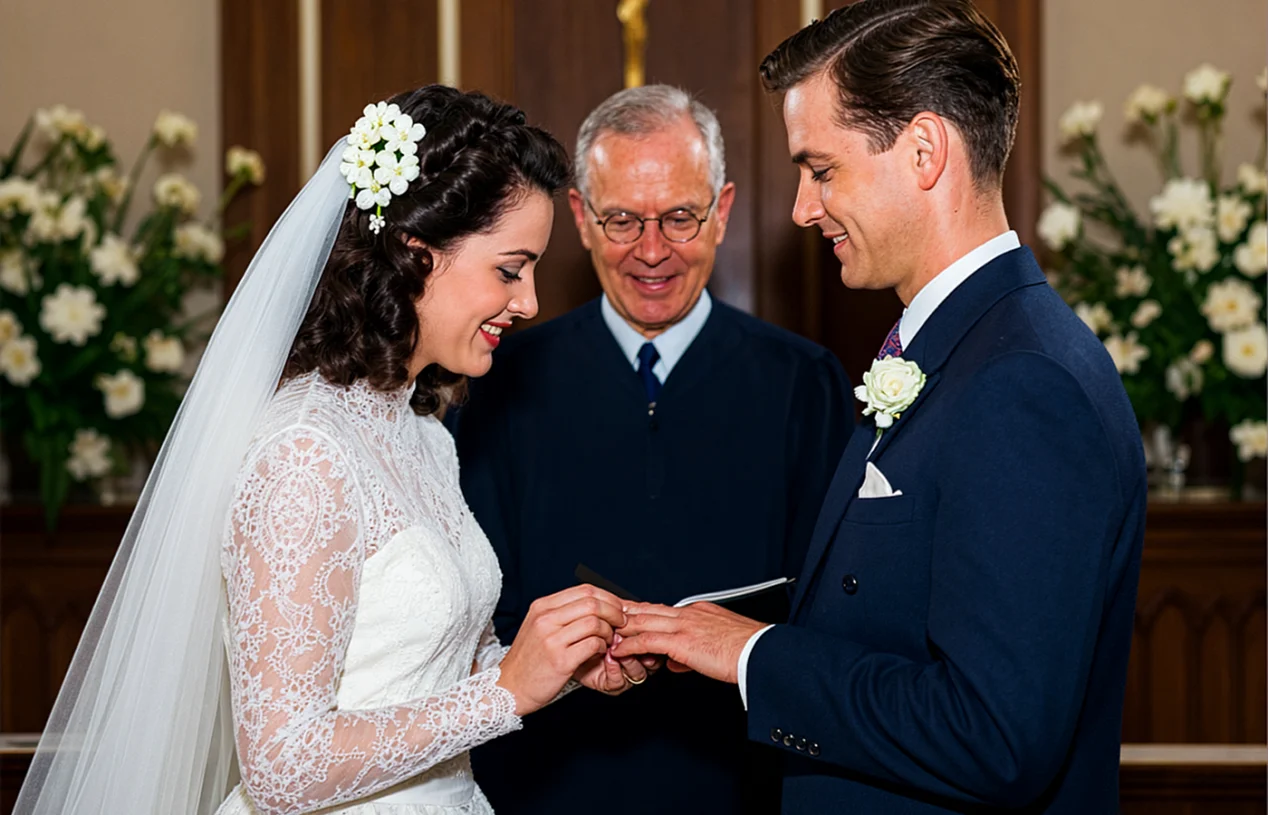
Repair and Colorize Vintage Photos with Realistic Colors
Every photo captures a moment that can never be recreated. From vintage family portraits and wedding memories to childhood snapshots, HitPaw image colorizer online enhances facial details, restores faded colors, and preserves original textures to create realistic colorized photos.
Enhance Images with Sharper Details and Clarity
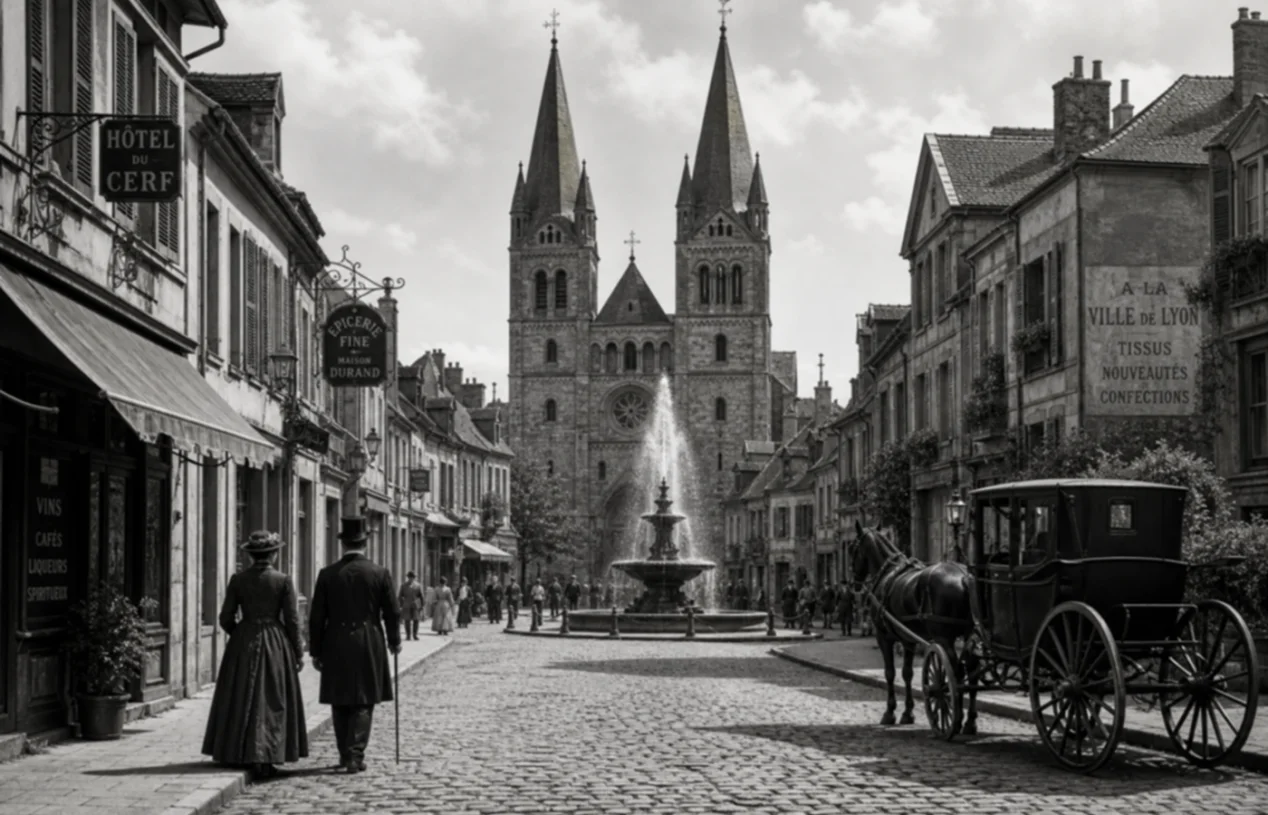
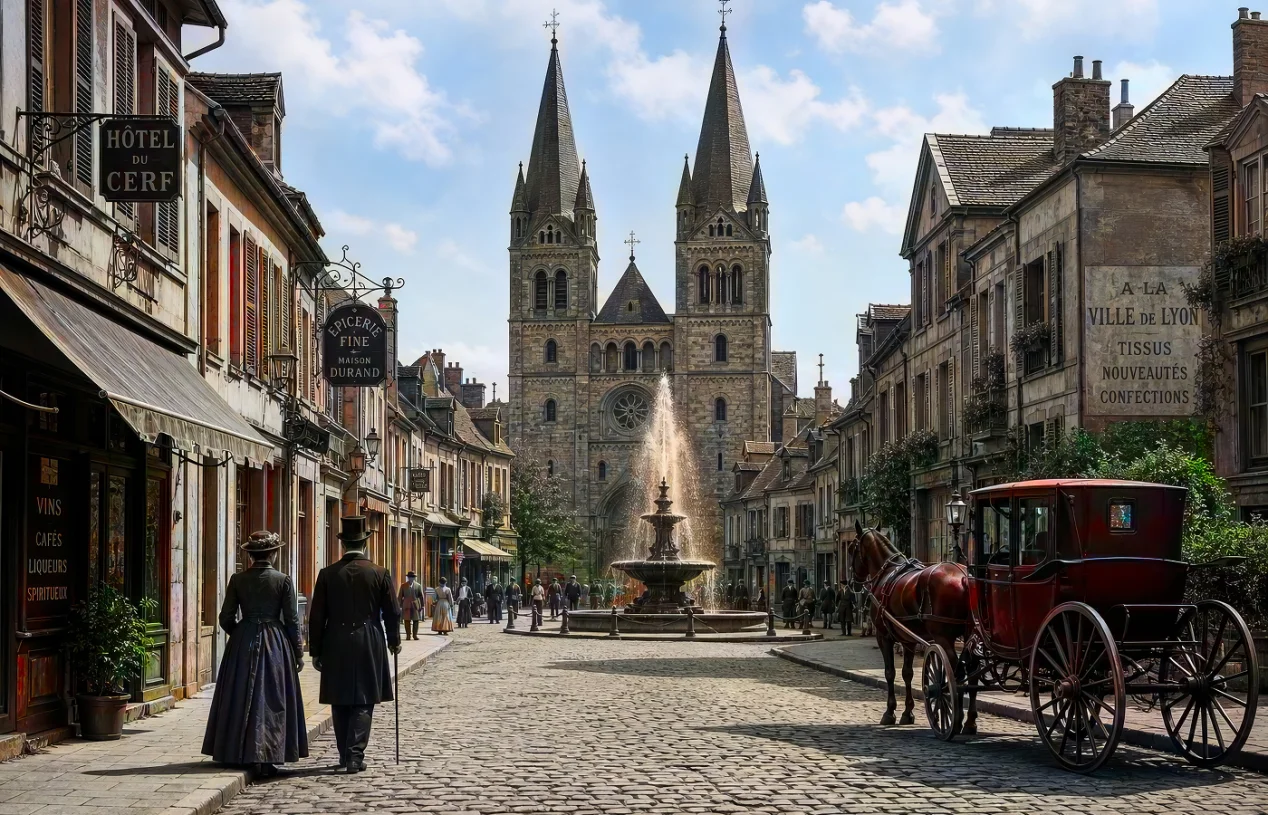
Enhance Images with Sharper Details and Clarity
HitPaw AI colorizer transforms black and white photos with realistic colors while improving contrast, enhancing fine details, and restoring original textures. It is ideal for architecture photos, historical images, artwork, and professional photography that need a more vivid and refined look.
Explore How Different Creators Use HitPaw AI Colorizer
Whether you want to restore historical photos, preserve family memories, or create unique visual projects, anyone can transform old photos into vivid color experiences.
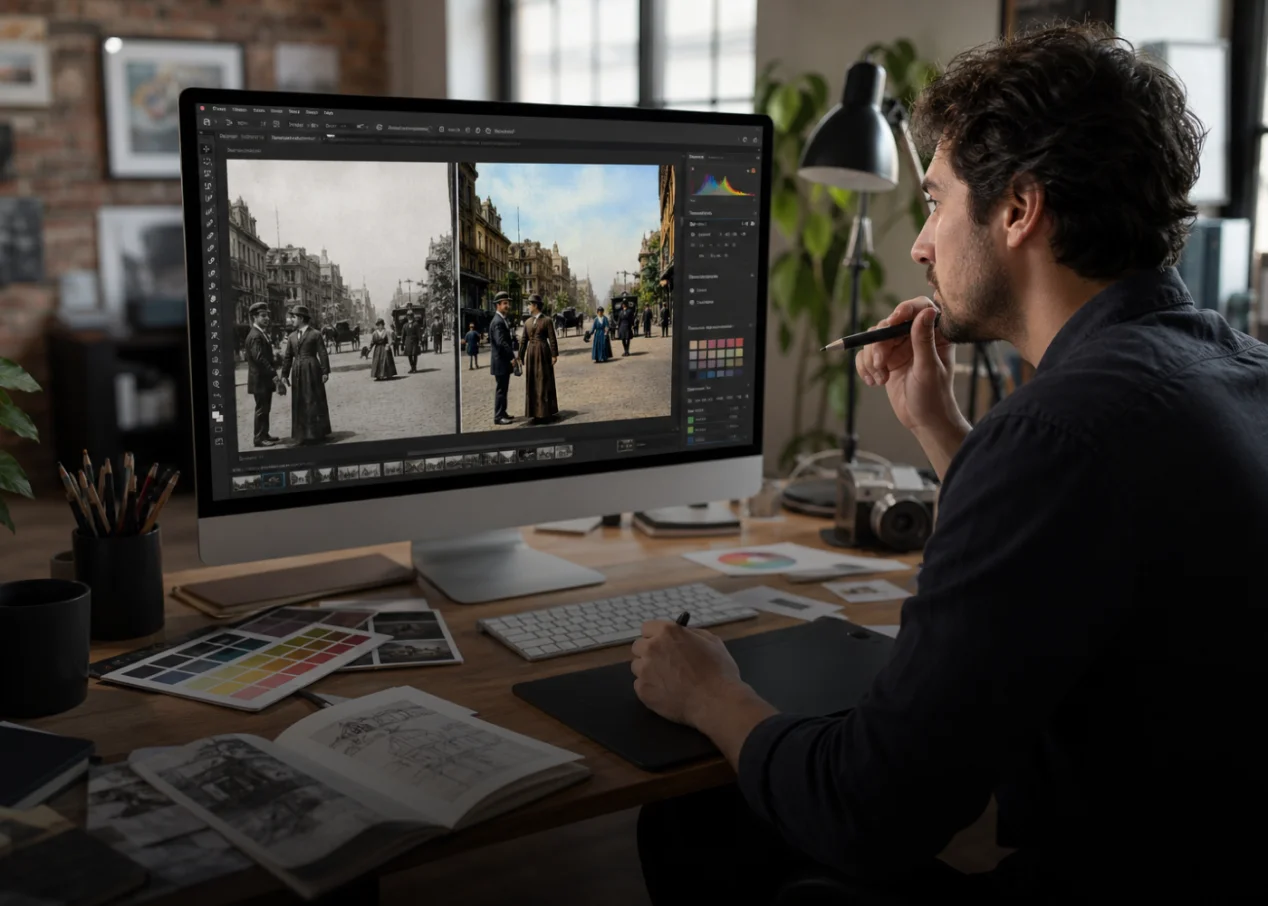
Graphic Designers
Add realistic colors to vintage images, historical materials, and creative projects without spending hours on manual editing.
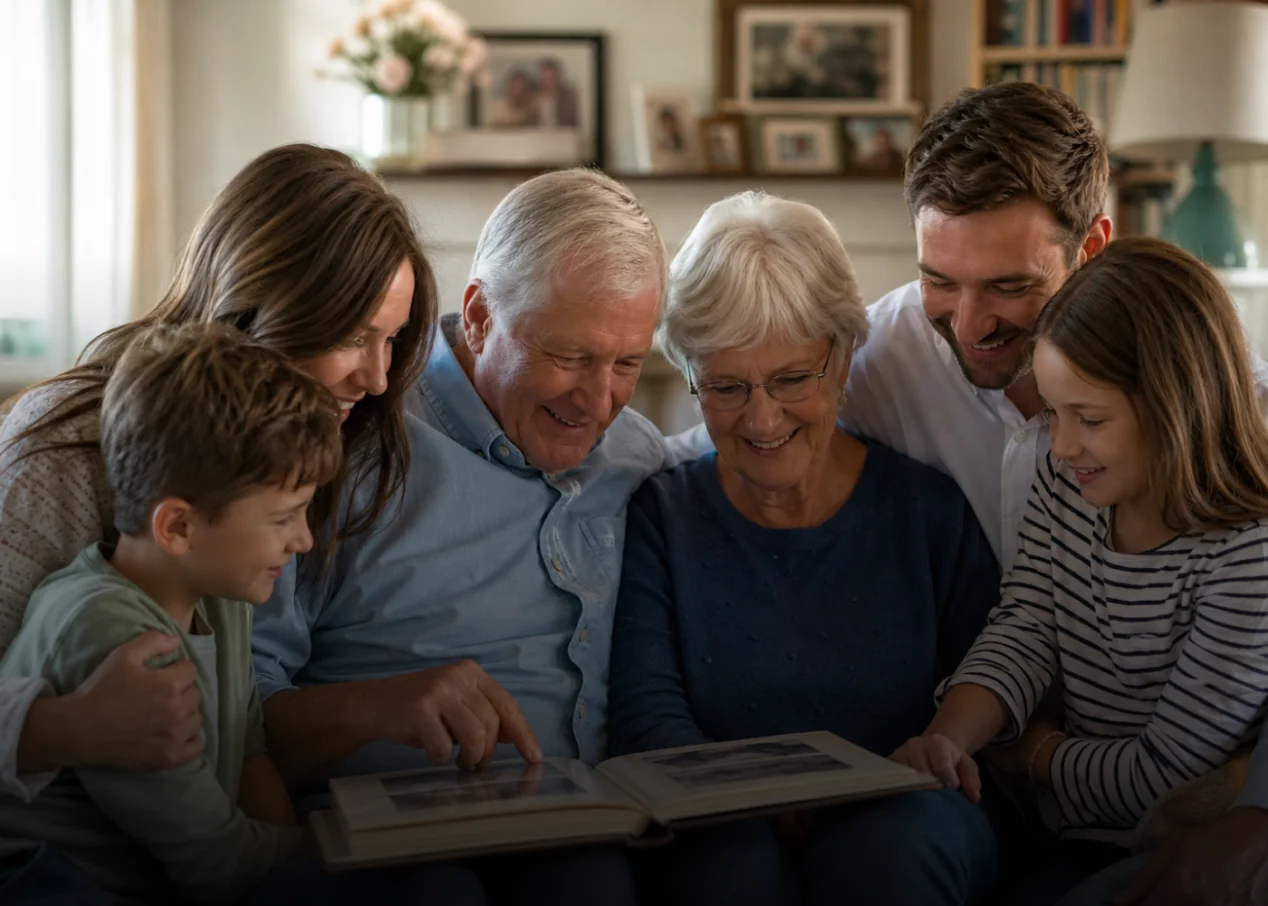
Family & Memory Keepers
Restore faded family photos and rediscover forgotten moments with natural colors that make old memories feel alive again.
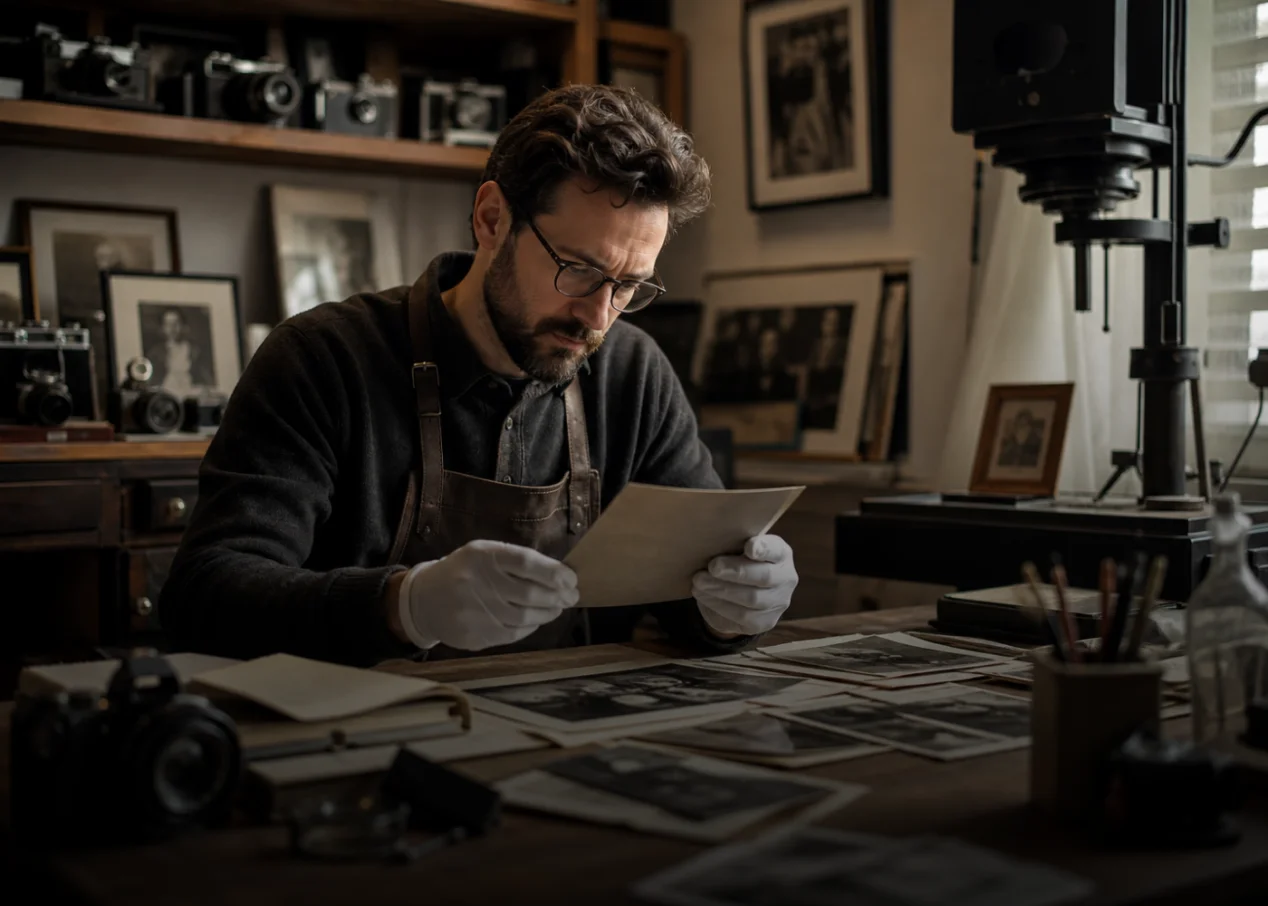
Professional Photographers
Quickly transform black and white model photos into realistic colorized images while preserving details, textures, and the original artistic style.
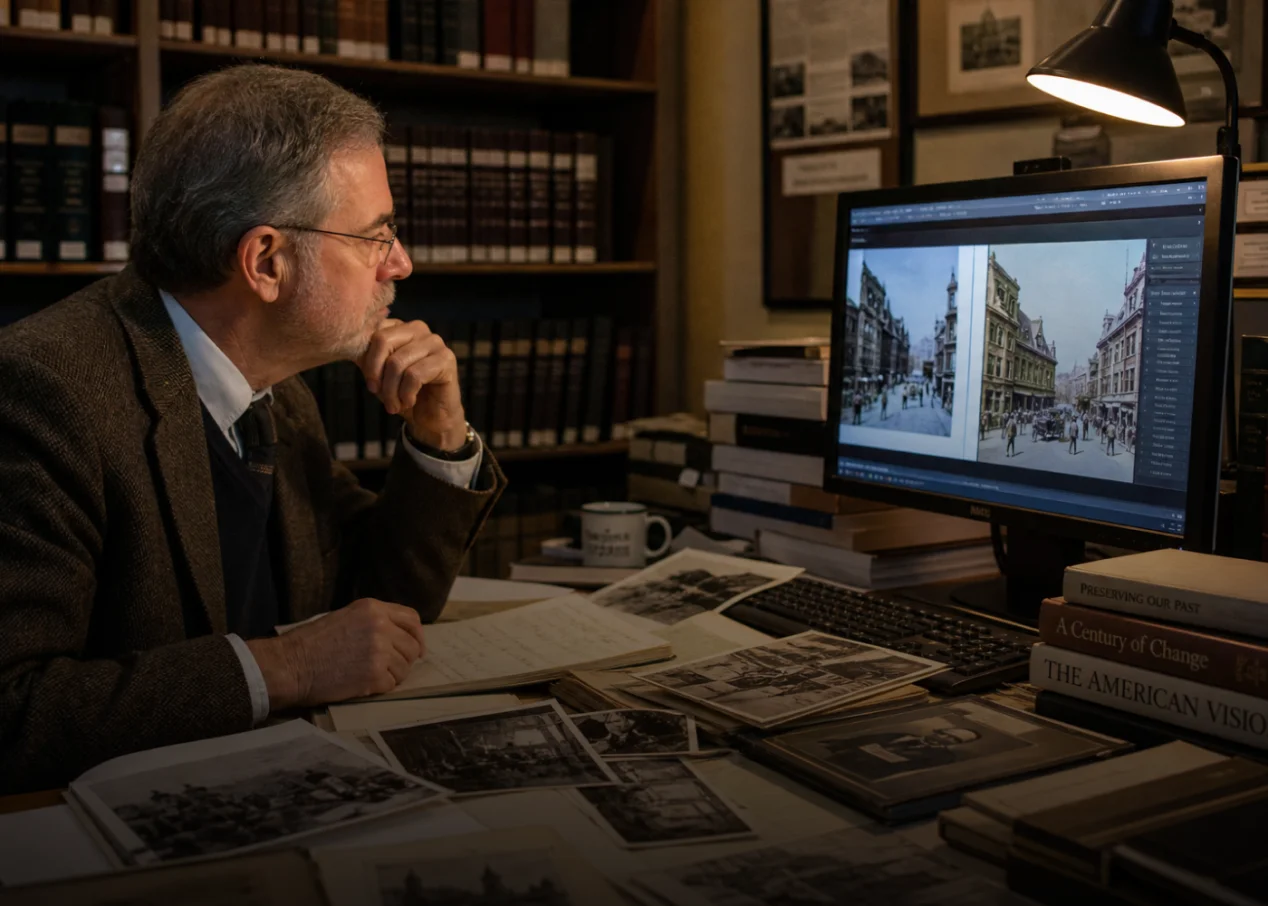
History Researchers
Restore and colorize old historical photos to help students and audiences better understand the people, places, and stories behind the past.
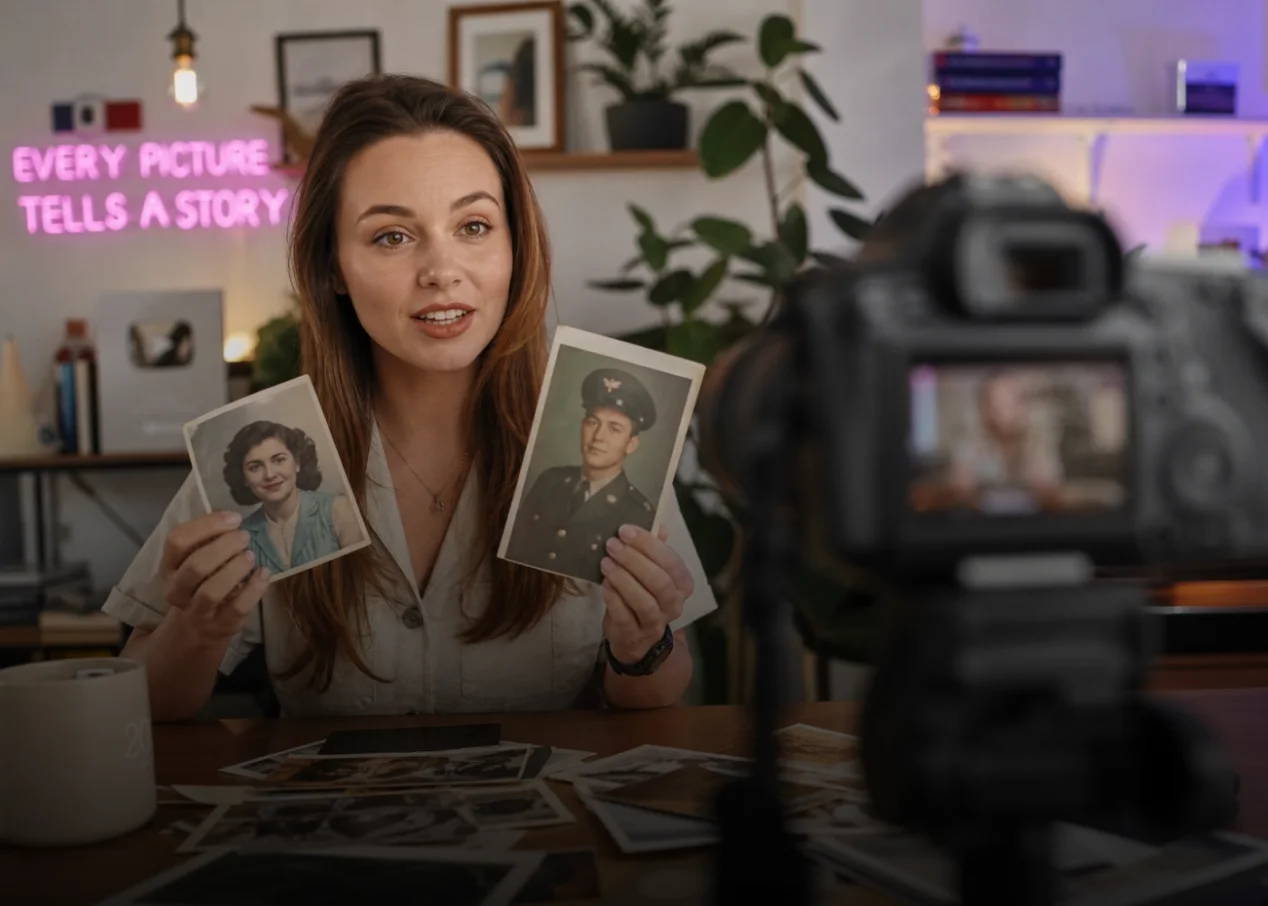
Content Creators
Turn old photos into engaging color images for videos, posts, storytelling projects, and creative campaigns.
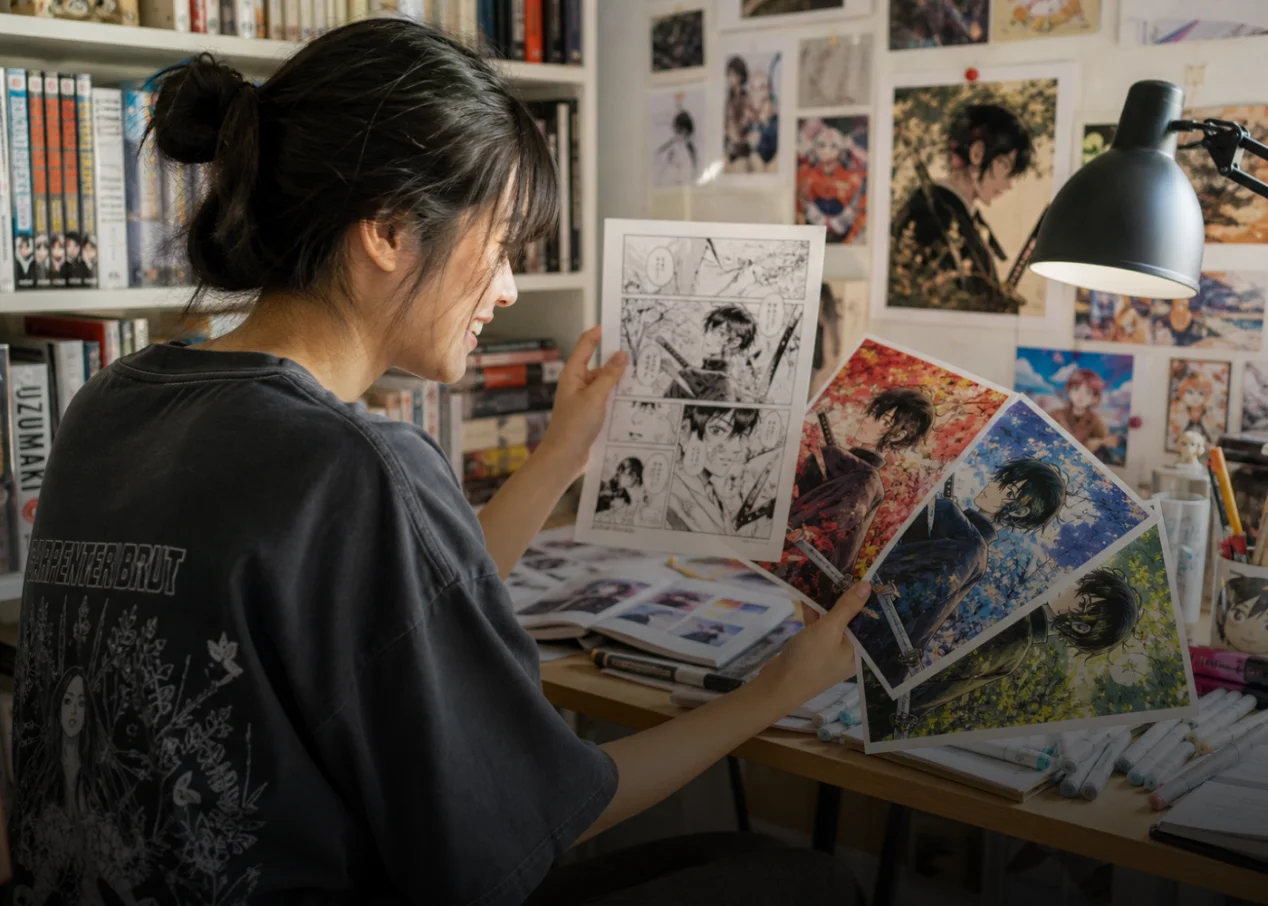
Anime & Illustration Fans
Experiment with HitPaw AI colorizer online to bring black and white illustrations, manga panels, and artwork into vibrant new styles.
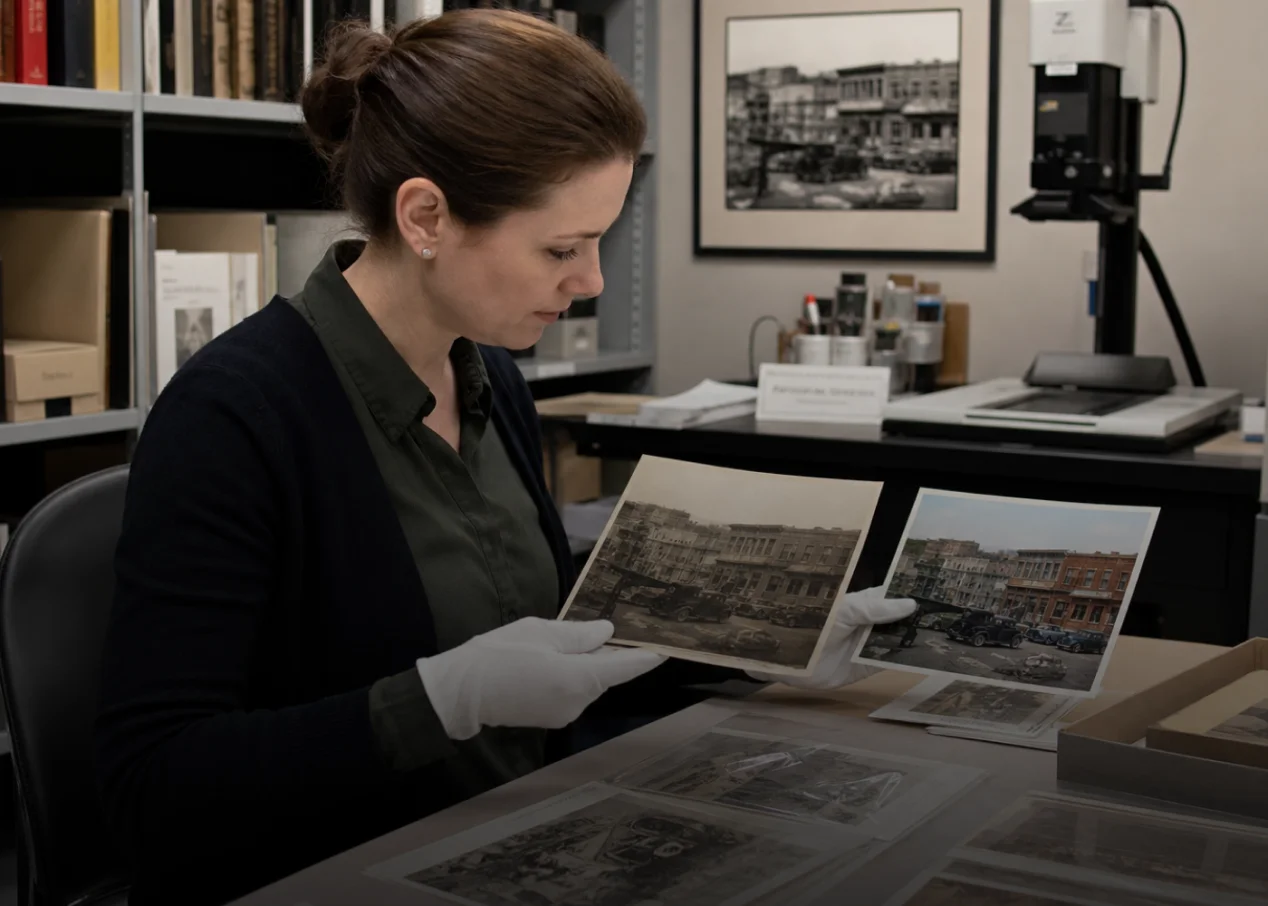
Archive & Museum Professionals
Repair the scratch and colorize historical collections and preserve valuable images with realistic colours while maintaining original details.
Why Choose HitPaw Online Free Al Colorizer
AI-powered Enhancement
Instantly fix blurry photos and recover hidden details automatically.
Colorize in One Click
Recolor and Render high definition photos in seconds with cloud speed.
Privacy First Security
100% private processing with zero risk of data leaks.
Support Cross-Platform
Revive old damaged photos in seconds with cloud speed.
Explore More HitPaw Online Al Tools
Online Video Generator
Turn text prompts into stunning cinematic AI videos in seconds.
Online Music Generator
Create custom royalty-free soundtracks for any mood or genre.
AI Mimic motion
Animate static photos with realistic human movements and expressions.
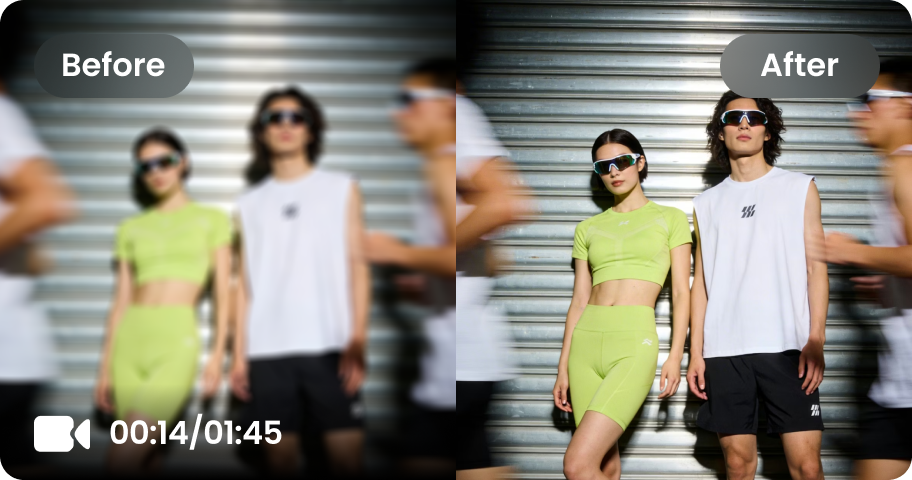
Online Video Enhancer
Transform low-quality videos into sharp, clear HD videos instantly.
Online Image Generator
Generate high-quality AI images and artwork from simple text.
Background remover
Isolate subjects and erase backgrounds automatically with one click.
What Users Say about Black and White Photo Converter

Content Creator @creativewithmia

"Colorizing old photos used to feel like a time-consuming task for my content projects. This free photo colorizer has been a game changer... I can turn black and white images into vibrant visuals in minutes, making my storytelling content much more engaging!"

Family Memory Keeper @sarahsmemories
"I finally found the perfect birthday gift for my grandmother! I used HitPaw’s AI colorizer to restore and colorize an old photo of my grandparents, and the result was amazing. She was so surprised and touched — it turned a forgotten photo into a precious memory!"

Photographer @jamesvisuals
"As a photographer, I’m always looking for new ways to explore vintage images. It makes photo colorization much easier by adding realistic colors while keeping the original style, details, and atmosphere of my photos. Love to use it."

History Researcher @historywithalex
"The biggest difference is how much easier it is to present historical images. It colorizes old photos with realistic tones, making past events and historical stories more relatable for my audience."

Graphic Designer @designbylena
"Manual colorization can take hours, especially when working on multiple design projects. It have saved me valuable time."
FAQ about HitPaw Photo Colorizer
You can colorize photos online for free with HitPaw Online Photo Colorizer. Simply upload your black and white photo, let the AI colorizer analyze the image, and automatically add realistic colors. No advanced editing skills are required — you can preview the colorized photo and download the result easily.
Yes. HitPaw AI colorizer can help restore old photos by reducing visible damage such as creases, scratches, and faded areas while adding natural colors.
You can colorize a wide range of images in HitPaw's AI colorizer, including black and white photos, old family pictures, group photos, vintage portraits, wedding photos, historical images, and even scanned photographs.
Yes. HitPaw Online provides a secure photo colorization experience. Your uploaded images are only used for processing, and both your original photos and colorized images are automatically deleted after 7 days to protect your privacy.
You can add color to photos on Windows or Mac with HitPaw FotorPea. Upload your image and the AI will automatically analyze it and match the right colorization model. Even severely damaged old photos with scratches or faded details can be restored with realistic colors in one click. Batch processing is also supported, with no professional skills required.
Yes. You can restore and colorize old photos on mobile devices by using FotorPea APP. It allows you to upload photos, apply AI colorization, and create vibrant color images anytime.
Tips & Tricks for HitPaw Online Al Photo Colorizer
Give Your Old Photos a New Life with AI
Turn black and white photos into vibrant color images with an AI-powered photo colorizer. Upload your image, let AI automatically add realistic colors, and create stunning colorized photos online for free — ready to colorize your photos now?
