















Best Android Photo Enhancer for 4K Photos
Looking for the best Android photo enhancer? Fix blurry phone photos, compressed social media images, and zoomed-in shots in one click—no login required. HitPaw’s AI photo enhancer restores details and improves photo quality online or in the app.
Support format: png, jpg, jpeg, webp
Maximum photo
resolution:
8K





How to Enhance Android Photos with HitPaw

Step 1:Upload Your Photo
Choose a blurry, low-quality, or zoomed-in photo from your Android device.
Step 2:Enhance with AI
Use HitPaw as your AI photo enhancer for Android to sharpen details and improve photo quality in one click.
Step 3: Save Clear Image
Check your enhanced image and save the result directly to your Android device.
Powerful AI Enhancement for Android Photos
Your Android photos don't always turn out as expected. HitPaw Online helps fix dull, blurry, compressed, and zoomed-in photos with one-click AI enhancement.
Make Dull Android Photos Look Clearer
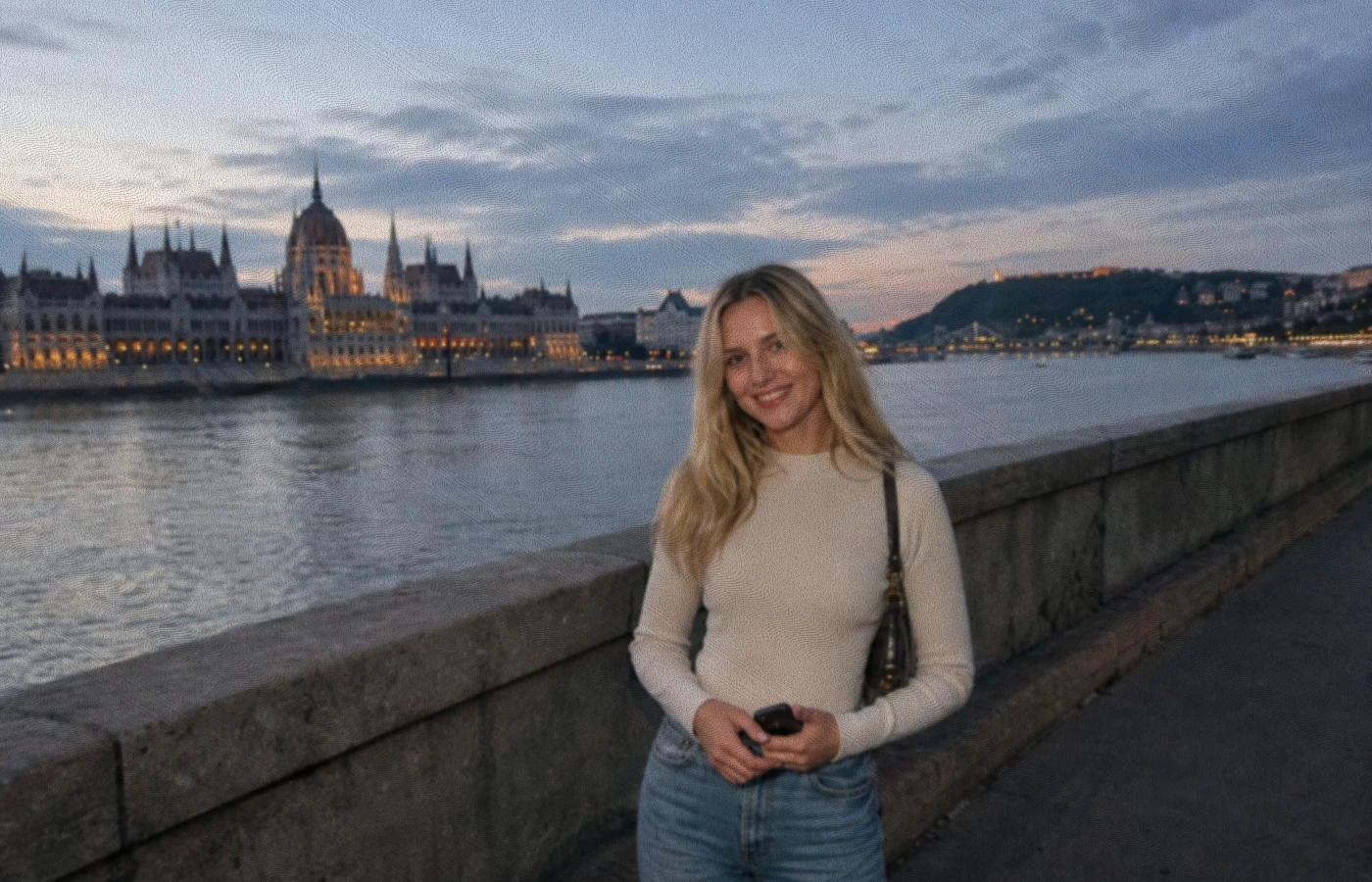
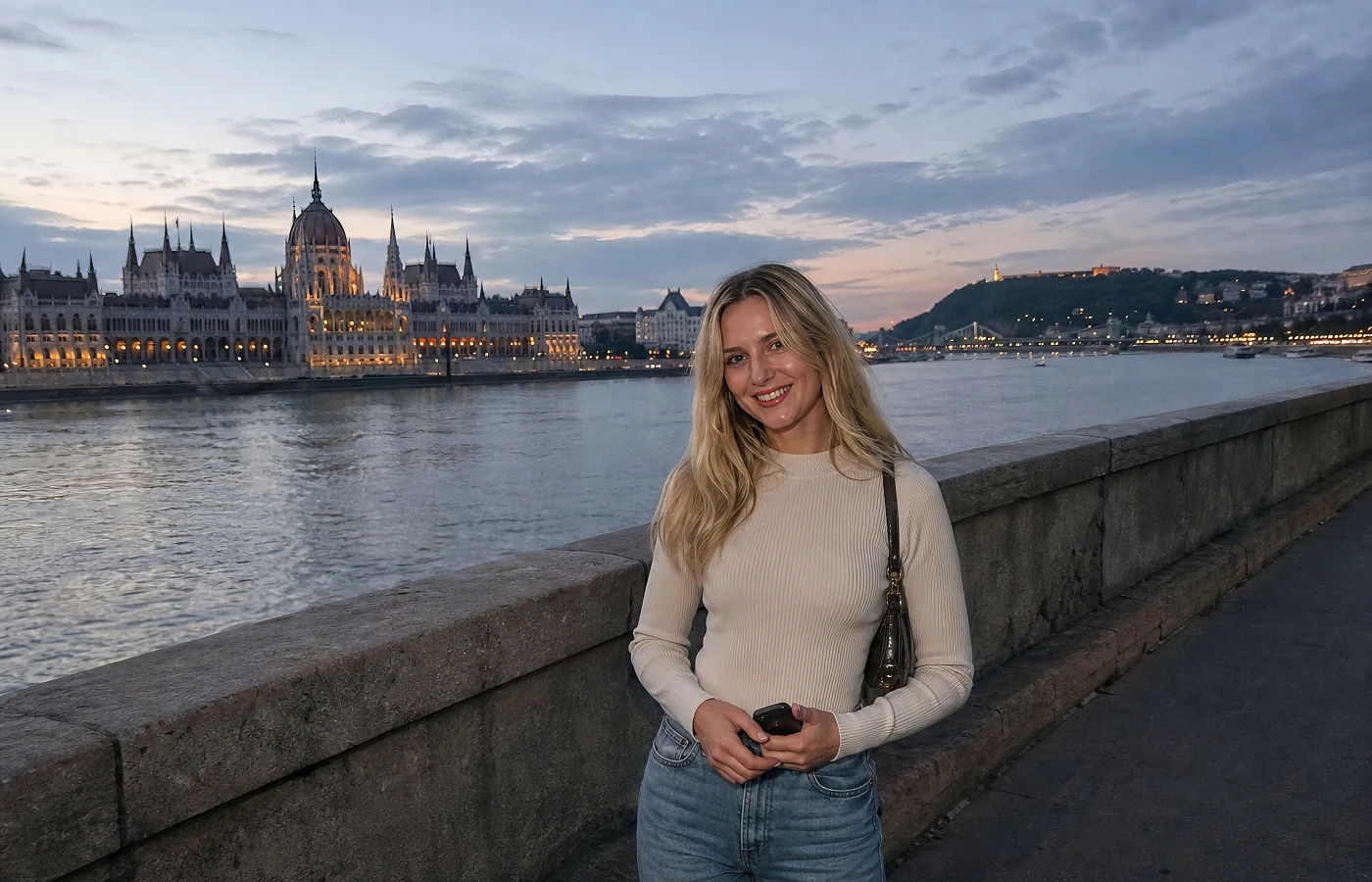
Make Dull Android Photos Look Clearer
Low-light streets, indoor attractions, or evening snapshots can leave your travel portraits looking grainy, dull, and lacking detail. HitPaw’s Android photo enhancer tackles these problems with AI, reducing noise and restoring natural facial details in one click—no Photoshop skills, complicated editing, or software installation needed.
Sharpen Blurry Action Photos on Android
Sharpen Blurry Action Photos on Android
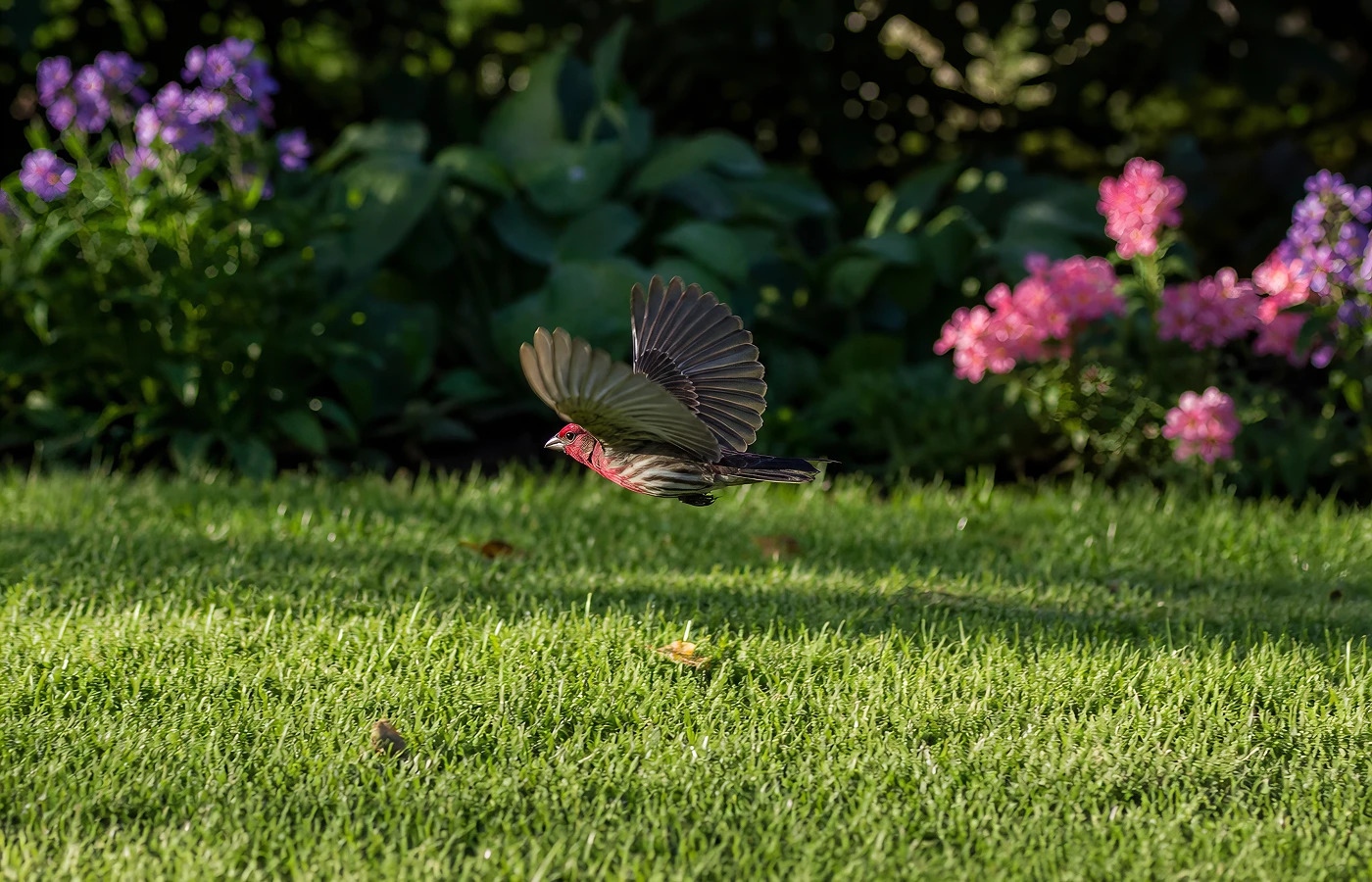
Caught the moment, but missed the focus? A flying bird, a playful child, or a cyclist in motion can leave even the best phone shots blurred and lacking detail. Use our best photo enhancer for android to sharpen every important detail—from eyes and fur to facial features and outlines—while boosting image quality up to 4K.
Fix Compressed Android Photos for Sharing
Fix Compressed Android Photos for Sharing
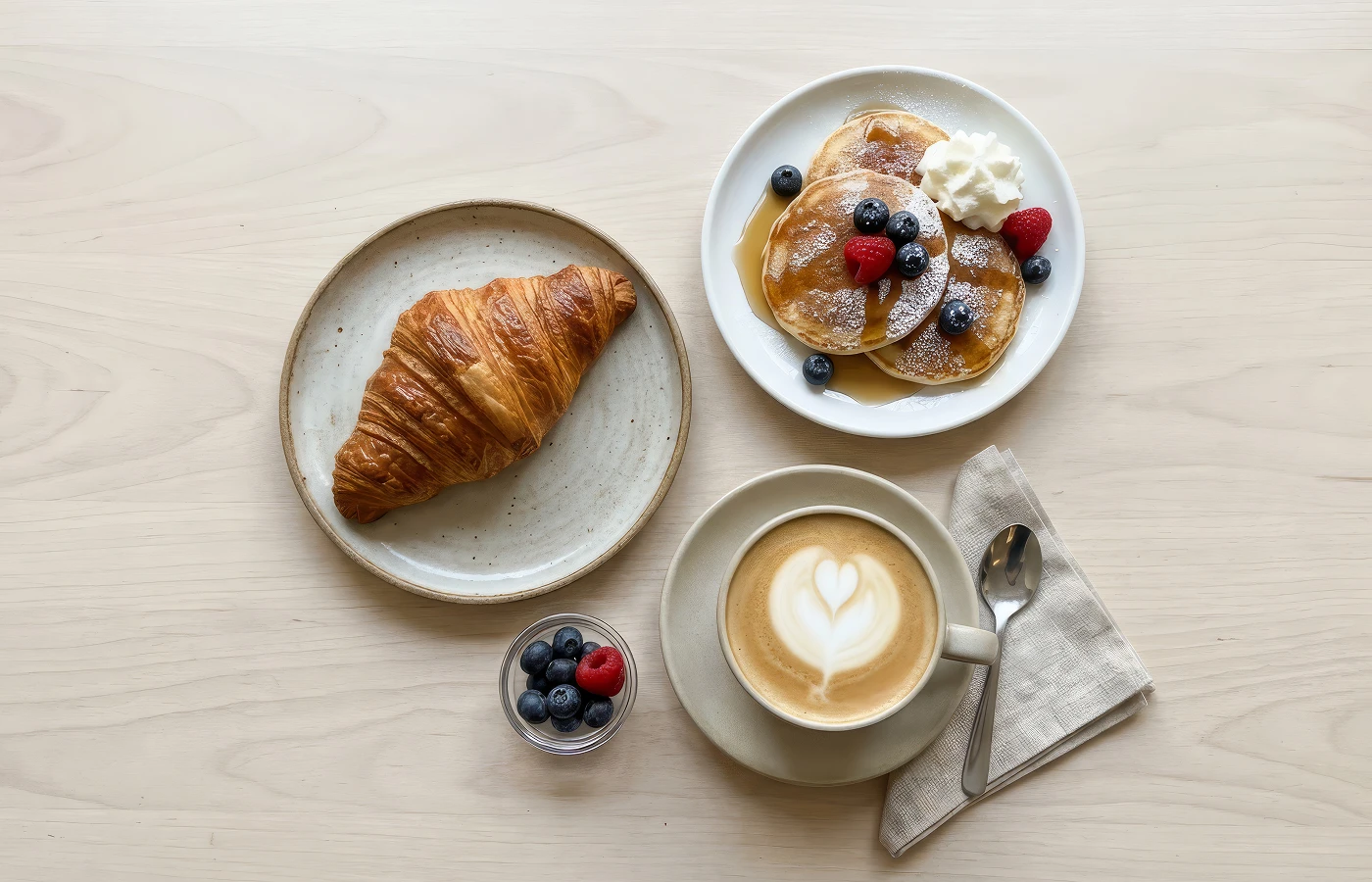
Photos often lose sharpness and fine details after being shared on social media or messaging apps. Instead of searching through photo enhancing apps for Android, use HitPaw to restore compressed images in one click. This simple Android app to enhance photo quality turns low-quality shots into sharp, high-quality images ready to share.
Android Photo Enhancer for Zoomed-In Photos
Android Photo Enhancer for Zoomed-In Photos
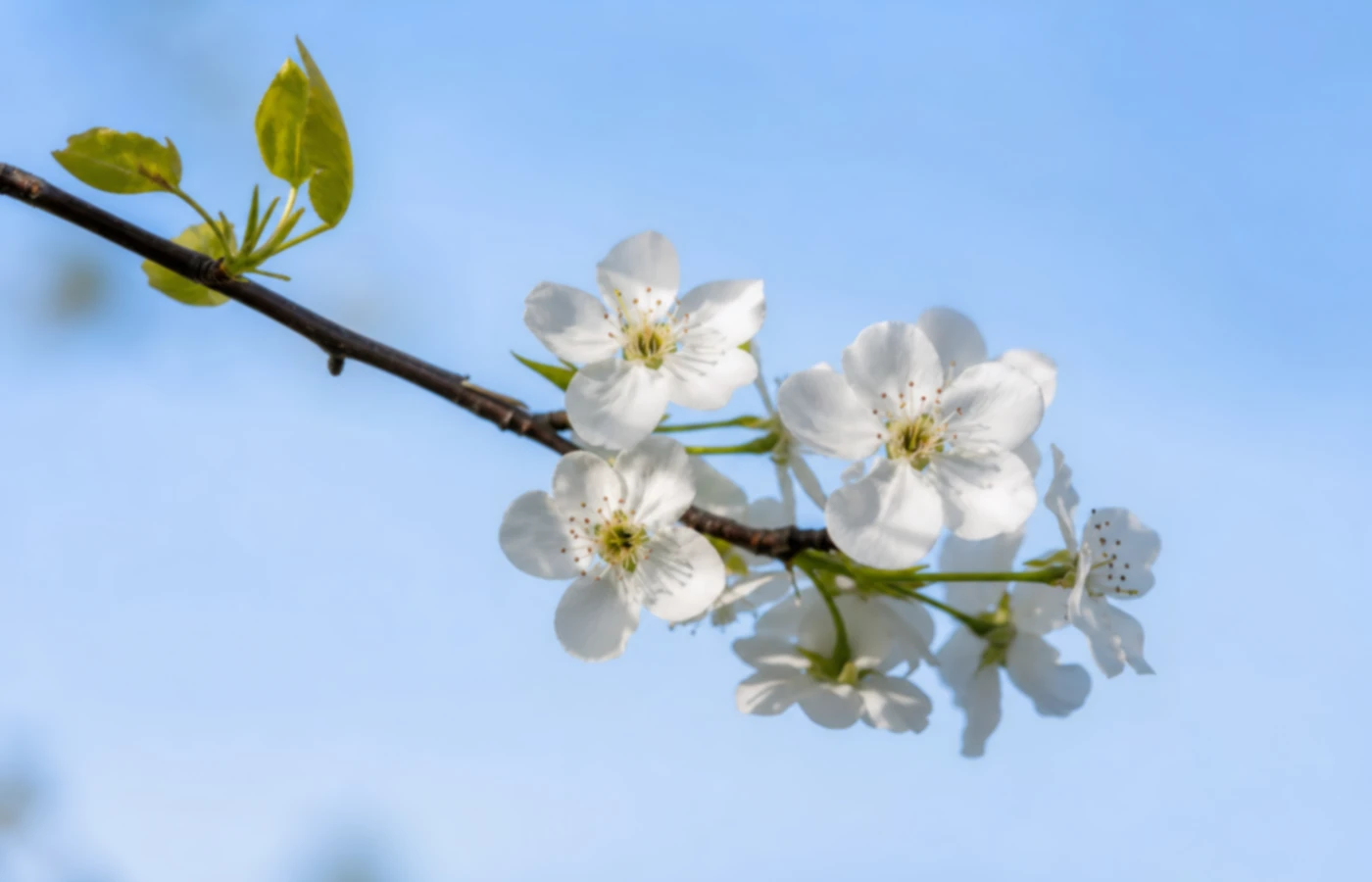
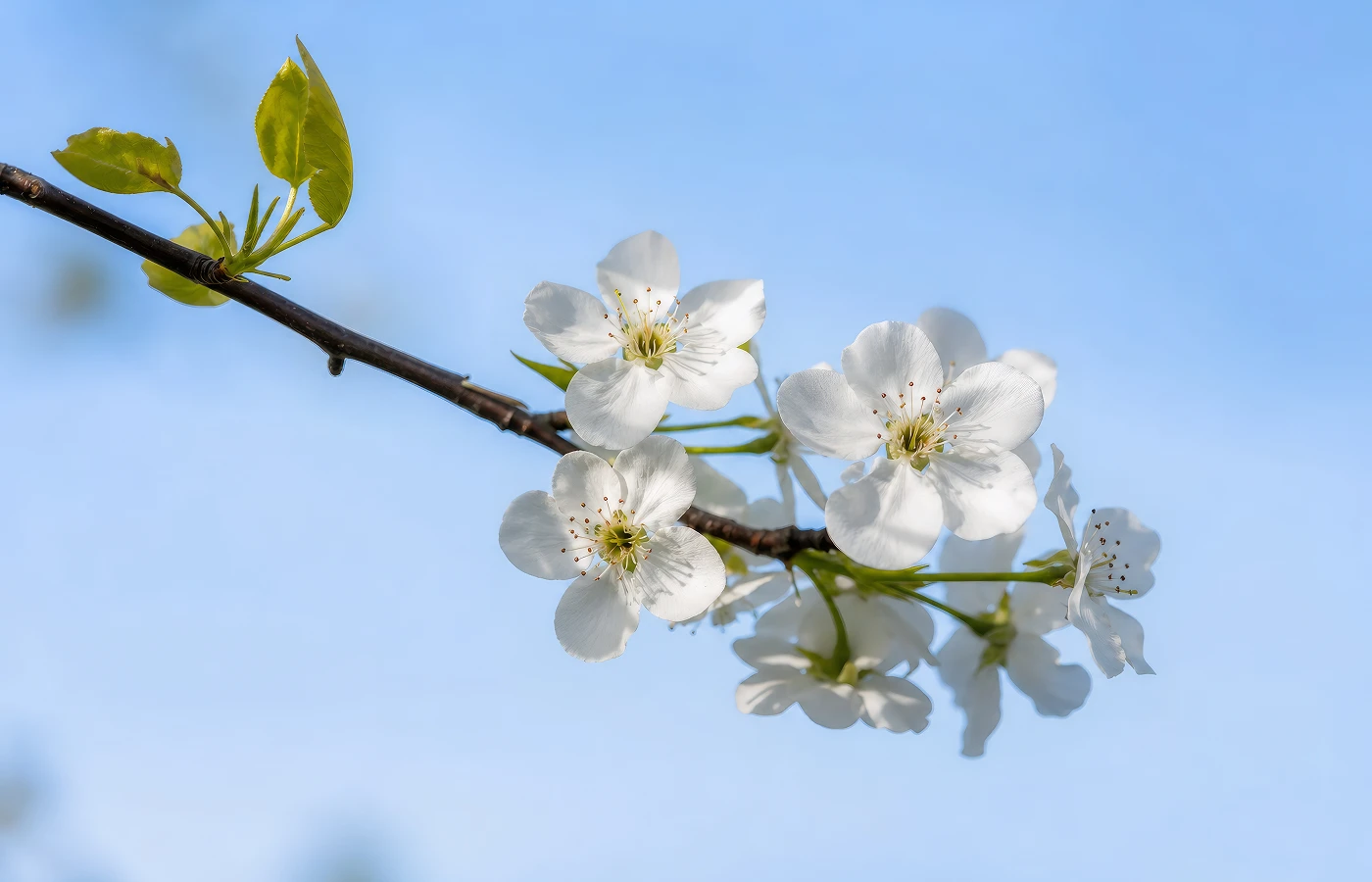
Whether you’re enlarging a distant subject, cropping a portrait, or zooming in on a small image, details can quickly become blurry and pixelated. With HitPaw’s free photo enhancer for Android, you can batch-enhance photos at once and enhance image quality —saving time on manual edits for product images, portraits, and more.
How HitPaw’s Android Photo Enhancer Makes Photos Better
Whether you’re capturing everyday moments, creating social content, selling products online, or editing photos on the go, HitPaw’s Android photo enhancer makes it easy to enhance high-quality images on Android without complicated editing.
Travelers & Photographers
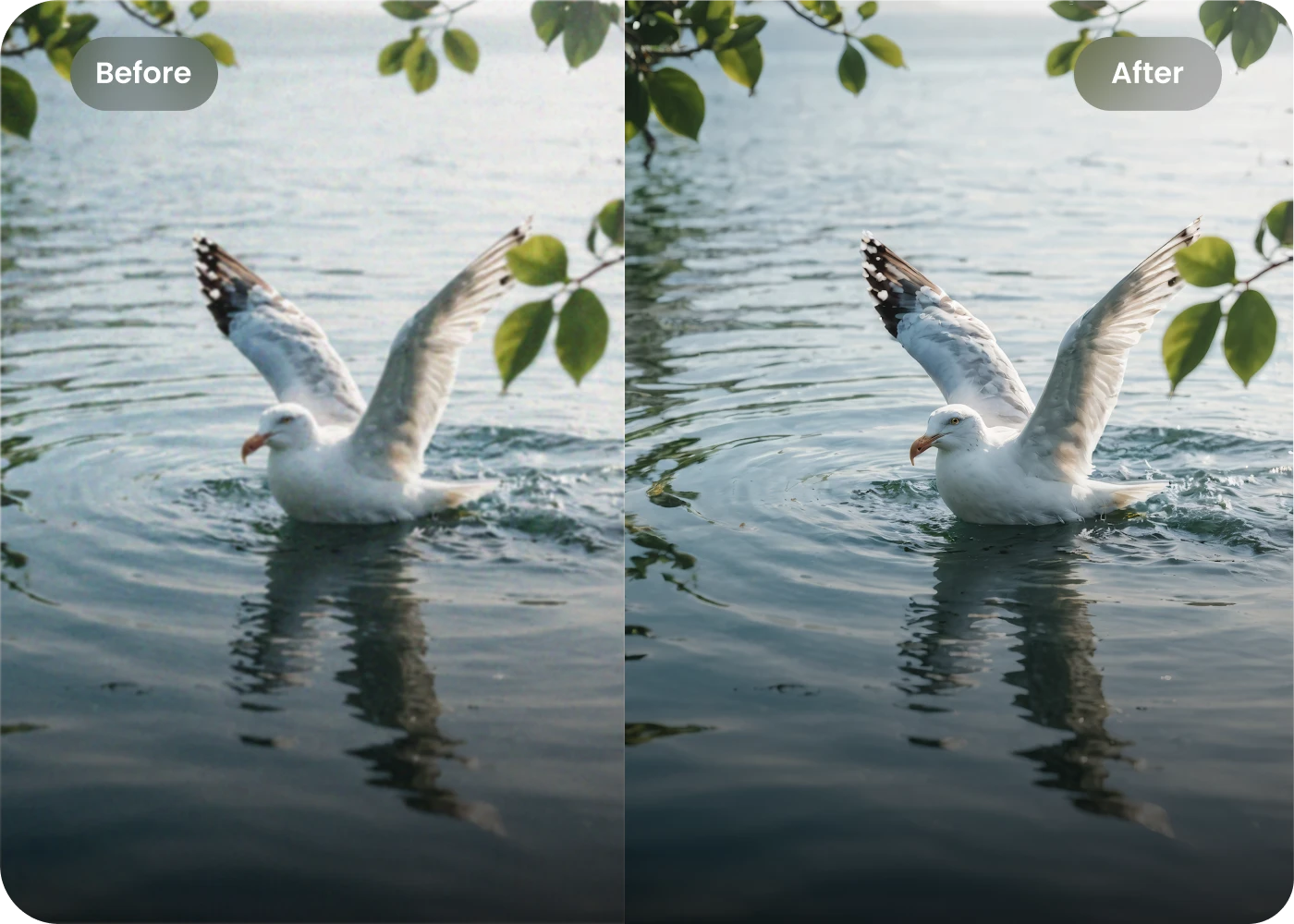
Turn quick phone snapshots into professional-looking photos with one click. HitPaw’s best photo enhancer for Android sharpens details and adds depth for stunning travel shots.
Content Creators
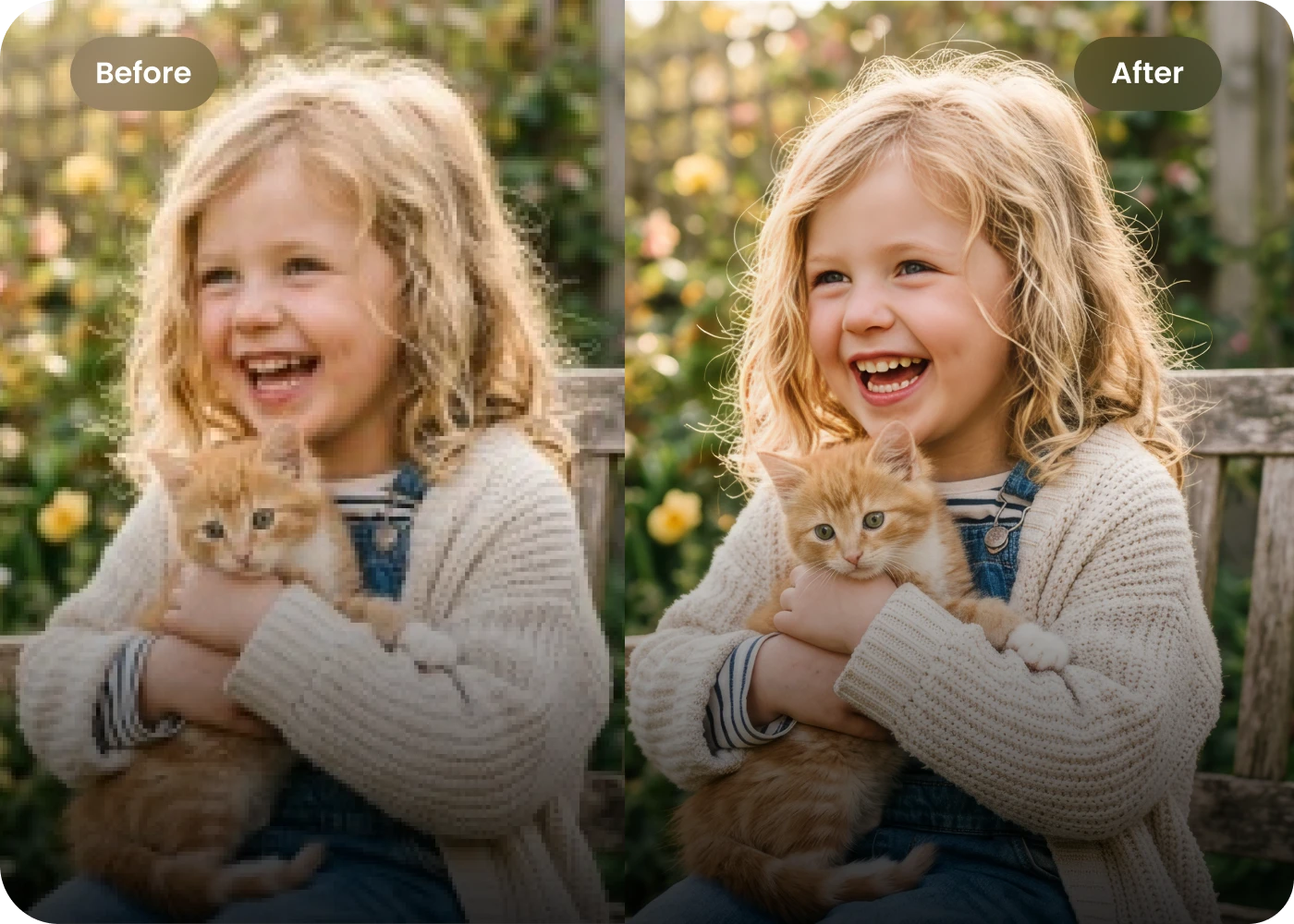
Snap it, enhance it, post it. HitPaw’s AI photo enhancer for Android helps polish selfies, food shots, and everyday content, making your photos sharper and more eye-catching before you share.
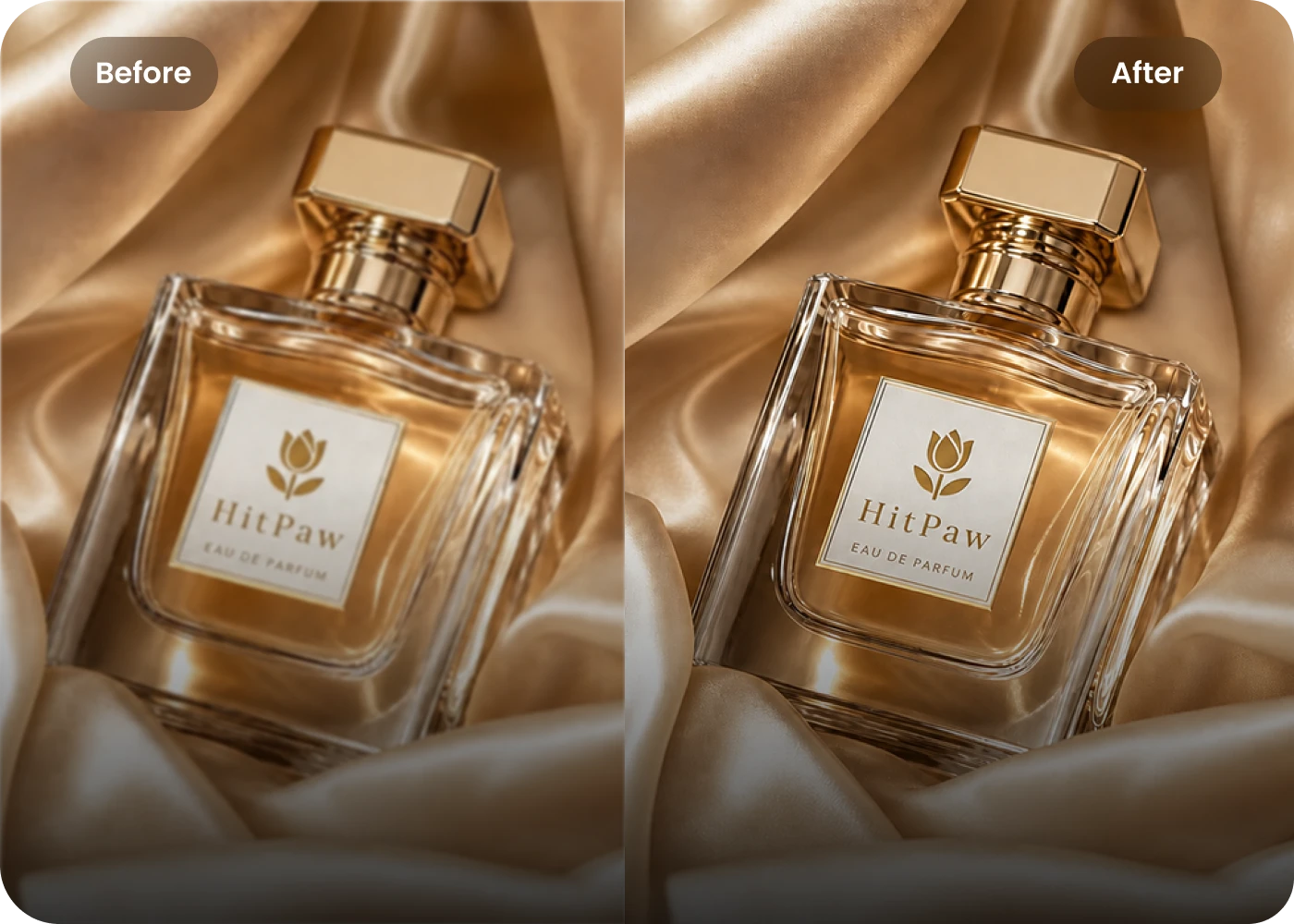
E-commerce Sellers
No professional camera? No problem. Turn everyday Android product shots into crisp, high-quality images with HitPaw. Batch enhance photos, sharpen product details, and make textures stand out in less time.
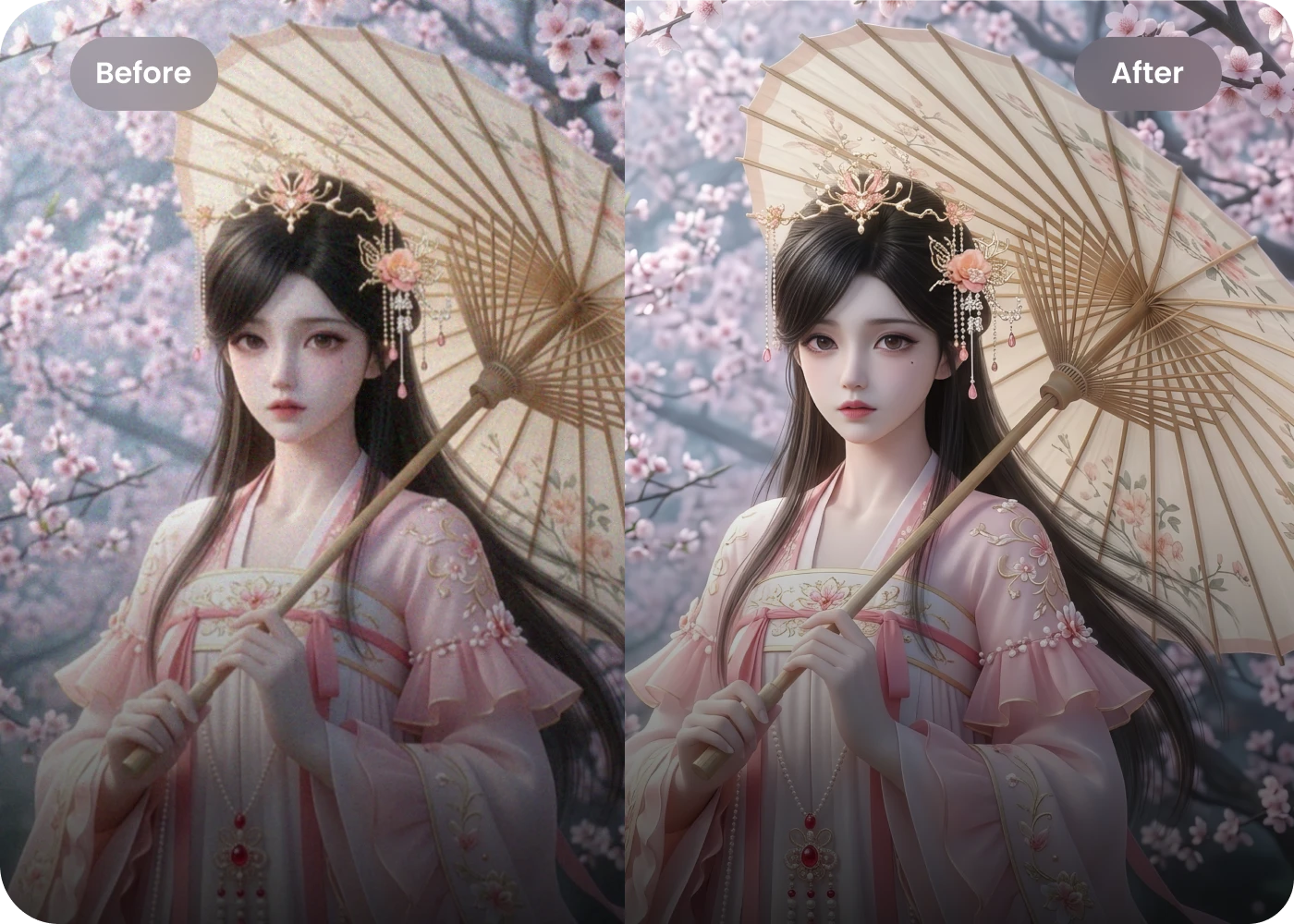
Graphic Designers
AI-generated images can look noisy and rough. HitPaw’s AI photo enhancer for Android removes noise and sharpens fine details in just a few clicks, giving designers cleaner visuals ready to use.
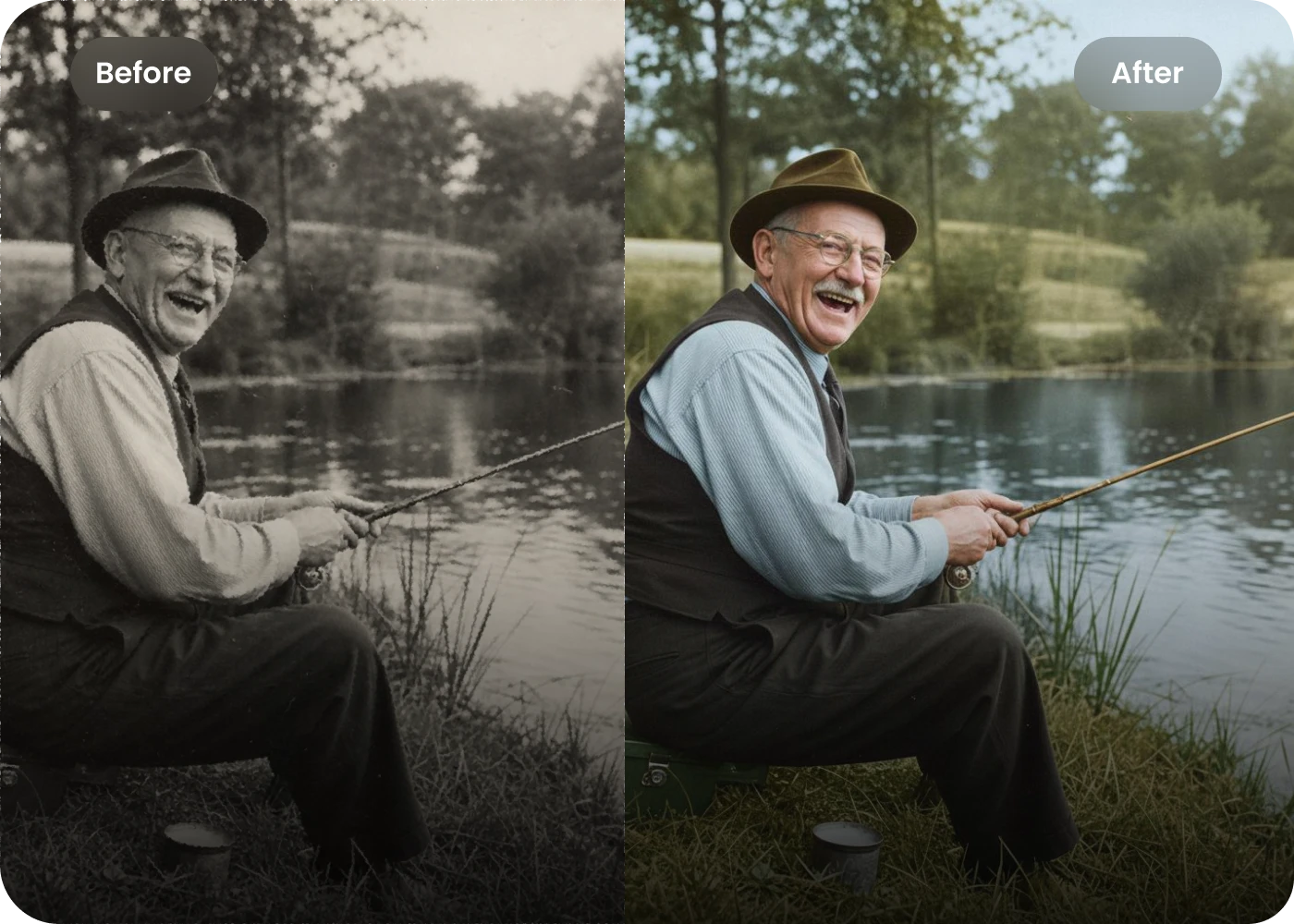
Family Memory Keepers
Restore old family photos that have faded, become grainy, or lost their original details. HitPaw works as a photo enhancer for Android, helping sharpen, repair and colorize old photos while bringing faces, textures, and precious memories back into clearer focus.
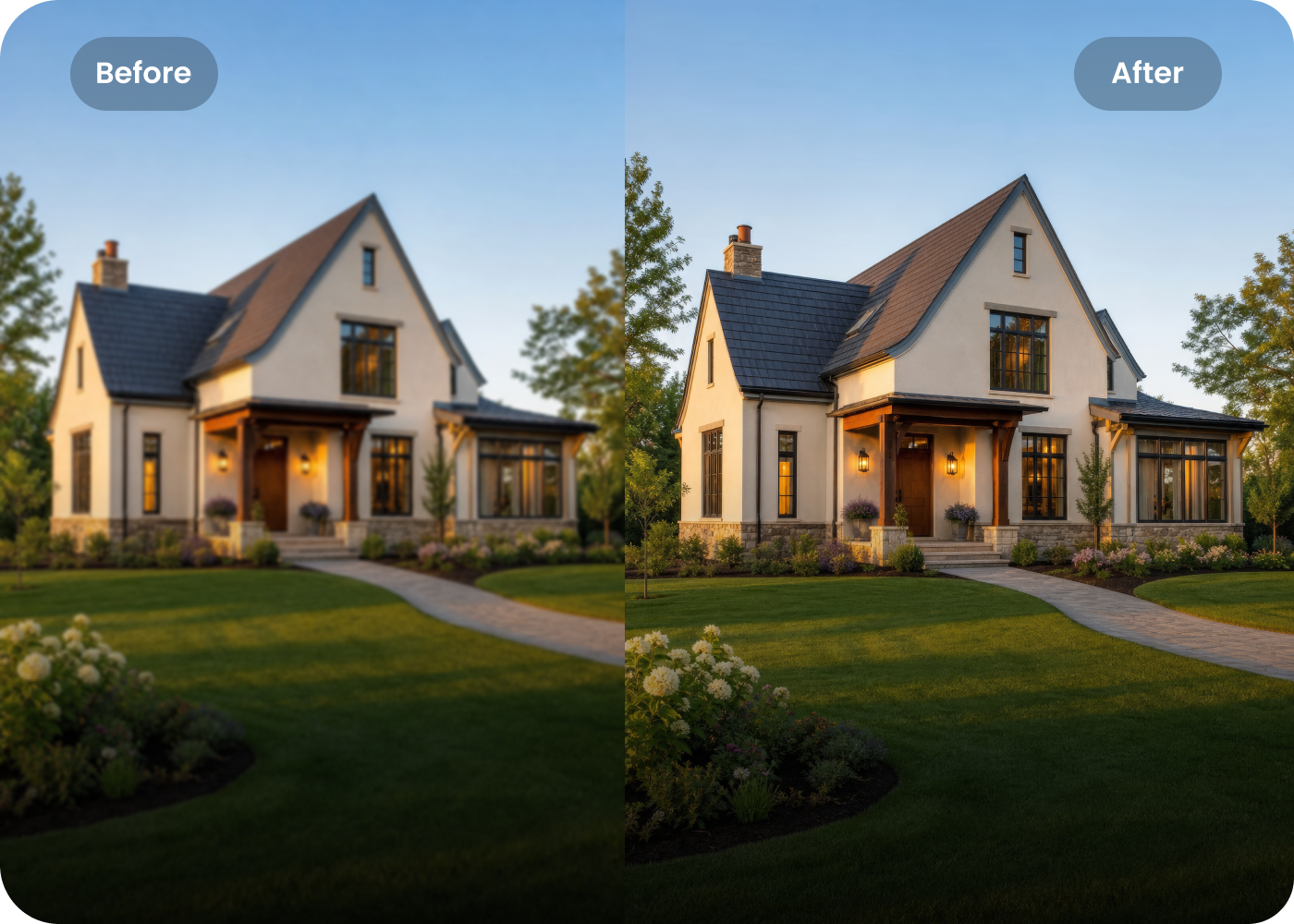
Real Estate Agents
Shoot properties on your Android phone and turn quick snapshots into polished listing photos. HitPaw sharpens room details and improves image quality in one click, helping you process multiple photos faster.
Students & Learners
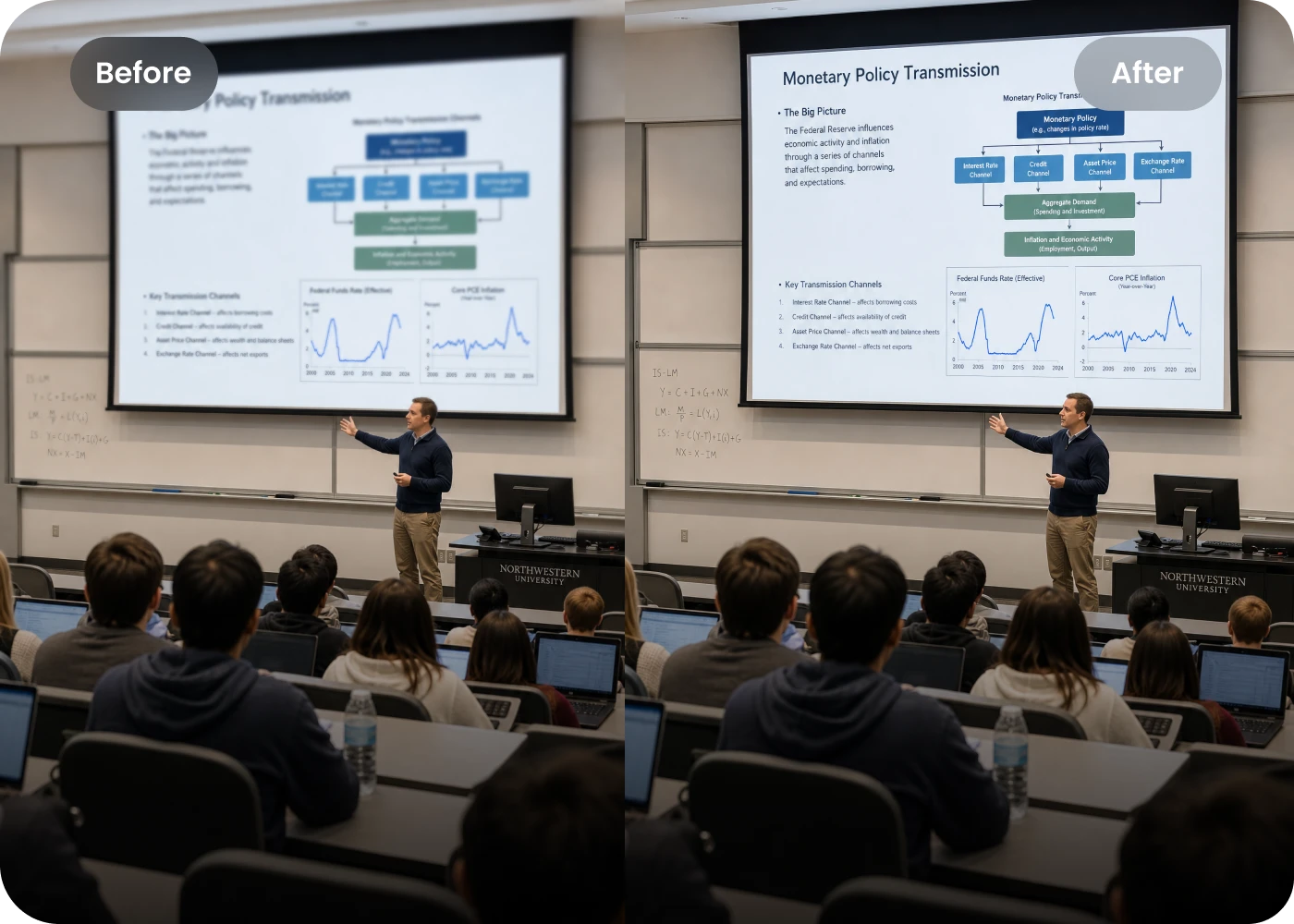
Need an Android app to enhance photo quality? Improve blurry pdf quality, photographed notes, slides, lecture screenshots and study materials with AI. Sharpen small text and fine details so important information is easier to read.
Why Choose HitPaw as Your Android Photo Enhancer
Enhance Photos to 8K
As a best photo enhancer for Android, HitPaw restores clarity and lost details. Upscale low-resolution photos up to 4K without complicated editing.
One-Click AI Enhancement
HitPaw works as an Android AI photo enhancer that automatically sharpens details, reduces noise, and improves image quality in one click.
Protect Your Privacy
Your photos stay private while you enhance them. HitPaw android photo enhancer protects your images and keeps your personal photos secure.
Cross-Platform Support
Forget complicated photo enhancing apps for Android. HitPaw makes fast, easy photo enhancement available online or in the app.
Explore More HitPaw Online Al Tools
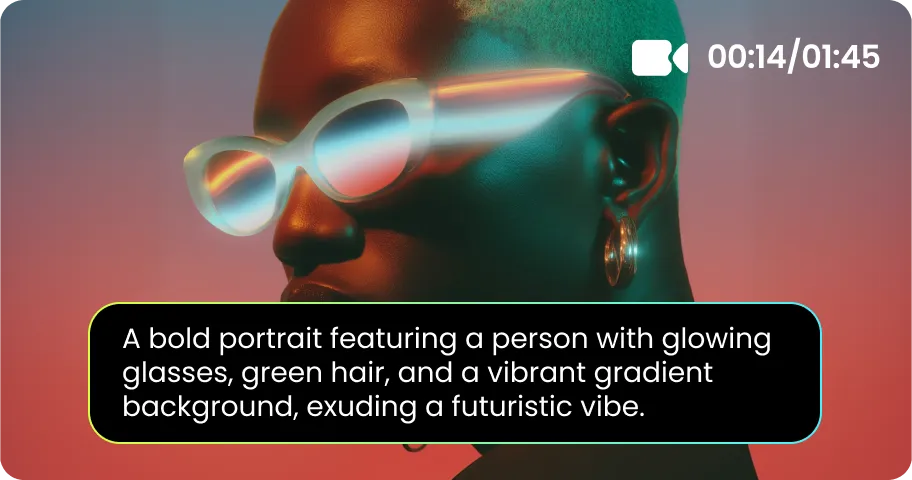
Online Video Generator
Turn text prompts into stunning cinematic AI videos in seconds.
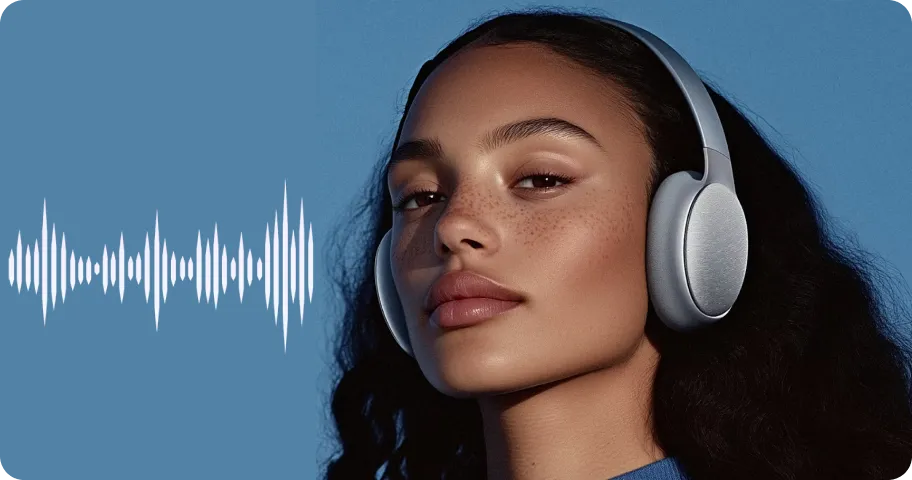
Online Music Generator
Create custom royalty-free soundtracks for any mood or genre.
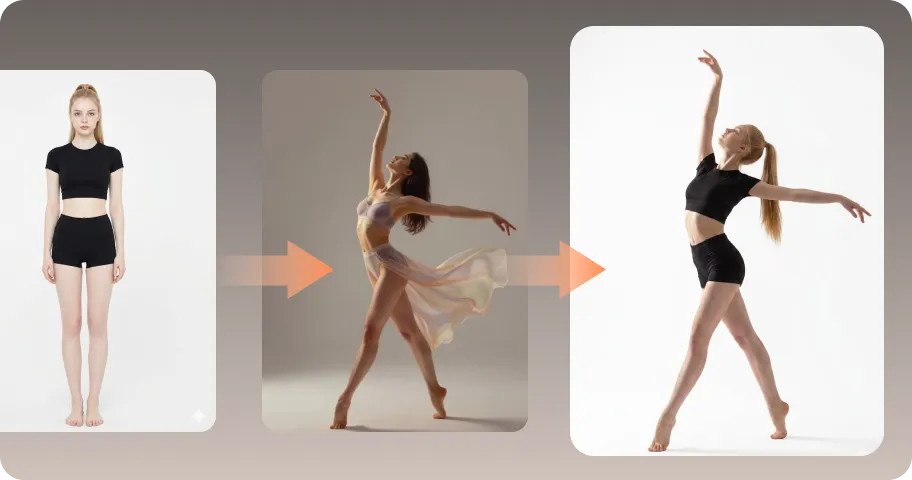
AI Mimic motion
Animate static photos with realistic human movements and expressions.
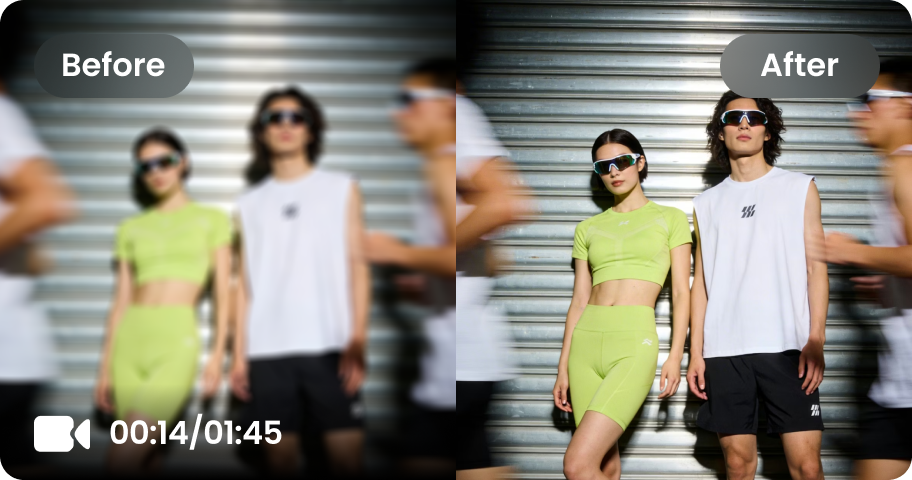
Online Video Enhancer
Transform low-quality videos into sharp, clear HD videos instantly.
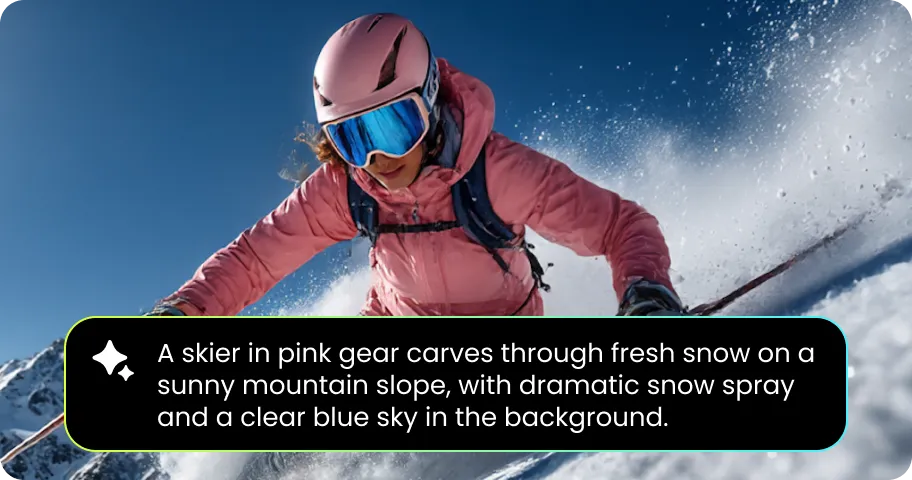
Online Image Generator
Generate high-quality AI images and artwork from simple text.
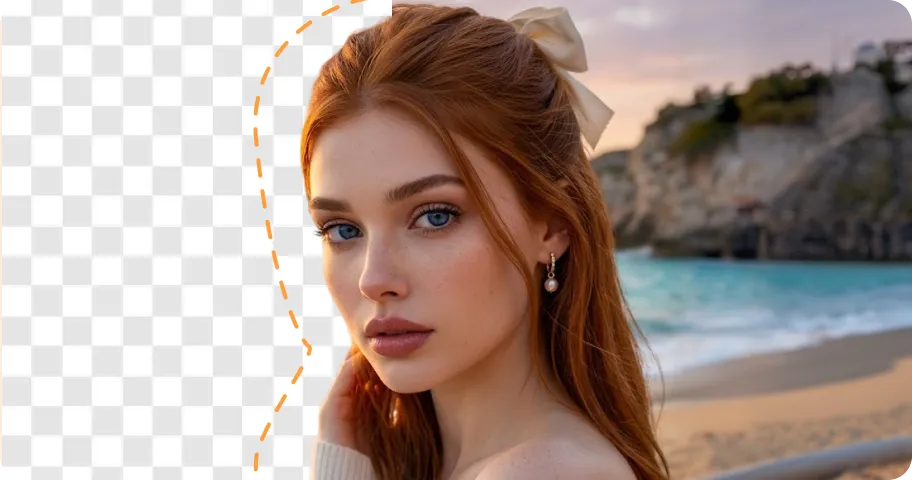
Background remover
Isolate subjects and erase backgrounds automatically with one click.
What Users Say About HitPaw Android Photo Enhancer Online

Mobile Photographer @alex

“I took this travel portrait at sunset, but the low light left it grainy and soft. HitPaw cleaned up the noise and brought back the facial details without making the photo look artificial. It’s now my go-to Android photo enhancer for quick edits.”

Content Creator @jorda
“Ugh, my photos always lose so much quality after sharing them on social media. I started using HitPaw to sharpen the details before posting, and the results look so much cleaner. It’s become my favorite photo enhancing app for Android.”

E-commerce Seller @sophia
“HitPaw lets me batch enhance multiple images and make them look much more polished. It’s easily one of the best photo enhancer Android apps I’ve tried for my store.”

Student @liam
“Wait, I can actually read the tiny text now! I took a photo of our lecture slide, and HitPaw sharpened everything so clearly. I’m definitely using this Android app to enhance photo quality before sharing the notes with my classmates.”

Family Memory Keeper @emma
“I’m so grateful I found HitPaw. These old family photos were faded and grainy, and I thought the lost details were gone for good. HitPaw brought the faces and memories back so beautifully. I’m thankful to have a free photo enhancer for Android like this.”
FAQs About HitPaw Android Photo Enhancer
It’s easy to enhance a photo on Android with HitPaw. Just upload your photo, choose an AI enhancement model, and let it improve the details for you in a few clicks.
For online enhancement, HitPaw Online Photo Enhancer lets you improve photos directly in your browser. If you need a dedicated app, FotorPea app provides more tools for enhancing and restoring images.
Yes. Many Android phones, including models from OPPO and other brands, now offer built-in AI image enhancement. These features work well with photos that already have decent quality, but low-quality images may sometimes result in unnatural details or distortion.
Yes. HitPaw’s Android photo enhancer can enhance blurry photos, upscale image details, restore scratches and color in old photos, and even improve the quality of anime images.
Use HitPaw’s AI photo enhancer for Android to upload your zoomed-in photo and select a suitable AI model to restore lost details. For more advanced, professional-level enhancement, try HitPaw FotorPea on desktop for greater control and higher-quality results.
Tips & Tricks for Android Photo Enhancer with HitPaw
Rescue Your Android Photos Before Deleted
Don’t let blur, noise, or lost details ruin a good shot. Give your photos a quick AI upgrade with HitPaw android AI photo enhancer and bring back the sharpness, details, and quality you thought you’d lost.
