















Remove Noise & Grain from Images Online Free
Clean up grainy, noisy photos with HitPaw's online image denoiser and restore clearer details in one click. Perfect for low-light shots, high-ISO photos, old pictures, and compressed images.
Support format: png, jpg, jpeg, webp
Maximum photo
resolution:
8K



How to Denoise an Image Online with HitPaw

Step 1:Upload Noise Image
Upload a grainy or noisy photo and let our AI image denoiser get it ready for processing.
Step 2:Select Denoise Model
Select the Denoise Model to automatically remove grain from photos for a cleaner, sharper photo.
Step 3: Save Clear Image
Preview your denoised image, check the noise removal result, and download your cleaner photo.
Get Cleaner Photos with Smarter AI Denoising
Our AI photo denoiser analyzes image noise and intelligently removes grain, color noise, and unwanted artifacts while preserving natural textures and fine details. Enhance noisy photos from dark scenes, high-ISO shooting, and everyday snapshots.
Clean Up High-ISO Noise in Night Photos
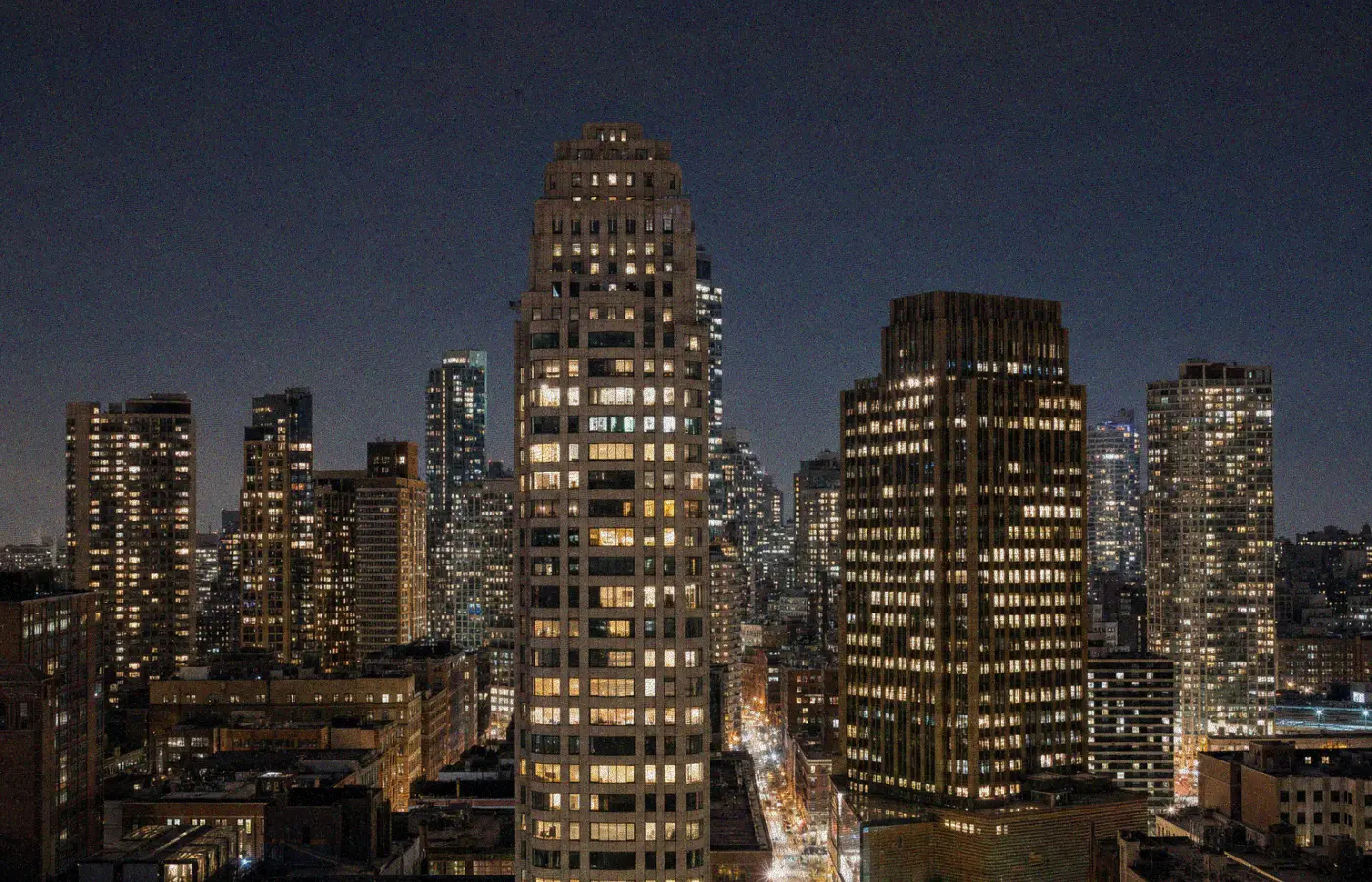
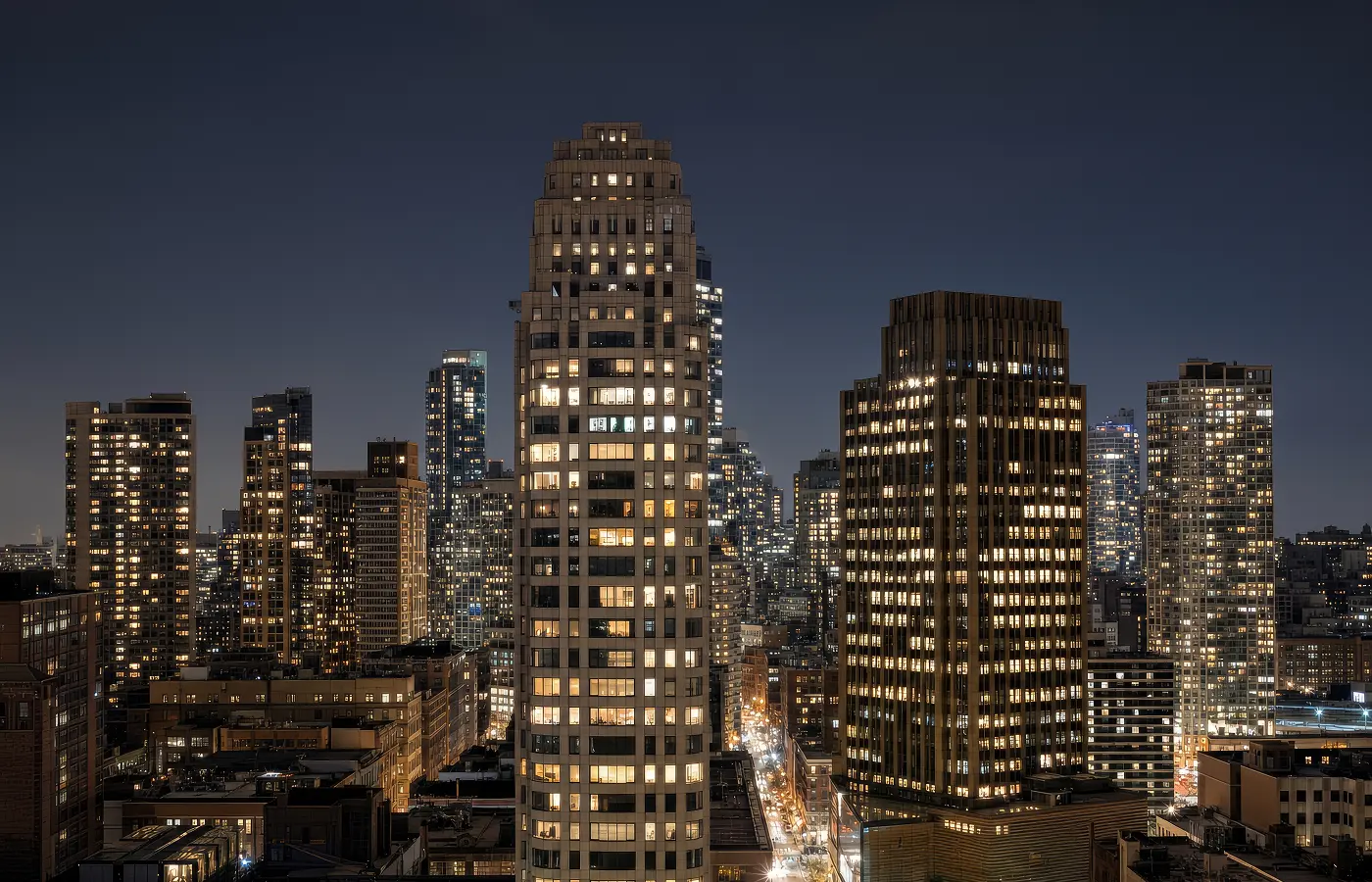
Clean Up High-ISO Noise in Night Photos
HitPaw’s AI image denoiser removes high-ISO grain, color noise, and speckles in one click while preserving the details that make your night shots stand out. From city lights and neon streets to dim indoor scenes, clean up noisy photos quickly and get clearer, more natural-looking results.
Remove Noise Without Losing Fine Details
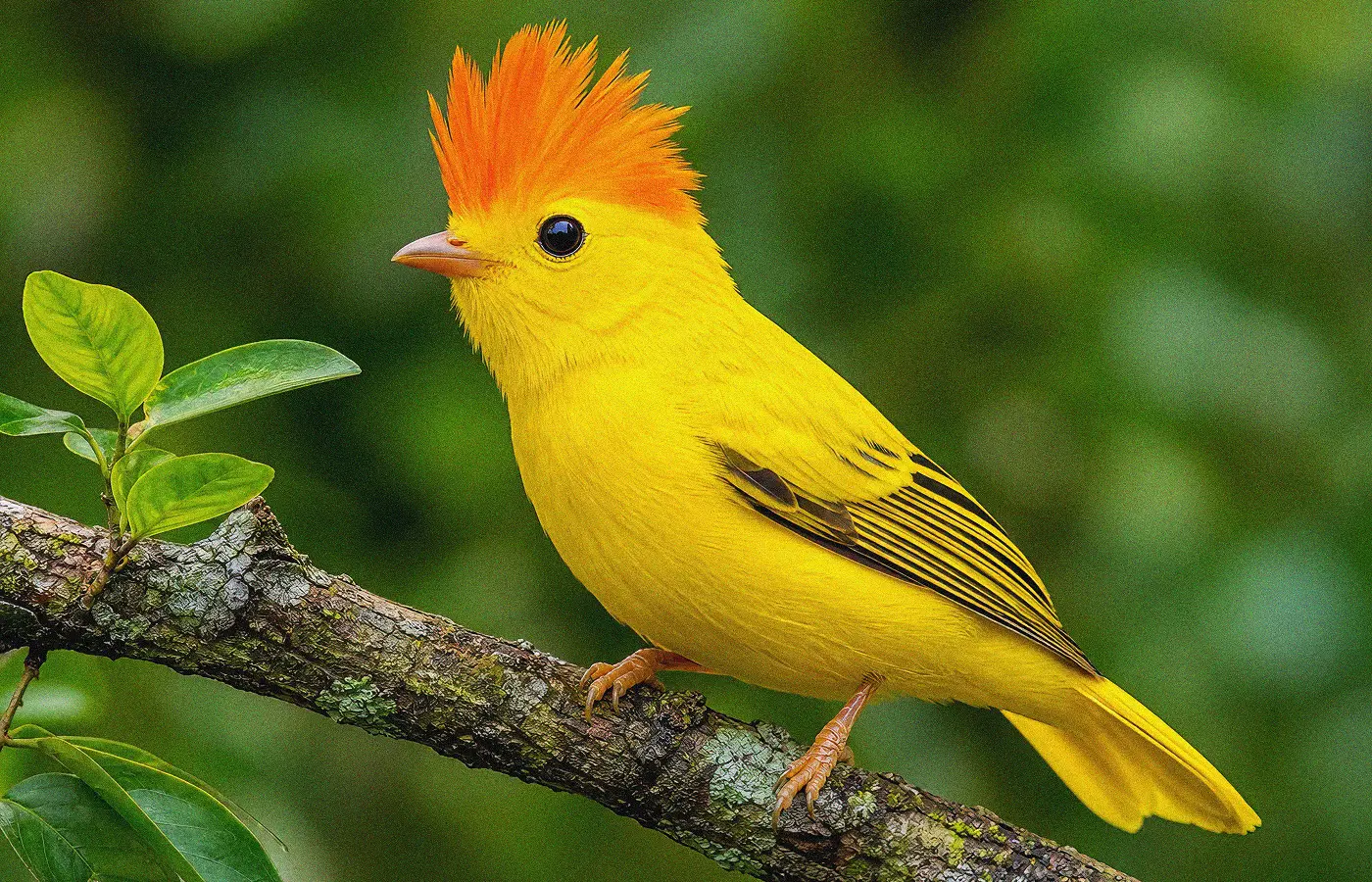
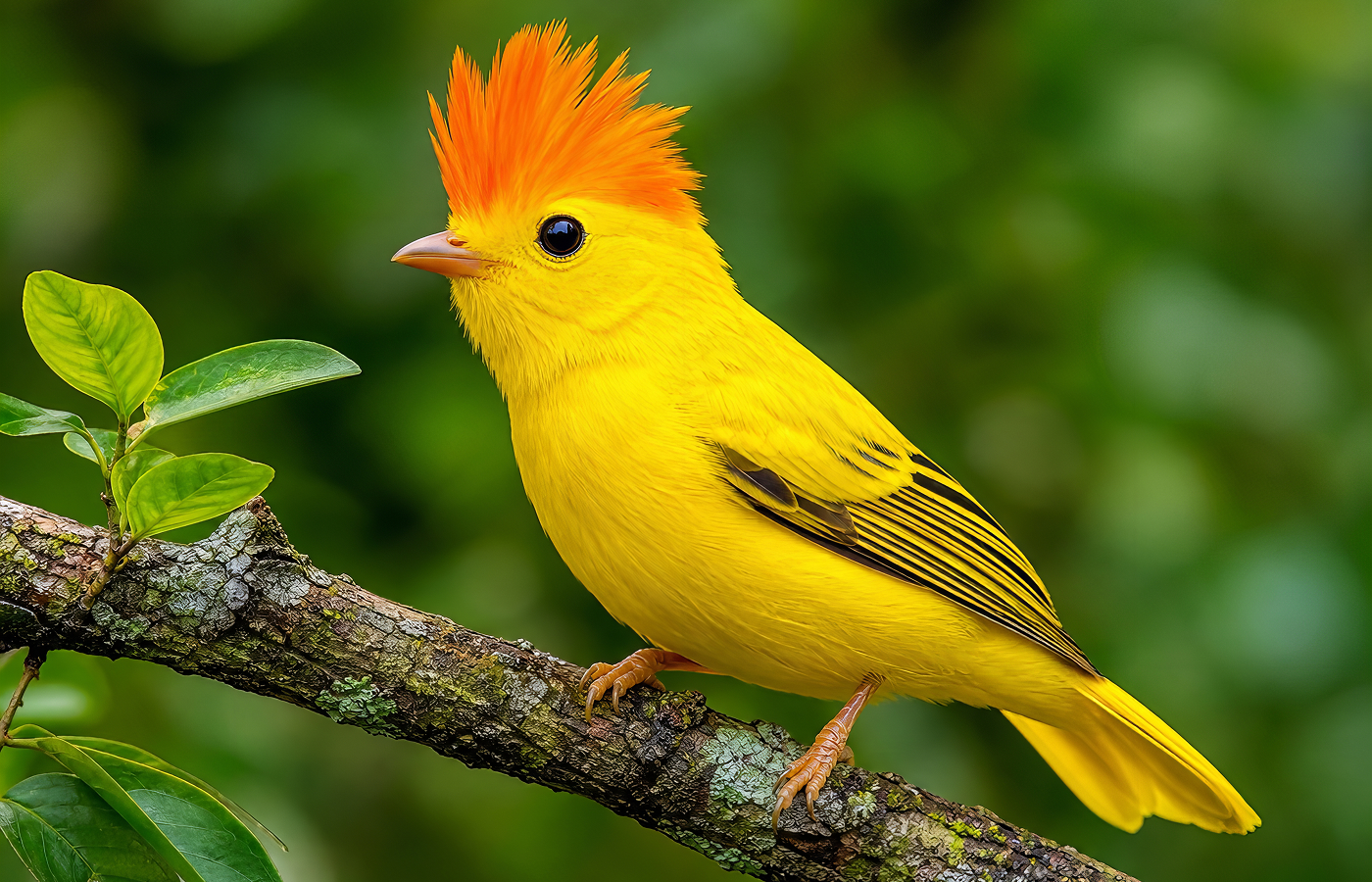
Remove Noise Without Losing Fine Details
Use our AI image denoiser to remove image noise and grain from photos while preserving fine details at up to 4K/8K resolution. Easily denoise grainy animal photos and retain individual strands of fur, feathers, whiskers, and other textures—even in challenging lighting.
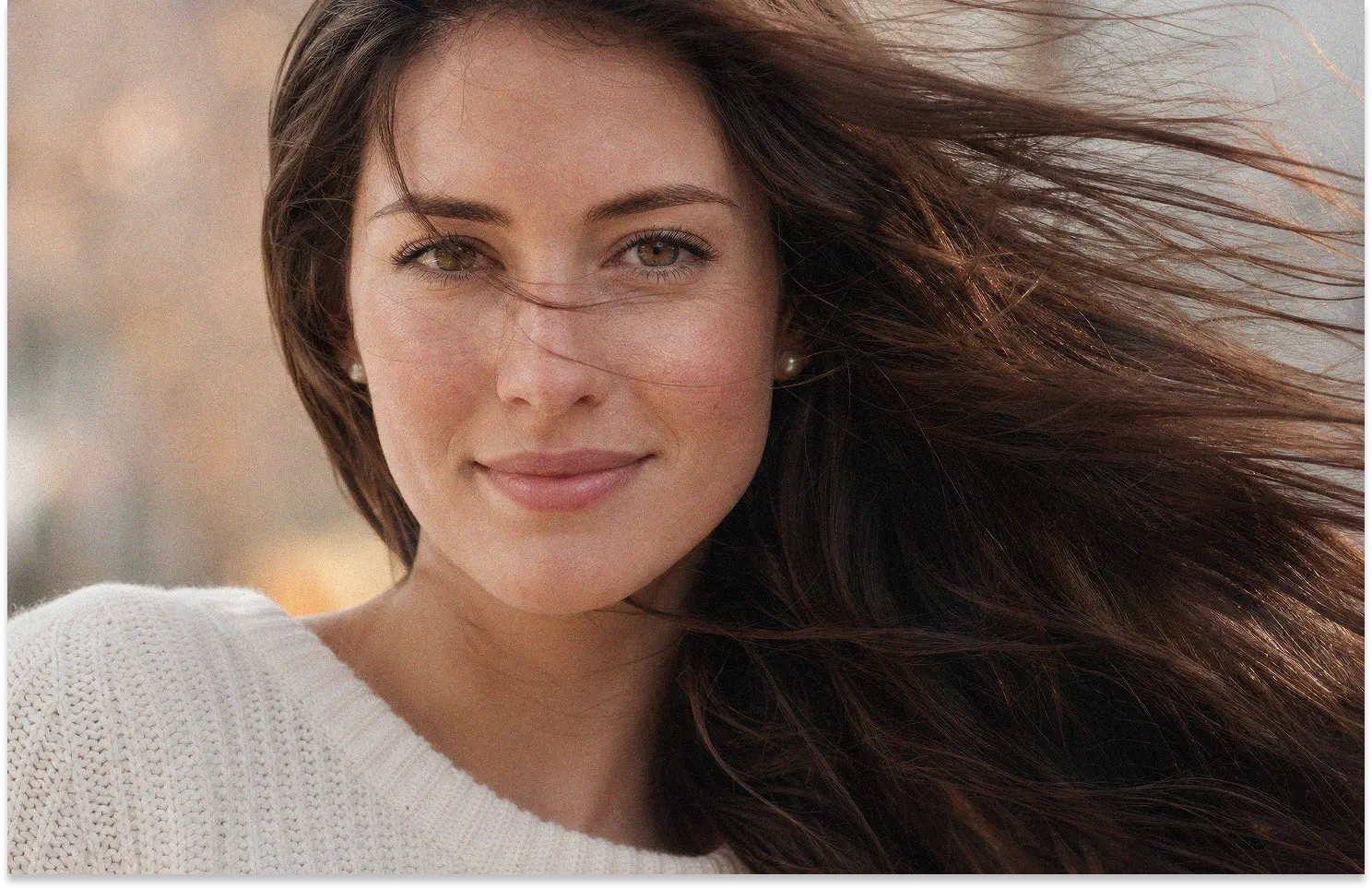
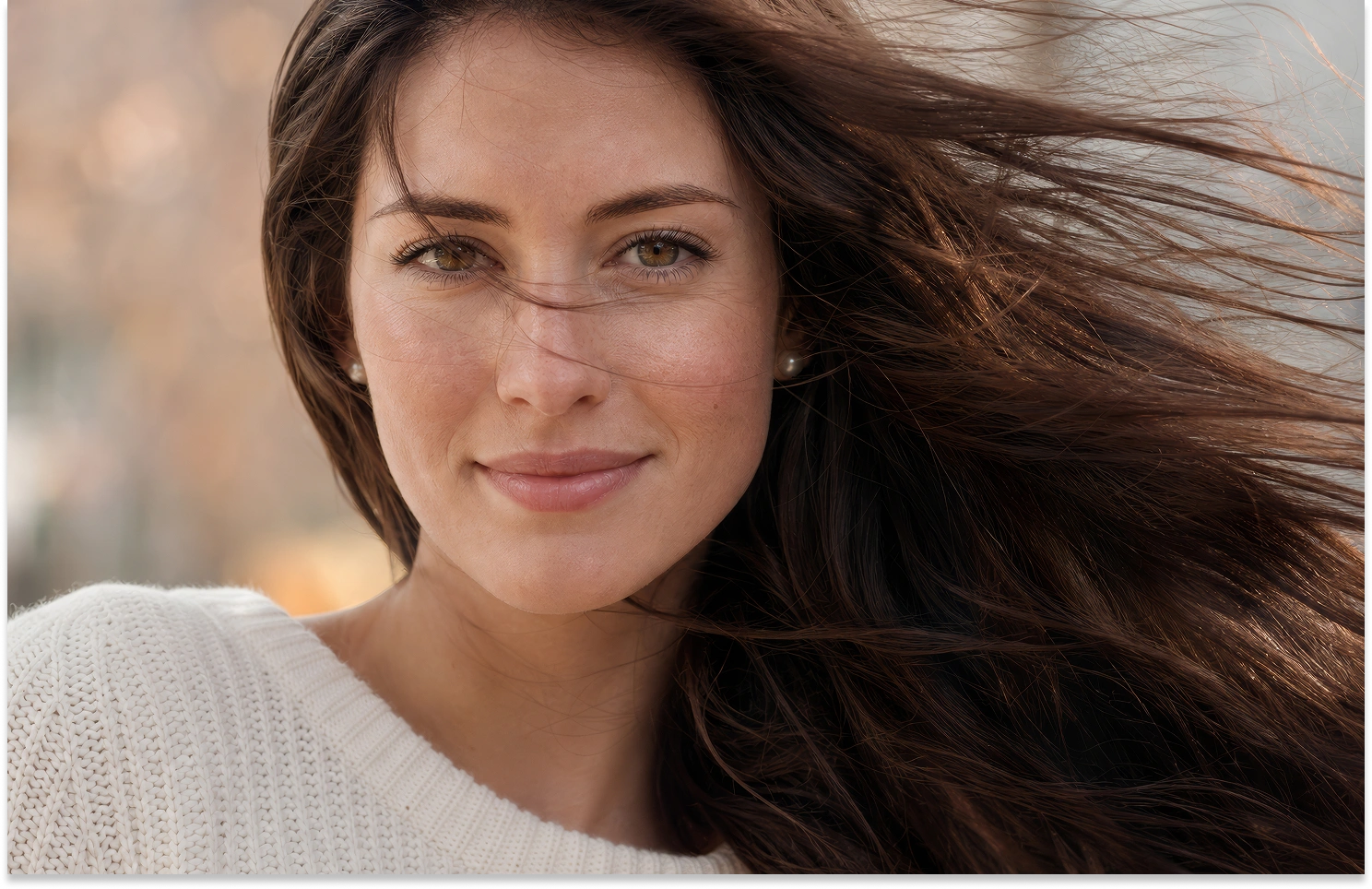
Fix Grainy Low-Light Portraits with AI
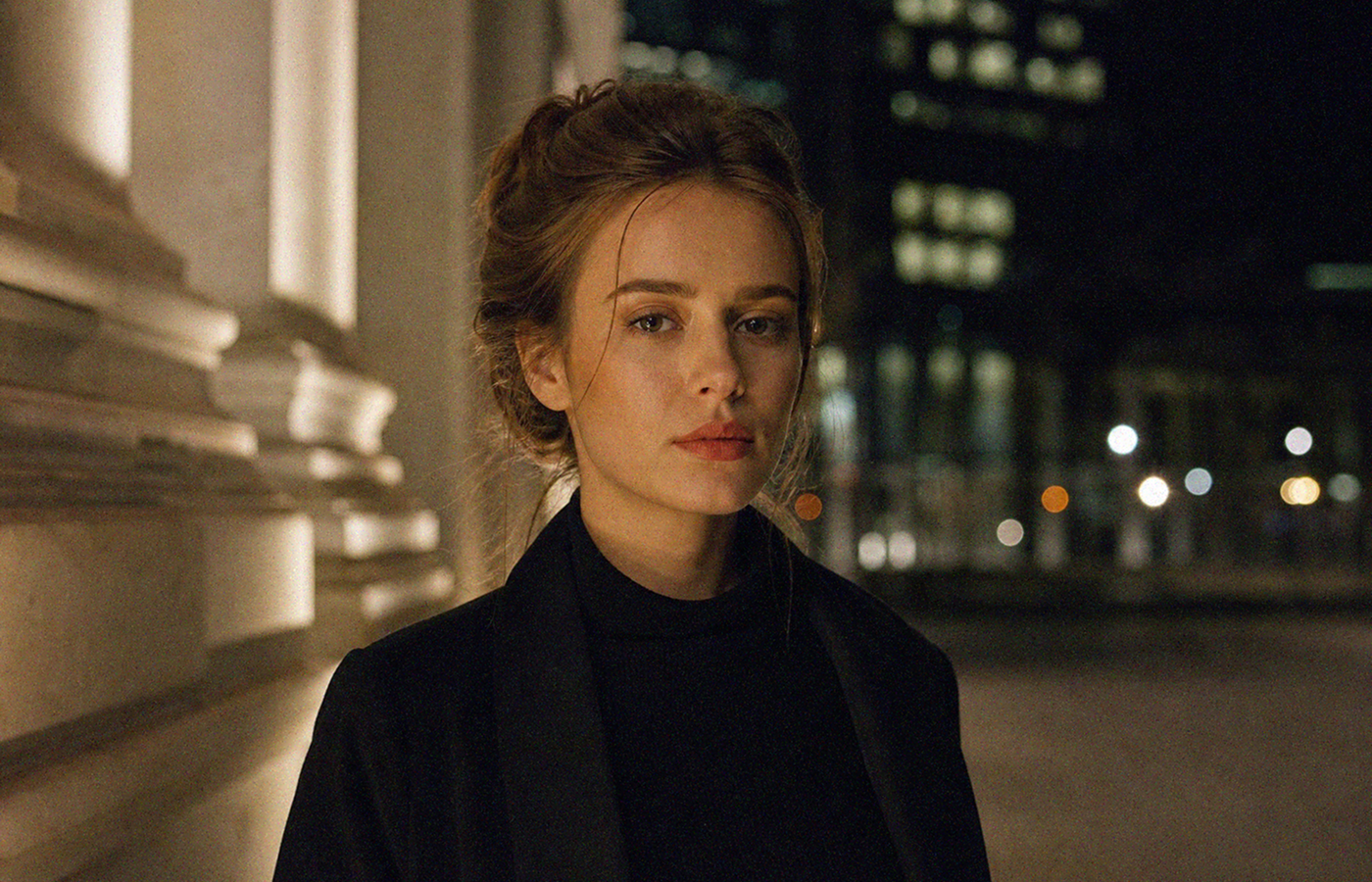
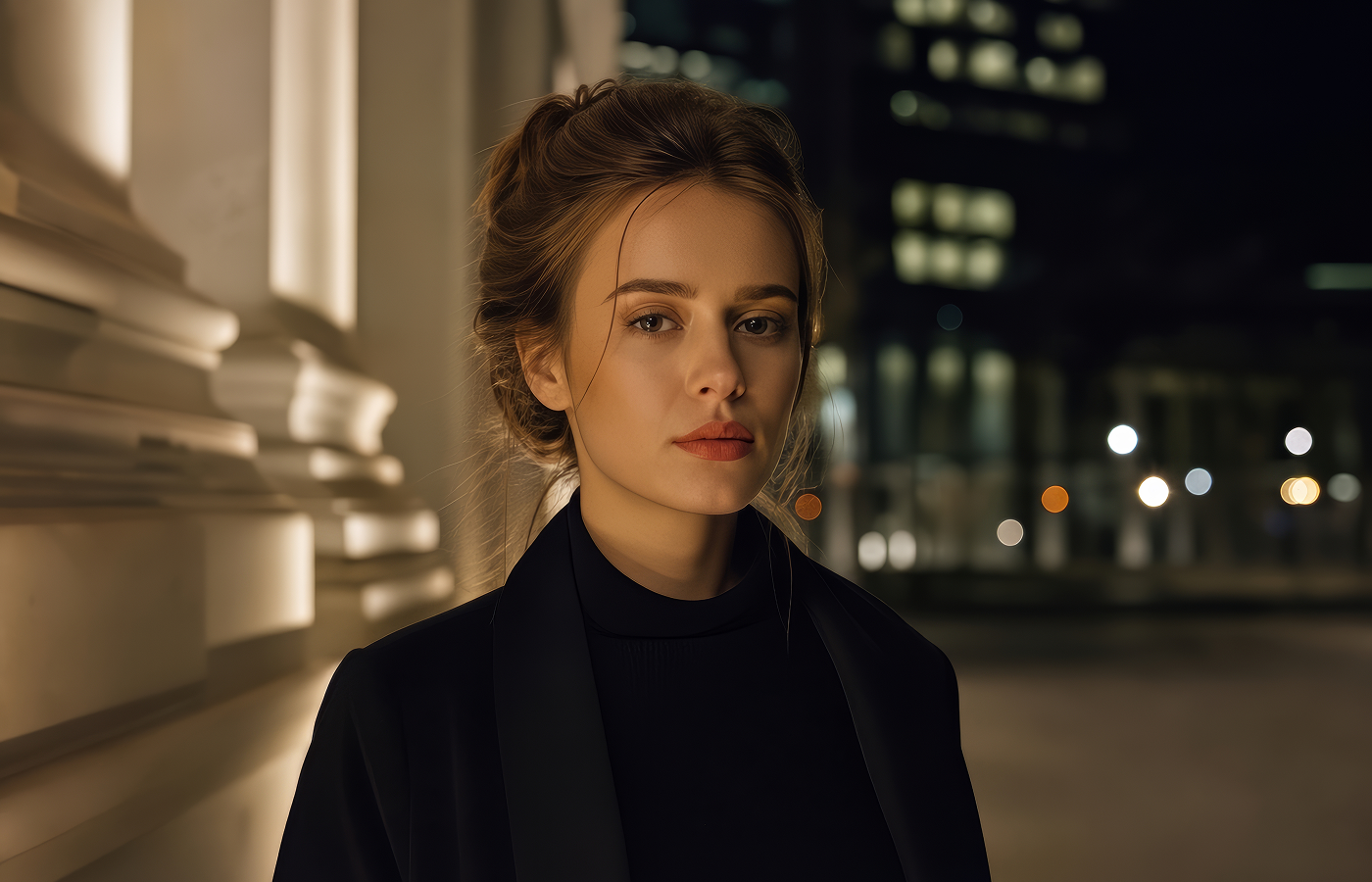
Fix Grainy Low-Light Portraits with AI
From low-light portraits to studio shoots, HitPaw’s free online denoiser removes distracting grain and image noise while preserving natural skin texture, hair, and facial details. Quickly refine your portraits for professional delivery, high-quality prints, and social-ready images without tedious manual retouching.
Remove Noise from Product Images in Bulk
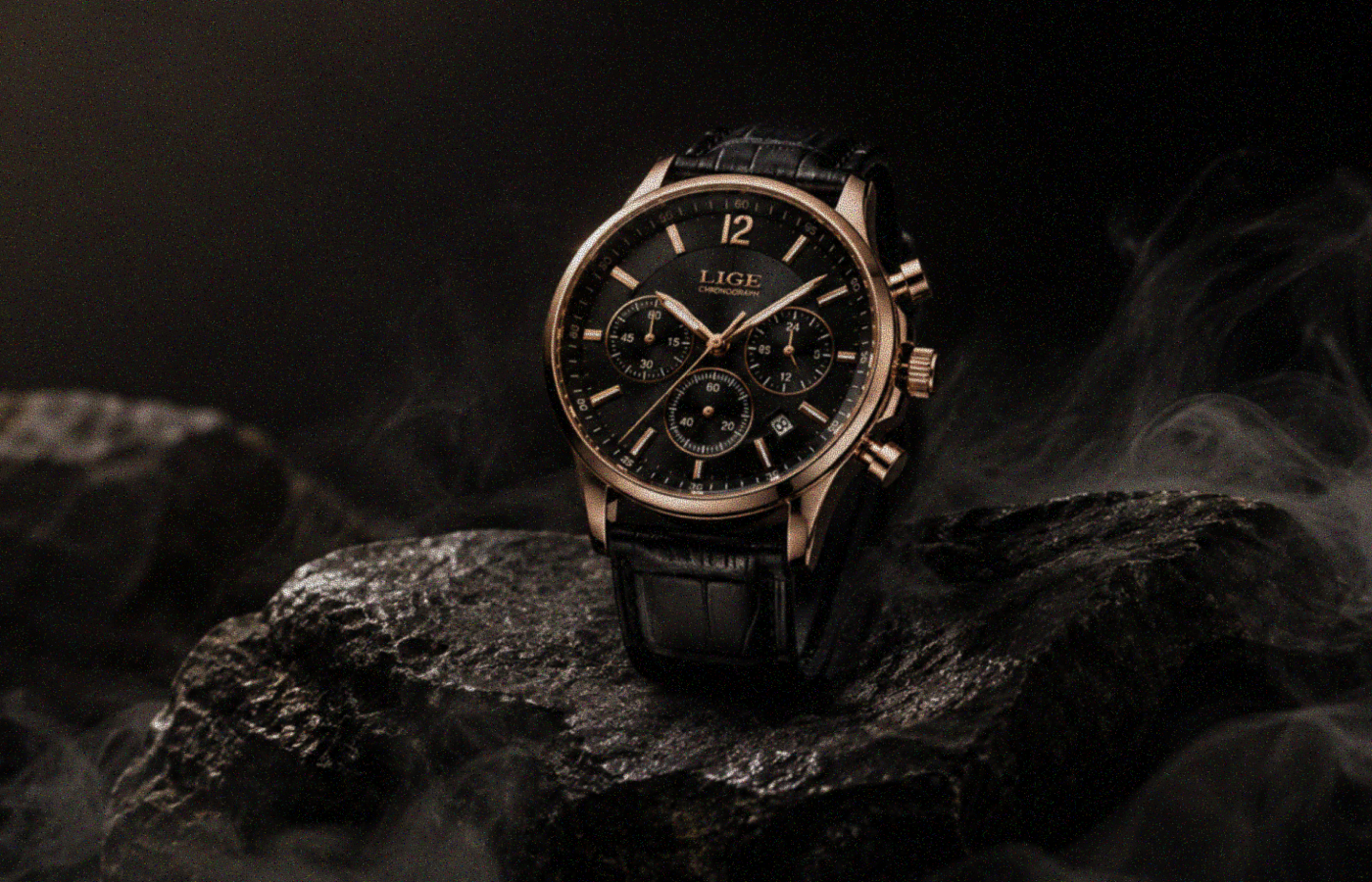
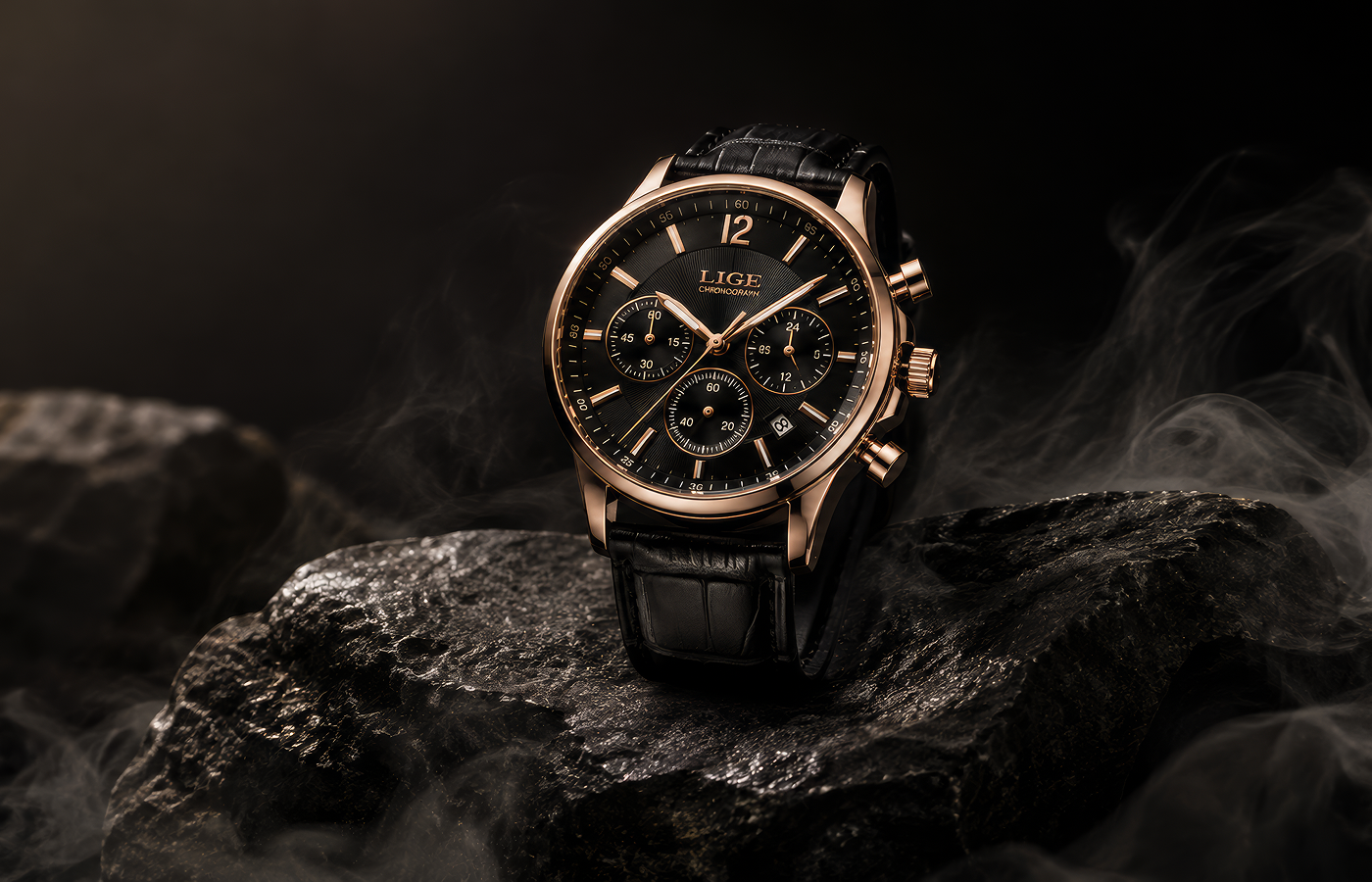
Remove Noise from Product Images in Bulk
Product shoots often involve dozens or hundreds of images, and noise from low-light setups or high ISO can make every photo take longer to polish. HitPaw’s AI image denoising lets you remove grain and noise from images in batches while preserving product textures, edges, and labels. Clean up your entire product set faster and get polished visuals ready for high-quality e-commerce listings.
How HitPaw AI Photo Denoiser Helps You Remove Image Noise
Whether you're a photographer, content creator, e-commerce seller, or everyday user, HitPaw’s AI photo cleaner makes it easier to reduce noise in photos and fix graininess in images. Perfect for print, social media, online stores, and everyday use without time-consuming.
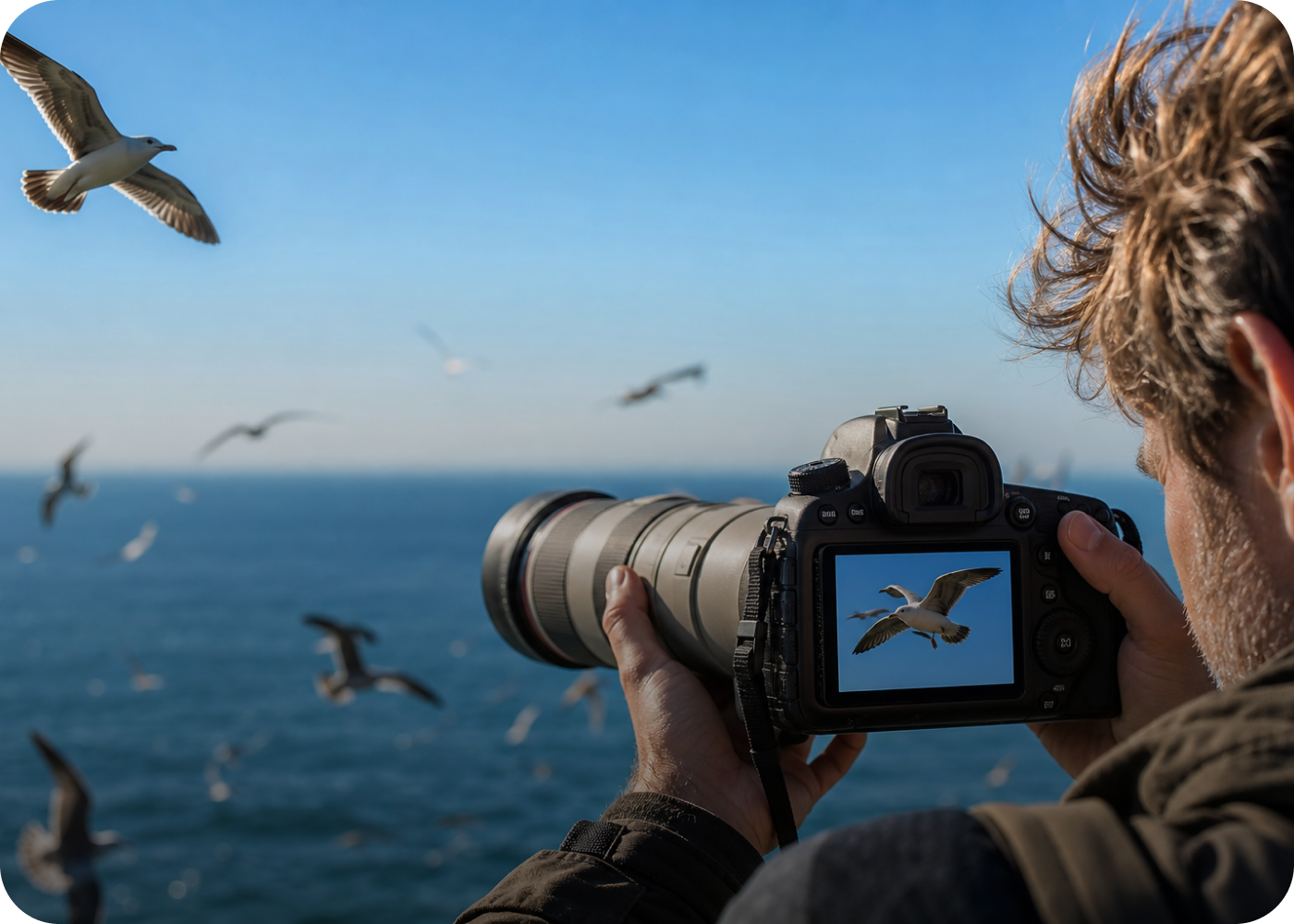
Photographers
Reduce graininess in photos caused by high ISO or low-light shooting while keeping fine details sharp for professional editing, printing, and delivery.
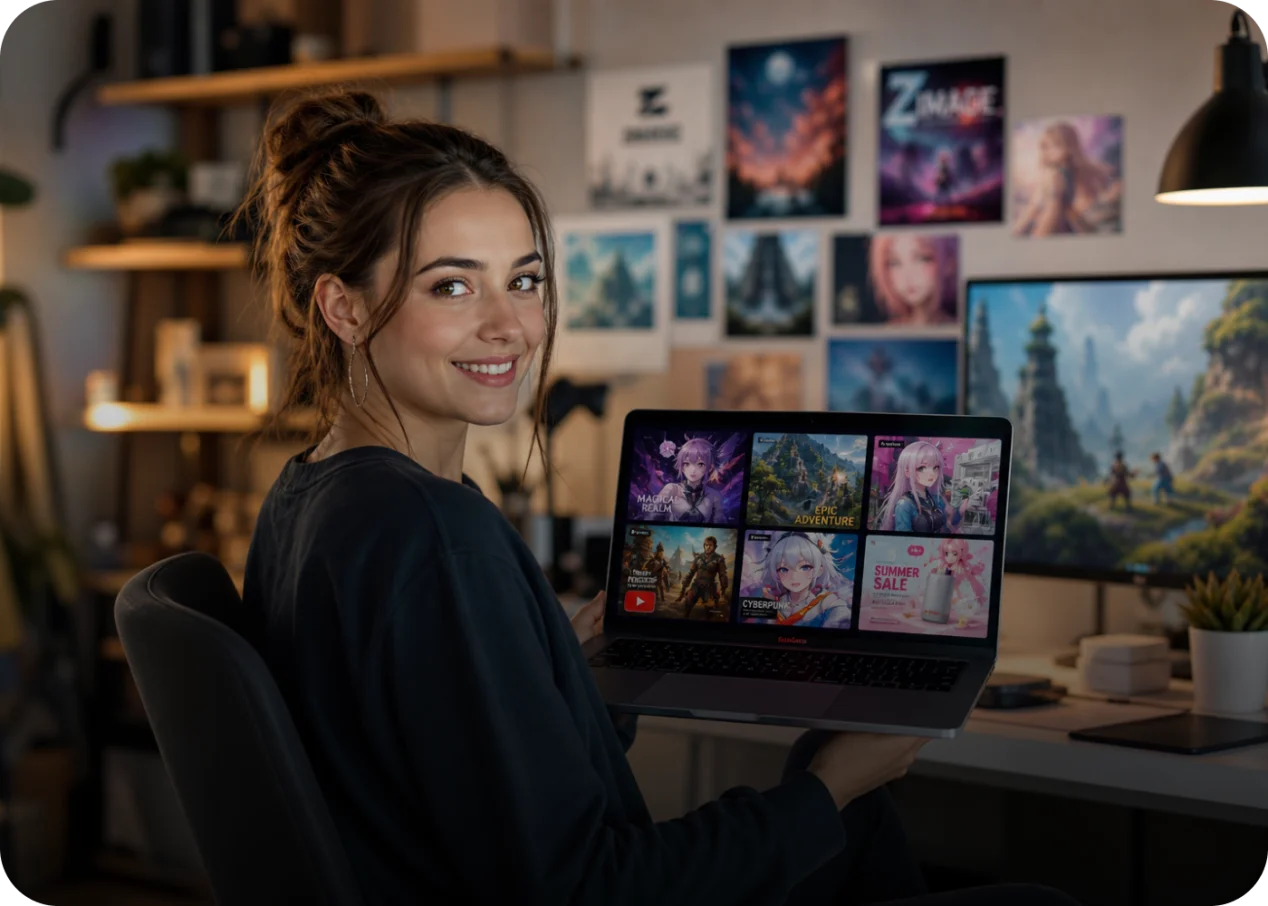
Content Creators
Clean up noise in photos and AI-generated images created at lower quality, so your content looks sharper and more polished across social media, websites, and campaigns.
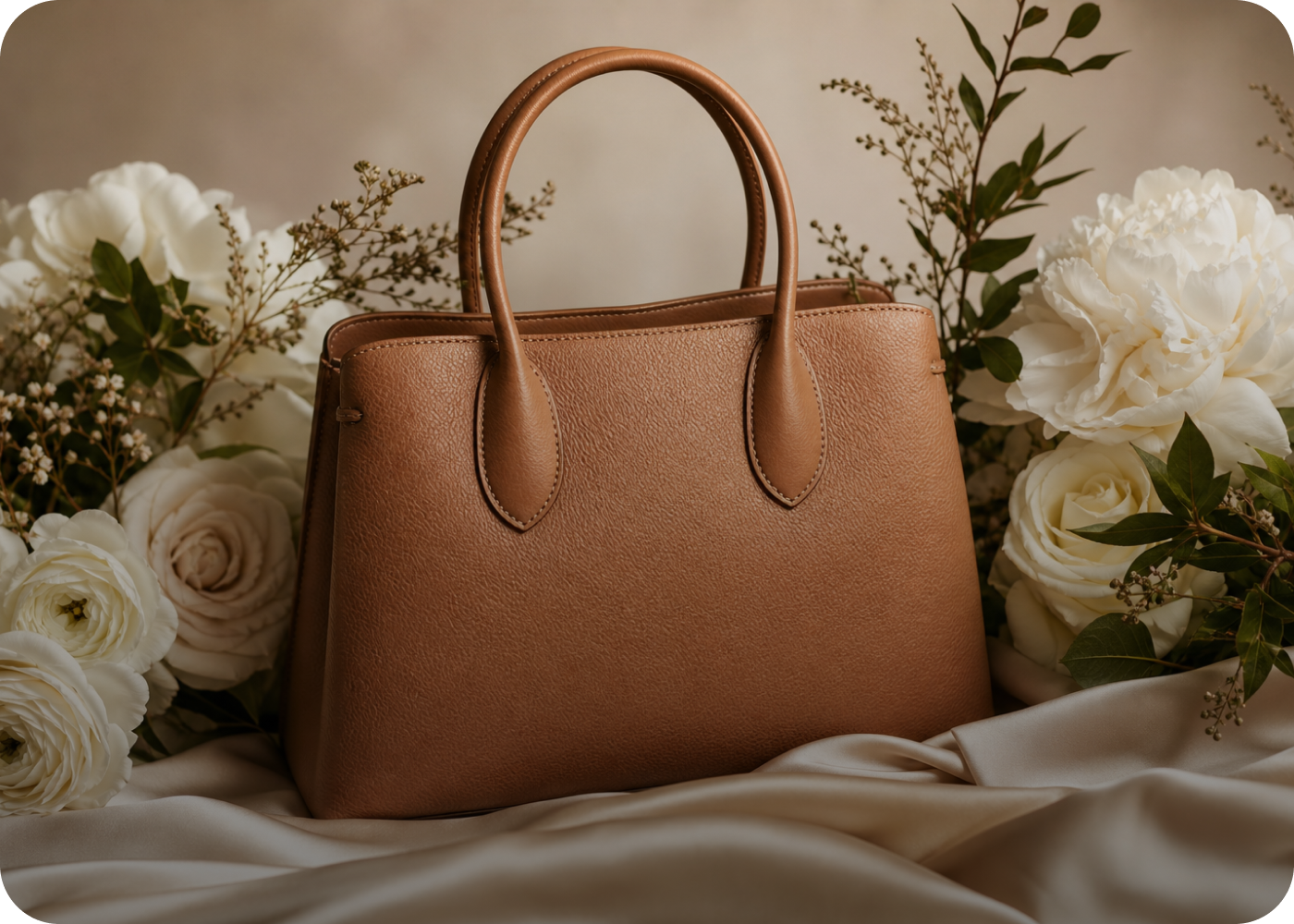
E-commerce Sellers
Denoise product images in bulk to remove distracting noise and keep textures, edges, and labels clear for polished, high-quality online listings.
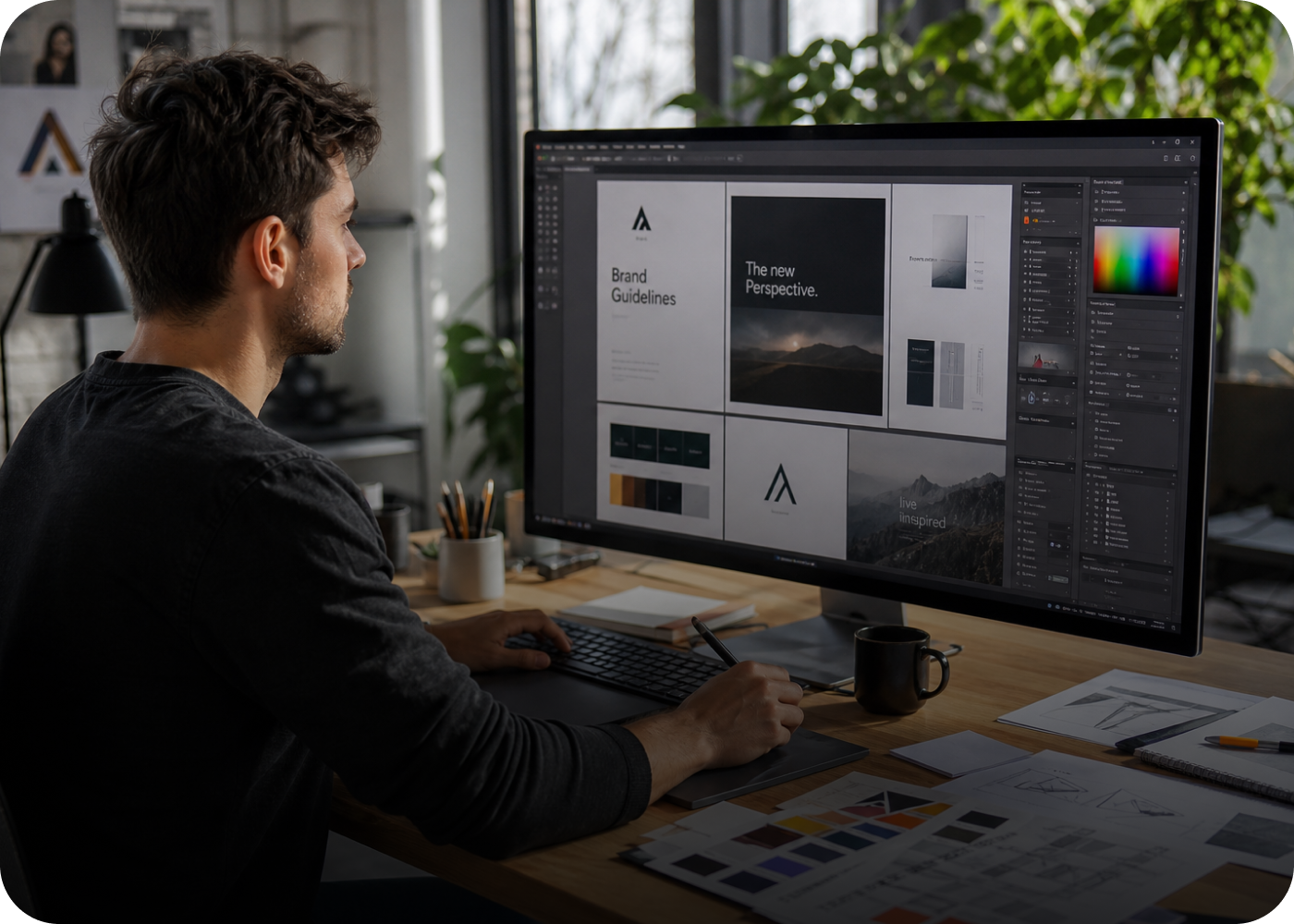
Graphic Designers
Remove unwanted noise or low-resolution artifacts from AI-generated images before editing, making them easier to refine for designs, ads, and commercial visuals.
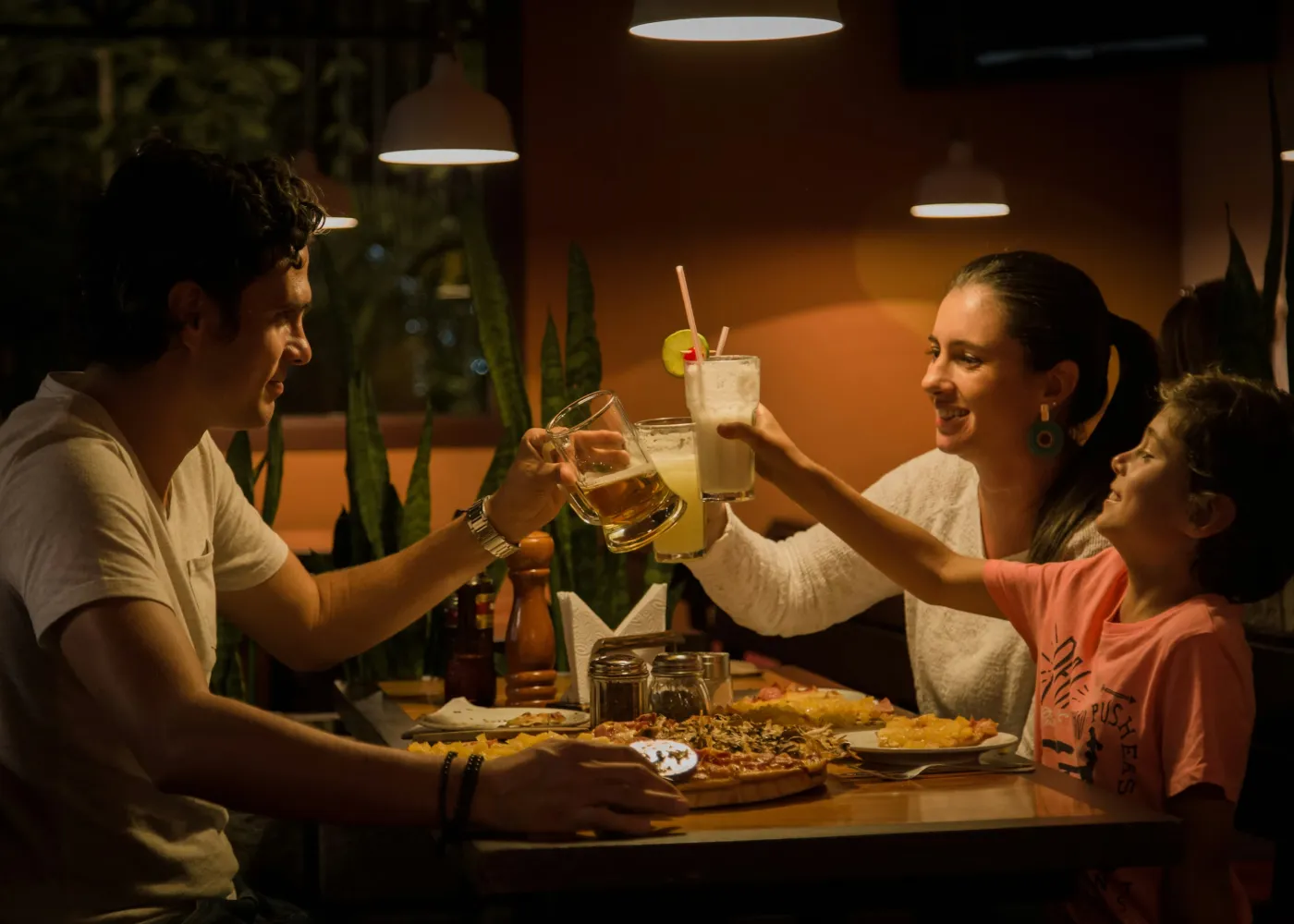
Family Memory Keepers
Restore old family photos with graininess in photos caused by aging, scanning, or outdated cameras, making treasured memories cleaner and easier to print or share.
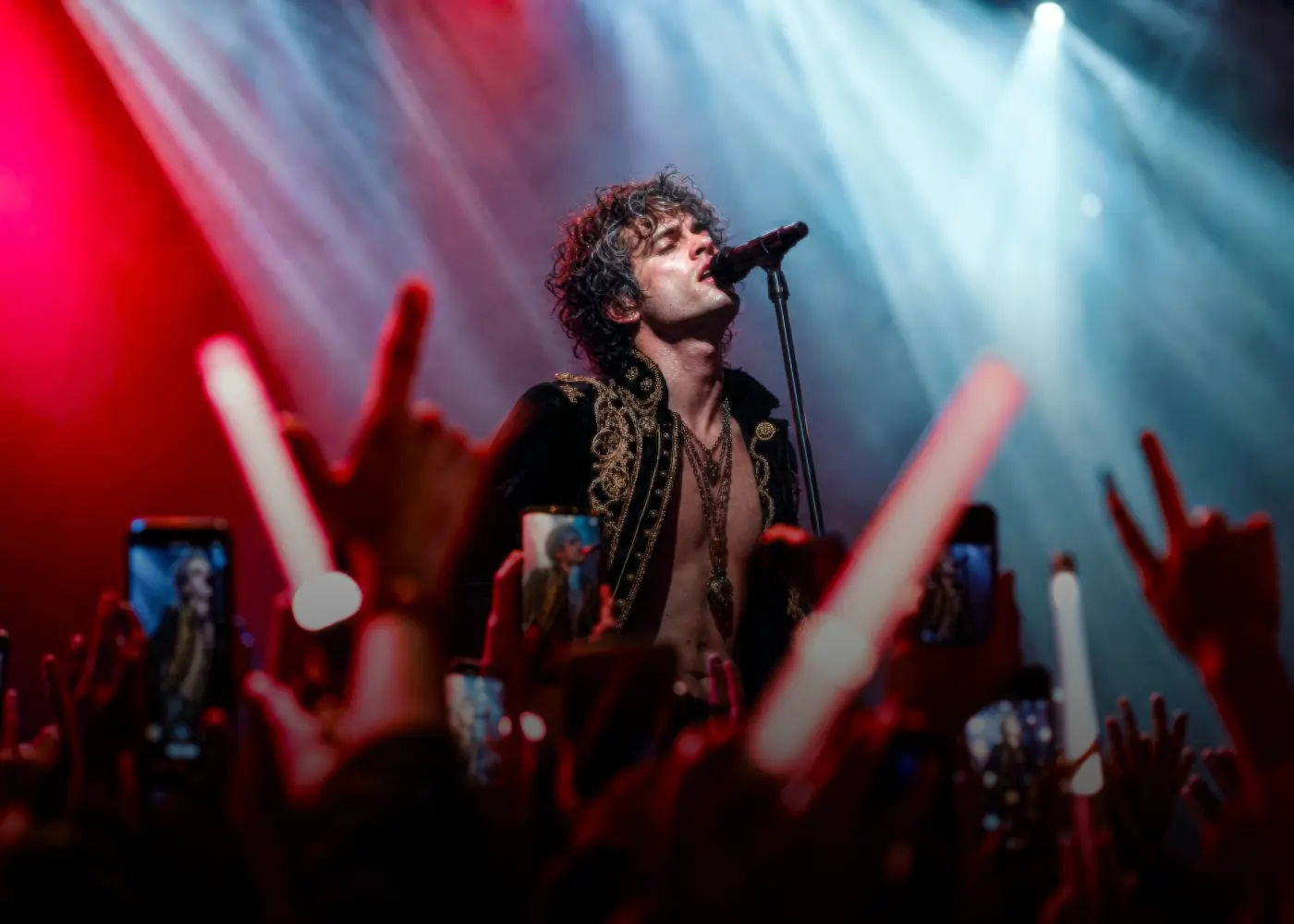
Music & Concert Fans
Denoise concert photos affected by low light, high ISO, and colorful stage lighting, keeping performers, faces, and key details clearer for sharing and saving.
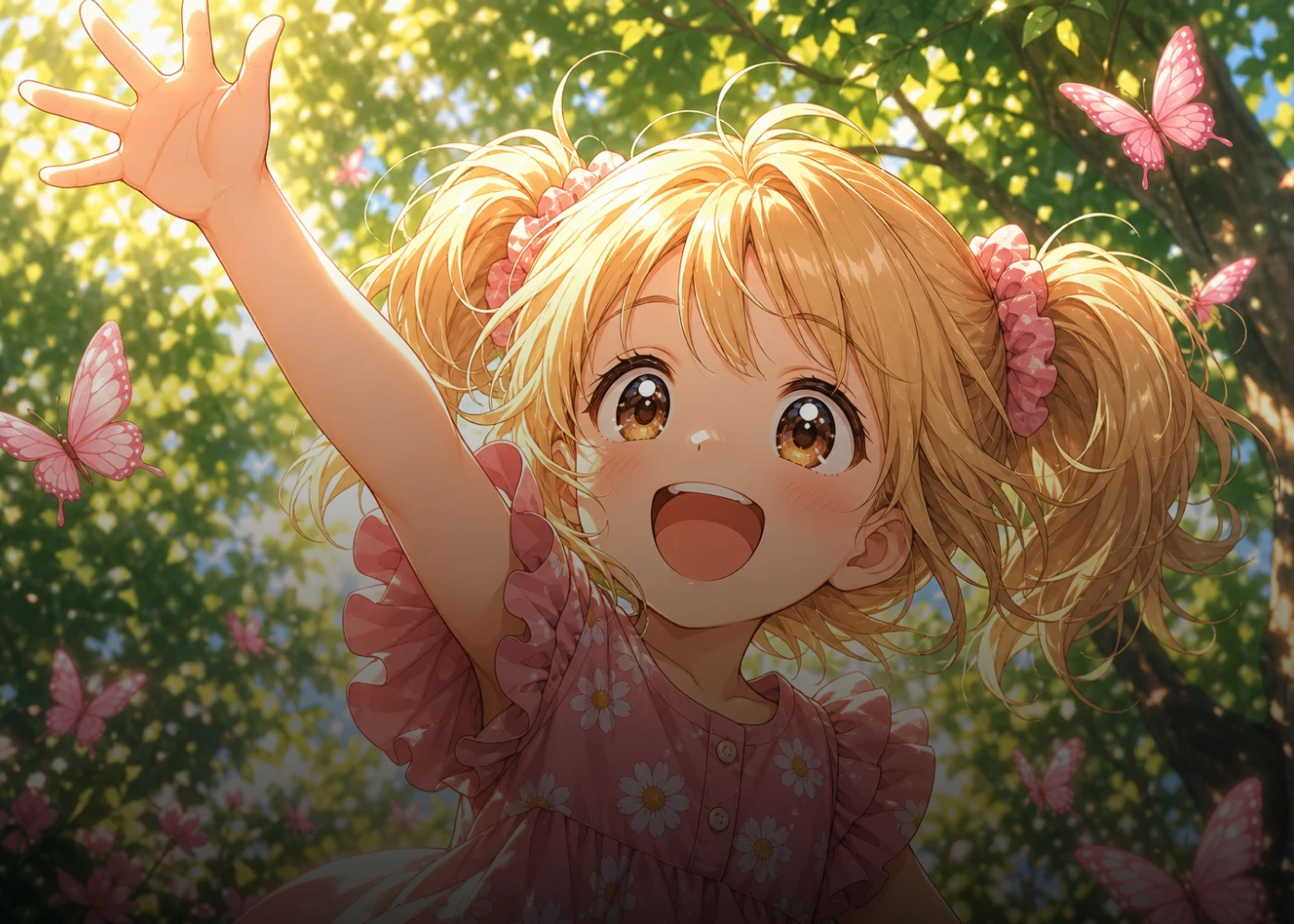
Anime & Illustration Fans
Found the perfect wallpaper in an old anime, but the screenshot is too blurry? HitPaw’s denoise AI tool brings back cleaner lines and character details for a sharper, wallpaper-ready image.
Why Choose HitPaw AI Image Denoiser Online
Denoise Images to 8K
Reduce image noise and grain while preserving fine details with HitPaw’s AI denoise. Enhance your photos up to 8K for sharper, cleaner, high-quality results.
Denoise Photo in Seconds
Quickly clean up noise and grain with AI-powered image denoising. Process your photos in seconds and get polished results without complicated editing.
Protect Your Privacy
Use our free online image denoiser to clean up your photos while keeping your images private. Uploaded files are securely processed and automatically deleted.
Cross-Platform Support
With HitPaw’s AI picture denoiser, you can denoise your images wherever you work and keep your photo enhancement workflow flexible and convenient.
Explore More HitPaw Online Al Tools
Online Video Generator
Turn text prompts into stunning cinematic AI videos in seconds.
Online Music Generator
Create custom royalty-free soundtracks for any mood or genre.
AI Mimic motion
Animate static photos with realistic human movements and expressions.
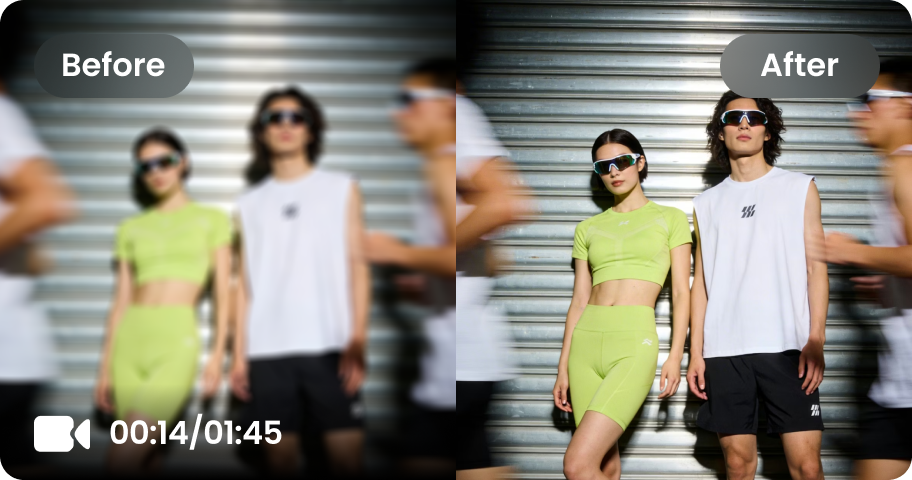
Online Video Enhancer
Transform low-quality videos into sharp, clear HD videos instantly.
Online Image Generator
Generate high-quality AI images and artwork from simple text.
Background remover
Isolate subjects and erase backgrounds automatically with one click.
What Users Say About HitPaw Image Denoiser Free Online

Photographer @mike

“I shoot a lot of high-ISO photos in less-than-ideal lighting, and this image denoising tool is surprisingly good. It cuts down the grain without making the details look overly processed. A huge time-saver for my photo workflow.”

Content Creator @sophia
“Some of my AI-generated images come out with noticeable noise in photos, especially when I use lower-quality outputs. HitPaw’s AI image cleaner gives them a much cleaner finish before I use them for posts and campaigns.”

E-commerce Seller @daniel
“I had dozens of product shots with distracting noise on images after shooting in a dim studio. Being able to denoise images in batches saved me a ton of editing time, and the final photos look much more polished on my listings.”

Anime Fan @lily
“Found an amazing screenshot from an old anime, but it was way too grainy to use as a wallpaper. The free online denoiser cleaned it up nicely and brought back the character details. Finally, a screenshot worth putting on my desktop!”

Family Memory Keeper @emma
“I had some old family photos where the graininess in photos made faces and small details difficult to see. HitPaw helped clean them up without taking away their original character. They now look much better when shared with the family.”
FAQs About HitPaw AI Image Denoiser
The AI image denoising tool can analyze pixels to distinguish unwanted image noise, grain, and color artifacts from important visual details. HitPaw's online image denoiser uses AI to reduce these distractions while preserving textures, edges, and other details for cleaner, more natural-looking photos.
Noise in photos can make images look grainy, dull, or less detailed, especially in low-light and high-ISO conditions. Using HitPaw Online to denoise photos helps reduce distracting grain and improve clarity while keeping the original details looking natural.
To remove grain from a photo, upload your image to HitPaw online denoiser and choose a suitable denoise option. This AI image denoiser reduces unwanted grain and noise while preserving important details for a cleaner, sharper result.
Image noise can result from high ISO, low-light conditions, long exposures, small camera sensors, underexposure, image compression, or low-quality image sources. HitPaw’s AI image cleaner can reduce these unwanted artifacts and help restore a cleaner appearance.
Yes. HitPaw lets you denoise images online directly from your browser on Windows or Mac. For more advanced denoising, batch processing, and higher-resolution results, HitPaw FotorPea is a better choice for a more powerful photo enhancement workflow.
Tips & Tricks for Denoising Photos Online with HitPaw
Ready to Remove Noise from Your Photos?
Got a grainy or noisy photo? Upload it to HitPaw’s free online image denoiser and see how AI can remove noise on images in seconds. No complicated editing—just a quick way to get clearer, more polished images.
