















GPT Image 2.5 Enhancer – Improve Image Quality Online
GPT Image 2.5 helps you create and refine sophisticated AI visuals. HitPaw GPT Image 2.5 Enhancer takes the finished image further by enhancing fine details, textures, facial features, and resolution—so your creation is ready for use, sharing, or high-resolution output.
Support format: png, jpg, jpeg, webp
Maximum photo
resolution:
8K
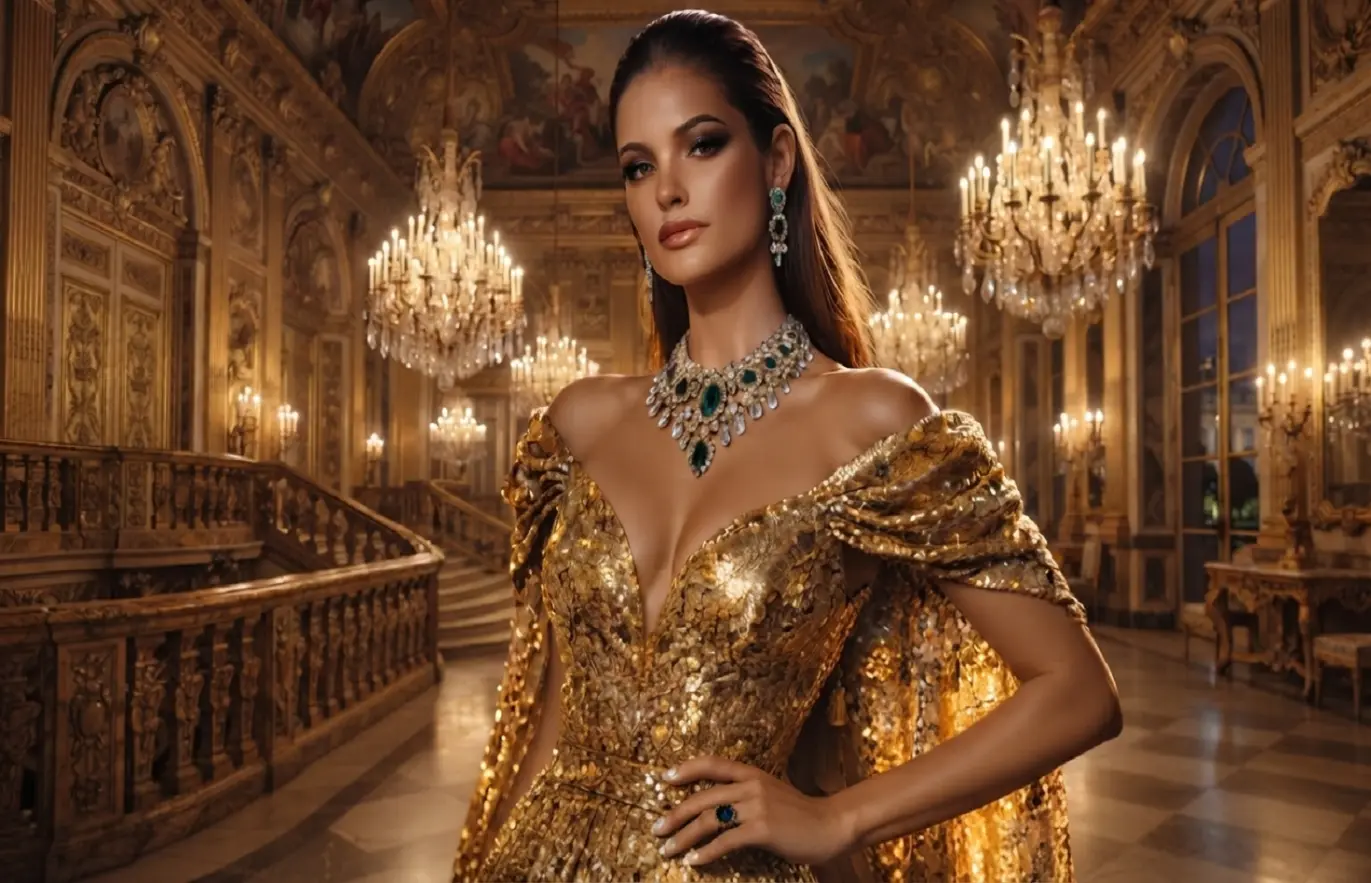
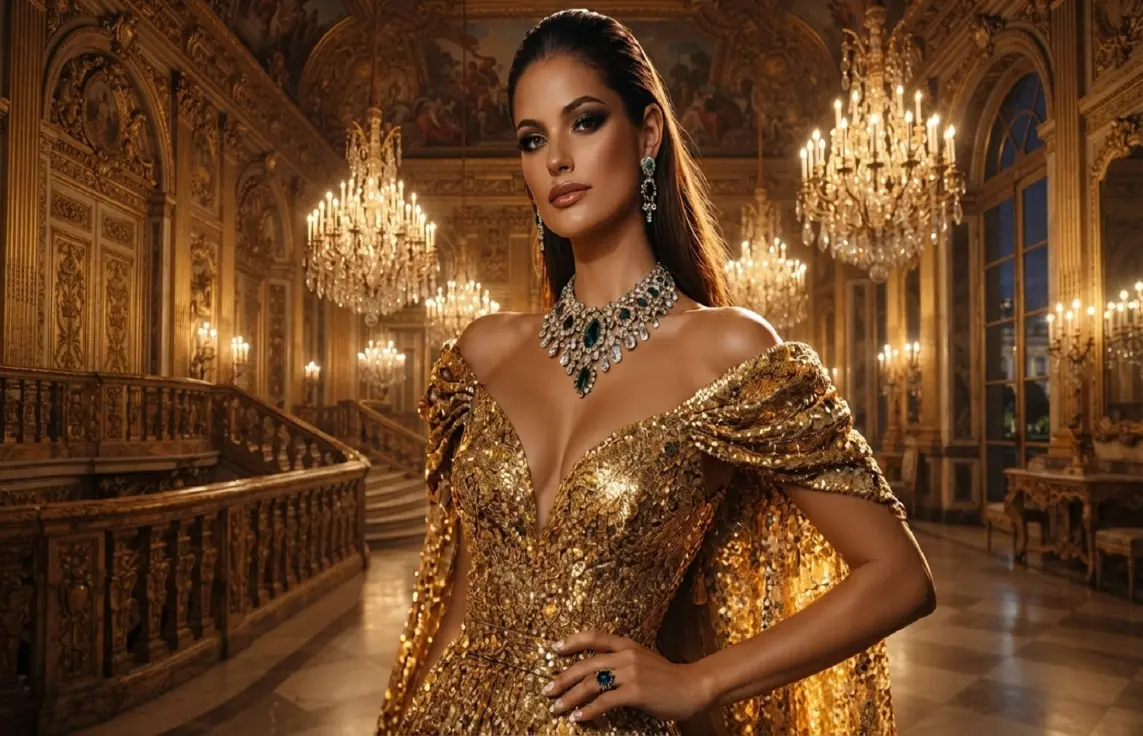


How to Enhance GPT Image 2.5 Images Online

Step 1: Upload Your GPT Image 2.5 Image
Upload your GPT Image 2.5 creation, whether it's a product visual, portrait, illustration, or marketing graphic. JPG, PNG, JPEG, and WebP files are supported.
Step 2: Choose an AI Enhancement Model
Select the right AI model for your image and let our GPT Image 2.5 Enhancer optimize details, clarity, and resolution.
Step 3: Preview and Download
Upscale your AI-generated image to stunning 4K or 8K quality, then preview and download the enhanced result.
Enhance Every GPT Image 2.5 Creation with HitPaw
Take your GPT Image 2.5 creations further with HitPaw GPT Image 2.5 Enhancer. Refine portraits, sharpen product images, upscale creative and campaign visuals, and bring out fine details across AI-generated images while preserving the original style and composition.
Refine GPT Image 2.5 Portraits
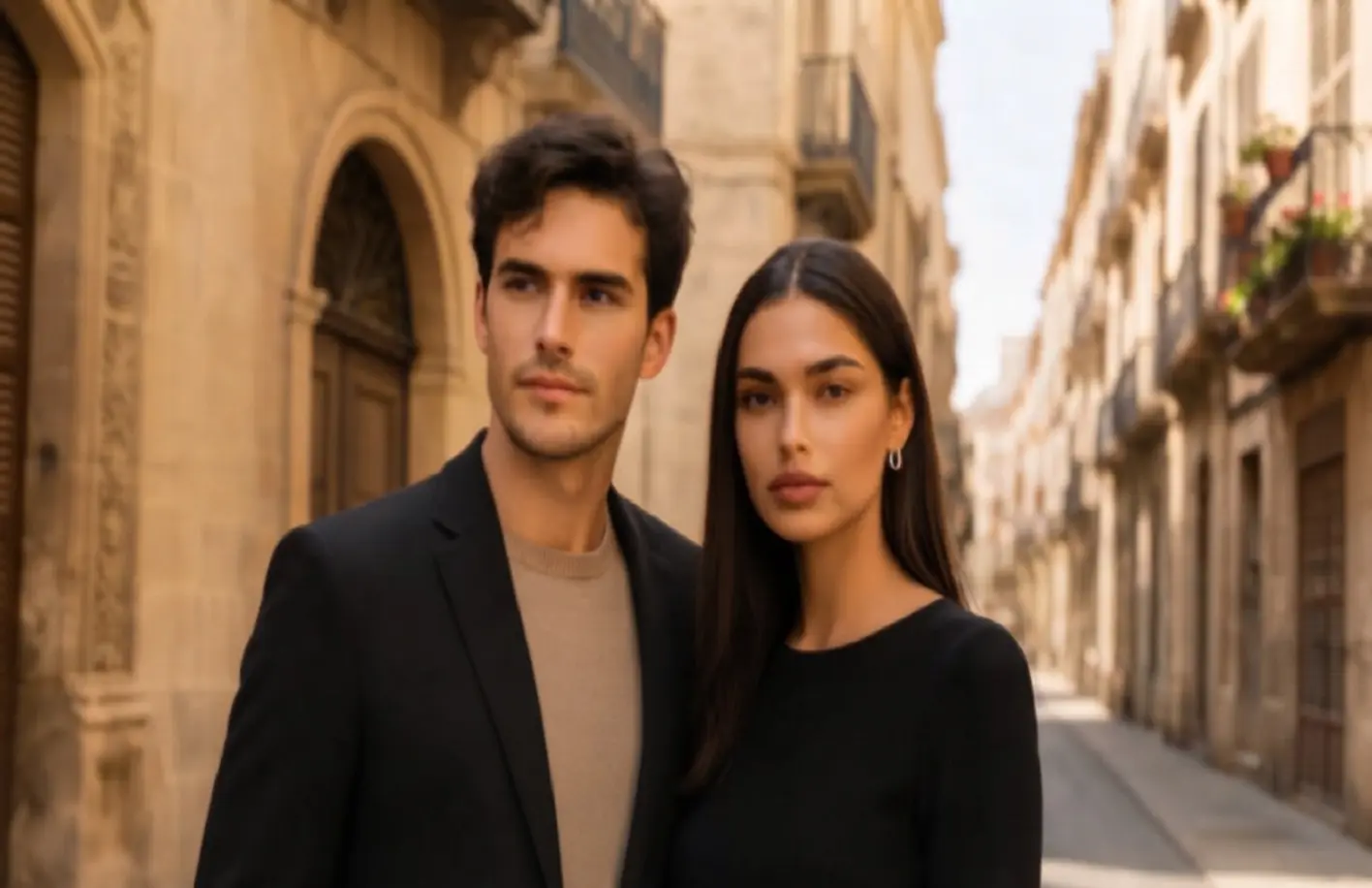
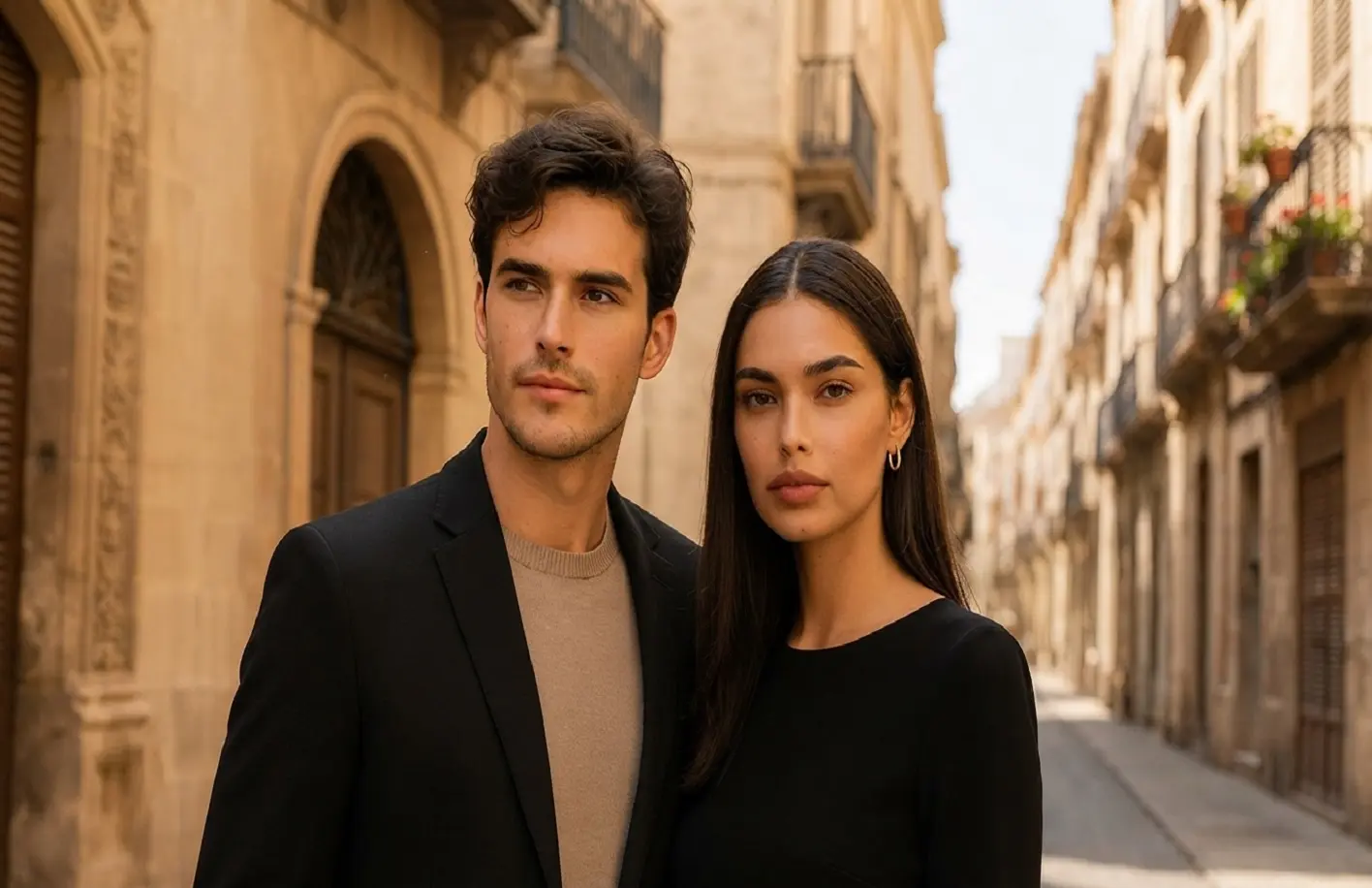
Refine GPT Image 2.5 Portraits
GPT Image 2.5 can create polished portraits, but faces, hair, and skin textures may still need refinement. HitPaw refines these details for a more natural and polished look while preserving the original appearance.
Sharpen GPT Image 2.5 Product Images
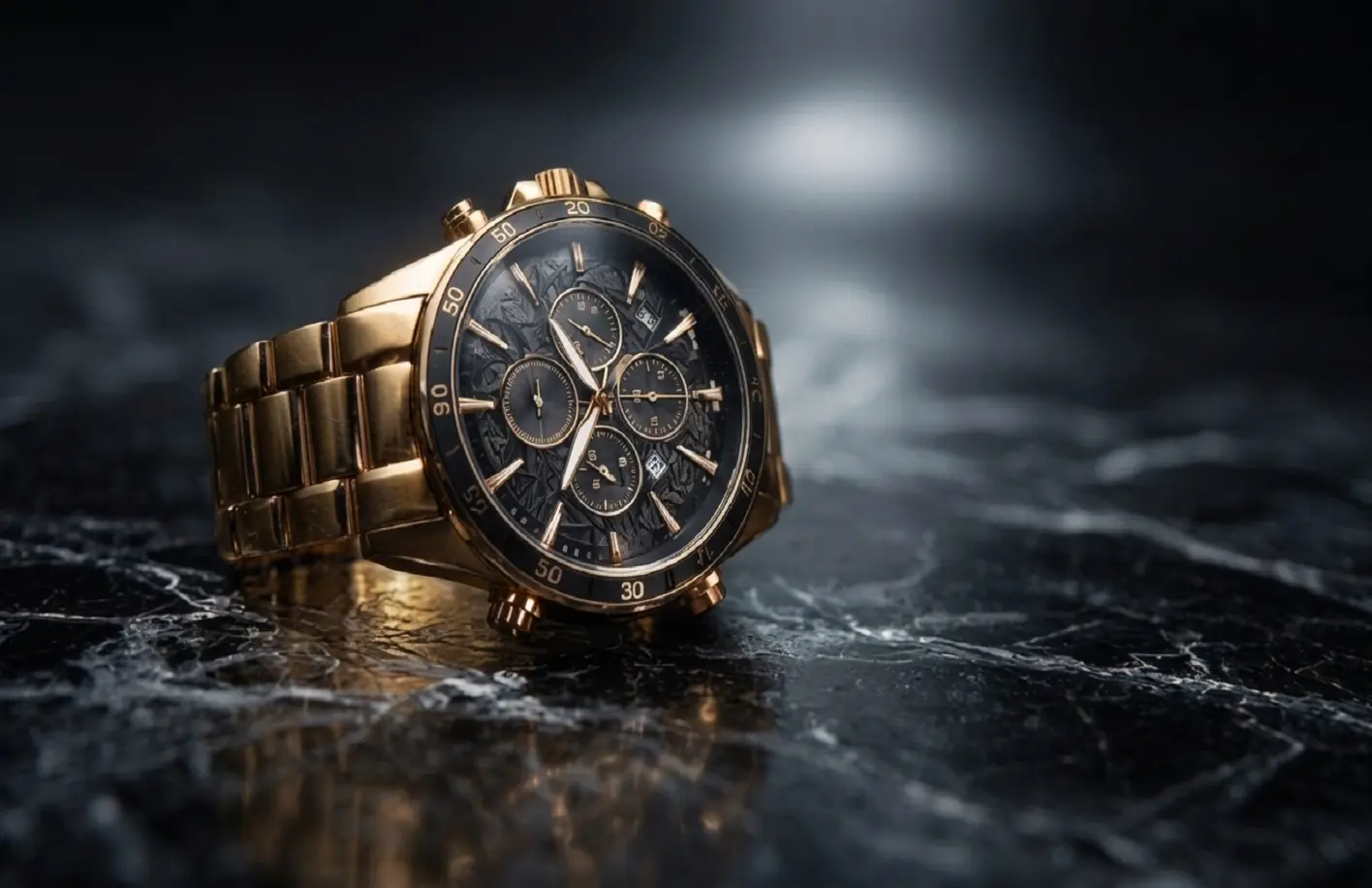
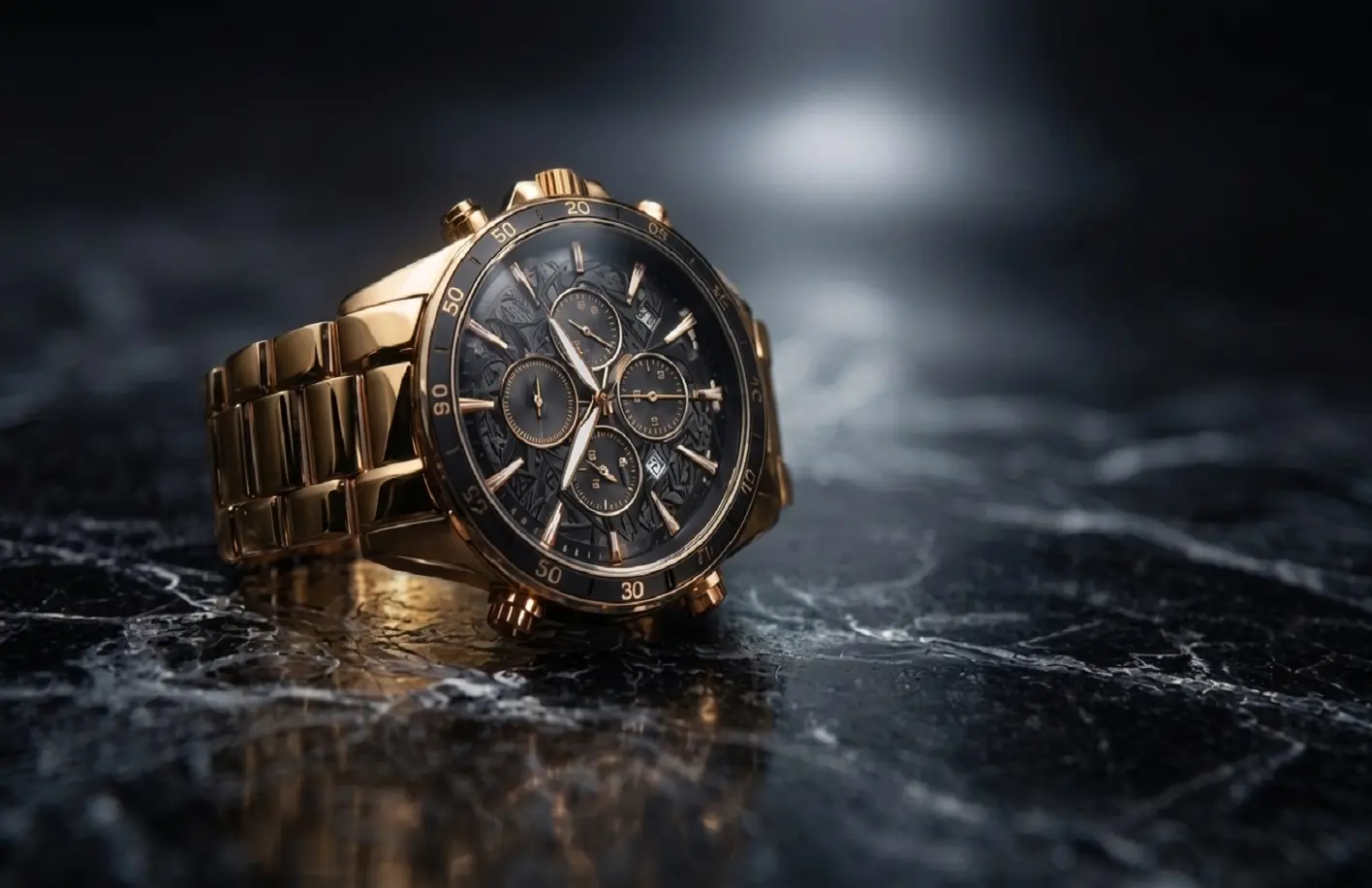
Sharpen GPT Image 2.5 Product Images
Product visuals generated with GPT Image 2.5 can look polished while still lacking crisp edges and subtle material details. HitPaw sharpens product details and textures for clearer e-commerce images, product pages, and marketing visuals.
Upscale GPT Image 2.5 Creative & Campaign Visuals
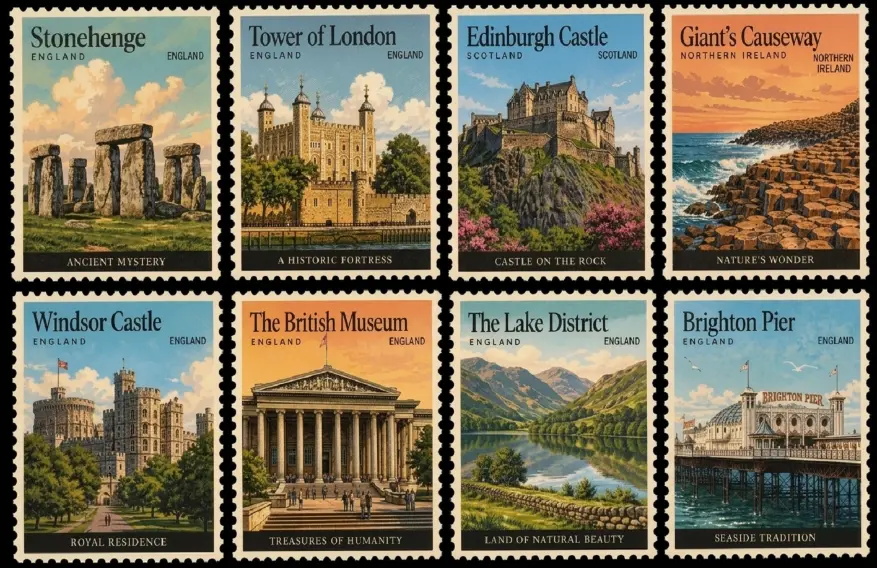
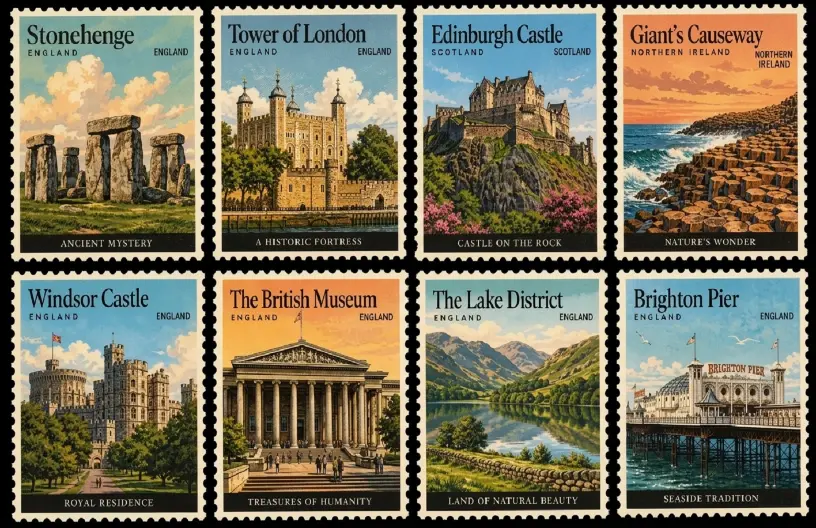
Upscale GPT Image 2.5 Creative & Campaign Visuals
GPT Image 2.5 can create eye-catching visuals for ads, social posts, and banners, but smaller outputs may lose clarity when enlarged. HitPaw upscales your AI-generated visuals for sharper, publication-ready content.
Bring Out Fine Details in GPT Image 2.5 Images
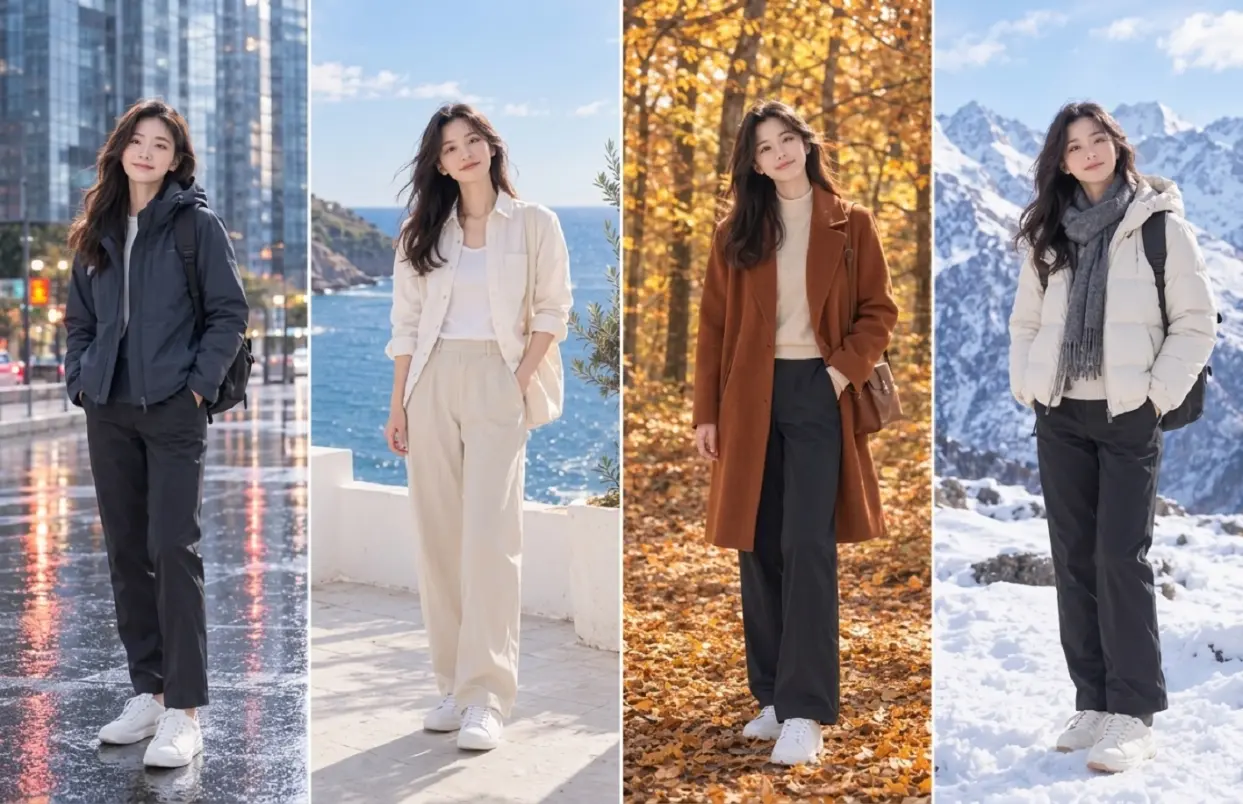
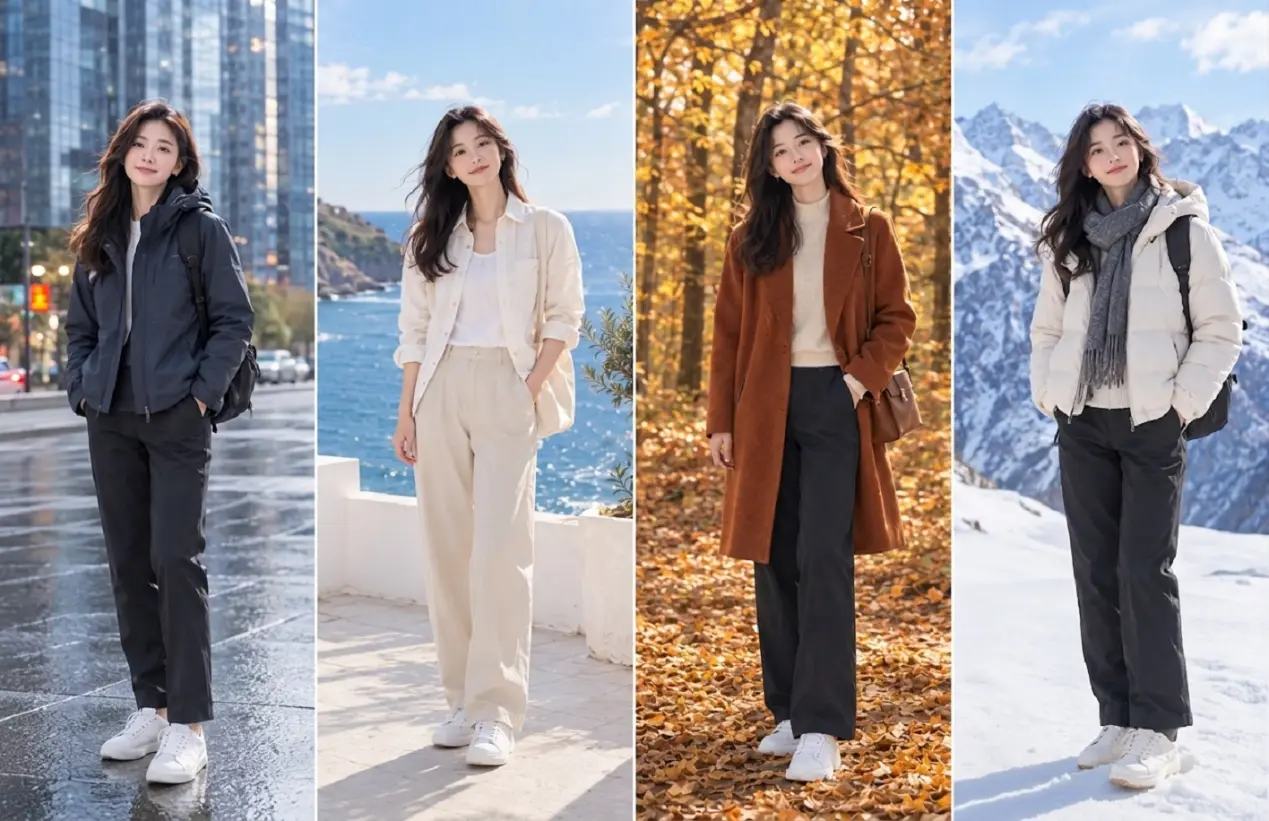
Bring Out Fine Details in GPT Image 2.5 Images
GPT Image 2.5 turns complex creative directions into cohesive visuals. HitPaw enhances fine details in hair, fabric, textures, and edges while preserving the original composition and visual style.
Enhance GPT Image 2.5 Images for Every Creative Workflow
From social media campaigns and ecommerce visuals to professional designs, digital artwork, concept art, and book covers, HitPaw AI Image Enhancer helps refine GPT Image 2.5 creations with sharper details, richer textures, and improved image quality for every project.
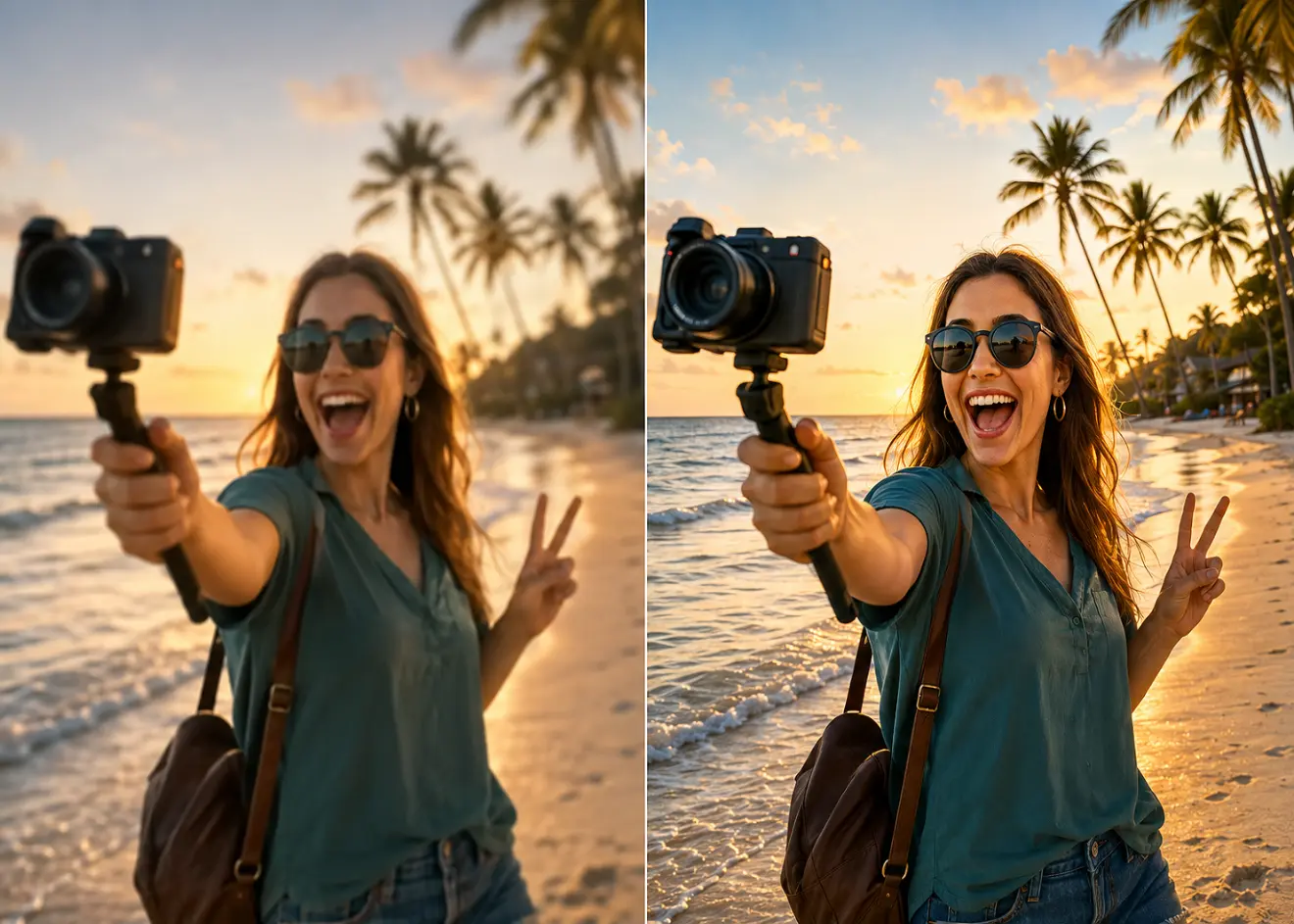
Content Creators
From YouTube thumbnails to social posts, enhance GPT Image 2.5 creations with sharper details, cleaner textures, and higher-quality visuals ready to publish.
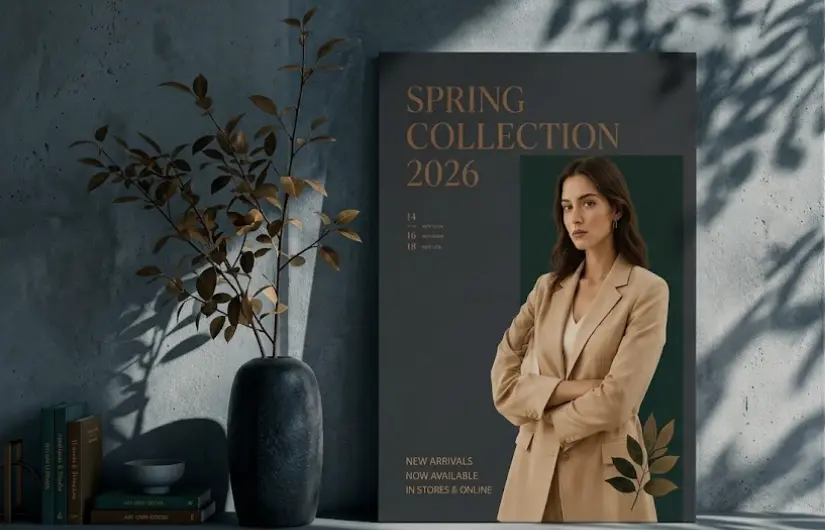
Designers & Creative Professionals
Turn GPT Image 2.5 creations into polished design assets with sharper details, cleaner textures, and enhanced image quality—ready for posters, campaigns, layouts, and other creative projects.
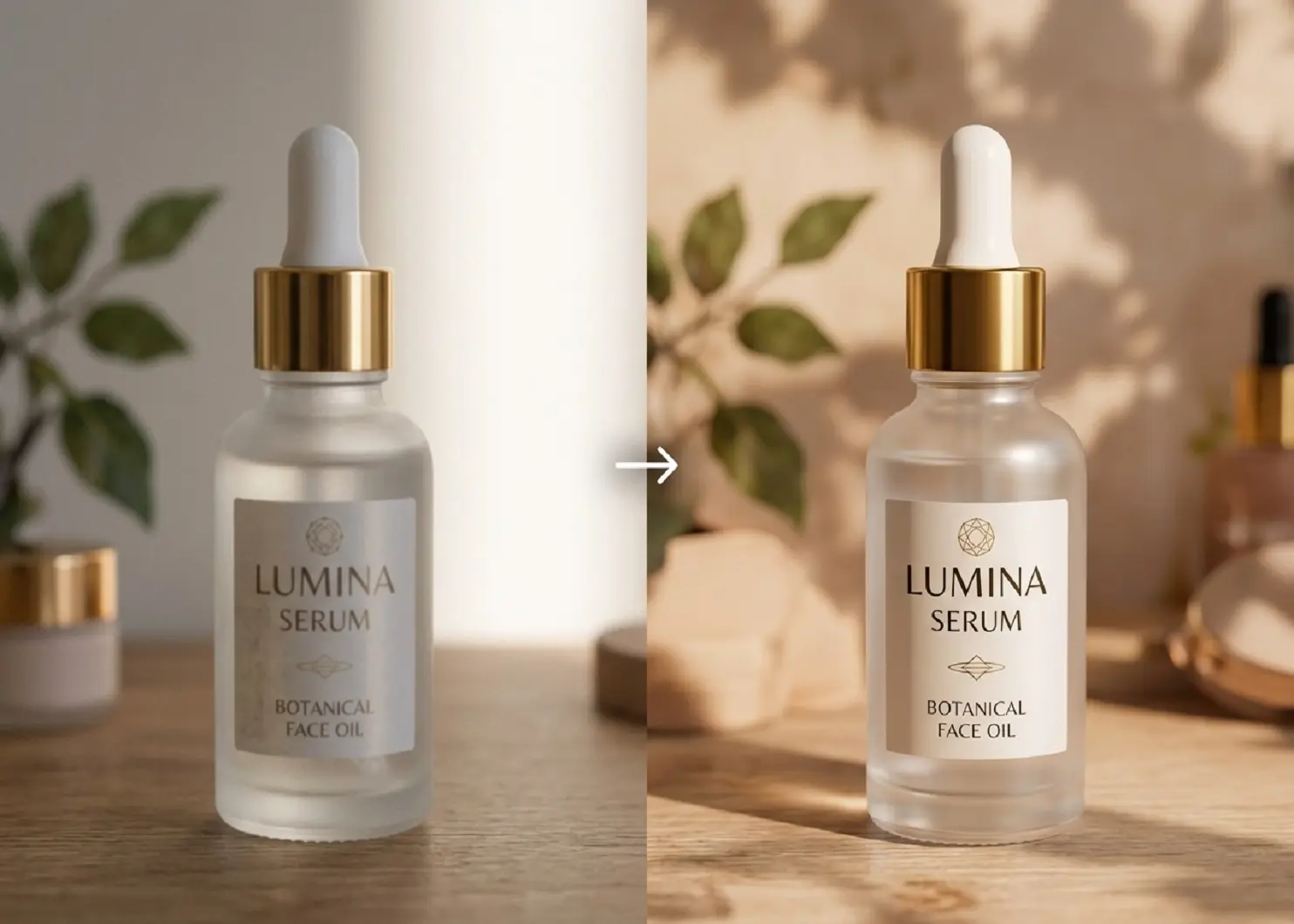
E-commerce & Product Marketers
Enhance GPT Image 2.5 product and lifestyle visuals with clearer textures, sharper details, and polished resolution for product pages, ads, and storefronts.
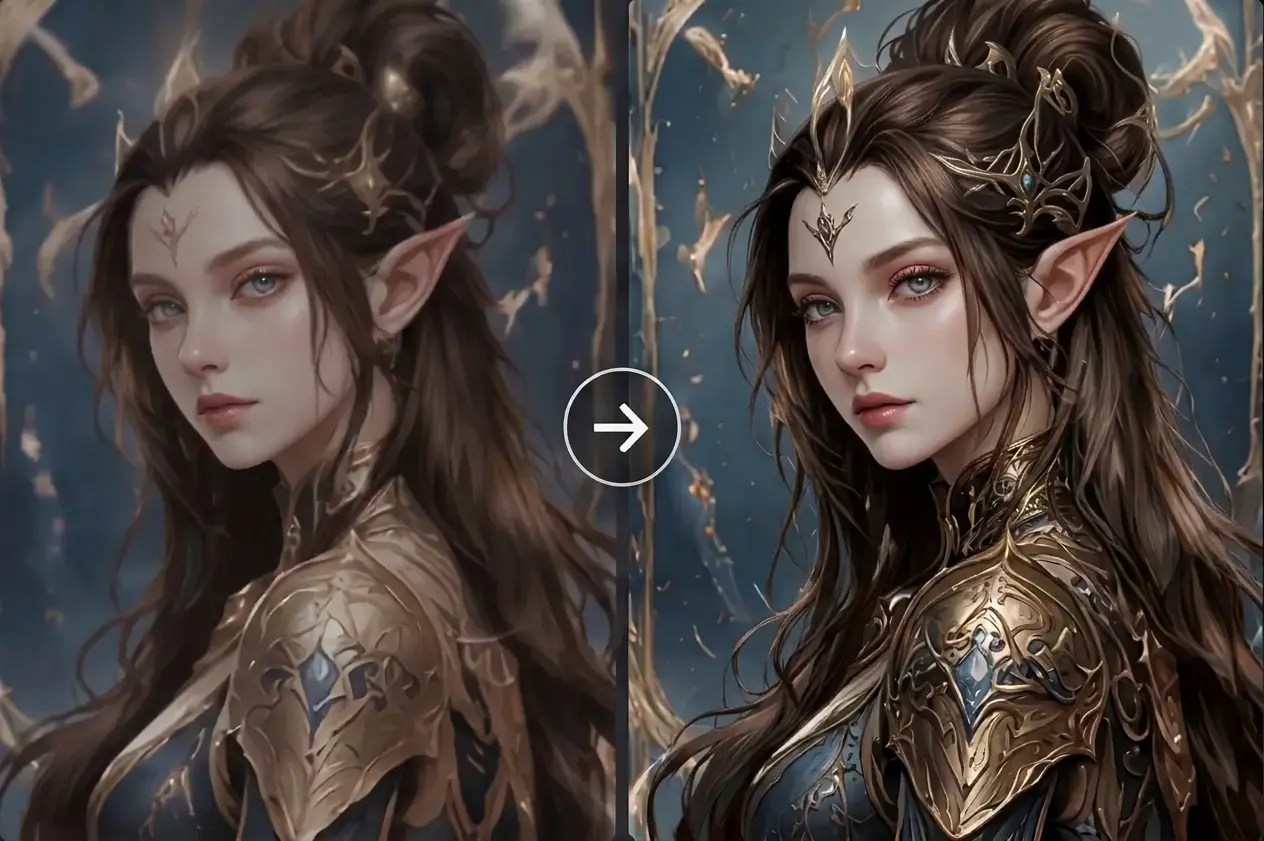
Digital Artists & Illustrators
Refine GPT Image 2.5 characters, environments, and illustrations with richer textures, sharper details, and greater visual depth for polished artwork.
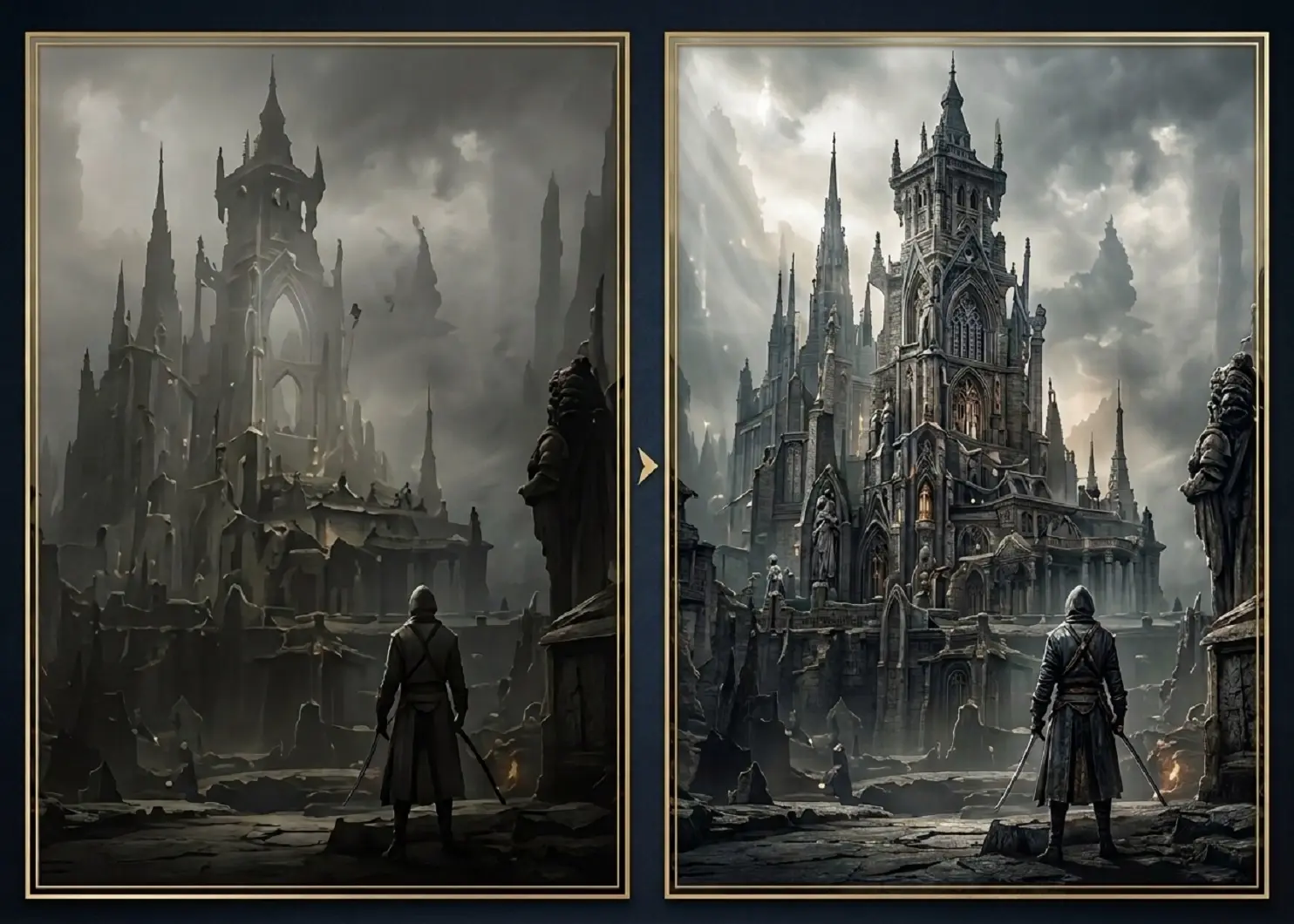
Game Developers & Concept Artists
Enhance GPT Image 2.5 concept art with sharper character details, richer materials, and clearer environments for game development and visual presentations.

Social Media Marketers
Turn GPT Image 2.5 creations into sharper, more polished visuals for social posts, ad creatives, and marketing campaigns. Improve details and image quality before publishing.
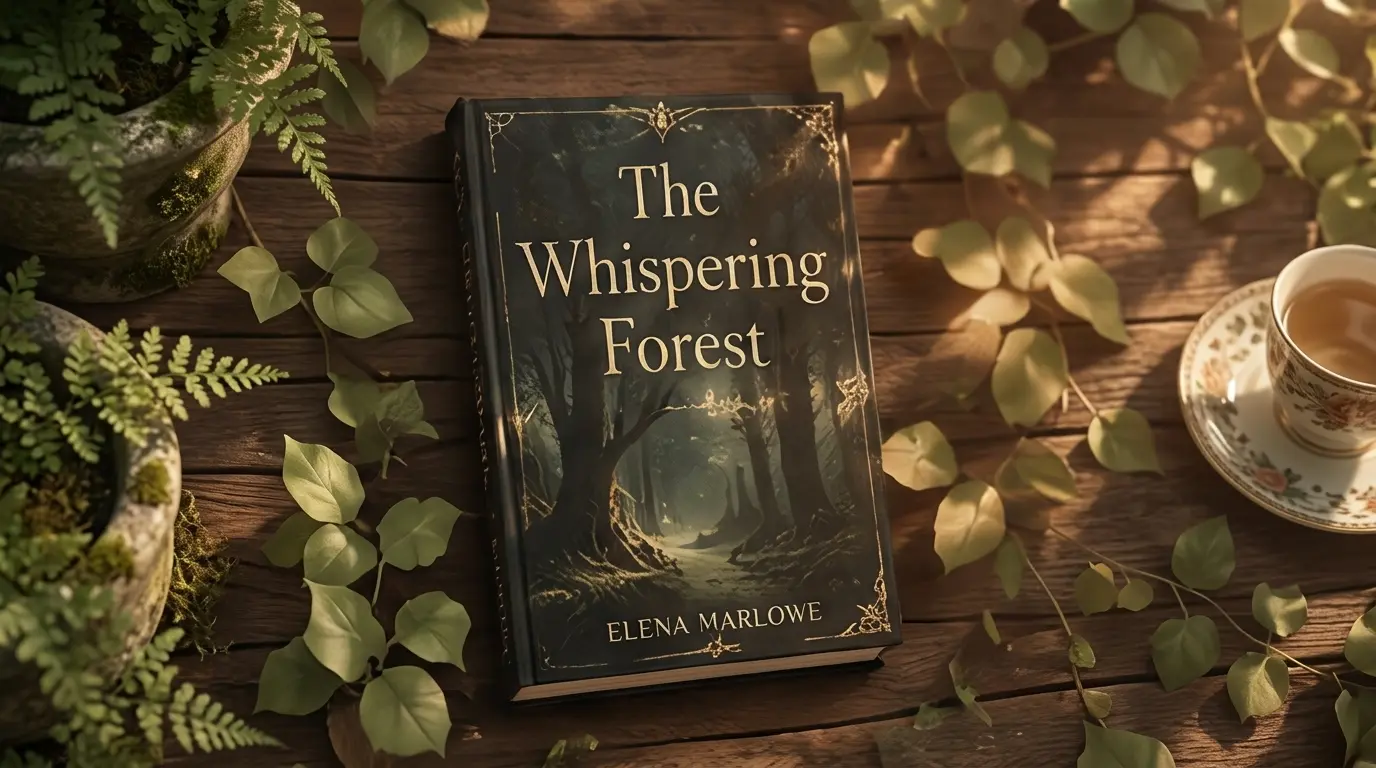
Authors & Publishers
Enhance GPT Image 2.5 artwork for book covers, illustrations, and promotional materials. Sharpen fine details, refine textures, and improve image quality for polished publishing visuals.
Why Choose HitPaw GPT Image 2.5 Enhancer Online
AI-Powered Upscaling
Sharpen details, refine textures, and improve GPT Image 2.5 image quality automatically.
Enhance GPT Image in Seconds
Upscale GPT Image 2.5 images while keeping details, edges, and textures clear.
Clearer, More Natural Details
Fix blur and pixelation while making AI-generated images look sharper and more realistic.
Cross-Platform Support
Batch enhance your GPT images seamlessly across Windows, Mac, and online.
Explore More HitPaw Online Al Tools
Online Video Generator
Turn text prompts into stunning cinematic AI videos in seconds.
Online Music Generator
Create custom royalty-free soundtracks for any mood or genre.
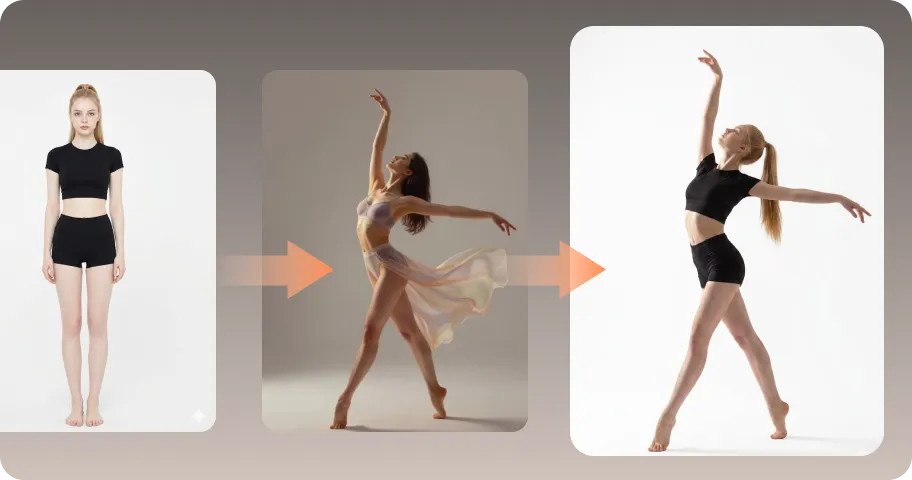
AI Mimic motion
Animate static photos with realistic human movements and expressions.
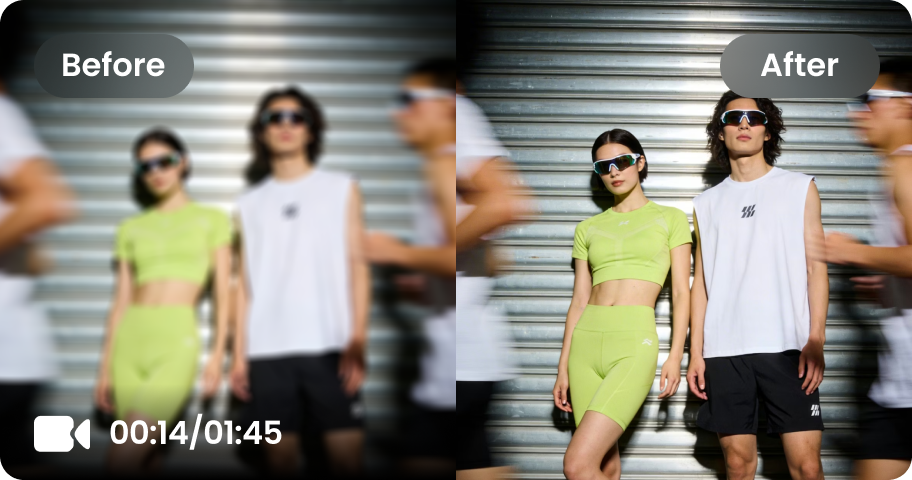
Online Video Enhancer
Transform low-quality videos into sharp, clear HD videos instantly.
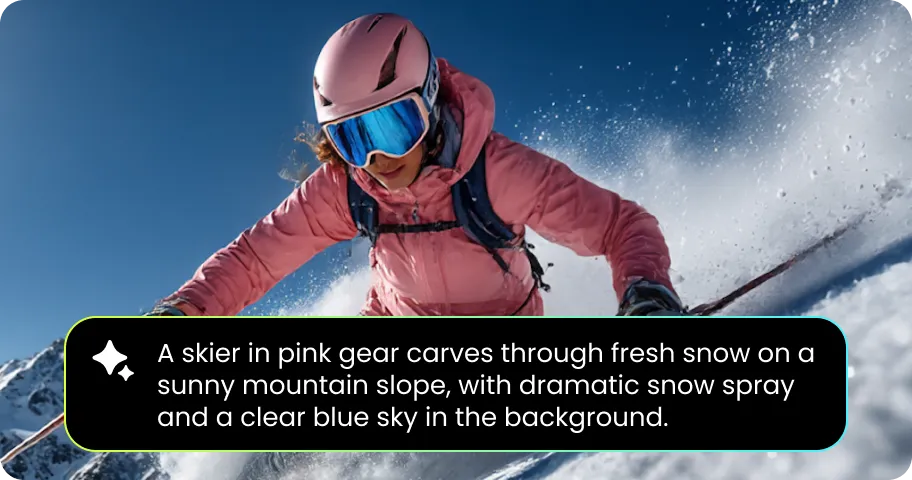
Online Image Generator
Generate high-quality AI images and artwork from simple text.
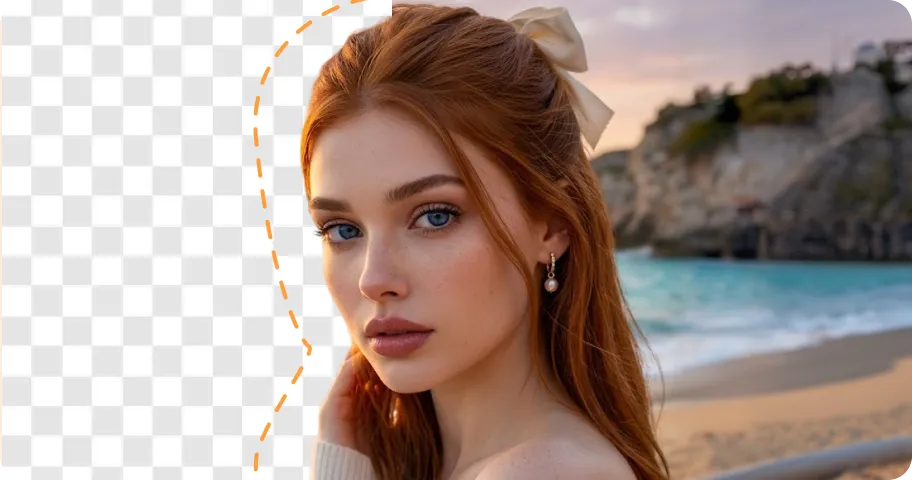
Background remover
Isolate subjects and erase backgrounds automatically with one click.
What Users Say About HitPaw GPT Image 2.5 Enhancer

Daniel Brooks, Content Creator

“I use GPT Image 2.5 to create visuals for my content, but some images need a little extra clarity before publishing. HitPaw helps sharpen details and make my AI-generated visuals look more polished.”

Olivia Bennett, Digital Artist
“I often use GPT Image 2.5 for characters and creative artwork. HitPaw helps bring out finer textures and details, making my AI-generated artwork look more finished and visually refined.”

James Wilson, E-commerce Seller
“GPT Image 2.5 is great for creating product and lifestyle visuals. HitPaw helps improve textures, edges, and overall image quality so my visuals look cleaner and more professional on product pages.”

Emily Carter, Marketing Manager
“I create AI visuals for social campaigns and promotional materials. HitPaw makes it easy to refine image quality, sharpen important details, and prepare visuals for different marketing channels.”

Sophia Martinez, Graphic Designer
AI-generated images are useful for exploring design ideas, but some details can still feel soft. HitPaw helps me refine textures, edges, and fine details before using them in professional designs.
FAQs About GPT Image 2.5 Image Enhancer
A GPT Image 2.5 image enhancer is an AI tool that improves the quality of AI-generated images by refining details, textures, sharpness, and resolution.
Enhancement helps refine a generated image after creation, making details clearer, textures more defined, and the final visual more polished for creative or professional use.
Yes. You can use an AI image enhancer to sharpen details, refine textures, reduce blur or pixelation, and improve the overall quality of GPT Image 2.5 creations.
Yes. AI enhancement can refine details such as skin, hair, fur, materials, lighting, and textures to give AI-generated images a more natural and realistic appearance.
Yes. An AI image enhancer can upscale GPT Image 2.5 images to higher resolutions such as 4K while improving fine details and maintaining clearer edges and textures.
Enhanced GPT Image 2.5 images can be used for social media content, ecommerce visuals, marketing campaigns, graphic design, digital artwork, concept art, book covers, and other creative projects.
Tips & Tricks for HitPaw Online GPT Image 2.5 Enhancer
Take Your GPT Image 2.5 Creations Further
Your GPT Image 2.5 image is only the starting point. Enhance fine details, refine textures, and upscale your AI creations to high-resolution 4K or 8K visuals with HitPaw Online.
