















PDF Enhancer Online for Clearer Text & Documents
Increase PDF quality online with HitPaw PDF Enhancer. Upscale scanned documents, sharpen blurry text, improve image details, and enhance multiple PDFs in batches for clearer, high-quality files in seconds.
Support format: png, jpg, jpeg, webp
Maximum photo
resolution:
8K
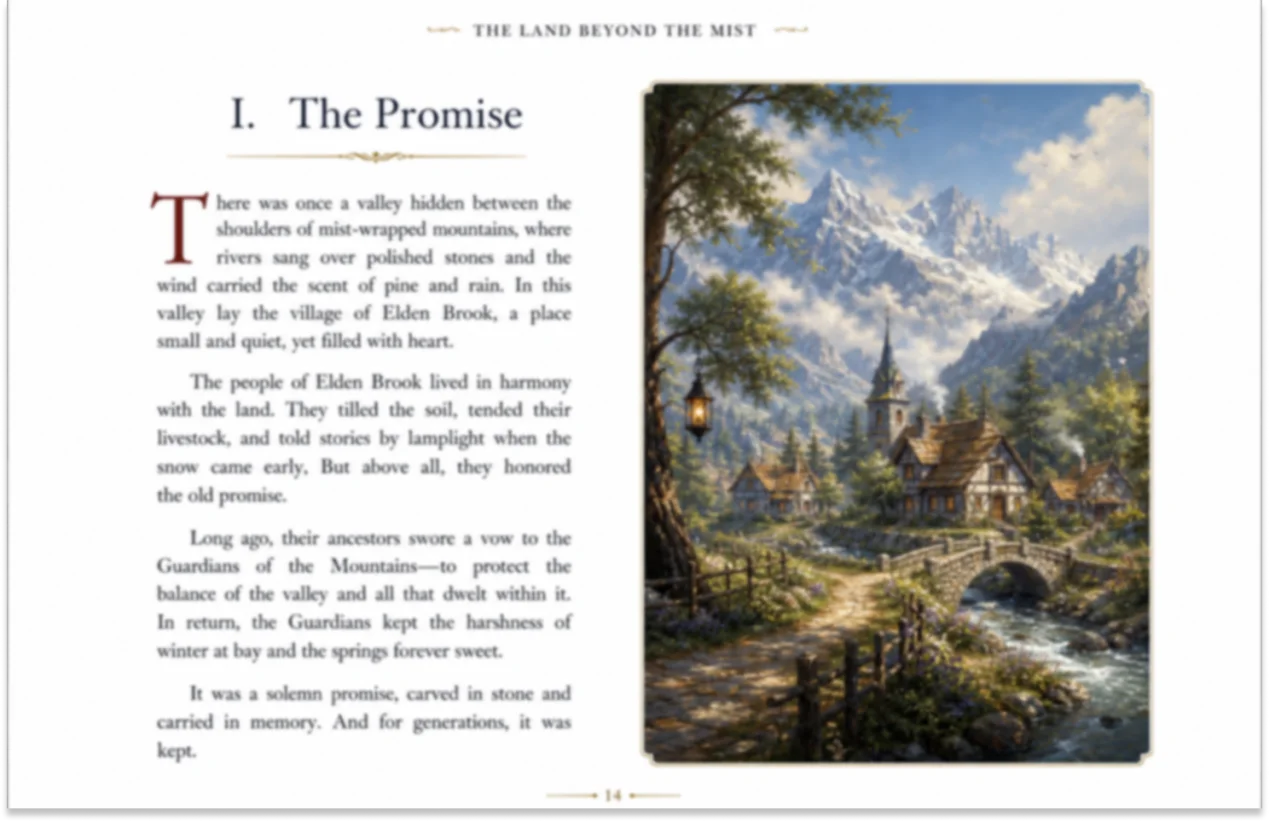
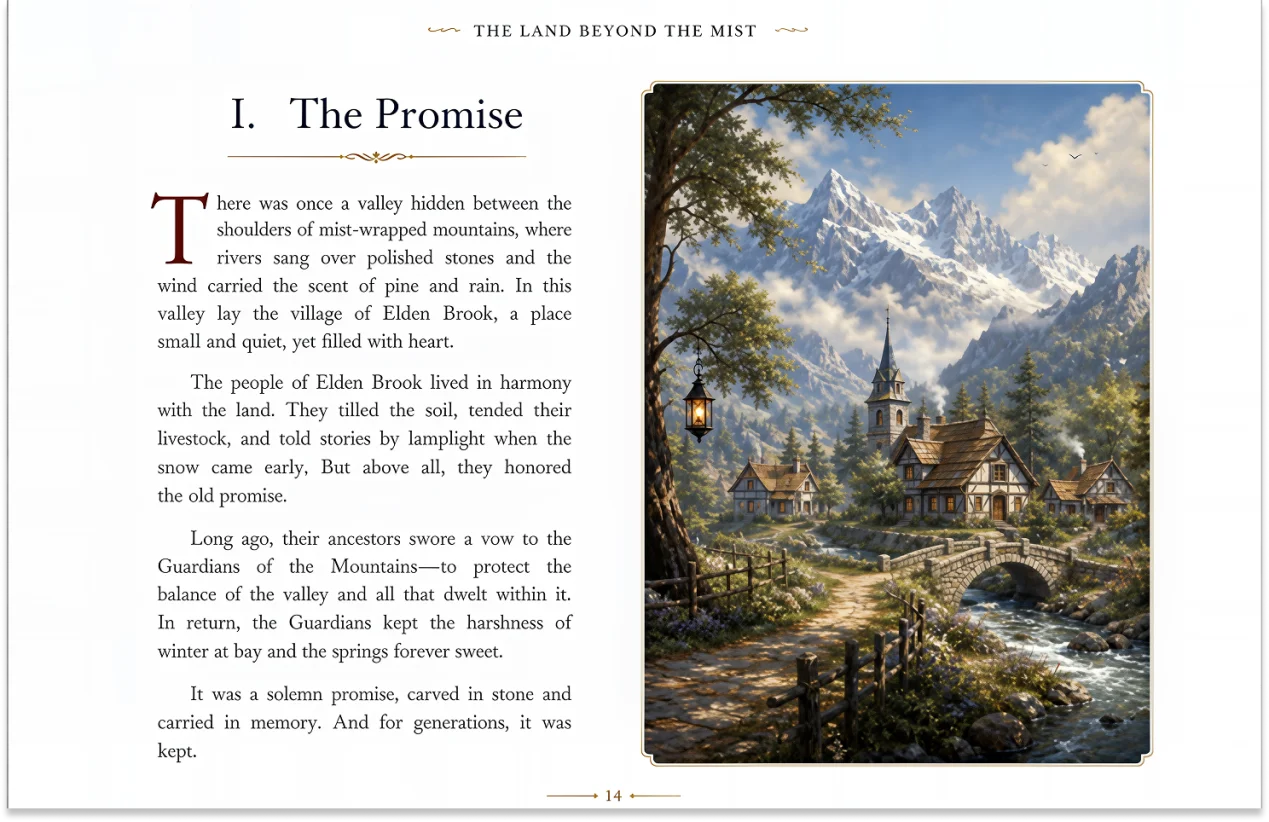




How to Increase the Quality of PDFs in 3 Easy Steps

Step 1:Upload A PDF
Click Enhance Photo Now or Text, upload the PDF you want to improve in just a few clicks. Our HitPaw PDF Upscaler makes it easy to enhance document quality.
Step 2:AI Enhance PDF Quality
HitPaw AI automatically analyzes your PDF and recommends some solutions for it. Just wait a few seconds to get a clearer, more readable document.
Step 3:Get Your Clearer PDF
Check your enhanced PDF and download a clearer version with improved text quality and image details.
Turn Unclear PDFs into Clear Documents with HitPaw PDF Upscaler
From scanned documents to blurry files, HitPaw AI PDF Enhancer improves text clarity, restores details, and upgrades PDF quality for every document type with ease.
Smart AI PDF Enhancer for Crystal-Clear Clarity
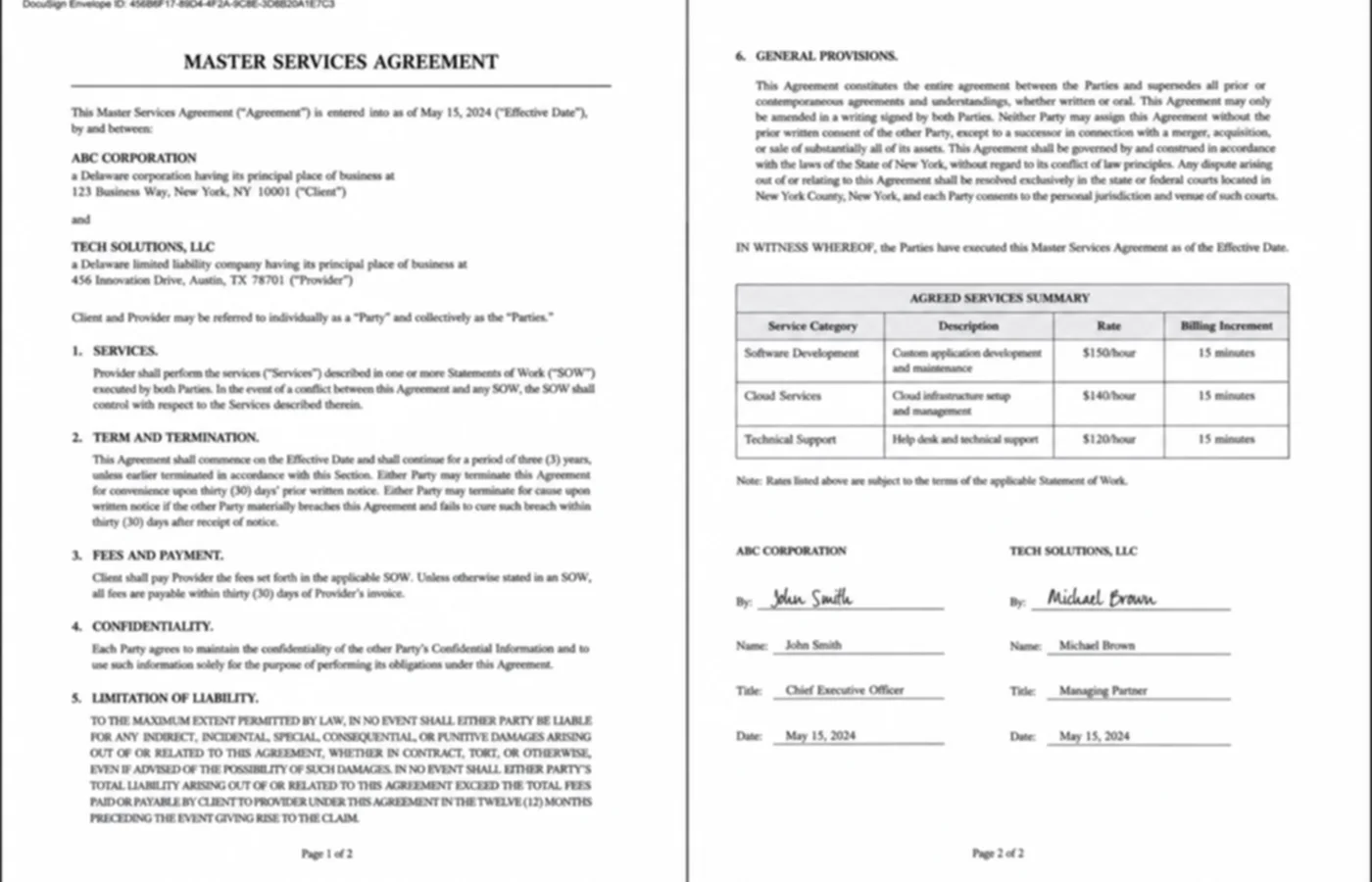
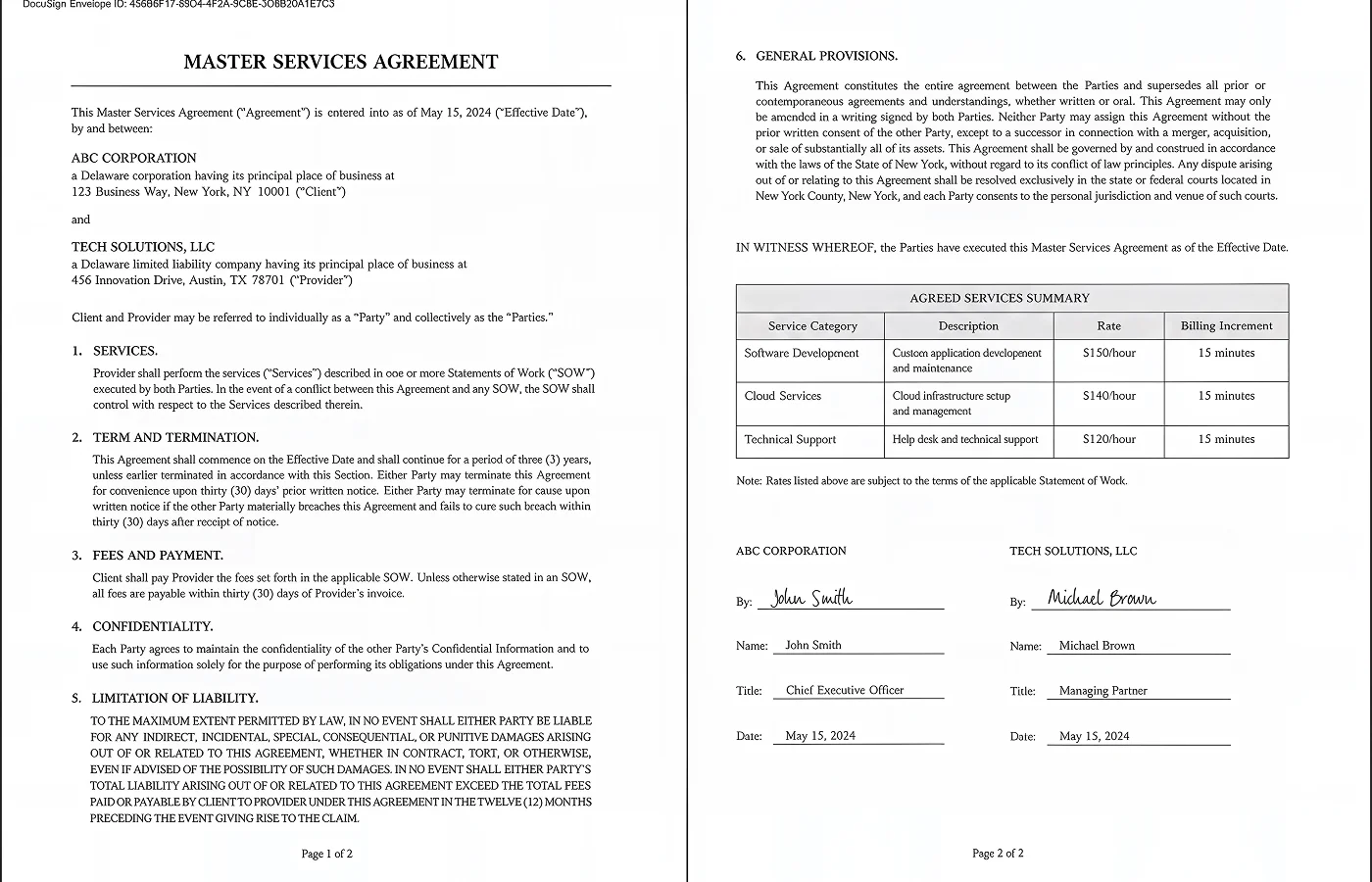
Smart AI PDF Enhancer for Crystal-Clear Clarity
Unlike traditional PDF tools that only apply basic filters, HitPaw FotorPea’s AI PDF Enhancer is designed to solve real document quality issues. Whether text becomes blurry after compression or pixelated when zoomed in, our AI PDF enhancer rebuilds lost details, improves resolution, and delivers sharper, more professional PDFs with a natural look.
One-Click PDF Upscale for Clearer Documents
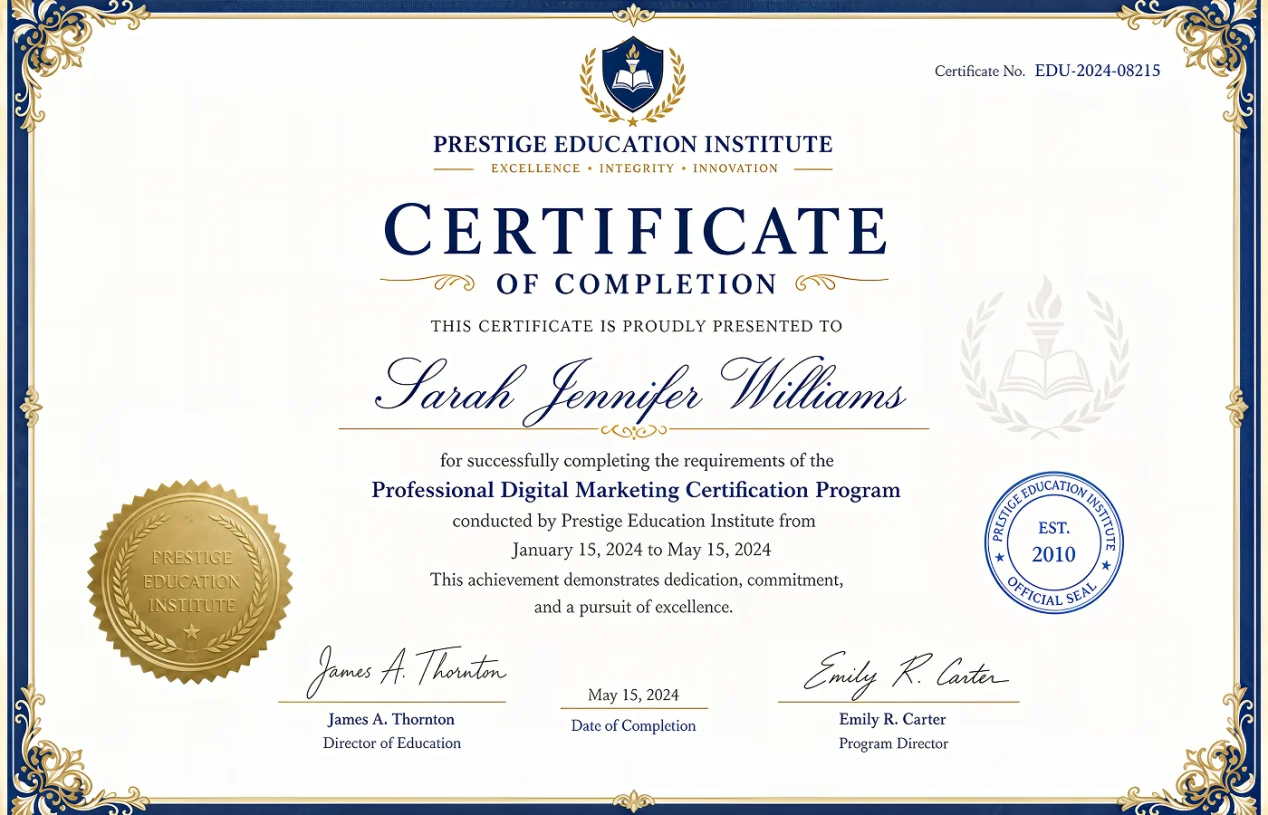
One-Click PDF Upscale for Clearer Documents
Tired of unclear PDFs affecting your work? Don’t let blurry certificates or unclear documents delay your submissions. HitPaw AI PDF Enhancer quickly enhances blurry text, low-resolution pages, and document details with AI — delivering clearer files in just a few clicks. No complicated editing skills are needed.
Batch Enhance PDFs for Faster Document Processing
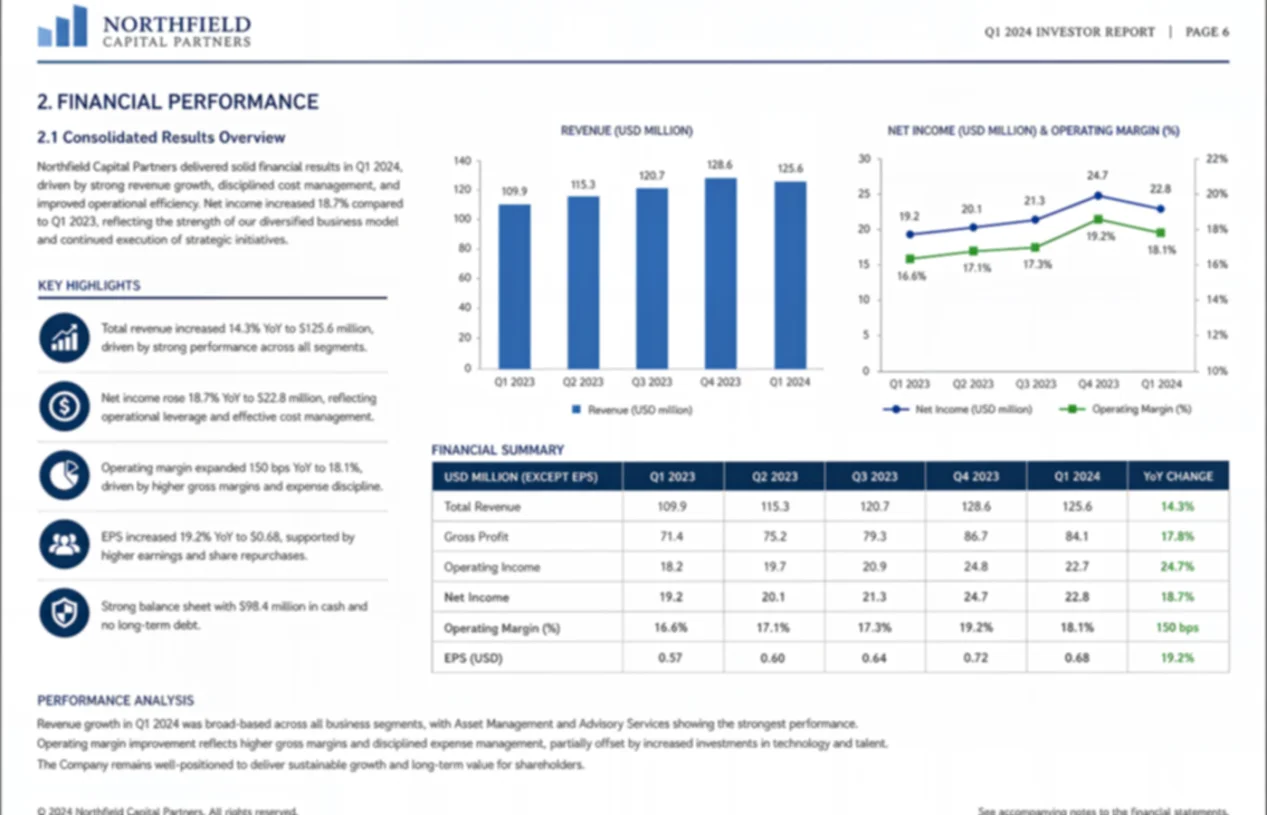
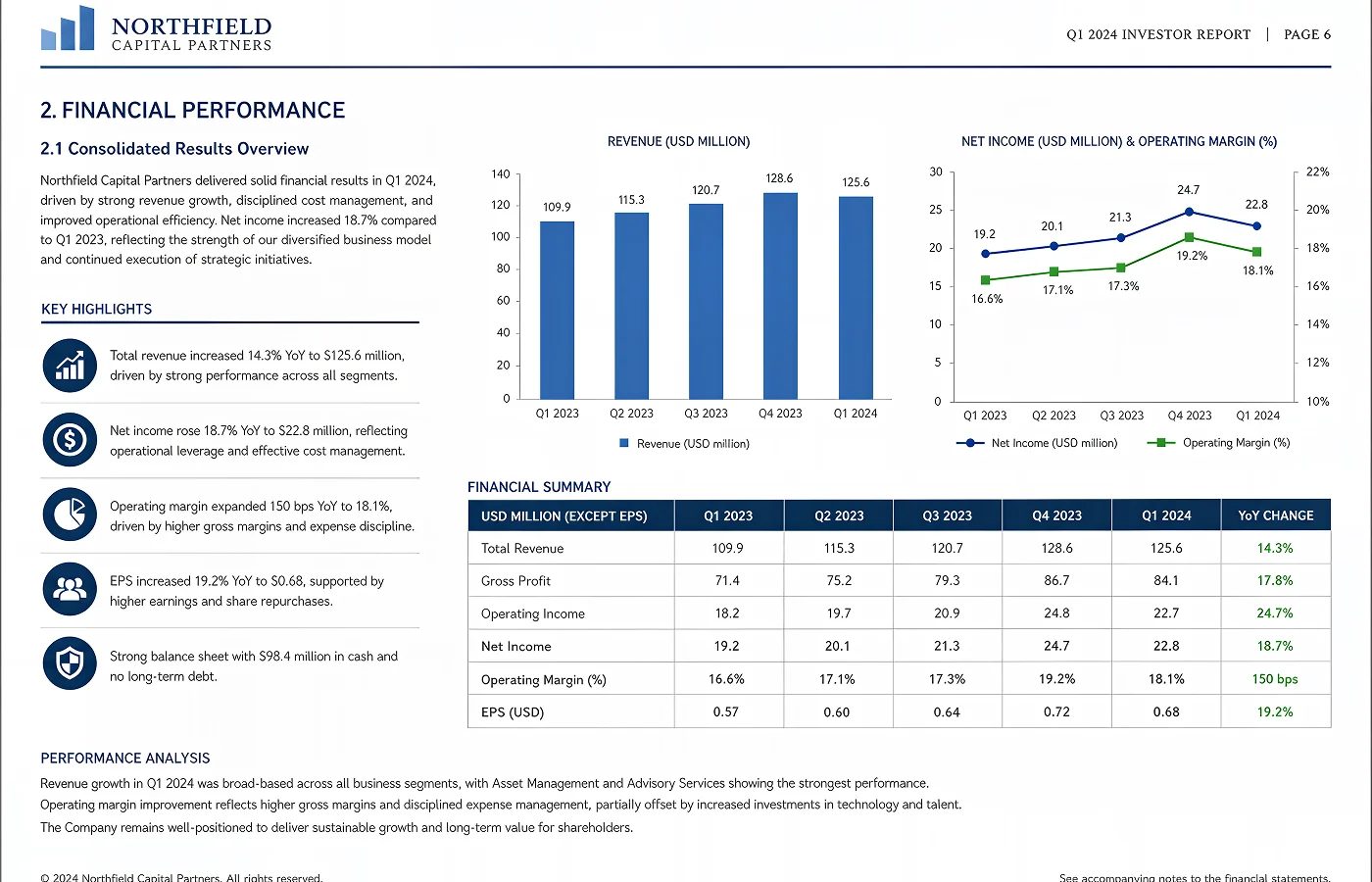
Batch Enhance PDFs for Faster Document Processing
Every photo captures a moment that can never be recreated. From vintage family portraits and wedding memories to childhood snapshots, HitPaw image colorizer online enhances facial details, restores faded colors, and preserves original textures to create realistic colorized photos.
Enhance PDF Quality for Professional Printing
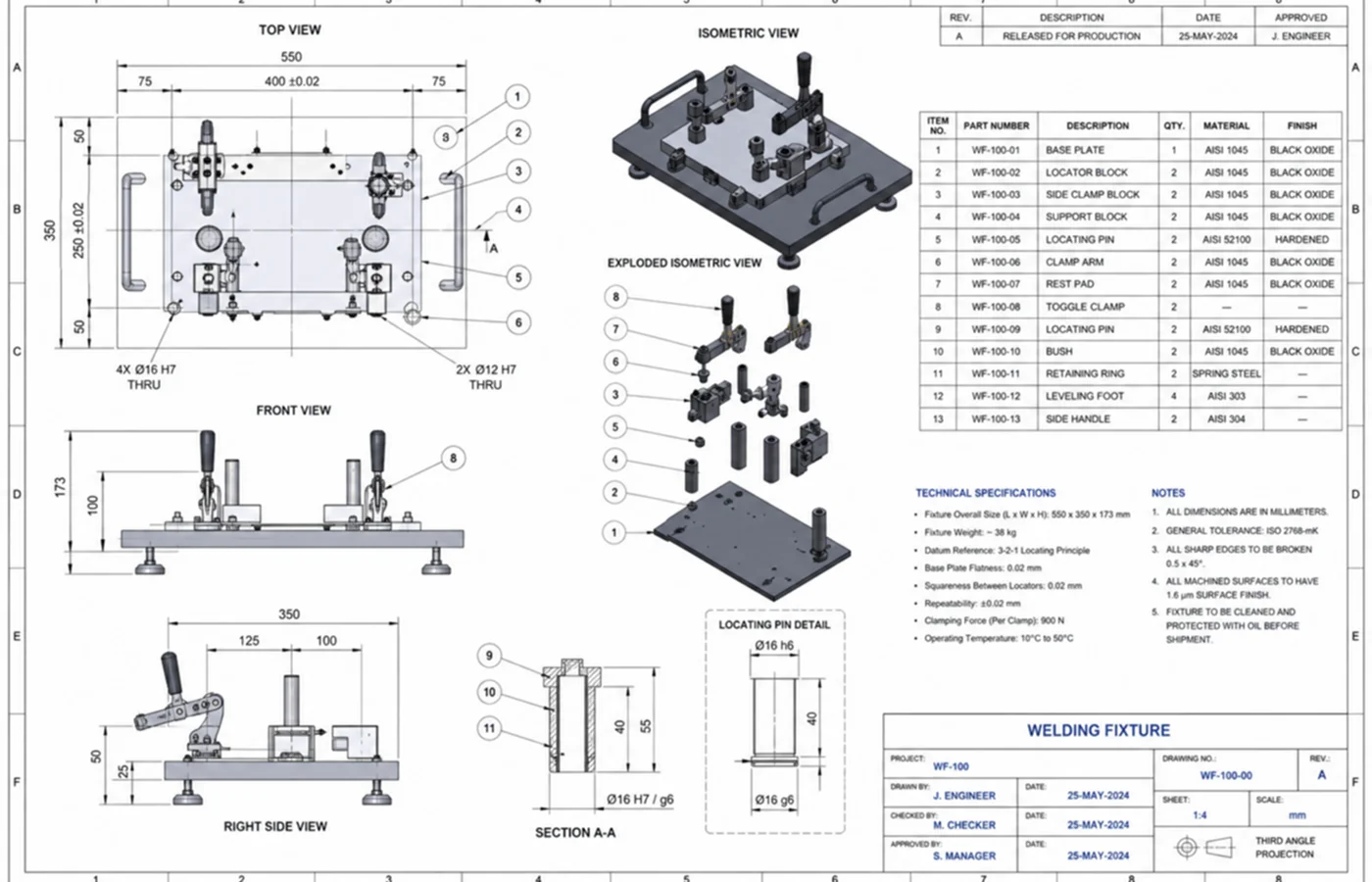
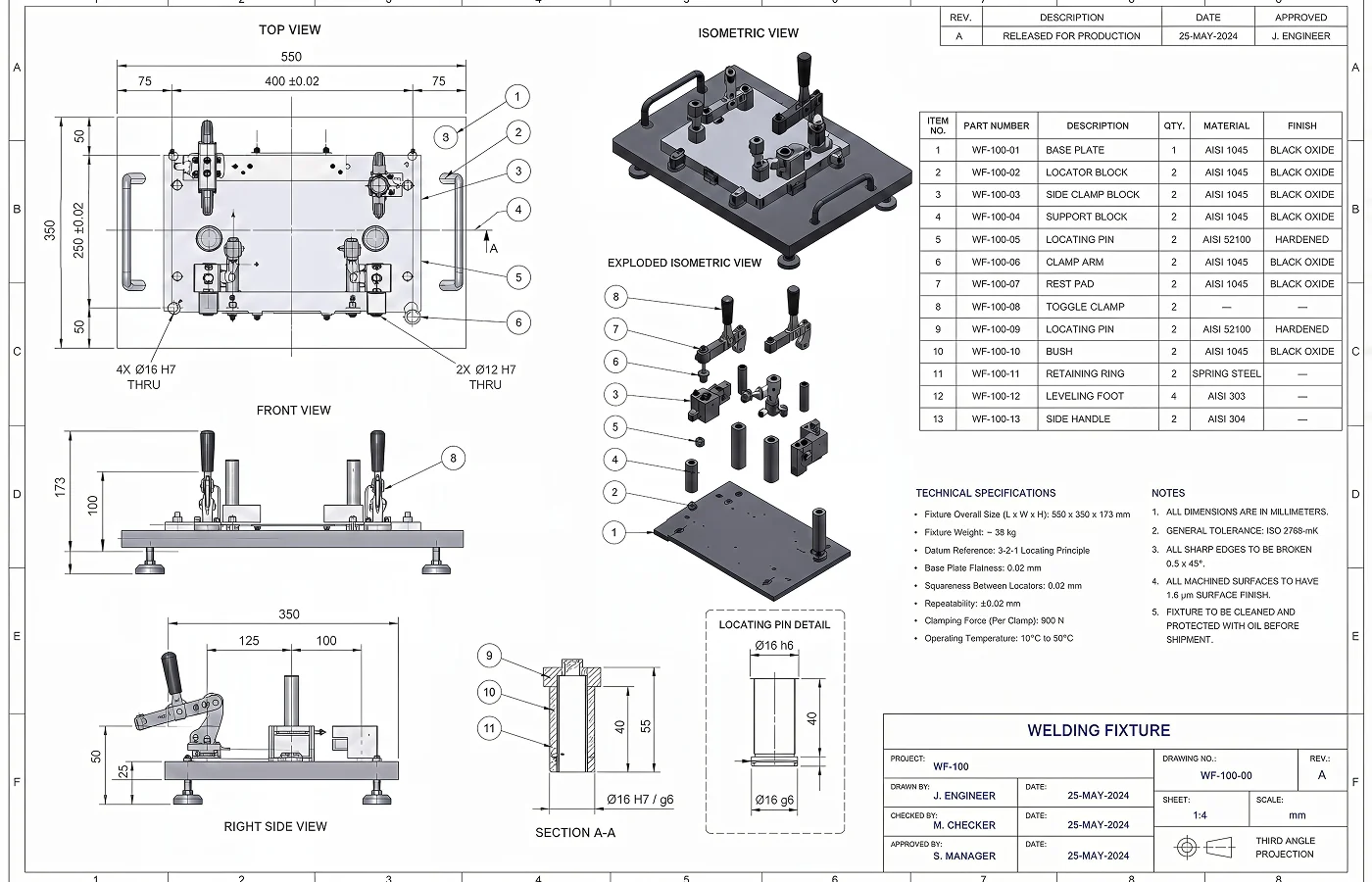
Enhance PDF Quality for Professional Printing
Low-quality PDFs may look fine on your screen, but blurry text and unclear details become more noticeable when files are enlarged, shared, or reviewed in detail. HitPaw PDF Upscaler intelligently improves resolution, sharpens text, and restores important details before OCR, helping you create clearer, more professional files for sharing, reviewing, and presenting.
See How Different Users Improve Their PDF Workflow
Whether you are preparing business documents, reviewing scanned materials, or improving personal files, our AI PDF enhancer online makes it easy to enhance text readability, and upgrade PDF quality with AI.
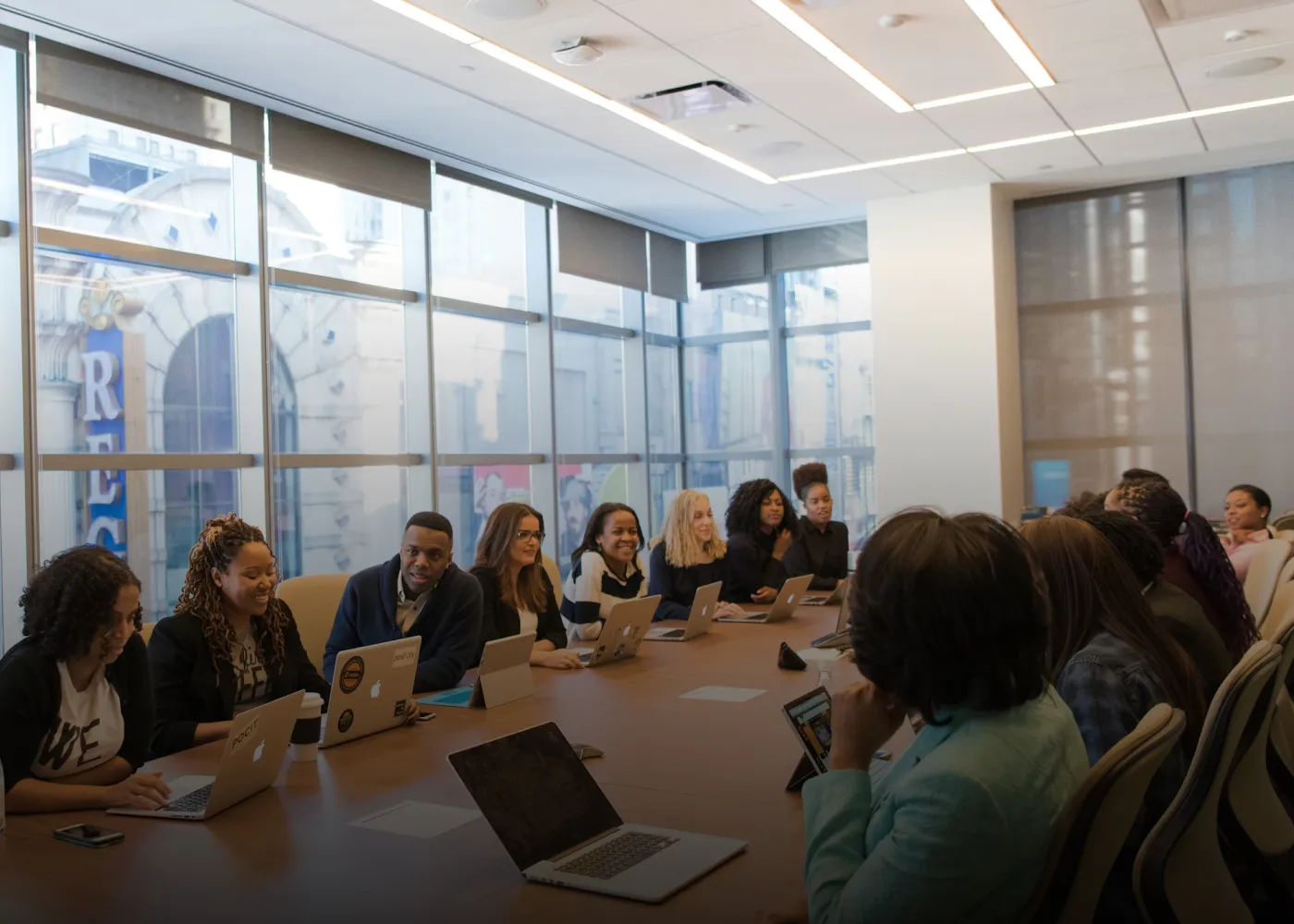
Business Owners
Enhance your reports, contracts, and presentations by fixing blurry text and creating clearer, more professional PDFs.
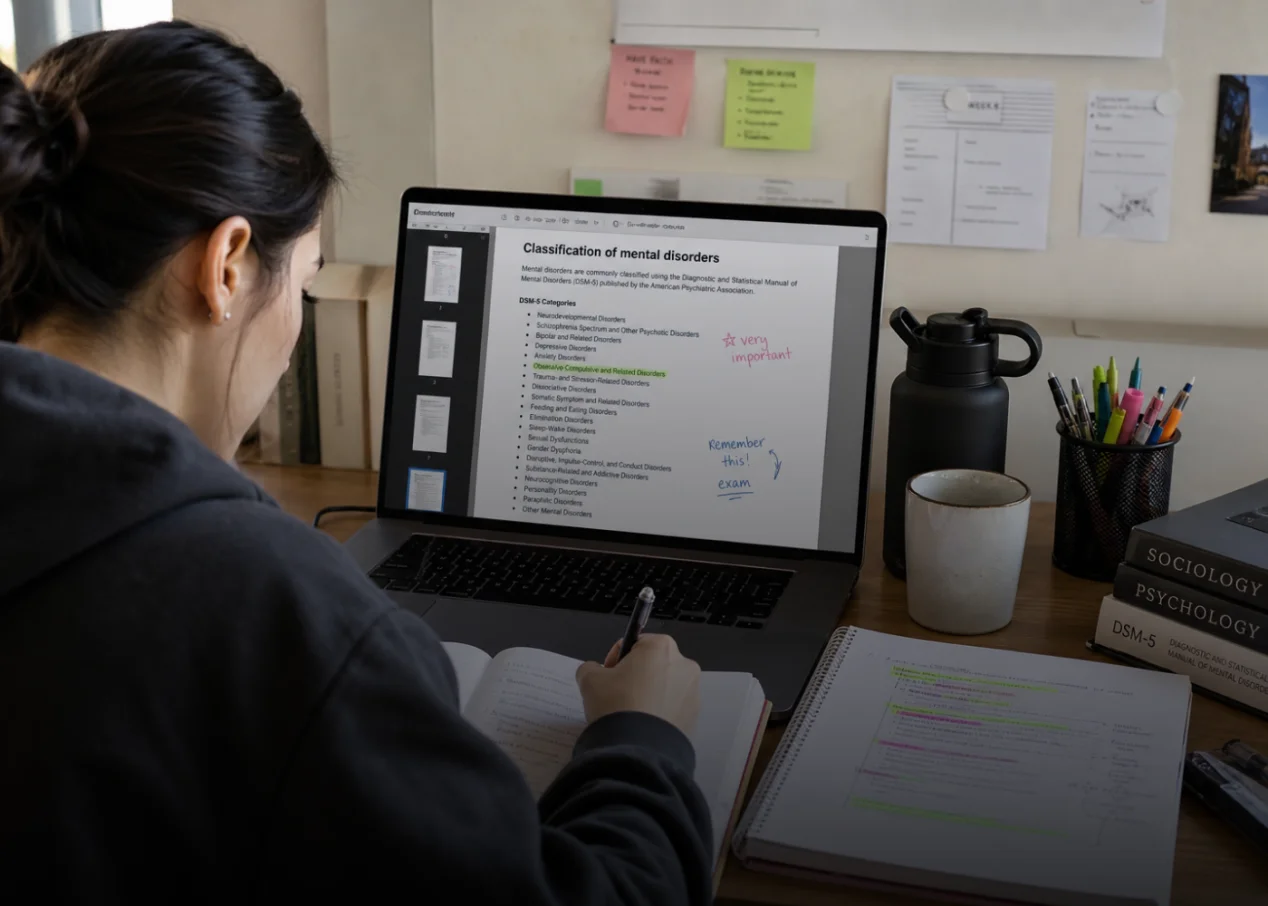
Students
Improve scanned notes and papers with AI PDF sharpener technology for sharper text and easier reading.

Teachers & Educators
Create clearer teaching materials with a document enhancer AI that improves PDF quality and readability.
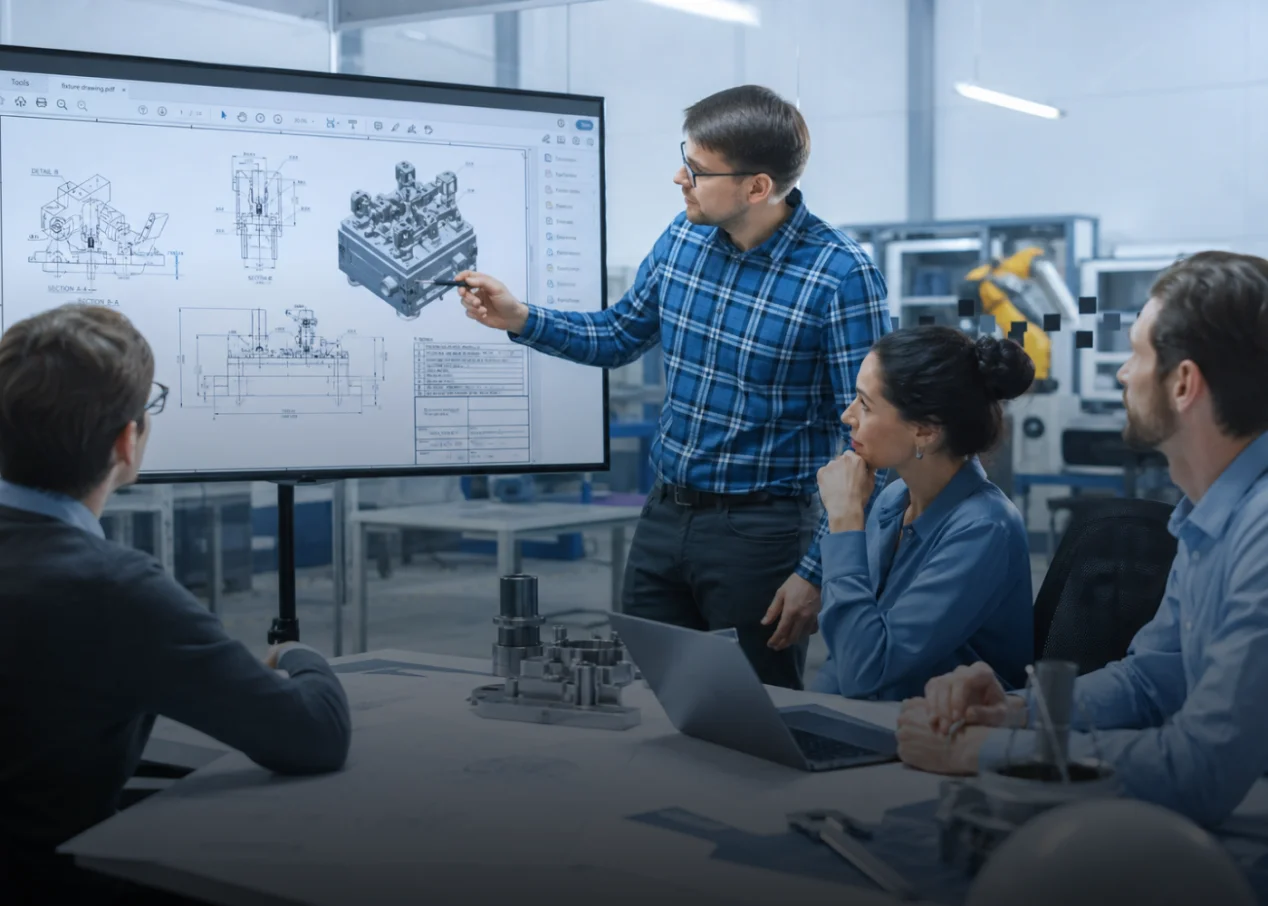
Engineers & Designers
Upscale PDF images and visual documents like CADs with AI to improve resolution and restore fine details.

Office Professionals
Deblur text in old files and make personal PDFs clearer with a fast text unblurer online.

Legal & Administrative Teams
Clean up scanned files and restore important documents with smarter PDF cleaner technology.

Publishers & Content Teams
Enhance digital books and brochures with AI PDF upscaler for sharper text and clearer pages.
Why Choose HitPaw AI PDF Enhancer
AI-Powered PDF Cleaner
HitPaw AI PDF Enhancer intelligently analyzes your files, rebuilds lost details more professional PDFs with AI.
Enhance PDFs in Seconds
Upload your PDF and enhance it automatically. Get clearer text and improved document quality in just seconds.
Protect your privacy
Your PDF files stay 100% safe and private while our PDF cleaner securely improves document quality.
Support Cross-Platform
Enhance your unreadable PDF in one click with cloud speed.
Explore More HitPaw Online Al Tools
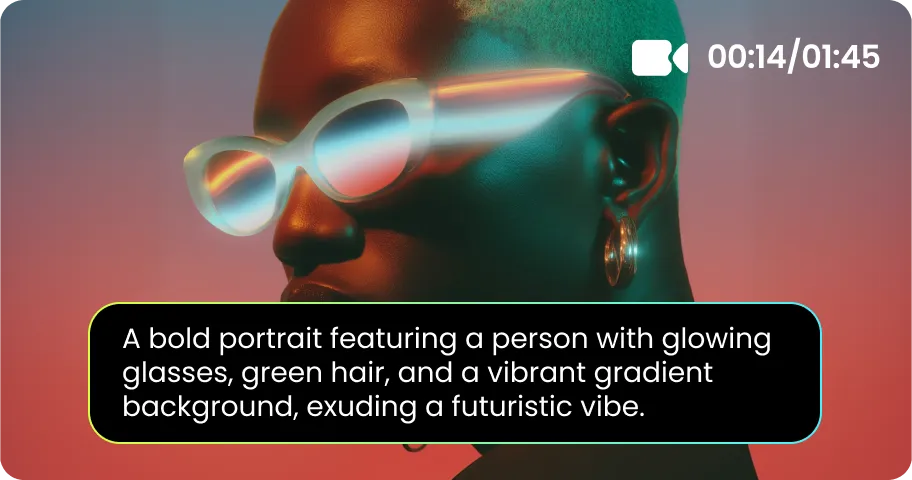
Online Video Generator
Turn text prompts into stunning cinematic AI videos in seconds.

Online Music Generator
Create custom royalty-free soundtracks for any mood or genre.
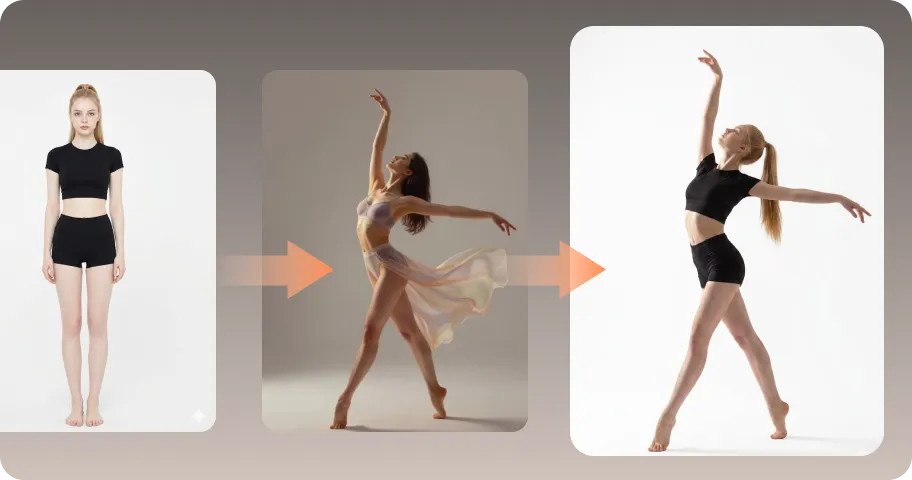
AI Mimic motion
Animate static photos with realistic human movements and expressions.
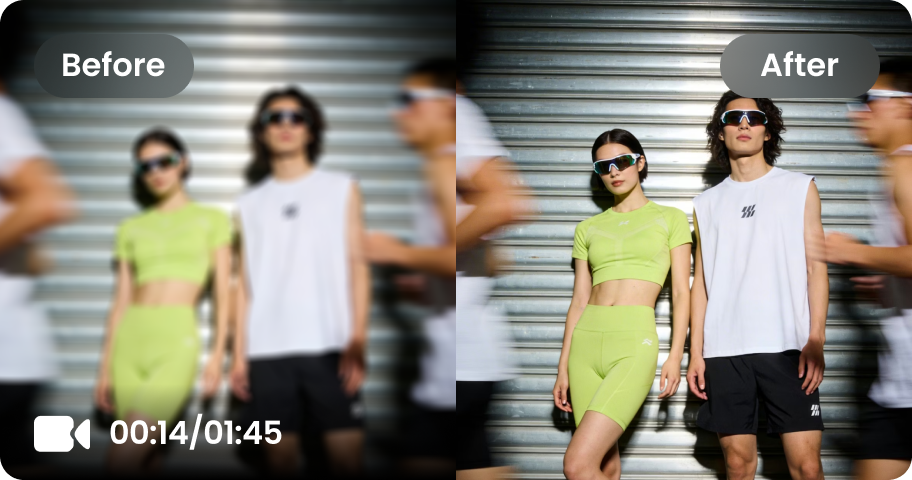
Online Video Enhancer
Transform low-quality videos into sharp, clear HD videos instantly.
Online Image Generator
Generate high-quality AI images and artwork from simple text.

Background remover
Isolate subjects and erase backgrounds automatically with one click.
What Users Say about HitPaw PDF Enhancer

Office Professional @james_reports

"I was about to start an important meeting when I noticed my PDF looked blurry and unprofessional. I urgently needed a solution and found HitPaw. It saved me so much time fixing unclear reports — my scanned documents became cleaner, sharper, and ready to share in just a few clicks."

Student @emma_studies
"I was preparing for my final exams and found that many PDFs I downloaded online were too blurry to read. It was really frustrating when reviewing important notes. Thankfully, HitPaw PDF Resolution Enhancer helped restore the clarity of my study materials, making blurry text easier to read and studying much more efficient."

Researcher @alex_archive
"I’ve been looking for a simple way to improve my old PDF files, and HitPaw quickly became my favorite tool. It saves me from manually recreating documents from scratch, while helping restore clarity, improve PDF quality, and bring old scanned files back to life."

Business Owner @louis_business
"I often send proposals and documents to clients, so quality really matters. This PDF enhancer helps me improve unclear files, make text easier to read, and present more professional-looking documents in just a few clicks."

Teacher @sarah_classroom
"Preparing old teaching materials is much easier now. The tool quickly enhances scanned files, sharpens important details, and helps me create clearer handouts for my students."
FAQs on AI PDF Upscaler with HitPaw
You can enhance a blurry PDF by using an AI-powered PDF enhancer like HitPaw. Simply upload your file, select the right enhancement model, and let this text enhancer restore blurry text, improve PDF resolution, and enhance document details.
Free PDF AI tools like Smallpdf, and iLovePDF can handle basic tasks like editing and conversion, but they often have limits on file size, speed, and advanced features. For faster, safer, and more effective PDF enhancement, HitPaw AI PDF Enhancer helps upscale PDFs, restore blurry text, and improve document quality in one click.
Yes. Unlike traditional tools that only adjust sharpness or contrast, AI can intelligently analyze PDF content to improve resolution, restore blurry text, reduce noise, and recover lost details for clearer documents.
Yes. This PDF cleaner can help restore blurry scanned PDFs by improving text clarity, removing unwanted noise, and enhancing document quality. Whether you need to prepare reports, review archives, or improve scanned files, it provides an easy way to get clearer PDFs.
Yes. Your files are safe when using HitPaw PDF Upscaler online. Enhanced results are kept for 7 days and then automatically deleted. We do not access, misuse, or collect your document data, ensuring your files remain private and secure.
Yes. If you are dealing with small fonts that lose clarity after compression or scanned documents with unreadable text, HitPaw FotorPea can solve it. This AI PDF Enhancer intelligently detects PDF quality issues, restores blurry text, and makes documents readable again with one click. It also supports batch processing, allowing you to enhance multiple files efficiently.
Tips & Tricks for HitPaw Online PDF Enhancer
Make Every PDF Clearer with AI
Don’t let blurry text, low-resolution materials, or unclear documents slow you down. Upload your PDF to HitPaw AI PDF Enhancer and restore clarity, increase PDF quality, and create professional-looking files in just a few clicks.
