Free Download
*Faster batch processingMidjourney Image Upscaler
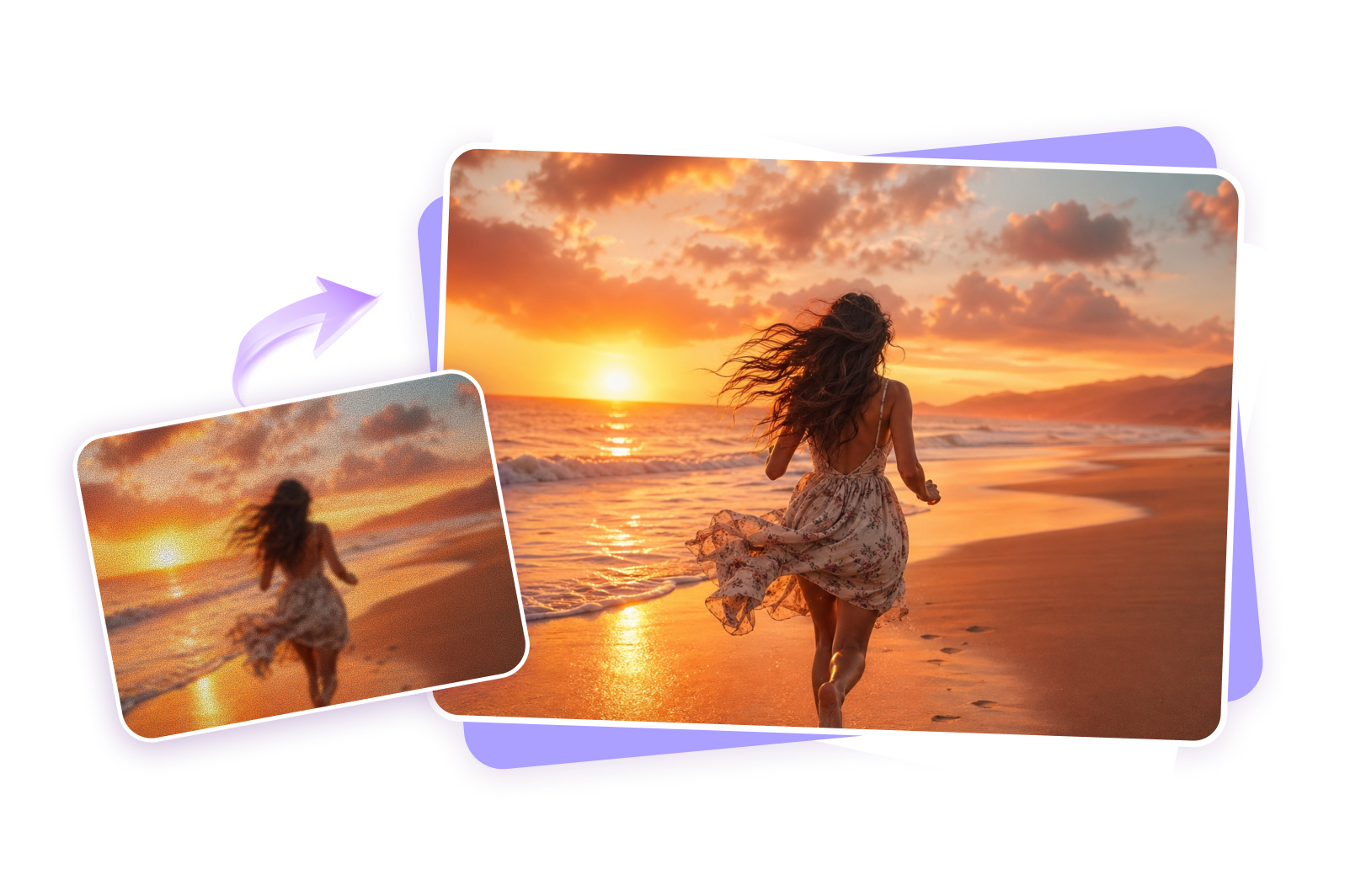
Upscale your Midjourney images to 4K with AI—no login or complex editing skills required. Enhance blurry AI art, sharpen fine details, and create clearer, high-resolution visuals online with HitPaw in just a few clicks.
How to Upscale Midjourney Images Online for Free
01
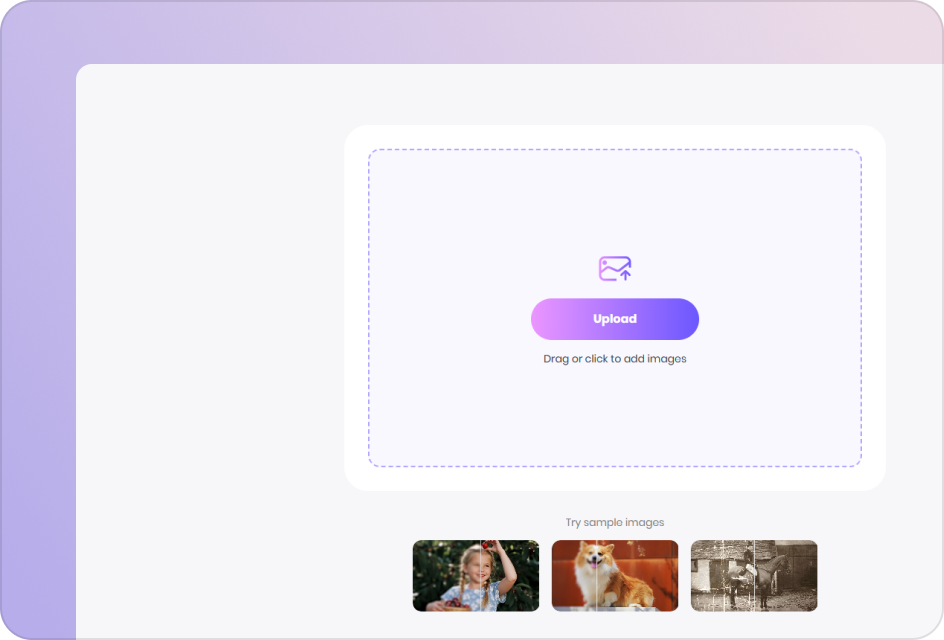
Upload Your Midjourney Image
Upload your Midjourney image and start upscaling instantly with our AI-powered online tool—no installation required.
02
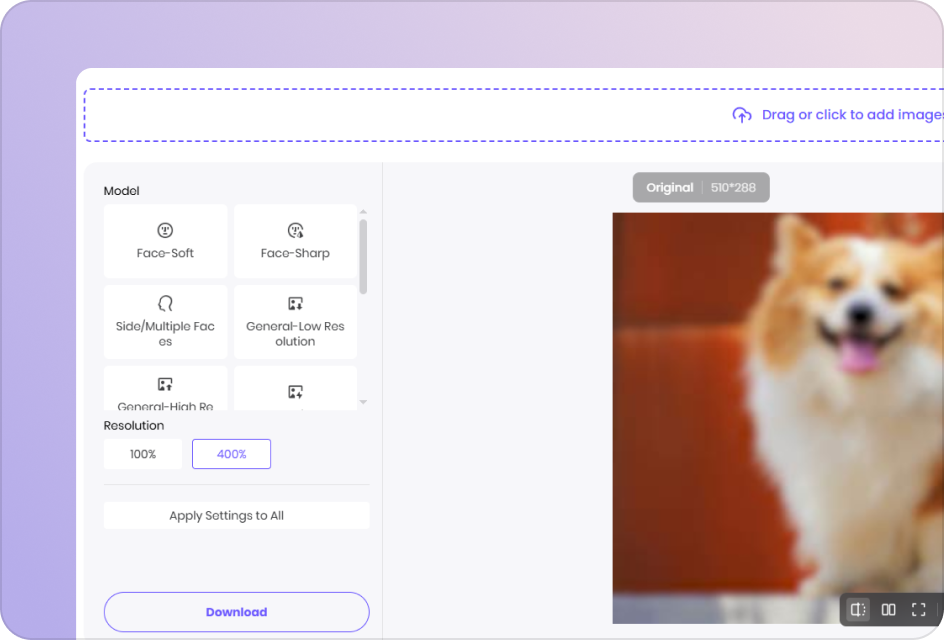
Select an AI Upscaling Model
Select an AI model to upscale your Midjourney photos, sharpen details, and improve clarity at higher resolutions.
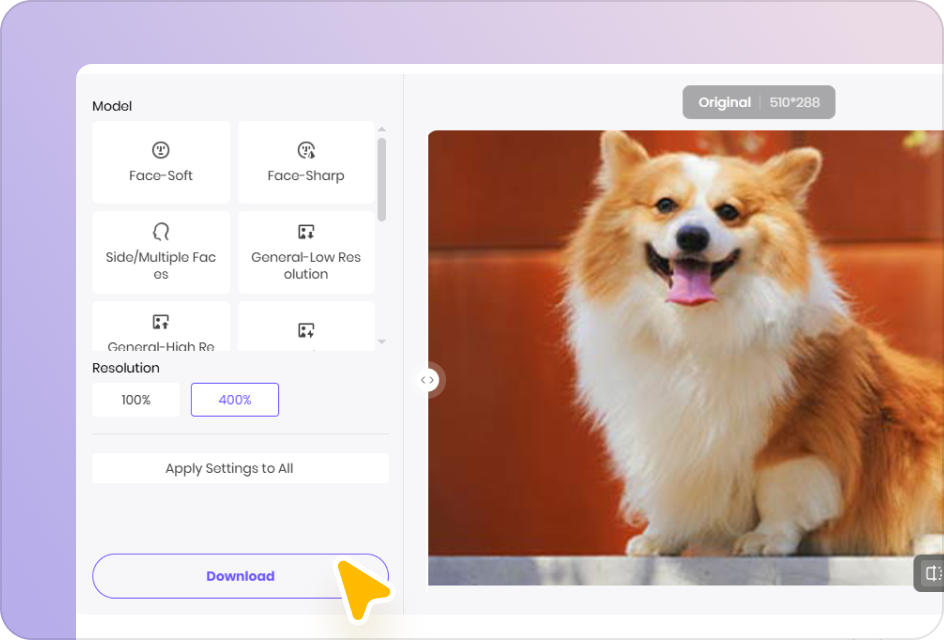
03
Download the Enhanced Image
Preview the upscaled result in real time and download your high-resolution image with improved quality.
Powerful AI Features to Upscale and Enhance Midjourney Images
Optimized for All Types of Midjourney Images
Enhance and upscale different styles of Midjourney images, including portraits, landscapes, illustrations, anime, and more. Achieve consistent, high-quality results across all AI-generated visuals.
Upscale Image Now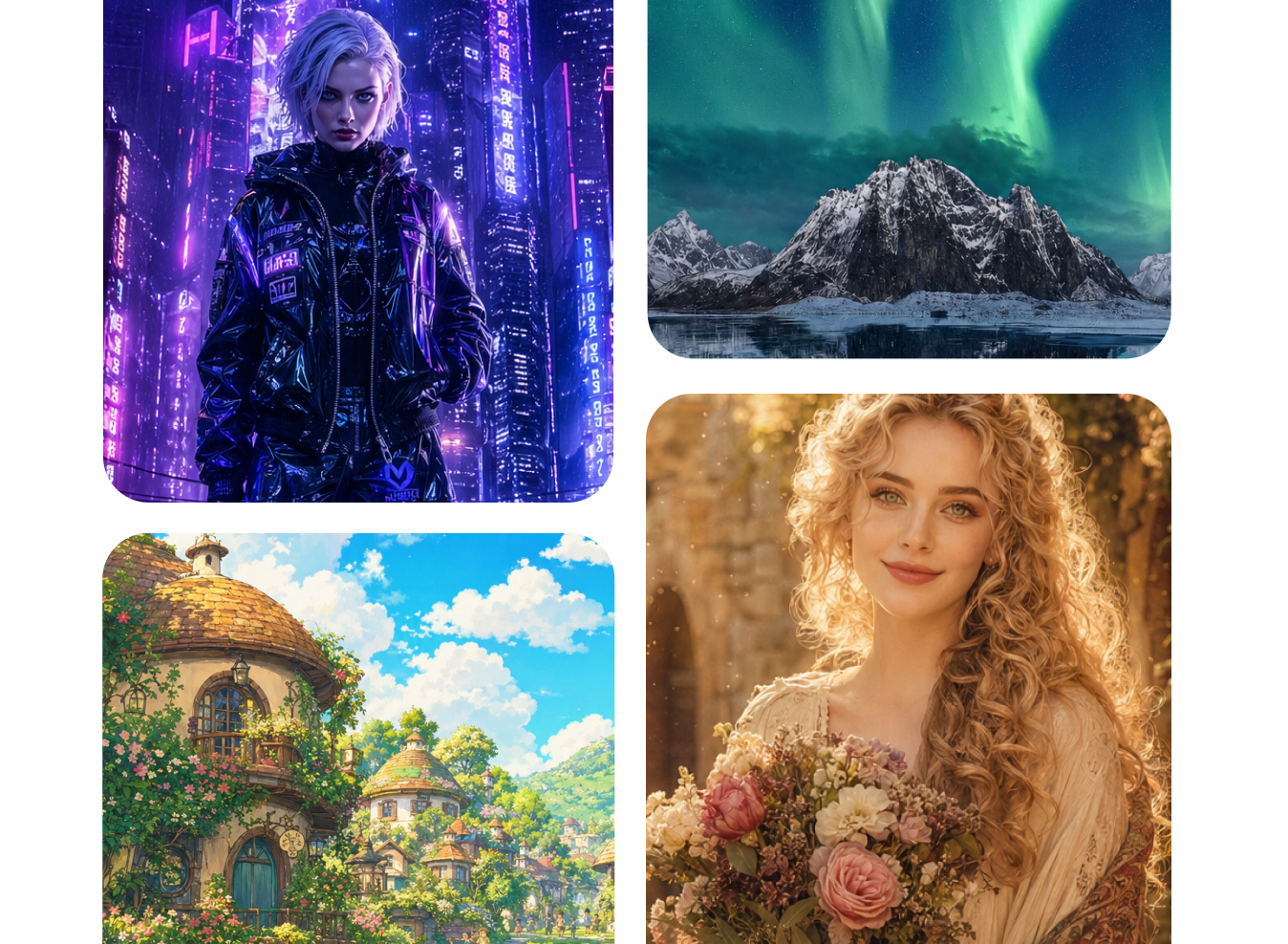
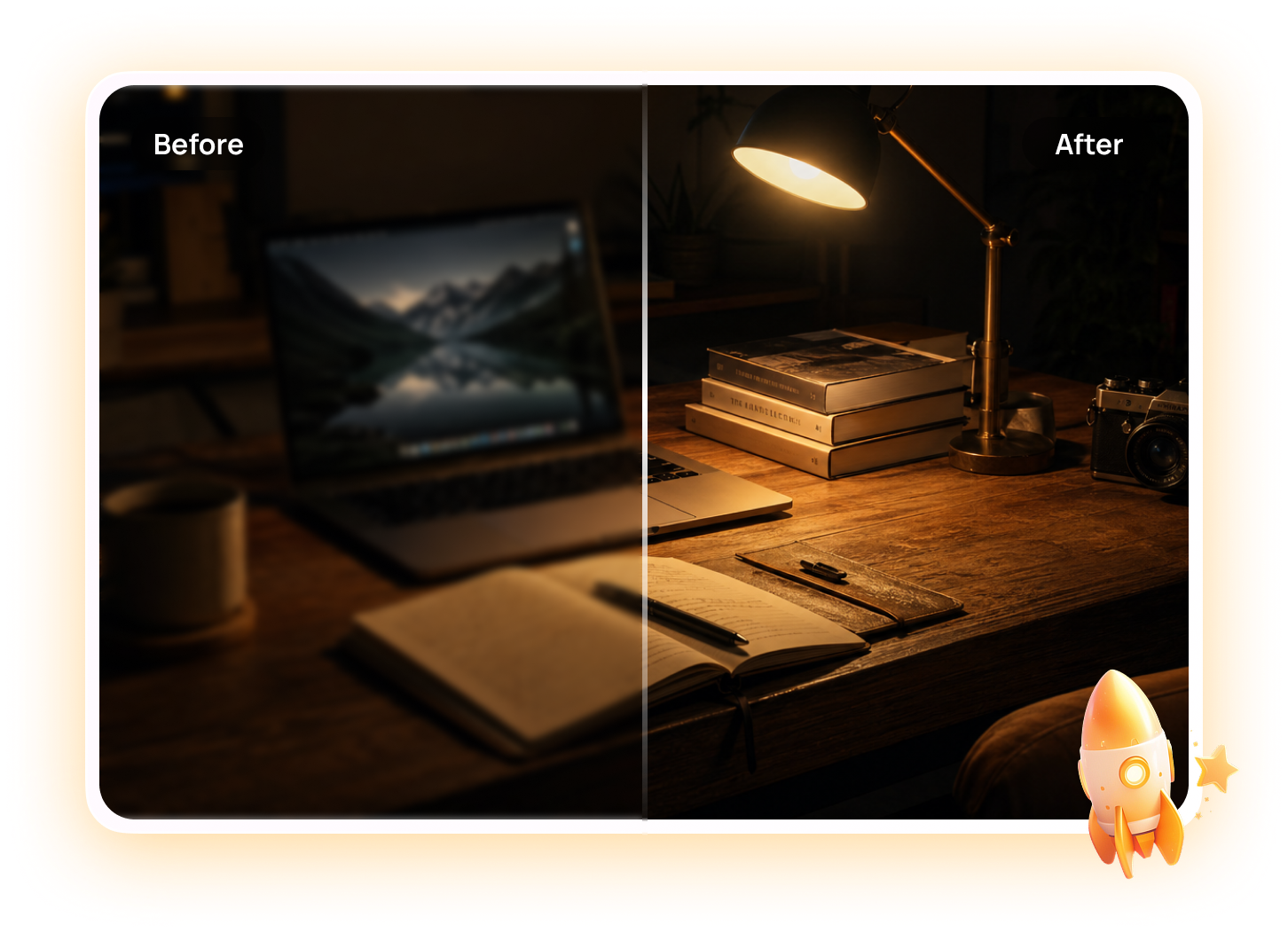
Upscale Midjourney Images to High Resolution
Increase the resolution of your Midjourney images up to 4K or higher without losing quality. Perfect for printing, social media, and professional use.
Upscale Image NowInstantly Enhance Midjourney Images with AI
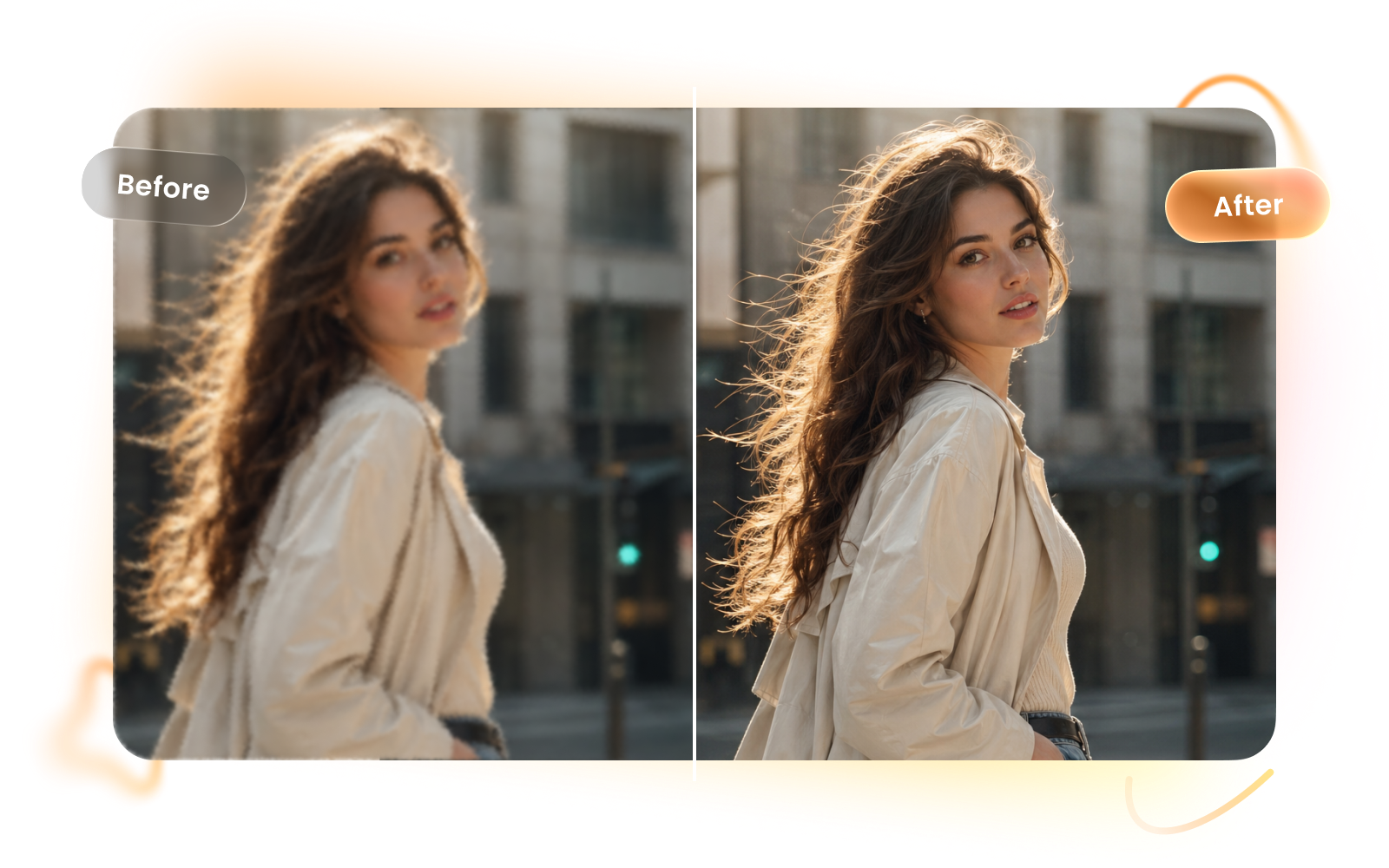
Even stunning Midjourney images can show noise, artifacts, and soft details when viewed at a larger size. With an AI-powered Midjourney image upscaler, you can reduce unwanted artifacts, sharpen fine details, and upscale your artwork to higher resolutions—no complex editing or long waits.
Upscale Image Now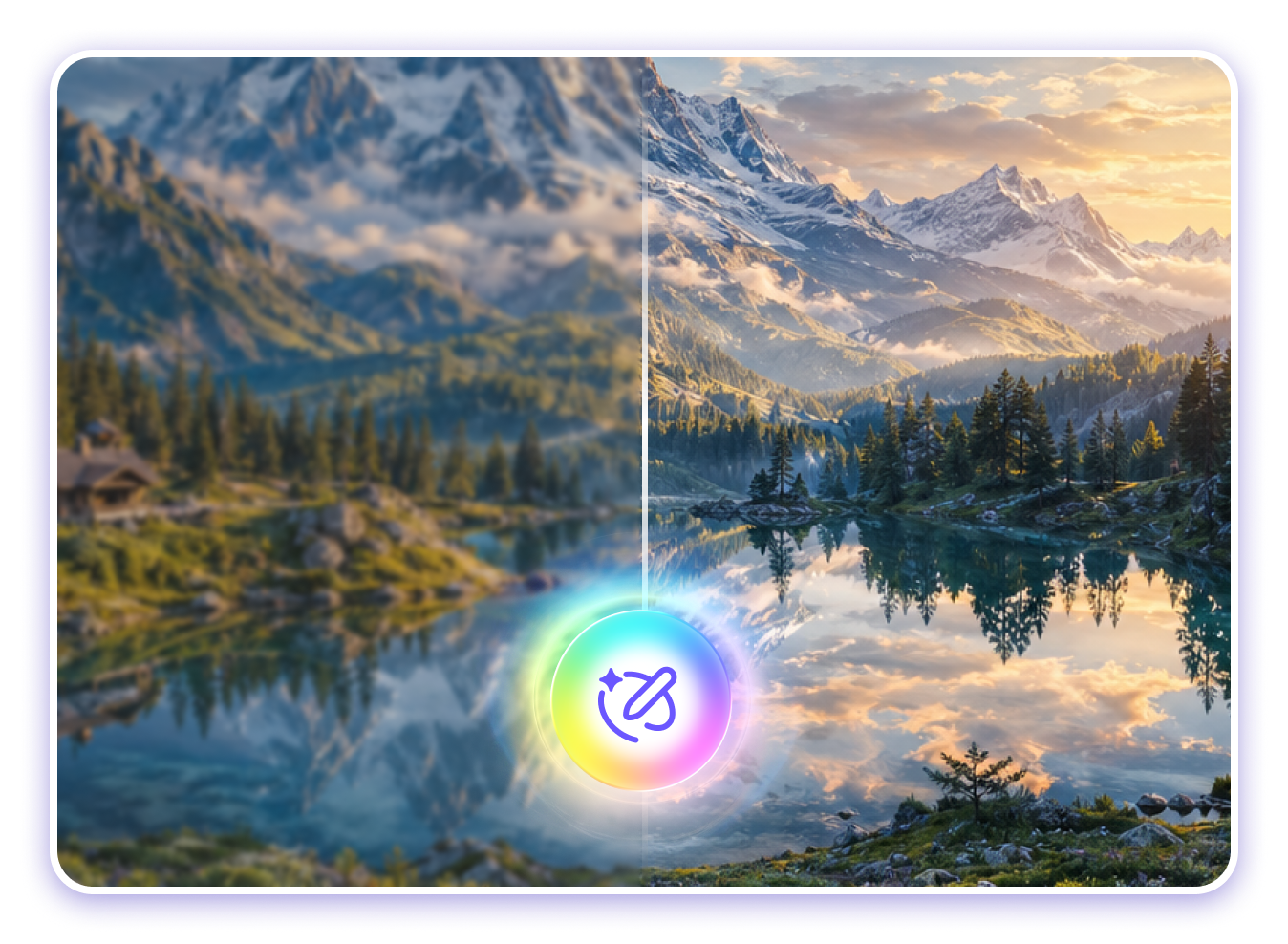
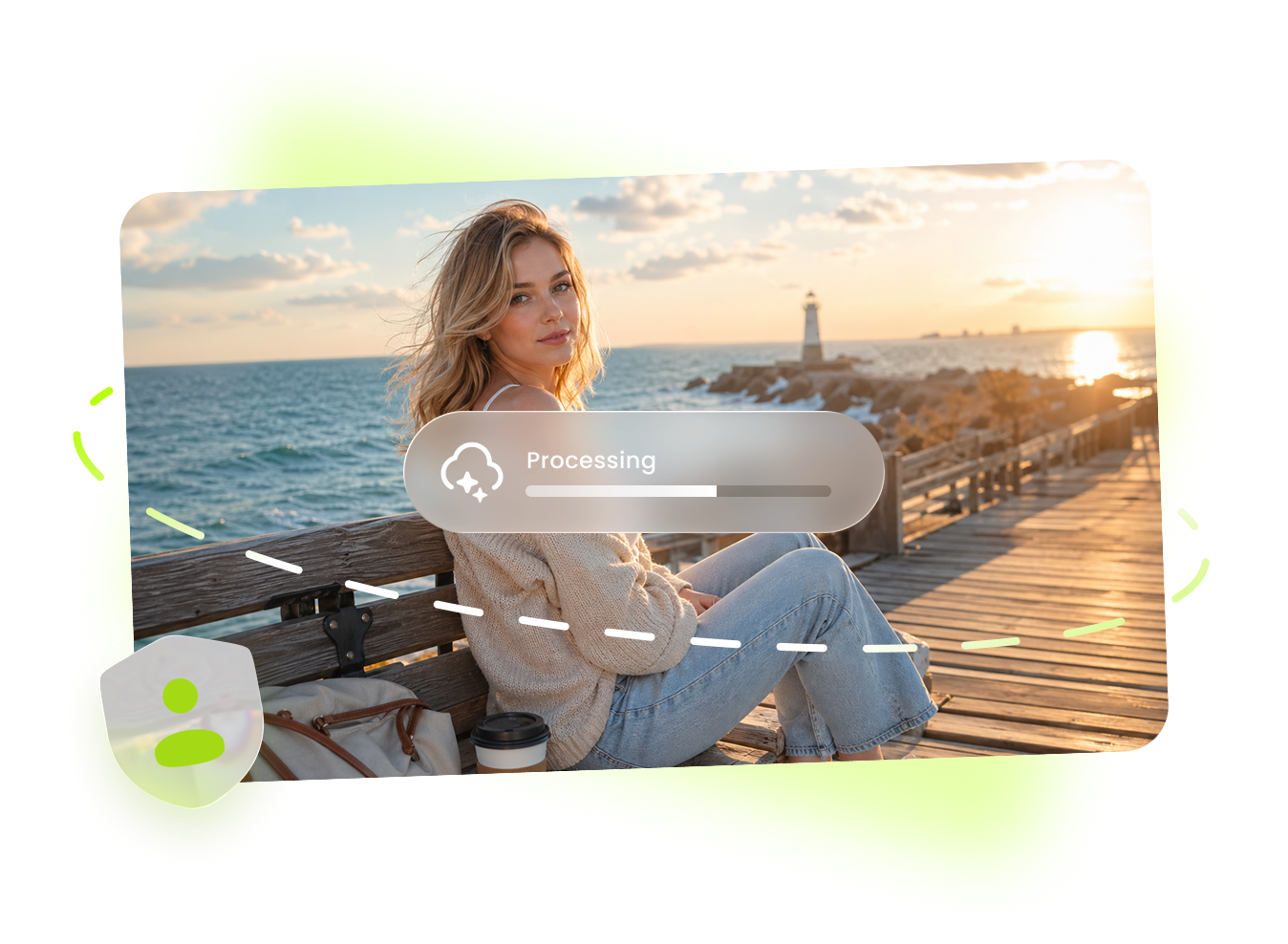
One-Click Online Midjourney Image Upscaler
No software installation needed. Upload your Midjourney image, enhance it with one click, and download instantly—fast, simple, and fully online.
Upscale Image NowUse Cases for Midjourney Image Upscaler
Enhance Midjourney images for real-world use cases. Improve clarity, boost resolution, and make your AI-generated visuals ready for any platform.
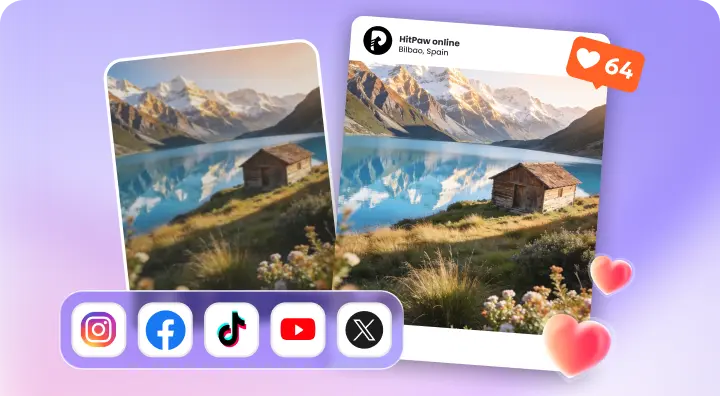
Enhance Social Media Content
Upscale Midjourney images for posts, reels, and short-form content. Create sharper, high-resolution visuals that stand out across social media platforms.
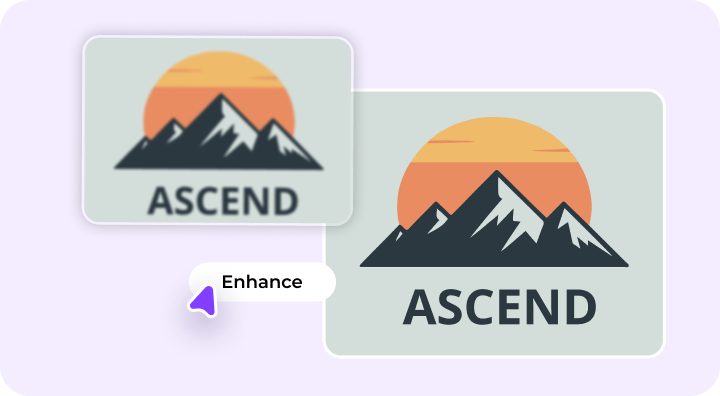
Upgrade Midjourney Images for Design Projects
Enhance Midjourney-generated images for ads, banners, and digital designs. Achieve crisp details and professional-quality visuals for any creative project.
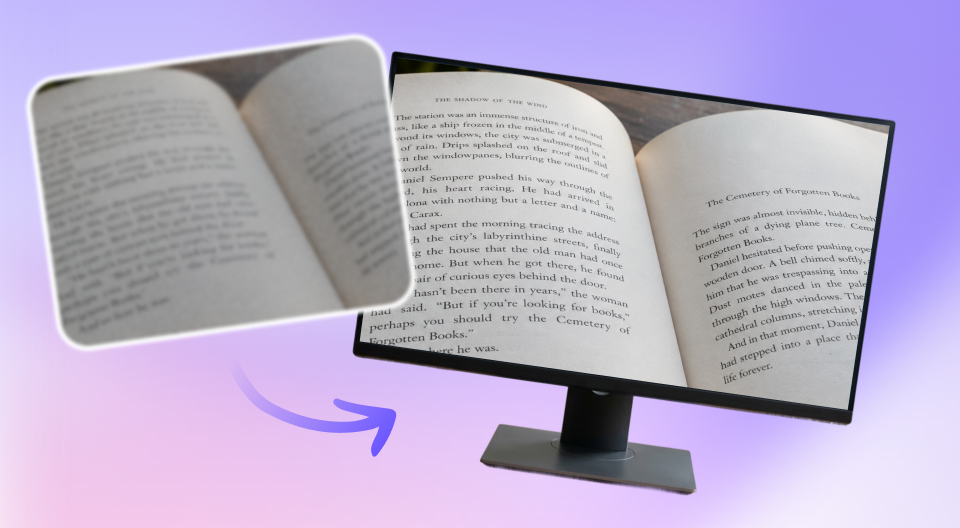
Create Eye-Catching Thumbnails and Covers
Improve Midjourney images for thumbnails, covers, and headers. Enhance text clarity to make wording sharper, more readable, and visually clean.
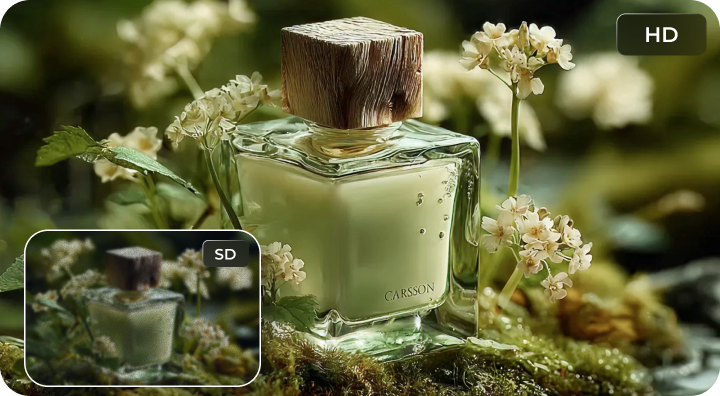
Improve Product Images for E-commerce
Upscale Midjourney product images to highlight fine details and textures. Create polished, high-quality visuals that help boost conversions.
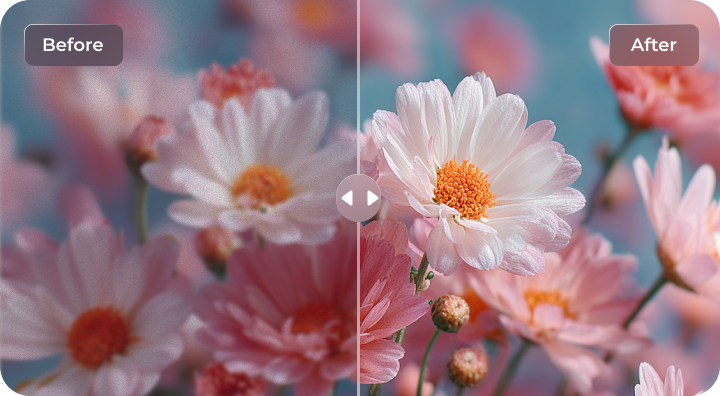
Boost Visual Quality for Landscapes
Enhance Midjourney images of landscapes and scenery. Improve clarity, sharpness, and detail to make natural views more vivid and visually striking.
More Than Just Midjourney Image Upscaler
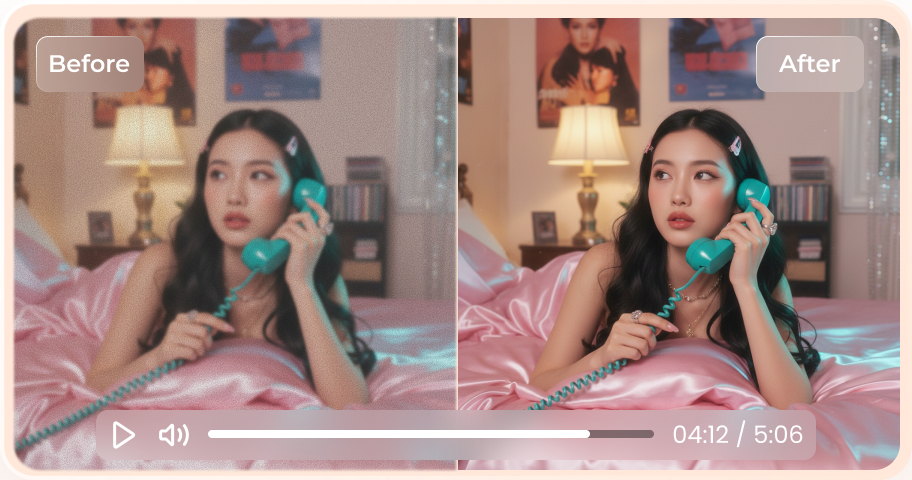
Enhance video quality to 4k online free without watermarks.
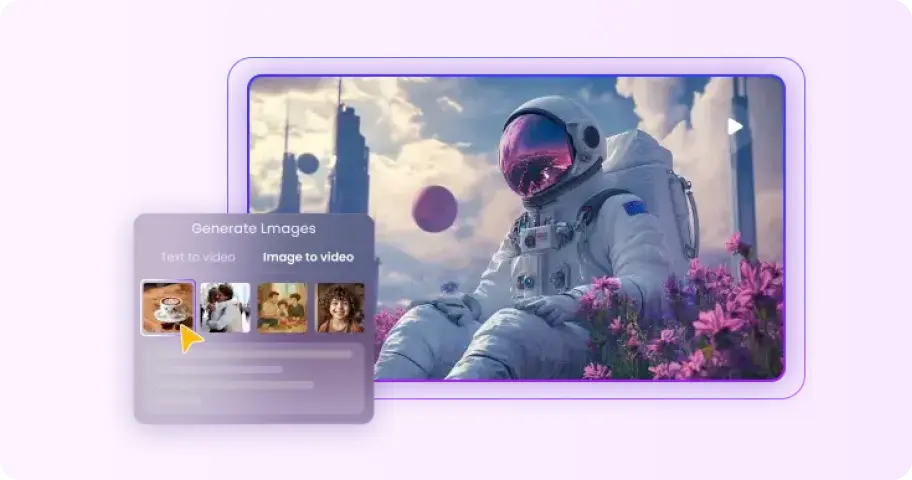
No skills required to transform text or images into stunning AI videos.
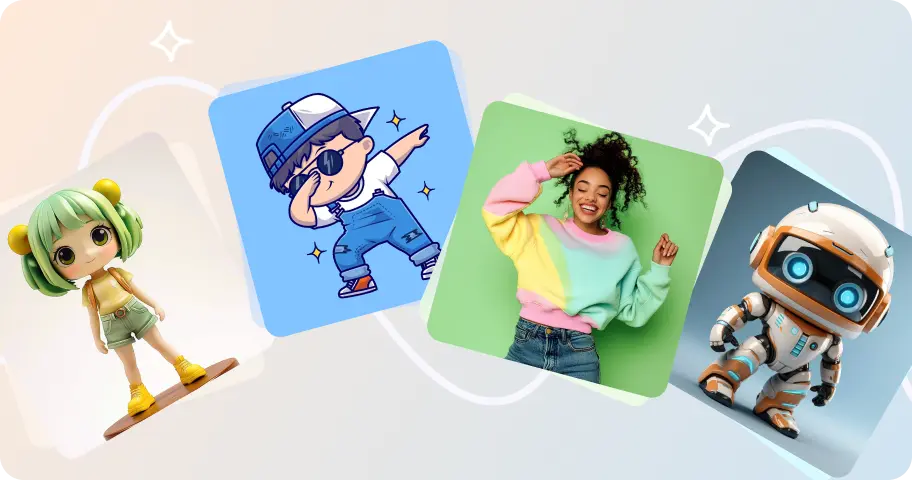
Upload a picture, and create unique dance animations with AI-powered movements.
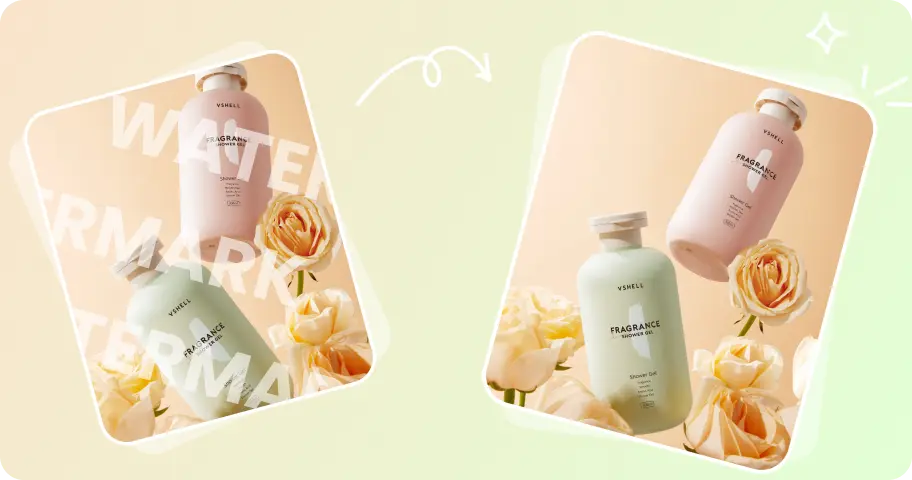
Easily eliminate watermarks from images without compromising quality.
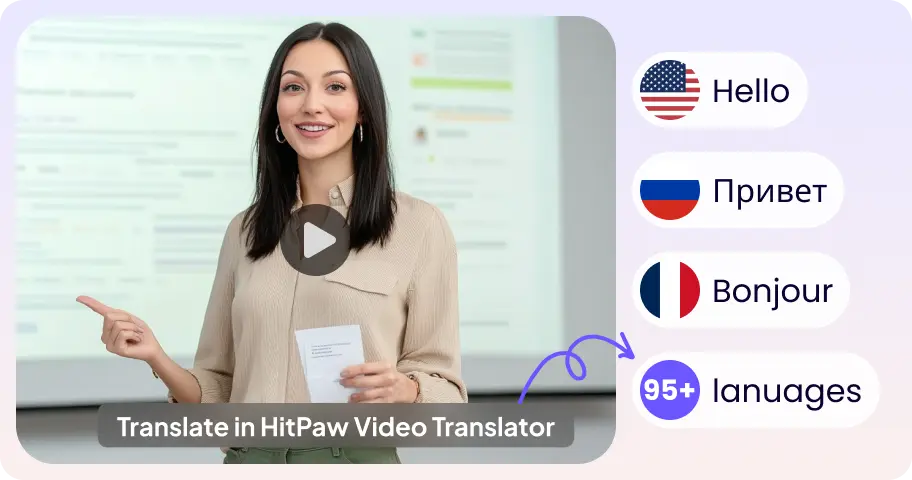
Translate video content into multiple languages seamlessly and accurately.
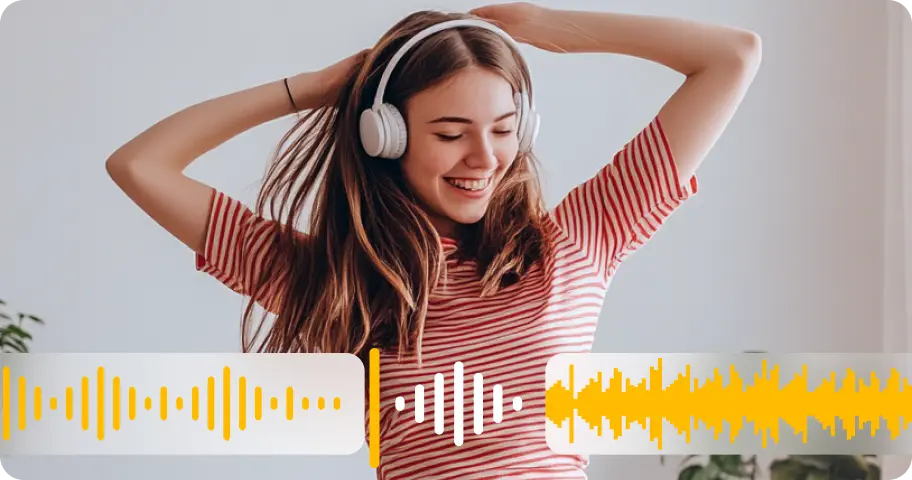
Improve audio quality with advanced AI enhancement for clearer sound.
FAQs About Online Midjourney Image Upscaler
Yes, you can upscale Midjourney images online for free using AI-powered tools. With HitPaw Online AI Photo Enhancer, you can quickly upload your image and enhance it to higher resolution without installing any software.
To increase the resolution of Midjourney images, upload your image to an AI image upscaler, select an enhancement model, and upscale it to 2K, 4K, or higher. Our tool helps improve clarity while preserving fine details.
Midjourney’s built-in upscaler enhances images during generation, while tools like HitPaw Online Photo Enhancer provide additional improvements such as sharper details, noise reduction, and higher-resolution output for more professional results.
No, modern AI upscalers are designed to enhance image quality. Instead of simply stretching pixels, they intelligently restore details, making your Midjourney images sharper and clearer.
Our AI image upscaler supports a wide range of Midjourney image styles, including portraits, landscapes, anime, illustrations, and product visuals, delivering consistent high-quality results.
Tips & Tricks for Midjourney Image Sharpener
AI Midjourney Image Upscaler for Better Quality
Upscale your Midjourney images with AI to achieve sharper details and higher resolution instantly. With HitPaw Online Photo Enhancer, you can enhance images online in just a few clicks.