Download Desktop
*Remove moving watermarksFree Online AI Video Watermark Remover
Easily remove watermarks, text, logos, and unwanted objects from videos in one click. Powered by advanced AI detection, it accurately removes video watermarks and overlays — delivering clean, high-quality results without blur or quality loss.


How to Remove Watermark from Video Online
Step 1: Upload Your Video
Upload your video in seconds — drag & drop supported. Multiple formats like MP4, MOV, and AVI are fully supported.
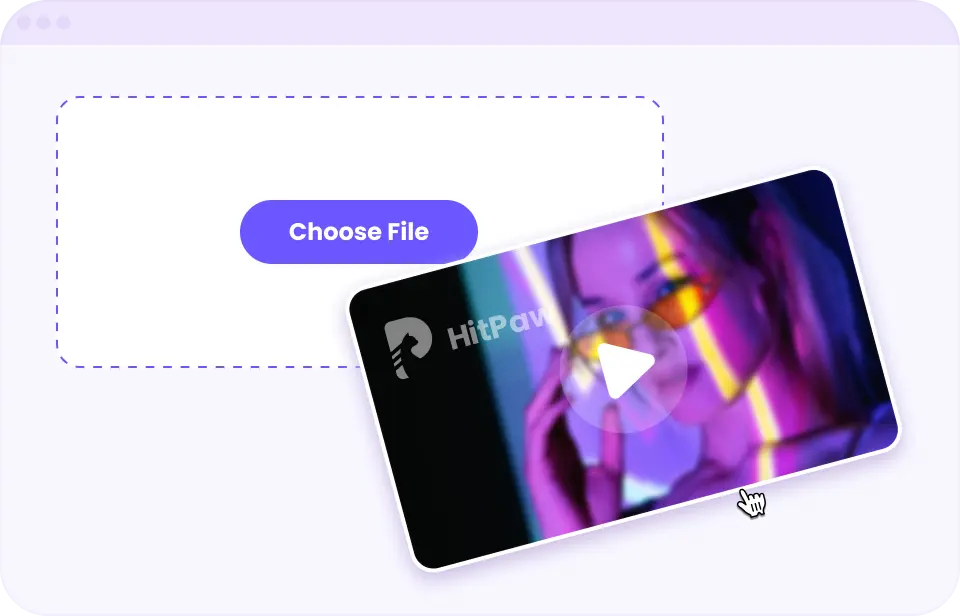
STEP 1
Upload Your Video
Upload your video in seconds — drag & drop supported. Multiple formats like MP4, MOV, and AVI are fully supported.
Step 2: Remove Watermarks with AI
Simply highlight the watermark area, and let AI handle the rest. It removes watermarks accurately across frames for clean, consistent results.
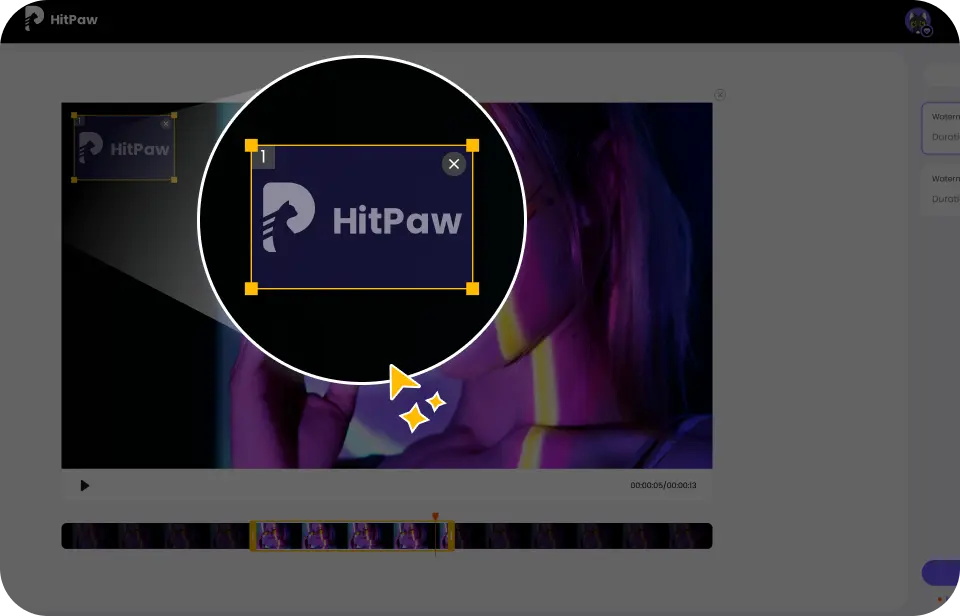
STEP 2
Remove Watermarks with AI
Simply highlight the watermark area, and let AI handle the rest. It removes watermarks accurately across frames for clean, consistent results.
Step 3: Preview & Download
Preview your watermark-free video instantly. Export a clean, high-quality result with no blur or quality loss.

STEP 3
Preview & Download
Preview your watermark-free video instantly. Export a clean, high-quality result with no blur or quality loss.
Free Video Watermark Remover for Any Use Case
Remove watermarks from videos online for free — perfect for social media clips, AI-generated videos, and downloaded content. Enjoy clean results without blur or quality loss.

Remove People from Video
Remove people from video online with ease — whether it’s strangers, tourists, or background passersby. Perfect for travel videos, street footage, and social media clips, it delivers clean, natural results without distortion.

Remove Date Stamp from Video
Remove date or time stamps from video online — perfect for restoring old camera footage, mobile recordings, and archived clips for social media, branding, or portfolio use. Clean results with natural background restoration.

Remove Text from Video
Remove text from video online without blur or distortion — erase captions, overlays, and on-screen text while keeping visuals sharp and natural. Ideal for presentations, content repurposing, and marketing videos.

Remove Objects from Video
Remove unwanted objects from video online — delete signs, props, stickers, or background clutter while keeping scene texture and lighting consistent. Perfect for ads, product videos, and clean visual storytelling.

Remove Subtitles from Video
Remove subtitles from video online — including hardcoded captions, timestamps, and text overlays — while preserving motion consistency and visual clarity. Ideal for localization, remixing, and clean re-edits.

Remove Watermark from AI Video
Remove watermark from Runway, Kling, Veo AI video outputs online—clean AI-generated clips while keeping visuals smooth and artifact-free. Turn drafts into polished videos for social media, ads, and creative use.
Why People Choose HitPaw Online Video Watermark Remover

Fast Video Watermark Removal
Remove watermarks, text, and unwanted objects from videos in just a few simple steps. AI-powered processing delivers clean results in seconds.

Safe, Ad-Free & Virus-Free
Enjoy a secure watermark remover online with no ads, malware, or pop-ups. Just a smooth, distraction-free editing experience.

Works on Any Device
Use the online video watermark remover on Windows, macOS, iOS, or Android. No installation needed — delete watermarks anytime, anywhere.

Beginner-Friendly Editing
No skills, no downloads. Just upload your video, highlight the watermark, and let AI remove it automatically—right in your browser.

High-Level File Security
All video watermark removal processes run over encrypted connections. Your uploaded files remain private and accessible only to you.

High-Quality Output
Supports popular video formats such as MP4 and MOV. Remove watermarks from video without blur while exporting HD results with smooth motion.
FAQs About Removing Watermarks from Video
To delete a watermark from a video, using an online AI-powered watermark remover is the easiest approach. It works by analyzing and reconstructing the areas covered by the watermark, helping remove it without blurring the video or reducing its resolution.
- Upload your video to an online AI watermark removal tool.
- Select or mark the watermark area you want to remove.
- Let the AI automatically process and restore the covered part of the video.
- Preview the result and export the video once the watermark is removed.
For a simple and secure solution, you can use HitPaw Online Video Watermark Remover.
A video watermark remover works by analyzing each frame to locate the watermark area and separate it from the background. Instead of simply covering it, advanced tools use techniques like object detection and temporal consistency to rebuild missing details across frames. This ensures smoother results, especially in moving scenes, while reducing artifacts or visual inconsistencies.
Removing a transparent or semi-transparent watermark requires more precise processing because the original pixels are partially blended. The most effective method is to use a tool that can detect subtle opacity differences and reconstruct the background accordingly. Selecting the exact watermark area and using frame-aware processing helps achieve cleaner results, especially when the watermark overlaps complex visuals.
You can remove a wide variety of watermarks from videos, depending on the tool you’re using.
- Text watermarks, such as titles, captions, or copyright notes.
- Image or icon watermarks, like stamps, badges, or QR codes.
- Moving or animated watermarks that appear throughout a video.
- Stickers or emoji marks commonly found on social media content.
Note: Advanced AI removers like HitPaw aim to remove all of these without blurring the background, restoring the video or image seamlessly.
No, removing watermarks does not have to blur your video. Advanced AI technology can intelligently analyze the surrounding pixels and seamlessly reconstruct the background, keeping your video clear and sharp. You can achieve this easily with HitPaw Online Video Watermark Remover.
The best way to remove watermark from video online without blur is to use an AI-powered tool that focuses on background reconstruction rather than simple blurring or cropping. These tools process videos directly in your browser and help preserve original quality. For example, tools like HitPaw Online Video Watermark Remover offer a quick way to upload your video, select the watermark area, and remove it while keeping the footage clear and natural.
Explore More HitPaw Online Al Tools


Remove Watermark from Video Online Without Blur
Remove video watermarks in seconds with HitPaw. Just upload your video, select the area, and get clean results online—no download, no effort, no blur.