Free Kling AI Watermark Remover
Use a Kling watermark remover online free to remove Kling AI video watermarks. Clean logos and text from videos easily and get polished, ready-to-share content in just a few clicks.
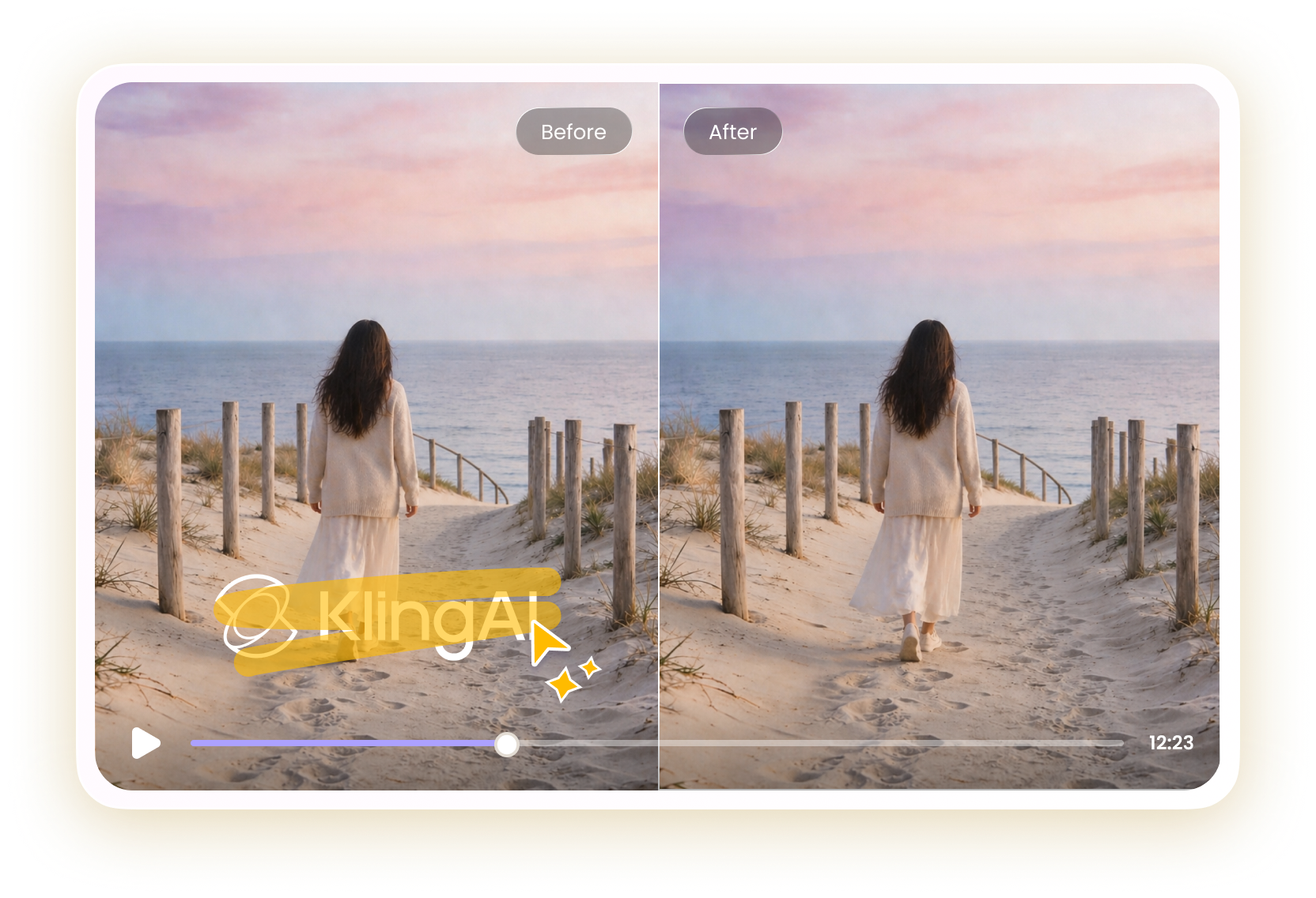
How to Remove Kling Watermark from Video with HitPaw Online
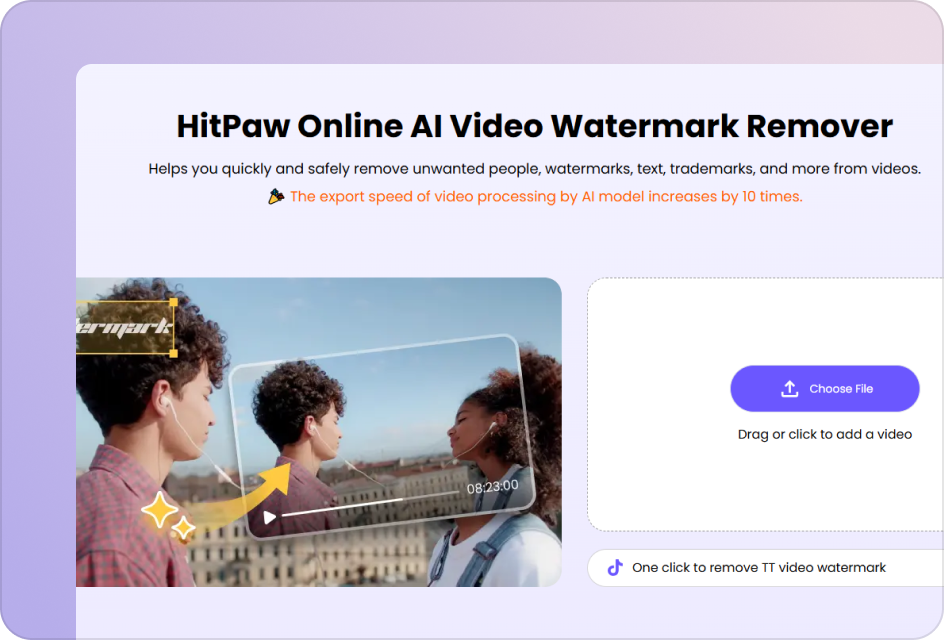
Upload Your Kling AI Video
Upload the video with Kling logo and text. Use high-quality footage to ensure accurate watermark detection.
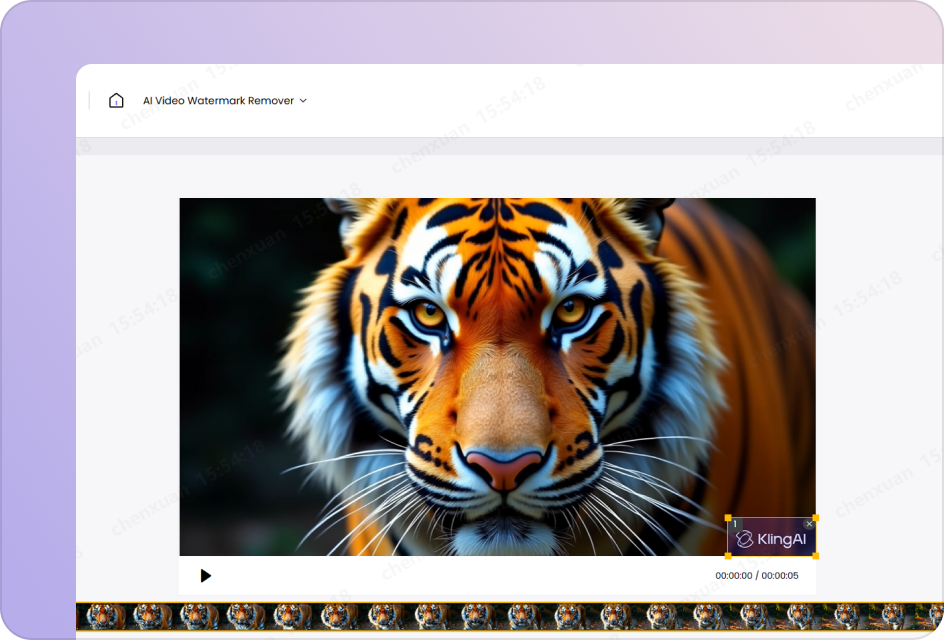
Select the Kling Watermark Area
Use the selection box to precisely highlight all static or moving Kling watermark regions across the video.
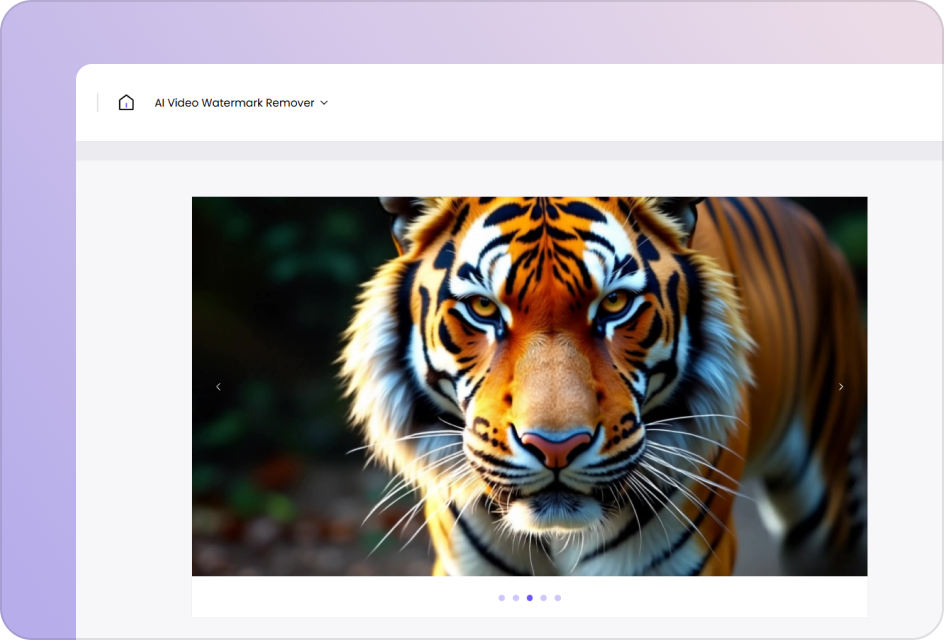
Preview & Download
Click “Preview” to process the video and review the result. Export watermark-free video with clean, natural visuals.
Kling Watermark Remover Built for Precision Editing
Remove Kling AI Watermarks in Seconds
Use a Kling AI watermark remover to instantly remove Kling AI video watermarks, logos, or text overlays. Whether you're fixing downloaded clips or preparing content for reuse, you can quickly clean visuals and get a distraction-free video ready for publishing, editing, or client delivery.
Remove Watermark Now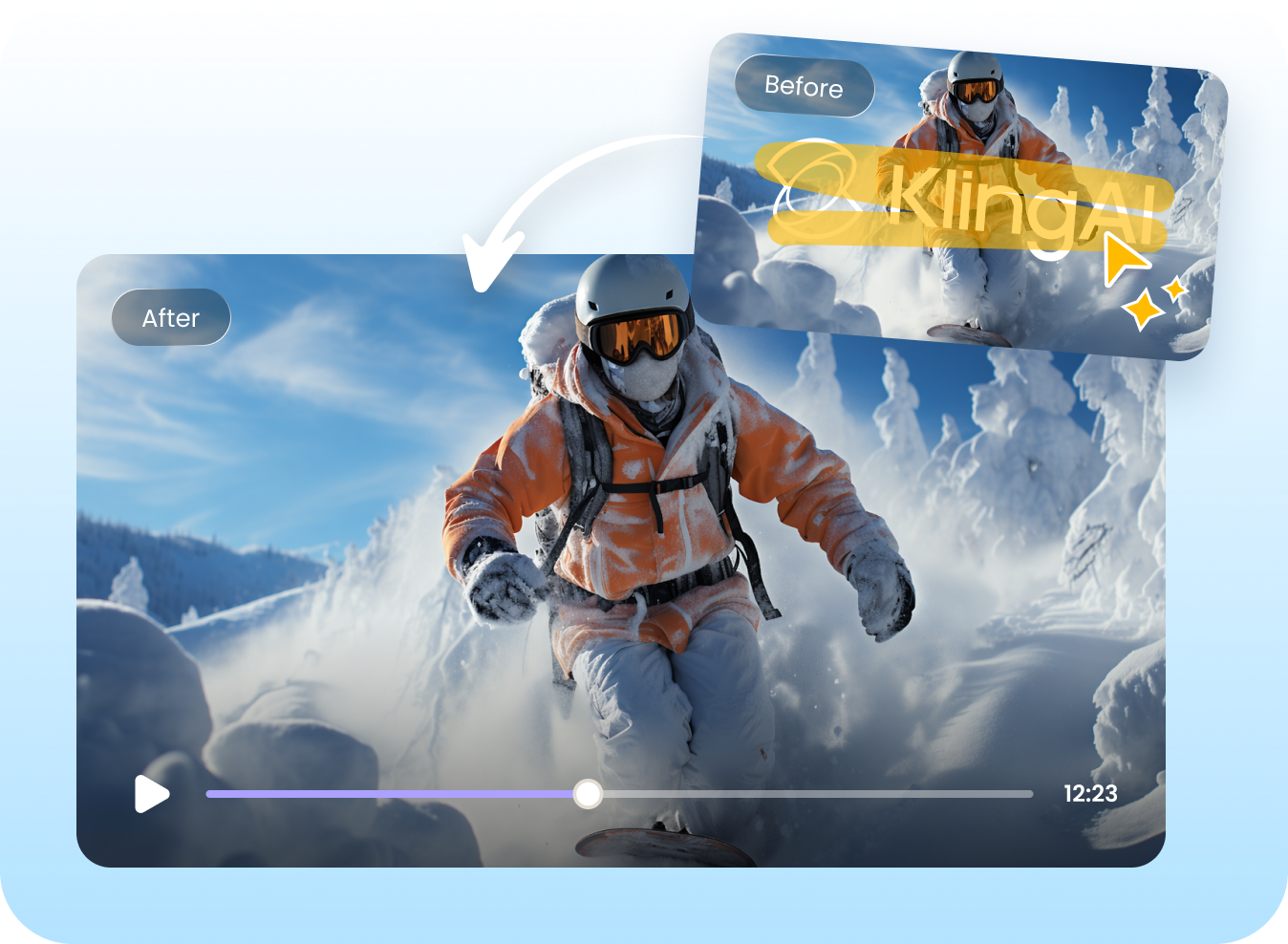

High-Quality Kling Watermark Removal Without Blur
This Kling video watermark remover ensures your footage stays sharp after removing watermarks. It intelligently fills removed areas to keep backgrounds smooth and natural, helping you maintain high-quality visuals for social media posts, marketing materials, or professional video projects.
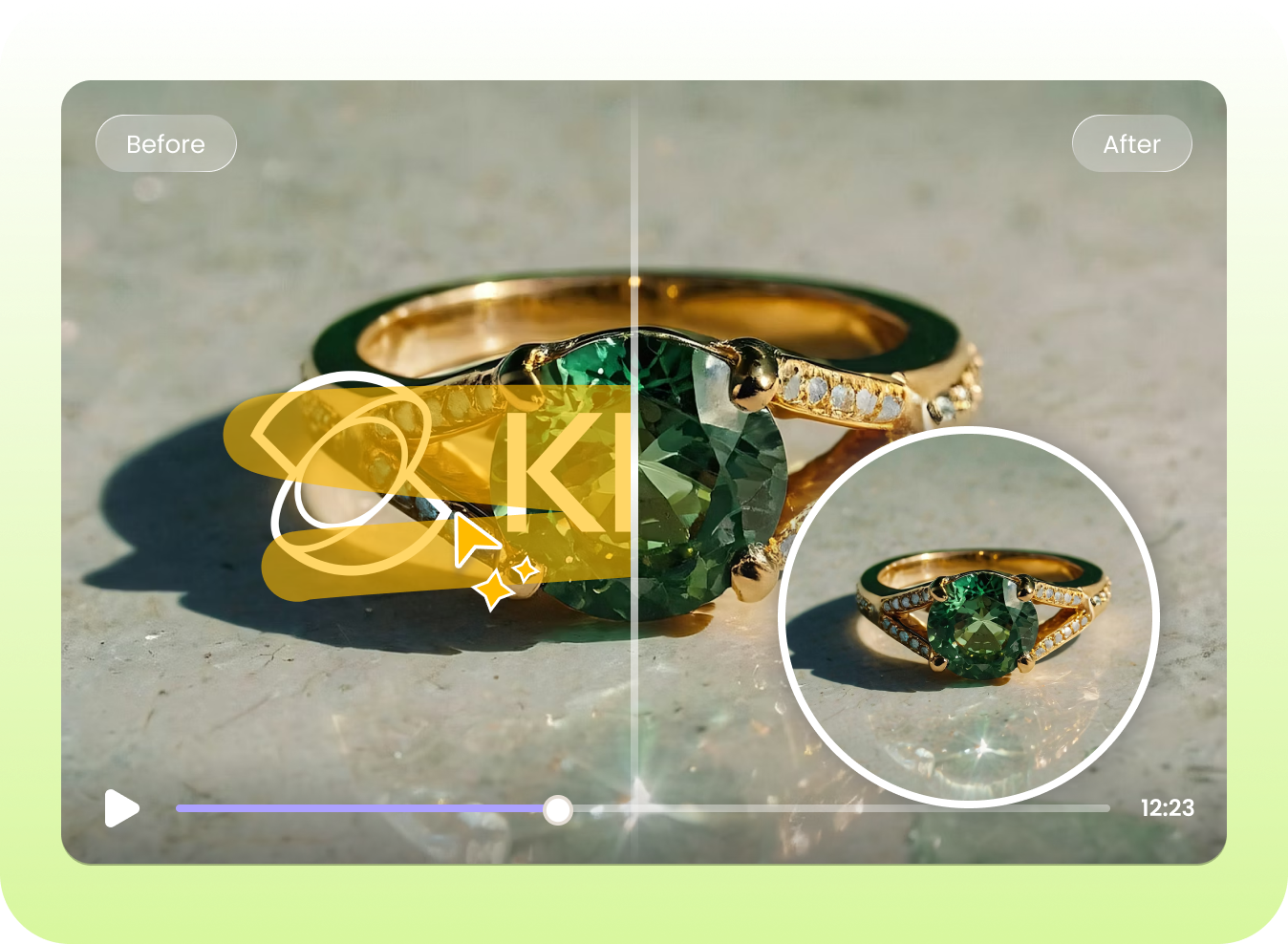
Remove Watermark NowWorks for Any Kling Video Watermark Removal Scene
HitPaw Kling AI video watermark remover works across all types of AI-generated videos, from talking avatars to cinematic scenes. Easily remove watermarks from different formats and styles, making your videos more versatile for repurposing, sharing, or integrating into creative workflows.
Remove Watermark Now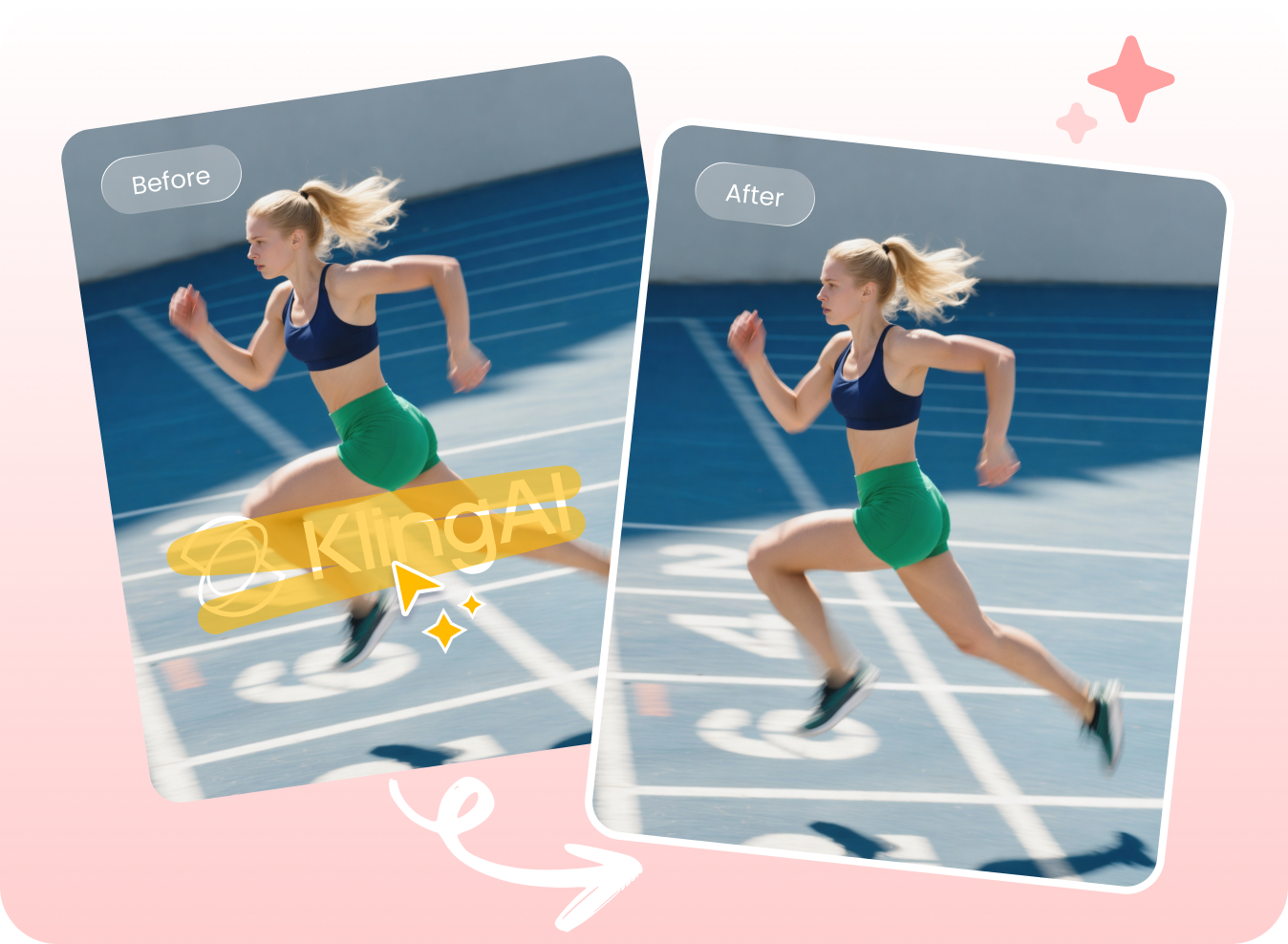
100% Online & Free Kling AI Watermark Remover
Access HitPaw Online Kling Watermark Remover free without downloading software or learning complex tools. Remove Kling AI watermarks directly in your browser, whether you're editing one clip or multiple videos, making it perfect for quick fixes, bulk tasks, and efficient content creation.
Remove Watermark NowExplore More AI Watermark Remover Tools



FAQs About HitPaw Kling AI Watermark Remover
Kling AI videos usually include watermarks to indicate the content is generated by AI and to protect the platform’s ownership and usage policies. In many cases, watermarks are also used in free plans or trial versions to limit commercial use and encourage users to upgrade to paid tiers.
Not if you use a reliable Kling AI watermark remover. With advanced AI reconstruction, tools like HitPaw can intelligently fill the removed area, keeping the background smooth and natural. This means your video remains clear, sharp, and visually consistent after watermark removal.
Removing Kling watermarks is not inherently illegal, but it depends on how you use the video. If the content is for personal use or you have proper rights, it’s generally acceptable. However, removing watermarks for commercial use without permission may violate platform terms or copyright laws. Always check Kling’s usage policies before publishing.
There are two common ways to remove a Kling AI watermark:
- AI Reconstruction (Recommended): Upload your video to an AI-powered Kling watermark remover. The tool detects the watermark and rebuilds the missing area for clean, natural results.
- Link-Based Processing: Paste the Kling video link (if supported), and the tool will automatically process and remove the watermark.
For the best results, try HitPaw Online Video Watermark Remover. It uses advanced AI to remove Kling AI video watermarks while preserving video quality—no downloads or editing skills required.
Remove Kling Watermarks Online—Start for Free Now
Stop letting Kling AI watermarks limit your content. Use a free Kling watermark remover online to clean your videos in seconds.