Veo Watermark Remover
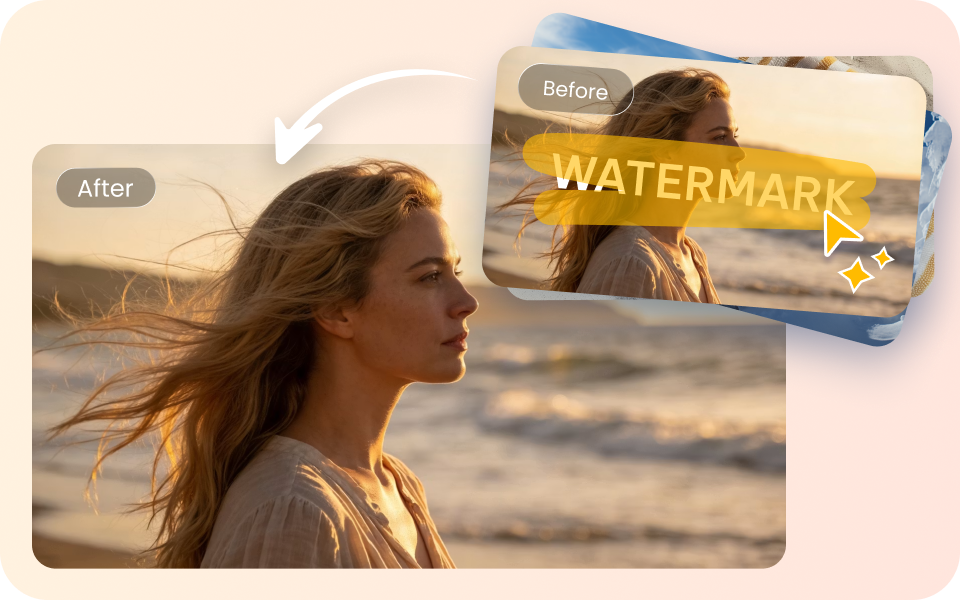
Remove Veo video watermarks online in seconds—no downloads needed, with quality and details preserved. Smart detection and one-click cleanup give your Veo videos a clean, professional finish instantly.

How to Remove Watermarks from Veo Videos
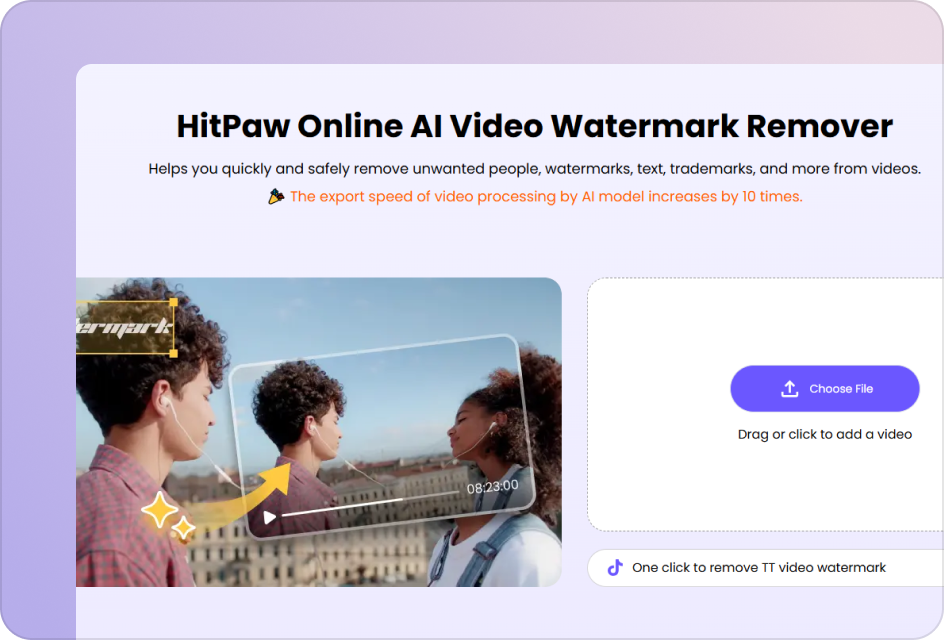
Upload Your Veo Video
Start by uploading the Veo video that contains a watermark.
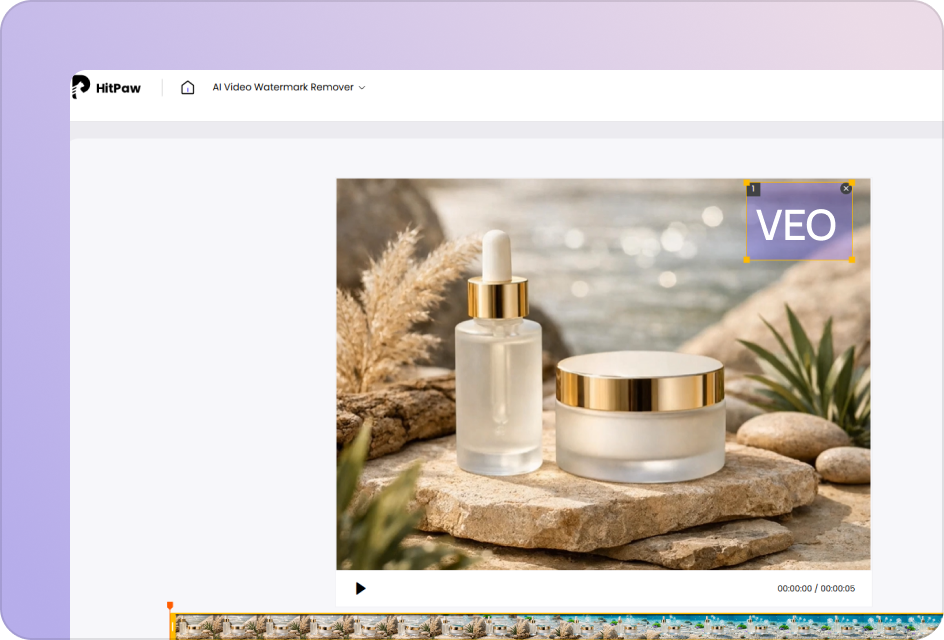
Select the Watermark Area
Use the selection tool to highlight the Veo watermark in your video.

Download Your Clean Video
Once the watermark is removed, download your video without any watermark.
Turn Veo Videos into Clean, Ready-to-Use Content with HitPaw
Make Your AI Videos Feel Native on Social Platforms
Remove Veo watermarks for a more seamless visual presence across feeds. Present content in a way that feels organic to the platform and easy to watch.
Remove Watermark Now

Create Product Videos That Keep the Focus Where It Matters
Eliminate watermarks to maintain visual clarity around your product. Produce ad-ready assets designed for cleaner presentation and stronger impact.
Remove Watermark NowBring Clarity and Structure to Training Video Content
Clean up Veo watermarks to simplify the visual composition of each scene. Support more focused learning with content that’s easier to follow and absorb.
Remove Watermark Now

Present Video Content That Meets Business Standards
Remove watermarks to align your visuals with professional presentation needs. Ensure consistency and polish across demos, pitches, and internal materials.
Remove Watermark NowExplore More AI Watermark Remover Tools


FAQs about HitPaw Veo Watermark Remover
You can use HitPaw Online Video Watermark Remover directly in your browser to remove watermarks from Veo-generated videos. Simply upload your video, and the tool will automatically detect the watermark area and export a clean version—no software installation required.
No, HitPaw Online Video Watermark Remover is designed to preserve the original video quality and clarity. The process focuses only on the watermark area while keeping the overall visual structure unchanged.
Yes, HitPaw Online Video Watermark Remover offers a free online option for basic watermark removal. You can upload and process videos directly in your browser to quickly test the result without installation.
Yes. Once the watermark is removed, Veo videos can be used across multiple platforms. This includes social media publishing, business presentations, and marketing content usage.
Yes, HitPaw Online Video Watermark Remover supports Veo videos as well as other common video types with watermarks. It works across different sources while keeping the removal process simple and consistent.
Remove Watermarks from Veo Videos with HitPaw
With HitPaw Online Video Watermark Remover, you can turn Veo-generated videos into clean, ready-to-use content in just a few steps. Whether for social media, marketing, or presentations, it helps you quickly remove watermarks online while keeping your workflow simple and efficient.