Instagram Watermark Remover
Easily remove watermarks from Instagram videos and Reels directly in your browser with HitPaw Online Video Watermark Remover. Get clean, ready-to-use videos in seconds for reposting, editing, or creative reuse.
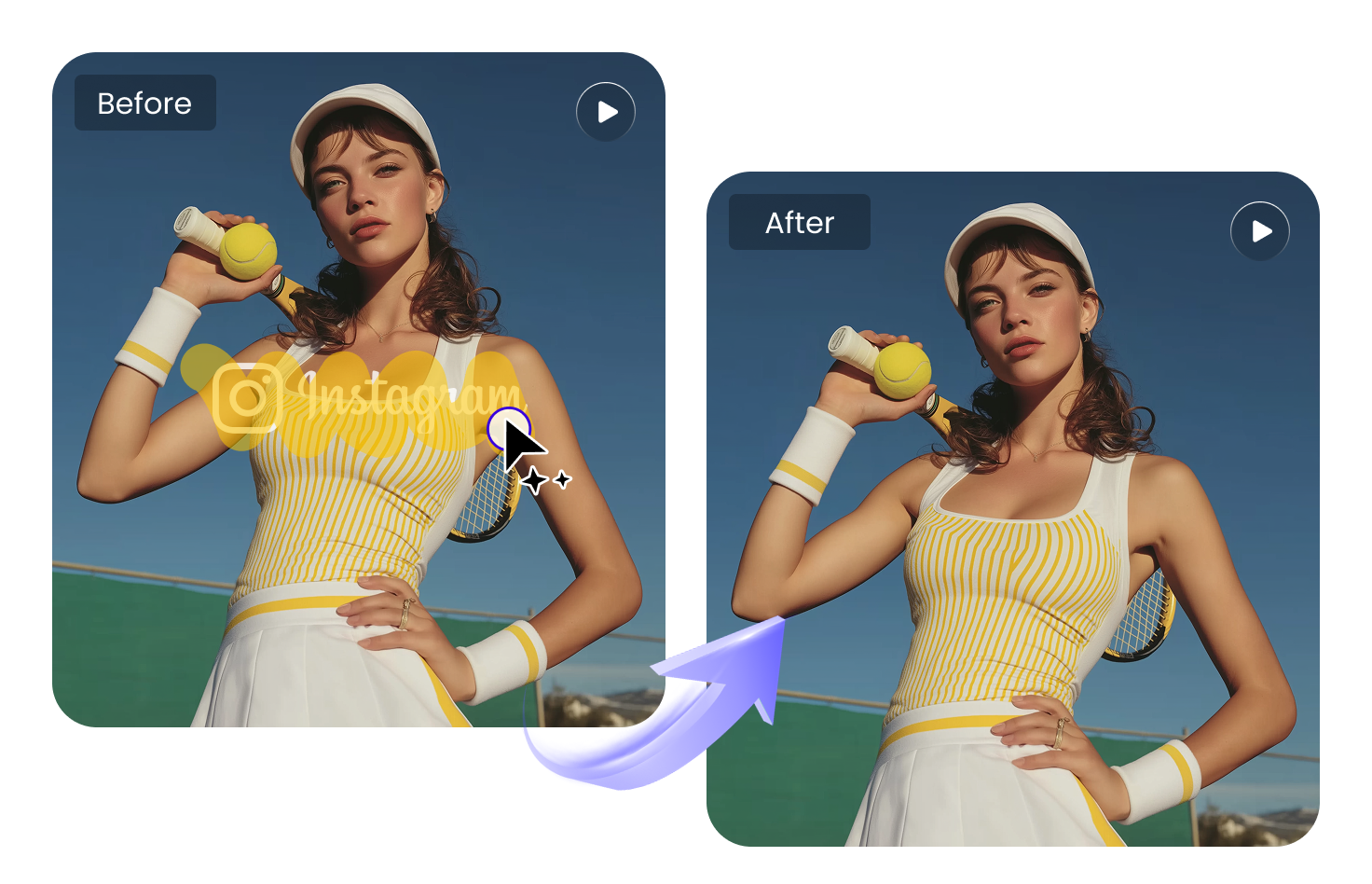
How to Clean Instagram Reels Watermarks

Import Your Reels Video
Bring your Instagram Reels video with a watermark into the tool to get started.

Mark the Watermark Area
Identify and mark the area where the watermark appears.

Export the Clean Video
After processing, export your video without the watermark.
Powerful Instagram Watermark Removal Features with HitPaw
Remove Watermarks from Instagram Reels
With HitPaw Online Video Watermark Remover, you can remove watermarks from Instagram Reels in just a few steps. Upload your video and get a clean version ready for reposting or editing.
Remove Watermark Now
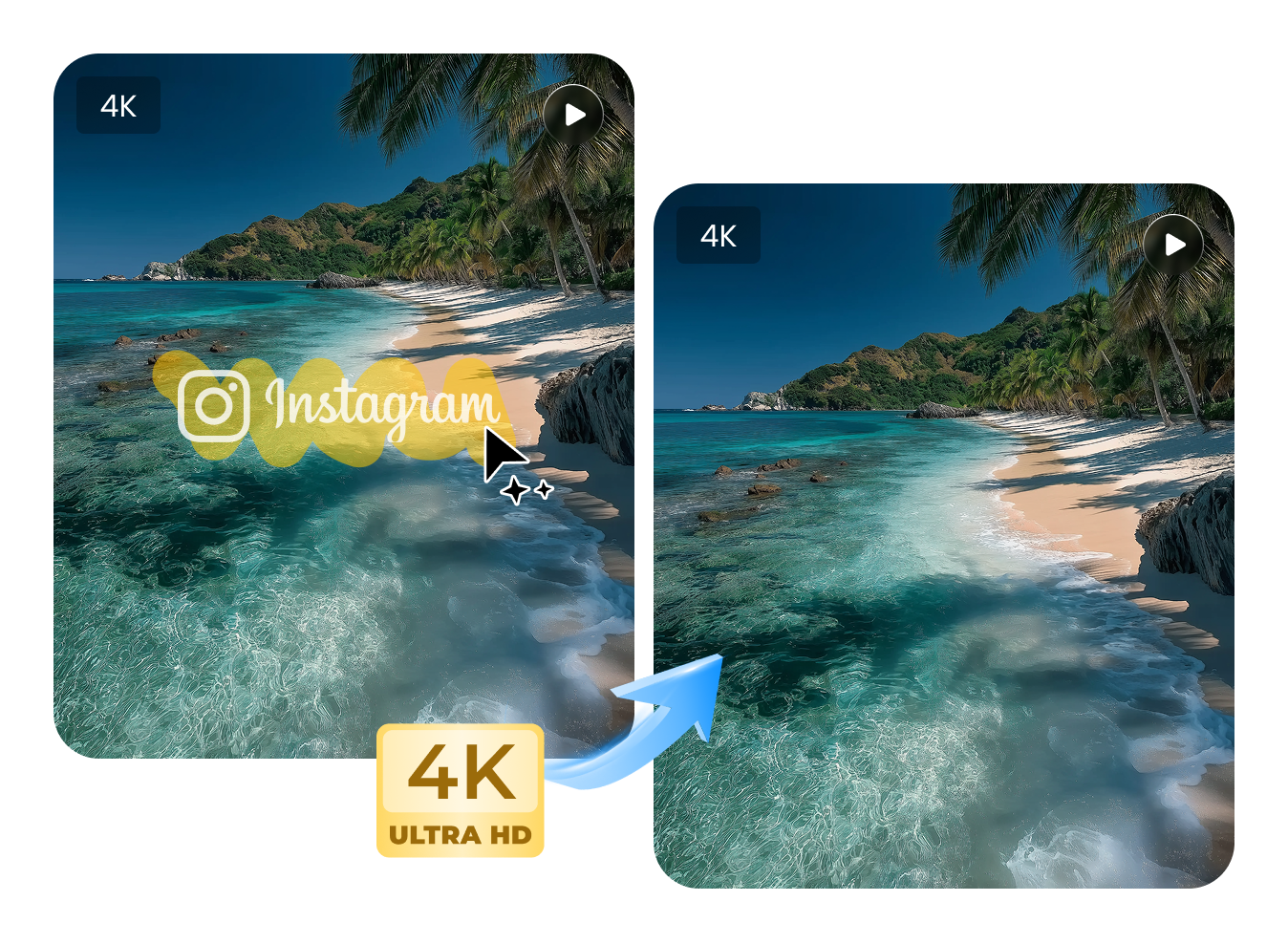
Keep Reels Quality Intact after Watermark Removal
HitPaw is designed to preserve the original clarity and visual quality of your Instagram Reels. The process focuses on watermark removal while keeping the content sharp and consistent.
Remove Watermark NowSimple and Efficient Reels Watermark Removal
Just upload your Instagram Reels and let HitPaw handle the rest automatically. No complex editing required—get a clean output through a smooth and streamlined workflow.
Remove Watermark Now
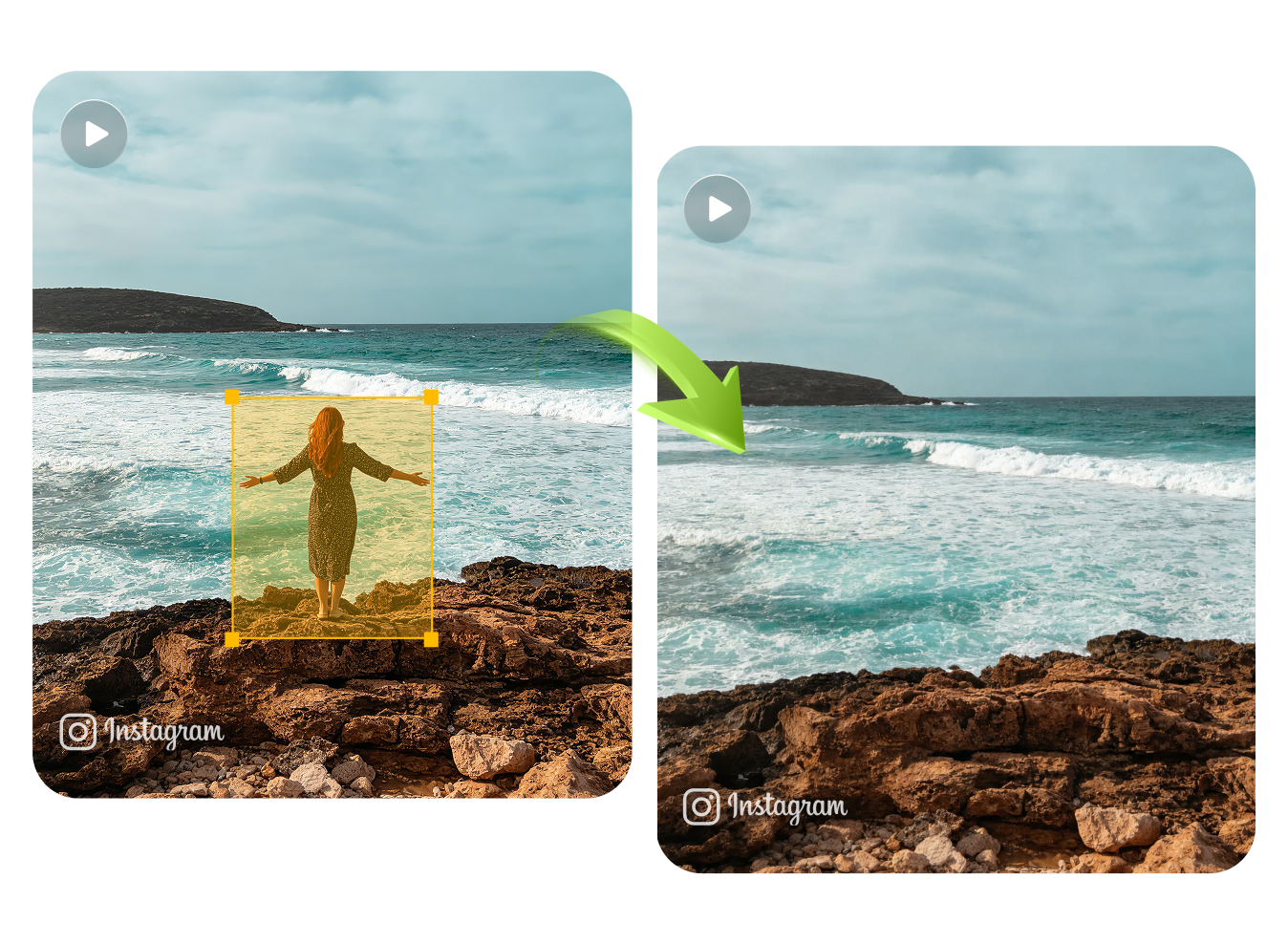
Works Across Different Instagram Reels Content
Our tool supports a wide range of Instagram Reels, including short-form creative clips and promotional content. It ensures a consistent watermark removal experience across different use cases.
Remove Watermark NowExplore More AI Watermark Remover Tools

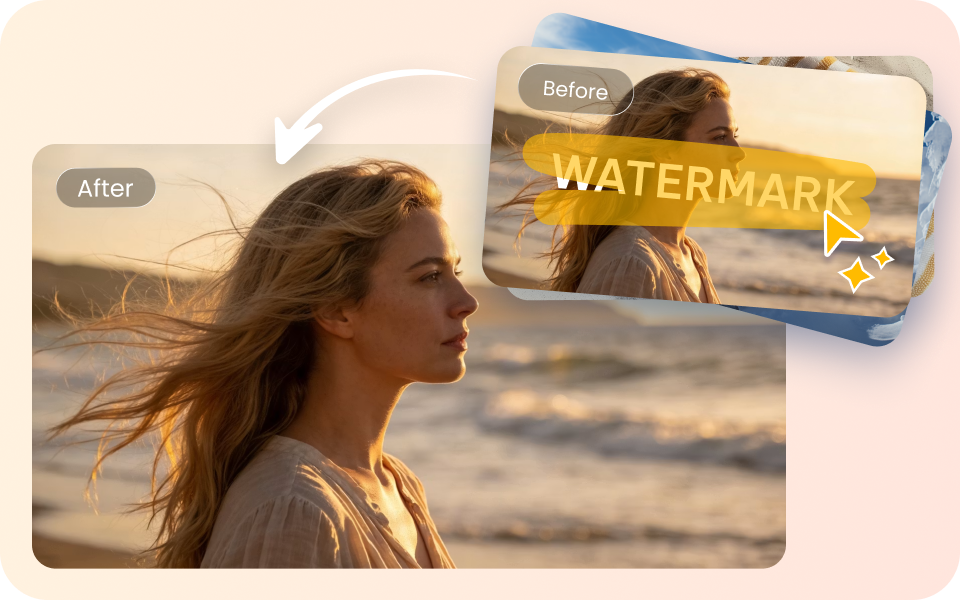

FAQs about HitPaw Instagram Watermark Remover
You can use HitPaw Online Video Watermark Remover directly in your browser to remove watermarks from Instagram Reels. Simply upload your video and download a clean version in just a few steps.
Yes, HitPaw Online Video Watermark Remover works completely online. You can upload your Instagram Reels, process them in your browser, and export the result without installing any software.
No, HitPaw Online Video Watermark Remover is designed to preserve the original quality of your Instagram Reels. The process focuses on watermark removal while keeping the video clear and consistent.
Yes, HitPaw Online Video Watermark Remover offers a free online option for basic watermark removal. You can try the tool directly in your browser without registration or installation.
Yes, once the watermark is removed, your Instagram Reels can be used for reposting, editing, or creative reuse. The tool helps you turn Reels into clean, ready-to-use content.
Remove Watermarks from Instagram Easily
Instagram Reels videos often need watermark removal before sharing or reuse, and HitPaw online video watermark remover makes this quick and easy. Upload your Reels video to get a watermark-free version that you can use in posts, edits, or creative projects.