Remove Subtitles from Video Online Free
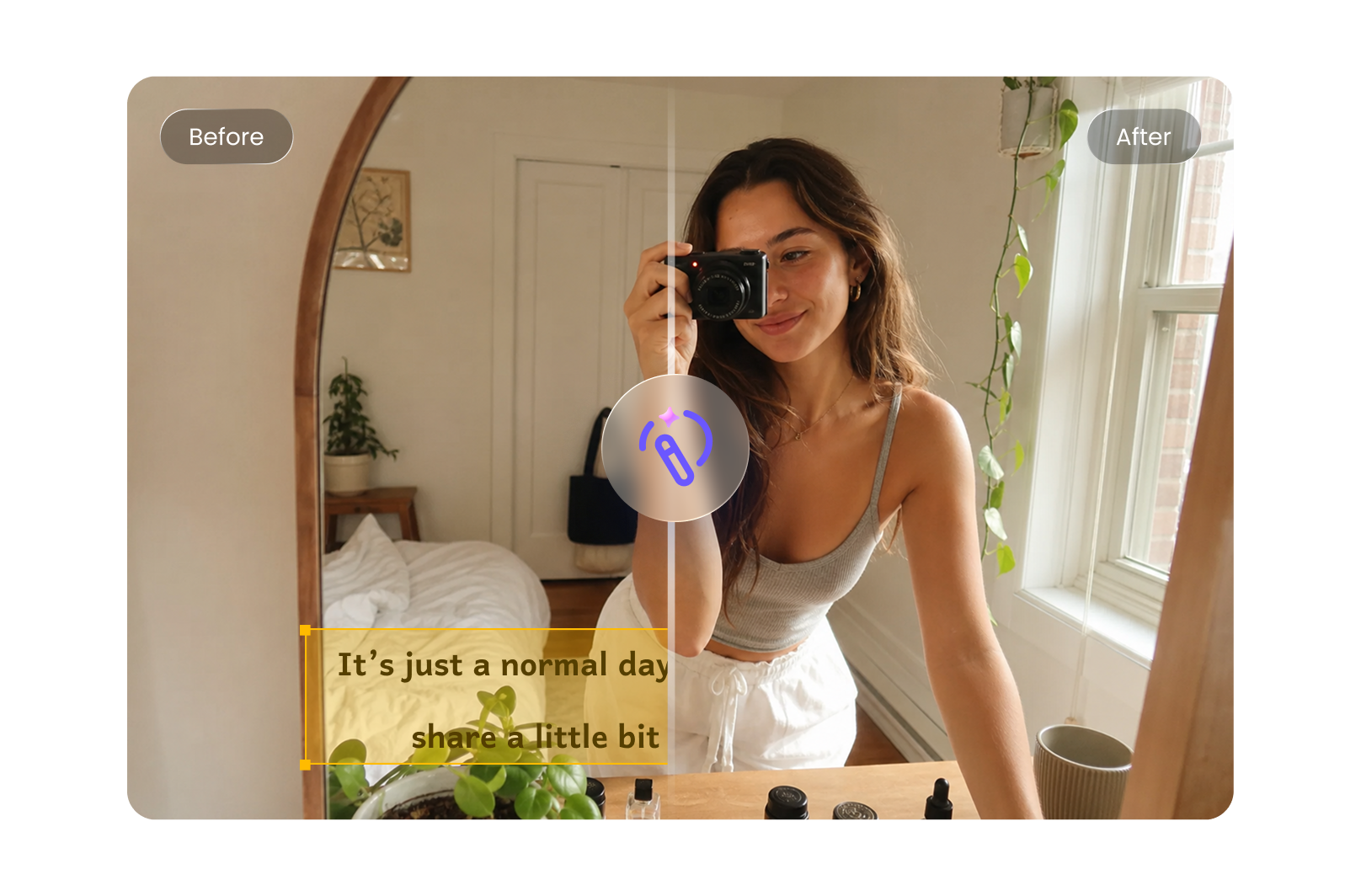
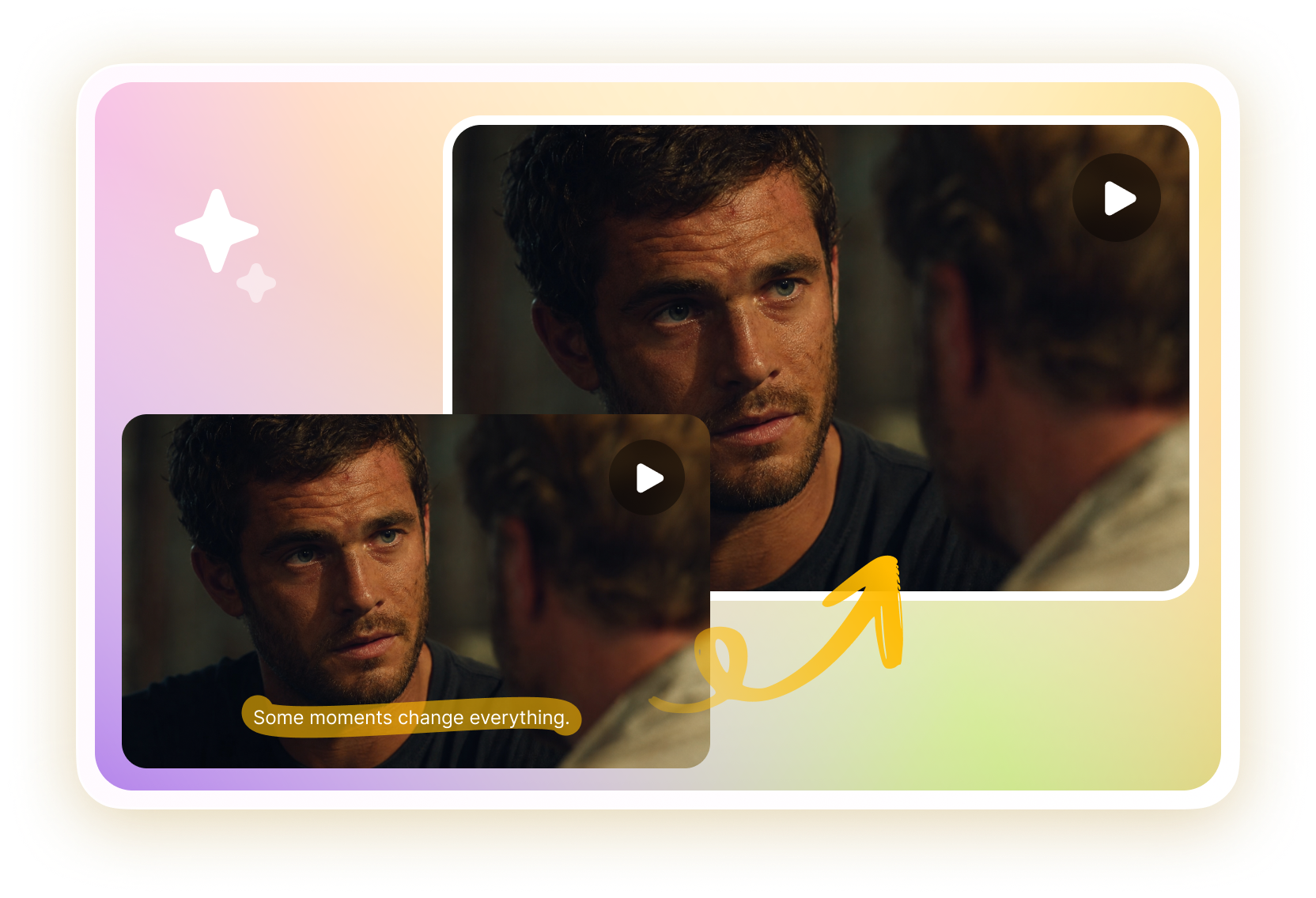
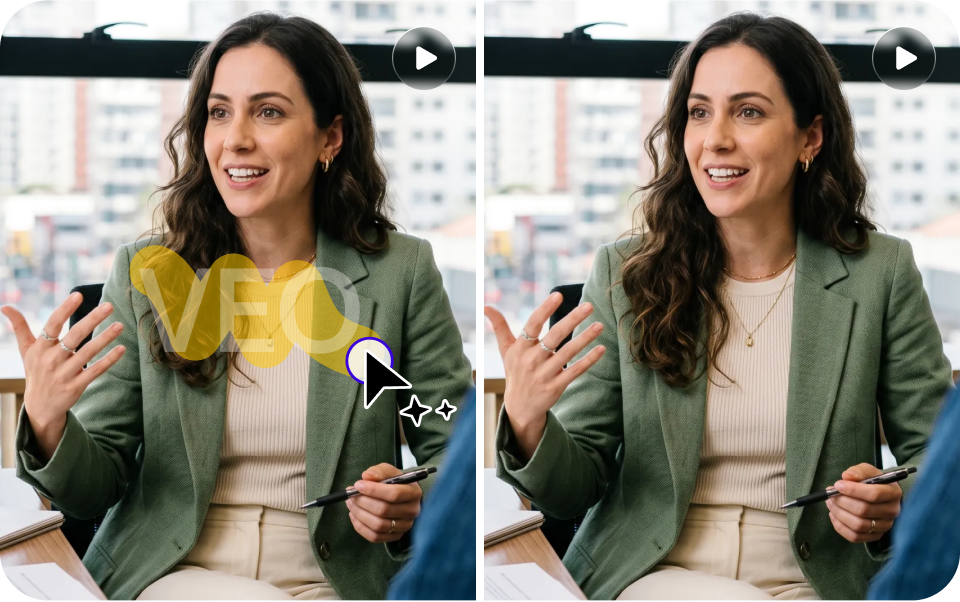
Easily remove subtitles from video online free using AI. Delete hardcoded captions without blur or quality loss, keep scenes clean and natural, and export high-quality results in just a few clicks.
How to Remove Subtitles from Video Online Free
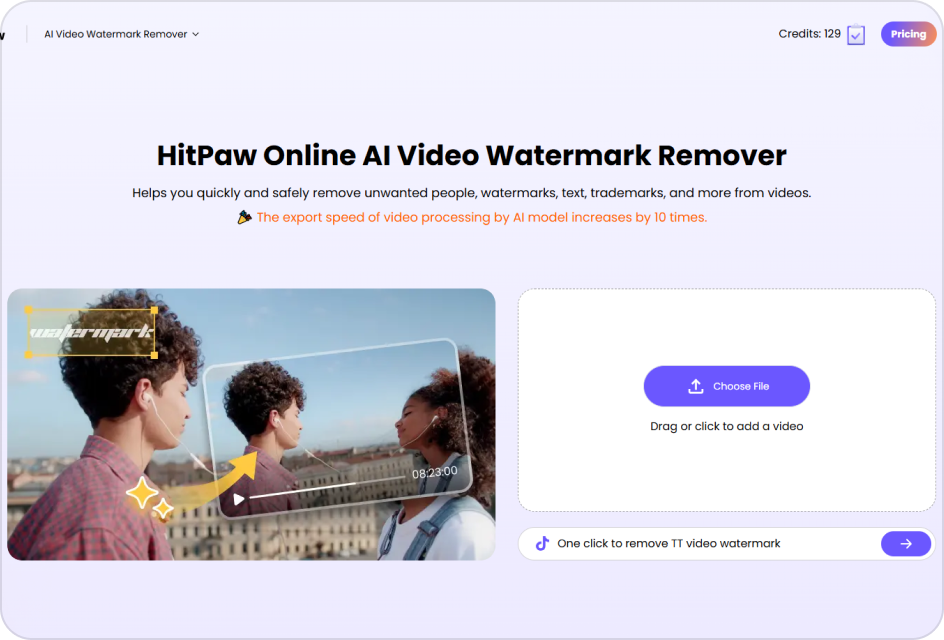
Upload a Video with Subtitles
Upload your video file with hardcoded subtitles in supported formats.
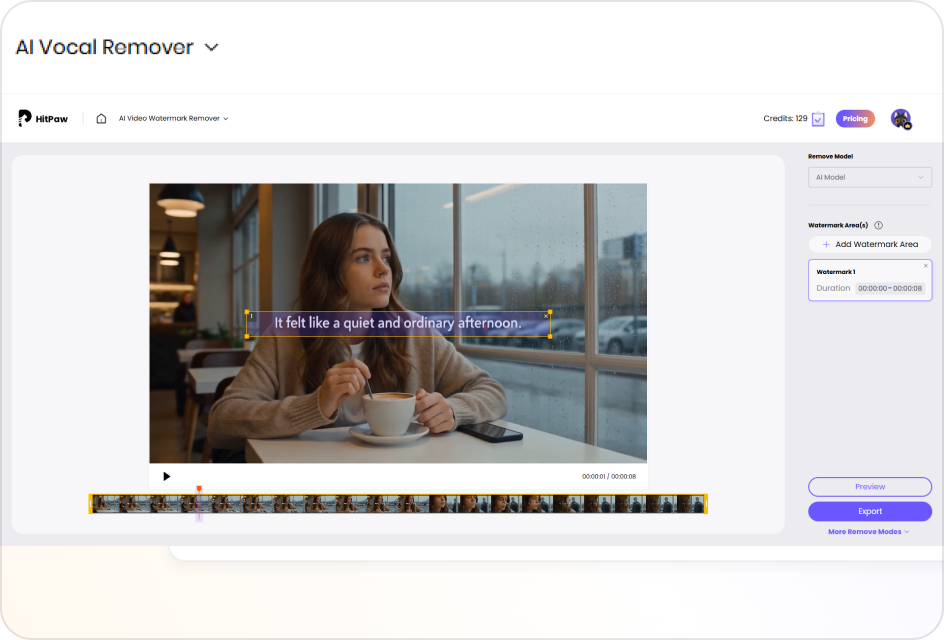
Select the Subtitle Area
Highlight the subtitle area; AI removes text while preserving background details.
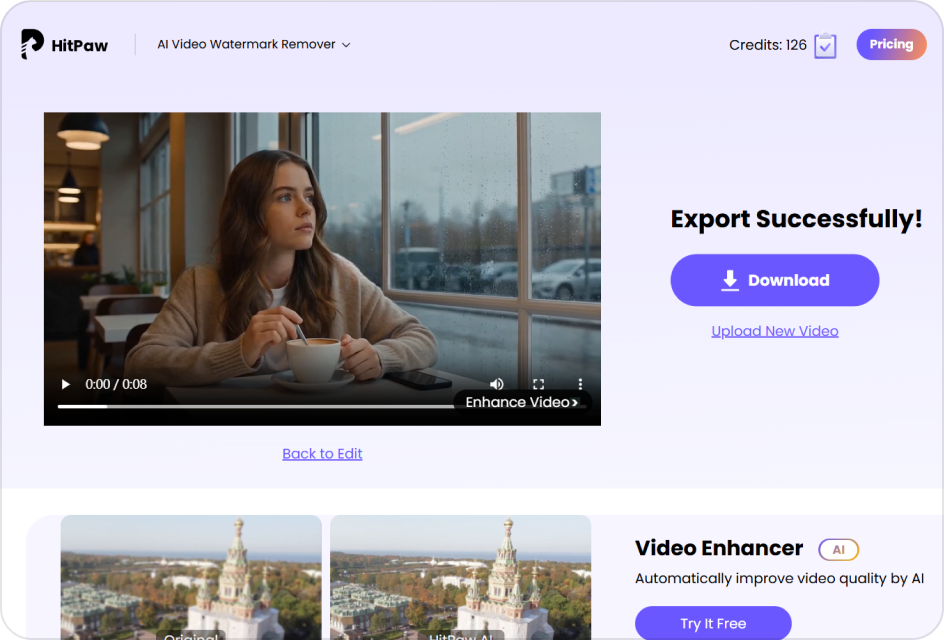
Preview and Export
Preview results, then export your clean video in high quality instantly.
Powerful Features to Remove Subtitles from Video
AI Subtitle Removal Without Blur
Tired of blurry patches after removing subtitles? Our AI precisely erases hardcoded captions while rebuilding background details, so your videos stay clean and natural—perfect for social media clips, client projects, or reusing old content.
Remove Subtitle from Video Now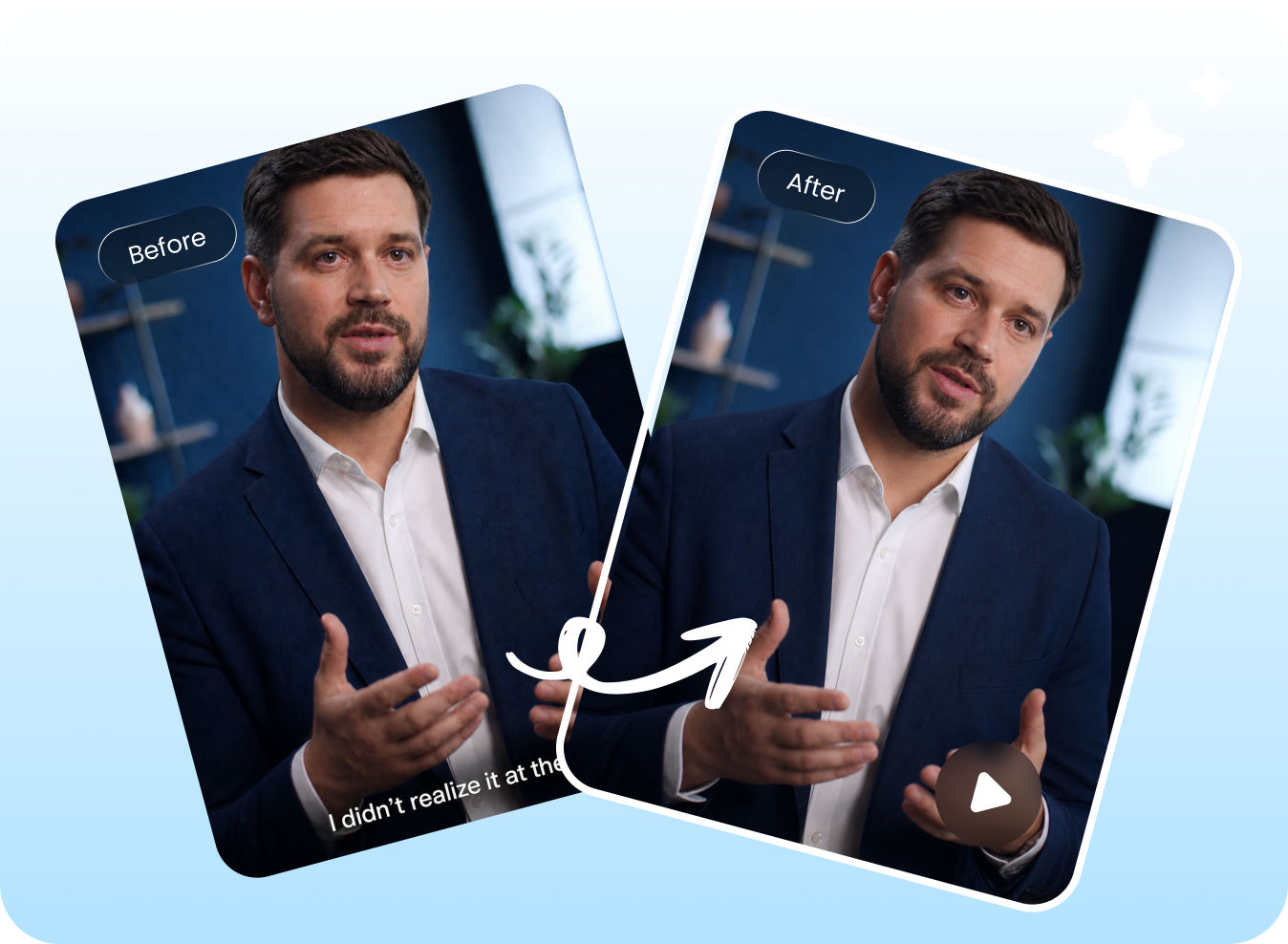
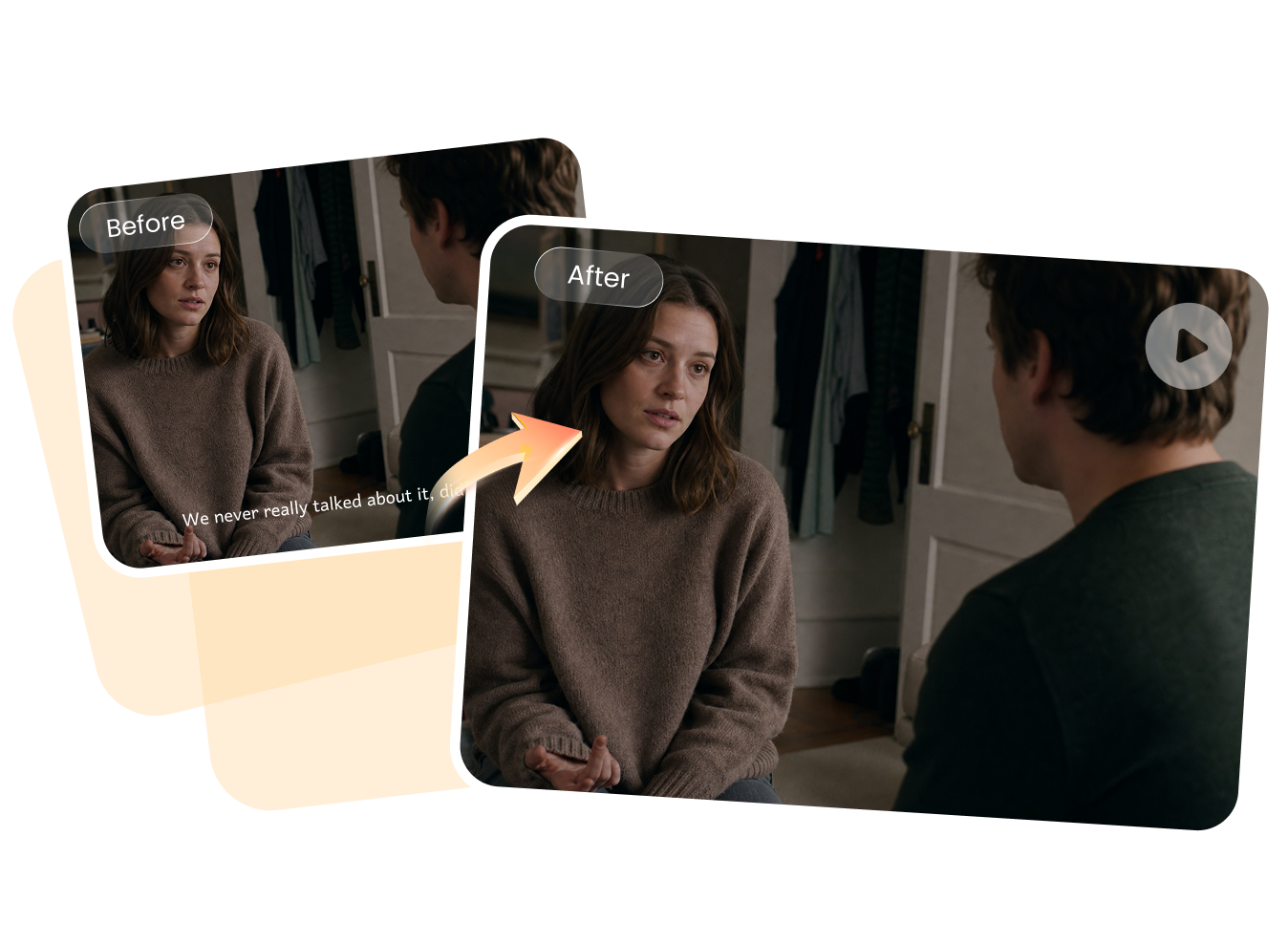
Remove Subtitles from Any Scene
Whether subtitles appear on movies, vlogs, interviews, or gameplay videos, easily remove them in different lighting and backgrounds. No need to worry about complex scenes like moving objects or textured areas—the AI adapts automatically.
Remove Subtitle from Video NowFast Online Subtitle Removing, No Installation
Don’t want to download heavy software just to remove subtitles? Use this tool directly in your browser. Upload, process, and export within minutes—ideal for quick edits, urgent tasks, or creators working across multiple devices.
Remove Subtitle from Video Now
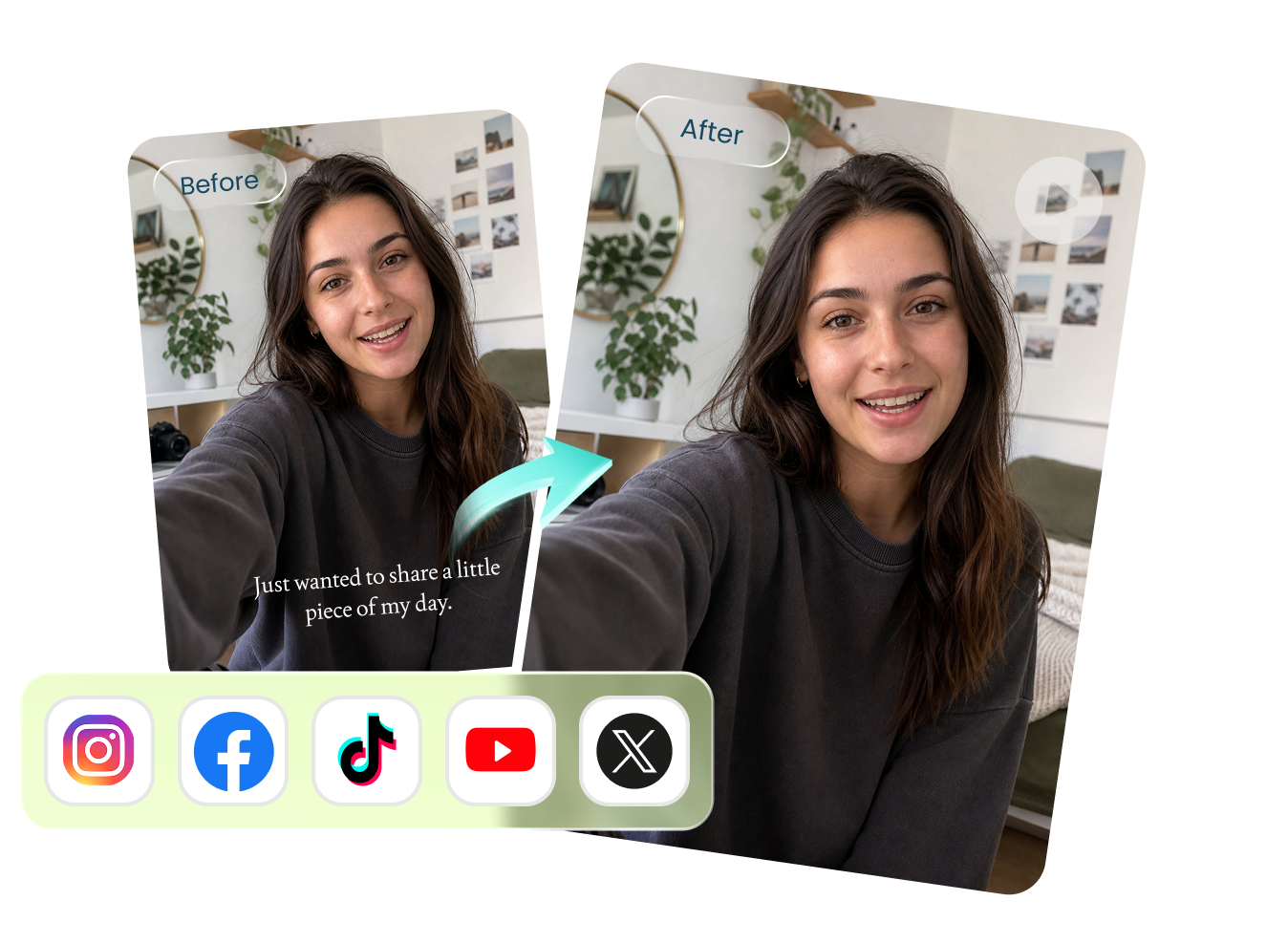
Remove Subtitles for Social Media and Professional Use
Create clean, subtitle-free videos ready for YouTube, TikTok, Instagram, or client delivery. Maintain a polished, professional look for marketing, presentations, or brand content without distractions, helping your visuals stand out across platforms.
Remove Subtitle from Video NowExplore More AI Watermark Remover Tools


FAQs About Removing Subtitles from Video
No, you don’t need any professional editing experience. Most AI tools are designed for beginners—just upload your video, select the subtitle area, and let the tool handle the rest automatically in a few simple steps.
Yes, AI subtitle removal tools can erase subtitles without cropping. This means you keep the original video frame and composition, which is especially important for content intended for social media or professional use.
AI performs well in most situations, but results can vary depending on background complexity, movement, and lighting. In general, it delivers clean results for common scenarios like static subtitles on simple or moderately detailed backgrounds.
Yes, removing subtitles makes videos more flexible for reuse. You can repurpose clips for social media, add your own captions, or edit content for different audiences without distractions from original subtitles.
Remove Any Subtitle, Restore a Clean Video
Easily remove subtitles from TV shows, movies, interviews, documentaries, YouTube videos, and personal recordings. Upload your video, erase distracting text in seconds, and get a cleaner, more professional-looking result online.