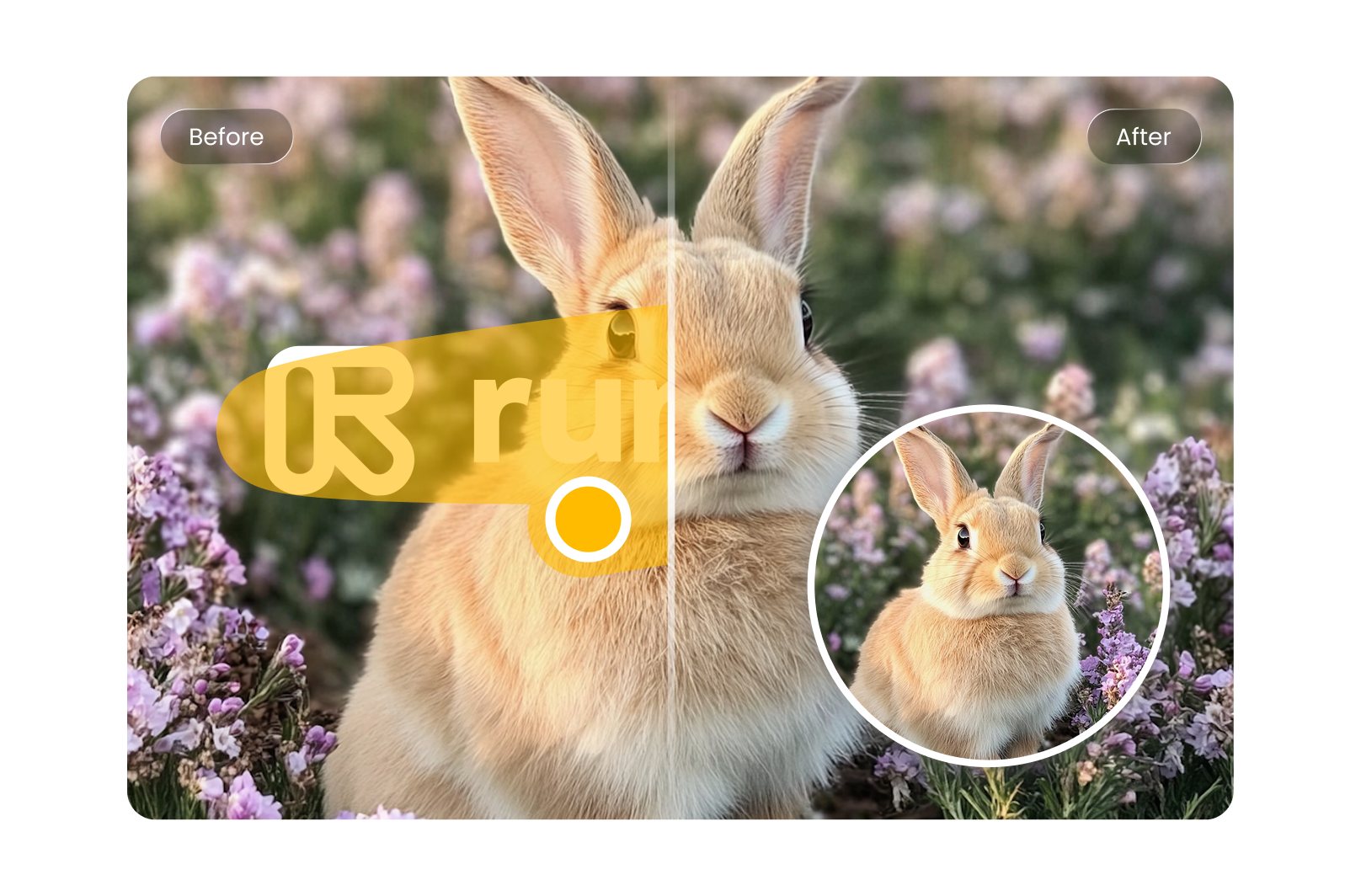
Runway AI Watermark Remover Online
Use HitPaw Runway watermark remover online free to remove Runway AI watermark from videos. Remove unwanted logos and overlays to make your content ready for editing, sharing, or publishing without distractions.
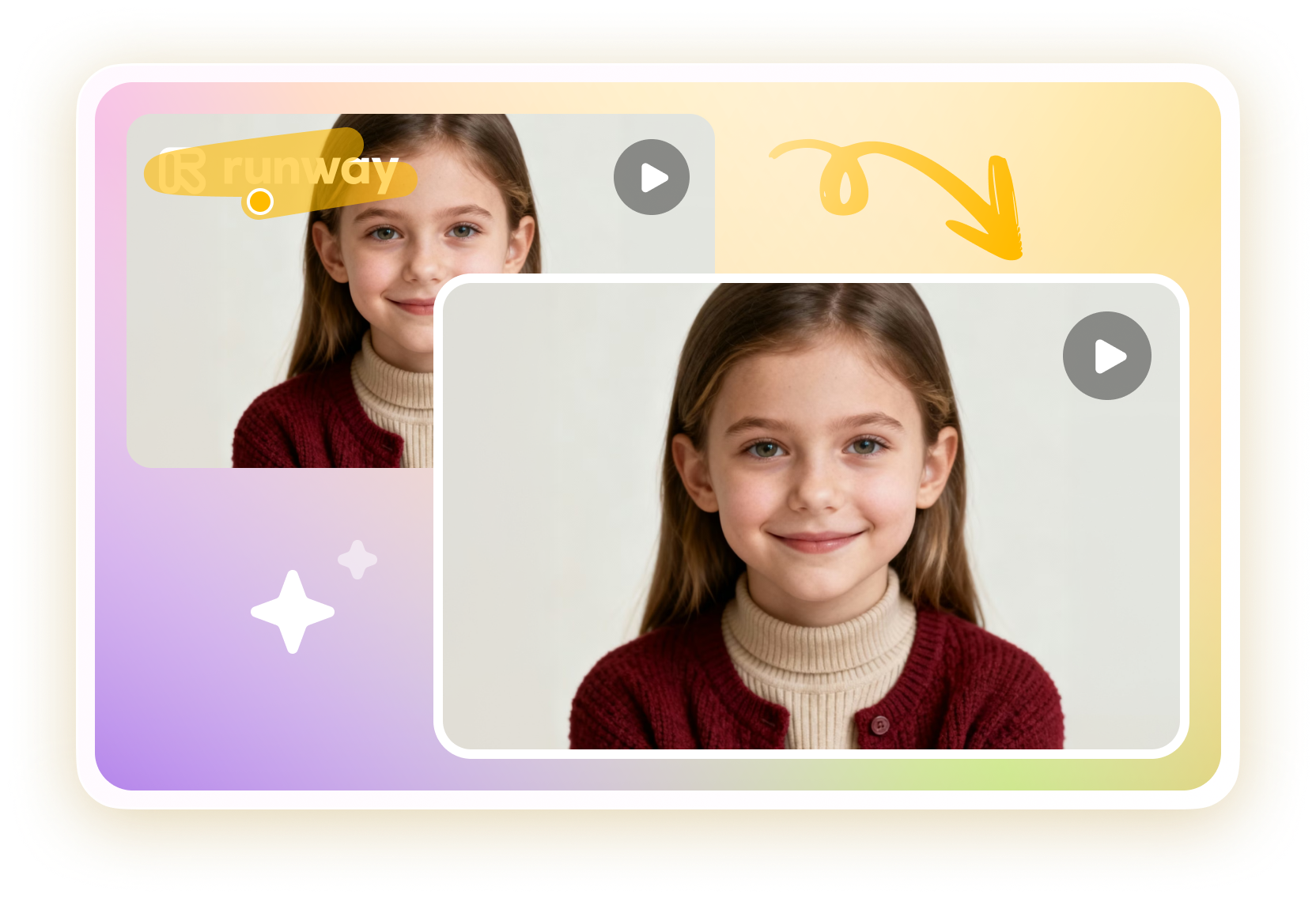
How to Remove Runway AI Watermark with HitPaw Online
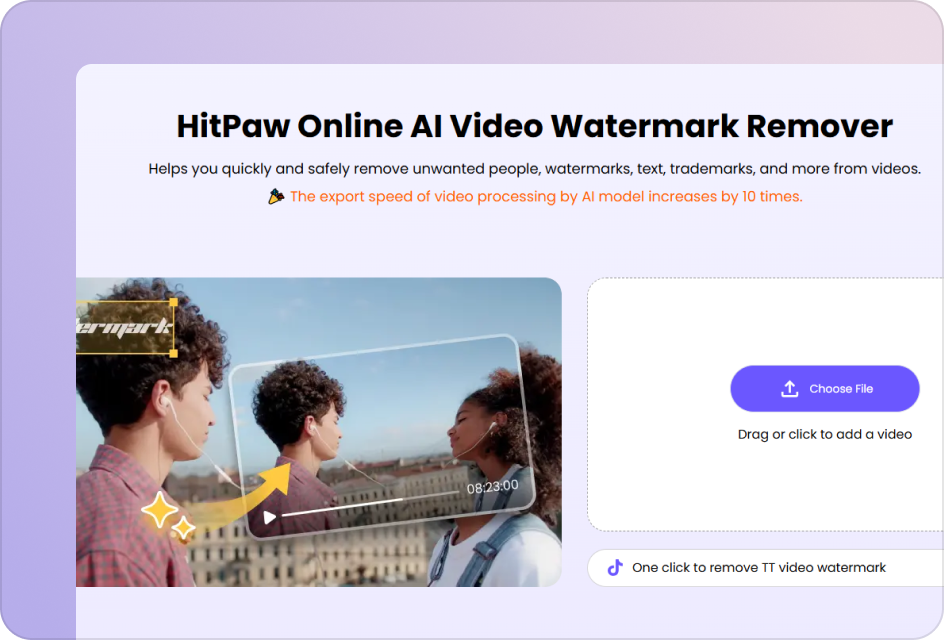
Upload Your Runway AI Video
Upload the video with Runway watermark. Use high-quality footage to ensure accurate watermark detection.
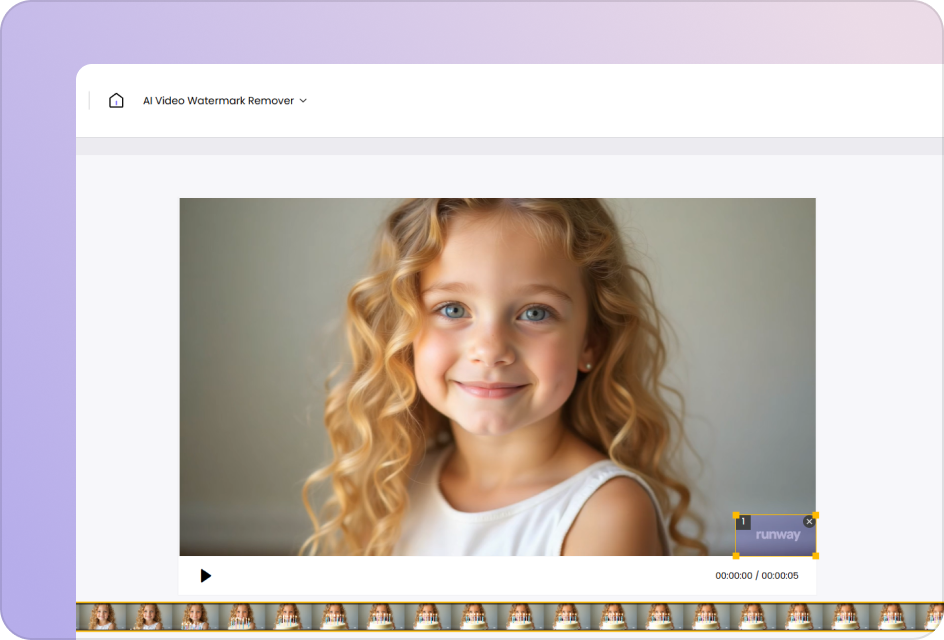
Select Runway Watermark Area
Use the selection box to precisely highlight all static or moving Runway watermark regions across the video.
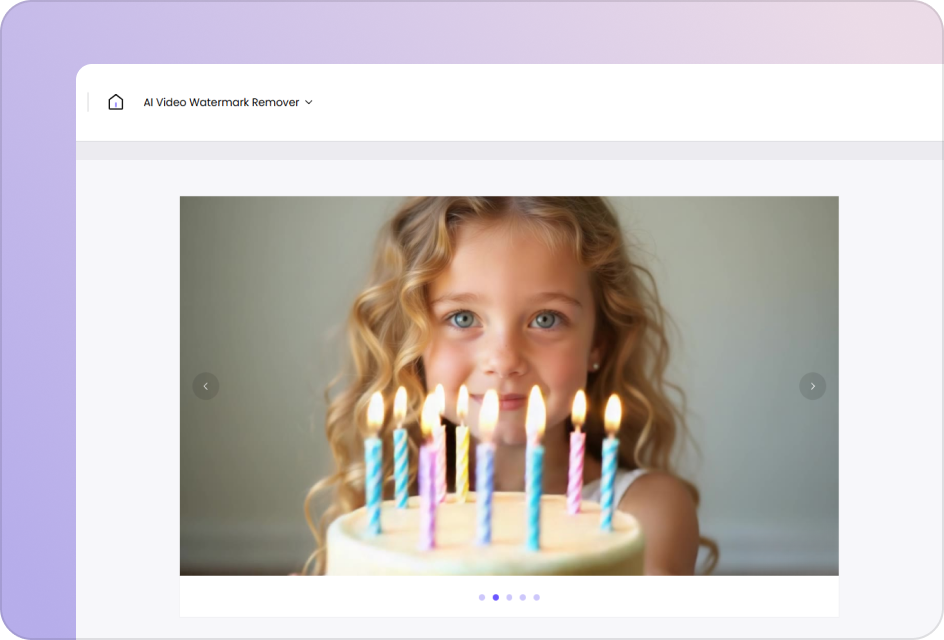
Preview & Download
Click “Preview” to process the video and review the result. Export watermark-free video with clean, natural visuals.
Smarter Way to Remove Runway AI Watermarks
Frame-Level Tracking for Runway AI Watermark Removal
Automatically detect and remove Runway AI watermarks using temporal-aware tracking across video frames. Instead of treating each frame independently, the system maintains watermark consistency over time to prevent flickering, ghost edges, or inconsistent artifacts during removal.
Remove Watermark Now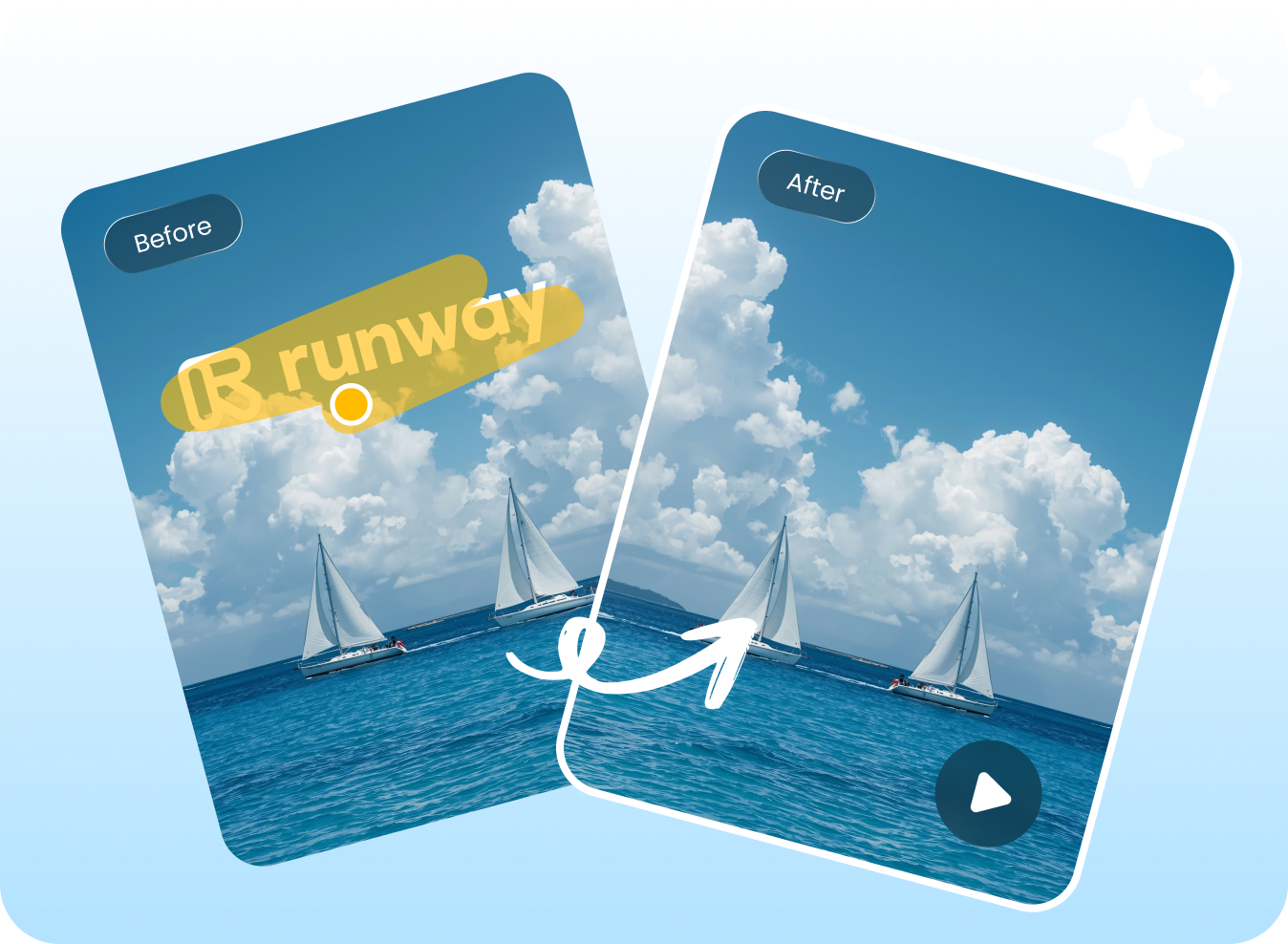
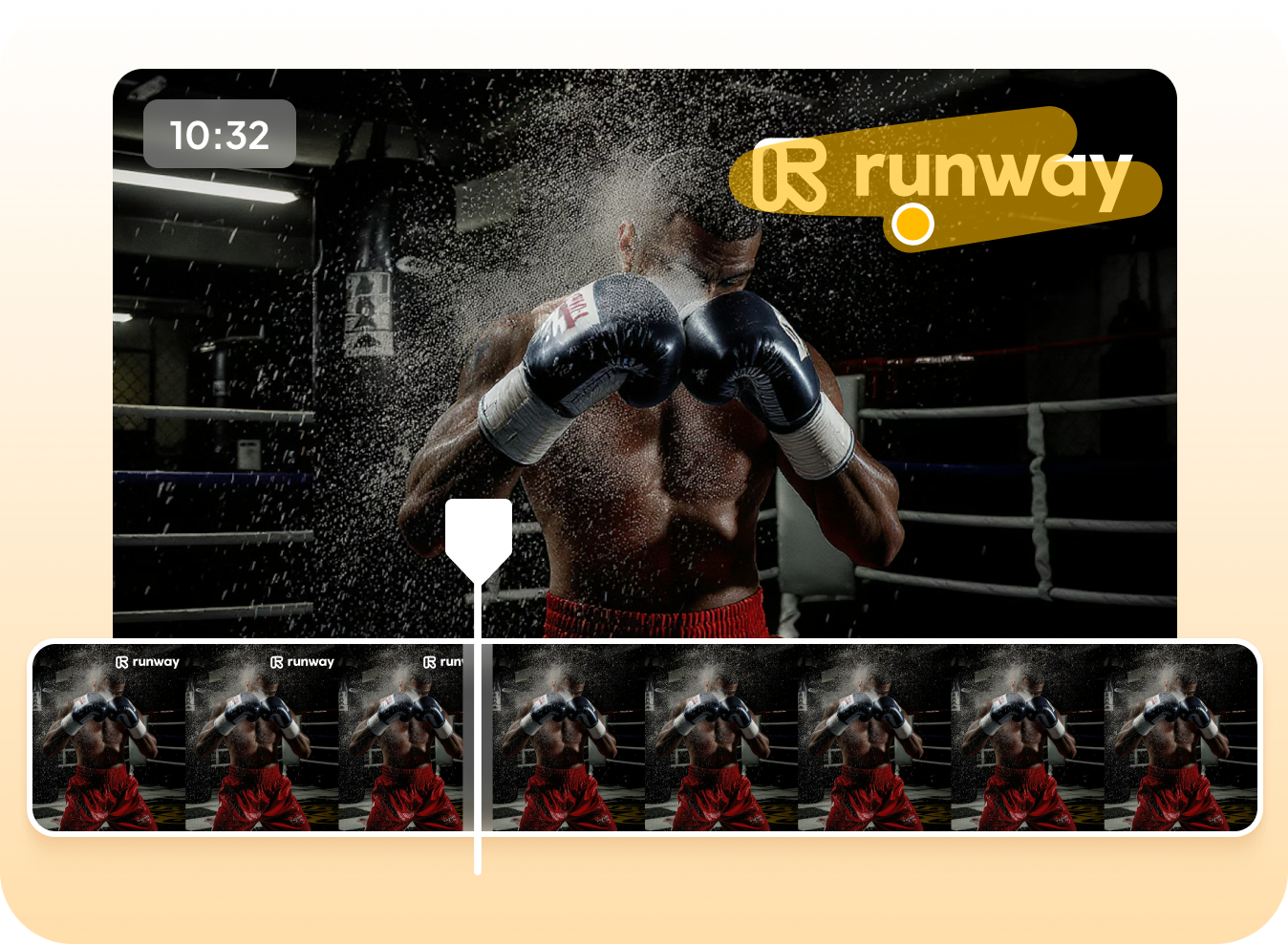
Runway Watermark Remover Online for Instant Access
Run the Runway AI watermark removal process directly in your browser without installation. This browser-based Runway watermark remover processes videos within a single session, and all uploaded files are cleared after completion to prevent persistent storage. This makes it suitable for fast Runway video watermark removal, testing, and iterative editing workflows.
Remove Watermark NowKeep Videos Clear while Removing Runway Watermark
Export cleaned Runway AI videos at original resolution and frame rate without introducing additional compression artifacts or overlay layers. This Runway watermark remover ensures high-fidelity output suitable for editing, publishing, or further AI video processing workflows.
Remove Watermark Now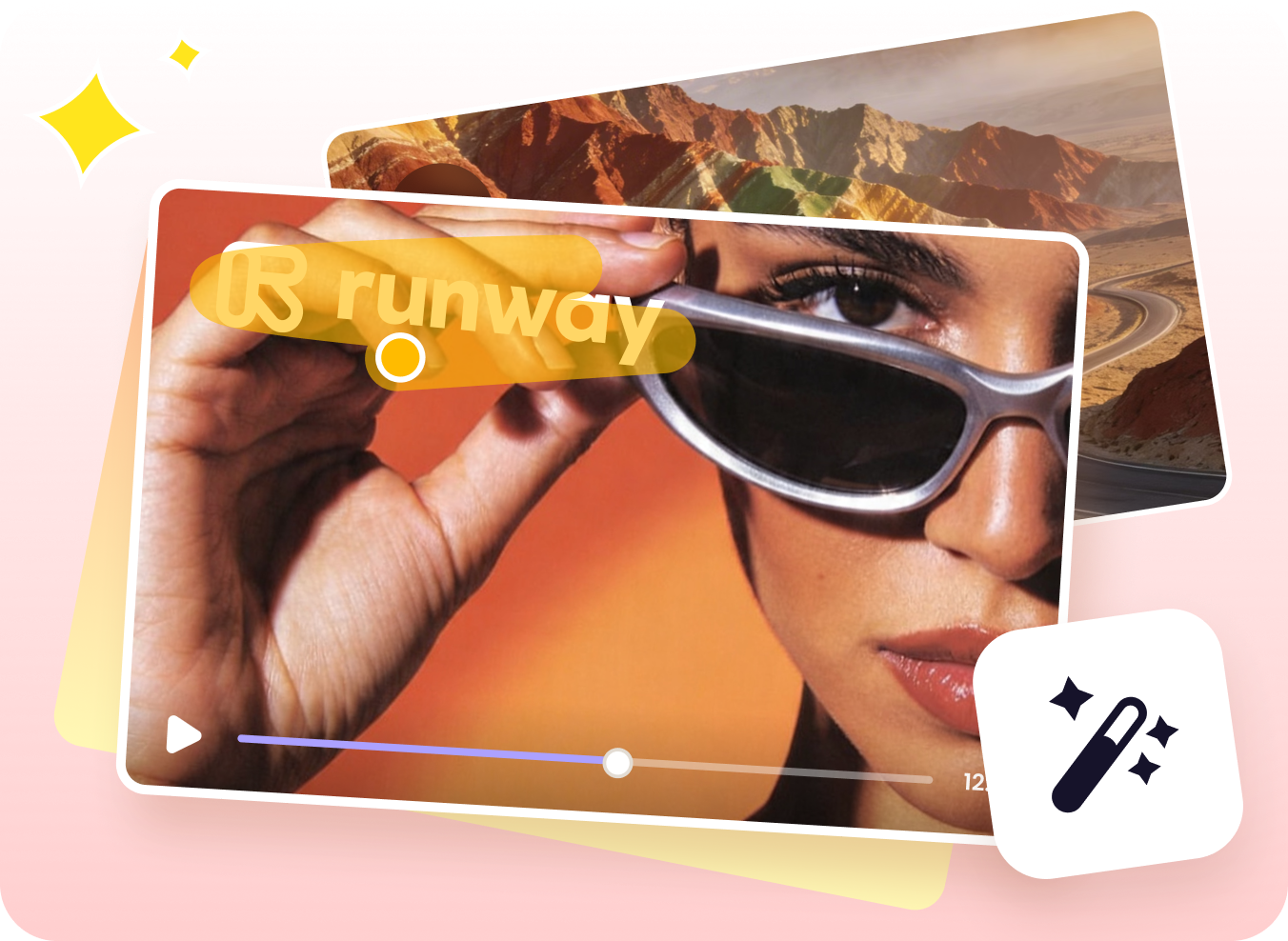
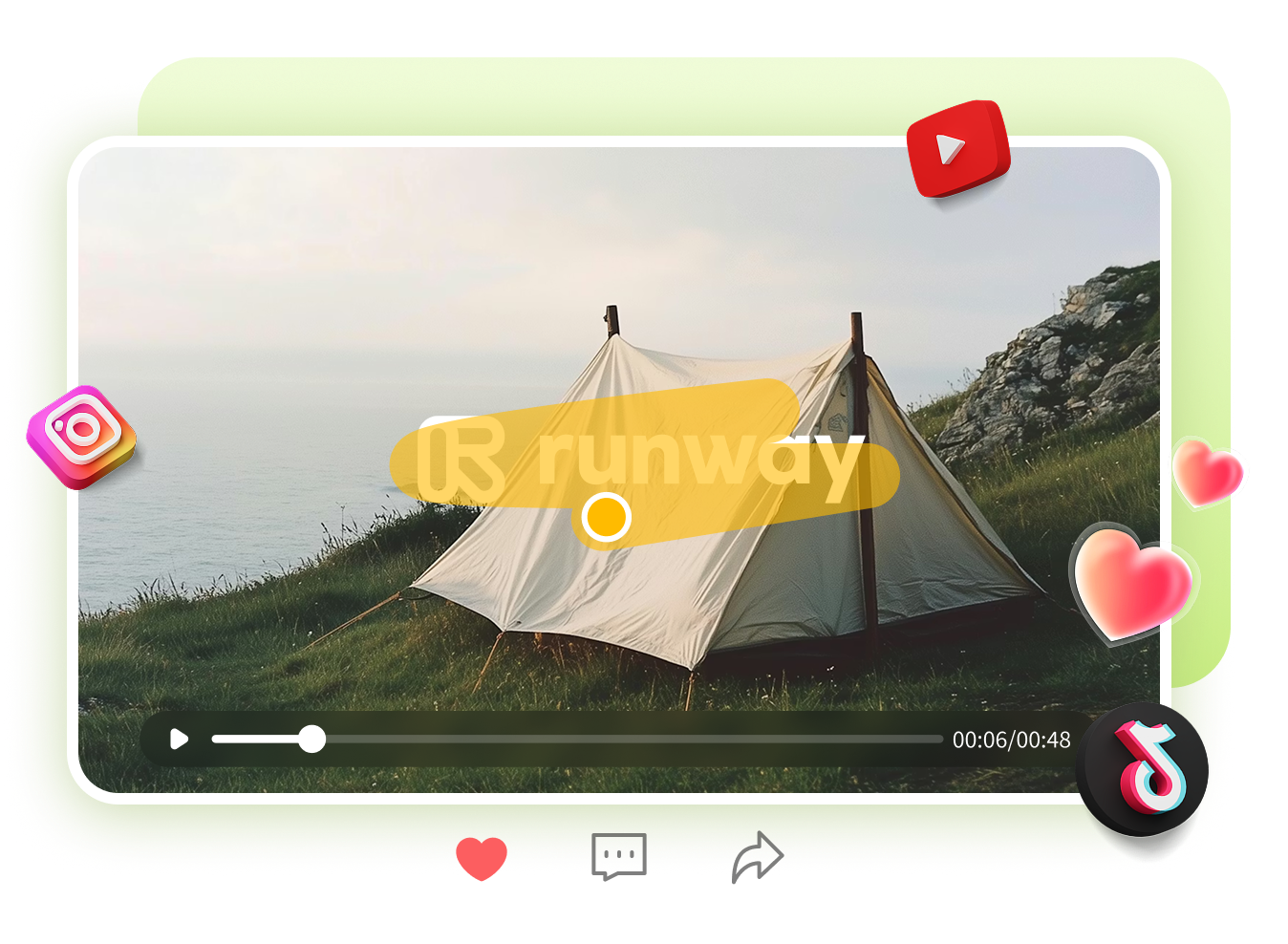
Context-Aware Runway AI Video Watermark Reconstruction
Runway watermark regions are reconstructed using context-aware inpainting models that reference surrounding pixels and adjacent frames. This Runway AI watermark remover helps preserve texture continuity, lighting consistency, and motion stability, ensuring natural results in Runway AI videos with complex or high-motion scenes.
Remove Watermark NowExplore More AI Watermark Remover Tools



FAQs about HitPaw Runway ML AI Watermark Remover
Runway ML adds watermarks to AI-generated videos to indicate platform ownership and restrict commercial use under free/trial plans. Watermark-free exports usually require a paid subscription. HitPaw Runway watermark remover offers a convenient alternative for cleaning existing videos.
A Runway watermark remover is a tool designed to remove logos, text, or overlays added to Runway AI videos. Using AI-based processing, it detects the watermark area and reconstructs the background, helping you produce clean, professional-looking videos for editing, sharing, or repurposing across different platforms.
There are two common ways to remove Runway watermarks. First, you can subscribe to Runway to export videos without watermarks. Alternatively, you can use tools like HitPaw Online Watermark Remover to upload your video and remove the watermark using AI reconstruction. This method is faster, flexible, and works well for existing video files.
It supports MP4, MOV, AVI, and other common formats from Runway exports. Works well with short clips and longer videos.
No. HitPaw Online Video Watermark Remover preserves the original video quality by intelligently filling the removed area. Advanced tools ensure minimal blur and maintain natural visuals.
Yes, the tool supports both static and moving watermarks. Use the selection box to highlight areas across frames for accurate removal.
Yes, your videos are processed securely and automatically deleted after removal. We never store or share your content. Privacy is our top priority.
Remove Runway Watermarks Online—Start Free Today
Upload your Runway video, remove watermarks instantly, and export clean, ready-to-use content fast.