


















Last Updated: 2026-07-01
Have you ever found a great photo or video ruined by a logo, text, overlay, or stock watermark? It can be frustrating, especially when the visual looks perfect, but one unwanted mark makes it look unprofessional. Whether you are editing product images, social media posts, marketing videos, or presentations, a reliable watermark remover can save a lot of time. This is where Apowersoft Online Watermark Remover comes in. It is designed to help users remove unwanted watermarks, logos, subtitles, stamps, and other objects from images and videos without needing advanced editing skills. But the real question is: Is Apowersoft the best watermark remover in 2026?
Part 1: Overview: Apowersoft Online Watermark Remover

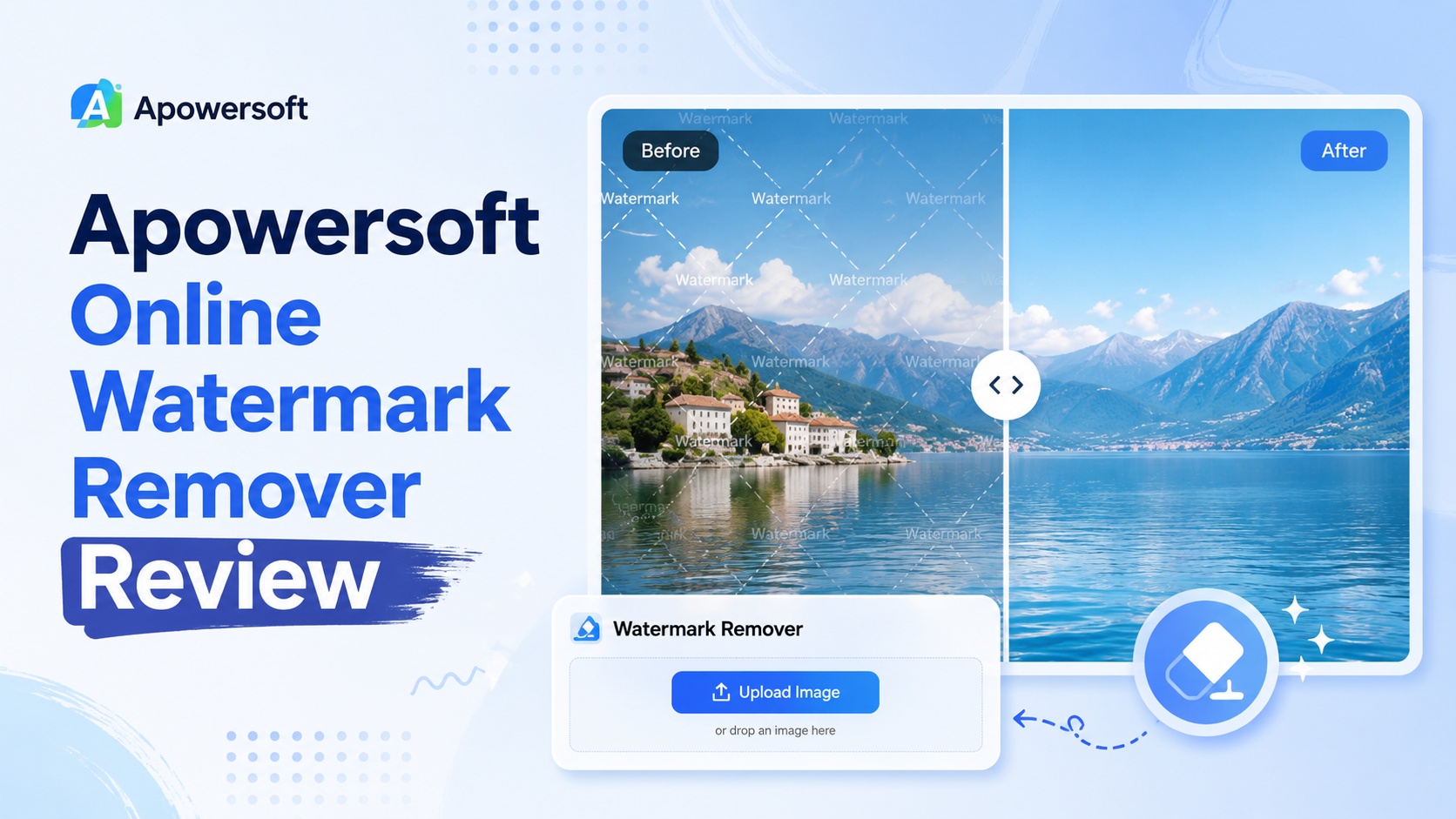
If you're looking for a fast, reliable way to remove watermarks without dealing with complex software, Apowersoft Online Watermark Remover is one of the most practical solutions available. Instead of relying on manual editing, the platform uses AI to detect and remove watermarks from images and videos - without sacrificing the original quality. The best part of this program is that it runs entirely in your browser, meaning you don't have to download or install any heavy software on your device.
Apowersoft Online Watermark Remover is designed for beginners, content creators, marketers, students, and professionals who want quick results with minimum effort. Whether you want to remove logos, text overlays, date stamps, subtitles, unwanted objects, or watermarks from media files, this tool makes the process simple.
Part 2: Key Features of Apowersoft Online Watermark Remover
Apowersoft Online Watermark Remover comes with several amazing features that make it one of the best options for removing unwanted marks from images and videos. Here are the top features of this program:
- Remove Watermarks From Images & Videos: Apowersoft Online Watermark Remover allows users to remove logos, watermarks, text, stamps, dates, or other such items without disturbing the quality of the overall image or video.
- One-Click Removal: One of the best parts of this program is that it removes watermarks from images and videos in a single click. Users don't need to use advanced editing tools or manually erase every part of the watermark.
- Multiple Selection Tools: The program offers multiple selection tools that allow users to mark the exact area they want to remove. Selection tools provided by this program are rectangle, polygon, and brush.
- Web-Based Program: Apowersoft Online Watermark Removers runs completely on a web browser, meaning no heavy software downloading or installation is required. Simply upload your image or videos, select the watermark area, and let the tool process the file online.
- Compatibility: This tool works seamlessly with multiple devices, including Android, iOS, Windows, and macOS. Plus, it supports all the latest web browsers, such as Google Chrome, Firefox, Opera, Microsoft Edge, Safari, and more.
Part 3: How to Use Apowersoft Online Watermark Remover
Using Apowersoft Online Watermark Remover is simple and doesn't require any professional editing skills. Follow the instructions below to learn how to use it:
Step 1: Visit the Official Website
First, open your web browser and go to the Apowersoft Online Watermark Remover official site. Log in with your account and click on the "Upload Video" or "Upload Image" option. Users can upload images and videos in multiple formats, including JPG, PNG, JPEG, MP4, MOV, AVI, and more.
Step 2: Select and Remove The Watermark
Now, click on the "Selection Tool" option and choose the tool that best fits the watermark area. Apowersoft provides different selection tools, such as brush, rectangle, and polygon. Once selected, just click on the "Remove" button and let the program process the file automatically.
Step 3: Preview and Download
Once Apowersoft finishes removing the watermark, preview the final result carefully. If satisfied with the result, click on the "Download" button to save the image or video in desire format, such as MP4, AVI, JPG, PNG, and JPEG.
Part 4: Top 3 Apowersoft Online Watermark Remover Available in 2026
This Apowersoft Online Watermark Remover review also introduces you to the best alternatives to this tool, with more features and advanced editing capabilities. Below, we have mentioned the top 3 Apowersoft Online Watermark Remover alternatives that you can try in 2026:
1. HitPaw Online Video Watermark Remover
When it comes to the best Online Video Watermark Remover in 2026, HitPaw Online Video Watermark Remover is always on the list. It is a web-based tool that allows users to remove unwanted watermarks, logos, text overlays, subtitles, stamps, and other objects from videos without installing any software. One of the best parts of HitPaw is its simple and beginner-friendly interface. You don't need professional video editing skills to use this tool. Simply upload your videos, select the watermark area, and let the tool process the file automatically. It is designed to make video cleanup easier for content creators, marketers, students, online sellers, and social media users.
Key Features of HitPaw Online Video Watermark Remover
- Video Watermark Remover: With the help of this program, users can easily remove unwanted watermarks from videos without using complicated editing software. Users only need to upload the video, select the watermark area, and start the removal process.
- Fast Watermark Removal: HitPaw Online Video Watermark Remover eliminates watermarks, text, and unwanted objects from videos in just a few simple steps. Users donät need to spend hours editing or learning complicated video editing software.
- High-Quality Output: This program is designed to remove watermarks while maintaining the original video quality as much as possible. This helps users get a cleaner and more professional-looking final video.
- Intuitive Interface: One of the best parts of HitPaw Online Video Watermark Remover is that it offers an intuitive interface, allowing beginners to remove watermarks from videos without editing experience or professional-help.
- Format Supported: The program supports multiple video formats, making it easy for users to upload and edit videos without worrying about compatibility issues. It support wide range of video formats, such as MP4, MOV, AVI, MKV, and more.
2. Vmake AI
Vmake AI is another web-based video watermark remover on our list. Its user-friendly interface makes the platform easy to use for those looking for professional results in logo removal in their HD video content without spending much time. The tool is designed to help users remove unwanted logos, text, and watermarks from videos quickly, making it a useful choice for content creators, online sellers, marketers, and social media users.
 Pros
Pros
- Easy-to-use interface, making it one of the best options for beginners and non-tech users.
- Web-based tool, meaning no software downloading or installation is required.
- Removal of any complex watermarks of various colors.
- Works seamlessly with multiple devices, including Android, iOS, Windows, and macOS.
 Cons
Cons
- Require a stable and active internet connection to remove watermarks from videos.
- Downloading watermark-free videos require paid subscription.
3. Pixelbin
Pixelbin Watermark Remover automatically detects and removes watermarks from videos and images. It can manage both solid and semi-transparent watermarks, whether they are text-based or logo-based. One of the best parts of this tool is that it includes multiple selection tools, allowing users to select different types of watermarks with ease. Another great thing about this program is its ability to handle different watermark styles. Whether the watermark is placed in the corner, center, or across the entire image or video, the tool tries to remove it while keeping the background clean and natural.
Pros
- Offers a wide range of selection tools, including Rectangle, Square, Brush, and more.
- Support multiple image or video formats, such as JPG, PNG, JPEG, MP4, AVI, and MOV.
- Includes a free version, allowing users to remove watermarks from videos and images without spending a single penny.
- Easily delete signs, props, stickers, or background clutter while keeping scene texture and lighting consistent.
Cons
- Not suitable for professional post-production works.
- Doesn't have advanced editing tools such as color correction or masking capabilities.
Final Thoughts
In this Apowersoft Online Watermark Remover review, we've mentioned everything about this program, including its key features, how to use it, and the best alternatives available in 2026. Apowersoft is a simple and beginner-friendly tool for users who want to remove watermarks from images and videos without downloading. However, better options like HitPaw Online Video Watermark Remover are available in 2026. This tool offers strong features and can be helpful for different types of users, including content creators, marketers, and students.
- Remove watermarks from videos effortlessly
- AI ensures smooth, natural-looking results
- No blur, no distortion
- Supports multiple formats, fully online


