

















Last Updated: 2026-07-15
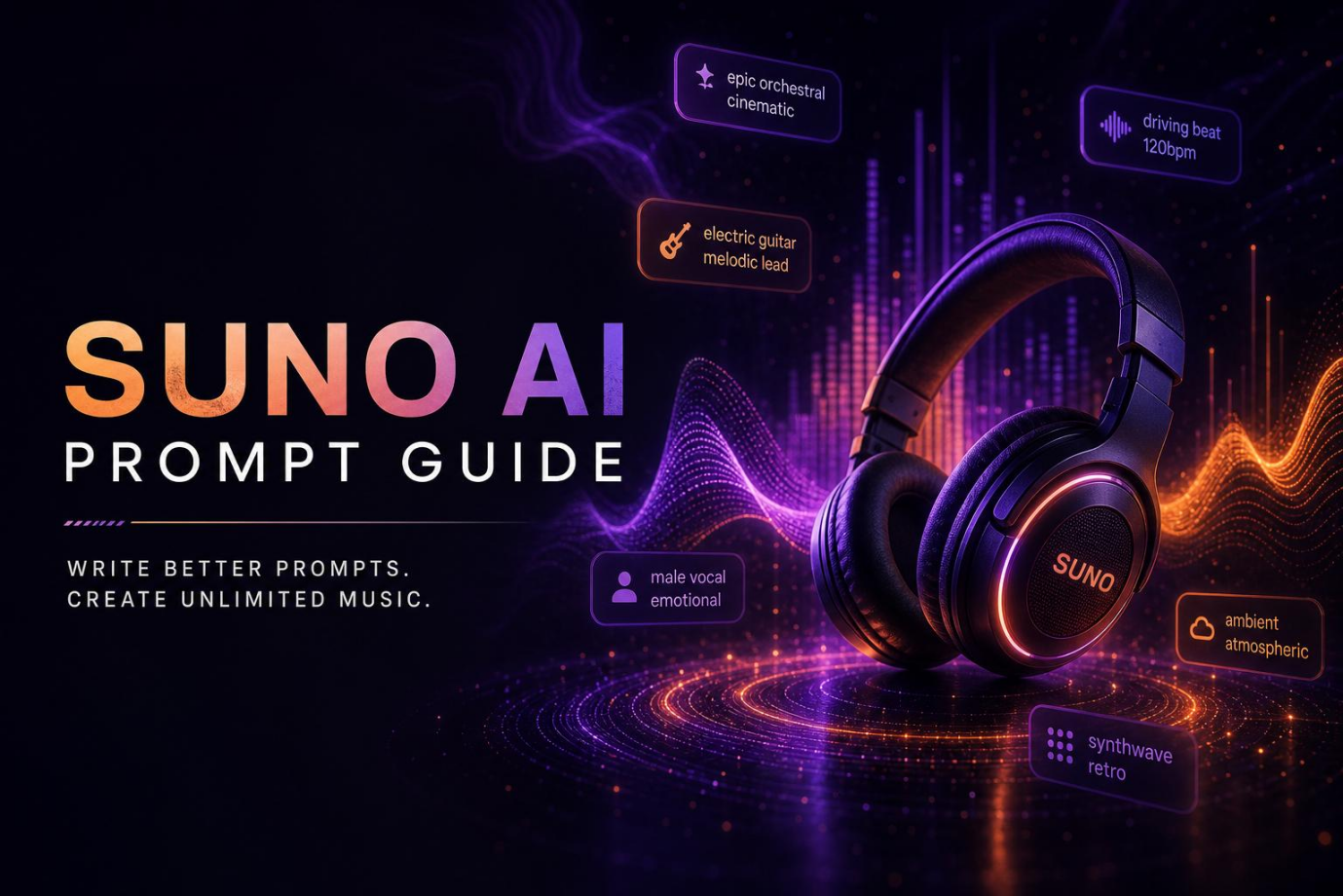
Making music with AI is now simpler than ever, and Suno AI is among the most favored instruments to do so. Can compose music from a text prompt in mere minutes. But the music will depend on the prompt you write. A clearly worded prompt helps Suno AI comprehend the style, mood, and sound you're looking for. This suno prompts guide explains how to write better prompts that produce better songs. Whether you are new to AI music or already have some experience, this suno ai prompt guide gives practical tips, templates, and examples. You will also learn how to improve lyrics with a suno lyric prompt guide and create better songs using this complete suno ai music prompt guide.
What Are Suno AI Prompts?
The Suno prompt AI describes your idea about music. The prompt AI acts as an instruction for the AI. The more detailed the description of your track, the better the output will be.
For example, instead of writing:
"Create a happy song."
You can write:
"Compose a happy pop tune with vocals of a woman, acoustic guitar, piano, and a summery feel." In the second prompt, there is a lot more detail, which allows Suno AI to compose music based on your prompt. As you can see from this suno prompts tutorial, prompts do not only include the choice of musical genre but also emotions, instruments, vocals, tempo, etc.
A good prompt helps you:
- Create music that matches your idea
- Reduce the need to generate songs many times
- Get more natural lyrics
- Control the music style
- Save time during music creation
Many beginners only write one or two words. That often produces random results. This suno ai prompt guide recommends adding more useful details while keeping the prompt simple and clear. If you want better lyrics, this suno lyric prompt guide suggests describing the theme, emotions, and message instead of only giving a song title.
How to Write Effective Suno Prompts
Writing a good prompt does not have to be difficult. Most successful prompts include four important parts.
1. Genre
Start by telling Suno AI which music genre you want.
Examples include:
- Pop
- Hip-Hop
- EDM
- Jazz
- Rock
- Country
- R&B
- Lo-fi
- Classical
Choosing the genre gives the AI a clear starting point.
Example:
Modern pop song with catchy melodies.
This suno ai music prompt guide recommends choosing only one main genre unless you want to mix styles.
2. Mood
Mood tells the AI how the music should feel.
Common moods include:
- Happy
- Romantic
- Calm
- Sad
- Hopeful
- Energetic
- Relaxing
- Emotional
- Dreamy
- Dark
Instead of writing only "sad," explain why.
Example:
"A soft piano ballad about missing an old friend with emotional vocals." Small details often make the final song sound more natural. This suno prompts guide encourages using emotional words that match your lyrics.
3. Instruments
The instruments shape the overall sound of your music.
You can mention instruments such as:
- Piano
- Acoustic guitar
- Electric guitar
- Violin
- Synth
- Drums
- Bass
- Saxophone
- Flute
- Strings
Example:
"Acoustic guitar, light piano, soft strings, and gentle percussion."
If you leave out the instruments, Suno AI chooses them automatically. Adding them gives you more control over the final song. This suno ai prompt guide recommends naming only the most important instruments instead of creating a very long list.
4. Vocals
Finally, describe the type of singing you want.
You can include details like:
- Male vocals
- Female vocals
- Soft vocals
- Powerful vocals
- Group chorus
- Deep voice
- Gentle harmonies
- Spoken intro
Example:
"Female vocals with warm harmonies and an emotional chorus." You can also mention whether you want instrumental music only. Many creators improve their songs by combining vocal style with mood. This method works well in almost every music genre. According to this suno lyric prompt guide, adding vocal details also helps AI create lyrics that match the overall feeling of the song.
Suno Prompt Formula
A simple formula makes prompt writing much easier.You can use this formula for almost every song:
Genre + Mood + Instruments + Vocals + Theme
Example Prompt
"Create a modern pop song with a cheerful mood, acoustic guitar, piano, light drums, female vocals, and lyrics about enjoying summer with friends."
20+ Best Suno AI Prompt Examples
The easiest way to learn prompt writing is by studying real examples. You can copy these prompts or change them to match your own ideas. This suno prompts guide includes examples for different music styles. Feel free to change the mood, instruments, or vocals to create something unique.
Pop Prompts
1. Summer Pop Song
Create a bright pop song with acoustic guitar, piano, light drums, female vocals, and lyrics about enjoying summer with close friends.
2. Love Story Pop
Write a modern pop song with romantic lyrics, soft piano, gentle guitar, warm female vocals, and a catchy chorus about first love.
3. Inspirational Pop
Create an upbeat pop song with energetic drums, electric guitar, powerful vocals, and lyrics about following your dreams.
4. Dance Pop
Generate a dance-pop song with synth sounds, electronic drums, catchy hooks, female vocals, and lyrics about celebrating the weekend.
Hip-Hop Prompts
1. Success Story
Create a hip-hop track with deep bass, steady drum beats, confident male rap vocals, and lyrics about hard work leading to success.
2. Street Life
Generate a hip-hop song with piano, bass, rhythmic beats, male rap vocals, and lyrics about everyday city life.
3. Positive Motivation
Write an uplifting hip-hop song with modern beats, soft background piano, mixed vocals, and lyrics that encourage confidence and hope.
4. Friendship Anthem
Create a hip-hop song with energetic beats, group vocals, catchy hooks, and lyrics about loyal friendships. This section of the suno ai prompt guide shows that adding a clear topic helps Suno AI create stronger lyrics.
EDM Prompts
1. Festival Music
Create a high-energy EDM track with electronic synths, powerful bass, exciting drops, and no vocals.
2. Night Drive
Generate an EDM song with relaxing synth melodies, deep bass, light electronic beats, and soft female vocals.
3. Gaming Background Music
Create an electronic dance track with fast beats, modern synths, energetic rhythm, and instrumental music only.
4. Party Song
Write an EDM song with catchy electronic melodies, dance beats, group vocals, and lyrics about enjoying a party.
Jazz Prompts
1. Coffee Shop Jazz
Create a smooth jazz song with piano, saxophone, upright bass, light drums, and instrumental music.
2. Romantic Evening
Generate a jazz ballad with piano, trumpet, soft male vocals, and lyrics about spending a quiet evening together.
3. Rainy Day Jazz
Write a relaxing jazz song with piano, saxophone, brushes on drums, gentle vocals, and lyrics about listening to rain.
4. Classic Jazz Lounge
Create a traditional jazz track with trumpet, double bass, piano, soft female vocals, and a calm atmosphere. According to this suno ai music prompt guide, jazz prompts often work better when you mention instruments clearly.
R&B Prompts
1. Emotional Love Song
Create an R&B song with smooth piano, soft drums, warm female vocals, and lyrics about missing someone special.
2. Self-Confidence
Generate an R&B track with modern beats, bass guitar, soulful vocals, and lyrics about believing in yourself.
3. Slow Romantic Song
Write a slow R&B song with piano, strings, gentle vocals, and lyrics about true love lasting forever.
4. Heartbreak Ballad
Create an emotional R&B song with soft piano, slow rhythm, male vocals, and lyrics about moving on after a breakup.
5. Celebration Song
Generate an upbeat R&B song with lively drums, bass, bright vocals, and lyrics about celebrating life's happy moments. These examples from the suno lyric prompt guide can help you write lyrics that match the mood of your music.
Common Mistakes When Writing Suno Prompts
Many users do not get the music they want because their prompts are too short or unclear. Keep these tips in mind:
- Avoid writing only one or two words.
- Mention the music genre clearly.
- Describe the mood of the song.
- Include important instruments.
- Explain the type of vocals you want.
- Keep your prompt simple and easy to understand.
- Do not mix too many music styles in one prompt.
- Give the AI one clear theme instead of several different ideas.
Following these simple tips from this suno prompts guide can improve your results and reduce the need to create the song again.
Bonus Tip: Try Suno Prompts with HitPaw Online AI Music Generator
At other times, despite making many changes to your prompts, you might still not be able to produce the music that you wish to produce. In such cases, you could use HitPaw Online AI Music Generator as one of the best alternative platforms to Suno. This platform has different AI music models and provides you with yet another means of producing music using lyrics or texts.
Key Features
- Text to Music: Provide the details about the music that you need, and the HitPaw application will generate the music according to your specifications. This tool is quite handy when it comes to composing background music for videos, podcasts, and social media.
- Lyrics to Music: Write the lyrics, specify the style of music, and allow the algorithm to turn the text into a musical track with vocals.
- AI Music Models: Switch between different AI music models to compare outputs and find the sound that best matches your project, making it a flexible Suno alternative for creators.
- Various Music: Styles It allows creating various types of music, such as pop, hip hop, EDM, jazz, rock, classical, country, R&B, and lofi, among others, in just a couple of clicks.
- Royalty-Free Music: It generates royalty-free music, which makes it ideal for creating YouTube videos, business projects, podcasts, presentations, and social media posts.
How to Generate AI Music with HitPaw
Step 1: Open HitPaw AI Music Generator
Visit the HitPaw Online AI Music Generator and choose whether you want to create music from text or lyrics.
Step 2: Enter Your Prompt
Write your music prompt or paste your lyrics. Select the music style, mood, vocals, and other settings before starting the generation process.

Step 3: Generate and Download
Click Create Music Now. Wait a few moments while the AI creates your song. Preview the music, make changes if needed, and download the final version.
FAQs About Suno Prompts
Yes. Suno AI can create instrumental music without vocals. Simply mention "instrumental only" in your prompt and include the instruments and mood you want.
A good prompt usually contains one or two detailed sentences. Include the genre, mood, instruments, vocals, and song theme. This suno ai prompt guide recommends keeping prompts clear instead of making them very long.
It is better not to request songs that copy a specific artist. Instead, describe the music style, mood, tempo, instruments, and vocals you want. This method produces more original music and follows good prompt-writing practices.
Conclusion
Writing better prompts is the easiest way to create better AI music. A clear prompt with the right genre, mood, instruments, vocals, and theme helps Suno AI understand your ideas more accurately. This suno prompts guide, along with the suno ai music prompt guide, suno ai prompt guide, and suno lyric prompt guide, gives you a strong starting point for creating songs with confidence. If you still want more music options or different AI models, try HitPaw AI Music Generator and start creating your next song with Create Music Now.
- Generate music and sound from text
- Multiple styles (pop, EDM, ambient, etc.)
- Auto-create melody and rhythm
- Ideal for videos, content, and projects


