














Best AI Video Denoiser Tools in 2026: Remove Noise from Footage
Nothing ruins a great video faster than visible noise, grain, or unwanted artifacts. Whether you are recording in low light, using an older camera, restoring archived footage, or working with compressed videos, noise can make your content look unprofessional and distracting.
Fortunately, AI technology has made video denoising easier than ever. Modern AI video denoisers can automatically analyze footage, remove noise, preserve important details, and improve overall video quality with minimal effort.
In this guide, we will explain what AI video denoising is, compare the best AI video denoiser tools available in 2026, and show you how to clean up noisy footage using HitPaw Online Video Enhancer.
What is an AI Video Denoiser?
An AI video denoiser is a tool that uses artificial intelligence to remove unwanted noise, grain, compression artifacts, and visual distortions from video footage. Unlike traditional noise reduction methods that often blur details, AI-powered systems can identify the difference between actual image details and unwanted noise. This allows them to clean footage while preserving sharpness and clarity.
Video noise can appear for several reasons:
- Low-light recording conditions
- High ISO camera settings
- Old video footage
- Compressed video files
- Smartphone recordings in poor lighting
- Digital artifacts from streaming or social media downloads
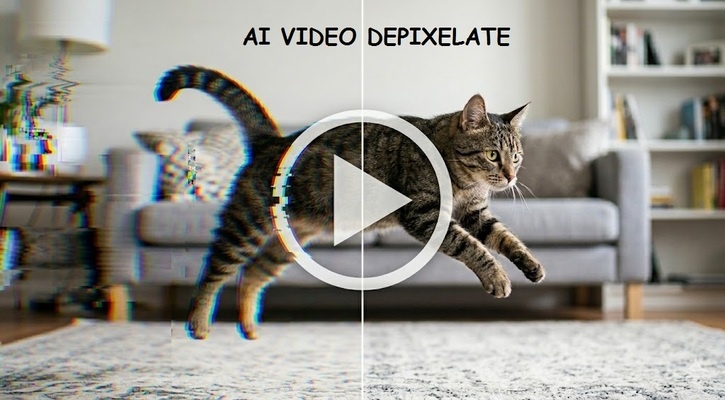
Modern AI video denoising technology works by analyzing multiple frames, identifying noise patterns, and intelligently restoring cleaner details. Some advanced tools also combine denoising with sharpening, upscaling, and video restoration features.
Benefits of AI Video Denoising
- Removes distracting grain and noise
- Improves video clarity and sharpness
- Enhances low-light footage
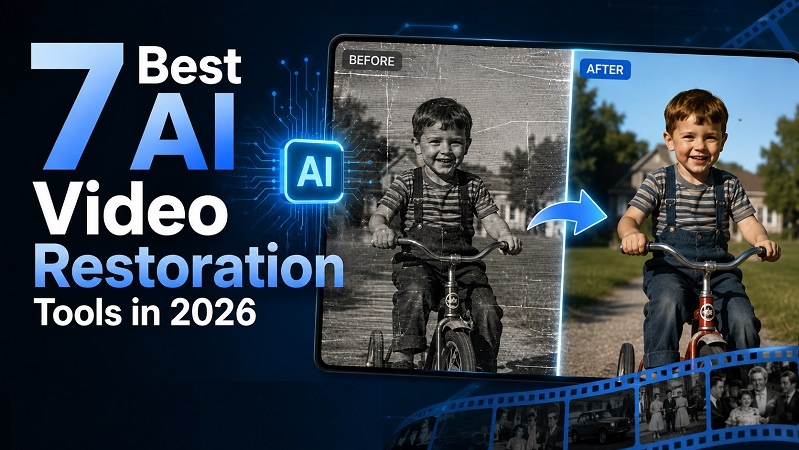
- Restores older videos
- Preserves important details better than traditional filters
- Reduces compression artifacts
- Improves viewer experience on large screens
- Helps create more professional-looking content
Top 5 AI Video Denoisers for Cleaner Video Review
If you're searching for the best video denoiser in 2026, the following tools stand out for their AI-powered capabilities, ease of use, and output quality.
| Tool | Rating | Best For | Supported File Formats | Speed | Free Plan |
|---|---|---|---|---|---|
| HitPaw Online Video Enhancer | 4.9/5 | Beginners & Online Enhancement | MP4, MOV, AVI and more | Fast | Yes |
| Topaz Video AI | 4.8/5 | Professional Video Restoration | Most major video formats | Medium | Trial Available |
| Media.io Video Enhancer | 4.6/5 | Quick Online Processing | MP4, MOV, WEBM | Fast | Limited |
| VEED | 4.5/5 | Social Media Creators | MP4, MOV and others | Fast | Yes |
| Picwand AI Video Enhancer | 4.4/5 | Casual Users | Common video formats | Fast | Limited |
1. HitPaw Online Video Enhancer
HitPaw Online Video Denoiser is one of the most user-friendly AI video denoising solutions available today. It helps users improve video quality, remove blur, enhance clarity, and reduce visible noise directly from a web browser. Because it is cloud-based, users do not need to install any software or own a powerful computer.

The platform uses AI models to sharpen footage, restore details, and improve low-quality videos in just a few clicks. It is especially useful for content creators, social media users, and anyone looking for a simple way to clean up noisy videos online.
Key Features
- AI-powered video enhancement
- Noise reduction and sharpening
- Online browser-based workflow
- Video upscaling support
- One-click enhancement process
- No software installation required
Pros
- Extremely beginner-friendly
- Fast cloud processing
- Works directly online
- Helps reduce blur and noise
- Supports video upscaling
- No powerful hardware required
- Suitable for old and low-quality footage
Cons
- Some premium exports require payment
- Processing speed depends on file size
2. Topaz Video AI
Topaz Video AI is widely considered one of the most powerful professional video enhancement tools available. It offers advanced AI models for denoising, deblurring, frame interpolation, restoration, and upscaling. Many professional editors and restoration specialists use Topaz Video AI to recover details from heavily degraded footage. Its AI models are specifically trained to reduce noise while preserving textures and fine details.
Key Features
- Advanced AI denoise models
- Video upscaling to high resolutions
- Motion deblurring
- Frame interpolation
- Restoration tools
- Professional-grade controls
Pros
- Outstanding denoising quality
- Excellent detail preservation
- Powerful restoration features
- Supports professional workflows
- Multiple AI enhancement models
- Great for archival footage
Cons
- Expensive compared to online tools
- Requires a powerful computer
- Learning curve for beginners
3. Media.io Video Enhancer
Media.io offers a browser-based AI video enhancer that includes denoising, sharpening, and quality improvement features. It is designed for users who want quick results without installing desktop software. The platform focuses on simplicity and allows users to improve video quality with a straightforward upload-and-process workflow.
Key Features
- Online AI enhancement
- Noise reduction
- Resolution improvement
- User-friendly interface
- Cloud-based processing
Pros
- No installation required
- Beginner-friendly
- Quick processing workflow
- Accessible from multiple devices
- Supports common video formats
Cons
- Limited advanced controls
- Free usage restrictions
- Large files may take longer to process
4. VEED
VEED is best known as an online video editing platform, but it also provides AI-powered video enhancement and cleanup features. Users can improve video quality, reduce visual imperfections, and prepare content for social media platforms. Its browser-based editing environment makes it especially useful for creators who need both editing and enhancement tools in one place.
Key Features
- Online video editor
- AI video enhancement
- Social media optimization
- Browser-based workflow
- Collaboration features
Pros
- Easy-to-use interface
- Integrated editing tools
- No software installation needed
- Good for content creators
- Fast processing for short videos
Cons
- Not as powerful as dedicated denoisers
- Advanced features require subscription
- Large projects may process slowly
5. Picwand AI Video Enhancer
Picwand AI Video Enhancer is designed for users who want an easy way to improve video quality, sharpen details, and reduce visible noise. It focuses on automated enhancement and requires very little manual adjustment. This makes it a good choice for casual users who want cleaner videos without learning complex editing software.
Key Features
- AI-powered video enhancement
- Noise reduction tools
- Video sharpening
- Resolution improvement
- Simple interface
Pros
- Beginner-friendly workflow
- Fast enhancement process
- Easy video uploads
- Clean interface
- Useful for quick improvements
Cons
- Fewer advanced controls
- Limited professional features
- Free version restrictions
How to Denoise a Video with HitPaw
Cleaning up noisy footage with HitPaw Online Video Enhancer is straightforward and does not require technical skills.
Denoise Now!Step 1: Upload Your Video
Click the upload button and choose the noisy video you want to improve. HitPaw supports various common video formats.
Step 2: Select the AI Enhancement Option
Next, choose the Detail Recovery enhancement model. The AI will automatically analyze noise, blur, and overall video quality.
Step 3: Preview & Download the Result
After processing, compare the original footage with the enhanced version to see the difference in quality. Finally, download the denoised video and use it for social media, YouTube, presentations, or personal projects.
FAQs about Video Denoising
Q1. What is video denoising?
A1. Video denoising is the process of removing unwanted grain, noise, and visual artifacts from video footage while preserving important details. It helps improve overall video clarity and is commonly used to enhance low-light recordings, old footage, and compressed videos.
Q2. Does AI video denoising reduce video quality?
A2. No. Modern AI video denoisers are designed to identify and remove unwanted noise while preserving important image details. In many cases, AI denoising can actually improve video quality by making footage appear sharper, cleaner, and more professional than the original version.
Q3. Can I denoise videos online?
A3. Yes. Many AI-powered tools now allow users to denoise videos directly from a web browser without installing software. Online platforms such as HitPaw Online Video Enhancer make it easy to upload a video, apply AI enhancement, and download a cleaner version within minutes.
Q4. What causes video noise?
A4. Video noise can be caused by several factors, including low-light shooting conditions, high ISO camera settings, small camera sensors, video compression, and older recording equipment. Noise often appears as grainy or colored speckles that reduce overall video quality.
Q5. Is Topaz Video AI better for professionals?
A5. Topaz Video AI is often considered a strong choice for professional users because it offers advanced denoising, restoration, and enhancement features. It provides more control over processing settings, making it suitable for video editors, filmmakers, and restoration specialists working on demanding projects.
Q6. Can video denoising improve old footage?
A6. Yes. AI video denoising can significantly improve old footage by reducing grain, removing visual artifacts, and restoring clarity. When combined with other enhancement features such as sharpening and upscaling, it can make older videos look cleaner and more enjoyable to watch on modern displays.
Conclusion
AI video denoising has become one of the easiest ways to improve video quality and create cleaner, more professional-looking content. Whether you are restoring old footage, fixing low-light recordings, or improving social media videos, the right tool can make a significant difference.
Among the options available, HitPaw Online Video Enhancer stands out for its simplicity, browser-based workflow, and AI-powered enhancement features. If you want a fast and beginner-friendly way to remove noise from your videos, give HitPaw Online Video Enhancer a try.
Denoise Now!


Home > Learn > Best AI Video Denoiser Tools in 2026: Remove Noise from Footage
Select the product rating:
Natalie Carter
Editor-in-Chief
My goal is to make technology feel less intimidating and more empowering. I believe digital creativity should be accessible to everyone, and I'm passionate about turning complex tools into clear, actionable guidance.
View all ArticlesLeave a Comment
Create your review for HitPaw articles