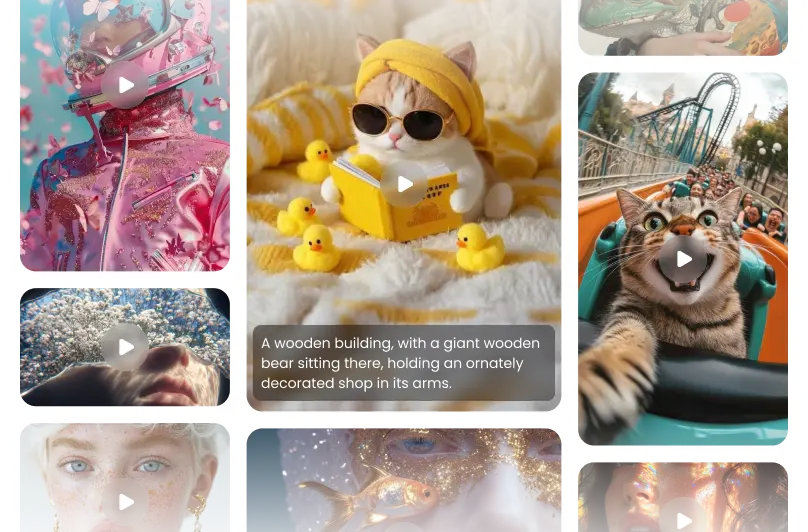
Next-Gen Video and Multimodal Capabilities
Paste code, upload high-res imagery, or stream live video and audio directly into a single context window. Receives immediate responses in the form of spoken voice, formatted text, generated images and videos, or automated code structures based on your input.
One-Click Generation of 1080p Video with Synced Audio
Skip the complex rendering queues. This model creates crisp, high-definition 1080p video clips complete with perfectly matching audio tracks in a single session. The background sound, voices, and music are automatically locked to the visual action on screen without manual timeline editing.
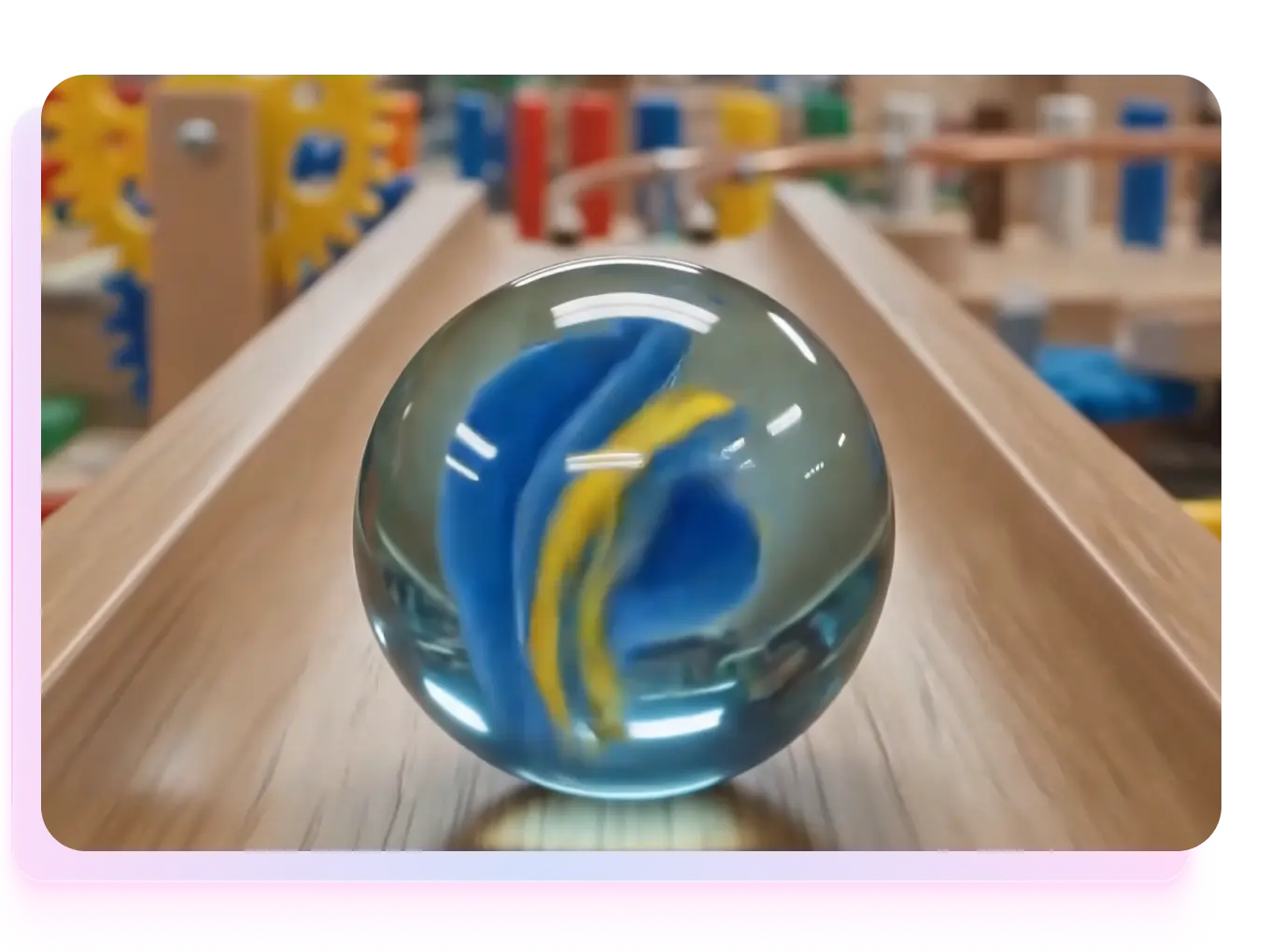
Edit Any Video Frame Directly Inside the Chat
Modifying AI video is now as simple as having a conversation. You don't need a professional timeline editor; just tell Google Omni what to change in the chat. It can target, rewrite, or redraw elements on any specific frame of your video while keeping the rest of the clip intact.
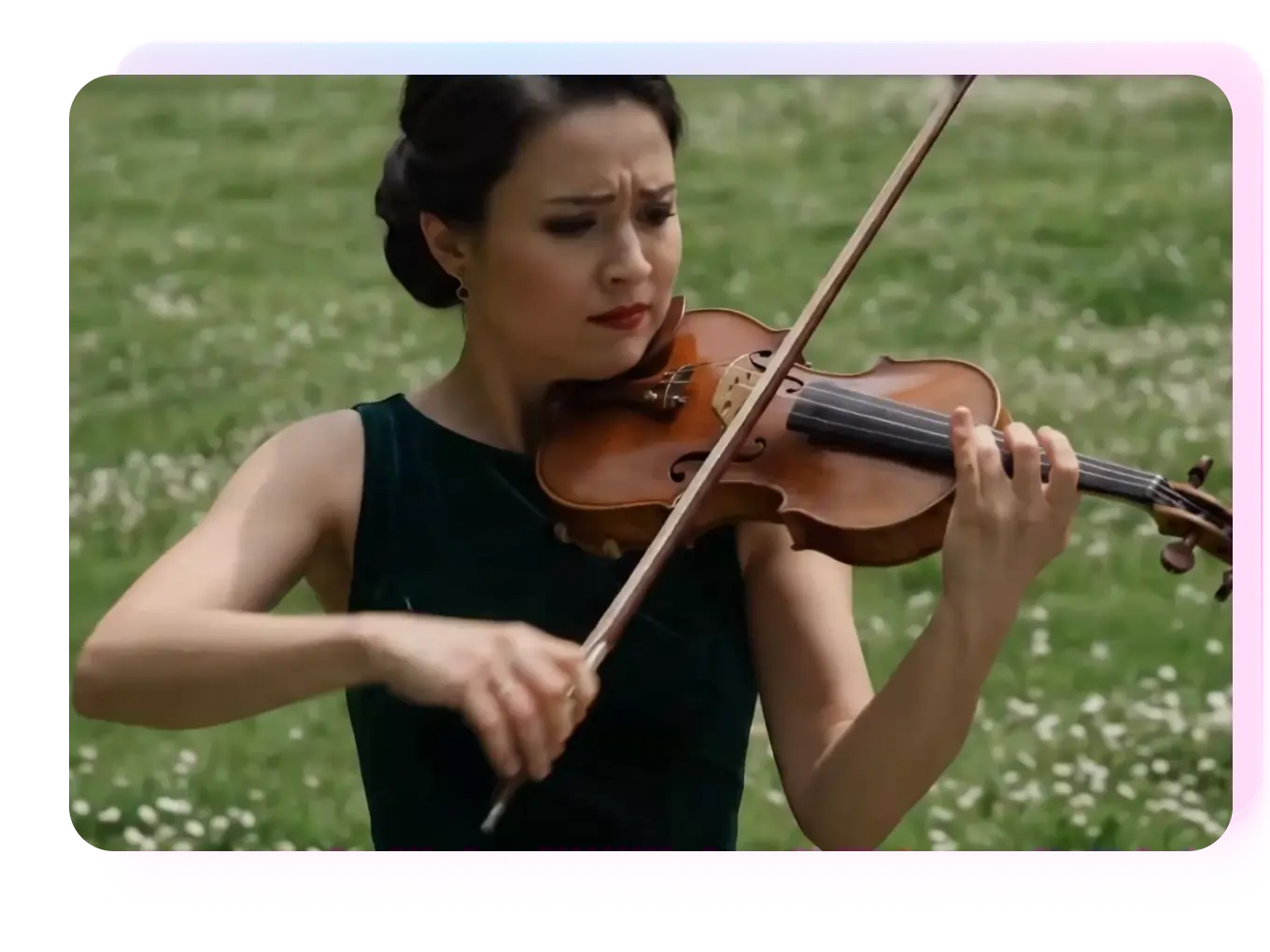
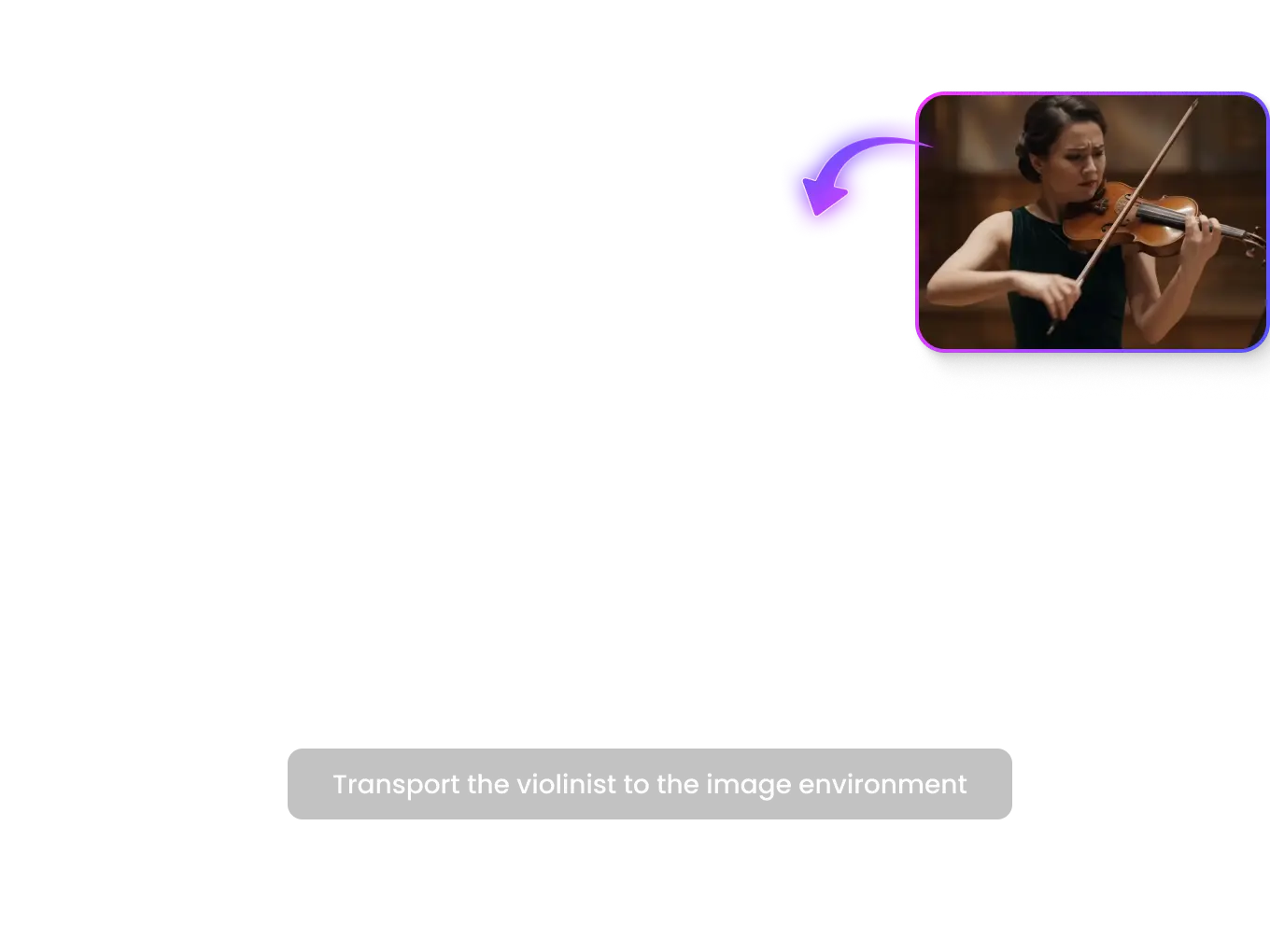
Clean and Accurate Text Rendering Inside AI Videos
Say goodbye to scrambled, unreadable AI gibberish. Google Omni features advanced spatial text intelligence, allowing it to render sharp, correctly spelled English typography and signage directly onto moving surfaces, screens, or backgrounds within the generated video scene.
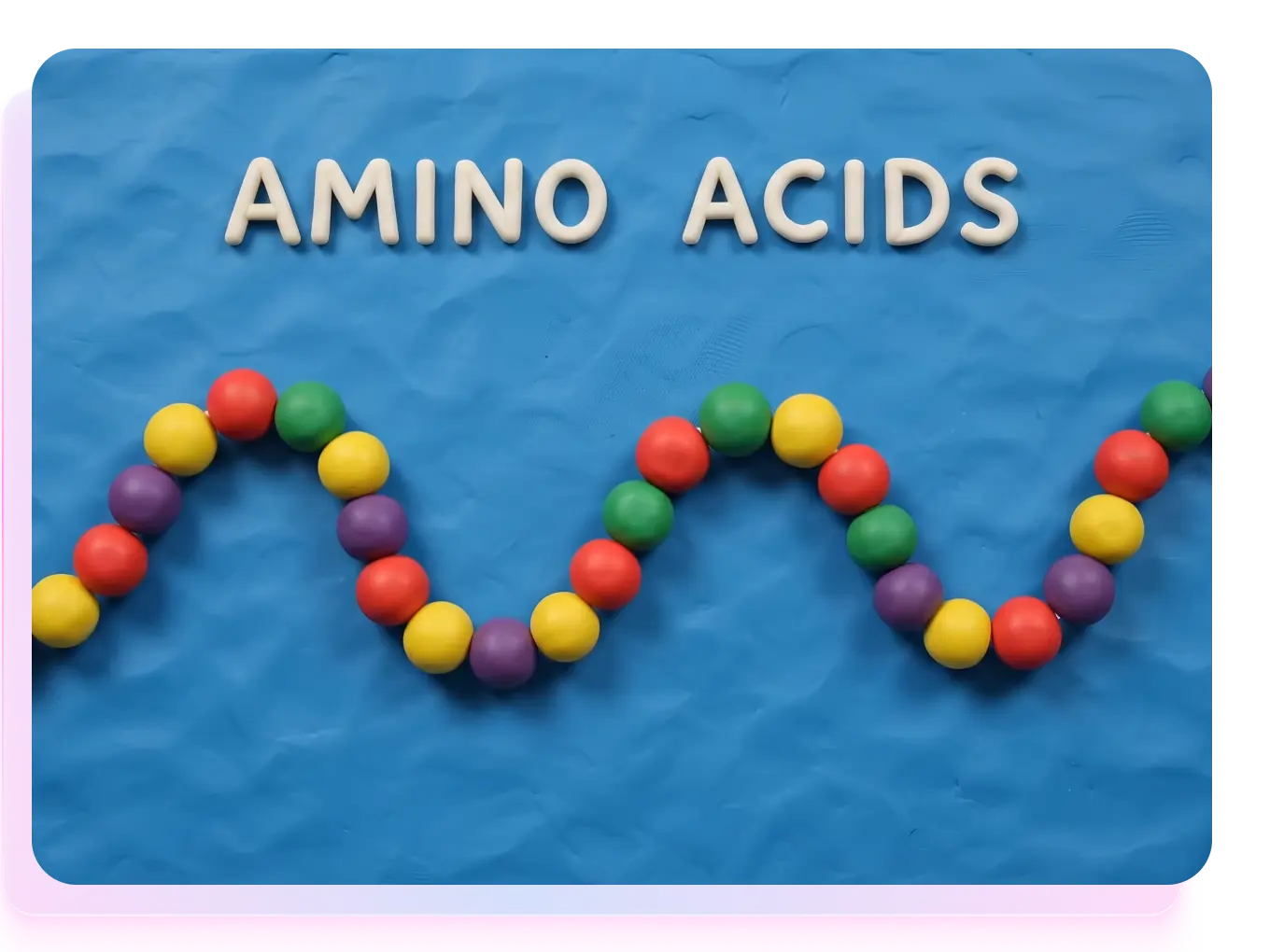
Create Videos from Any Combination of Inputs
Reference anything to build your final scene. Google Omni takes any mix of sources—whether it is an image, a text prompt, a video clip, or audio—and merges them into a single cohesive video output. While it starts with voice references for audio inputs, support for music and sound effects will follow soon.
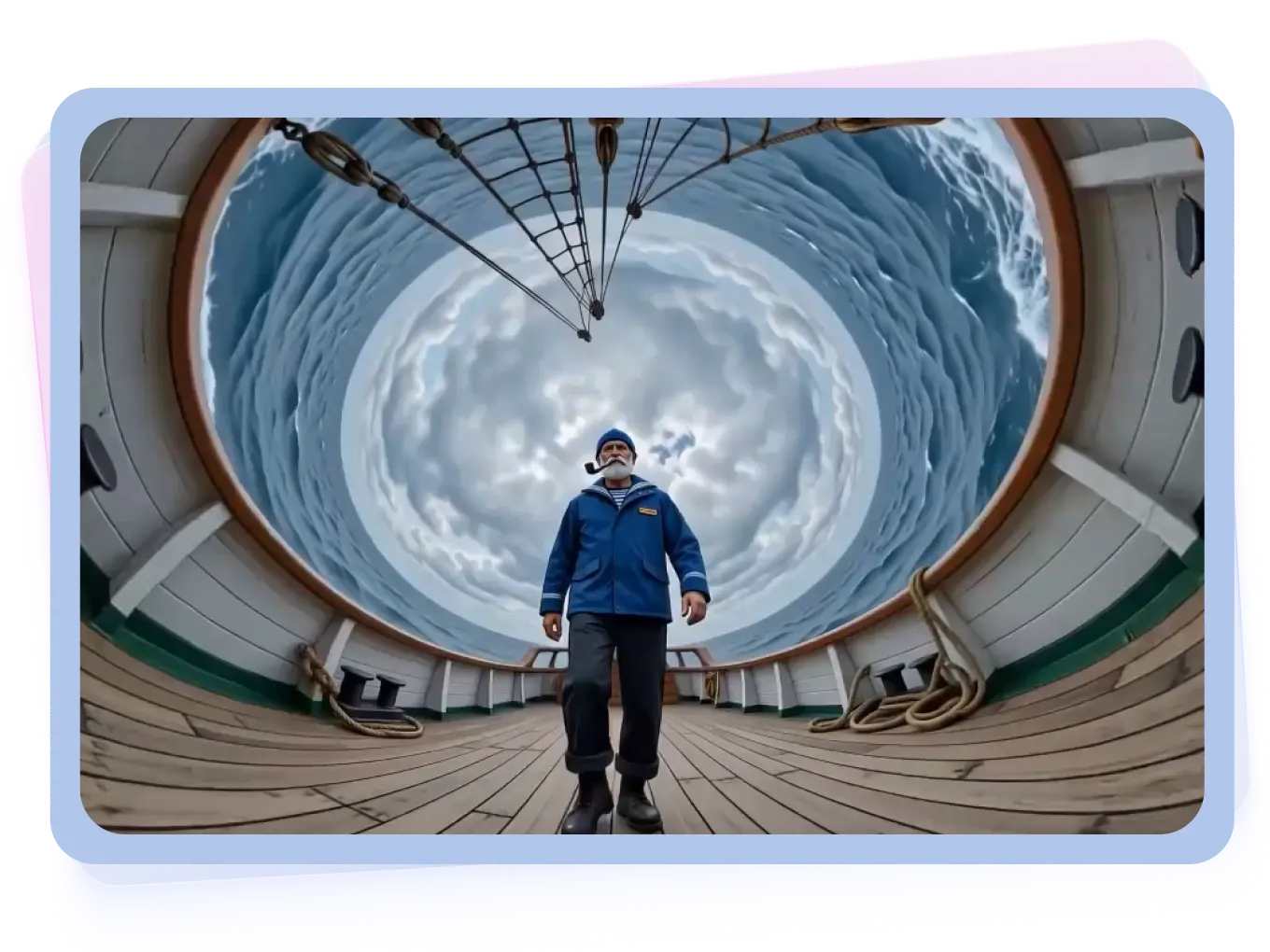
What Can You Create with Google Omni

 Handy & Professional Prompts
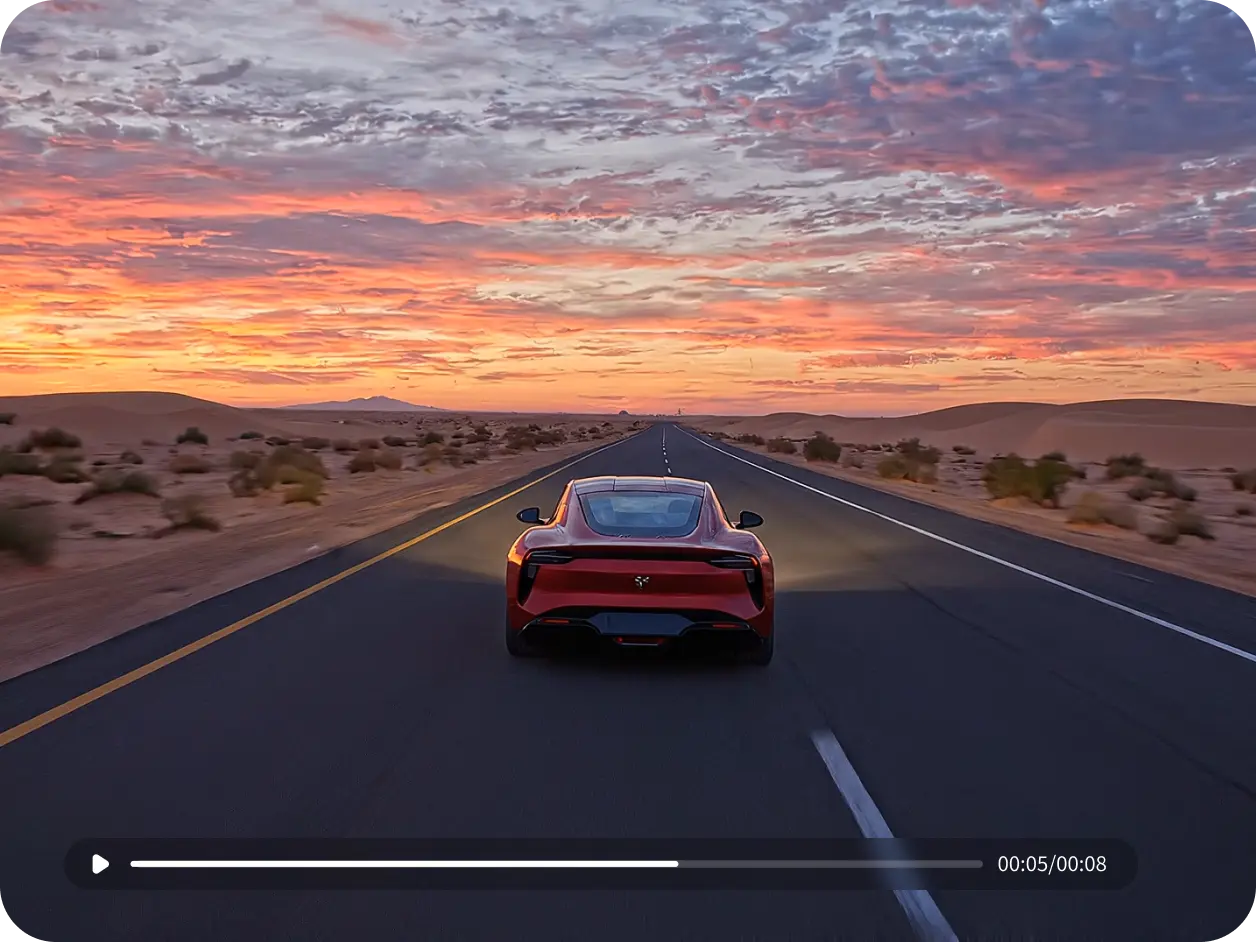
Change the sports car to a vintage red convertible, turn the desert into a rainy neon-lit Tokyo street, and adjust the camera angle to a low-tracking shot following the rear bumper.
Handy & Professional Prompts
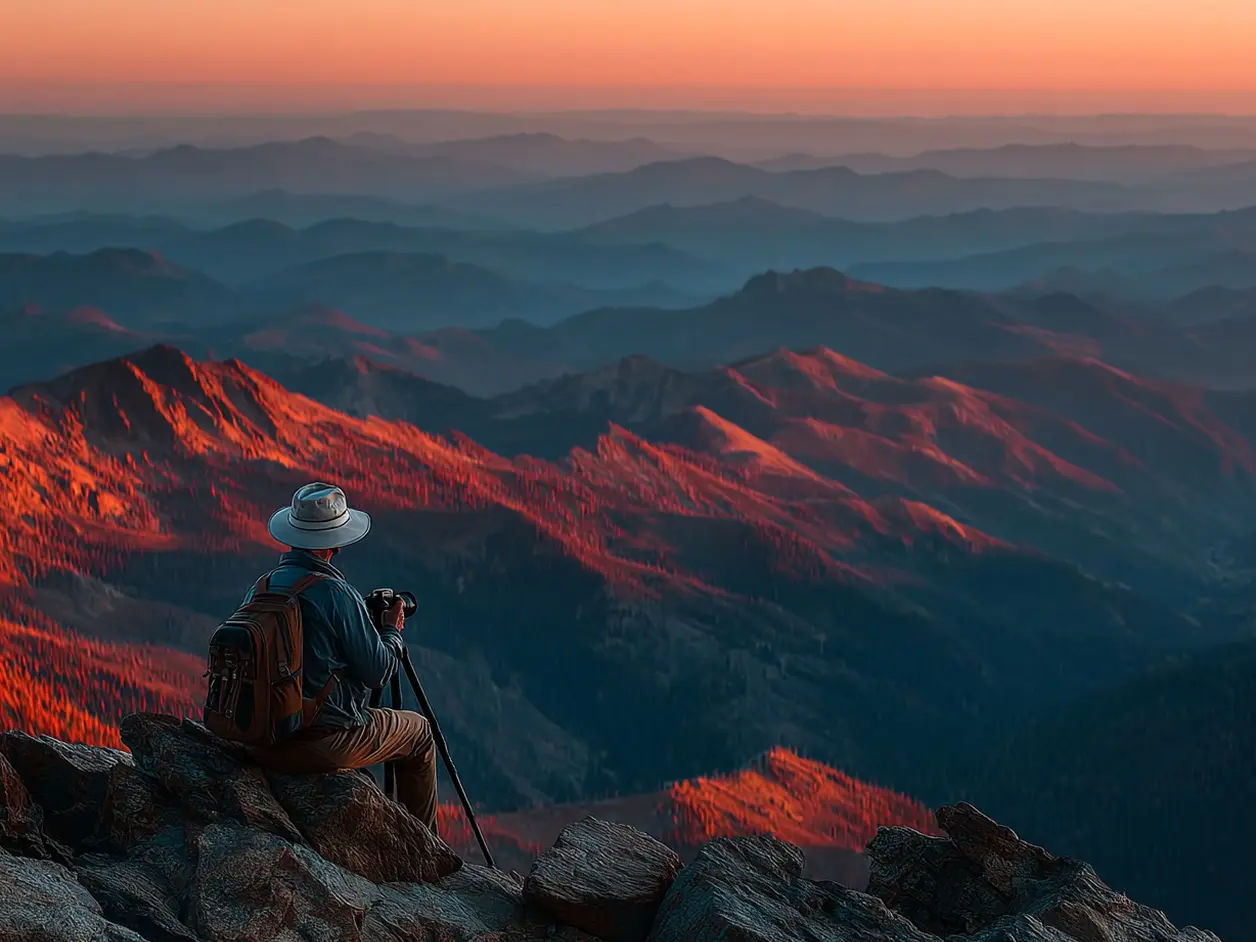
A travel photographer adjusts his camera on a mountain top, waiting for the sunrise. He snaps shots as golden light spills over the peaks, and packs his gear content after capturing the perfect frame.
Not Enough? Try Our Other Models
 Pixverse V5
 Sora 2
 Kling 2.1 Master
 Hailuo 02
 Seedance 2.0
 HappyHorse AI 1.0
Explore More AI Video Effects
FAQs about Google Gemini Omni
Google Omni is a native multimodal architecture built to process text, images, video, and audio simultaneously within a single neural network. Unlike traditional pipeline AI models that require separate systems to translate audio or vision into text first, Omni reasons across all media types natively and instantly, enabling real-time voice and video conversations.
They serve entirely different core functions. Google Omni is a multimodal foundational model designed for reasoning, interactive chat, and editing; it takes mixed inputs to modify, direct, or instruct content. Google Veo, on the other hand, is Google's dedicated high-end video generative diffusion model, specifically engineered to render high-fidelity cinematic video from scratch based on text or image prompts.
Google Omni is optimized for real-time web workflows and generates video outputs at 1080p Full HD resolution, ensuring crisp visual fidelity with perfectly synchronized audio. For production-grade cinematic projects that require higher formats like 4K, users typically use Google Veo.
No, Google Omni will not replace Veo. Instead, they operate as a complementary ecosystem. Omni acts as the "multimodal brain" or interactive director, understanding your chat commands, handling text rendering, and enabling frame-by-frame edits. It can then pass these highly structured instructions to Veo's rendering engine to output cinematic, ultra-high-quality video pipelines.
Previous models relied on pipeline architectures (converting audio to text first, then processing). The Gemini Omni model is natively multimodal, meaning a single neural network processes text, vision, and audio directly, resulting in lower latency and higher reasoning accuracy across media types.
Tips & Tricks for AI Video Generators
Access the Google Omni Creation
Experience the next generation of native multimodal video creation. Combine text, images, or voice to render high-definition 1080p clips and edit any frame instantly inside the chat.