
















How to Make a Video Wedding Invitation Easily
Creating an engaging and modern invitation has become effortless thanks to the newly introduced AI-powered technology. If you're planning a wedding and want something unique, learning how to make a video wedding invitation is a sublime idea.
Video invites will add a personal touch, combine music, visuals, and text, and are outstanding for sharing on WhatsApp, Instagram, or email.
This post tells you everything about wedding invitation videos and the best ways to create wedding invitation videos.
Generate Now!Part 1. What Is a Wedding Invitation Video?
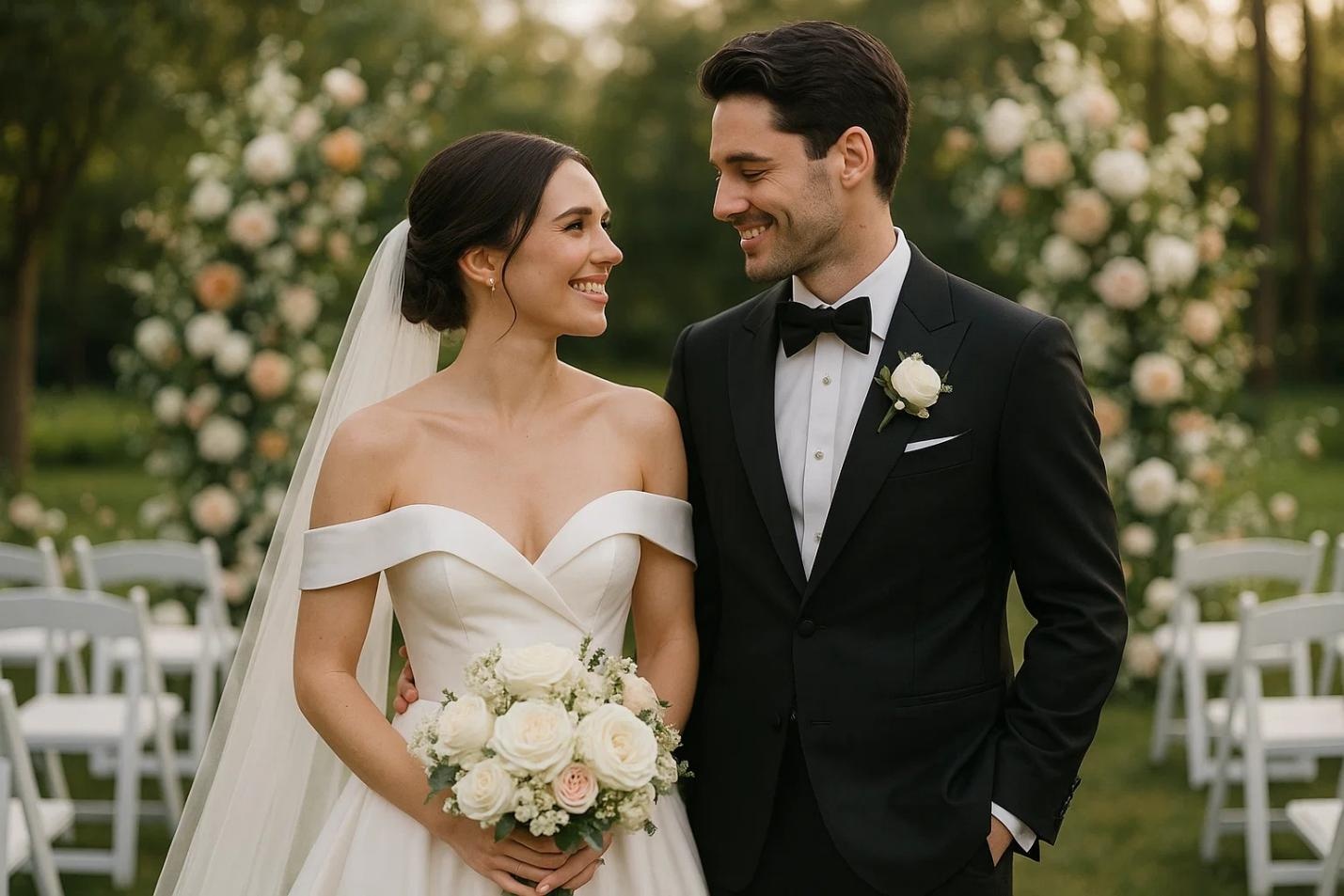
A wedding invitation video is a digital invite that uses visuals, animations, music, and text to announce your big day. Rather than traditional paper cards, couples now prefer digital video wedding invitations because they are eco-friendlier, more creative, and easier to share.
These videos typically include a couple of names and photos, wedding date, time, and venue, background music or voiceover, and stylish animations or transitions. A wedding invite video will make your announcement modern and memorable, whether you select a romantic theme or a fun storytelling style.
Part 2. How to Make a Wedding Invitation Video Using Canva
Canva is one of the easiest and most beginner-friendly tools for creating a wedding invitation video template. It offers a wide range of professionally designed templates that can be customized in just a few clicks, making it ideal even for users with no editing experience.
With its simple drag-and-drop interface, you can easily add text, photos, videos, and music to match your wedding theme. Canva also provides built-in animations, fonts, and design elements to help you create a polished, visually appealing wedding video invitation without advanced skills or expensive software.
Step 1: Choose a Template
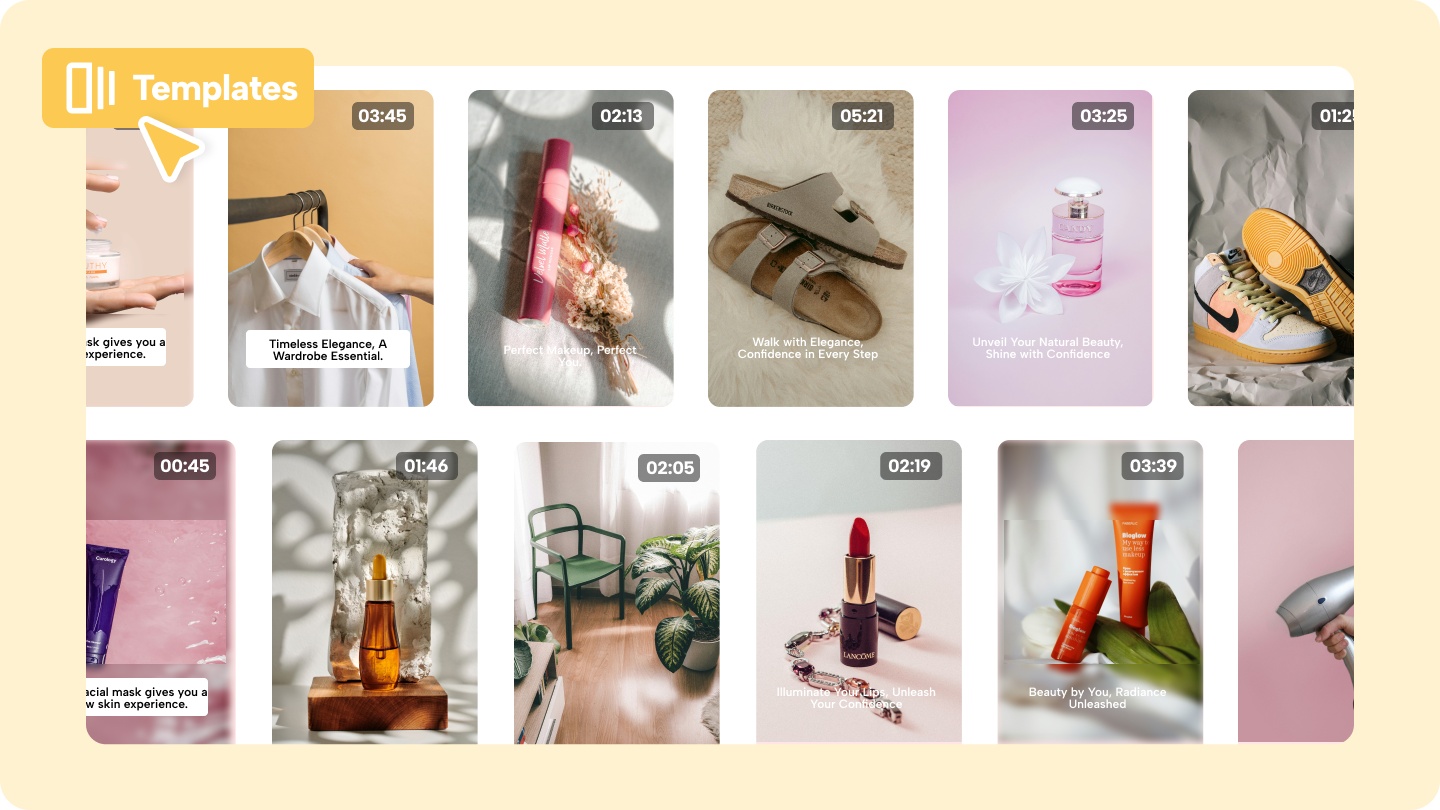
Go to Canva and search for wedding invitation video templates. Browse the collection and pick a design that matches your wedding theme, such as floral, elegant, or modern. Take your time exploring different layouts to find one that perfectly reflects your personality and event vibe.
Step 2: Customize Your Content
Edit the template by adding your names, wedding date, venue, and a heartfelt message. You can also upload your own photos or short video clips to make the invitation more personal and meaningful. Adjust fonts, colors, and text placement to ensure everything looks clean and easy to read.
Step 3: Add Music and Animations
Enhance your video by adding romantic background music and smooth animations. Canva offers a library of audio tracks and animation effects that can make your invitation feel more lively and engaging. Choose subtle transitions to maintain a professional and elegant look.
Before finalizing, preview your video to check for any errors in text, timing, or alignment. Once satisfied, download your video in MP4 format at the highest quality.

Part 3. How to Make Wedding Invitation Videos with AI (Easiest Method)
Finding a top-notch AI wedding invitation video maker is effortless with the HitPaw Online AI Video Generator. It provides you with various wedding templates that can make your wedding invitation video super and top-notch.
Apart from entering the text description to generate the best wedding invitation video, HitPaw Online AI Video Generator also lets you import a photo and then generate an exciting wedding invitation video from that photo.
Generate Now!Key features of HitPaw Online:
- Allows you to generate top notch wedding invitation video from written text or imported photos
- Provides a simple user interface, making it effortless for newcomers
- Personalize the video finishes by customizing with end frames
- Offers an exciting preview function to review the changes made to the generated wedding invitation video
- Security function to prevent unauthorized people from using your video
How to make a video wedding invitation?
Step 1: Input Your Words
Go to the official webpage of the HitPaw Online AI Video Generator and then hit the Txt2Vid afterwards. You can also tap on the Img2Vid icon.
Step 2: Tap Generate
Using Img2Vid empowers you to create a sublime wedding invitation from an imported photo. Then, you'll need to hit the "Generate" icon to start creating the video from an imported photo.
Step 3: Export Video
HitPaw Online AI Video Generator only takes a few moments to create a wedding invitation video. You can also adjust the video's aspect ratio, duration, and resolution to make it look engaging and beautiful. Then, you can preview the video and click the Download icon to export it to your computer.
Generate Now!
Part 4. FAQs of Making a Lyric Video
Q1. How long should a wedding invitation video be?
A1. A wedding invitation video should ideally be 30 to 60 seconds long. This duration is perfect for keeping your audience engaged while clearly sharing all the important details, such as names, dates, and venues. If your video is too long, viewers may lose interest, so it's best to keep it short, visually appealing, and to the point.
Q2. Can I make a wedding invitation video for free?
A2. Yes, you can easily create a wedding invitation video for free using tools like Canva and other online platforms. These tools offer free templates, basic editing features, and music options that are enough to design a beautiful invite. However, some premium templates, stock media, or advanced features may require a subscription, so you can choose based on your budget and needs.
Q3. What format should a wedding invitation video be?
A3. The best format for a wedding invitation video is MP4, as it is widely supported across all devices and platforms. MP4 files provide a good balance between video quality and file size, making them easy to share on WhatsApp, Instagram, email, and other social media platforms. You can also ensure your video is exported at high resolution (e.g., 1080p) for a more professional, polished look.
Conclusion
Creating a stunning video invite is easier than ever with modern tools and AI solutions. Whether you use Canva for customization or an AI tool for quick results, you can design a beautiful and professional invite in minutes. In HitPaw Online AI Video Generator, you've got the best way to generate a wedding invitation video.
Apart from offering a simple user interface, HitPaw Online AI Video Generator also lets you create multiple wedding invitation videos in high-quality video.
Generate Now!



Home > Learn > How to Make a Video Wedding Invitation Easily
Select the product rating:
Natalie Carter
Editor-in-Chief
My goal is to make technology feel less intimidating and more empowering. I believe digital creativity should be accessible to everyone, and I'm passionate about turning complex tools into clear, actionable guidance.
View all ArticlesLeave a Comment
Create your review for HitPaw articles