
















Quick and Easy: Add a Bunny to Any Photo Online
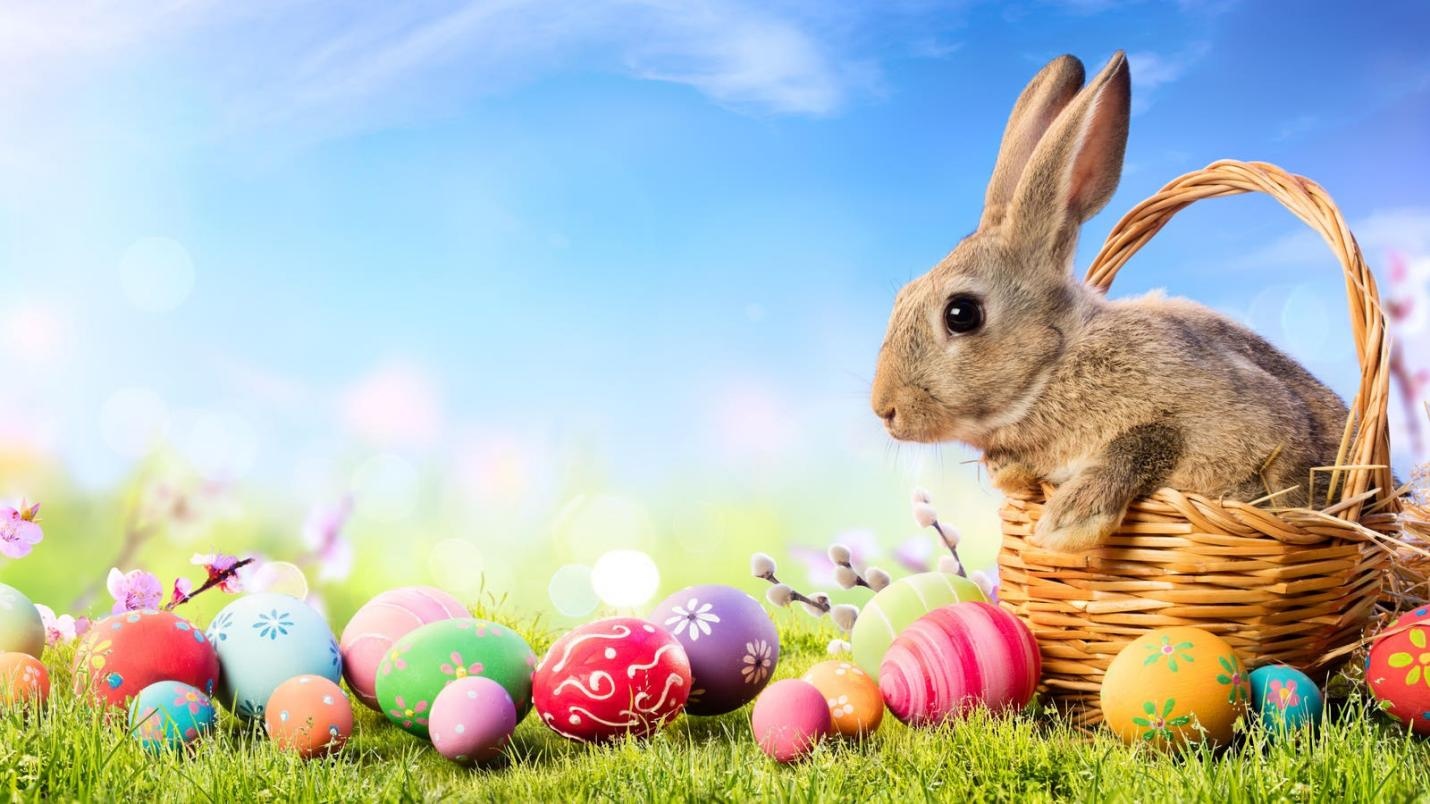
Easter, also called Resurrection Sunday, is a Christian festival and cultural holiday commemorating the resurrection of Jesus from the dead. It is a time of joy, celebration, and new beginnings, often marked by traditions such as egg hunts, festive meals, and the iconic Easter Bunny. In today's digital age, you can bring that festive spirit into your photos with just a few clicks. By using the right AI prompt, you can easily add Easter bunny to photo and make it look natural. In this guide, we'll provide you with the top AI prompts that help you create stunning and realistic Easter-themed images in just seconds.
Create Now!Part 1: Top AI Prompts to Instantly Add Easter Bunny to Photos
On Easter, social media is flooded with photos featuring the Easter Bunny. If you want to be part of this trend, these AI prompts can help you add Easter bunny to photos effortlessly - without compromising the original quality. Here are the top prompts:
1. Cute Cartoon Bunny in a Flower Field

Prompt: "Turn this image into a vibrant Easter scene by adding a cute cartoon Easter Bunny sitting among colorful spring flowers. Make the bunny playful and chubby with long ears and a smiling face. Include soft pastel-colored eggs scattered around and bright sunlight shining over the meadow. Add subtle shadows and reflections to make it look natural. Keep the background whimsical with animated-style details, enhancing a joyful, festive, and family-friendly atmosphere perfect for social media sharing".
2. Watercolor Bunny in a Spring Meadow
Prompt: "Convert this image into a delicate watercolor painting featuring a gentle Easter Bunny sitting in a blooming spring meadow. Add soft, flowing pastel colors for the bunny and flowers. Include light Easter eggs painted in subtle tones scattered across the grass. The style should be dreamy and artistic, with watercolor blending, soft edges, and natural textures. Ensure a warm, sunny atmosphere with hints of fluttering butterflies to enhance the whimsical, serene, and festive feeling in this Easter-themed illustration.
3. 3D Bunny Holding a Basket of Eggs
Prompt: "Transform this image by inserting a 3D-rendered Easter Bunny holding a basket overflowing with colorful eggs. Make the bunny fluffy with detailed fur, expressive eyes, and realistic lighting. Place it in a vibrant outdoor setting with grass, flowers, and morning sunlight. Add subtle shadows on the ground to anchor it naturally in the scene. The style should feel three-dimensional, highly realistic, and cheerful, making it perfect for modern Easter cards, social media posts, or festive digital content".
4. Anime-Style Bunny in Garden
Prompt: "Turn this image into an anime-style Easter scene with a cute bunny sitting under blooming cherry blossom trees. The bunny should have large expressive eyes, fluffy fur, and a small basket of painted eggs nearby. Include petals falling gently and soft sunlight filtering through the branches. Use vibrant, saturated anime colors, with detailed line art and dynamic shadows. The style should feel cheerful, lively, and heartwarming, perfect for Easter-themed digital illustrations or anime-inspired social media posts".
5. Neon Pop Art Bunny
Prompt: "Convert this image into a bold neon pop art scene with a vibrant Easter Bunny at the center. Use bright, contrasting colors for the bunny and scattered eggs, with sharp outlines and dynamic background patterns. Add neon highlights, halftone textures, and comic-style shading. The bunny should have a playful, exaggerated expression, perfect for a modern, eye-catching, and festive illustration. This style should feel energetic, fun, and shareable for social media and digital artwork celebrating Easter".
6. Vintage Easter Bunny
Prompt: "Transform this image into a vintage-style Easter illustration with a soft pastel palette. Place a gentle, realistic bunny among blooming flowers, scattered eggs, and delicate sunlight. Include subtle textures like paper grain or faded edges to evoke an antique feel. The bunny should look friendly and calm, perfectly blending with the pastel scenery. The style should feel nostalgic, charming, and cozy, ideal for classic Easter postcards or decorative holiday prints".
7. Cartoon Bunny Riding a Rainbow
Prompt: "Convert this image into a cheerful cartoon scene with a playful Easter Bunny riding a colorful rainbow. Scatter bright Easter eggs and sparkles along the rainbow's path. Add soft clouds, sunny skies, and dynamic motion lines to emphasize movement. The bunny should have exaggerated, joyful expressions with a cartoonish style. The colors should be vibrant, whimsical, and lively, perfect for kids' illustrations, festive social media posts, or playful Easter-themed digital content".
8. Realistic Easter Bunny
Prompt: "Transform this image by adding a realistic Easter Bunny standing or sitting next to the single person in the photo. Ensure the bunny's size, perspective, and lighting match the person naturally. The bunny should have soft, detailed fur, expressive eyes, and a friendly pose. Scatter a few colorful Easter eggs nearby to enhance the festive vibe. Maintain the original image quality, blending the bunny seamlessly into the scene. Add subtle shadows and reflections to make the interaction look natural, creating a charming, holiday-themed portrait".
9. Anime-Style Easter Bunny
Prompt: "Convert this image by adding a small anime-style Easter Bunny sitting or hopping beside the single person. The bunny should have big sparkling eyes, fluffy fur, and a tiny basket of pastel Easter eggs. Include soft sunlight filtering over the scene and falling petals or sparkles to enhance the festive vibe. Ensure the bunny is in proper scale with the person and blends seamlessly into the image. The style should be colorful, cheerful, and anime-inspired, perfect for a whimsical Easter portrait".
10. Fantasy Magical Bunny
Prompt: "Transform this image into a magical Easter scene with a small fantasy-style Easter Bunny beside the single person. Add glowing pastel fur, sparkling eyes, and tiny fairy lights around the bunny. Scatter mystical, floating Easter eggs and enchanted flowers around the scene. Ensure proper lighting and shadows so the bunny integrates naturally with the person. The style should be whimsical, colorful, and enchanting, perfect for a dreamy Easter-themed portrait or social media content".
Bonus Tip: How to Add an Easter Bunny to a Photo Using an AI Tool
If you have the right tools, you can easily add Easter bunny to photos without sacrificing the original quality. HitPaw Online AI Image Generator is one of the most powerful AI image generators available in 2026. This program enables users to generate high-quality images with a simple text prompt or by uploading static images. The program includes a wide range of AI models, such as Nano Banana 2, Nano Banana Pro, Flux, MidJourney, and Stable Diffusion. With the help of HitPaw, users can generate various types of images, including anime, cartoon, cyberpunk, realistic, 3D, and more.
One of the biggest advantages of using this tool is its ease of use. Even beginners can quickly upload a photo, enter a detailed prompt, and let the AI handle the rest. Additionally, you can easily customize an AI photo according to your requirements, such as change background, add effect, text, and filters.
Key Features of HitPaw Online AI Photo Generator
- Image-to-Image: The program supports image-to-image generation. Simply, upload your image, enter an AI prompt, and click on the "Generate" button. HitPaw will convert your image into various styles and include multiple elements, such as Easter Bunny and more.
- Text-to-Image: HitPaw Online AI Image Generator also enables users to generate high-quality visuals with a simple text prompt - no advanced editing experience required. Input the prompt, choose the AI model, and click on the "Generate" button.
- Wide Range of Image Styles: This program allows users to create high-quality images in various styles, such as 3D, Anime, Cyberpunk, Cartoon, Realistic, Oil Painting, Watercolor, Pixel, Sci-Fi, Vintage Cinematic, and Abstract.
- Customization Options: This tool features advanced personalization capabilities, enabling users to tailor images to their specific needs. Users can add text, change background, style, and more.
- User-Friendly Interface: One of the standout features of this tool is its intuitive and beginner-friendly interface. Users can generate high-quality images without editing experience or professional help.
How to Add Easter Bunny to Photo Using HitPaw Online AI Image Generator
With the help of this program, users can add Easter bunny to images effortlessly. Here is how to do it:
- Open your web browser and navigate to the HitPaw Online AI Image Generator official site. Log in with your account, select "Img2img" from the main interface.
- Choose the "AI Model" and upload your image. Users can import images in various formats, including JPG, PNG, JPEG, and more. Next, copy and paste the prompt into the prompt box.
- Select the "Image Settings" such as resolution, aspect ratio, and output numbers. Finally, click on the "Generate" button to begin the image creation process. Within seconds, your AI image with the Easter Bunny will be ready. Preview and download it in multiple formats.
Final Thoughts
Add Easter Bunny to photos is a fun and creative way to celebrate the holiday and make your image stand out. With the help of AI tools and the right prompts, you can achieve professional-looking results in just a few seconds - no editing experience required. HitPaw Online AI Image Generator is one of the best AI image creation platforms available, which enables users to turn images into various styles with a simple text prompt.





Home > Learn > Quick and Easy: Add a Bunny to Any Photo Online
Select the product rating:
Natalie Carter
Editor-in-Chief
My goal is to make technology feel less intimidating and more empowering. I believe digital creativity should be accessible to everyone, and I'm passionate about turning complex tools into clear, actionable guidance.
View all ArticlesLeave a Comment
Create your review for HitPaw articles