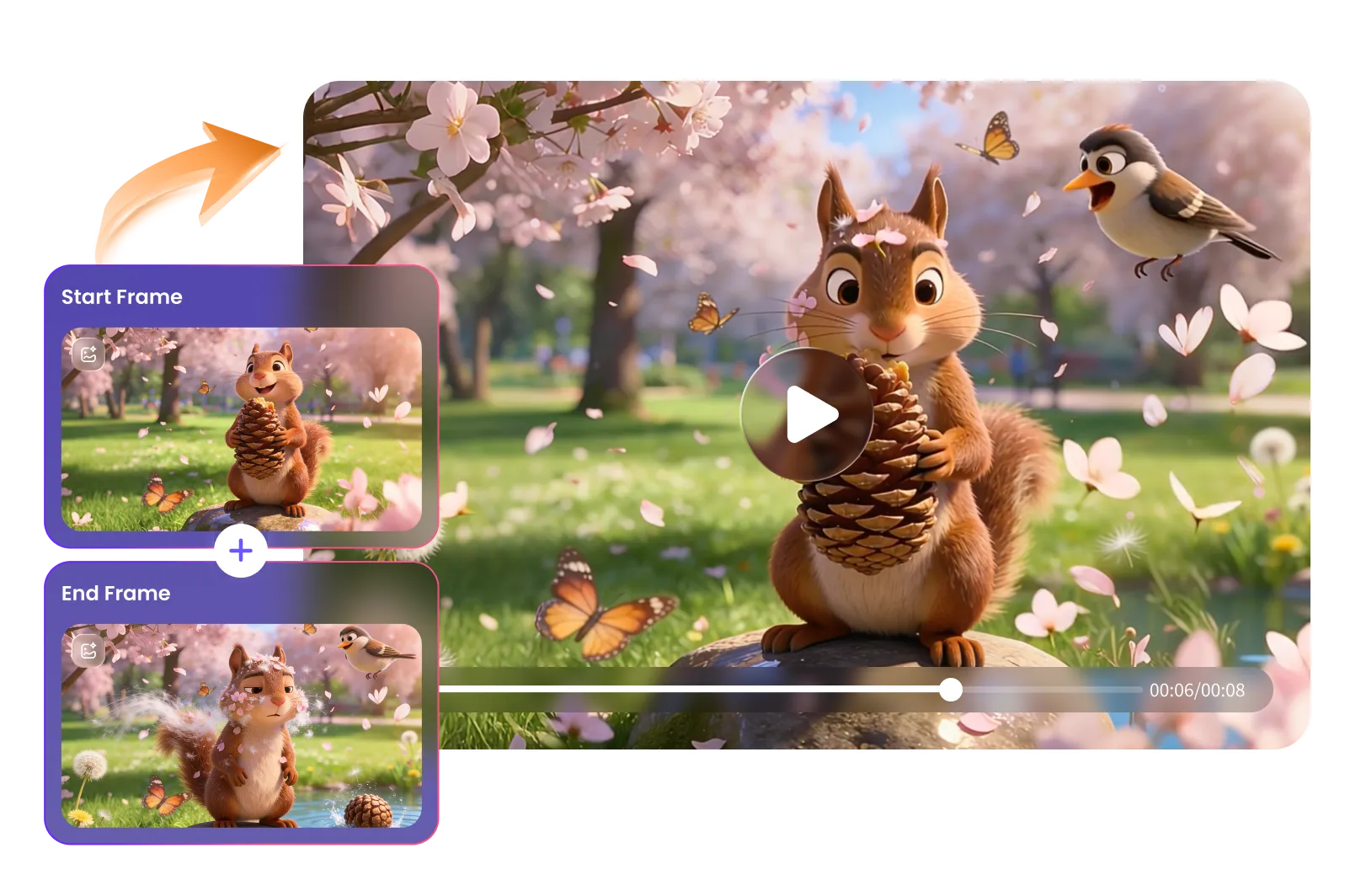
How to Generate AI Video with Start & End Frames
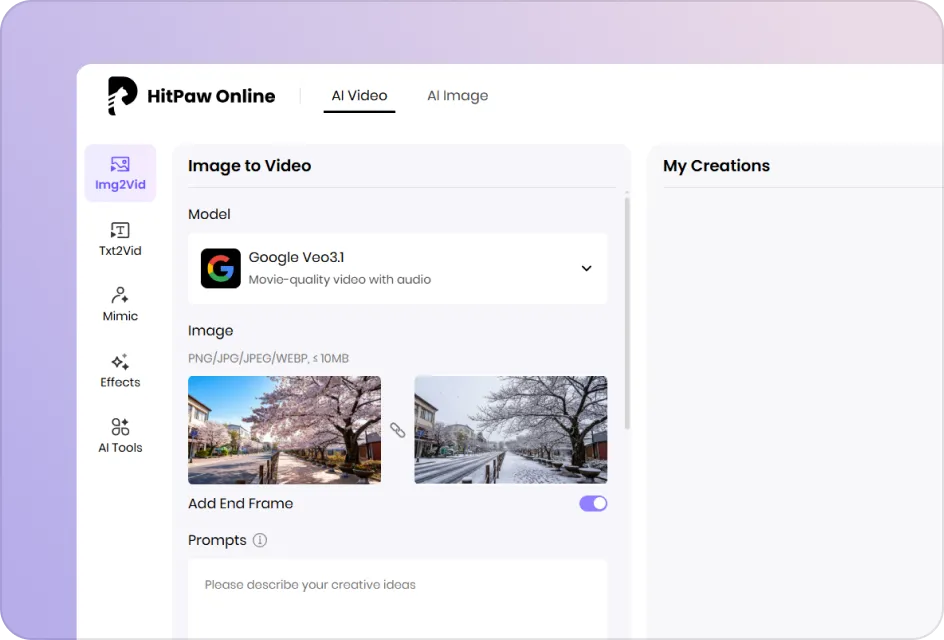
Upload Your Images
Select an AI model, then upload your start frame and end frame images to define the beginning and ending of your video transition.
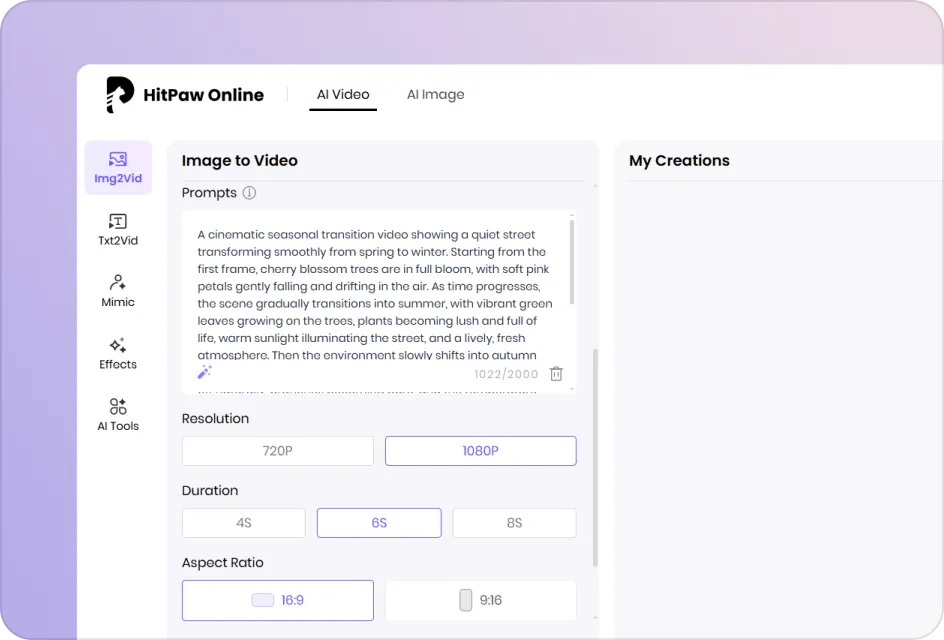
Enter Prompt and Configure Settings
Enter a prompt describing motion and transitions, then customize duration, aspect ratio and resolution as needed for output.
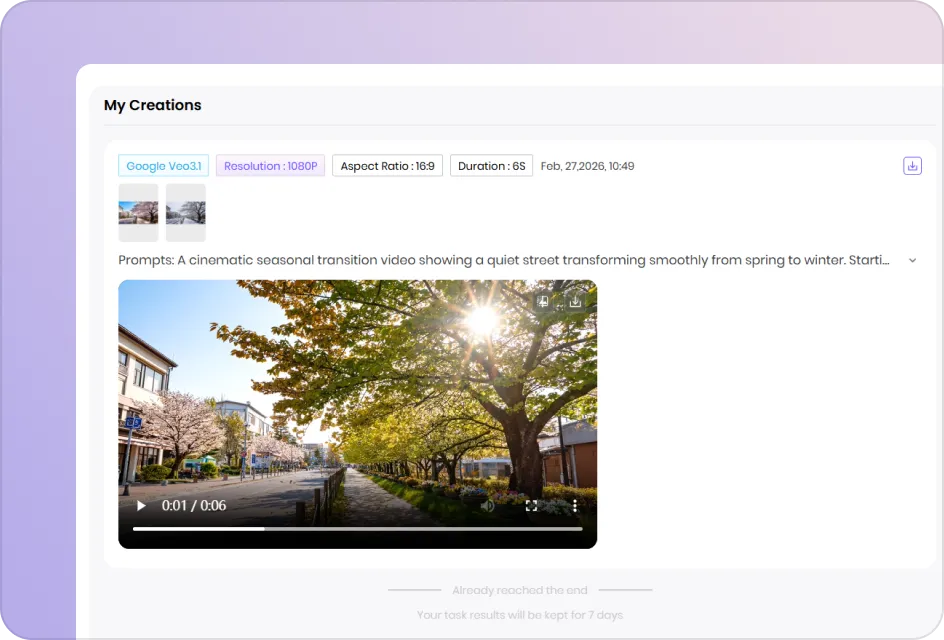
Generate and Export the Video
Click Generate to create your video, preview the result, and download the final video to your device instantly for sharing.
Frame to Video AI Generator Features
Experience HitPaw AI Frames to Video Generator: effortlessly create smooth, cinematic videos from start and end frames with precise AI control.
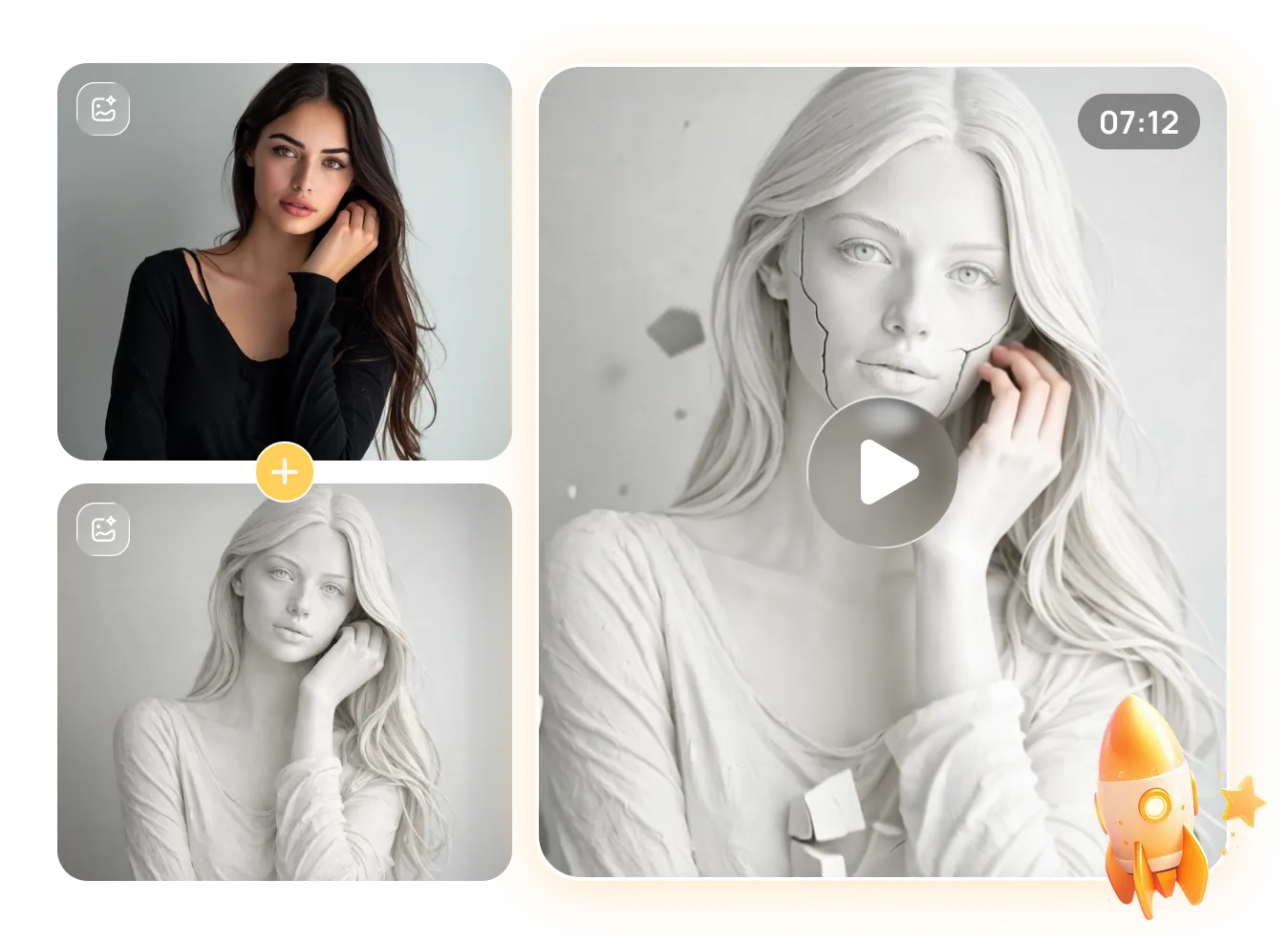
Instantly Turn Start & End Frames into Smooth Video
Convert two static images into a seamless animated video in seconds. No editing experience required. AI automatically fills missing frames, ensuring smooth transitions, natural motion, and fast processing for beginners and professionals alike.
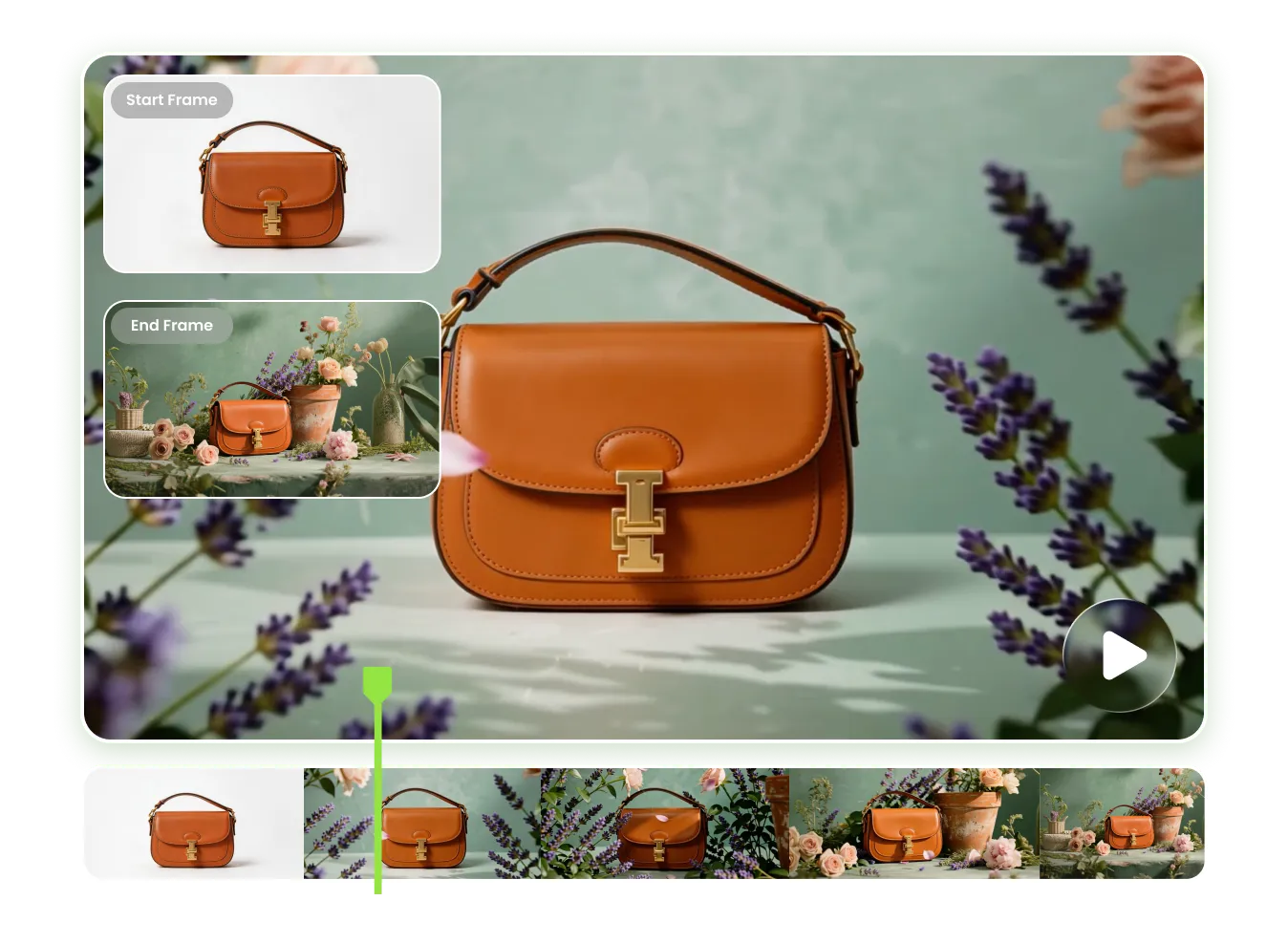
Precise Frame Control with Consistent Visual Quality
Advanced frame-to-video AI technology understands keyframe structure, motion paths, and timing. It ensures smooth progression from first to last frame while preserving character identity, visual consistency, natural colors, and cinematic continuity throughout the generated video.
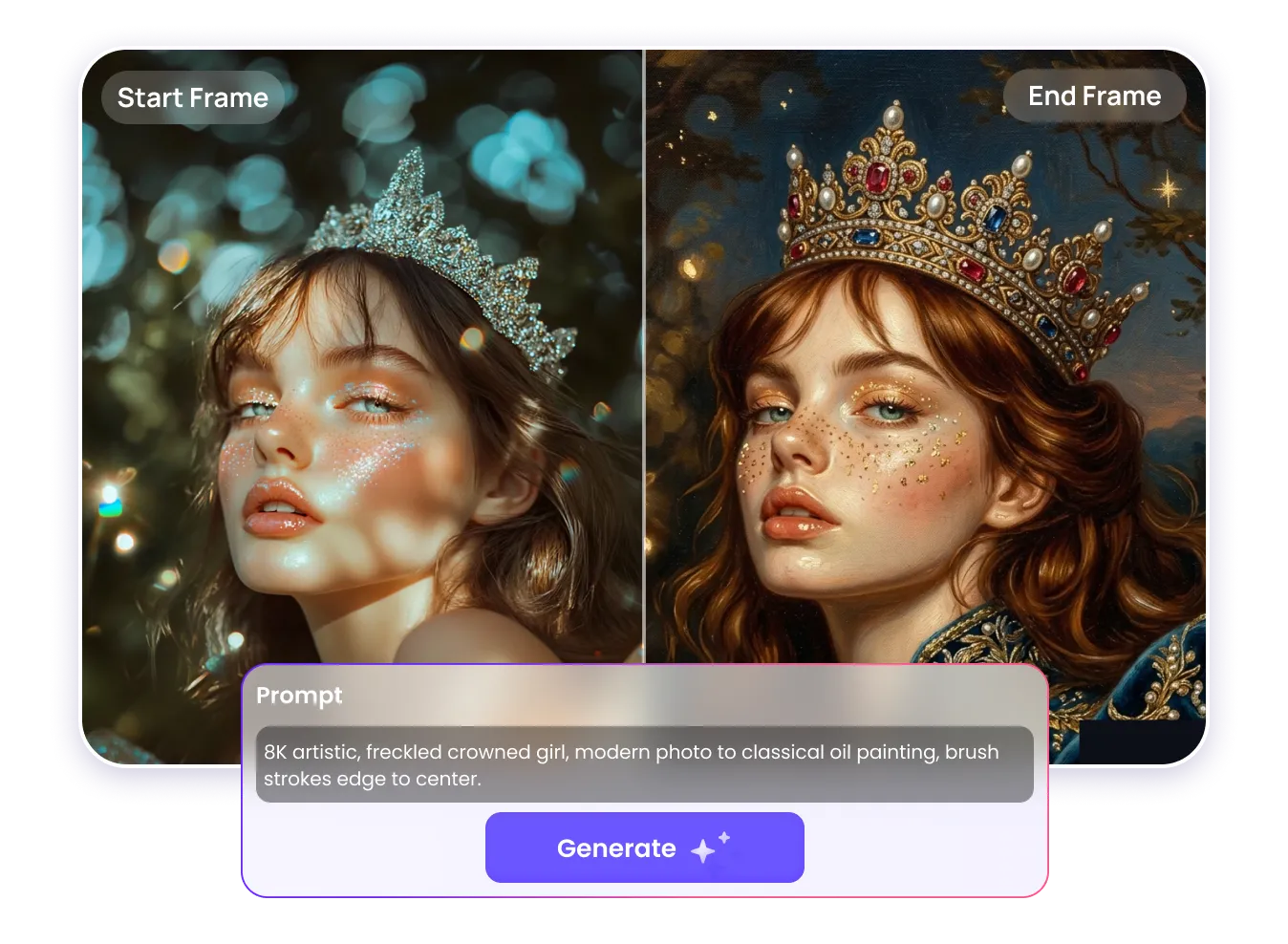
Prompt-Driven Frame to Video Customization
Guide frame-to-video generation using simple text prompts. Define camera movement, scene evolution, mood, or animation style. AI combines frame data and prompt intent to produce personalized, controllable, and visually compelling video results.
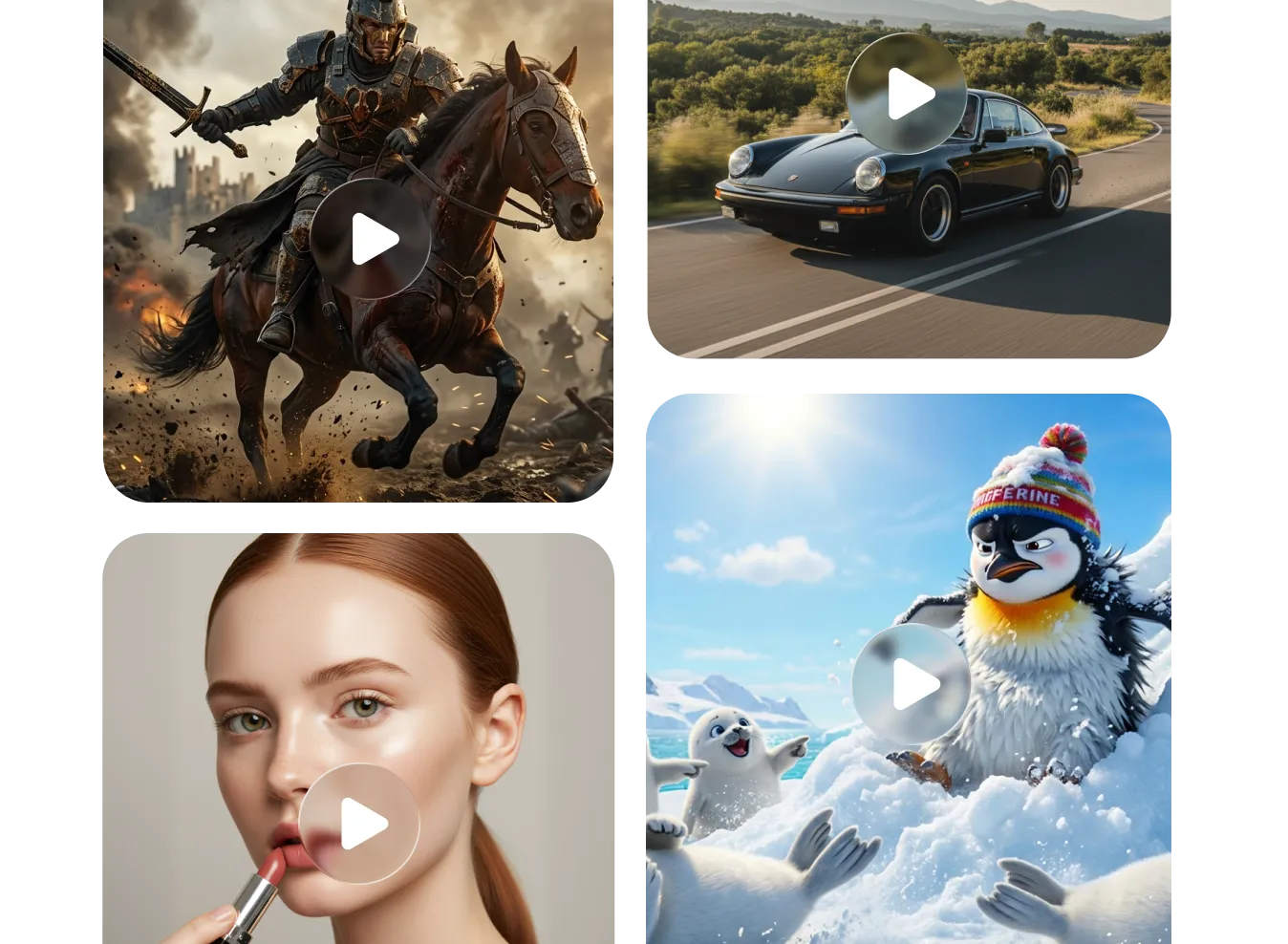
Works for 2D, 3D, Realistic, and Creative Projects
Generate videos from illustrations, 3D renders, photos, or concept art. Ideal for filmmaking, animation, advertising, social media, storytelling, and creative visualization across multiple artistic styles and professional production workflows.
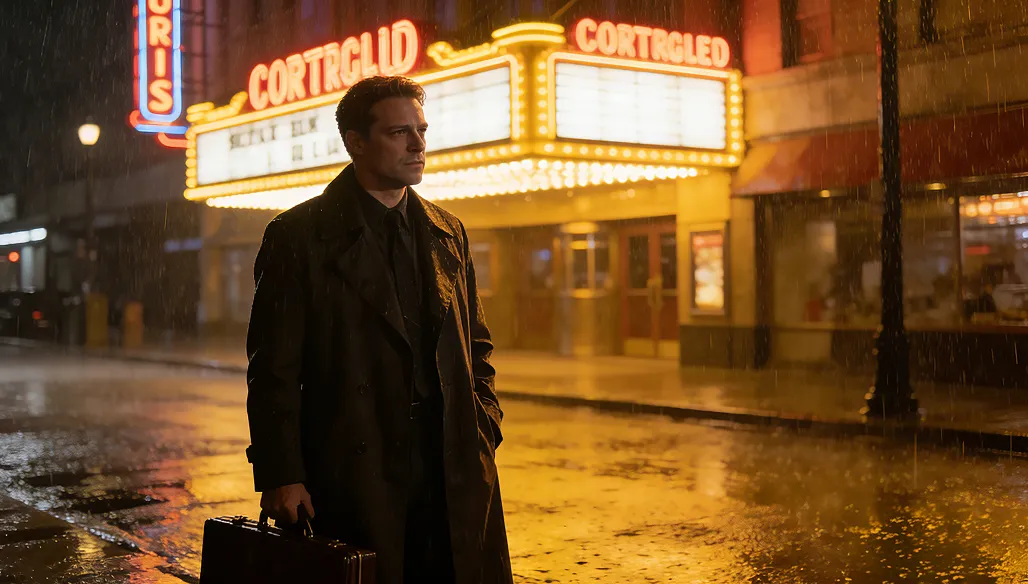
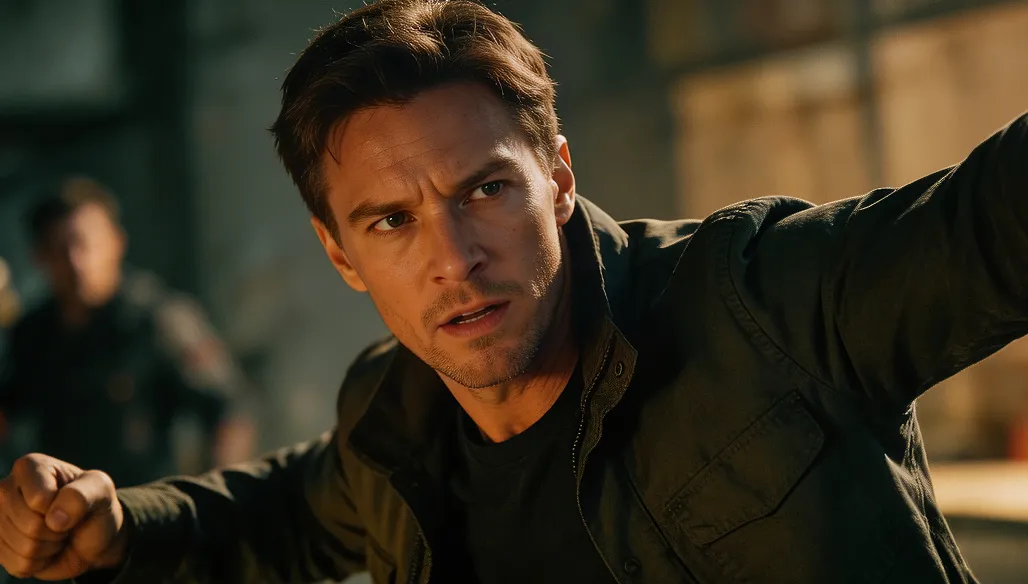
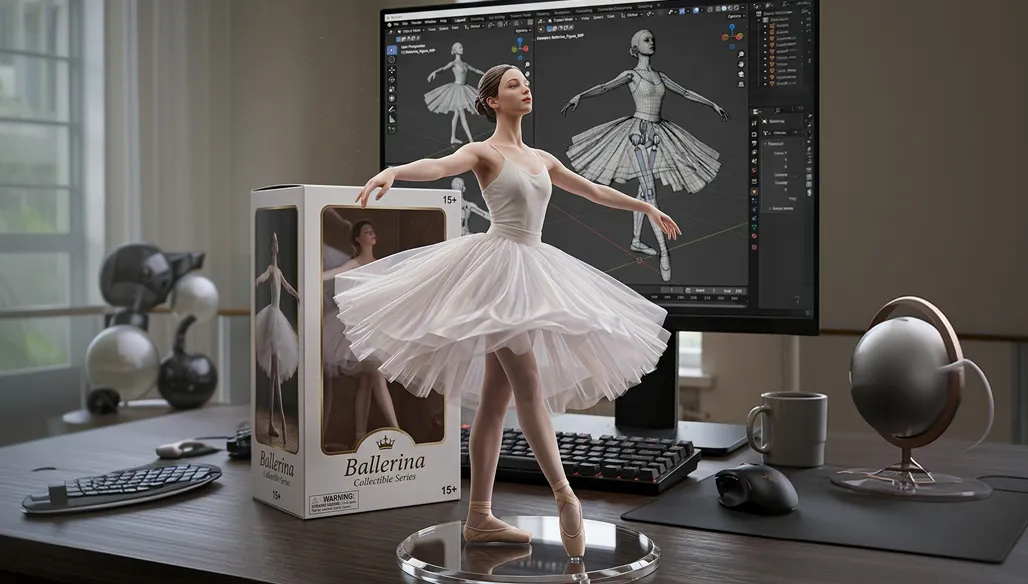
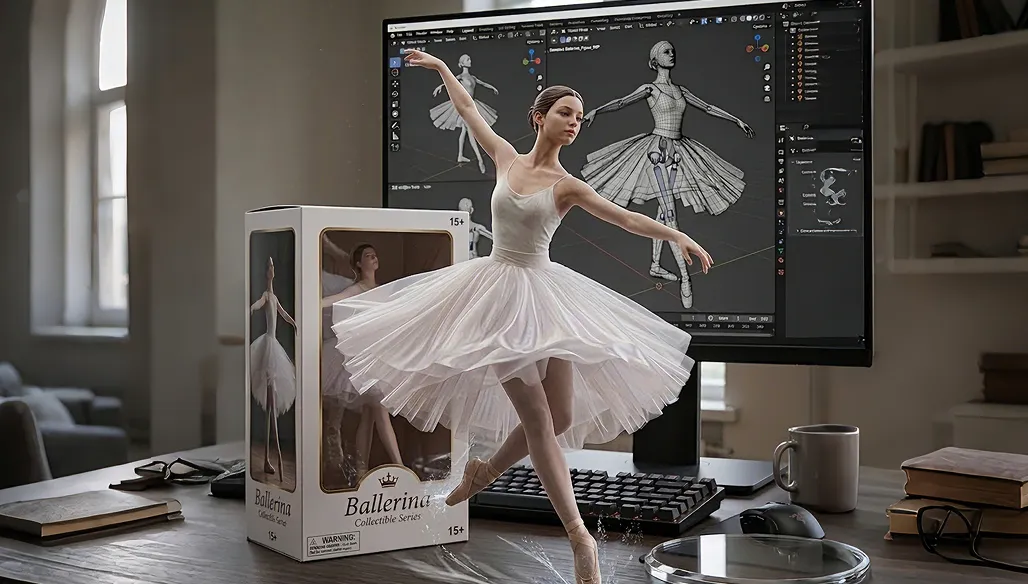
Explore Stunning Frame to Video Creations Across Themes
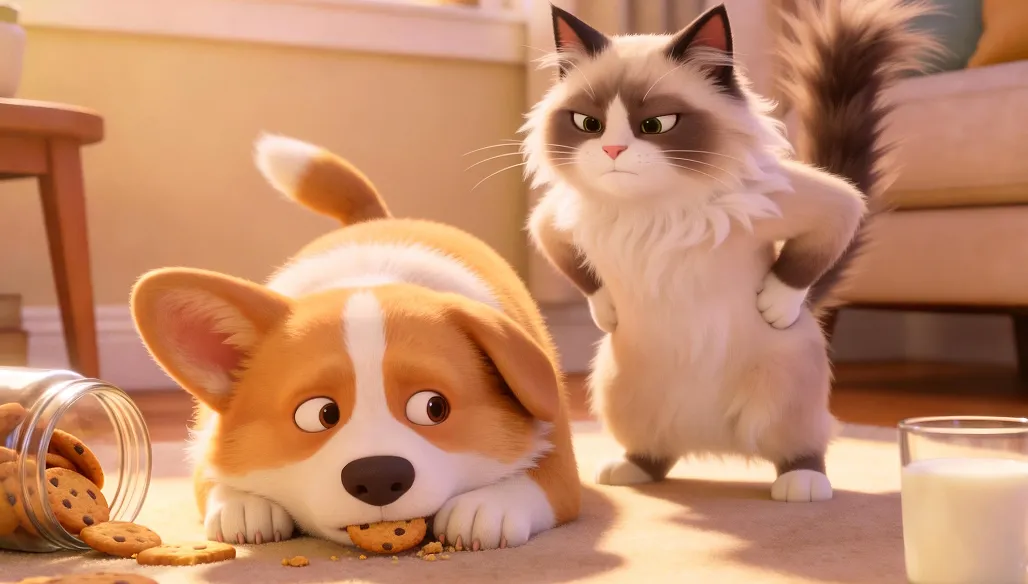
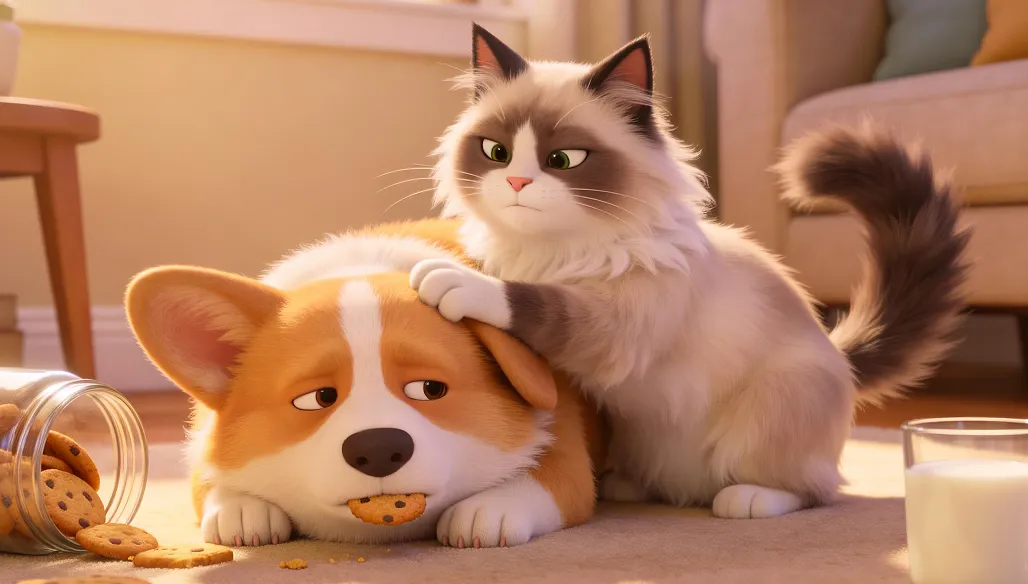
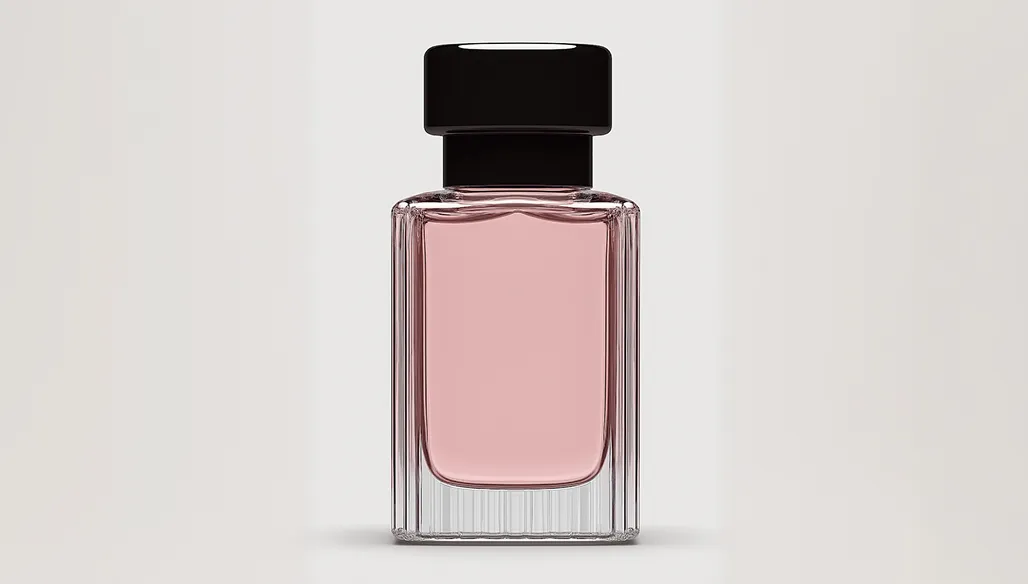
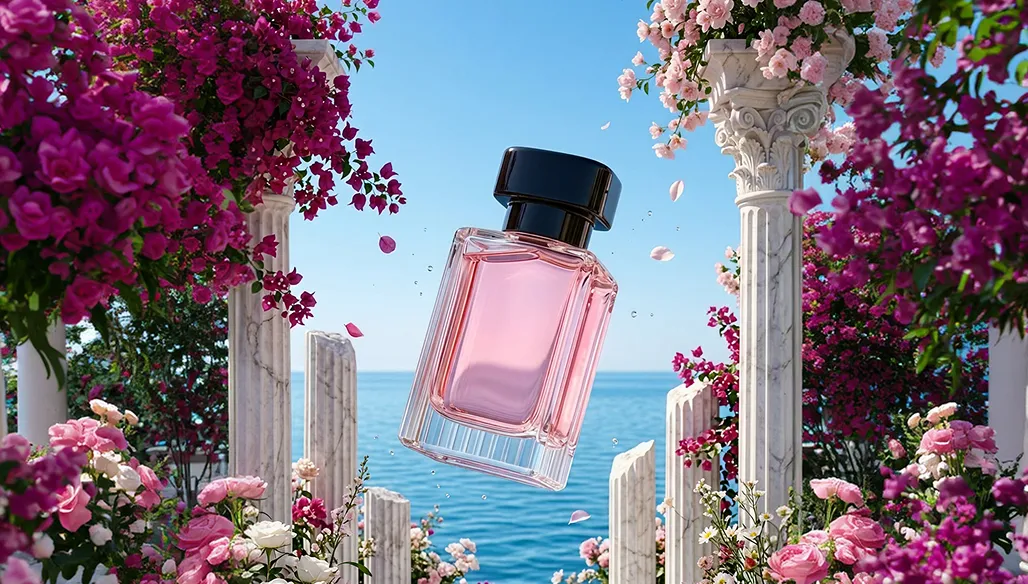
 Kling AI Video Generator
 Sora 2 AI Video Generator
FAQs About AI Frame to Video Generator
An AI frame to video generator is a tool that creates a complete video using one or more static frames as input. By uploading your first and last frames, the AI analyzes visual elements such as characters, lighting, and composition, then automatically generates realistic intermediate frames. This ensures smooth motion, consistent visuals, and natural transitions without manual animation or editing.
Yes, videos generated with HitPaw AI Frames to Video Generator can be used for commercial purposes, depending on your subscription plan and compliance with applicable licensing terms. This makes it suitable for marketing campaigns, social media content, advertising, product videos, and client projects. Always ensure your uploaded images and prompts do not violate copyright or third-party rights.
First-last frame video generation uses two specific frames—a starting frame and an ending frame—to guide the AI in creating precise transitions between them. This provides greater control over motion, timing, and storytelling. Image to video generation typically uses a single image and a prompt to create motion, but the end result is less predictable. First-last frame generation ensures higher consistency, better visual continuity, and more accurate creative control.
HitPaw supports multiple advanced AI video models to deliver high-quality frame to video results, including:
- Google Veo 3.1 - Ideal for cinematic-quality videos with realistic motion and professional visual consistency.
- PixVerse V5.5 - Optimized for smooth transitions, creative effects, and fast generation speed.
- PixVerse V5 - Provides reliable performance for general video creation, animation, and social media content.
- These models allow users to choose the best balance between realism, speed, and creative flexibility for their specific frame to video projects.
Generate Video from Frames with AI Now
Bring your static frames to life. HitPaw AI frames to video generator transforms your first and last frames into smooth, professional-quality video in seconds.