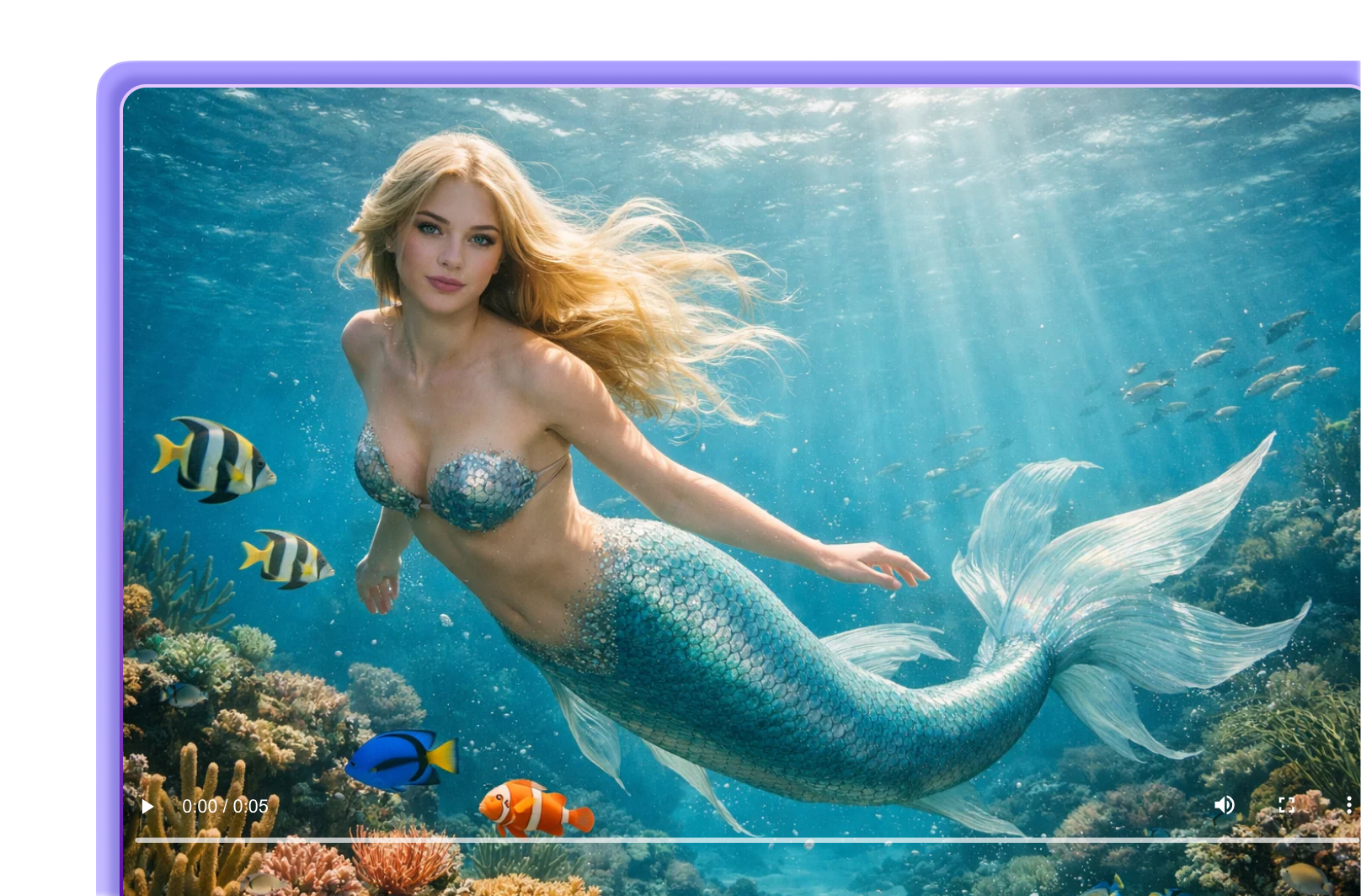
AI Mermaid Filter
Step into a fantasy beneath the surface. Photos are transformed into mermaid videos with flowing tails, underwater movement, and dreamlike visuals.
How to Create an AI Mermaid Video
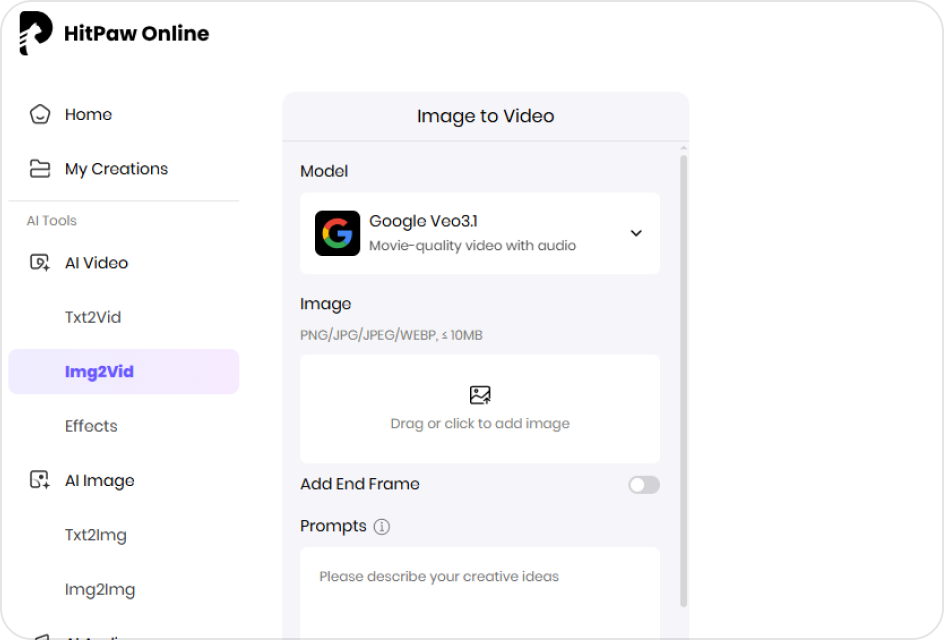
Select a Model
Choose a model built for fantasy effects, underwater motion, and tail animation.
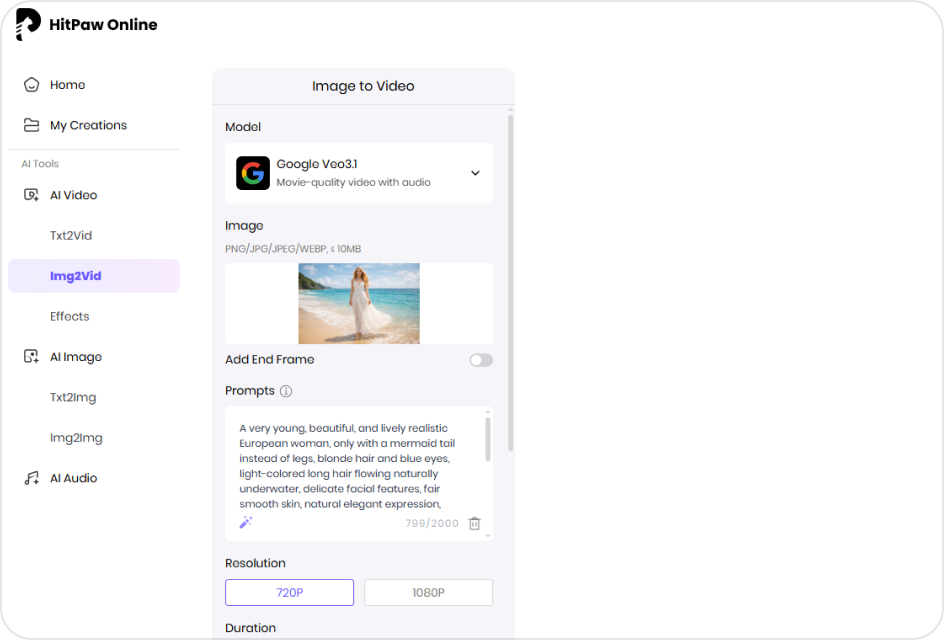
Upload a Photo with Prompts
Upload an image and describe the mermaid style, motion, or underwater look you want.
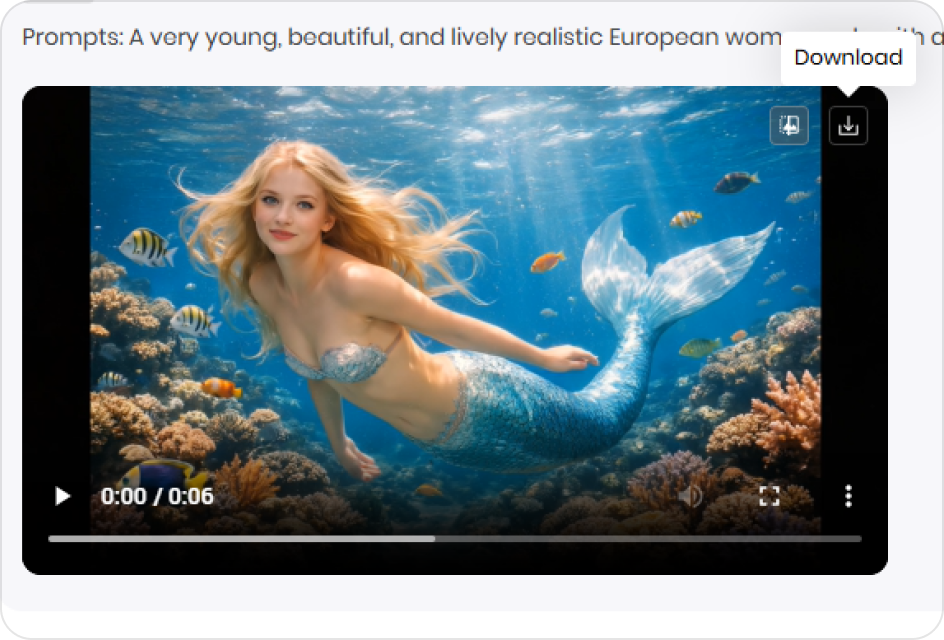
Generate a Mermaid Video
AI transforms the photo into a mermaid video with fluid movement and visuals.
Why Creators Choose HitPaw AI Mermaid Filter
Fantasy Transformation Experience
Turn a portrait photo into a mermaid video and experience a full visual transformation from human to fantasy character.
Create AI Mermaid Photo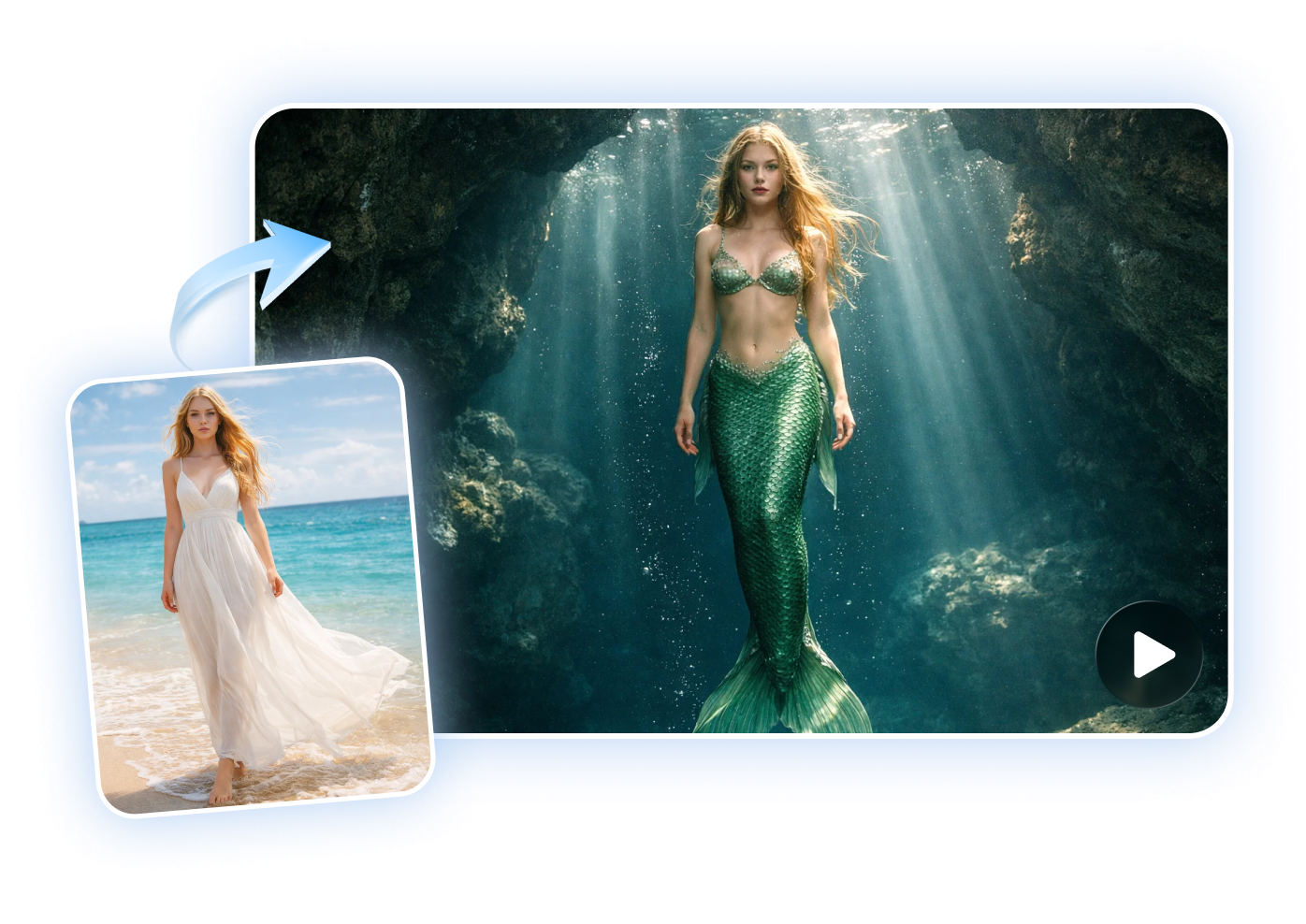
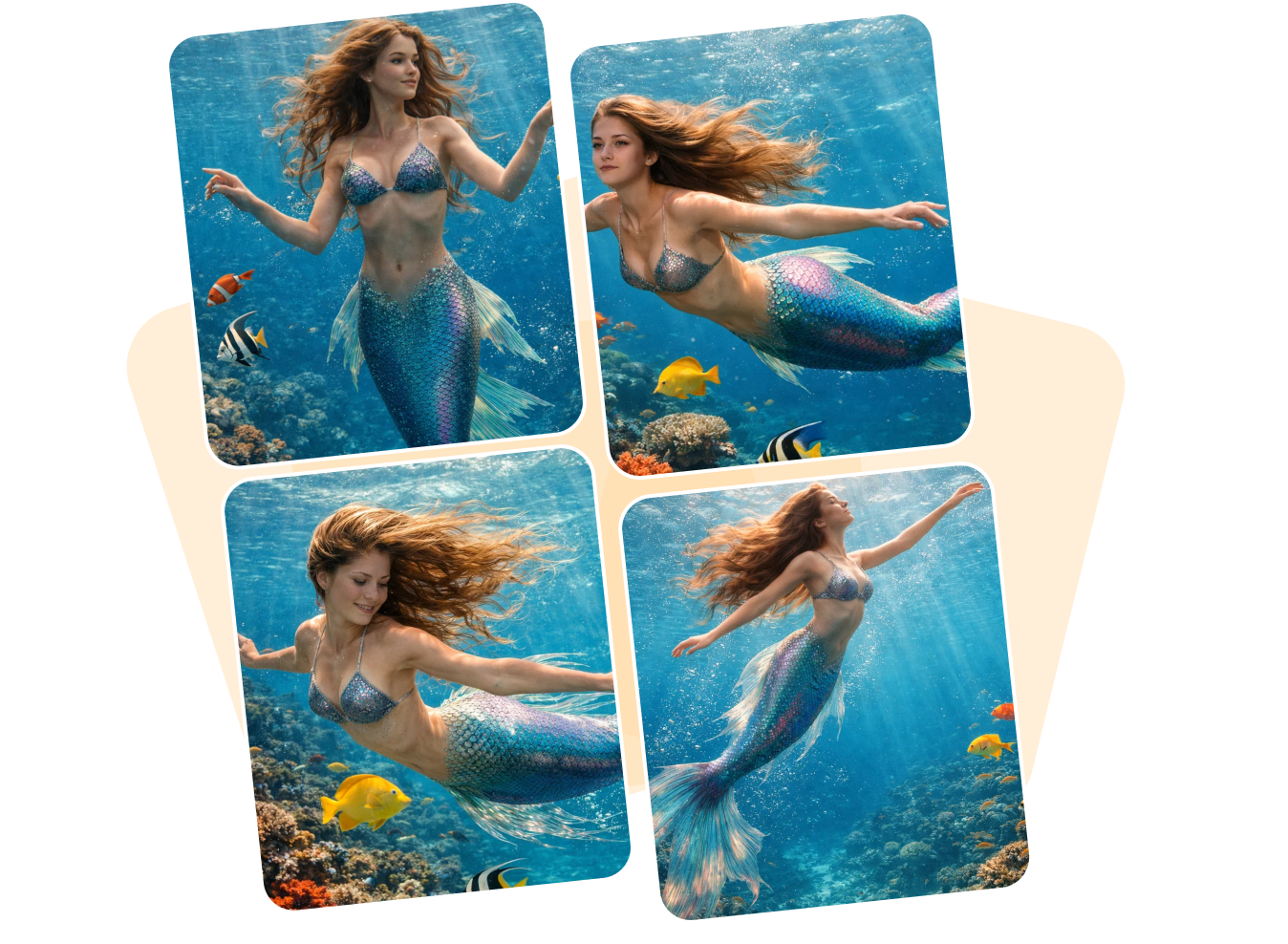
Pose and Motion Variety
Generate mermaid videos with different poses, tail movements, and gestures to create dynamic and varied visual content.
Create AI Mermaid PhotoDiverse Mermaid Styles
Choose from multiple mermaid skins or aesthetic styles to create unique appearances and visual identities for your videos.
Create AI Mermaid Photo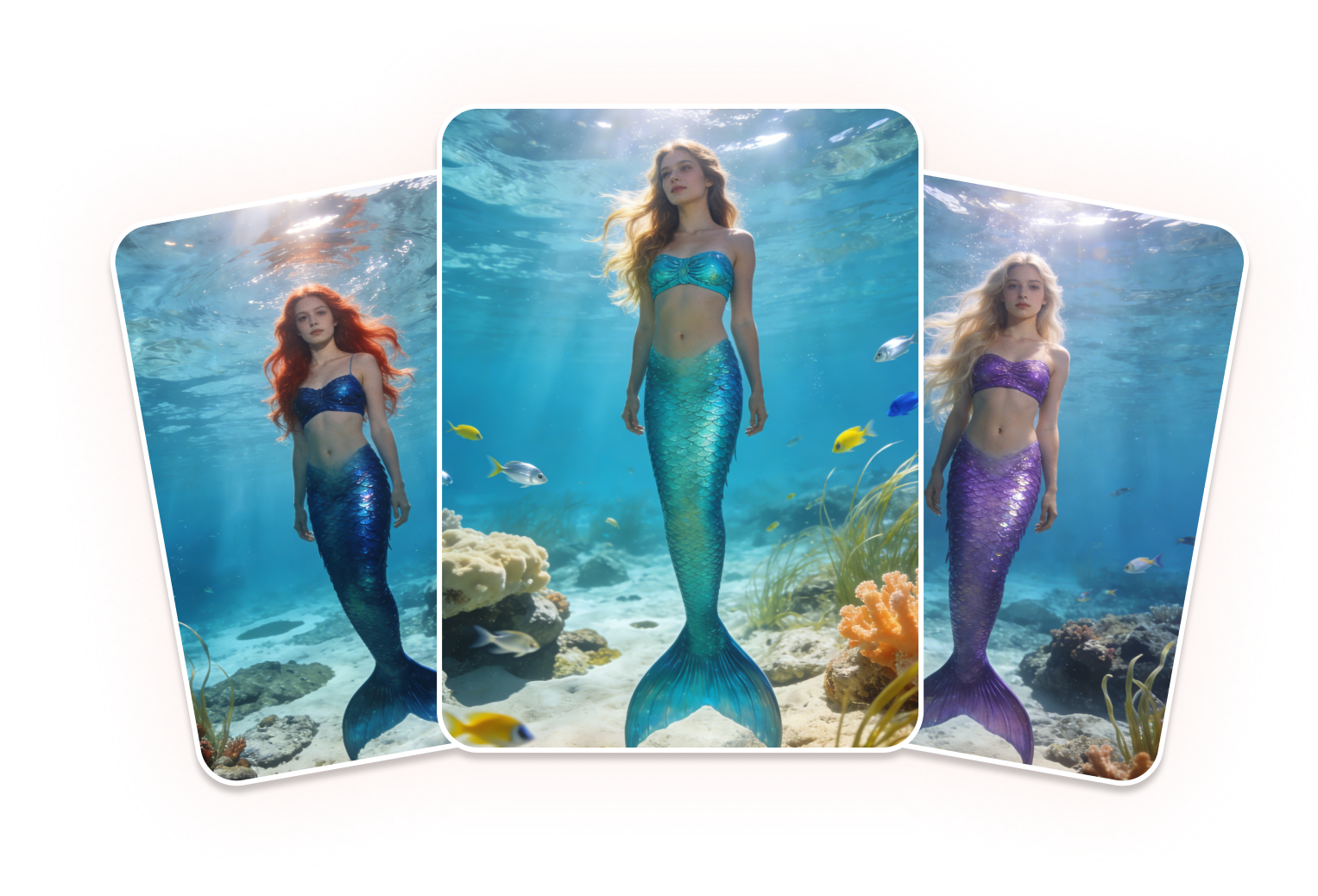
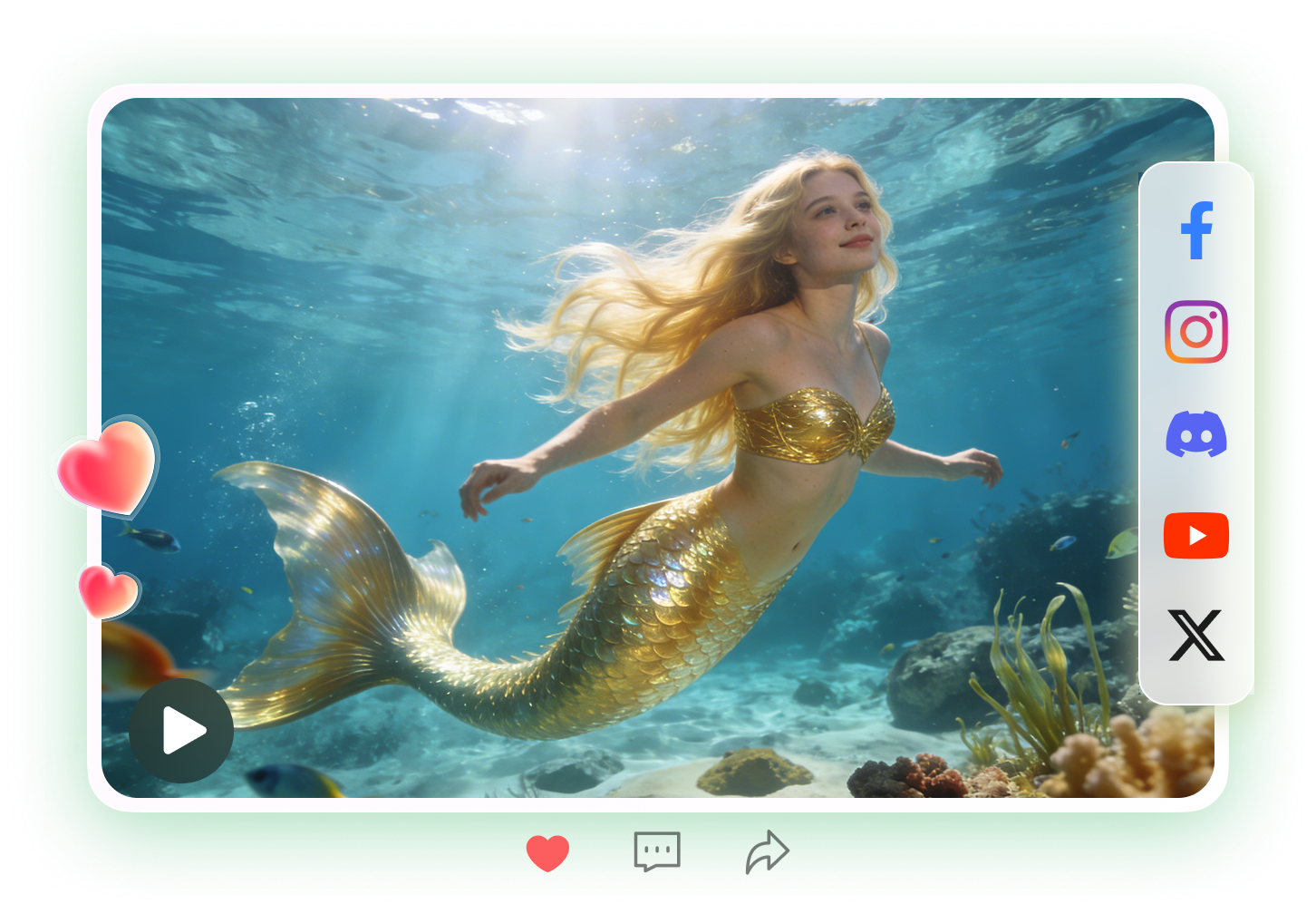
Shareable Fantasy Content
Generate eye-catching mermaid videos designed for sharing, reactions, and engagement across social platforms.
Create AI Mermaid PhotoExplore More AI Video Effects
FAQs about AI Mermaid Filter
AI Mermaid Filter by HitPaw is a tool that transforms static photos into short mermaid videos. It uses AI to generate realistic tail movements, customizable styles, and dynamic visuals for a magical, shareable experience.
Yes. You can add text prompts specifying color palettes, fin styles, or aesthetic themes to customize the mermaid’s appearance.
Yes. Uploaded images are processed securely and are not shared with other users, in accordance with HitPaw’s privacy and security standards.
Clear, high-resolution photos with visible subjects produce the best results. Photos with complex backgrounds may require simpler prompts for accurate transformations.
This page is for informational purposes only and does not constitute legal advice. Before using any features, please make sure that: 1.You must have full and clear authorization for all uploaded content, which must not involve minors. 2.You have read and understood the You have read and understood the HitPaw Terms of Service and HitPaw Privacy Policy. 3.All content you generate or use complies with applicable local, national, and international laws. 4.This service is not used to: ① Produce pornographic, sexually explicit or obscene content; ② Harass, exploit, harm, or infringe on the rights or dignity of others; ③ Impersonate, falsely represent, or mislead regarding any real person; ④ Infringe on others’ privacy, portrait, reputation, copyright, or other legal rights. HitPaw disclaims all liability for any content or actions that violate these rules and reserves the right, to the fullest extent permitted by law, to restrict, remove, or block any content that may violate applicable laws, regulations, or platform policies.
Bring Your Mermaid Fantasies to Life
HitPaw AI Mermaid Filter lets you transform any photo into a magical mermaid video in minutes. Explore styles, customize appearances, and create shareable fantasy content with ease.