
















Best AI Faceless Video Generator: The Ultimate Guide for 2026
"Faceless video generation" is revolutionizing the world of content creation. Gone are the days when you needed expensive cameras, lighting setups, or on-screen charisma to build a profitable audience. Today, you no longer need to be on camera to build a massive YouTube Automation channel or a successful marketing campaign.
An AI faceless video generator turns simple text into engaging visuals instantly. This technology creates opportunities for anyone to produce professional content at scale.
In this guide, we explore the best AI video generator tools on the market, explain the technology behind them, and show you how to use an online AI video maker to streamline your workflow and boost your views.
Part 1: What Is an AI Faceless Video Generator?
Definition of AI Faceless Video Generator
An AI faceless video generator is a software tool powered by artificial intelligence that automates the video production process. It removes the need for a human presenter to appear on screen.
Unlike traditional video editing, which demands manual sourcing of clips, filming, and voice recording, these tools utilize Generative AI (GenAI). They synthesize video content directly from your inputs.
Essentially, these generators convert data-such as text scripts, blog URLs, or static images-into a cohesive video timeline. They automatically populate the video with relevant stock footage, animations, kinetic typography, and synthetic AI voiceovers. This technology is the backbone of the "YouTube Automation" trend, allowing creators to run "Cash Cow" channels in niches like Top 10 lists, meditation, or true crime.
Core Features and Capabilities
To understand why the best AI video generator tools are so sought after, we must look at their core capabilities. These features are designed to reduce production time from days to mere minutes.
- Script-to-Video Conversion: The most critical feature. Users simply type a prompt or paste a script, and the AI analyzes the context to select matching visuals from stock libraries.
- AI Voiceovers (Text-to-Speech): High-quality generators offer human-like voices in various languages and accents, eliminating the need for expensive voice actors.
- Auto-Captions and Subtitles: With most social media videos watched on mute, AI tools automatically generate and sync subtitles, drastically boosting retention rates.
- Smart Media Matching: The AI scans the keywords in your script (e.g., "sunny beach") and automatically places a high-quality video clip of a beach on the timeline.
- Template Libraries: Pre-designed layouts specifically for niches like "True Crime," "Tech Reviews," or "Educational Explainers."
How the Technology Works
The magic behind an AI faceless video maker lies in Natural Language Processing (NLP) and Machine Learning (ML).
- Script Analysis: When you input text to create faceless videos with AI, the NLP engine breaks down the sentences to understand the sentiment, pacing, and keywords.
- Asset Retrieval: The AI searches a vast database of stock media to find clips that visually represent the analyzed text.
- Synthesis: The engine assembles these clips on a timeline, generates a voiceover using speech synthesis, and syncs the audio waveform with the visual cuts.
- Rendering: Finally, the tool renders the AI-generated faceless videos into a downloadable format (MP4), optimized for platforms like YouTube or TikTok.
Part 2: Editor Top Pick - HitPaw Online Video Generator
For creators seeking an efficient, browser-based solution that balances ease of use with professional output, HitPaw Online Video Generator is our top recommendation.
It is designed as an all-in-one online AI video maker that removes the steep learning curve of traditional editing software. Whether you are a beginner starting a side hustle or a marketer needing quick assets, HitPaw's advanced AI models allow you to generate high-quality faceless content without downloading heavy software.
Key Features of HitPaw Online Video Generator
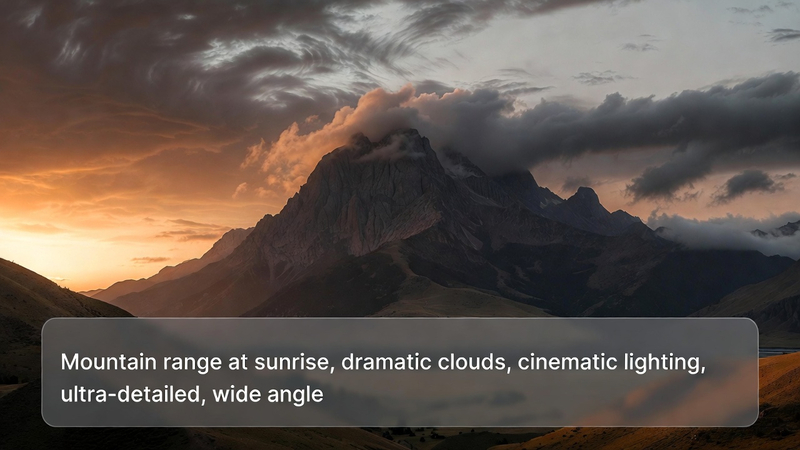
- Text to Video for Faceless Content: Generate faceless-style videos directly from text prompts. Simply describe the scene (e.g., "A futuristic city with flying cars"), and HitPaw's AI visualizes it.
- Image to Video Animation: Transform static product photos or storyboard sketches into dynamic faceless videos. This is ideal for e-commerce marketers turning a single image into an ad.
- Built-in Templates: HitPaw offers a variety of templates tailored for faceless niches. Quickly create videos using layouts designed for explainers, promos, or social media shorts.
- Multiple AI Styles: Ensure your content doesn't look generic. HitPaw provides various artistic styles (anime, 3D, realistic) to help your channel stand out.
- 100% Online: You can create faceless videos with AI directly in your browser. This cloud-based approach means you can work from any device.
How to Create AI Faceless Videos with HitPaw
- Launch the Tool: Open HitPaw Online Video Generator and select "Text to Video" or choose a specific faceless template.

- Input Data: Enter your text prompt or upload images related to your faceless video concept. Adjust the video duration, resolution and aspect ratios settings to match your brand.
- Export: Click generate and download your high-quality AI faceless video instantly.
Part 3: Other Popular AI Faceless Video Generators Worth Trying
While HitPaw offers a robust online solution, the market is filled with various tools catering to specific niches. Here are other top contenders in the AI faceless video generator space.
InVideo AI: The Prompt-to-Video Specialist
InVideo AI is widely recognized as a market leader for YouTube Automation. It is best known for its ability to generate entire videos-including script, voiceover, and stock footage-from a single text prompt.
- Best For: Creators who want a "hands-off" approach.
- Key Feature: "Magic Box" command allows you to edit video via text instructions.
- Pros: Extremely fast workflow and prompt understanding.
- Cons: Watermark on free plan is intrusive; recurring subscriptions can be expensive.
Pictory: The Blog-to-Video Converter
Pictory is a favorite among bloggers and content marketers. It specializes in repurposing long-form text content into short, engaging videos. If you have a blog post you want to turn into a faceless video, this is a strong contender.
- Best For: Repurposing articles into social content.
- Key Feature: Auto-highlighting of "Golden Nuggets" to create short clips from long text.
- Pros: Best-in-class text summarization and captioning.
- Cons: AI voiceovers can sound slightly robotic compared to top-tier competitors.
Fliki: The Social Media Powerhouse
Fliki combines text-to-video with powerful text-to-speech capabilities. It is particularly popular for creating vertical videos for TikTok, Instagram Reels, and YouTube Shorts.
- Best For: Short-form vertical content.
- Key Feature: "Tweet to Video" feature for instant social content generation.
- Pros: Exceptional voice quality and over 2000 realistic voices.
- Cons: Visuals can sometimes feel too static (slideshow style).
Synthesia: The AI Avatar Leader
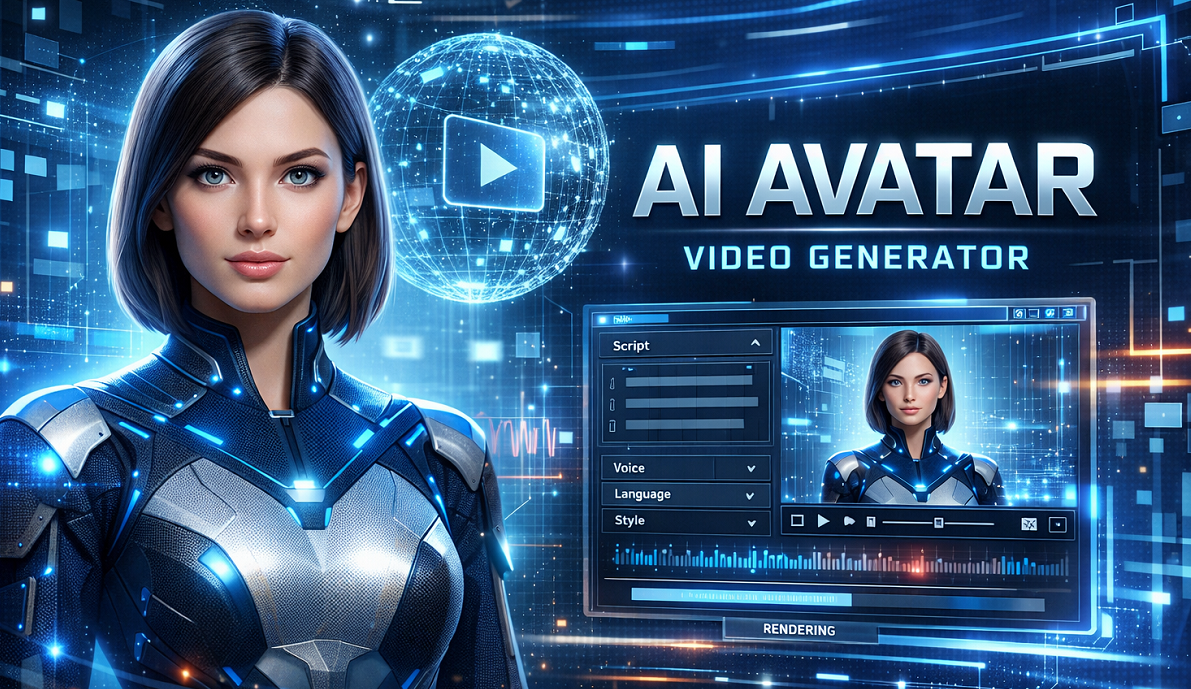
While "faceless" usually implies no humans, Synthesia allows you to use AI Avatars. This is technically "faceless" for the creator, but the video features a photorealistic AI presenter.
- Best For: Corporate training and educational content.
- Key Feature: 140+ diverse AI avatars that lip-sync perfectly to your script.
- Pros: Most realistic avatars on the market; highly professional look.
- Cons: Very expensive and not suitable for "cinematic" storytelling.
Veed.io: The Editor-First Generator
Veed.io started as an online video editor and added AI generation capabilities. It is suitable for creators who want to generate faceless videos but need granular control over the editing process.
- Best For: Creators who want manual control over the timeline.
- Key Feature: "Magic Cut" automatically removes silences and errors.
- Pros: Excellent manual editing interface and clean UI.
- Cons: Rendering can be slow on the free tier.
HeyGen: The Localization Expert
Similar to Synthesia, HeyGen focuses on AI avatars but excels in video translation and lip-syncing. It is ideal for creators looking to expand their channel globally.
- Best For: Translating content into multiple languages.
- Key Feature: Video translation with automatic lip-sync adjustment.
- Pros: Incredible translation capabilities and Canva integration.
- Cons: Credit system is pricey; focused on avatars rather than stock footage.
Part 4: Best AI Faceless Video Generators at a Glance
Choosing the right tool depends heavily on your specific goals. Are you making TikToks, YouTube documentaries, or corporate training?
Comparison of Top Tools
| Tool | Best For | Creation Mode | Ease of Use | Free Plan |
|---|---|---|---|---|
| HitPaw Online AI Video Generator | All-in-One / Beginners | Text/Image/Template | High | Yes (Trial) |
| InVideo | YouTube Automation | Text Prompt | Medium | Yes (Watermarked) |
| Pictory | Bloggers | URL/Script | High | Free Trial |
| Fliki | TikTok/Shorts | Script/Tweet | High | Limited |
| Synthesia | Corporate Training | Script to Avatar | Medium | No |
How to Choose the Best Tool for You
When selecting the best AI faceless video generator, consider these factors:
- Ease of Use vs. Control: Beginners should prioritize simplicity found in HitPaw or Fliki. Advanced editors might prefer Veed.io for manual tweaking.
- Style Flexibility: For "Cash Cow" channels, you need variety. Look for tools that offer different aesthetic styles (Anime, 3D, Realistic) so your videos don't look generic.
- Online Access: An online AI video maker allows you to generate content from a Chromebook or tablet without heavy hardware.
- Output Quality: Ensure the tool supports at least 1080p export to compete on YouTube.
Our Recommendation: If you want an all-in-one, online solution that handles script-to-visuals effortlessly, HitPaw Online Video Generator is ideal. It strikes the perfect balance between automation and creative control for the modern creator.
Part 5: FAQs about AI Faceless Video Generators
Q1. What is the best AI faceless video generator for beginners?
A1. For beginners, HitPaw Online Video Generator is highly recommended. Its intuitive interface allows you to create videos from simple text prompts without needing any prior video editing experience or technical knowledge.
Q2. Can I create AI faceless videos online for free?
A2. Yes, many tools offer free trials or free tiers. However, free versions often come with limitations like watermarks, lower resolution, or restricted video duration. To create faceless videos with AI professionally, a paid plan is usually required to remove watermarks.
Q3. How long does it take to generate an AI faceless video?
A3. It typically takes only a few minutes. Once you input your script, the AI processes the data and renders the video in near real-time. A 5-minute YouTube video can often be generated in under 10 minutes, compared to days of manual editing.
Q4. Are AI-generated faceless videos suitable for social media or marketing?
A4. Absolutely. Platforms like TikTok, Instagram Reels, and YouTube Shorts are dominated by AI-generated faceless videos. They are excellent for marketing because they are cost-effective, consistent, and can be produced at scale to keep up with algorithm demands.
Conclusion
The era of spending thousands of dollars on camera gear and actors is over. AI faceless video generator tools are transforming the landscape of digital content, democratizing video creation for everyone from solo entrepreneurs to marketing teams.
Whether you are building a YouTube empire or simply need quick social media assets, these tools offer the speed and quality you need.
While there are many options available, HitPaw Online Video Generator stands out as the best overall choice for its versatility, user-friendly interface, and powerful AI capabilities. It allows you to create faceless videos online that look professional and engaging.
Don't let a lack of editing skills hold you back. Explore these best AI video maker tools today and start turning your ideas into visual reality.



Home > Learn > Best AI Faceless Video Generator: The Ultimate Guide for 2026
Select the product rating:
Natalie Carter
Editor-in-Chief
My goal is to make technology feel less intimidating and more empowering. I believe digital creativity should be accessible to everyone, and I'm passionate about turning complex tools into clear, actionable guidance.
View all ArticlesLeave a Comment
Create your review for HitPaw articles