
















7 Best AI Animal Video Generators to Create Realistic Pets
From viral "talking dog" clips on TikTok to breathtaking, AI-generated wildlife documentaries that visualize extinct species, the landscape of digital content creation is shifting rapidly.
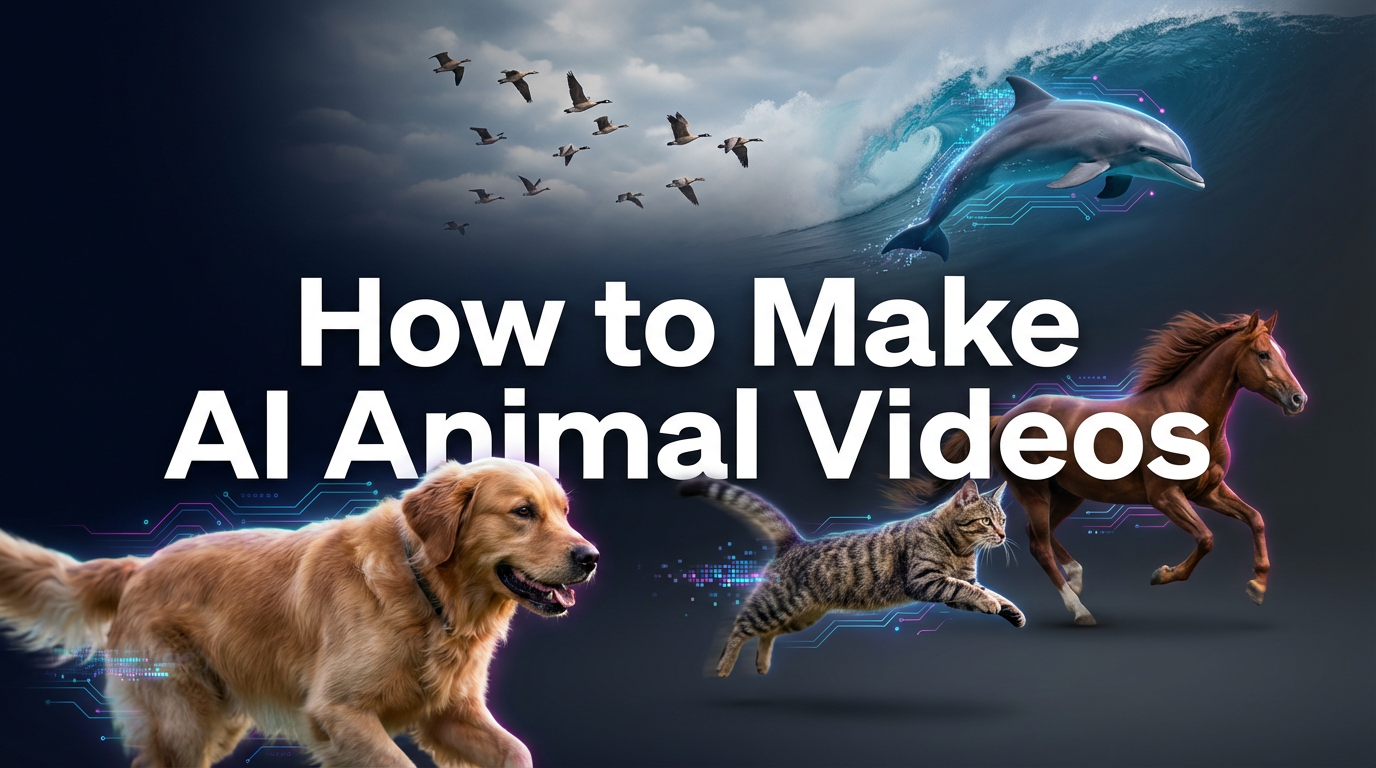
An AI animal video generator has become an essential tool for creators, marketers, and educators. These tools allow you to produce high-quality animal footage without the dangers, logistics, or exorbitant costs of filming real wildlife.
Create Now!Whether you want to animate a still photo of your cat or generate a cinematic clip of a snow leopard from a simple text description, today's best AI video generator tools make it possible in seconds. In this article, we will explore what these tools are, how they work, and guide you through the top online AI video maker solutions available today.
What Is an AI Animal Video Generator?
Definition of AI Animal Video Generator
An AI animal video generator is a specialized software tool that utilizes advanced machine learning algorithms-specifically diffusion models and temporal consistency networks-to create video content featuring animals.
These tools can generate entirely new footage from text descriptions (Text-to-Video) or animate existing static photographs (Image-to-Video). They allow users to control animal movements, expressions, and environments without needing a camera, animal actors, or expensive CGI teams.
Core Features and Capabilities
These generators are designed to handle the specific complexities of biological movement and texture. Key capabilities include:
- Realistic Fur Rendering: Advanced algorithms ensure fur textures don't "shimmer" or blur during movement.
- Talking Pet Animation: Syncing animal mouth movements with human audio for social media content.
- Text-to-Animation: Typing prompts like "a cybernetic wolf running in neon rain" to generate unique assets.
- Scenario Simulation: Creating educational clips of rare or dangerous animal behaviors (e.g., deep-sea creatures) that are difficult to film.
How the Technology Works
The technology behind an AI animal video maker relies on training neural networks on millions of hours of animal footage.
When you want to create animal videos with AI, the system predicts how pixels should change frame-by-frame to simulate motion. Current "Diffusion Models" generate the image, while "Temporal Modules" ensure that a dog's legs move in a natural gait and that the background remains stable. This results in smooth, AI-generated animal videos.
Editor's Top Pick: HitPaw Online Video Generator
For creators seeking a balance between power and simplicity, the HitPaw Online Video Generator stands out as the premier choice.
Unlike complex industry tools that require high-end PCs or coding knowledge, HitPaw offers a fully online AI video maker experience. It is an all-in-one solution designed for beginners and professionals alike. It utilizes advanced AI models to simplify the specific nuances of animal video creation, from animating pet portraits to generating wildlife scenes from scratch.
Generate Now!Key Features of HitPaw Online Video Generator
- Text to Video for Animal Content: Generate realistic or stylized wildlife videos directly from descriptive text prompts like "panda eating bamboo."
- Image to Video Animation: Turn static photos of your pets into dynamic animal videos with natural movement and expressions.
- Built-in Templates: Quickly create greetings or social posts using pre-designed templates tailored for pet lovers.
- Multiple AI Styles: Match different aesthetics, from hyper-realistic 8K documentaries to 3D cartoon animations.
- 100% Online: Create animal videos directly in your browser without downloading heavy software or managing updates.
- Social Media Optimization: Export videos in ratios perfect for TikTok or Reels, ideal for viral animal content.
How to Create AI Animal Videos Online with HitPaw
- Step 1: Open HitPaw Online Video Generator and select "Text to Video" or "Image to Video."

- Step 2: Enter a detailed animal prompt or upload your pet's photo.
- Step 3: Select your preferred art style, aspect ratio, and motion intensity.
- Step 4: Click generate and download your custom AI animal video instantly.
Pro Tip: If you need to upscale your generated clip to 4K resolution or smooth out the frame rate, consider using the desktop version, HitPaw VikPea, to enhance the final output.
Generate Now!6 Other Popular AI Animal Video Maker Worth Trying
While HitPaw offers a fantastic all-in-one online solution, the market is filled with other strong contenders. Here are 6 other popular tools, each with unique strengths for creating AI animal content.
Runway Gen-2
Runway is widely considered the industry standard for high-end AI video generation. It is suitable for professional filmmakers and designers who need granular control over the output. It is highly effective for creating cinematic AI animal video generation clips with complex lighting.
Key Features:
- Motion Brush: Paint specific areas of an animal (like a tail) to control movement.
- Text-to-Video: High-fidelity generation of wildlife scenes.
- Camera Control: Zoom and pan settings for documentary-style shots.
- Style Presets: Diverse artistic renders for animals.
Pros
- Exceptional video quality and resolution
- Advanced motion controls
Cons
- Expensive credit system
- Steeper learning curve for beginners
Pika Labs
Pika Labs operates primarily through Discord and a web interface, known for its strong understanding of physics. It is excellent for creators who want to see animals interact with objects or perform specific actions, like "a cat playing with a ball."
Key Features:
- Lip Sync: Can make animals "talk" (animation of mouth).
- Modify Region: Change specific parts of an animal video (e.g., add sunglasses).
- Sound Effects: Generates audio to match the animal video.
- Discord Community: Generate and share within a community.
Pros
- Great understanding of animal physics
- Active community support
Cons
- Discord interface can be confusing
- Video duration is short (3-4s)
Canva (Magic Media)
Canva has integrated AI video generation (powered by Runway) directly into its design platform. It is best for social media managers who need to quickly add a short animal clip to a presentation or Instagram Story without leaving the editor.
Key Features:
- Integrated Design: Drag and drop AI animals directly into templates.
- Text-to-Video: Simple prompting for animal clips.
- Brand Kit: Apply brand colors/fonts over the video immediately.
- Stock Library: Mix AI video with real stock animal footage.
Pros
- Extremely easy to use
- Free usage included in Pro plans
Cons
- Lower resolution output
- Limited control over animal movement
Kaiber
Kaiber is favored by musicians and artists for its unique, stylized aesthetic. It is not designed for photorealism but is the best AI video generator for creating anime-style or oil-painting style videos of animals, perfect for music videos.
Key Features:
- Audio Reactivity: Animal animations pulse to the beat of music.
- Transform: Change the style of a video completely (e.g., dog to robot dog).
- Flipbook Style: Unique frame-by-frame animation look.
- Storyboarding: Helps plan narrative animal sequences.
Pros
- Beautiful artistic styles
- Great for music visualization
Cons
- Not suitable for realistic wildlife documentaries
- Rendering takes time
Leonardo.ai
Originally an image generator, Leonardo now offers "Motion" to animate its high-quality images. It is ideal for users who prioritize texture and detail, allowing for the creation of AI animal video maker content with incredible fur and scale detail.
Key Features:
- Motion Strength: Control how much the animal moves in the frame.
- Image Guidance: Use a base image to ensure the animal looks exactly how you want.
- High Resolution: Generates very sharp base images before animation.
- Negative Prompts: Exclude unwanted elements (e.g., "no extra legs").
Pros
- Superior image quality and texture
- Daily free tokens
Cons
- Motion can sometimes warp the animal's body
- Limited video length
Hedra (or SadTalker)
These tools specialize specifically in "Talking Head" technology. If your goal is to make a static photo of a pet "speak" a recorded message, these are the go-to tools for that specific AI animal video generation niche.
Key Features:
- Audio Sync: Matches mouth movement to uploaded voice files.
- Portrait Animation: Focuses on head and eye movement.
- Expression Control: Make the animal look happy, sad, or angry.
- Fast Rendering: Optimized for short speech clips.
Pros
- Best for "talking pet" memes
- Very fast processing
Cons
- Only animates the face/head
- Background usually remains static
How to Choose the Best AI Animal Video Generation Tools?
Choosing the right tool depends entirely on your specific needs-whether you are making a funny TikTok or a serious nature documentary. When selecting a tool, consider the following:
- Ease of Use: For beginners, a web-based interface like HitPaw Online is superior to Discord-based tools like Pika.
- Creation Mode: Do you have a photo of your pet already? Use a tool with strong Image-to-Video capabilities. Starting from scratch? You need a strong Text-to-Video model.
- Style Flexibility: If you need photorealism (for wildlife), avoid tools that specialize in anime styles (like Kaiber).
- Online Access: Ensure the tool is an online AI video maker if you don't have a powerful computer to run local software.
Comparison Summary:
- For the "All-in-One" Creator: If you want a balance of quality, ease of use, and online accessibility, HitPaw Online Video Generator is the ideal choice. It handles both realistic and stylized animal videos without a steep learning curve.
- For the Hollywood Pro: If you need granular camera control and 4K cinema quality, Runway is the better fit, though it comes with a higher price tag.
- For the Social Media Marketer: If you just need a quick clip for a design, Canva works well, but for standalone viral videos, HitPaw offers better quality.
FAQs about AI Animal Video Generators
Q1. What is the best AI animal video generator for beginners?
A1. For beginners, HitPaw Online Video Generator is often considered the best choice. It features an intuitive drag-and-drop interface, requires no technical coding skills, and operates entirely in your browser, making it easy to start creating immediately.
Q2. Can I create AI animal videos online for free?
A2. Yes, many tools offer free trials or credit systems. You can create animal videos with AI using the free daily credits provided by tools like HitPaw or Leonardo.ai, though free plans may have watermarks or lower resolution limits.
Q3. How long does it take to generate an AI animal video?
A3. Most online tools are very fast. Generating a 3-5 second AI animal clip usually takes between 30 seconds to 2 minutes, depending on the server load and the complexity of your prompt.
Q4. Are AI-generated animal videos suitable for social media or marketing?
A4. Absolutely. AI-generated animal videos are trending on platforms like TikTok and Instagram. They are excellent for stopping the scroll, creating engaging ads, or making "faceless" YouTube channel content without the cost of licensing real stock footage.
Conclusion
AI technology has democratized content creation, making it possible for anyone to produce stunning wildlife footage or hilarious pet animations. Whether you are a marketer looking to cut costs or a creator chasing the next viral trend, using an AI animal video generator creates endless possibilities.
While tools like Runway and Pika offer specialized features for advanced users, HitPaw Online Video Generator remains the best AI video maker for users seeking a powerful, user-friendly, and all-in-one solution.
We encourage you to try generating your first clip today-type in a prompt, watch your animal come to life, and revolutionize your video production workflow. To create animal videos online has never been easier or more accessible.
Generate Now!



Home > Learn > 7 Best AI Animal Video Generators to Create Realistic Pets
Select the product rating:
Natalie Carter
Editor-in-Chief
My goal is to make technology feel less intimidating and more empowering. I believe digital creativity should be accessible to everyone, and I'm passionate about turning complex tools into clear, actionable guidance.
View all ArticlesLeave a Comment
Create your review for HitPaw articles